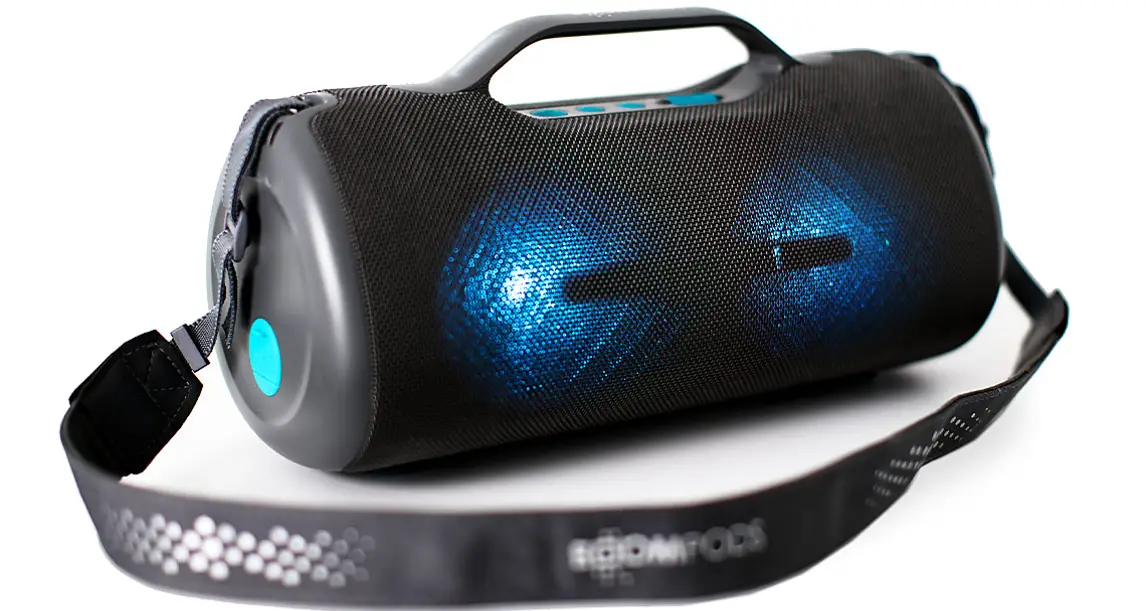
 BOOMPODS Rhythm Wireless Speaker
 BOOMPODS Rhythm Wireless Speaker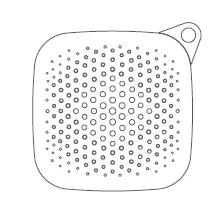
USE AS A SPEAKER
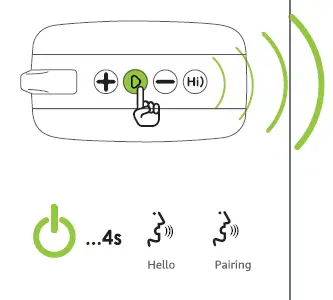
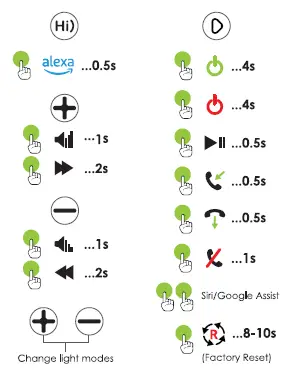
Controls
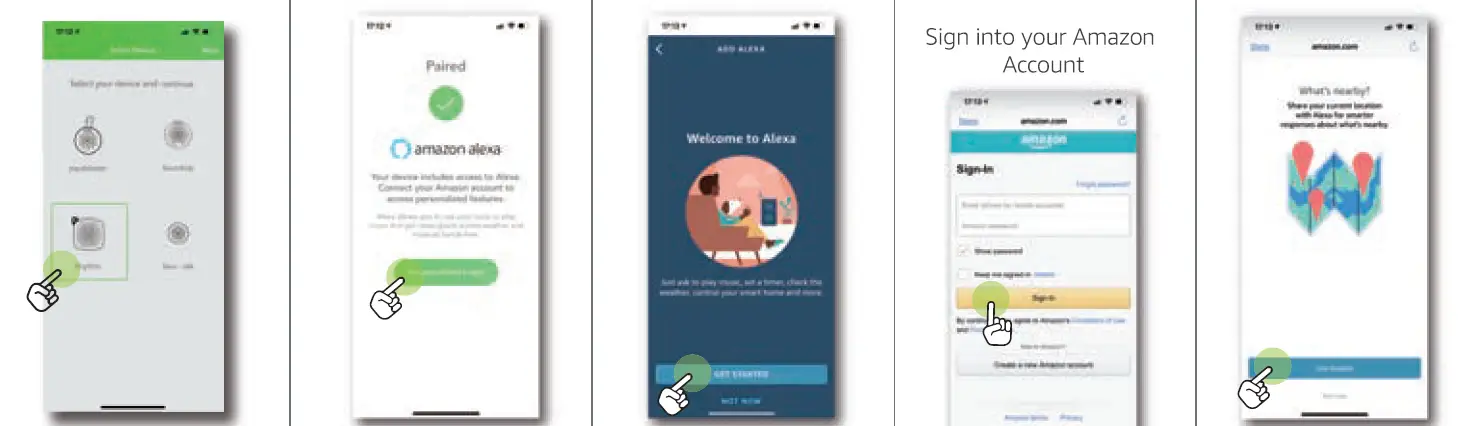
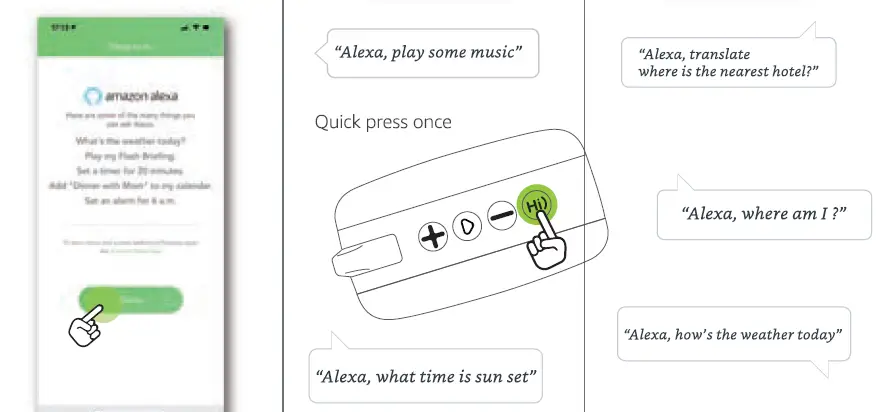
Get Started with Alexa
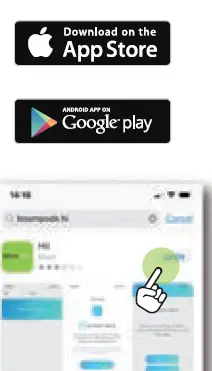
You can talk to Alexa on your Rhythm Speaker With Alexa, you can ask to play music, hear the news, check weather, control smart home devices, and more. Download the BOOMPODS Hi) from Apple Apple App Store® or Google Play'” to set up Alexa on your Rhythm Speaker alexa I built-in
Just ask Alexa
Entertainment
“Alexa, play dinner party music.” ‘AlexaJ play agame.11
News and Information
“Alexa} what action movies are playing this weekend?” ‘AlexaJ how’s my commute?”
Around the House
‘Alexa, give me a recipe for chicken pot pie.” ‘Alexa, reorder coffee.”
Get the Alexa App
The Alexa app lets you easily manage your alarms, music, shopping lists, and more. Go to alexa.amazon.com on your smartphone to get the app.
Download Hi) app
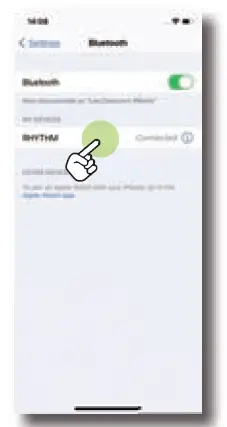
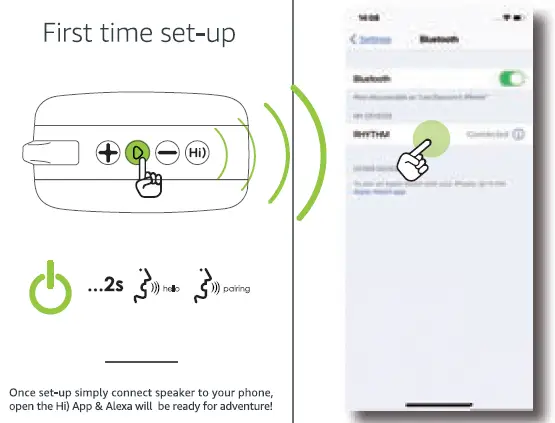
First time set-up
Light modes
Press at the same time: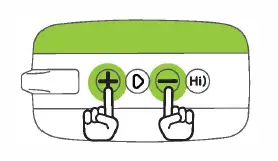
White, Gradual, Disco, Red, Blue,Yellow, Green, OFF
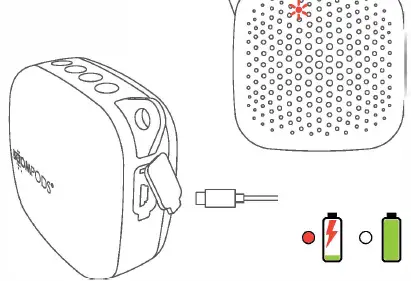
Charge
Visit: www.boompods.com