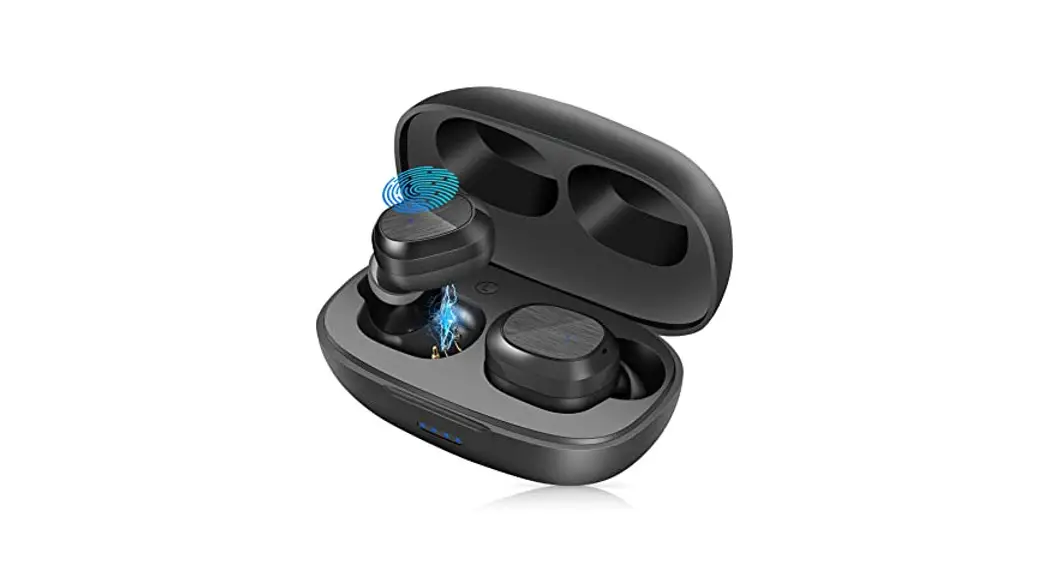

LinkPods True Wireless Earbuds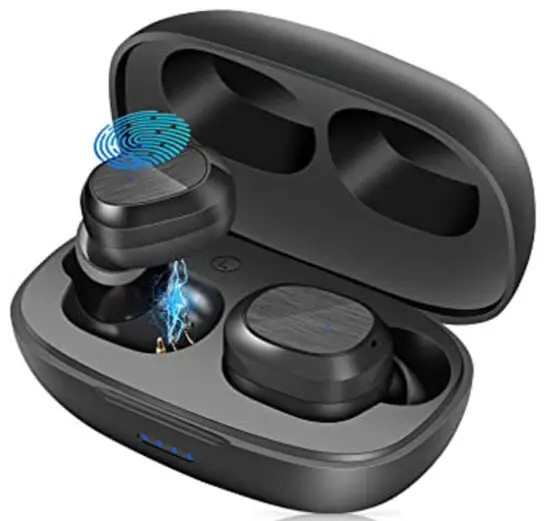 User Manual
Specifications
| Product Name | LINK LIKE TRUE WIRELESS EARBUDS |
| Model | LINK LIKE LinkPods |
| Wireless Name | LinkPods |
| Wireless Version | 5.1 |
| Wireless Transmission Distance | <_10m (Unobstructed and undisturbed o •en environment) |
| Charging Port | USB-C |
| Rated Charging Voltage and Current | 5V  0.5A 0.5A |
| Lithium Battery Capacity of Charging Case | 400mAh/1.48Wh |
| Charging Case Full Charged Time | 41.5h |
| Lithium Battery Capacity of Earbuds | 27mAh/0.09VVh |
| Earbuds Full Charged Time | 41.5h |
| Limiting Charging Voltage of Lithium Battery Capacity | 4.2V |
| Operating Temperature | 0°C-45°C |
| Storage Temperature | -10°C-60°C |
| Power Dissipation Per Chip | – 5mah |
| Delay Time of Chip | < 50ms |
| Loudspeaker Calibre | 13mm |
| Package List | Earbuds x2, Charging Case x1, USB Cable x1, User Manual x1 |
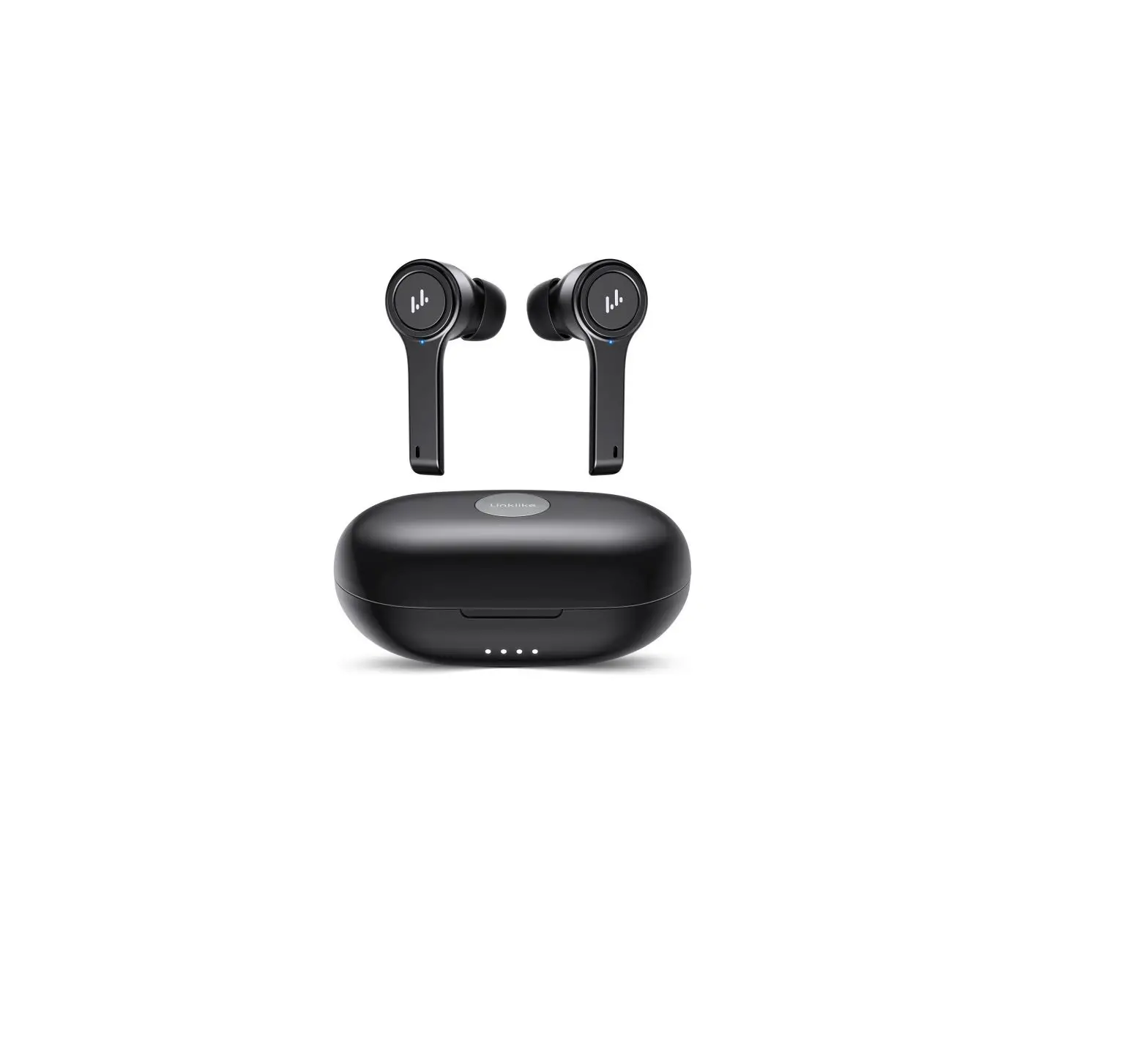
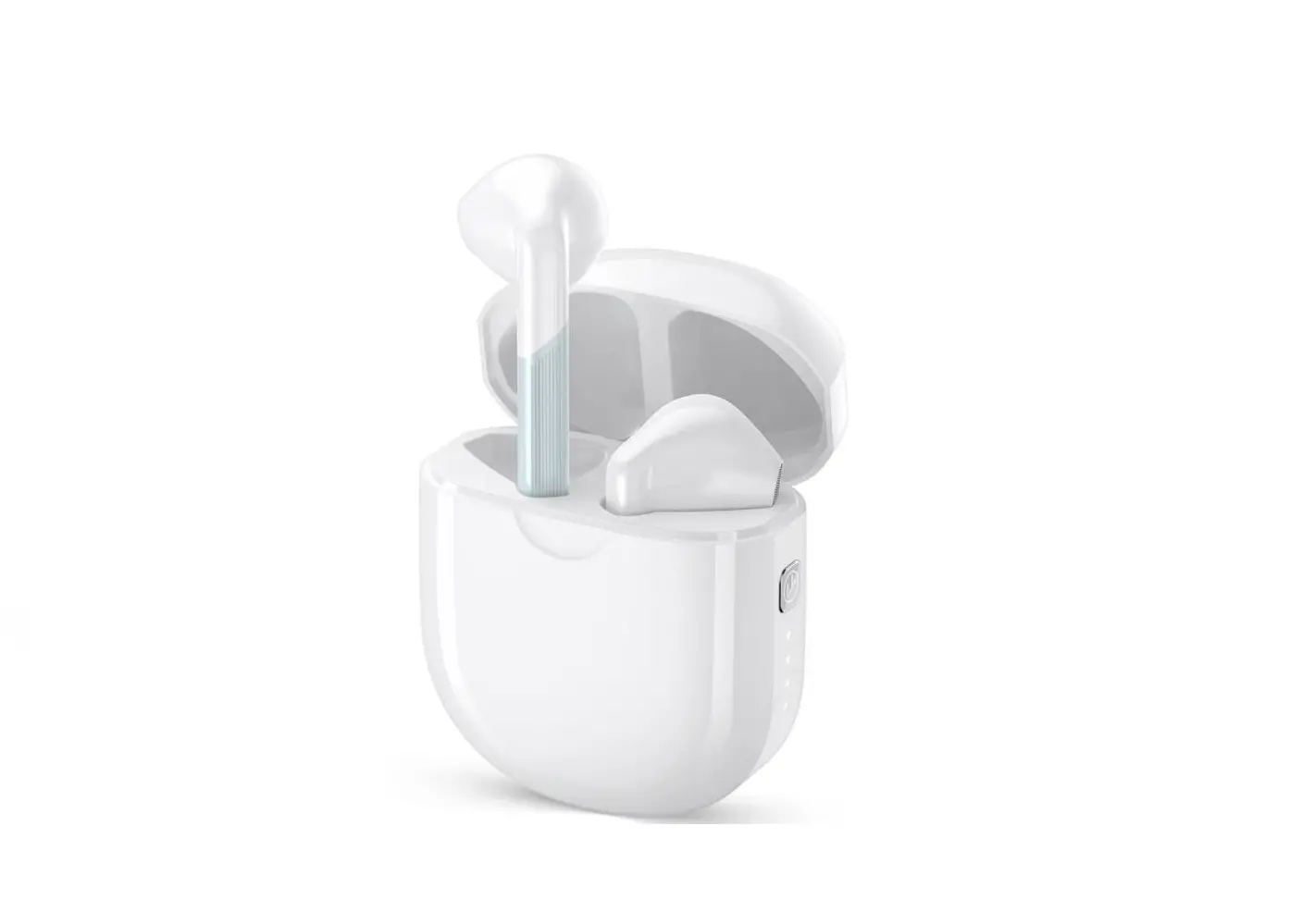
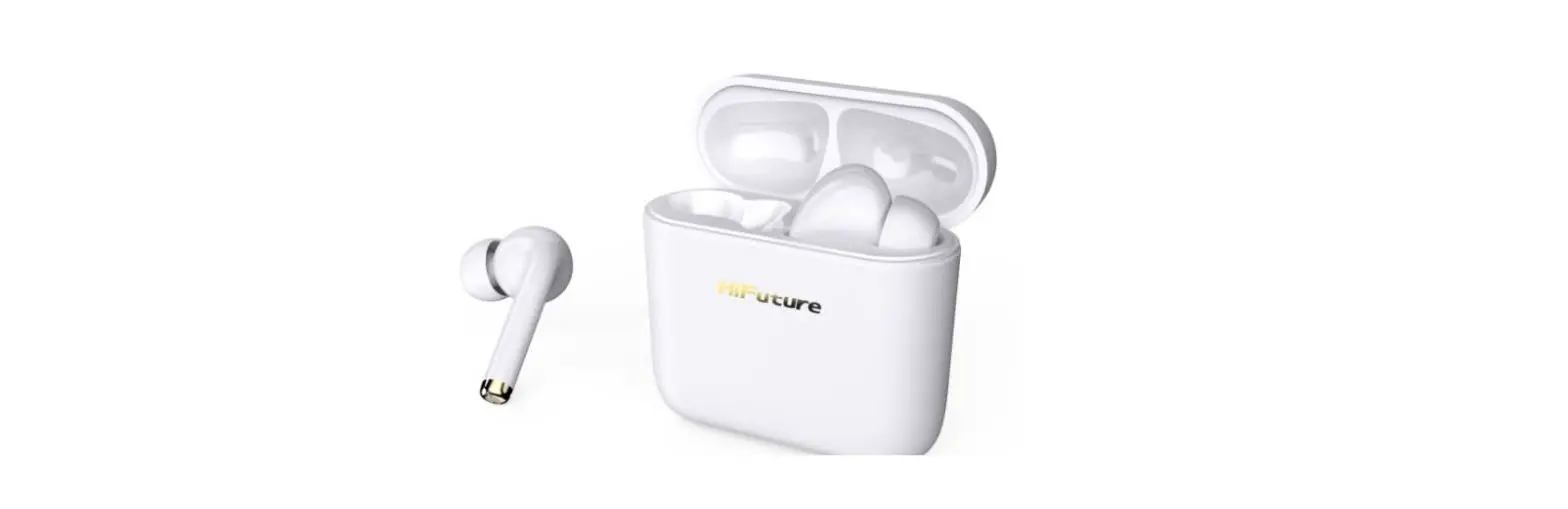
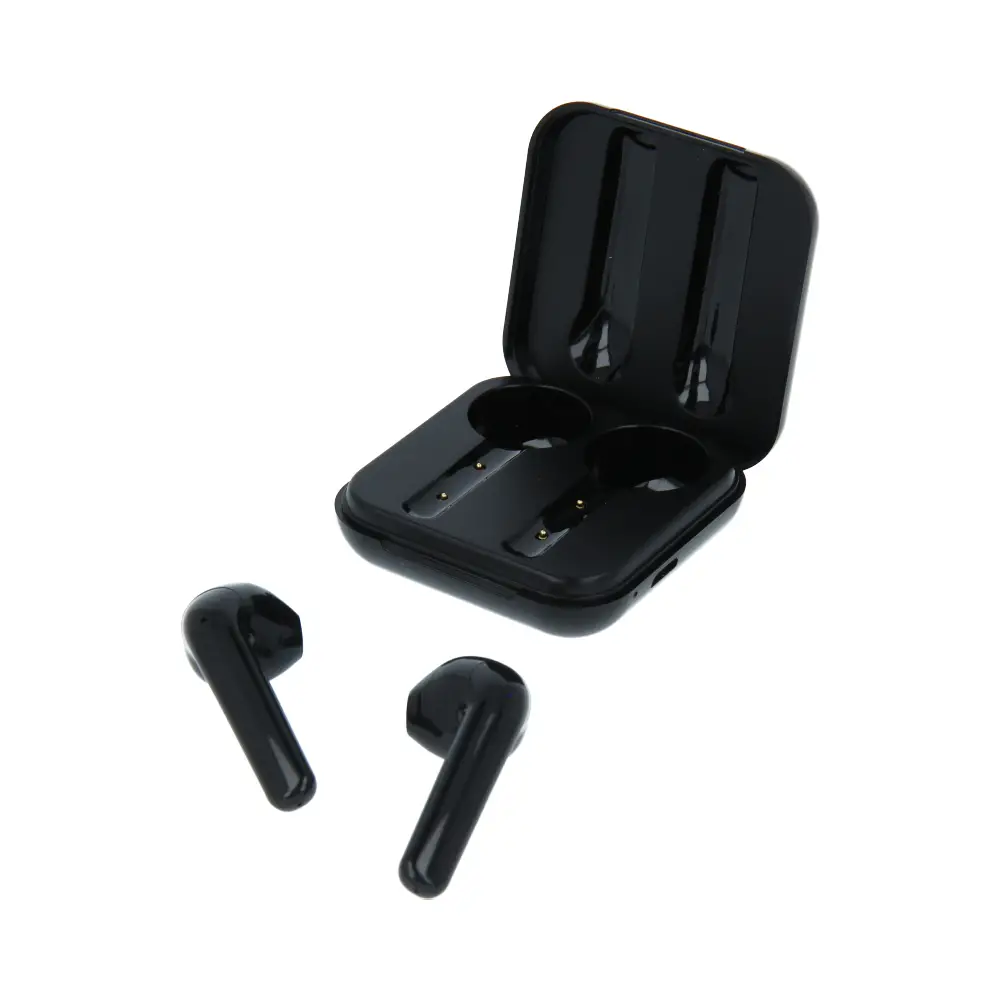
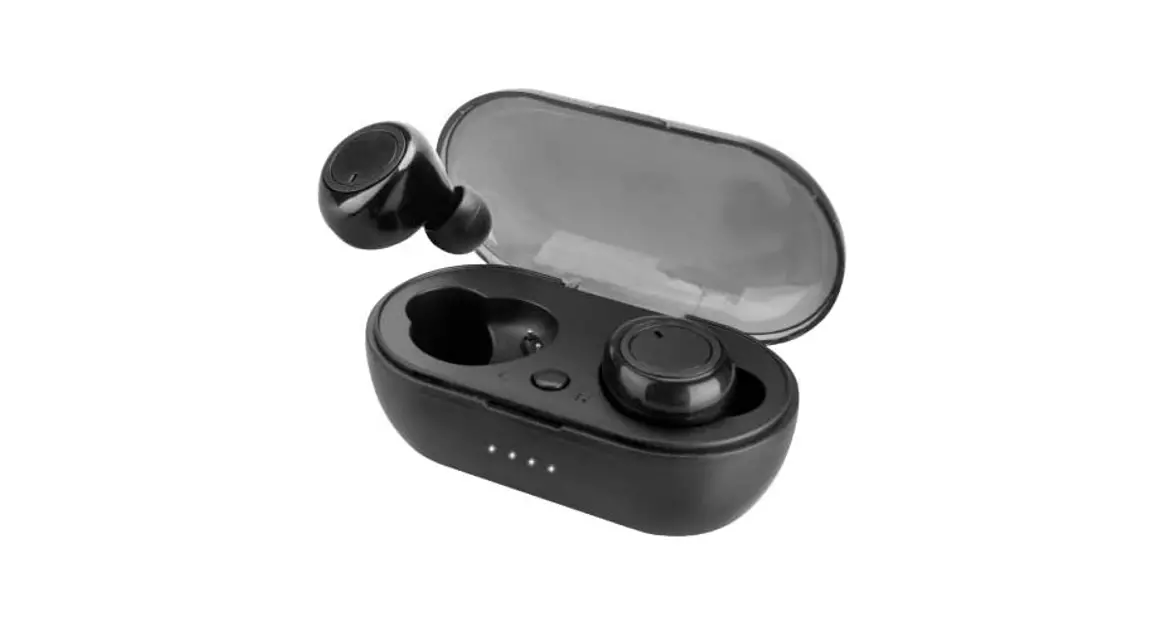
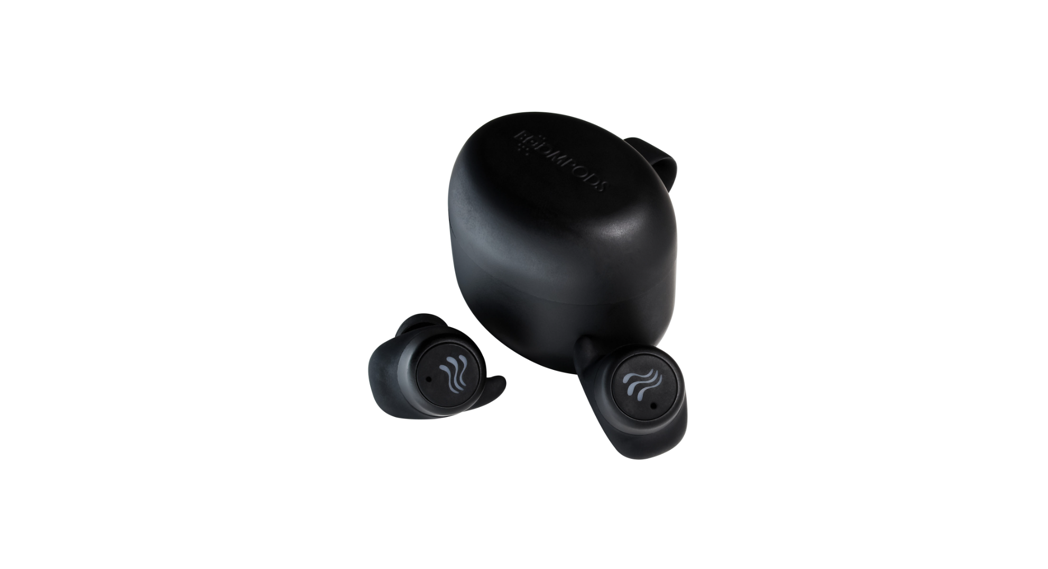
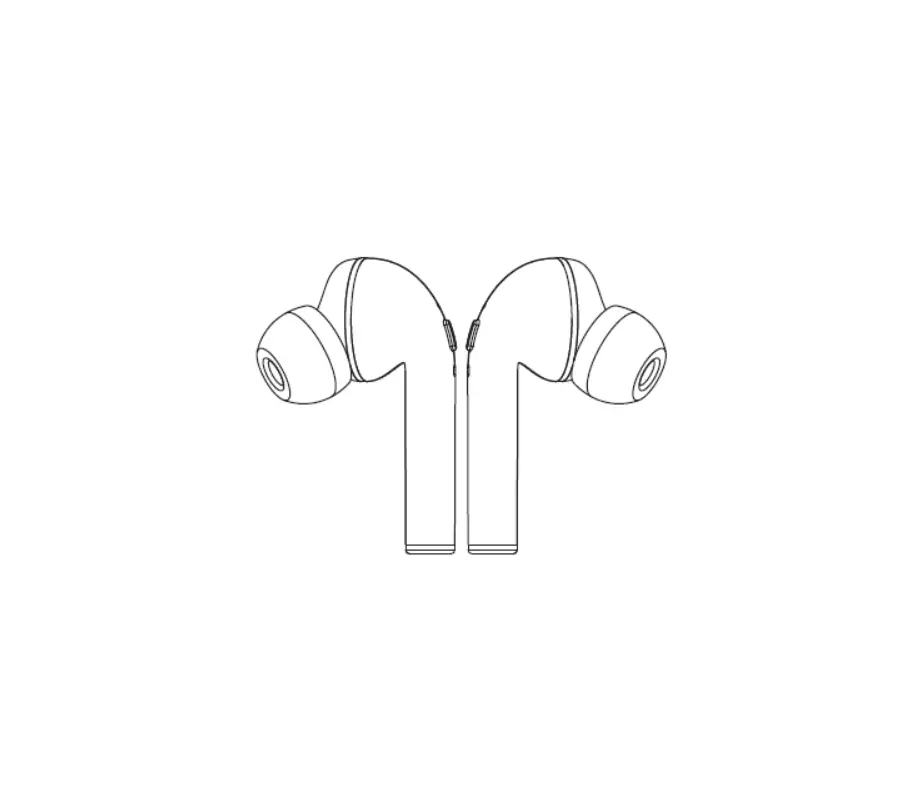
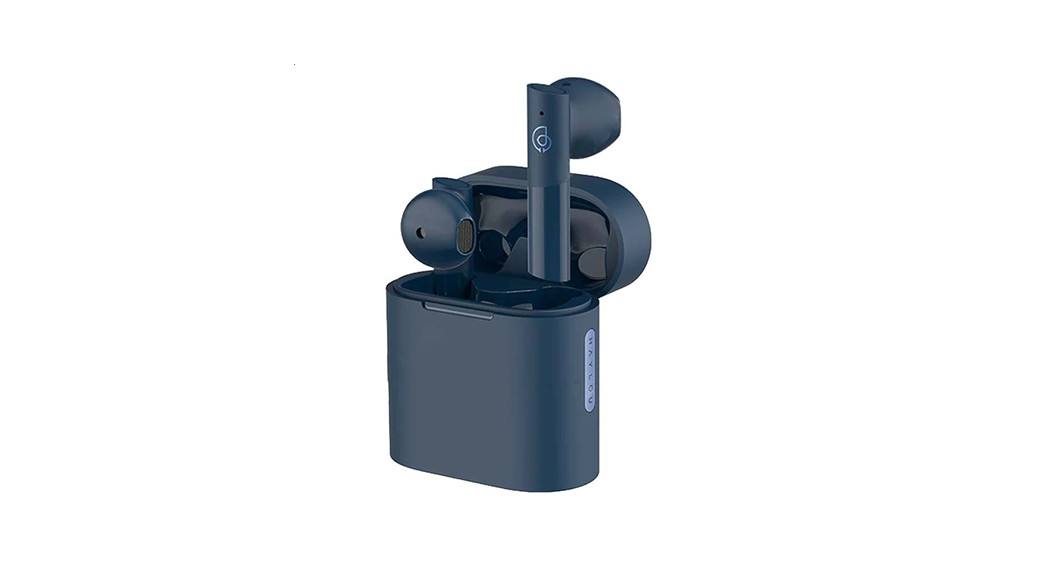
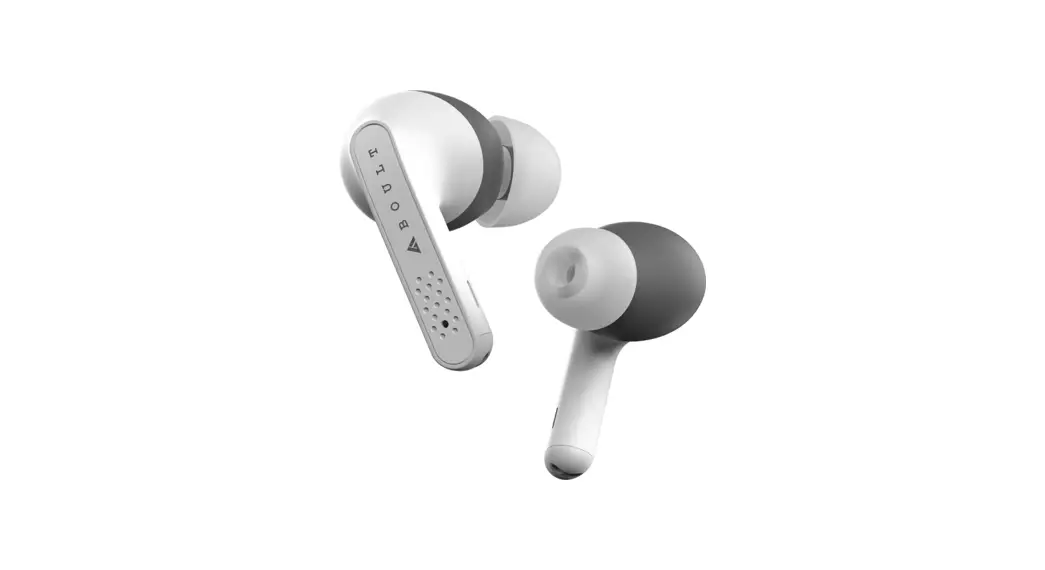
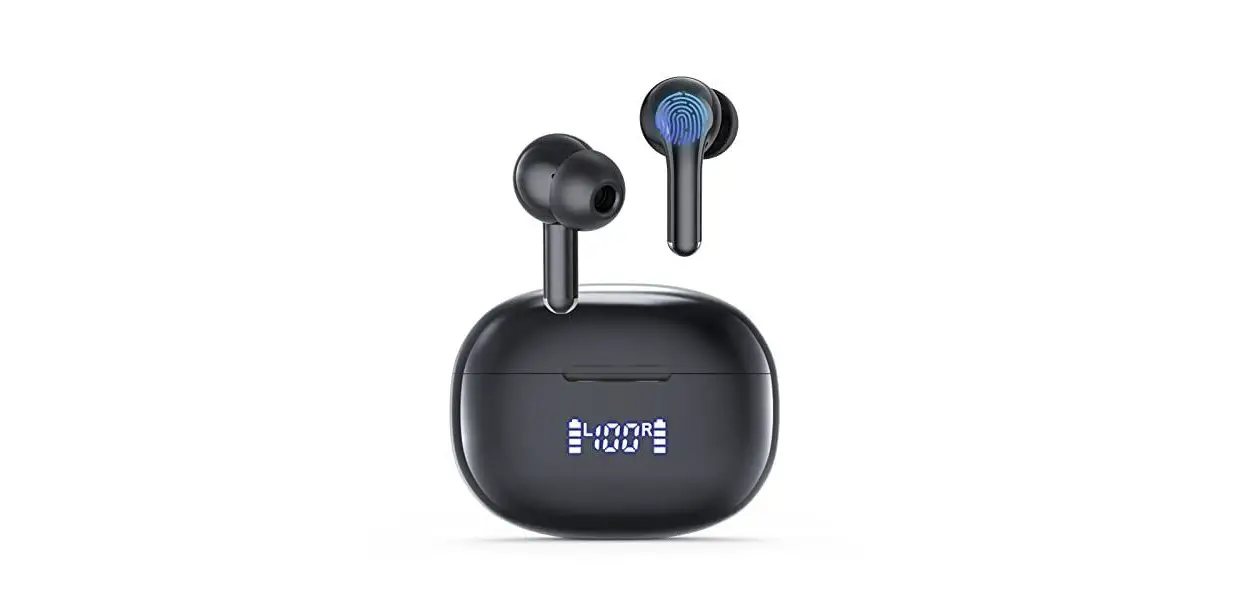
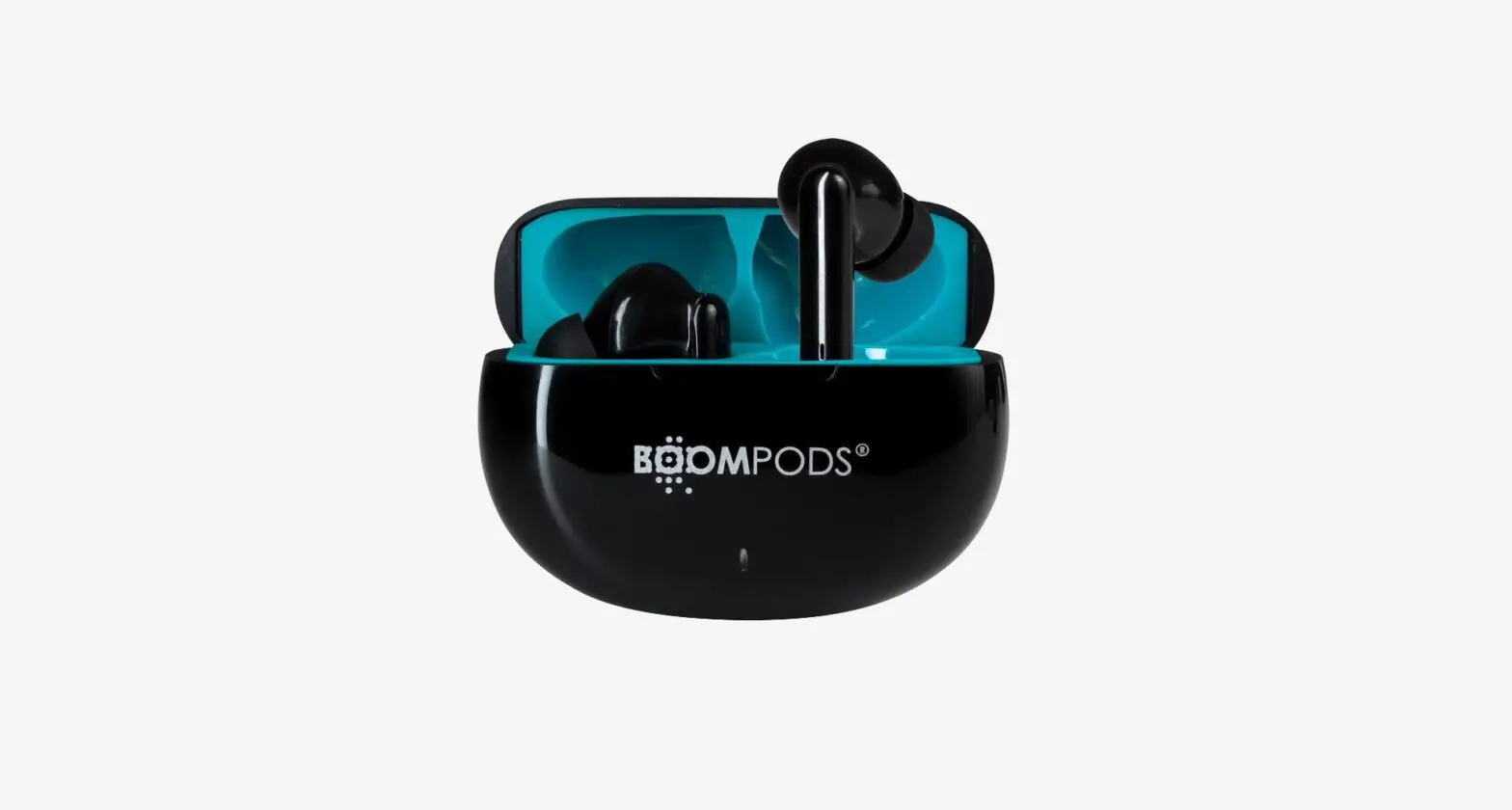
The parameters above are derived from the laboratory of Link. The actual parameters would be different because of products or other factors. The image shown here is indicative only.
Overview
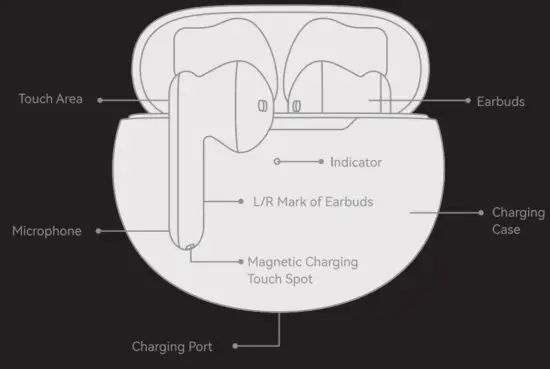
Instructions
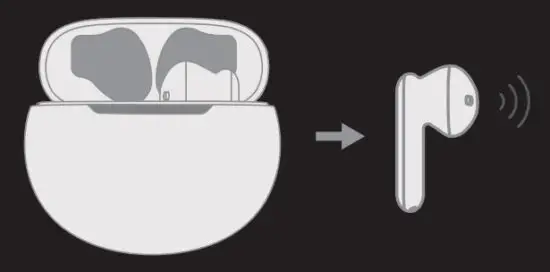
Power On
- The earbuds will power on when the charging case is opened.

- The earbuds will power on when the control area is touched for 3s in a power-off state.

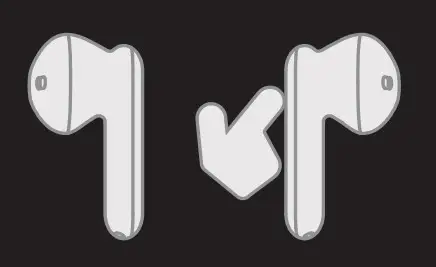
Power Off
- The earbuds will power off when it is placed into the charging case and the case is closed.
- The earbuds will power off when the control area is touched for as (any earbud).
- The earbuds will power off if they haven’t connected to any device in 3 minutes.
- The earbuds will power off if it is out of the connection range in 3 minutes.
- The earbuds will power off when the battery runs out.
Pairing
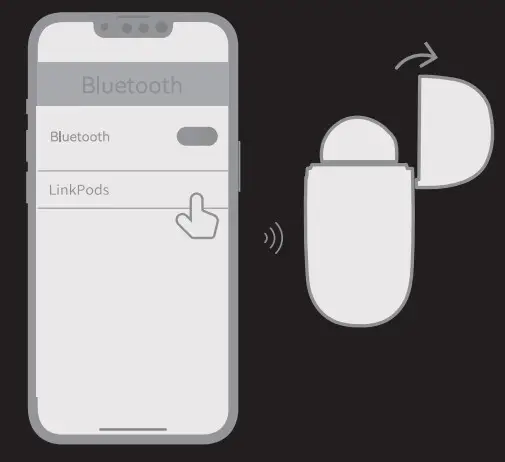
- In the first use, open the charging case, the earbuds will enter the pairing state automatically.
- Turn on the Bluetooth function of your device, find the ‘LinkPods” from the Bluetooth Search List and click to connect. When you hear the successful prompt tone or the white light flashing for 1.5s, it means the connection is successful.
Pairing Left And Right Earbuds
- The earbuds will pair with each other when it turned on. The connection is successful when the white light on both ears flashes rapidly and then goes off.
- If the earbuds do not pair with each other within the 30s, please place them into the charging case and close it, then try again.
Reset Factory Settings Disconnect the earbuds and when it is powered on, press the touch area 5 times and hold it on the 5th time, until the white and red light flashes alternately for 2 seconds.
Automatic Connection Restoration
- After power on, the earbuds will automatically connect back to the last successfully paired device. If there is no such device for connection restoration, the earbuds will enter the pairing mode.
- When the earbuds is out of connection range, it will enter reconnect mode within 1 minute to find the connected device, and within 1-3 minutes, it will enter pairing mode and power off after 3 minutes in the disconnected state.
Wearing
Please place the earbuds “L” and “R” accordingly into your left and right ear, and keep the logo “C’ and “R” upright. Slightly rotate the earbuds until they fit tightly into your ears.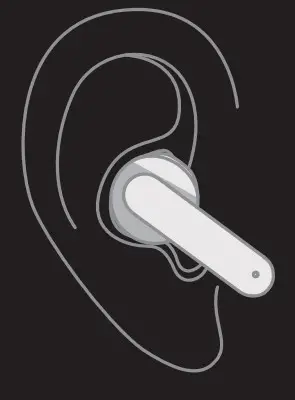 Note: Please wipe and clean the earbuds at fixed intervals to keep them clean, or the body oil will cause the earbuds to slide easily, be unstable to wear, and may cause some function problems when the charging port is dirty, like charging and battery problem.
Music/phone call
| Functions | Operation Methods |
| Pause/Play | Single press the left/right earbud to play/pause music. |
| Previous Music | Double press the left earbud to the forward track. |
| Next Music | Double press the right earbud to the back track. |
| Volume Down | Long press the left earbud to lower the volume. |
| Volume Up | Long press the right earbud to raise the volume. |
| Accepting Call | Double press the left/right earbud to accept a call. |
| Hanging Up Call | Press&hold the left/right earbud for 1.5s to hang up a call. |
| Reject Call | Press&hold the earbud for 1.5s to reject a call. |
| Voice Assistant | Triple press to active/tum off the voice assistant. (The phone needs to support voice assistant function.) |
Volume Synchronization Specification
If your phone is not i0S, please turn on the volume sync function in Settings-Bluetooth-Ear – buds Settings after you connect the earbuds, or turn on the Bluetooth Absolute Volume in Settings-Developer Options. Otherwise, it may affect the sound quality and volume adjustment function.
Description of the Electric Quantity and Display
- Please make both the earbuds and Charging Case full charged before your first use.
- The electric quantity of the Charging Case may be judged by the color and status of its indicator as shown in the following figure:
Mode Electric Quantity Indicator of the Charging Case Charging Full Charged Status The indicator is steady in white for 5s 70%-100% The indicator takes a slow blink in white for 2s 35%-70% The indicator takes a slow blink in yellow for 2s 0%-35% The indicator takes a slow blink in red for 2s - According to different systems of phones, you can check the battery level of earbuds in the far left screen, Bluetooth connection interface or notification bar of the phone.
- Use the USB-C charging cable to charge, the earbuds will be charged when it is placed into the charging case with the case closed.
Earbuds Indicator Instructions
| Function | Indicating Status Of The Indicators |
| Power on | The white indicators are steady on for 1.5s |
| Power off | The red indicators are steady on for 1.5s |
| Pairing Mode | The indicators take slow flash in white |
| Successful Pairing | The white indicators are steady on for 1.5s |
| Low Battery | The red indicators blink 2 times quickly at an interval of 30s |
| Successfully Reset Factory Settings | The white indicator flash alternatively for 2s |
| Full Charged | The white indicators steady on for 2s |
Attentions
Important Notes: Please keep it for future reference
- This product must not be cleaned with corrosive cleaners.
- Please do not use this product in hot or humid environments and do not allow it to be heated, near a source of ignition or in a fire to avoid explosion.
- No component suitable for self-maintenance by users is applied in this product, so please do not disassemble or refit it by yourself.
- If this product is to idle for a long time, please store the earbuds in the Charging Case and ensure a dry storage environment, and make the Charging Case charged at least once each month.
- Please do not charge this product in temperatures below zero, as this will damage the battery.
- Please do not use this product in thunderstorms as this may cause the earbuds to work improperly and increase the risk of electric shock.
- Please adjust the system volume to a moderate level, for an excessive volume would incur a higher risk of hearing damage.
- Please don’t use this product in circumstances where special attention is required (i.e. when in traffic or engaged in skilled work).
- When using the charger for power supply, please purchase or use a charger that has obtained certification and meets the standard requirements.
- In order not to facilitate the normal use of this product, please use a USB-C charging adapter that meets national standards.
- Please keep the product accessories and packaging parts out of the reach of children and pets to avoid accidents and choking hazards.
Battery Warnings
This product is equipped with a built-in lithium battery, and please pay attention to the followings:
- Please charge the product in a time when the battery is low. To protect the battery when not in use for a long time, please turn on the product every 3 months until the battery power runs out and then fully charge the product. It is recommended to use and store it in a suitable environment.
- It is forbidden to disassemble, hit, squeeze or throw it into fire. If severe swelling occurs, stop using it and handle it to professional maintenance.
- There is a risk of explosion if the battery is improperly replaced, and it can only be replaced with a battery of the same or equivalent type by a professional.
- The battery (battery pack or assembled battery) shall not be exposed to overheated environments such as sunlight or fire.
- Products containing lithium batteries should be handled separately from household waste. If the product is disposed of it is necessary to remove the battery and insulate the positive and negative ends and put it into the designated recycling locations or hand it over to the environmental protection recycling department for disposal, and cannot discard it at will.
- Steps for disassembling the battery: t0 Disassemble this product and take out the PCB and battery pack; 0 Unscrew the screws in sequence with a screwdriver; 0 Separate the battery, PCB and shell. The battery may be taken out by cutting off the connecting line between battery and PCB. (Special warning: Do not cut off all the cables between the battery and the circuit board at the same time.)
Changes or modifications not expressly approved by the party responsible for compliance could void the user’s authority to operate the equipment. This equipment has been tested and found to comply with the limits for a Class B digital device, pursuant to Part 15 of the FCC Rules. These limits are designed to provide reasonable protection against harmful interference in a residential installation. This equipment generates uses and can radiate radio frequency energy and, if not installed and used in accordance with the instructions, may cause harmful interference to radio communications. However, there is no guarantee that interference will not occur in a particular installation. If this equipment does cause harmful interference to radio or television reception, which can be determined by turning the equipment off and on, the user is encouraged to try to correct the interference by one or more of the following measures:
- Reorient or relocate the receiving antenna.
- Increase the separation between the equipment and receiver.
- Connect the equipment into an outlet on a circuit different from that to which the receiver is connected.
- Consult the dealer or an experienced radio/TV technician for help
This device complies with part 15 of the FCC rules. Operation is subject to the following two conditions (1)this device may not cause harmful interference, and (2) this device must accept any interference received, including interference that may cause undesired operation.
LABEL
LINK LIKE TRUE WIRELESS EARBUDS
Model: LINK LIKE LinkPods
FCC ID: 2AR3ELINKPODS
FCC Statement
This device complies with part 15 of the FCC rules. Operation is subject to the following two conditions: (1) this device may not cause harmful interference, and (2) this device must accept any interference received, including interference that may cause undesired operation. Changes or modifications not expressly approved by the party responsible for compliance could void the user’s authority to operate the equipment.
NOTE: This equipment has been tested and found to comply with the limits for a Class B digital device, pursuant to part 15 of the FCC Rules. These limits are designed to provide reasonable protection against harmful interference in a residential installation. This equipment generates uses and can radiate radio frequency energy and, if not installed and used in accordance with the instructions, may cause harmful interference to radio communications. However, there is no guarantee that interference will not occur in a particular installation. If this equipment does cause harmful interference to radio or television reception, which can be determined by turning the equipment off and on, the user is encouraged to try to correct the interference by one or more of the following measures:
- Reorient or relocate the receiving antenna.
- Increase the separation between the equipment and receiver.
- Connect the equipment into an outlet on a circuit different from that to which the receiver is connected.
- Consult the dealer or an experienced radio/TV technician for help.
The device has been evaluated to meet general RF exposure requirements.
The device can be used in portable exposure conditions without restriction.
Manufacturer: Link like (Shenzhen)
Technology Co., Ltd. ADD: RM17o09, BLIK C, Zhantao Technology BLDG, Minzhi Avenue,
Minzhi ST, Longhua DIST, Shenzhen, China
• Web: www.linklike-audio.com
• E-mail: [email protected] Link like is a trademark registered in
The USA and other countries. All rights reserved.