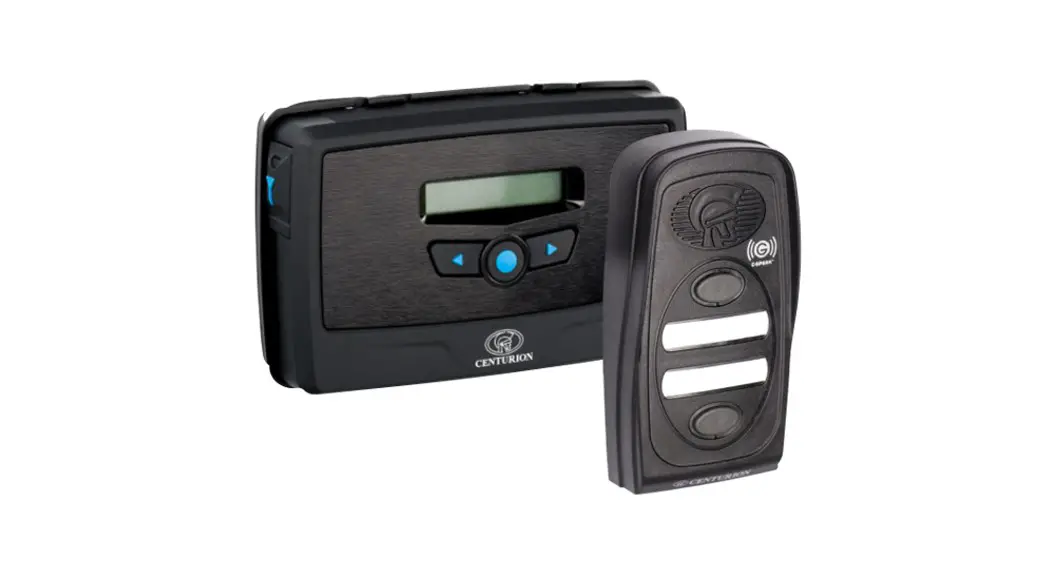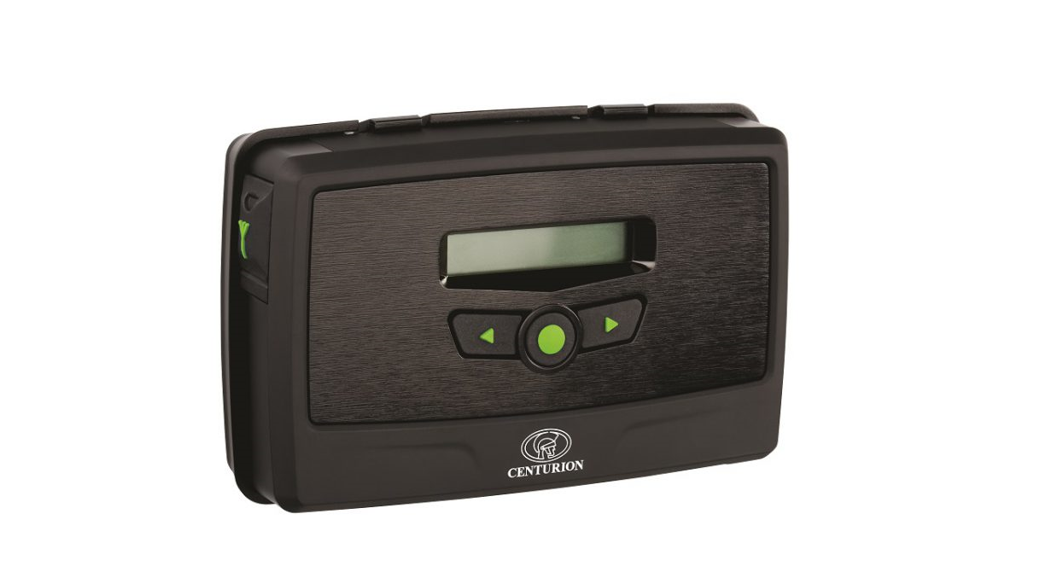

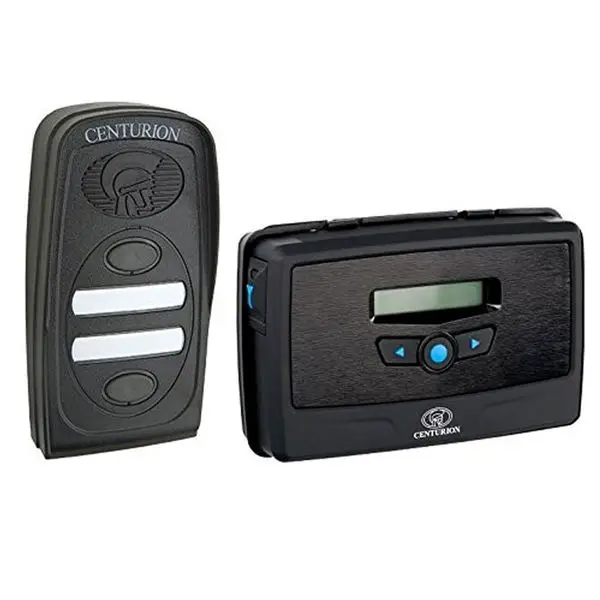
CENTURION G Ultra 900-2100MHz Ultimate GSM Solution
Important Safety Instructions
- Do not install this product near the DOSS sensor inside the gate motor housing or near the remote receiver.
- Do not install this product near any sensitive electrical components.
- All installation, repair, and service work to this product must be done by a suitably qualified person.
- Do not in any way modify the components of the system.
- Do not install the equipment in an explosive atmosphere: the presence of flammable gas or fumes is a serious danger to safety.
- Do not leave packing materials (plastic, polystyrene, etc.) within reach of children as such materials are potential sources of danger.
- Dispose of all waste products like packing materials, according to local regulations.
- Centurion Systems (Pty) Ltd does not accept any liability caused by improper use of the product, or for use other than that for which the GSM system was intended.
- This product was designed and built strictly for the use indicated in this documentation. Any other use, not expressly indicated here, could compromise the service life/operation of the product and/or be a source of danger.
- Anything not expressly specified in these instructions is not permitted
Technical Specifications
| Supply Voltage Range | 11-24V DC |
| Maximum Current Draw | 300mA @ 12V DC |
| Input/output Current Rating | 50mA (Open Collector) |
| Relay Contact Current Rating | 1A, 30V AC/DC (Resistive) |
| Input Sense Voltage Range | 0-24V DC (0-1.6V Low-input State, 5V-24V High-input State) |
| Network Provider | MTN (South Africa only) |
| Number of Configurable Input/output Channels | 4 |
| Number of Relays | 2 |
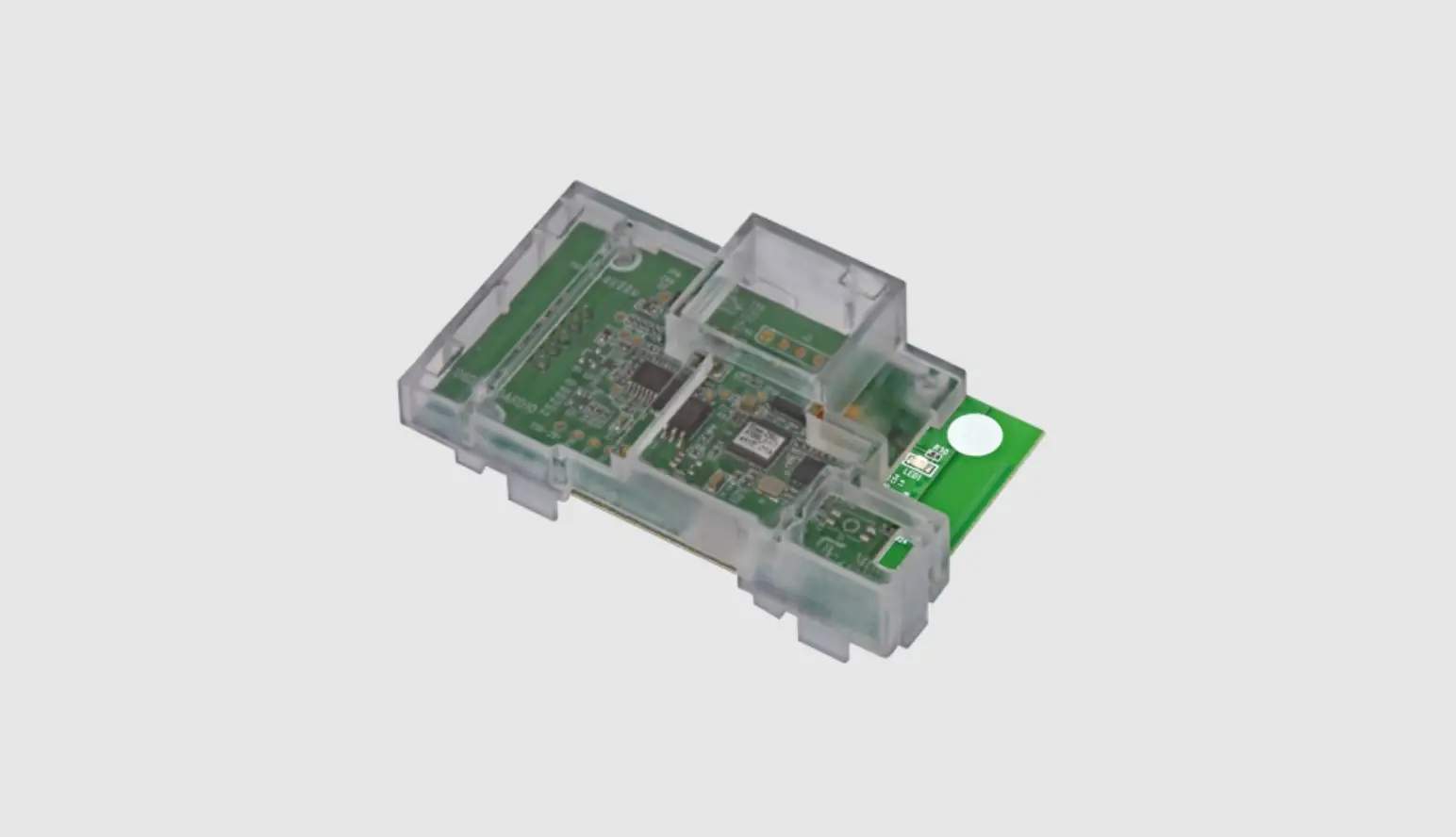
| Model Options | GSM 2G: 850/900/1800/1900MHz (EDGE) GSM 3G: 900/2100MHz (EDGE) 900/2100MHz (UMTS) GSM 3G PENTA: 800/850/900/1900/2100MHz (UMTS) GSM 4G/LTE-CAT1: 900/2100MHz |
Product Identification
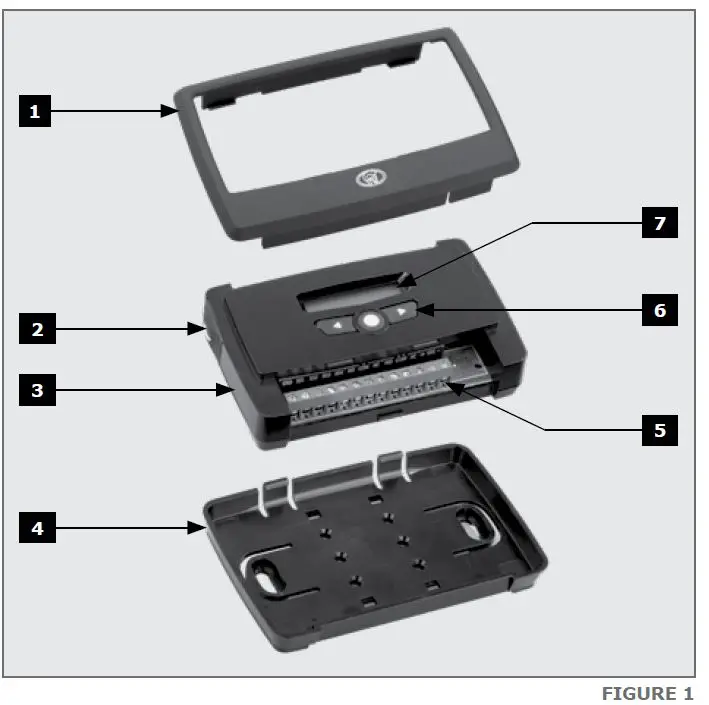
- Fascia
- External Antenna Cover
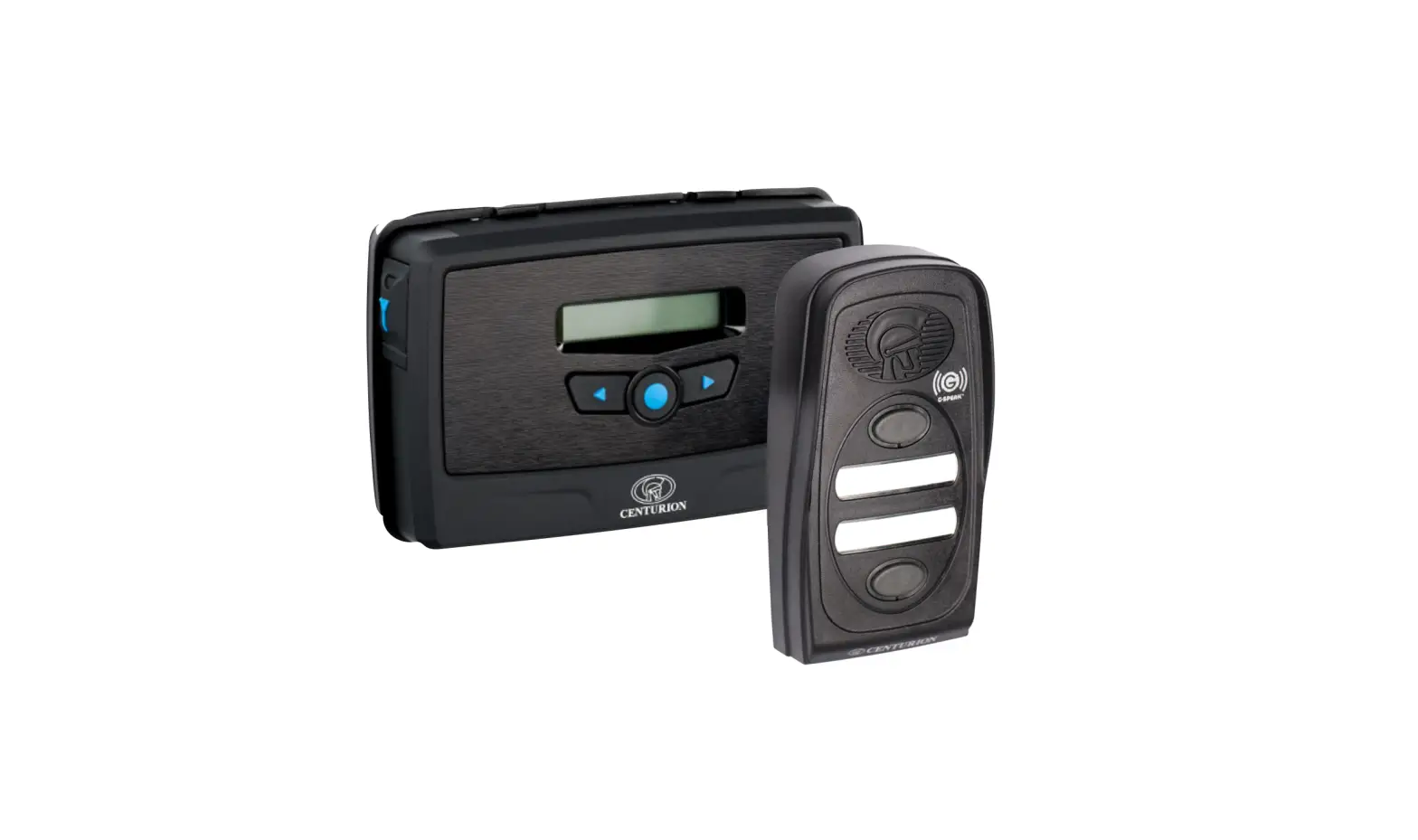
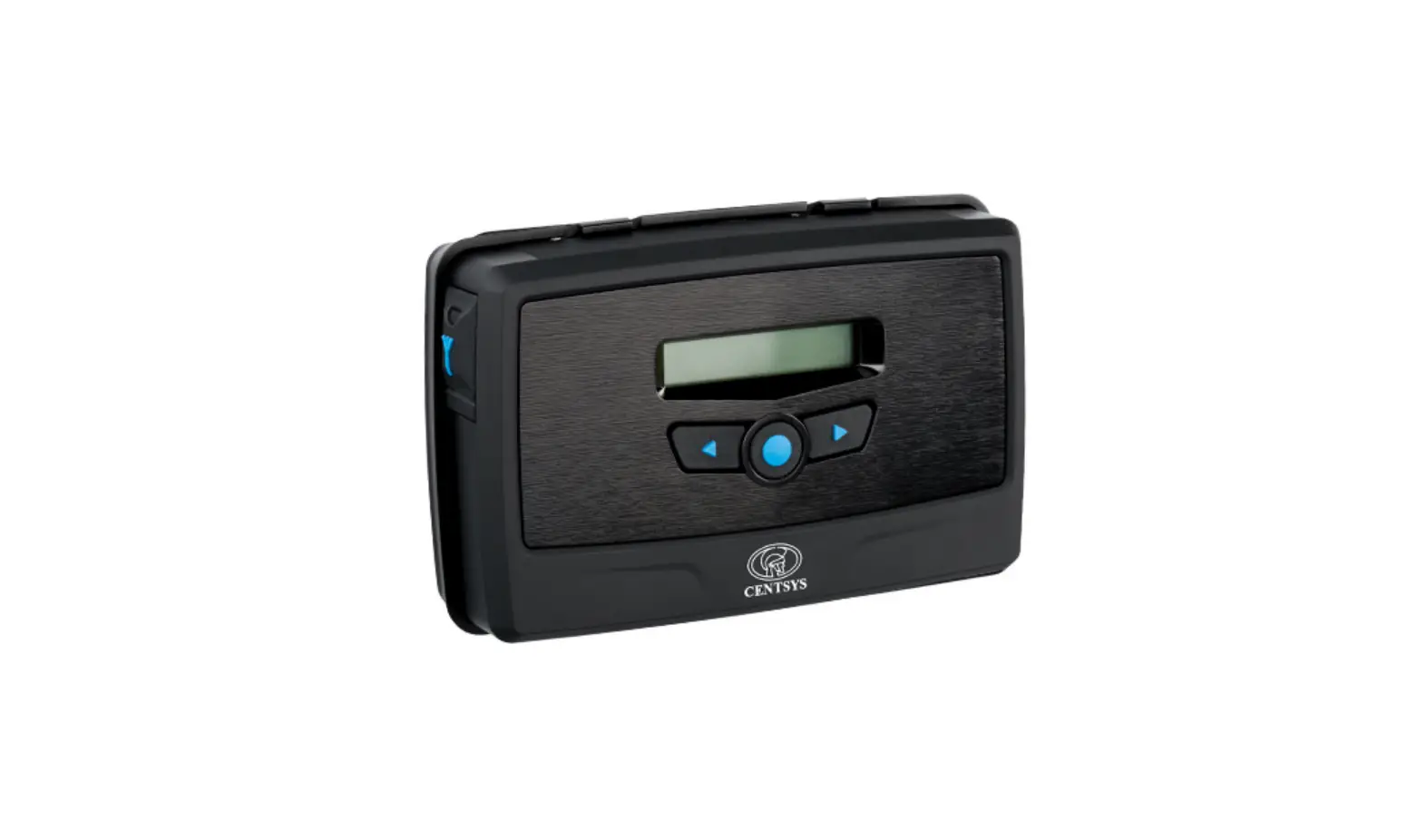
- Main G-ULTRA Unit
- Mounting Plate
- Terminal Blocks
- Navigation panel
- LCD Screen
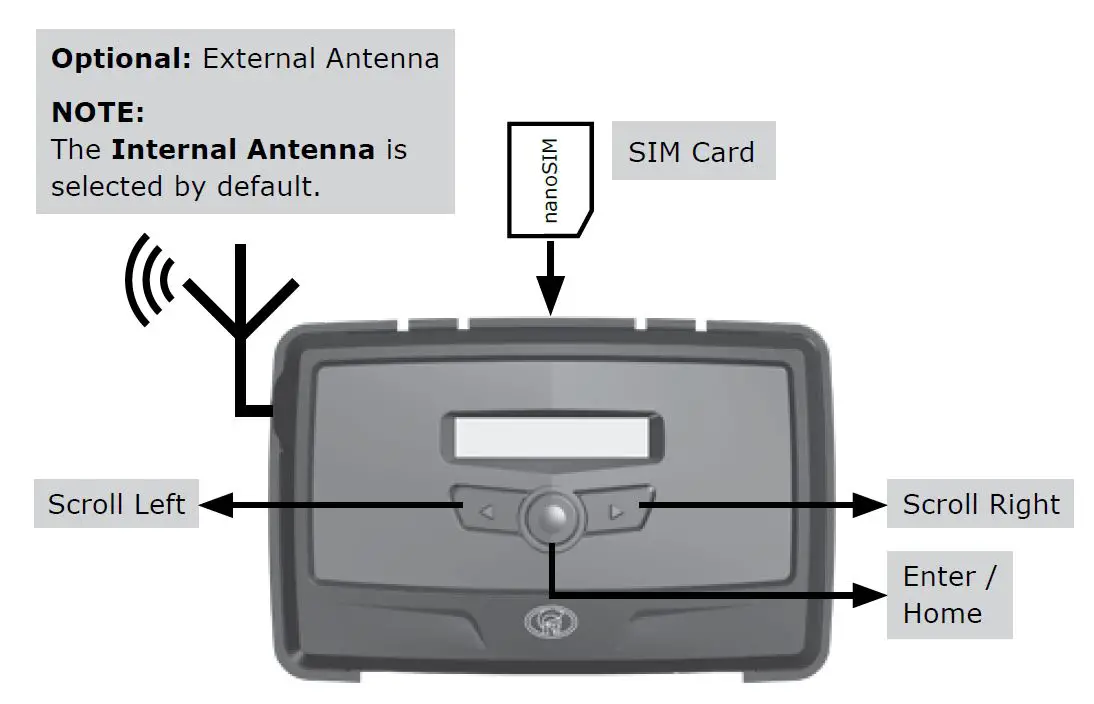
LED Interface
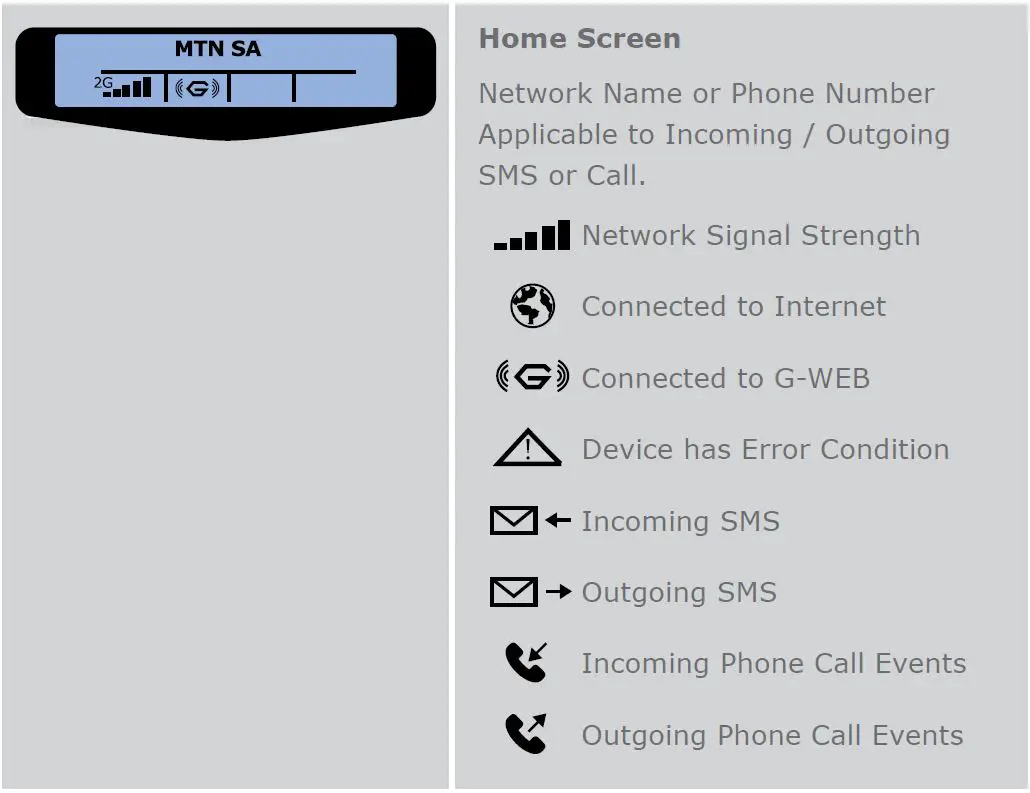
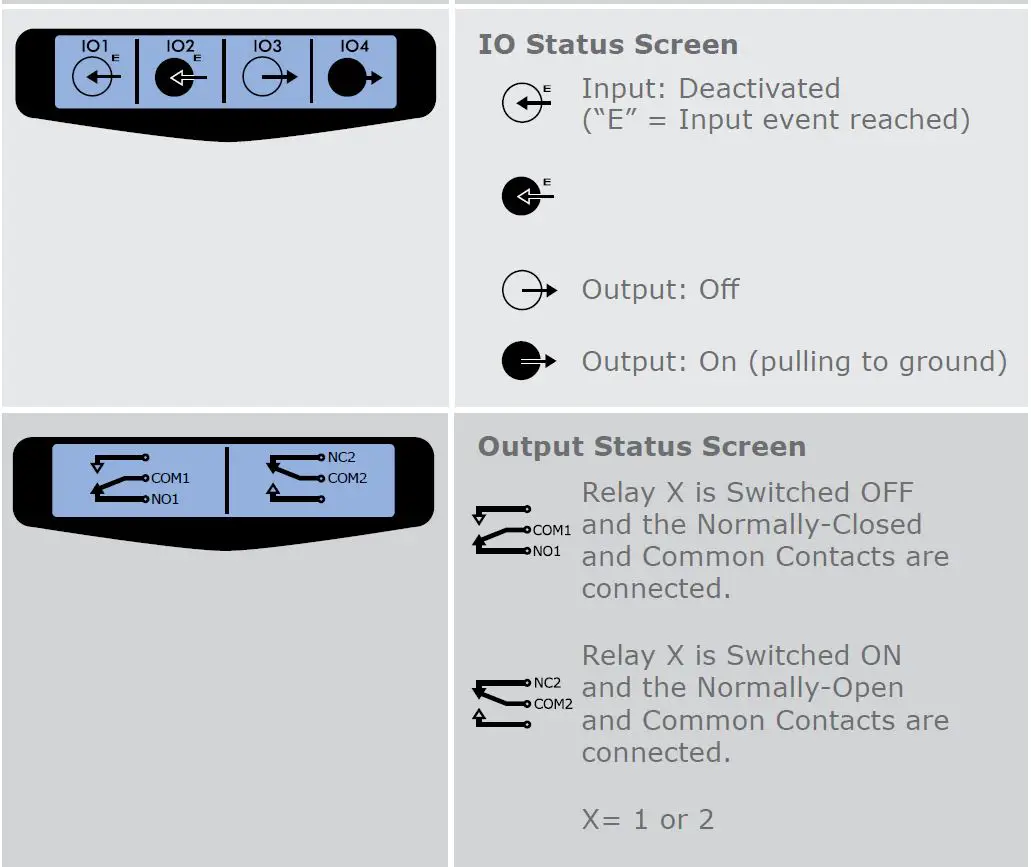
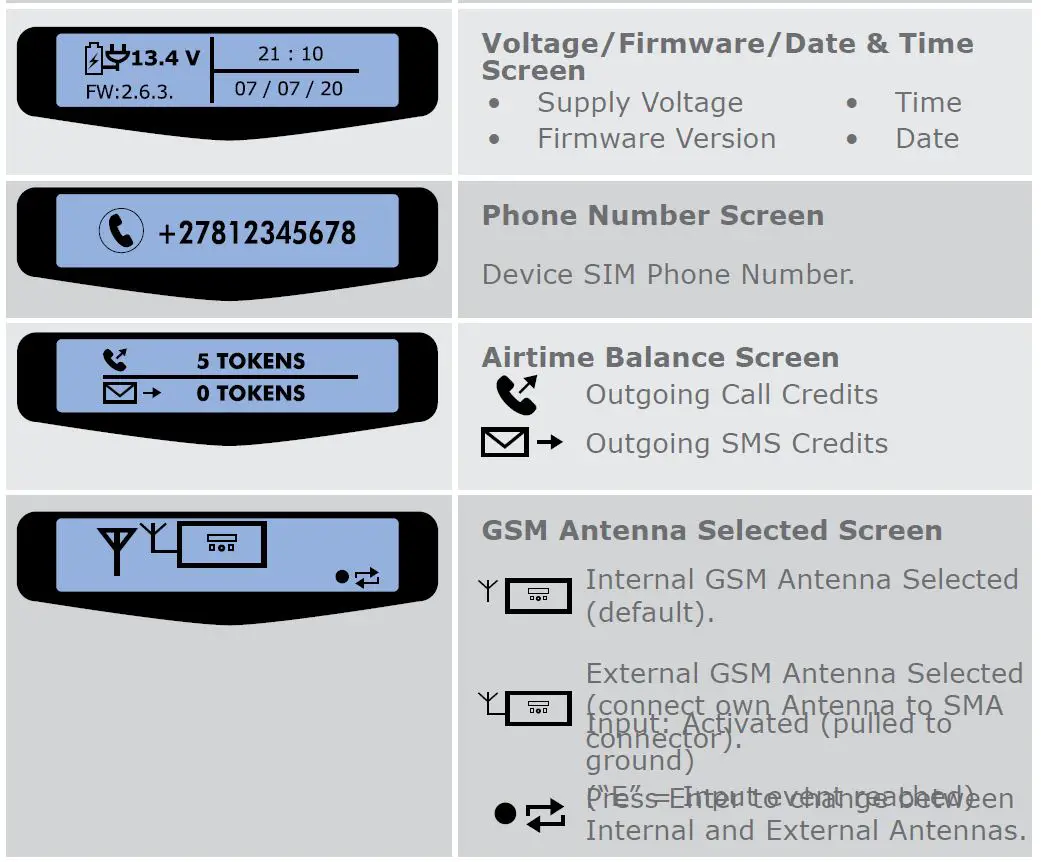
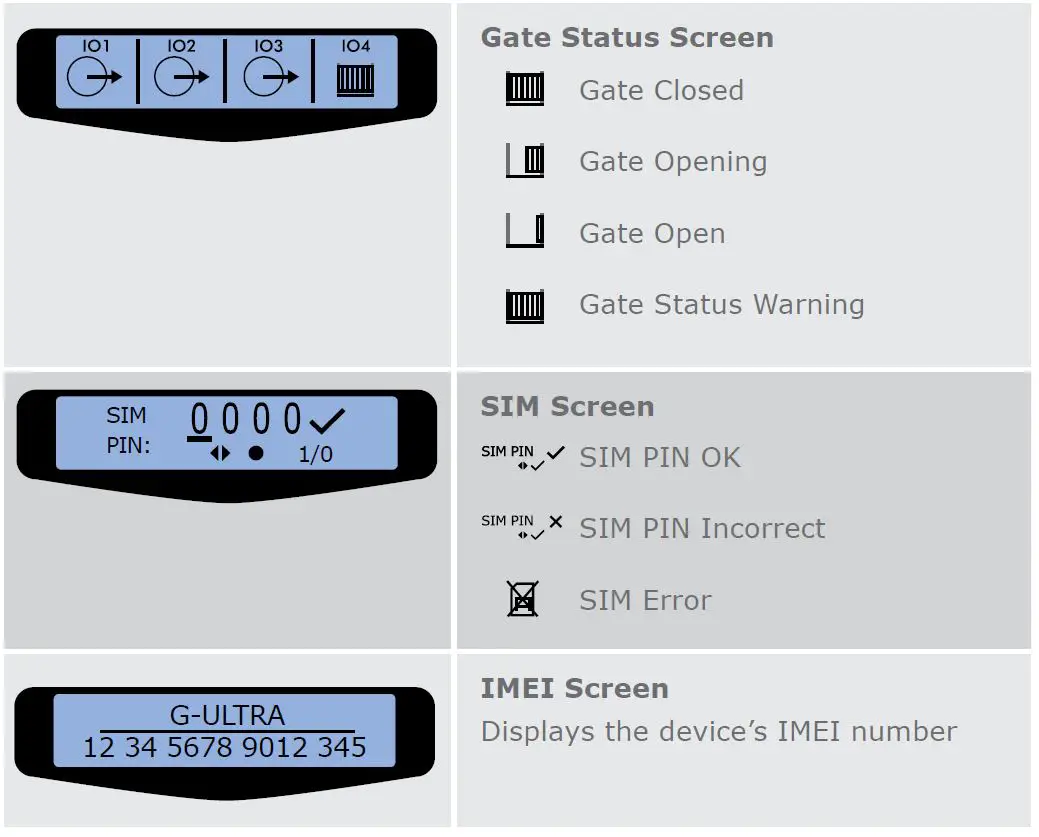
Table 2 below lists the information shown on the different screens found on the LCD interface. The left and right scroll buttons are used to toggle between the different screens
Configurations
Removing the Mounting Plate and Fascia
To access the terminal blocks of the G-ULTRA, the back plate and fascia need to be removed. Follow the instructions below to do this.
Removing the Mounting Plate
Gently pull the two clips at the back, backward to release the main G-ULTRA unit, and lift the unit out of the mounting plate.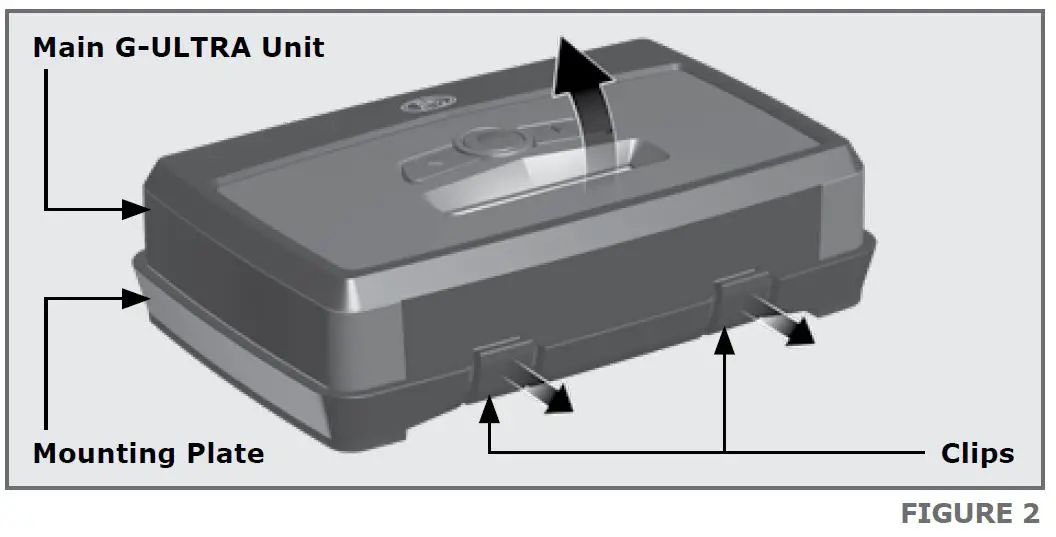
Removing the Fascia
The fascia can be removed by inserting the tips of one’s fingers into the slots (as shown in Figures 3 and 4), and pulling outward and upward. The fascia should pop off without effort.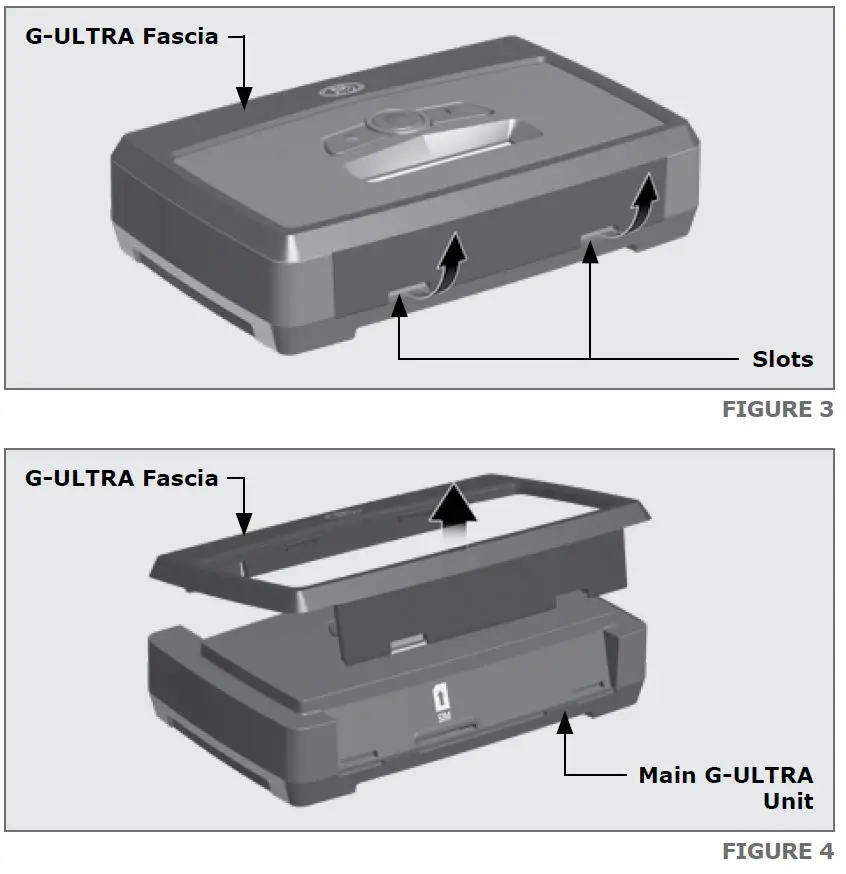
Installation
Wall-mounting
The Mounting Plate is used to mount the G-ULTRA device to a wall. Use four screws with wall anchors (not supplied) to secure Mounting Plate.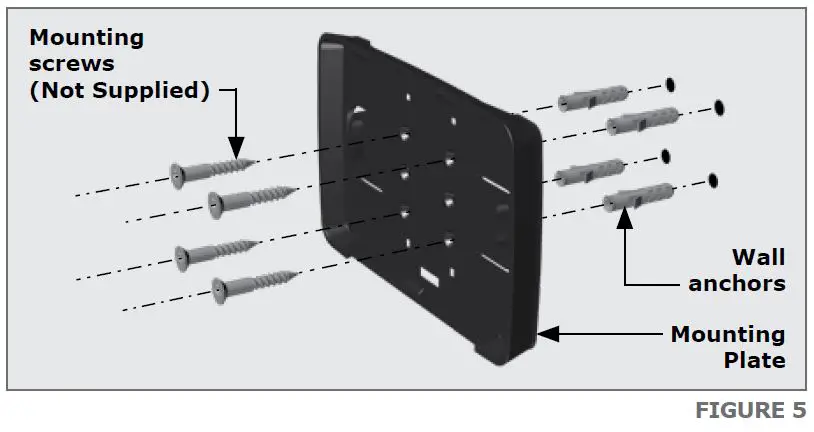
Clip the G-ULTRA main unit into the Mounting plate after it has been secured to the wall; a ‘click’ will be heard if done correctly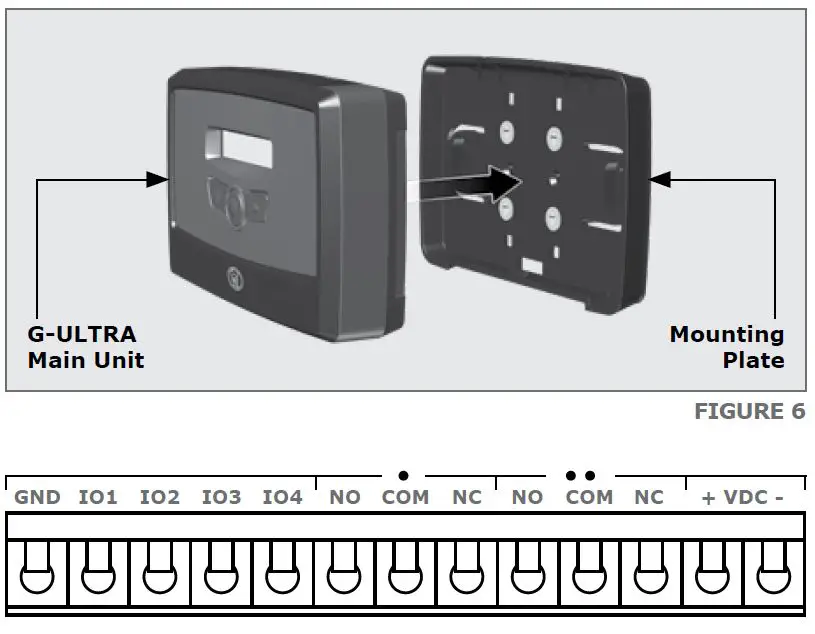
| GND | Ground |
| IO1 | Input / Output 1 (Default: Output) |
| IO2 | Input / Output 2 (Default: Output) |
| IO3 | Input / Output 3 (Default: Output) |
| IO4 | Input / Output 4 / Gate Status Input (Default: Output) |
| NO | Relay 1 Normally-open |
| COM | Relay 1 Common |
| NC | Relay 1 Normally-closed |
| NO | Relay 2 Normally-open |
| COM | Relay 2 Common |
| NC | Relay 2 Normally-closed |
| + | Positive of Power Supply 12-24VDC |
| – | Negative of Power Supply |
Wiring Diagrams
(Please refer to the online G-ULTRA wiring diagram document for more diagrams)
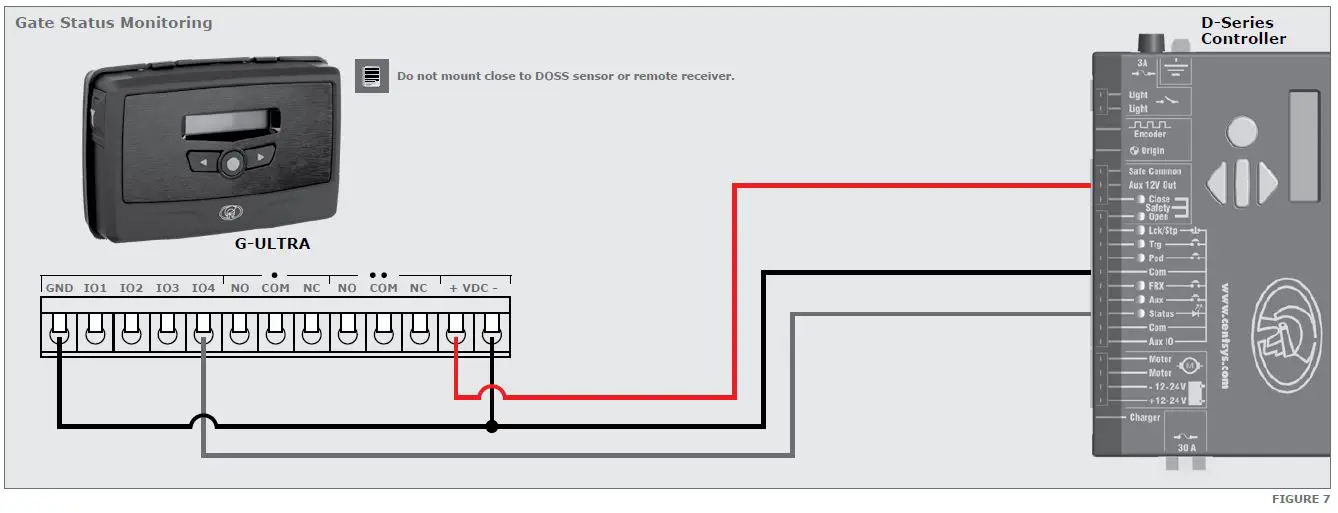
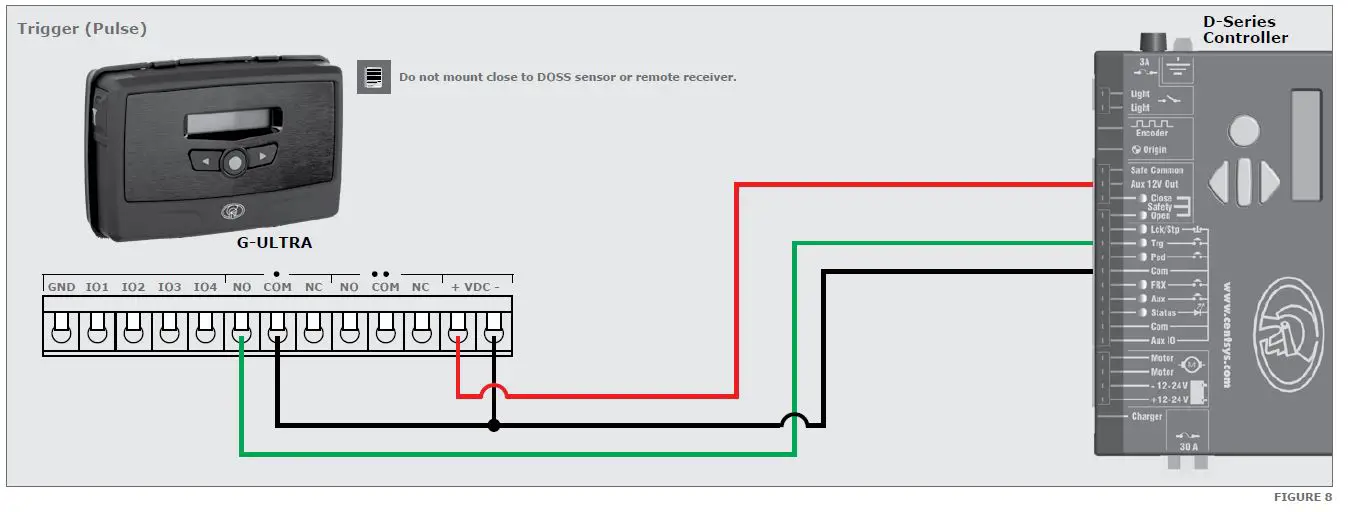
Looking for more wiring diagrams and product applications? Scan the QR code on your mobile device to be taken to our wiring diagram library.
Configuration of features
All features – both basic and advanced – can be easily, and remotely,
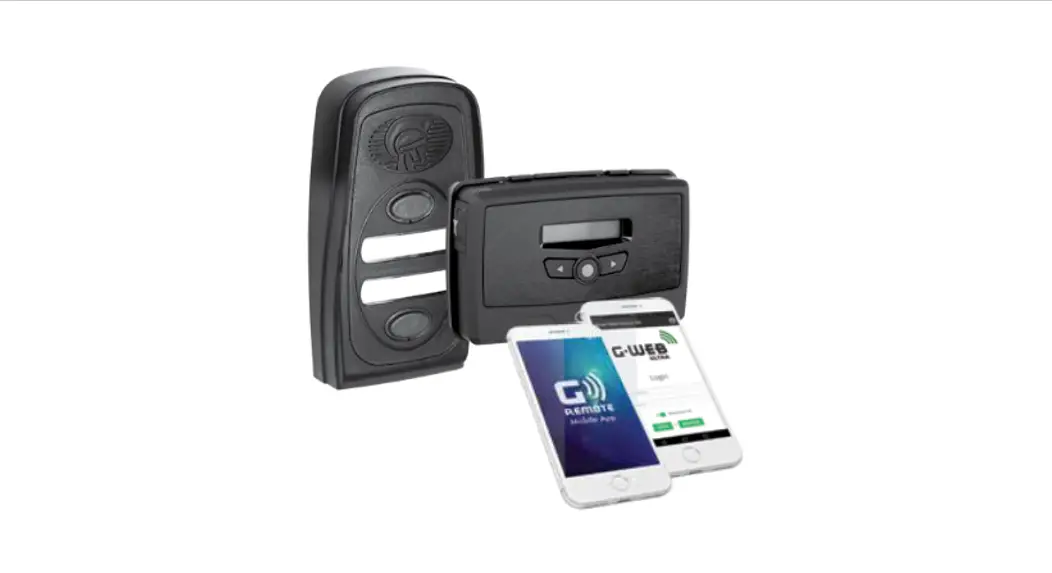
configured via our G-WEB Mobile Phone App or our G-WEB Online Interface. By simply logging on to the G-WEB App or G-WEB, you can add and delete users, specify text for input notifications and activations, modify device characteristics and many other features.
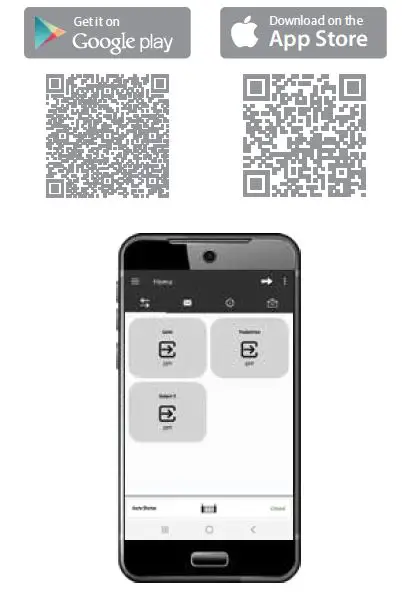
Download the G-WEB mobile App from your Smart Phone by navigating to the App store or go to http://www.gweb.co.za
It would be necessary to register if you have not previously done so
G-WEB Mobile App (Installers)
To download the G-WEB Mobile installer app, simply scan the QR code on your mobile device to be taken to the app in the applicable app store for your operating system. The G-WEB app gives you on-the-go access to a multitude of configuration and admin settings.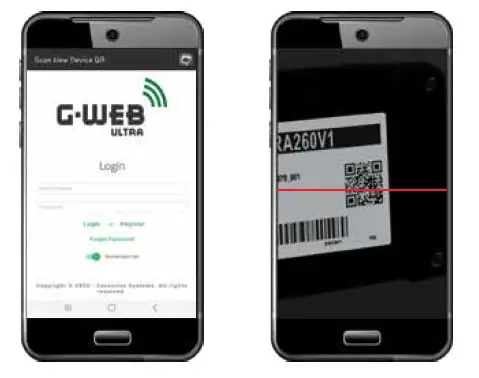
There is no need to download a third party QR Scanner, as there is a QR Scanner that is built into the G-WEB ULTRA Mobile App.
G-WEB Online
Your CENTURION GSM devices can be remotely managed and configured using the G-WEB online interface. Scan the QR code to be taken to G-WEB online.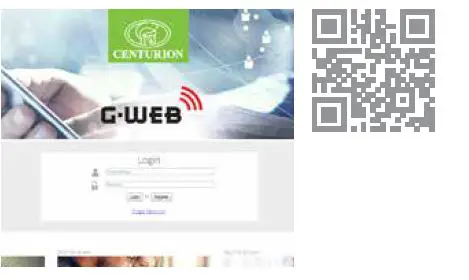
G-REMOTE Mobile App (Users)
Download the G-REMOTE mobile app now for free by scanning the QR code on your mobile device. G-REMOTE lets you remotely control your GSM devices from your phone and receive push notifications for systems that are being monitored.