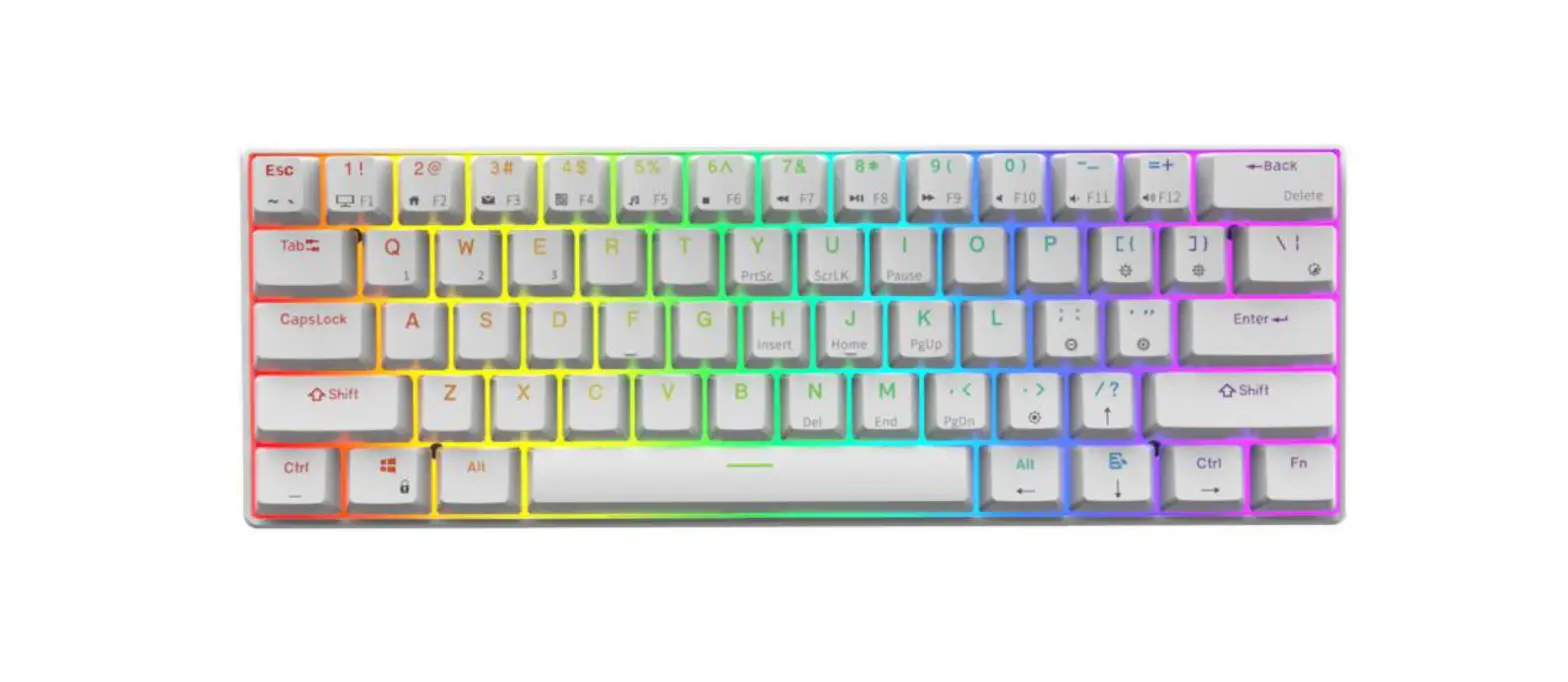
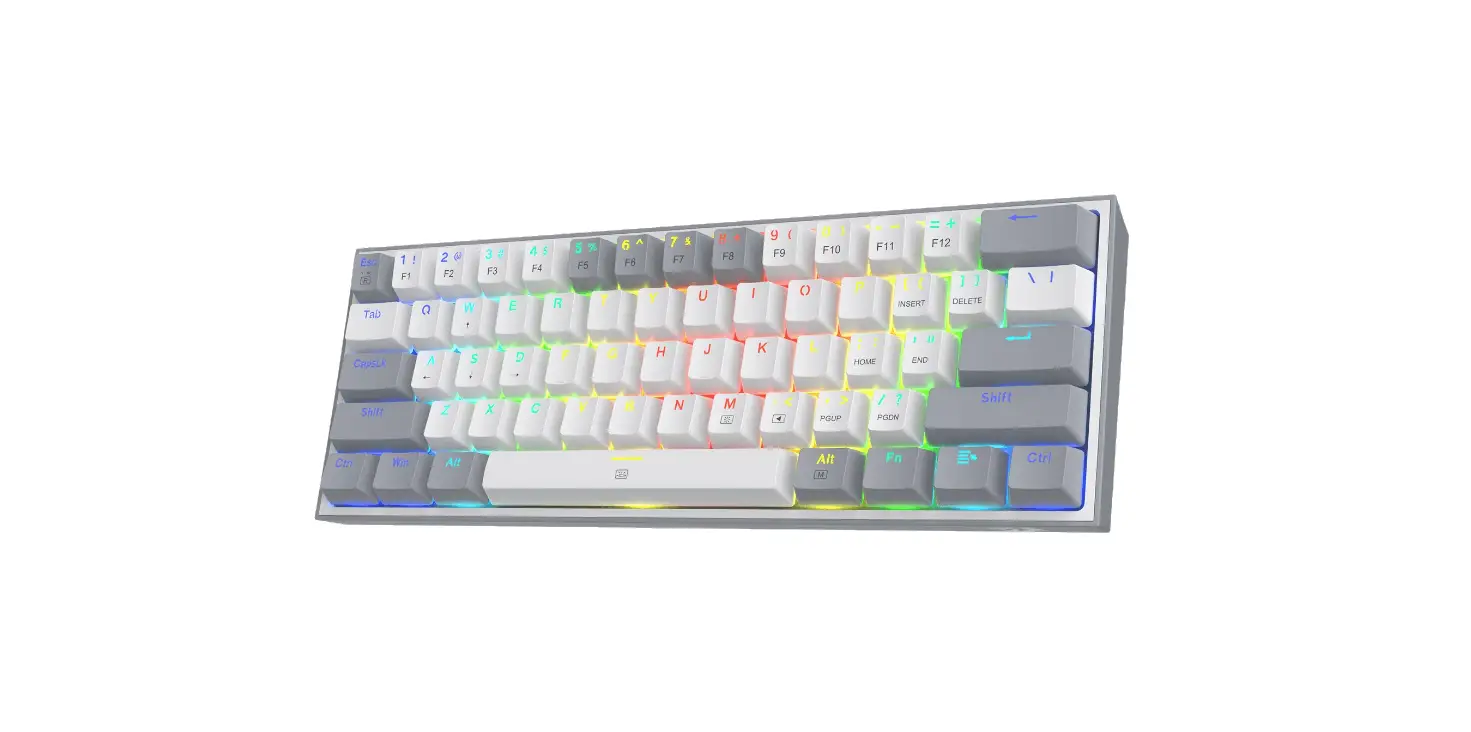
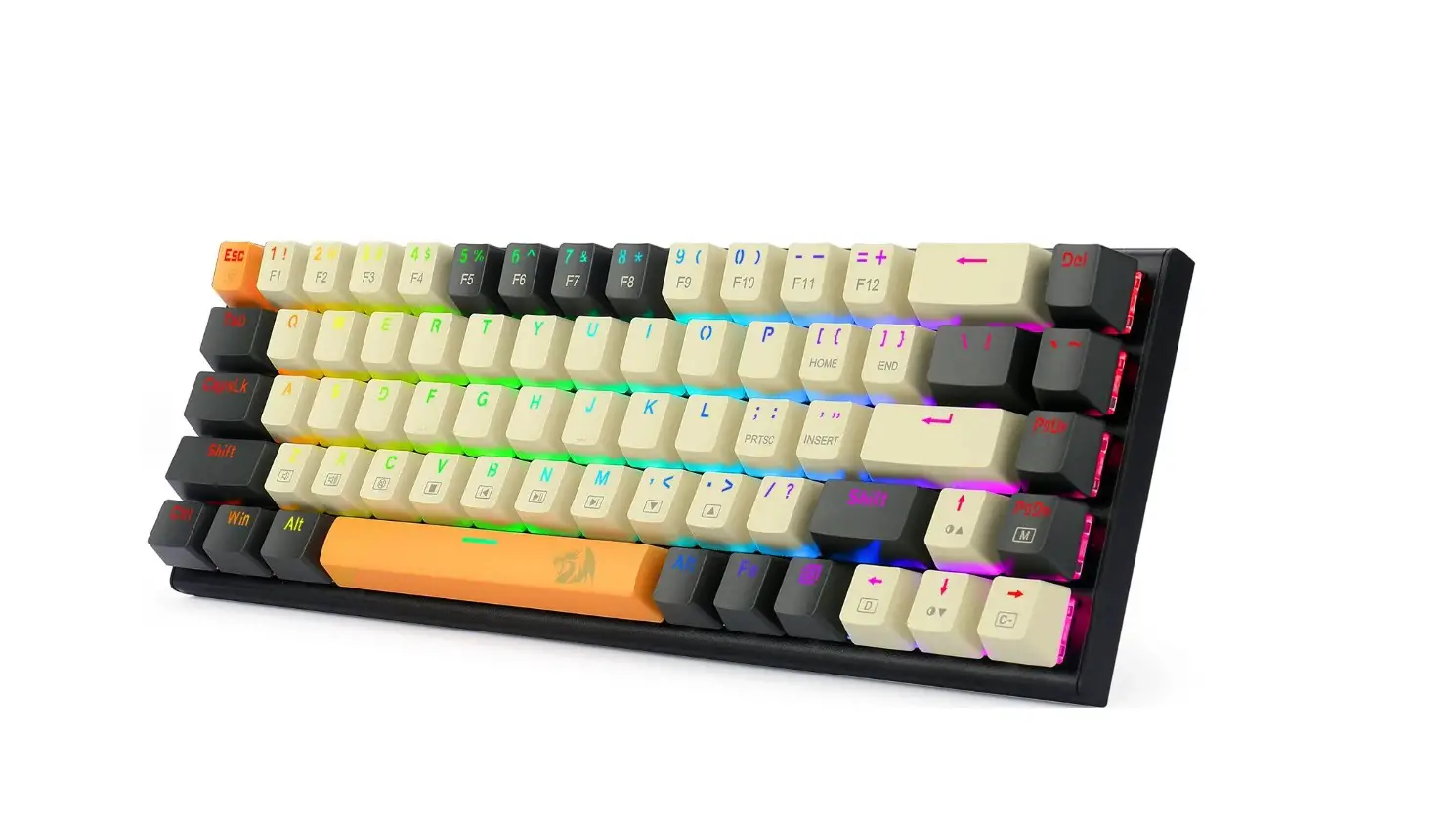
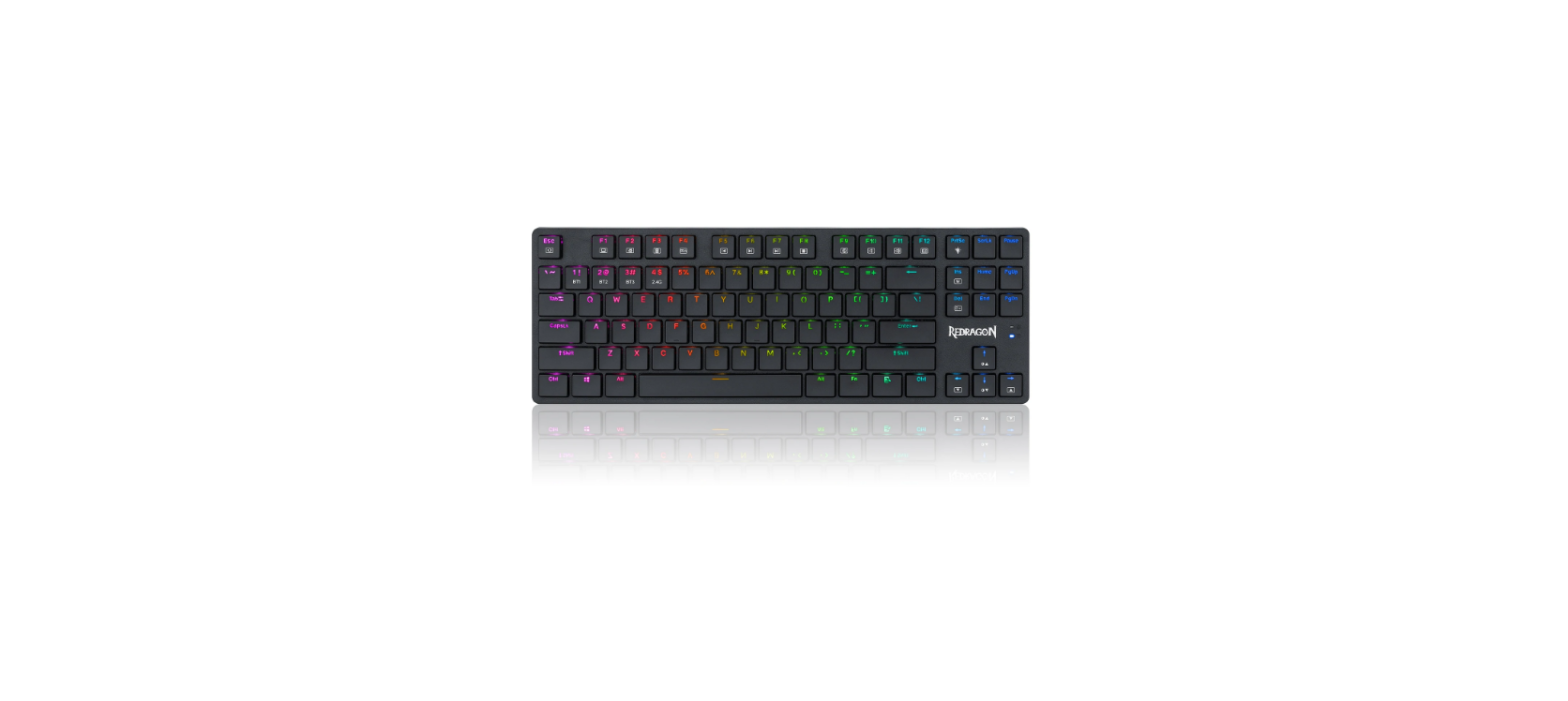
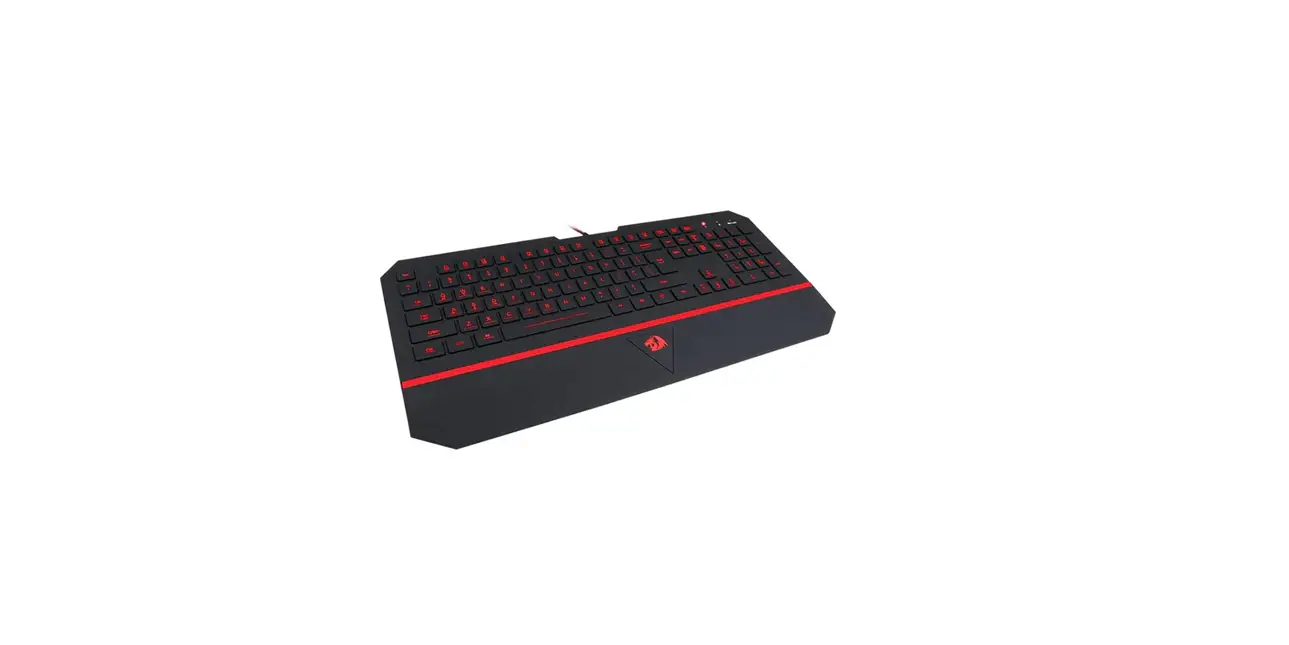
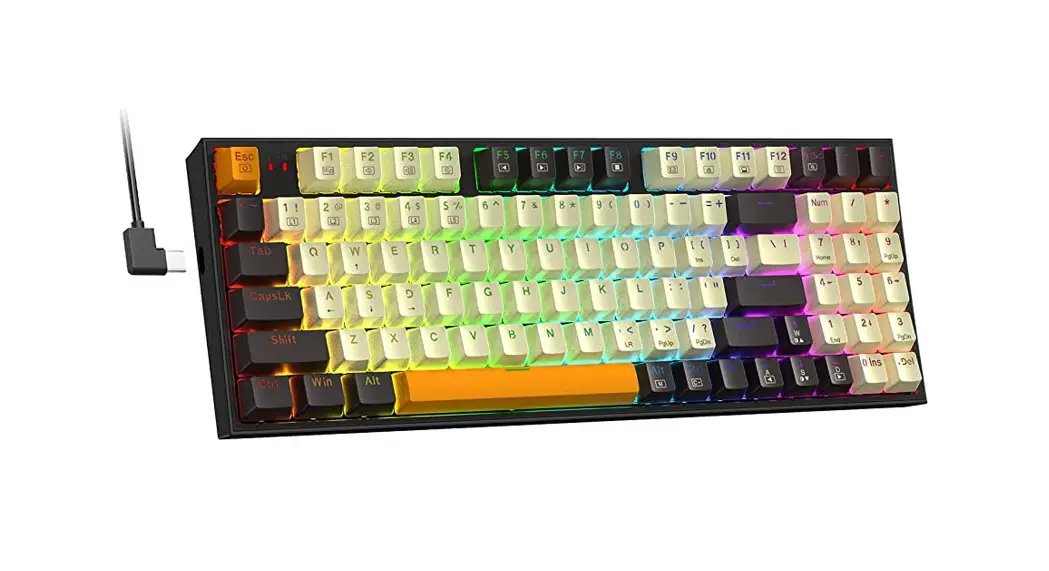
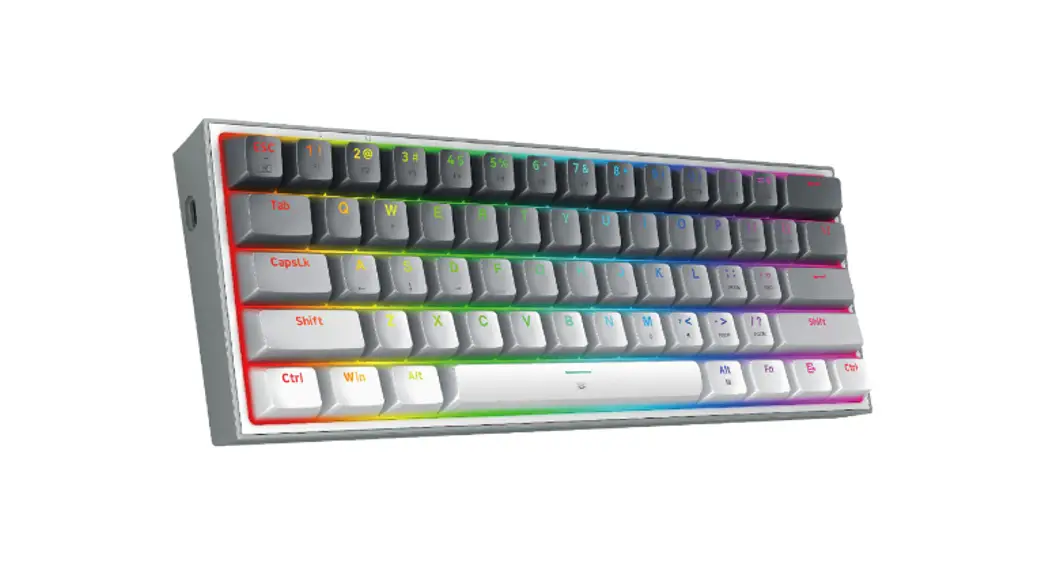
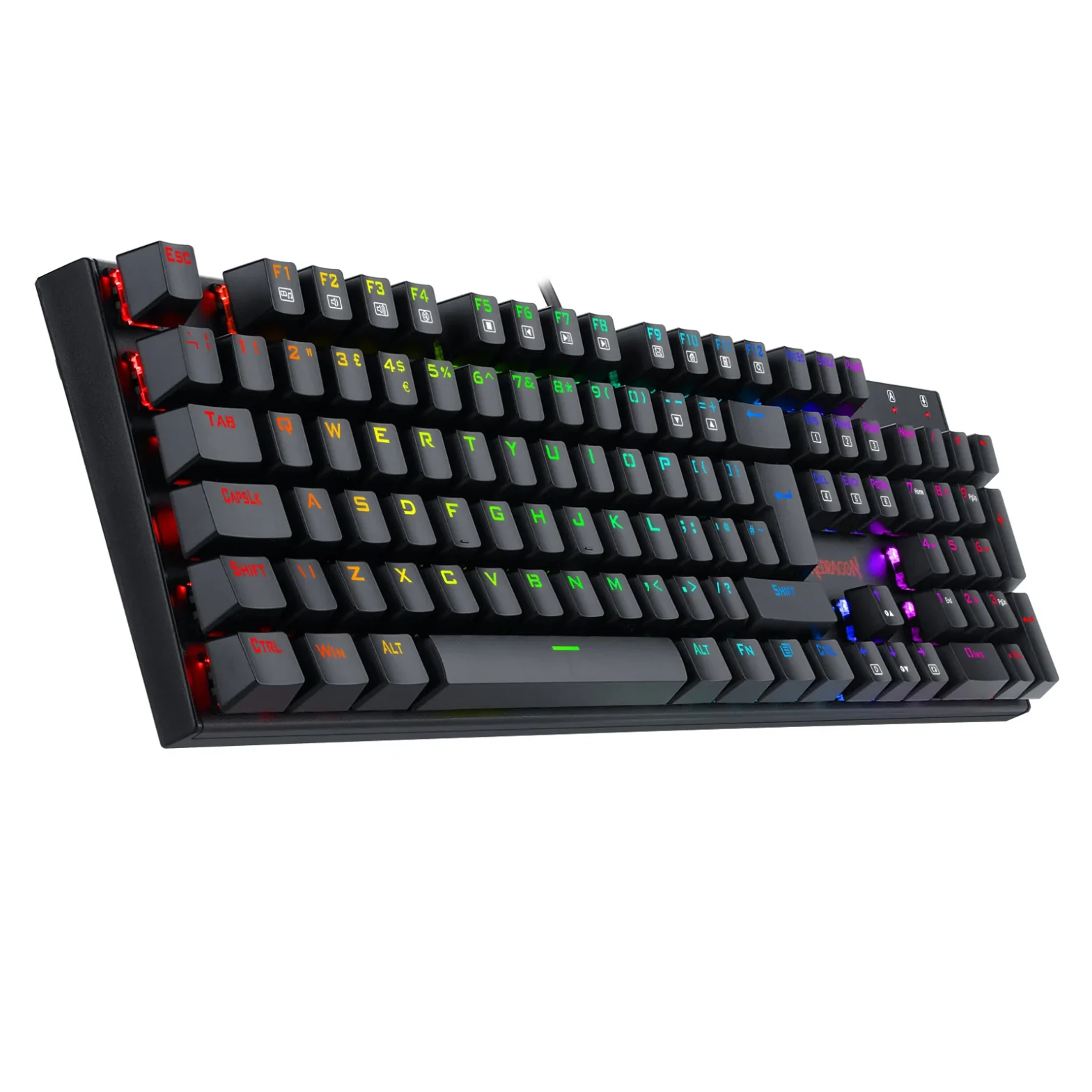
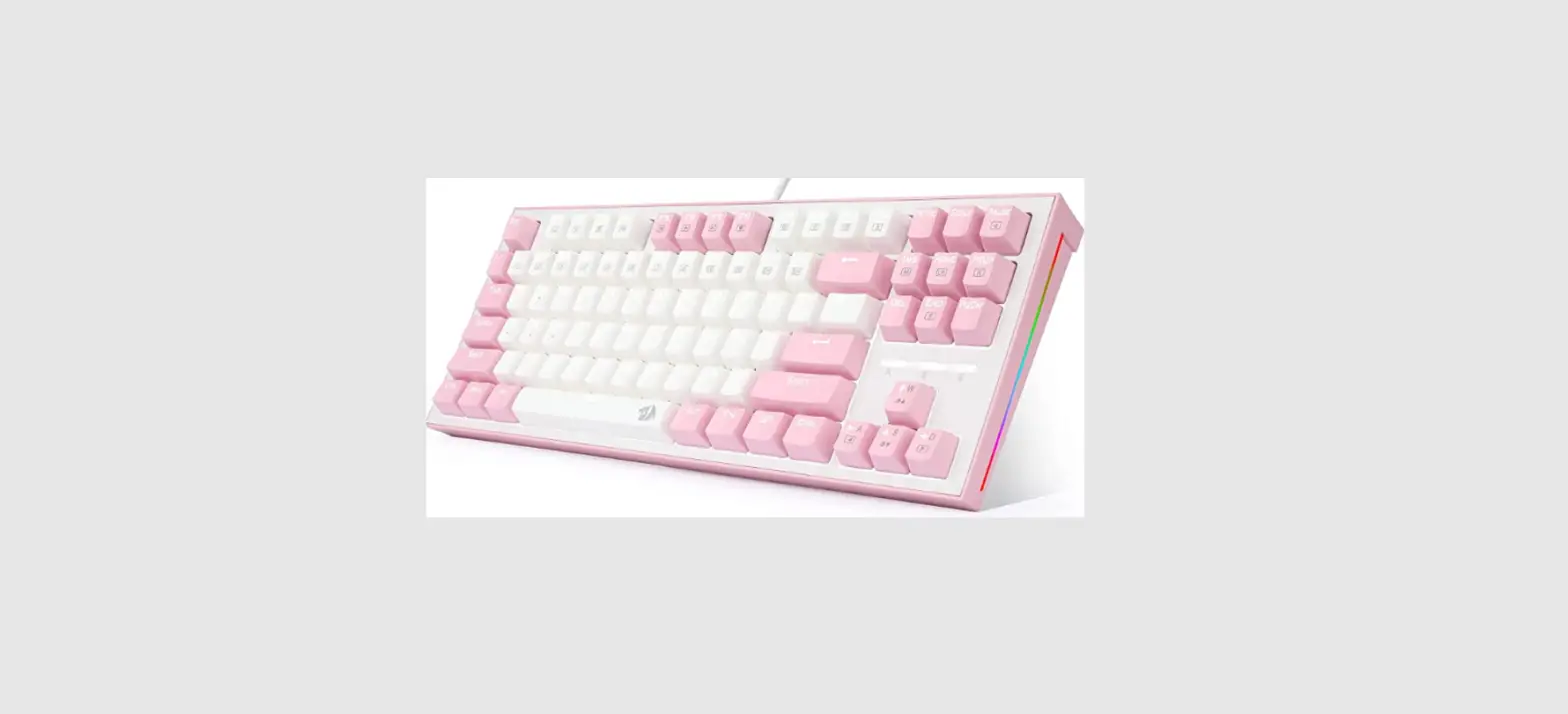
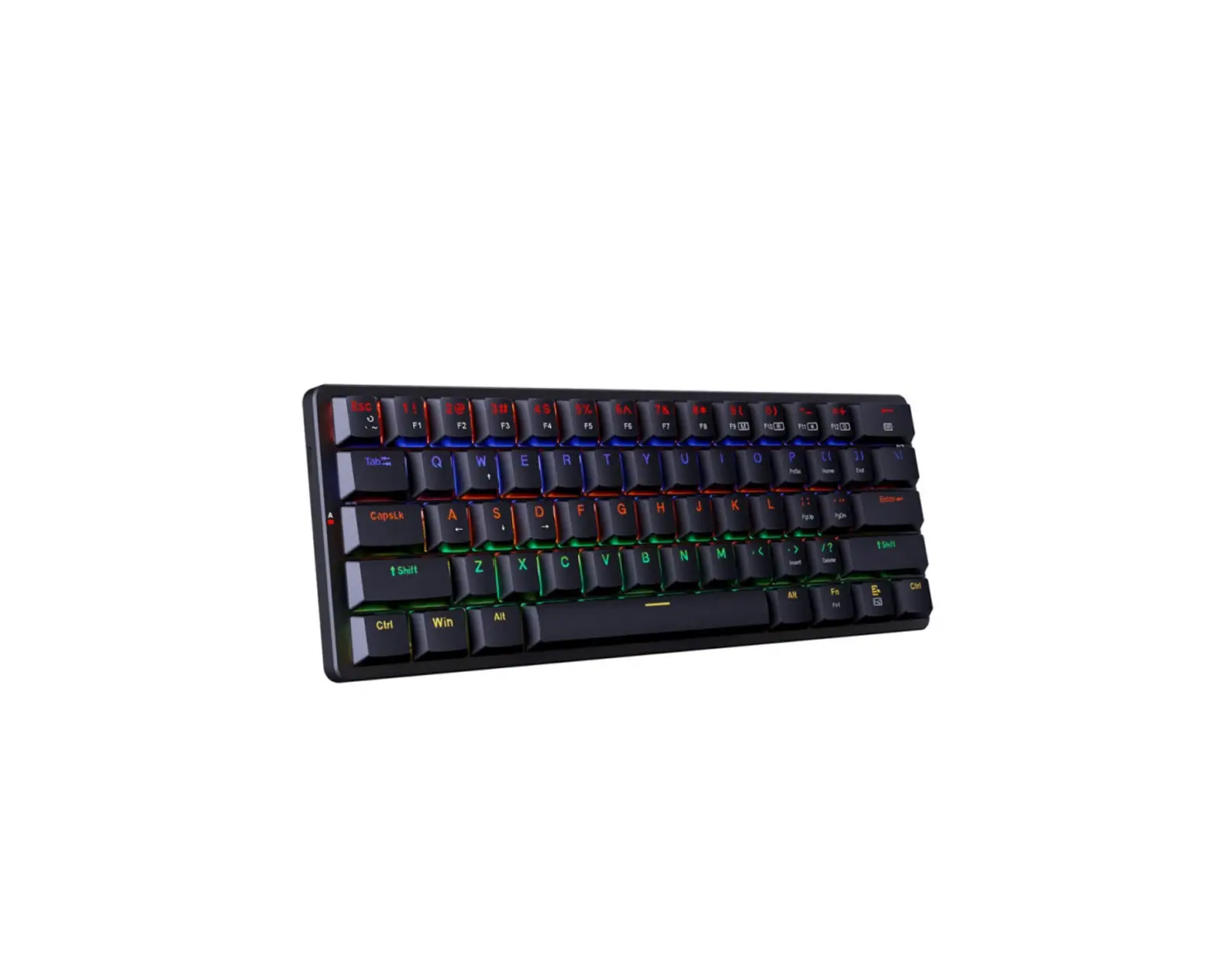
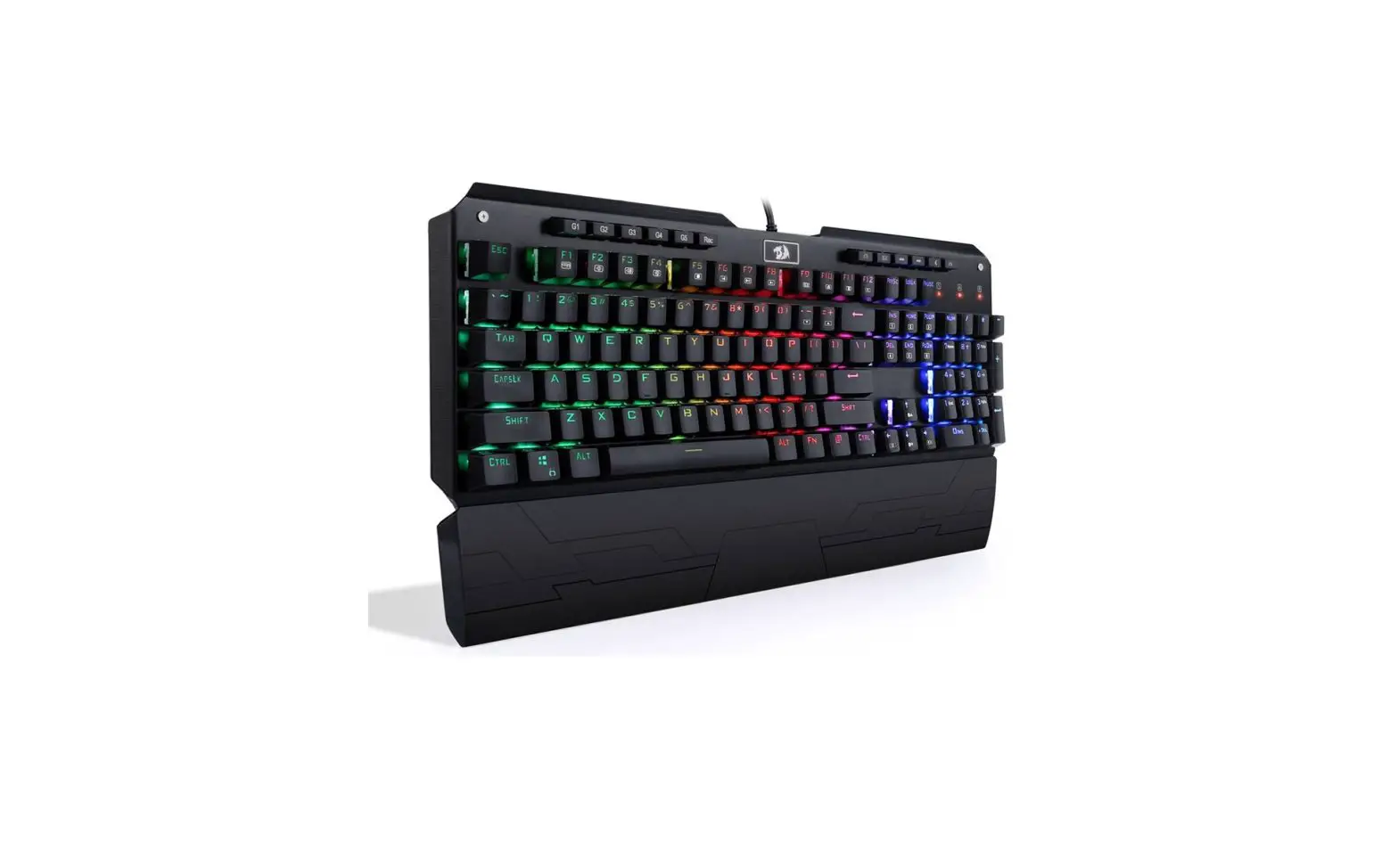
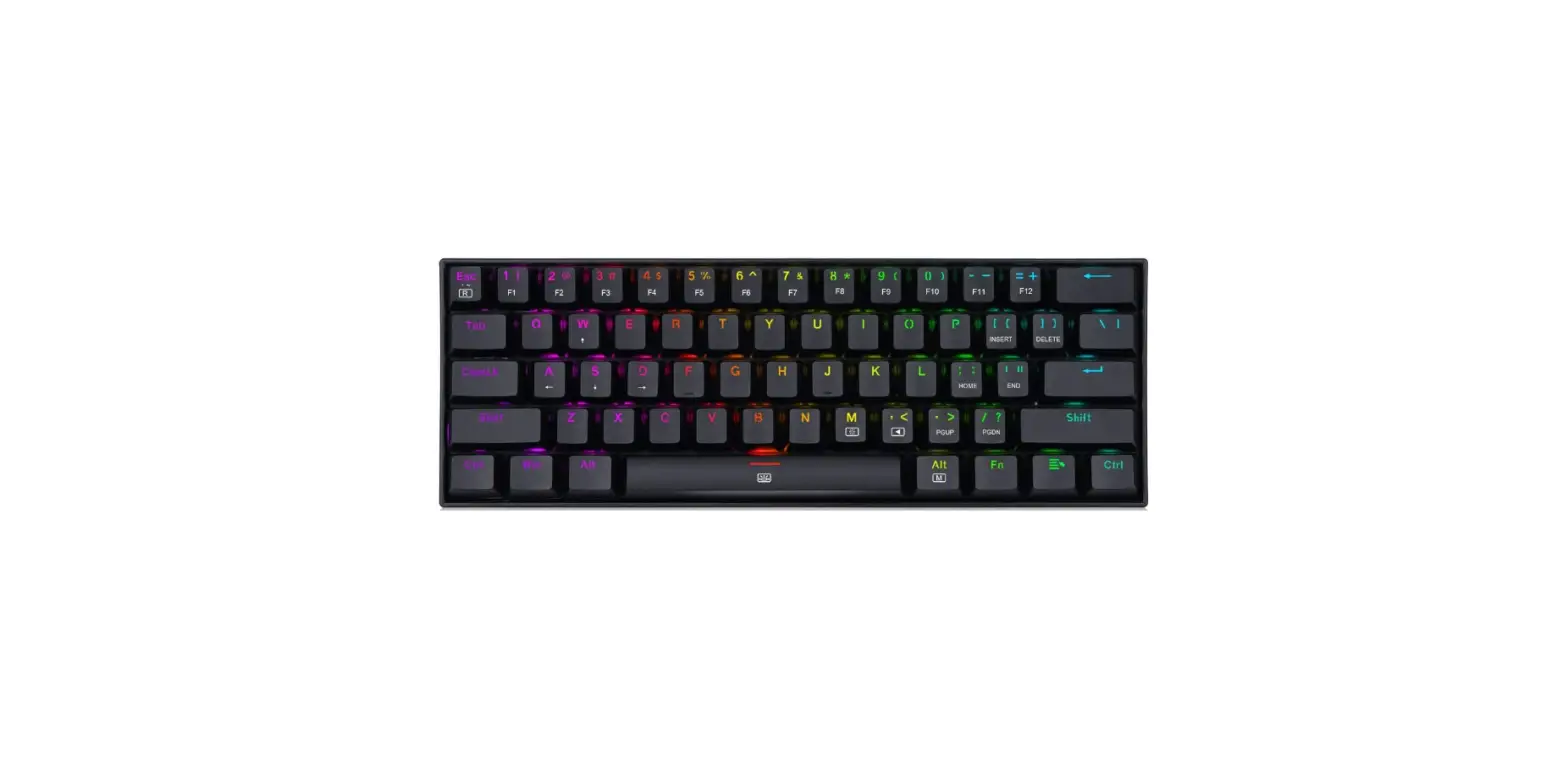
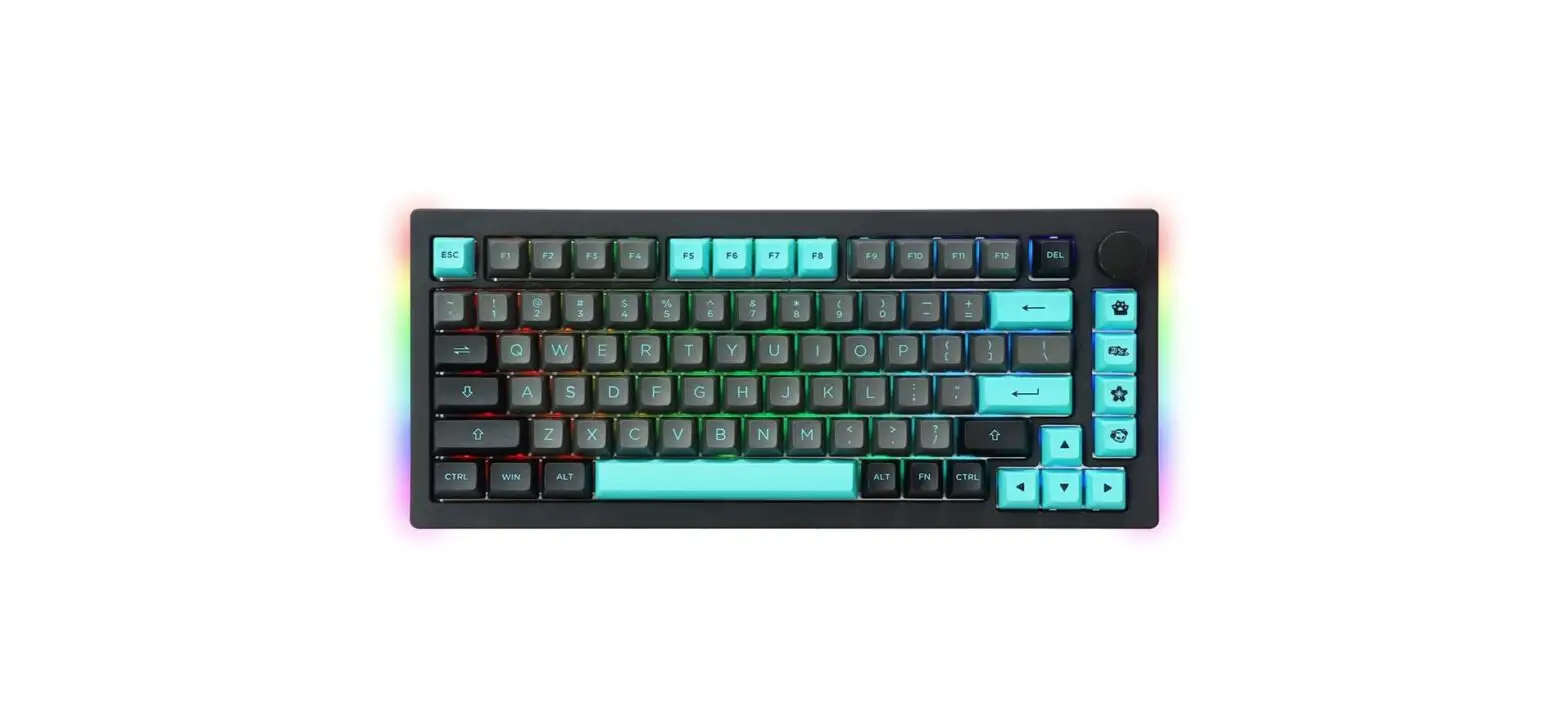
RGK-676 Gaming Keyboard
Product Information:
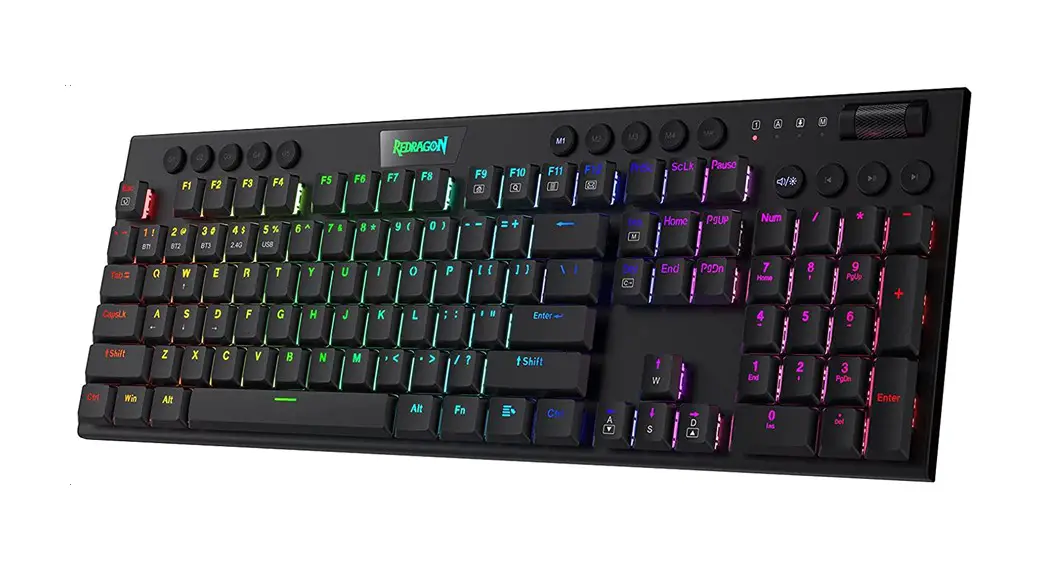
The RGK-676 Gaming Keyboard is a high-performance keyboard
designed for gamers. It offers various features to enhance gaming
experience and style.
I. Product Functions:
- Plug and play, no driver needed.
- Rainbow backlight.
- Suspended key cap design for easy maintenance and stylish
looks.
II. Specifications:
- Interface: USB 2.0
- Type: Membrane
- Lifespan: 20 Million Uses
- Backlight: RGB
- Number of keys: 105
- Wire length: 1.6M
- Weight: 629G
- Measurements: 43.9×13.9×3.7cm
- Operating System: Windows / MacOS / Linux / AndroidOS
Product Usage Instructions:
IV. Operation Instructions:
- Remove the keyboard and insert it into the computer USB
PORT. - Check whether the PC recognizes the keyboard correctly.
- Operate according to the User Manual provided.
- Avoid using the product in extreme environments.
V. Abnormal Occurrences:
If you encounter any issues with the device not being recognized
or not functioning properly, please follow these steps:
- Check whether the USB ports on both the computer and the device
are damaged. - Ensure the USB PORT of the device is inserted correctly.
- Verify that the computer settings are correct.
- Disconnect and reinsert the keyboard.
- Restart the computer.
If the above suggestions do not solve the problems, please
contact your local dealer for further assistance.
VI. Kindly Reminder:
For more information about our latest products and other
details, please visit the official Redline website. Thank you for
choosing our Redline product!
RGK-676 GAMING KEYBOARD
RGK-676 OYUNCU KLAVYES
Product Functions
I. Product Functions
1. Plug and play, no driver needed. 2. Rainbow backlight 3. Suspended key cap design for easy maintenance and stylish looks.
II. Specifications
1. Interface 2. Type 3. Lifespan 4. Backlight 5. Number of keys 6. Wire length 7. Weight 8. Measurements 9. Operating System
: USB 2.0 : Membran : 20 Million Uses : RGB : 105 : 1.6M : 629G : 43.9×13.9×3.7cm : Windows / MacOS / Linux / AndroidOS
III. Usage
1. Please do not take apart or exchange any component, exept there are especially marked operations in user manual. 2. Please do not put the product into water or any other liquid, for this product is not water-proof; 3. Please disconnect the product with other device and remove it if any liquid splashes into it, for it may cause fire or electric shock if the users continue to use it 4. Please make sure that the hands are dry when installing or taking apart the product in order to avoid getting an electric shock; 5. Please do not expose the product close to heat source or the fire directly; 6. Please do not put the product into a great magnetic field, for it may cause dysfunctions.
gamIng serIes
www.redline.com.tr
01
I. Ürün Fonksiyonlari
Ürün Özellikleri
1. Güçlü bas sesleri ve net table ile mükemmel ses kalitesi 2. Ayarlanabilir mikrofon kolu 3. Yumuak yastikli sentetik deri
II. Özellikler
1. Arayüz 2. Tip 3. Kullanim Ömrü 4. Arka iik 5. Tu sayisi 6. Kablo uzunluu 7. Airlik 8. Ölçüler 9. letim Sistemi
III. Kullanim
: USB 2.0 : Membran : 20 Milyon Kullanim : Gökkuai : 105 : 1.6M : 692G : 43,9×13.9×3.7cm : Windows / MacOS / Linux / AndroidOS
1. Lütfen herhangi bir bileeni sökmeyin veya deitirmeyin, Kullanim Kilavuzunda özellikle iaretlenmi ilemler olmasi diinda; 2. Lütfen ürünü suya veya baka bir siviya koymayin, bu ürün için su geçirmez deildir; 3. Lütfen ürünü dier cihazla ayirin ve çikarin içine herhangi bir sivi siçrarsa, yangina veya elektrik çarpmasina neden olabilir. kullanicilar kullanmaya devam ederse 4. Lütfen kurulum veya kurulum sirasinda ellerin kuru olduundan emin olun. elektrik çarpmasini önlemek için ürünü parçalara ayirmak; 5. Lütfen ürünü isi kaynaina veya dorudan atee maruz birakmayin; 6. Lütfen ürünü büyük bir manyetik alana koymayin, çünkü ilev bozukluklarina neden olabilir.
gamIng serIes
www.redline.com.tr
03
IV.Operation Instructions
1. Remove the keyboard insert it to the computer USB PORT. 2. Check whether the PC can recognize the keyboard correctly; 3. Operate according to User Manual; 4. Please do not use the product in an extreme environment.
V. Abnormal Occurrences
Solutions to the conditions in which the device cannot be recognized, with no functions or dysfunctions. Check whether the USB ports both at the computer and device are damaged; check whether USB PORT of the device is inserted correctly chek whether computer settings are correct; disconnect and reinsert; restart computer. If the suggestions above cannot solve the problems, please contact the local dealer!
VI. Kindly Reminder
Please visit Redline official website to get more information about our latest products and other information. Thanks for choosing our Redline product!
gamIng serIes
www.redline.com.tr
02
IV. Çalitirma Talimatlari
1. Klavyeyi çikarin, bilgisayarin USB PORTU’na takin. 2. PC’nin klavyeyi doru taniyip tanimadiini kontrol edin; 3. Kullanim Kilavuzuna göre çalitirin; 4. Lütfen ürünü airi bir ortamda kullanmayin.
V. Anormal Olaylar
Herhangi bir fonksiyon veya fonksiyon bozukluu olmaksizin, cihazin taninamadii durumlara çözümler. Hem bilgisayardaki hem de cihazdaki USB balanti noktalarinin olup olmadiini kontrol edin. Hasarli cihazin; USB PORT’unun doru takilip takilmadiini kontrol edin. Bilgisayar ayarlarinin doru olup olmadiini kontrol edin, balantisini kesin ve yeniden takin ve bilgisayari yeniden balatin. Yukaridaki öneriler sorunlari çözemezse, lütfen yerel bayinizle iletiime geçin!
V.Hatirlatma
En yeni ürünlerimiz ve dier ürünlerimiz hakkinda daha fazla bilgi almak için lütfen redline resmi web sitesini ziyaret edin. Redline ürünlerini seçtiiniz için teekkür ederiz!
gamIng serIes
www.redline.com.tr
04
 Home - Redline