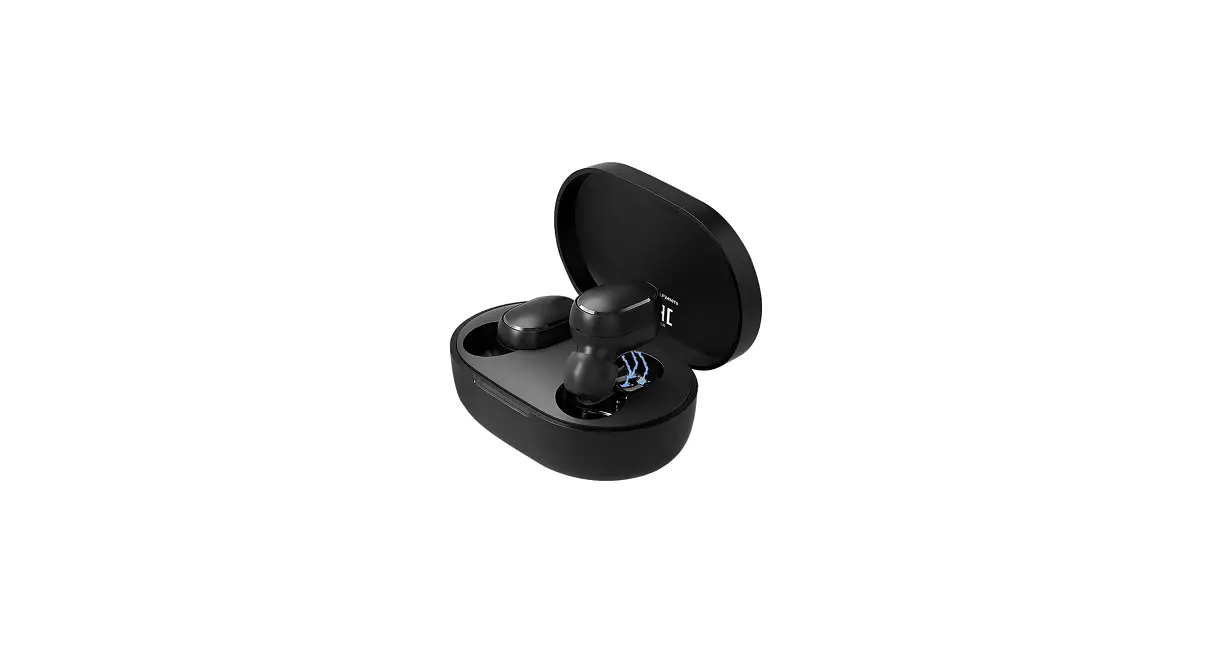
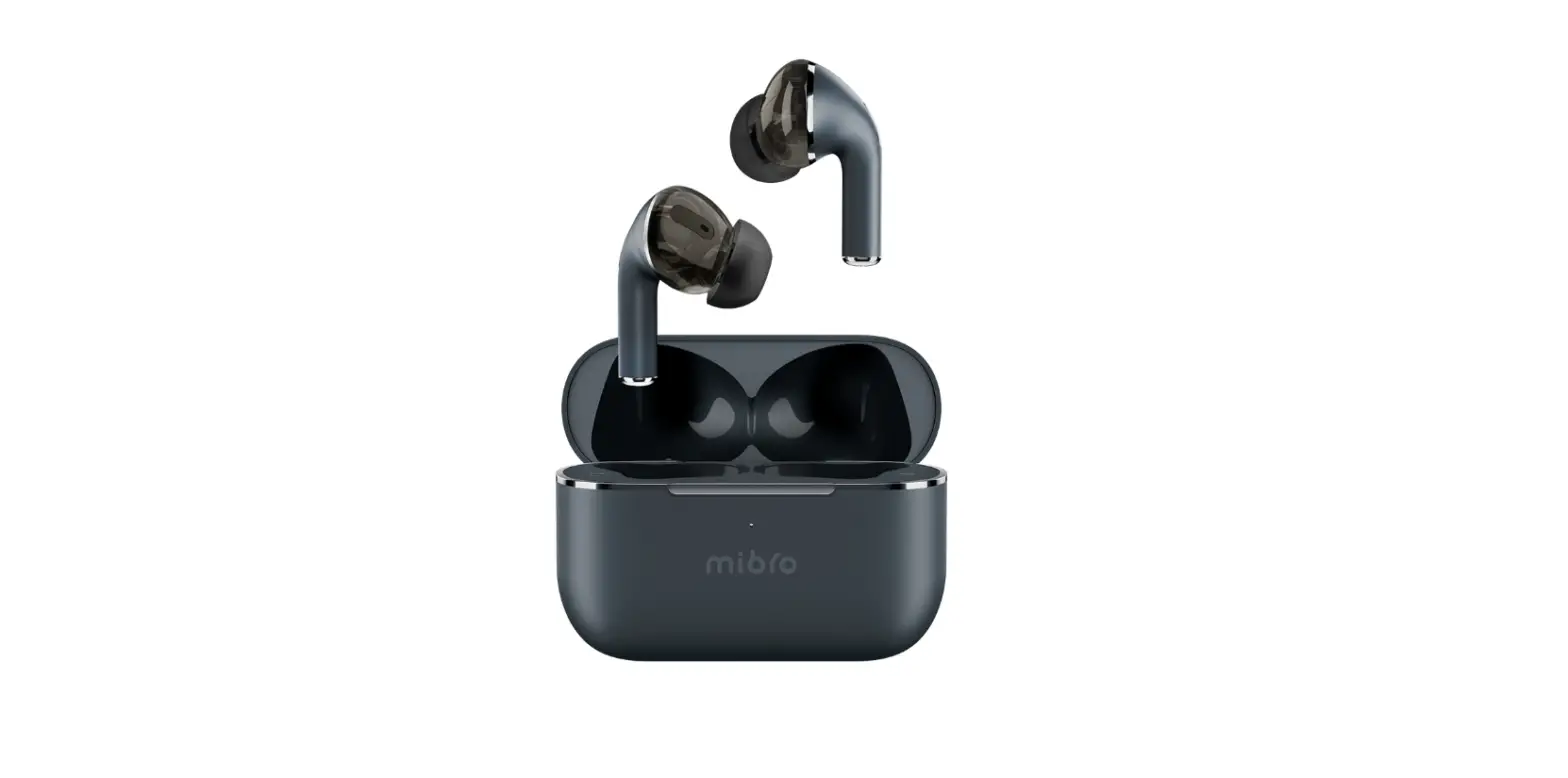
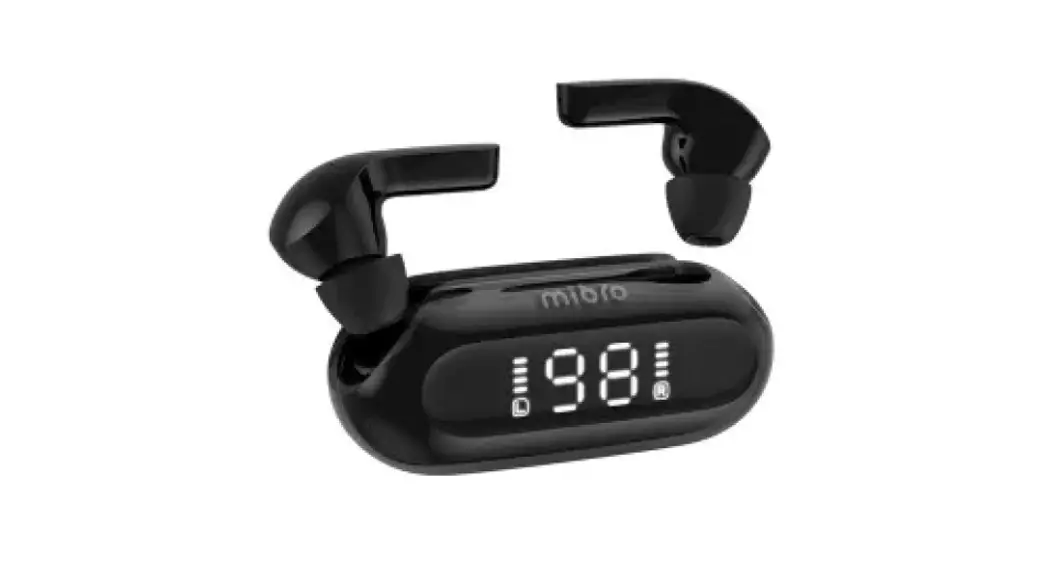
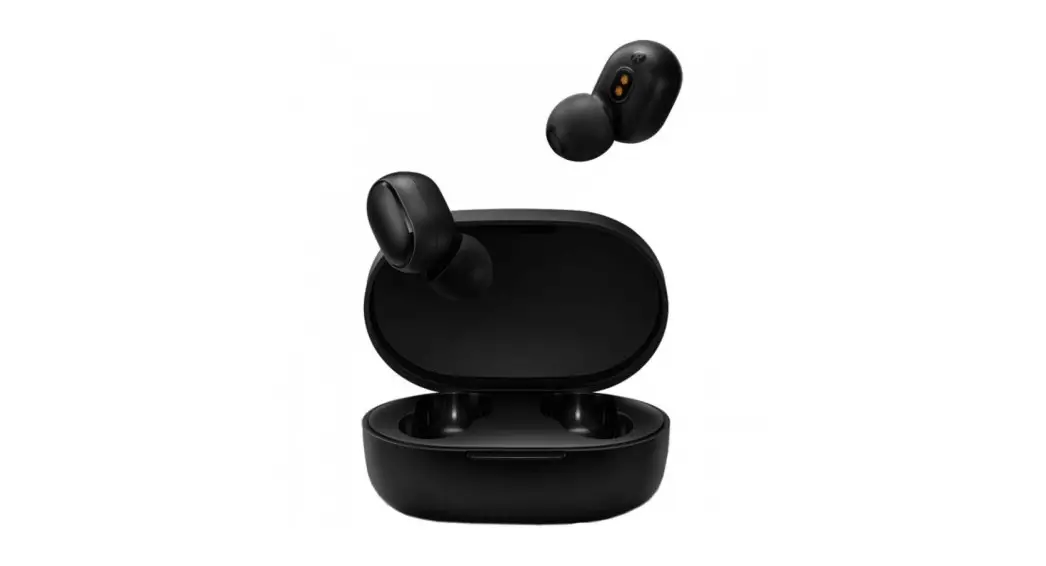
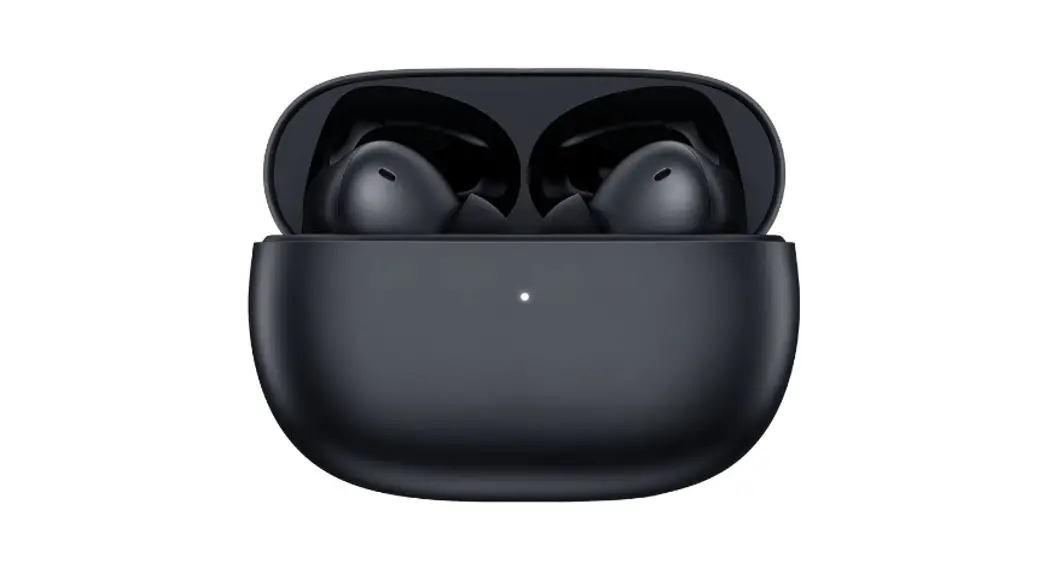
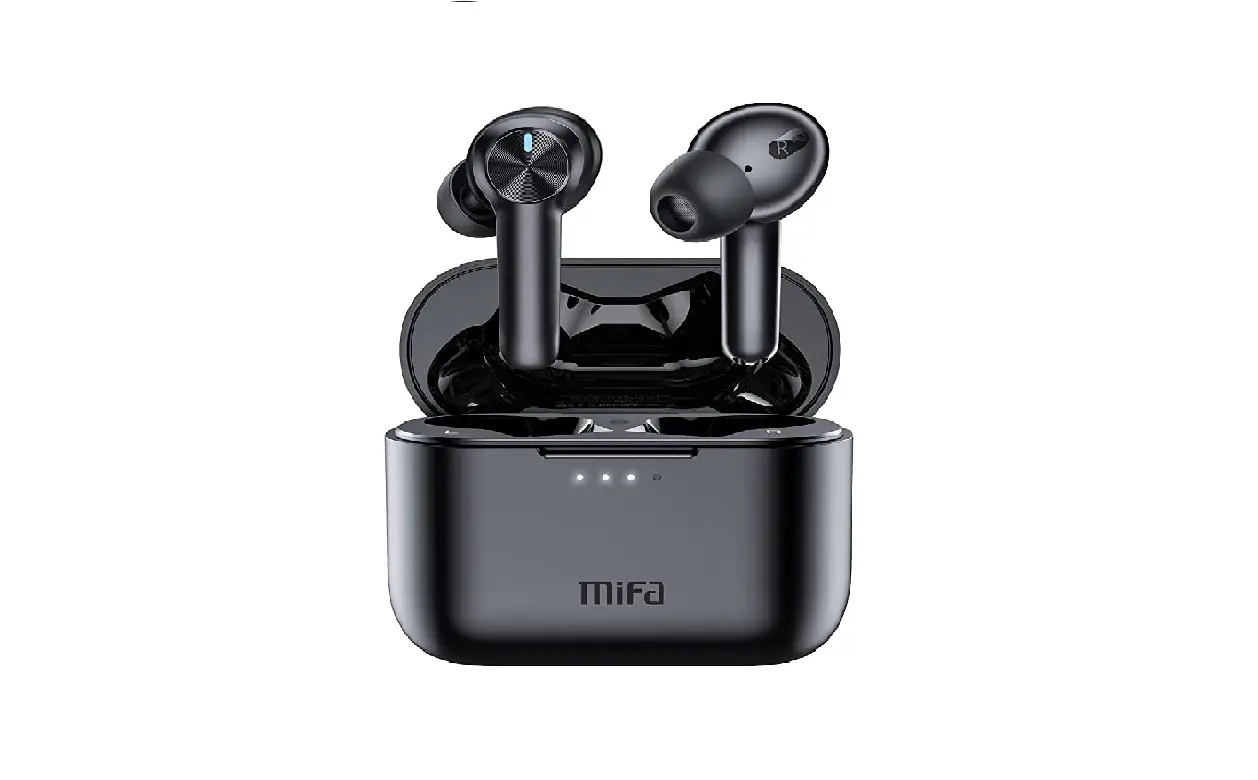
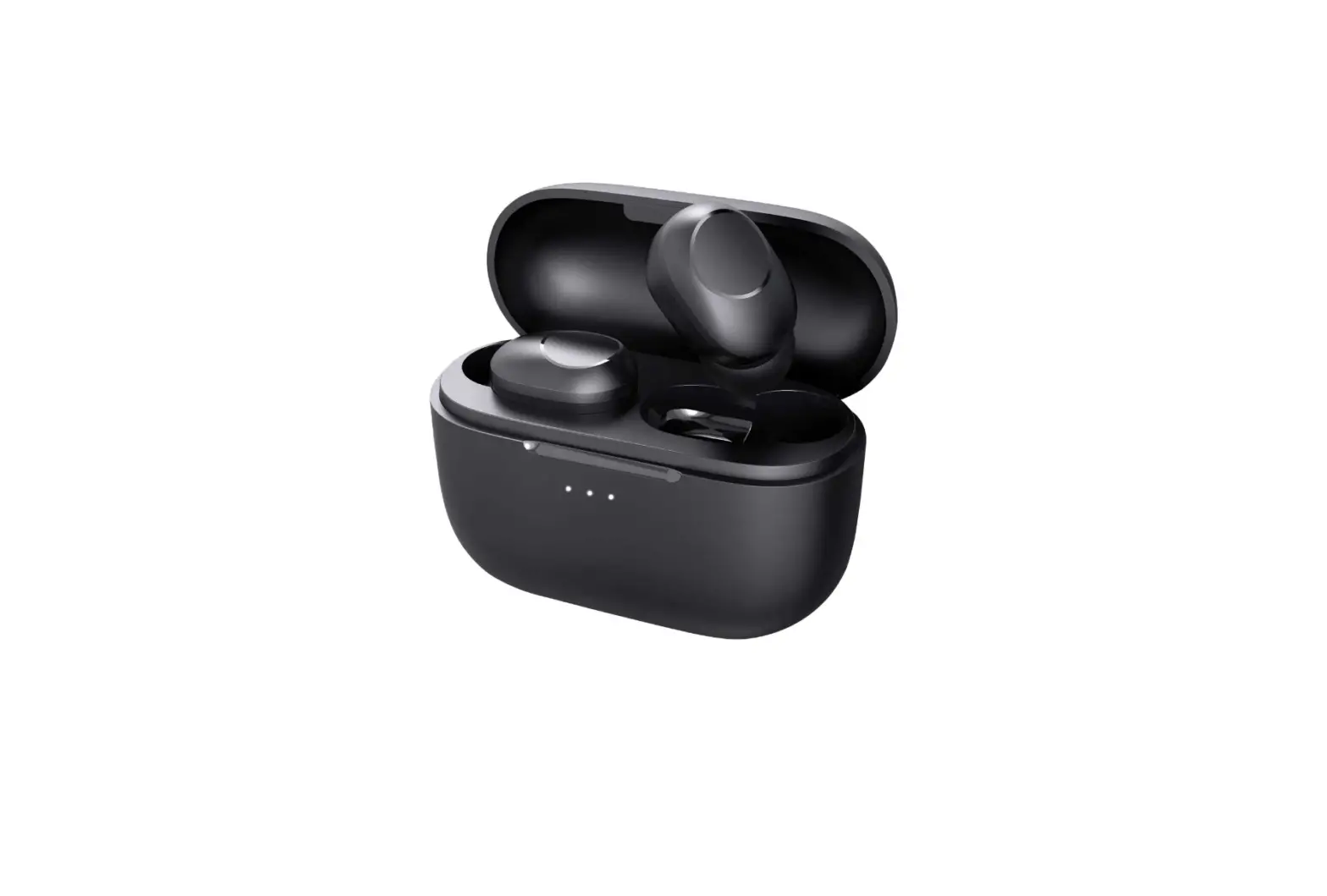
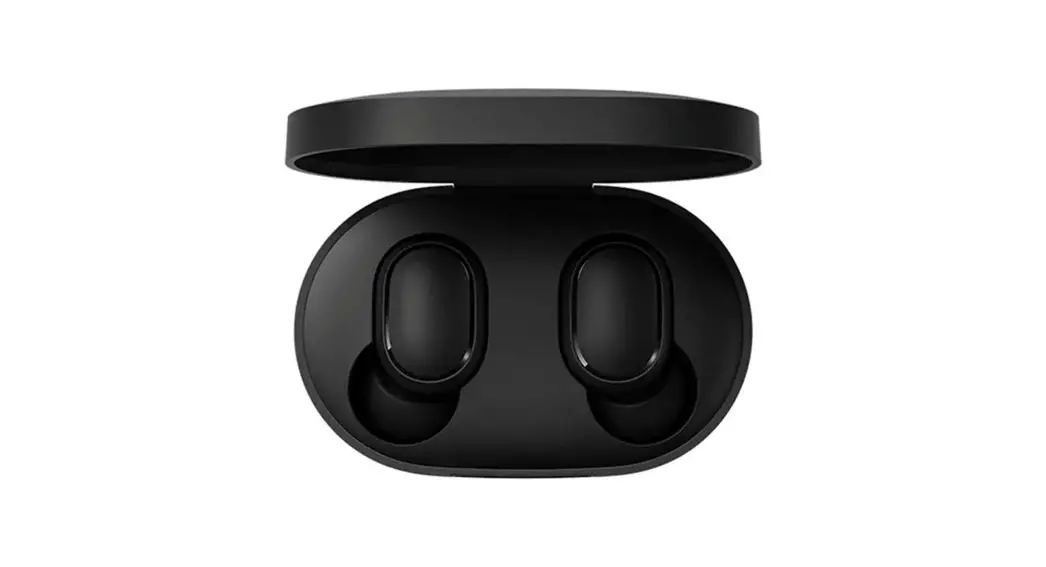
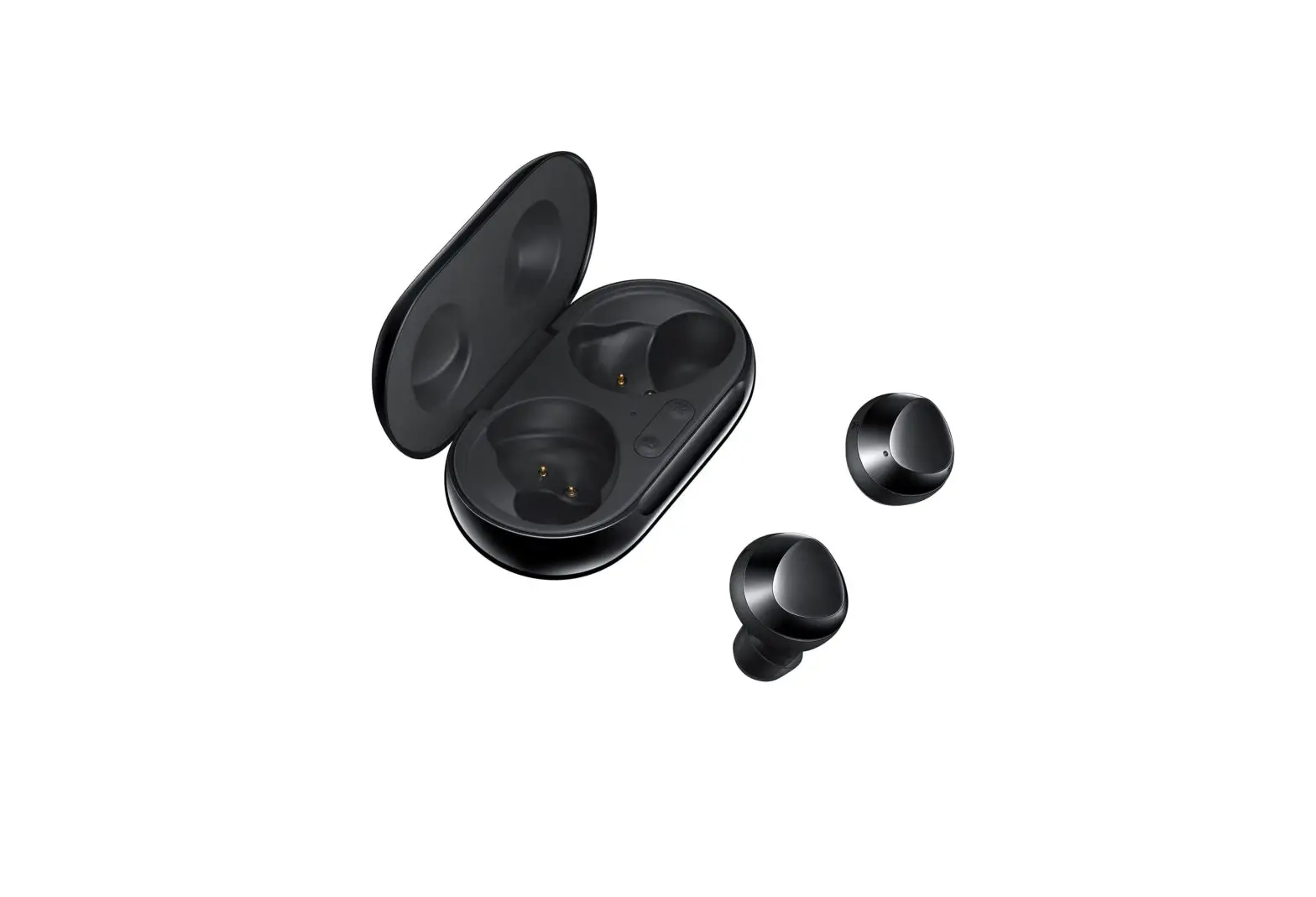
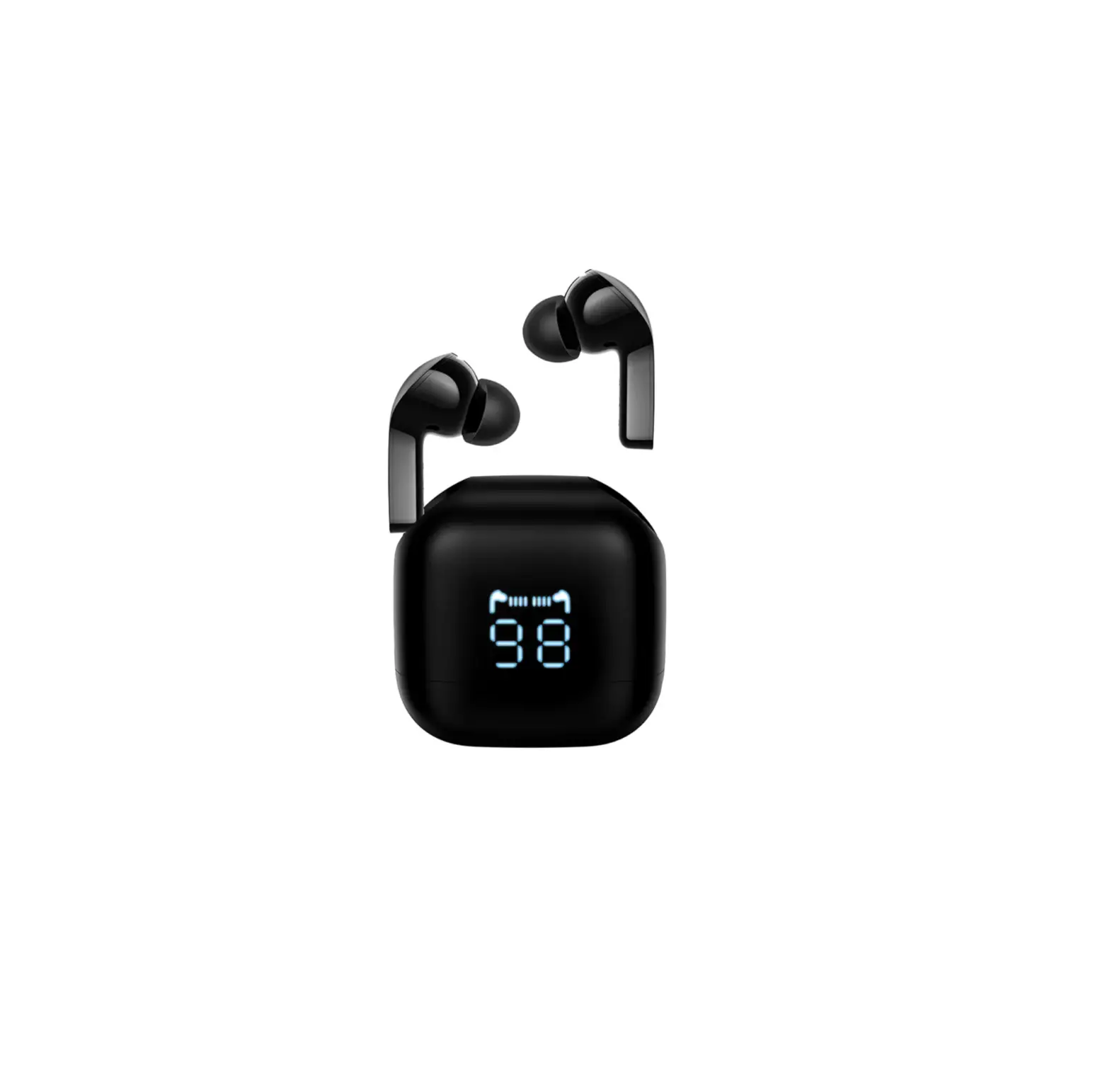
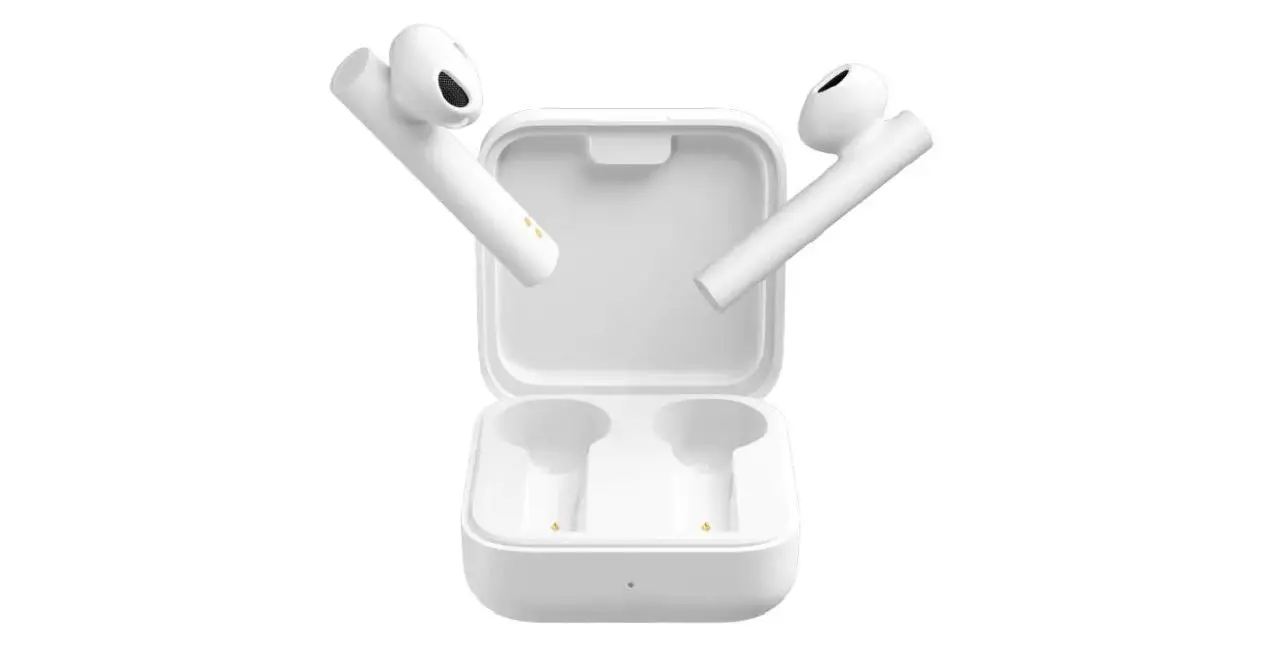
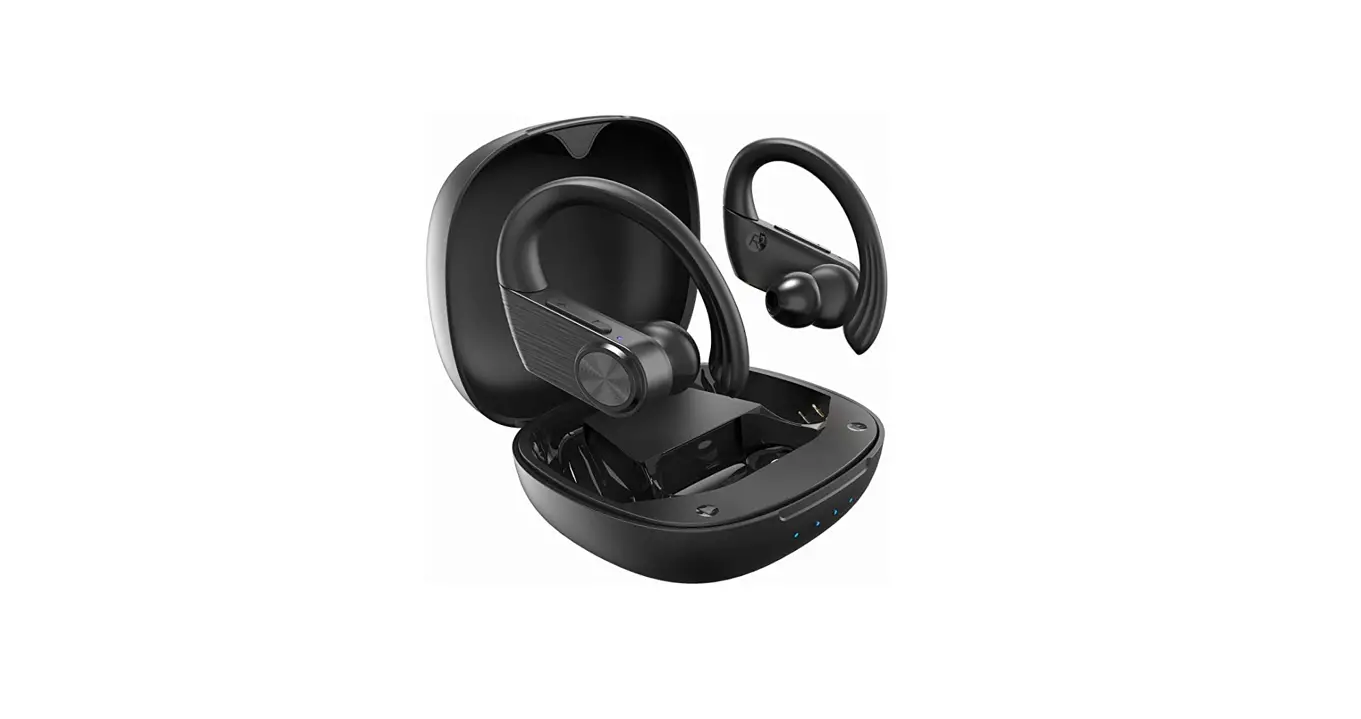
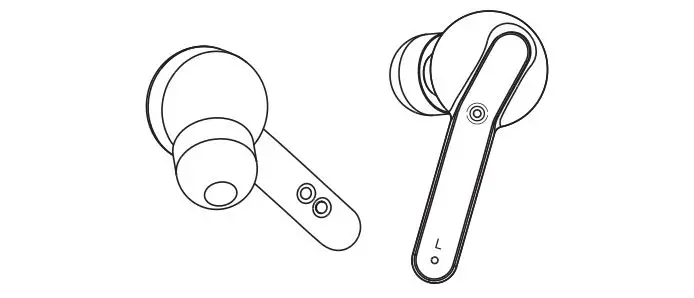
MFB Earbuds
Product Information:
- Model: BS531J2A
- Version: V1.0 2023-6-16
- Weight: 128g
- Dimensions: 73x73mm
- Bluetooth Pairing Name: BS531Z2L-2
Product Usage Instructions:
Troubleshooting:
| Issue | Cause of Issue | Solution |
|---|---|---|
| Don’t turn on | Earbuds low battery level | Charge the earbuds for 2-3 hours. |
| Not turning on | Not on the correct touch area to turn on | Clean the charging ports on the earbuds and in the charging case |
| Cannot find the earbud’s name on the Bluetooth device list | Too many records on the Bluetooth device list | Do the factory reset and pair again |
| One earbud not working | Pairing failed | Do the factory reset and pair again |
| Echo on the call | The volume is too loud or the environment is too noisy | Turn down the volume or change to a quiet place |
| Hearing noise on earbuds | Environmental interference or the earphone is too far away from the device | Change place or move closer to the Bluetooth device |
| Tap not working well | Touch click, double click, or triple click operation invalid | Change place or move closer to the Bluetooth device. For double or triple click, make sure it is completed within 700ms or place the earbuds in the charging case and pick up again. |
| Improperly wearing | Low calling voice | Make sure the earbuds fit snug in your ears. Turn up the Bluetooth device volume. |
Bluetooth Pairing:
- Open the case lid with the earbuds inside, the earbuds are
ready for pairing. - Turn on Bluetooth on your phone.
- Search for BS531J2A from the device list to complete
pairing.
Picking Ear Tips:
Proper size ear tips are very important for sound quality and
comfort. Please try the ear tip of different sizes. Please note
that different sizes of ear tips may be required for your left and
right ears.
- S – Small
- M – Medium
- L – Large
Touch Controls:
| No. | Function | Operation |
|---|---|---|
| 1 | Power On | Press and hold for 3 seconds or open the case lid |
| 2 | Power Off | Put the earbuds back into the case for 5 seconds and close the lid |
| 3 | Play/Pause | Tap |
| 4 | Volume + | Press and hold |
| 5 | Volume – | Press and hold |
| 6 | Previous Song | Tap twice |
| 7 | Next Song | Tap three times |
| 8 | Voice Assistants | Tap and hold for 2 seconds |
| 9 | Gaming Mode on/off | Tap |
| 10 | Answer/End Calls | Tap |
| 11 | Reject Calls | Press and hold for 2 seconds |
Charging:
Earbuds Charging:
- Charge the earbuds using the charging case.
Charging Case Power Status:
- LED1 – Lower power
- LED1, LED2 – Low power
- LED1,2 LED3 – Medium power
- LED1,2,3 LED4 – High power
- LED1,2,3,4 – Higher power
Indicator light always on: The charging case is charging the
earphones.
The indicator flashes: The charging case is extremely low-energy
and needs to be charged.
To reset the earphones, keep the earphone in the off state, long
press the MFB button for 8 seconds.
V1.0 2023-6-16
BS531J2A Quick Start Guide
Trouble Shooting
Issues
Cause of issues
Solution
Don’t turn on
Charge the earbuds for 2-3h.
Earbuds low battery level
Tap and hold for 2 seconds
Not on the correct touch area on the correct touch area on
to turn on -Charging case the earbuds Clean the
probe or earphone charging charging ports on the
Copper column is stained earbuds and in the charging
case
Cannot find the
earbud’s name on Too many records on
the Bluetooth
earbuds
device list
One earbud not working
Pairing failed
Do the factory reset and pair again
Do the factory reset and pair again
Echo on the call
The volume is too loud or Turn down the volume or the environment is too noisy change to a quiet place
Hearing noise on earbuds
Environmental interference or the earphone is too far away from the device
Tap not working well Touch click, double click
Tap control on panel or triple click operation
invalid
Too long / touch failure
Change place or move closer to the Bluetooth device
Double or triple click requires 700 ms to complete operation / touch failure requires placing in charging case and picking up again
Improperly wearing Low calling voice Bluetooth device volume
too low
Make sure the earbuds fit snug in your ears. Turn up the Bluetooth device volume
5
73x73mm 1C+1C 128g 12P
Bluetooth Pairing
Open the case lid with the earbuds inside, the earbuds are ready for pairing. Turn on Bluetooth on your phone, search for “BS531J2A” from the device list to complete pairing.
MFB button
Bluetooth BS531Z2L-2
Pick your ear tips
Proper size ear tips are very important for sound quality and comfort. Please try the ear tip of different sizes. Please note that different sizes of ear tips may be required for your left and right ears.
S
M
L
M size on the earbuds
1
Touch Controls
No.
Function
1 Power On
2 Power Off
3 Play/Pause 4 Volume +
5 Volume –
6 Previous song
7 Next song
8 Voice Assistants
9
Gaming Mode on/off
10 Answer/End calls
Operation 3s / Open the case lid
Put the earbuds 5s / back into the case
and close lid
Voice Prompt Power on
Power off
× 2
×1 R
×1 L More than1.5s L
Volume to maximum “Di”
Volume to minimum “Di”
More than1.5s R × 3 × 4
× 2
Low latency On/ Low latency Off
Tap Press and hold
11 Reject calls
2s
Volume up/down function can only be adjusted up to 8 frames by long press once. To adjust again, press and hold the MFB button for the second time.
Wearing way
2
Charging
1 Earbuds Charging
Charge case power status:
LED1
Lower power
LED1
Low power
LED1,2
Medium power
LED1,2,3
High power
LED1,2,3,4
Higher power
2 Charging case charging
LED1
Lower power
LED1, LED2
Low power
LED1,2 LED3
Medium power
LED1,2,3 LED4
High power
LED1,2,3,4
Higher power
Indicator light always on The indicator flashes.
After the earphone is put into the charging case, the charging case shows
the power status. The first light on the left of the charging case is LED1, followed by LED2;
LED3; LED4, a total of four lights When the charging case is extremely low-energy, the charging case will stop
charging the earphones, at that time you need to charge the charging case to
charge the earphones.
Reset.
keep the earphone in the off state, long press the MFB button for 8 seconds, the
white light of the earphone blinks 6 times, restore factory settings successfully.
After resetting, the earphone must be connected to the Bluetooth device
again. Some Bluetooth devices may need to delete the pairing name of the
original earphone to connect properly.
3
Specifications
Model
Bluetooth code
Battery capacity (Earbuds)
BS531J2A
Bluetooth version
SBC,AAC
Working range
40mAh
Battery capacity
Lithium Polymer (Charging case)
V5.3
10
400mAh Lithium Polymer
Input(Earbuds) Charging time (Earbuds) Charging case charging cycles
Play time (music)
DC5 ±0.2V 1.5h
2-3cycles
6.0h (50%volume)
Input(Charging case) DC5 ±0.25V
Charging time (Charging case)
2h
Standby time
60h
Talk time
4.0h (50%volume )
Driver size
8mm
Frequency response 20Hz~20KHz
Earbud size(mm)
17.55×23.7 x24.4(±0.2)
Charging case size 62.26×32.85
(mm)
x25.16(±0.2)
Weight (earbud)
Operation temperature
approx 3.6g 0~45
Weight (whole set) approx 33.8g Storage temperature -20~60
Before charging, please check if the charging cable specification can meet the input voltage requirements of this product; please use the charging cable provided.It may violate the warranty clause of this product and cause product damage, if use the wrong charging cable.Due to the tolerance of different measurement tools, the size and weight may be different; according to the user’s different habits and device settings, the above time may be different.
4
Safety instructions
Read through the safety instructions before using the product. Electronic equipment · Do not use this product in places where wireless devices are prohibited, otherwise it will interfere with other electronic devices or cause other hazards.
Medical and health care equipment · Do not use this product in medical and health care places where wireless devices are prohibited, please follow the regulations of the places and turn off the product. · The radio waves generated by the product may affect the normal operation of implantable medical devices or personal medical devices, such as pacemakers, Cochlear implants, hearing aids, etc. If you use these medical devices, please consult their manufacturer for restrictions. · When using this product, please keep at least 15cm away from the implanted medical devices (such as pacemakers, cochlear implants, etc.).
Hearing protection · When you listen to music or make call with this product, it is recommended to use the minimum volume to avoid hearing damage. Long term use of high volume may cause permanent hearing loss.
Traffic safety · Using high volume while driving may distract attention and cause accidents. · The electronic equipment of the car may fail into work due to the radio nterference of the product. Please contact the manufacturer for details. · Wireless equipment may interfere with the flight system of the aircraft. Please comply with the relevant provisions of the airline on how to use this product on flight.
6
Battery safety · The product is equipped with a non removable built-in battery. Do not replace the battery by yourself to avoid damaging the battery or product. Dispose of used batteries according to local instructions. · Do not disassemble or modify the battery, immerse in water or other liquids to avoid battery leakage, overheating, fire or explosion. · Do not drop, squeeze or puncture the battery. Avoid exposing the battery to external pressure, which may cause internal short circuit and overheating of the battery. Maintenance · When the product is not in use, please put it back into the charging case for charging. · Please charge the product every 3-6 months to avoid battery depletion due to long-time storage. · Please keep the product and its accessories dry, and do not use external heating equipment such as microwave oven or hair dryer to dry them. · Do not place the product and its accessories in areas where the temperature is too high or too low. · Before cleaning and maintenance, please turn off the product and disconnect with the power source. · Do not use chemicals, cleaning agents or detergents to clean the product or its accessories. Please use clean, dry soft cloth to do the clean. · Do not disassemble or modify the product and its accessories without authorization, otherwise the equipment and accessories will not be covered by our warranty. Please contact the authorized service center in case of product broken. Environmental protection · Please comply with the local regulations on the disposal and the recycling.
7
Operating environment · Do not use this product in a damp place or near the magnetic field. · Please use the product within the temperature range of 0 ° C~45 ° C, and store the product and its accessories within the temperature range of – 20 ° C~40 ° C. · Do not place the product in direct sunlight. · Do not place the product close to heat sources or ignition sources, such aselectric heaters, microwave ovens, ovens, water heaters, furnace fires, candles or other places where high temperatures may occur.
Child health · Please keep the product away from children. * Watch out for children swallowing.
Requirements for accessories Only use the accessories approved by the product manufacturer and matched with this type of product. If other types of accessories are used, it may violate the warranty terms of the product and the relevant regulations of the country or region where the product islocated, and may lead to accidents.
FCC ID:2AIXN-BS531J2A-1
8
Additional instructions
· This product conforms to a specific Bluetooth version and is not guaranteed to be compatible with the functions of all Bluetooth devices. Please consult the Bluetooth device instructions for compatibility and functions. · When the operation is successful, the earbuds will emit a relevant prompt tone, but this prompt tone may be very small or can not be heard, which is normal. · The above operations may be slightly different according to the instructions of paired Bluetooth devices. · The Company has the final right to interpret the above terms.
NOTE: This equipment has been tested and found to comply with the limits for a Class B digital device, pursuant to part 15 of the FCC Rules. These limits are designed to provide reasonable protection against harmful interference in a residential installation. This equipment generates uses and can radiate radio frequency energy and, if not installed and used in accordance with the instructions, may cause harmful interference to radio communications. However, there is no guarantee that interference will not occur in a particular installation. If this equipment does cause harmful interference to radio or television reception, which can be determined by turning the equipment off and on, the user is encouraged to try to correct the interference by one or more of the following measures: – Reorient or relocate the receiving antenna. – Increase the separation between the equipment and receiver. -Connect the equipment into an outlet on a circuit different from that to which the receiver is connected. -Consult the dealer or an experienced radio/TV technician for help. Changes or modifications not expressly approved by the party responsible for compliance could void the user’s authority to operate the equipment.
NO:BS531J2A 20230615SMS
9