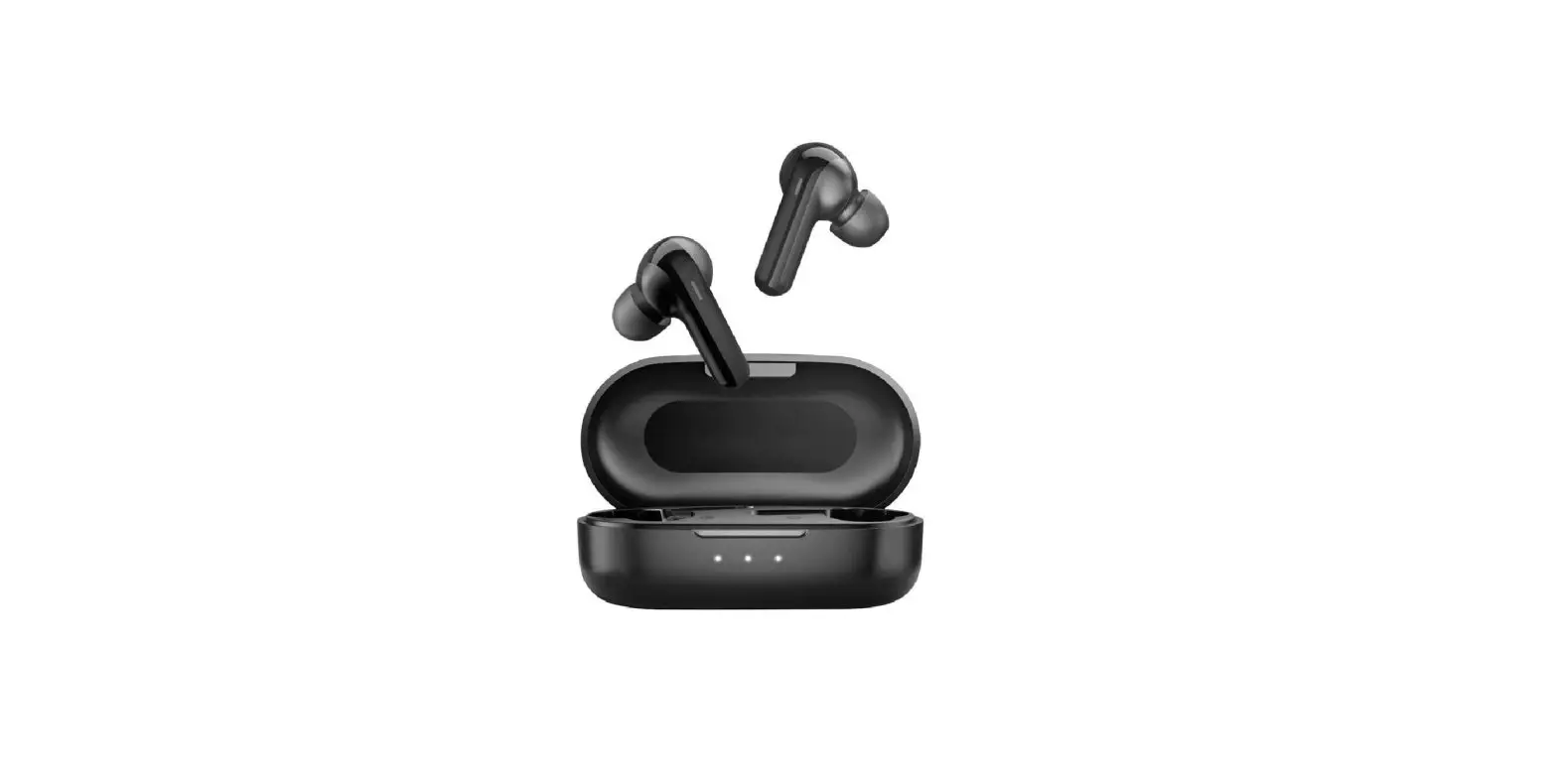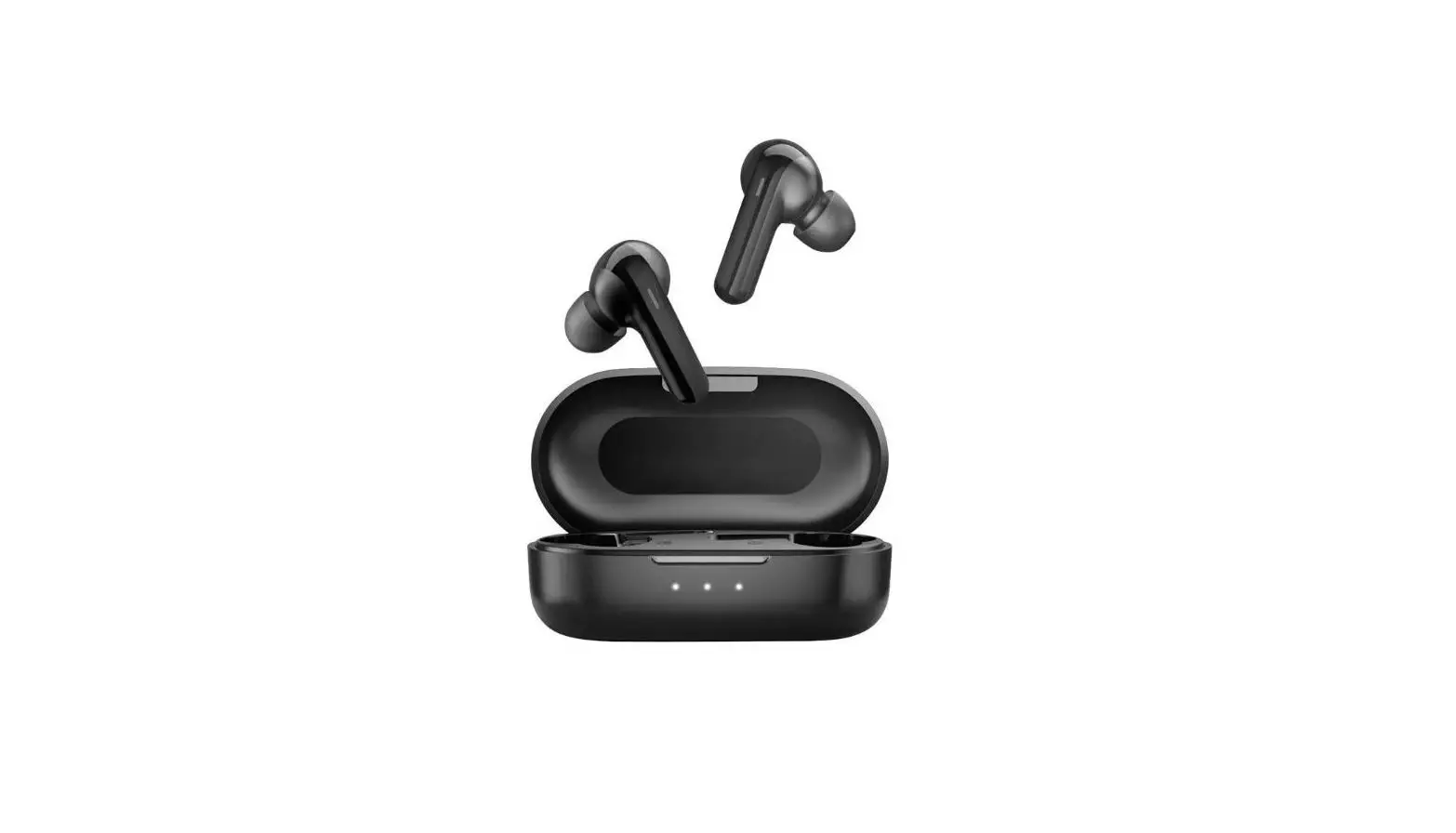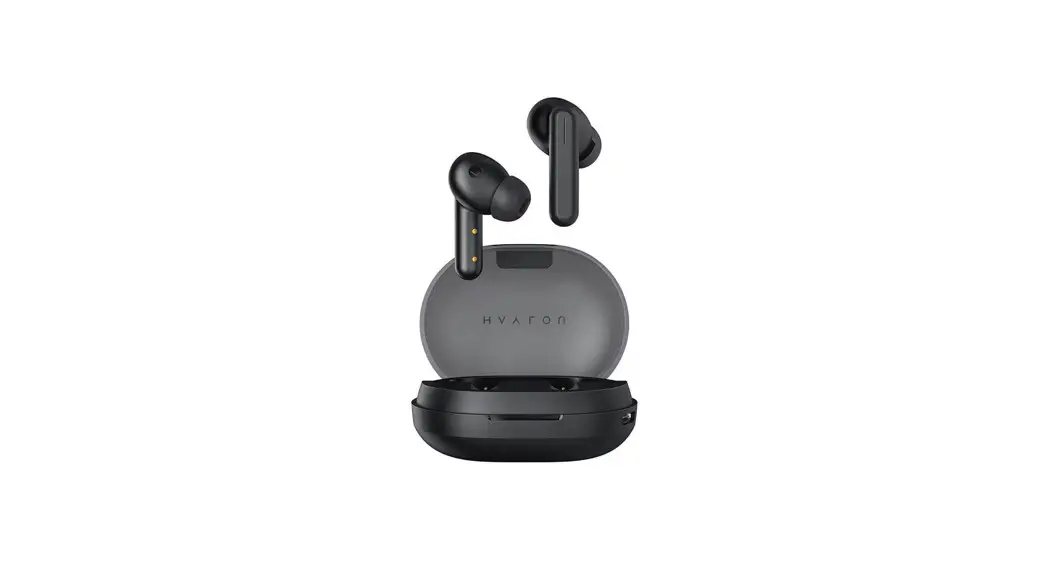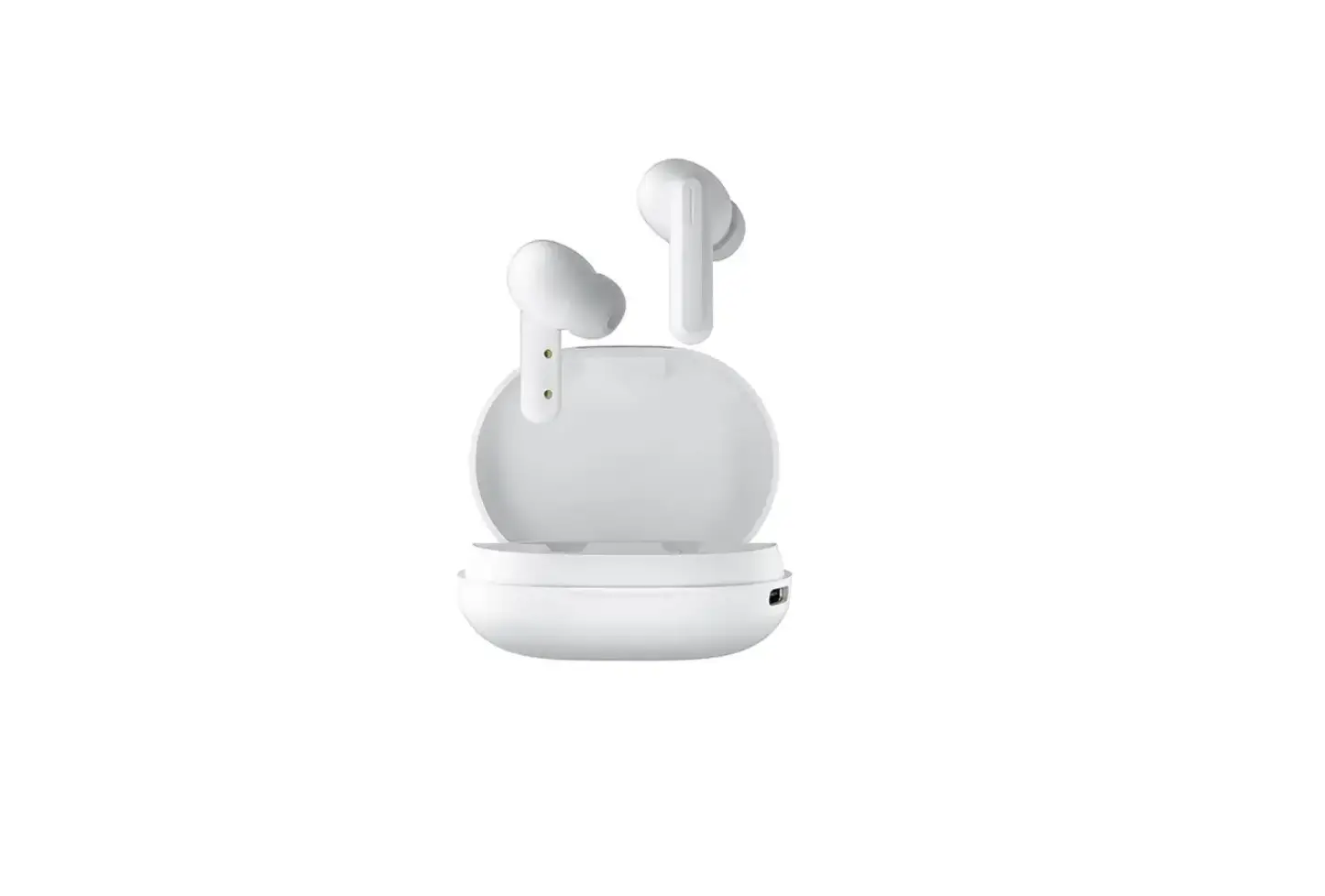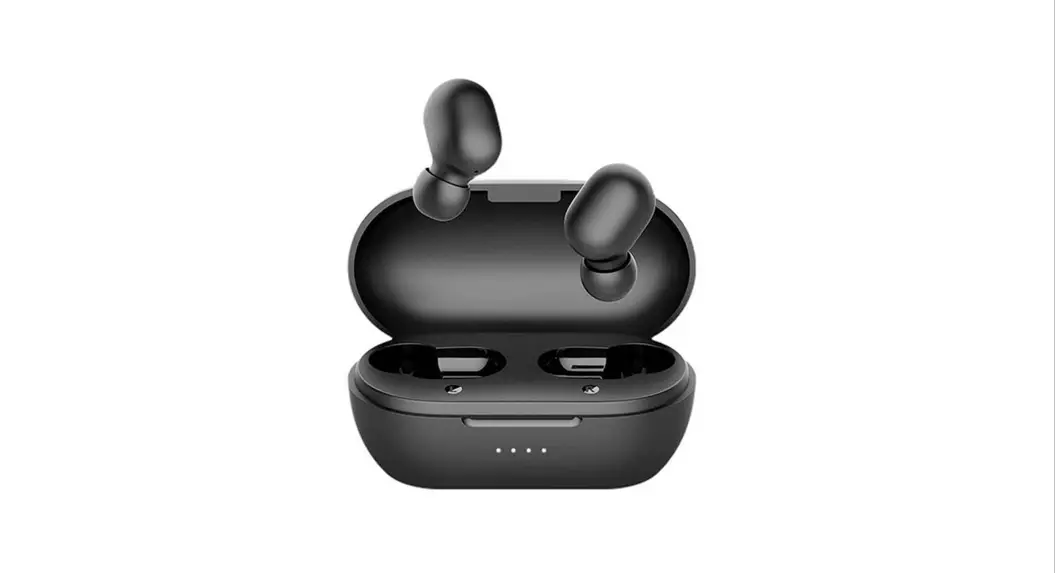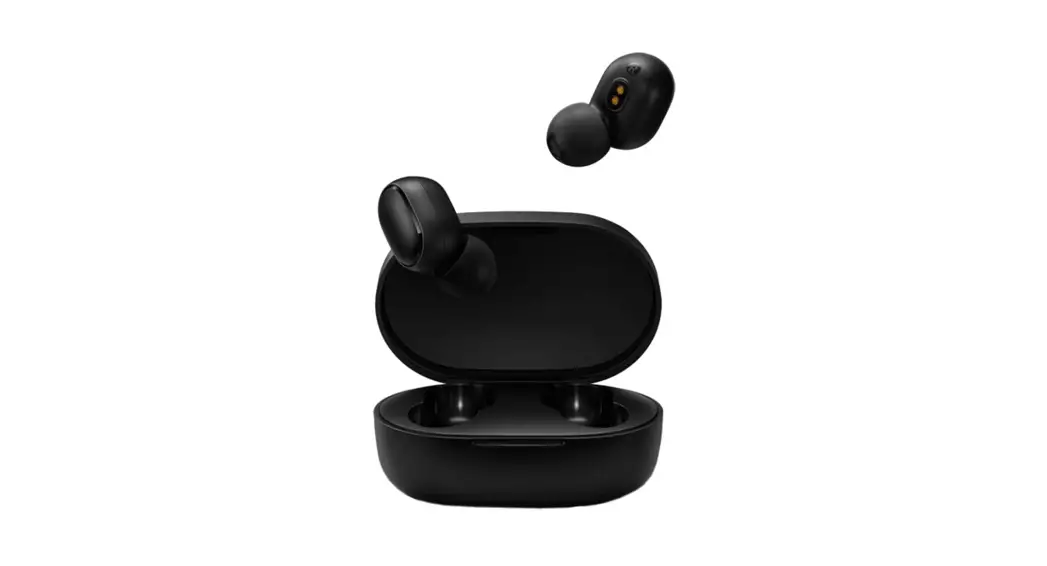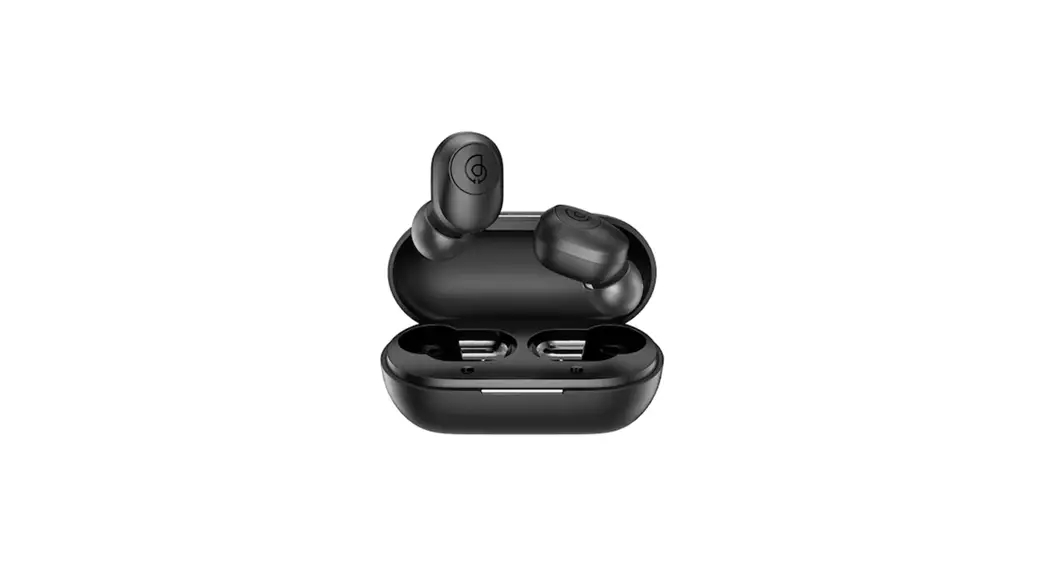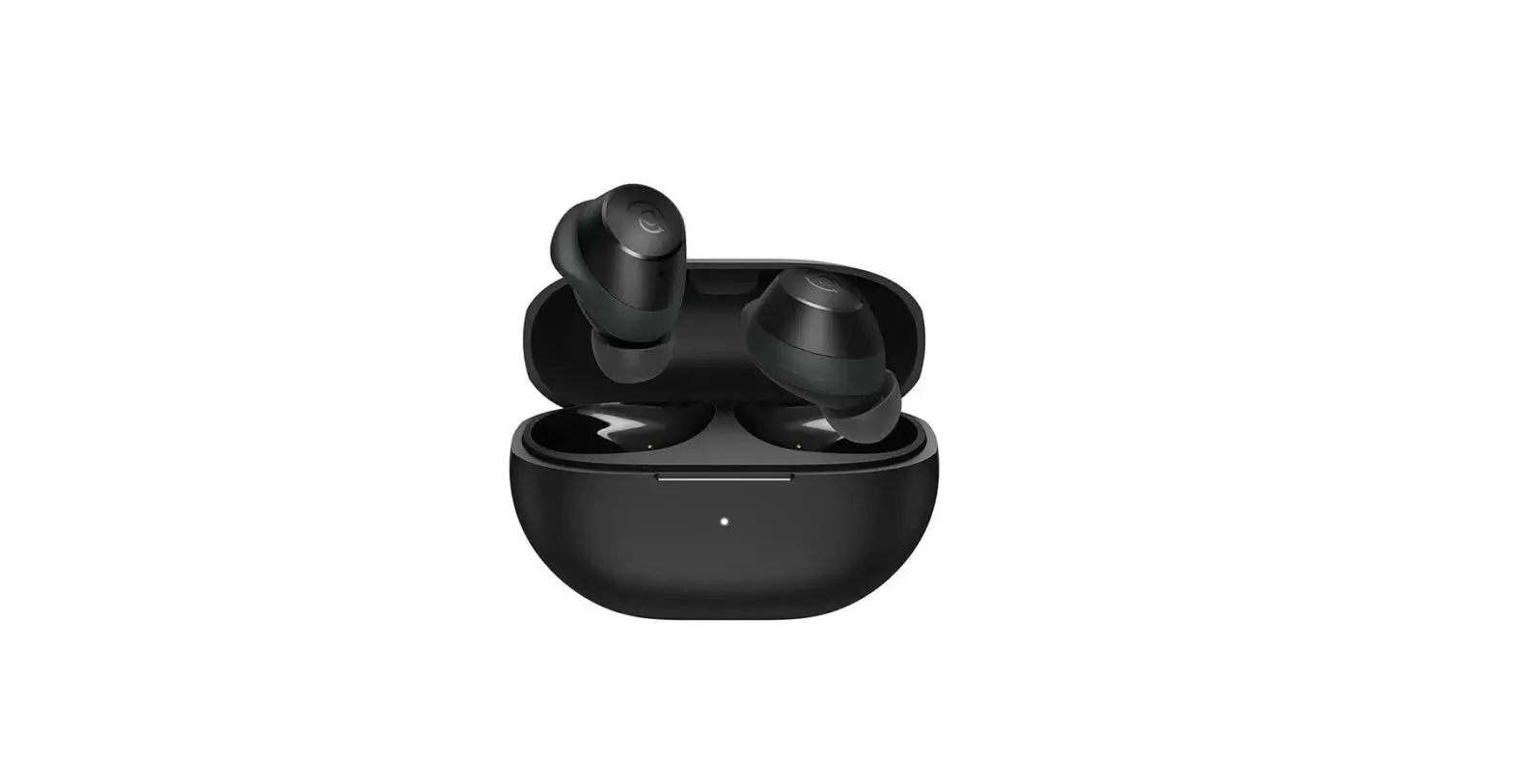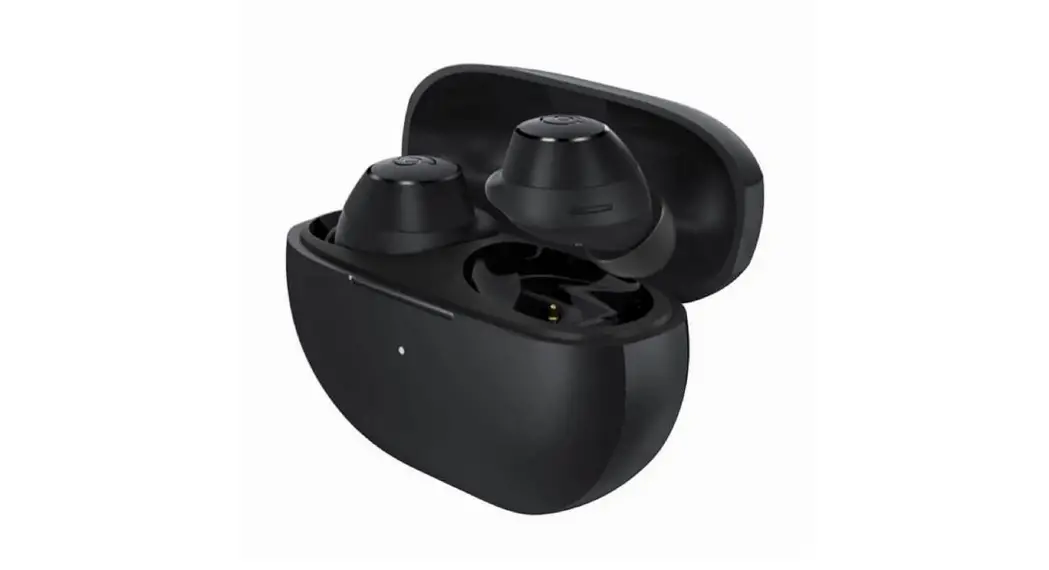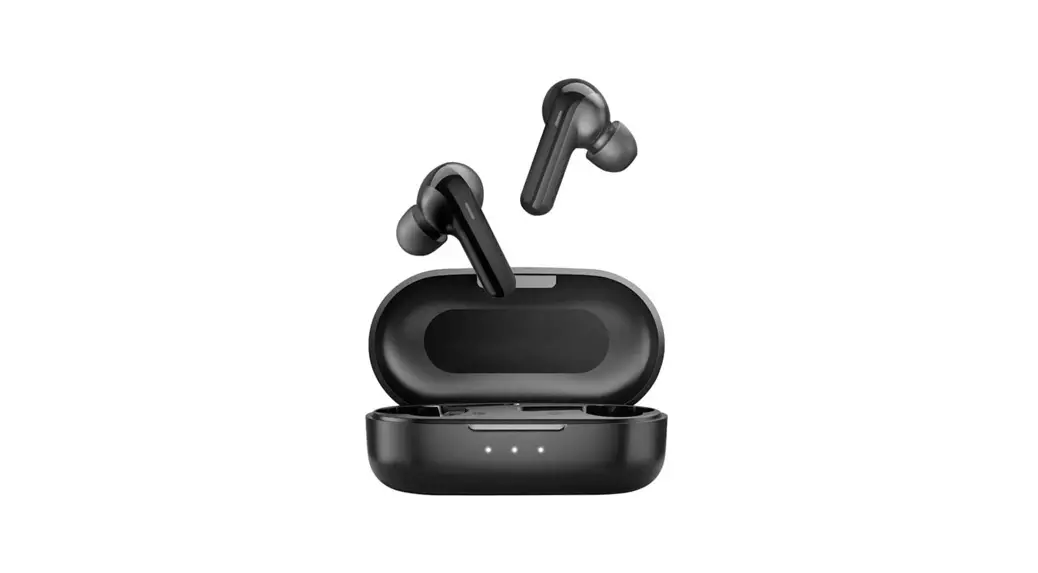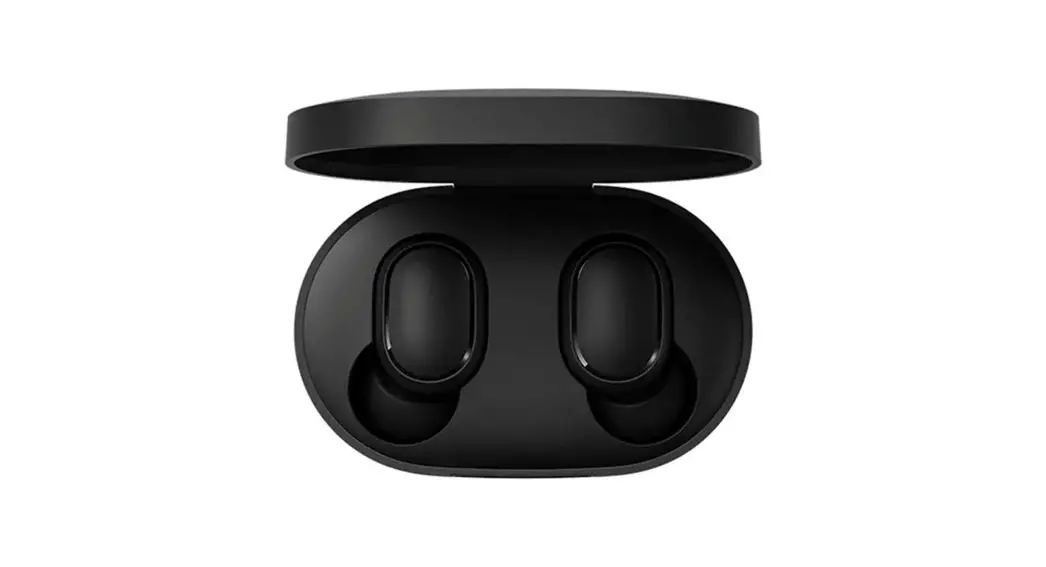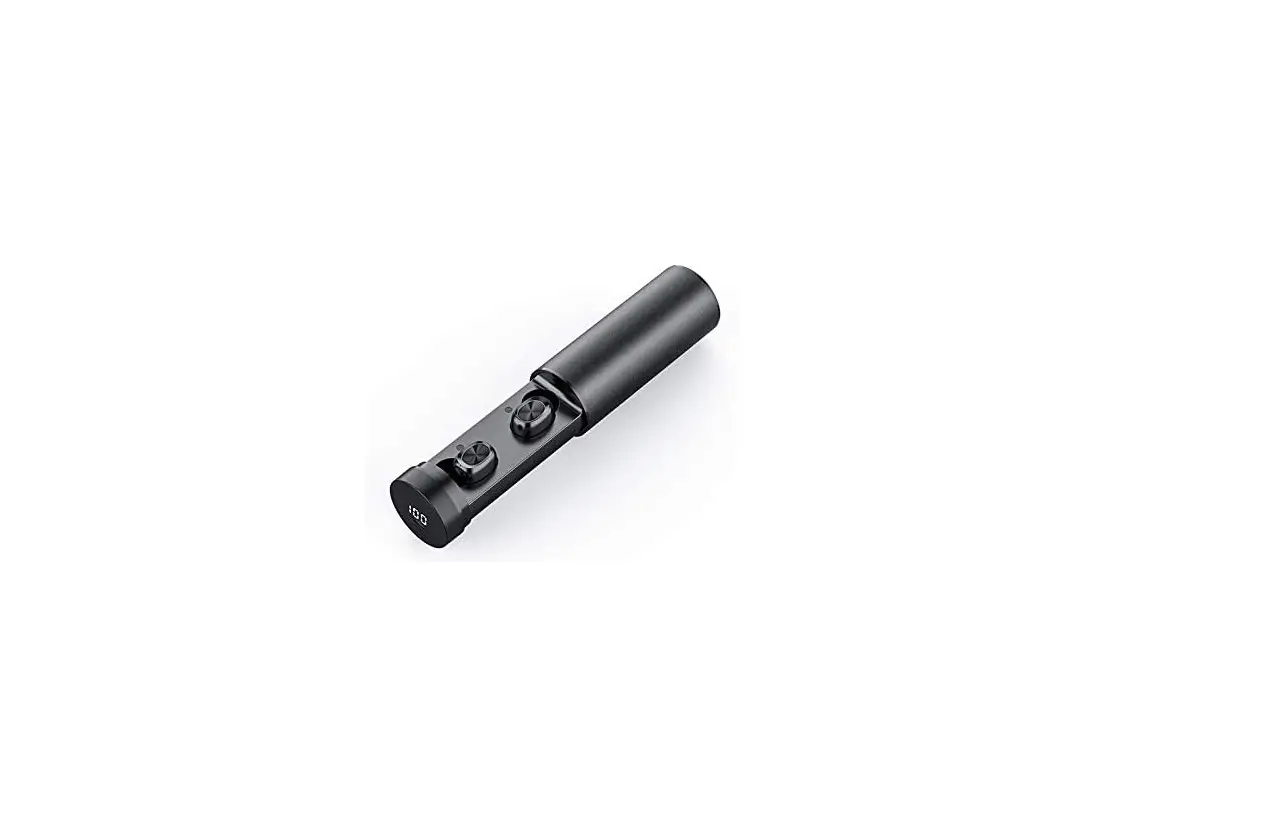
xiaomi Haylou GT5 True Wireless Earbuds User Manual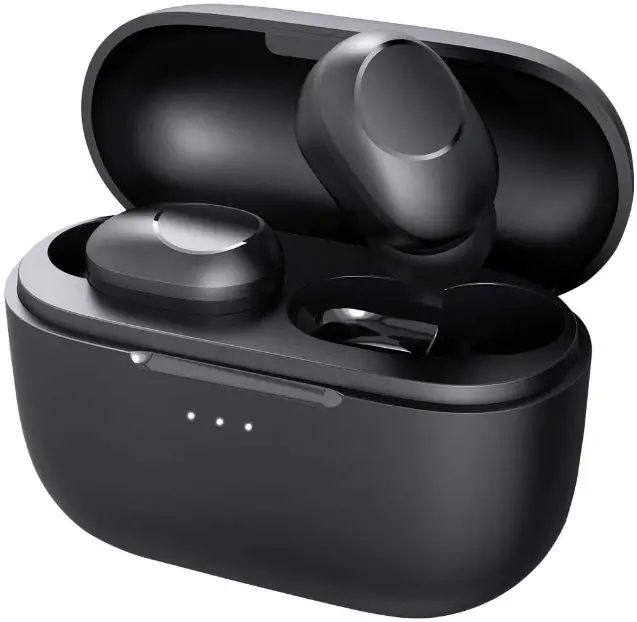
Product Introduction
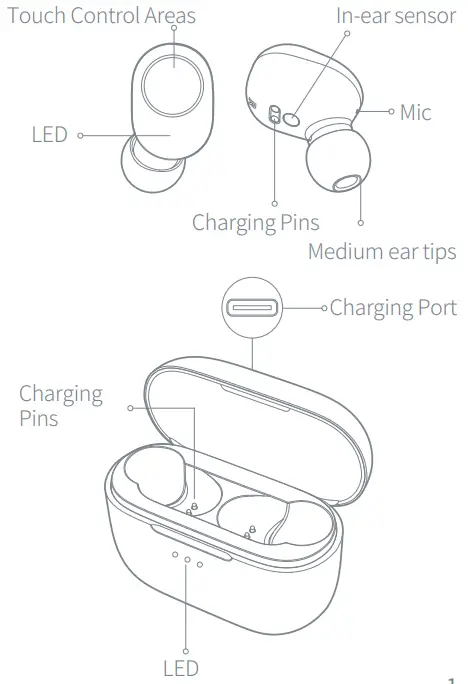
Package list
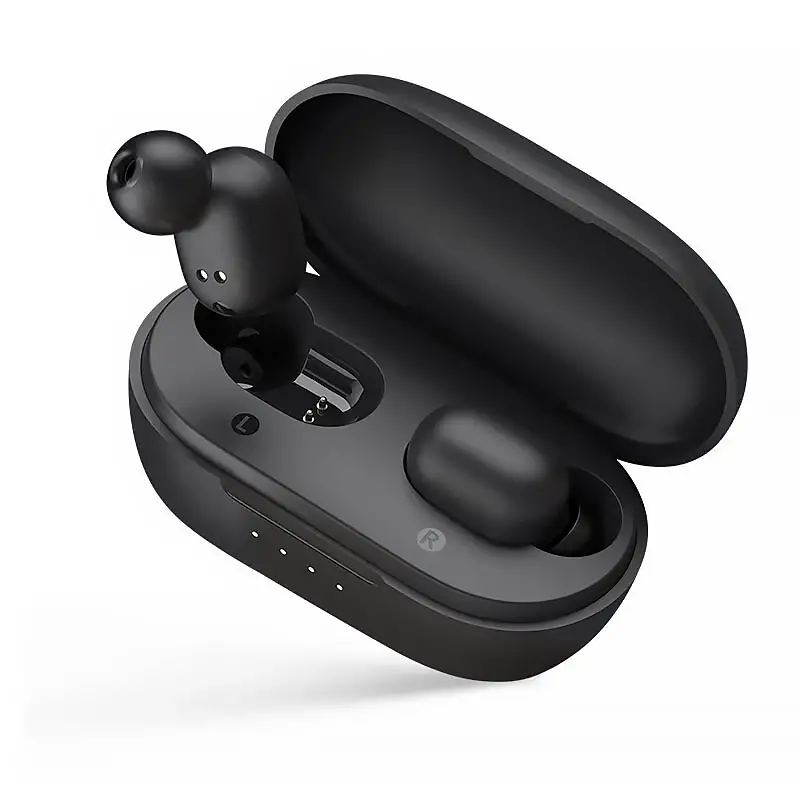
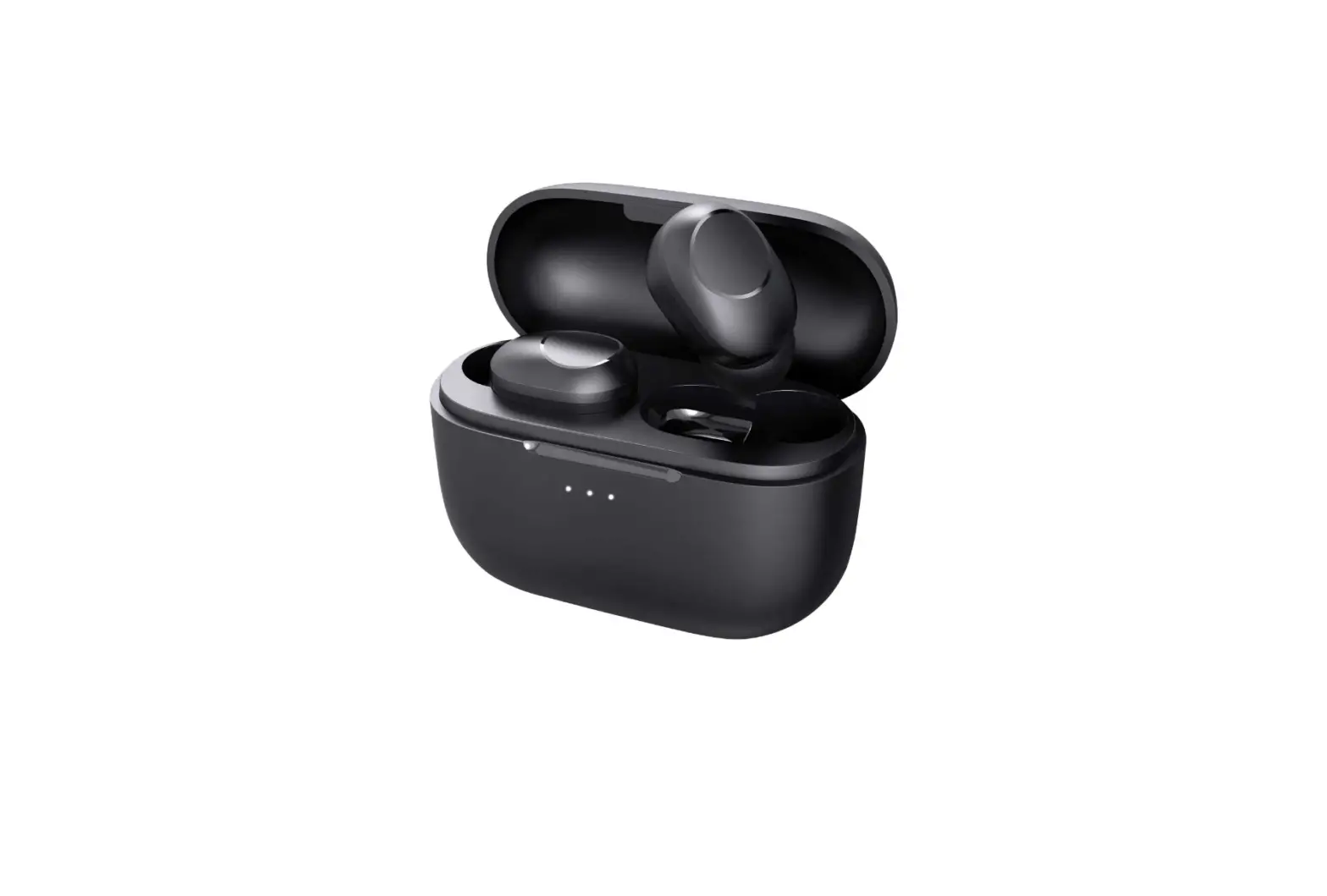
Ear tips×3 pairs ( Medium ear tips have been assembled), earbuds ( R×1, L×1), Charging case×1, Charging cable×1, User manual×1.
Specifications
Earbuds
Operation range: 10m ( open space with no obstacle)
Battery capacity: 40mAh ( single earbud)
Charging time: Approx. 2hr
Talk time: Approx. 4hr
Standby time: Approx. 60hr
Input parameter: 5V  100mA
100mA
Battery Type: Li-ion
Bluetooth version: v5.0
Charging case
Input parameter: 5V 500mA
Output parameter: 5V 150mA
Charging time: Approx.3hr
Standby time: Approx. 5 months
Battery capacity: 580mAh
Battery Type: Li-ion
First Use
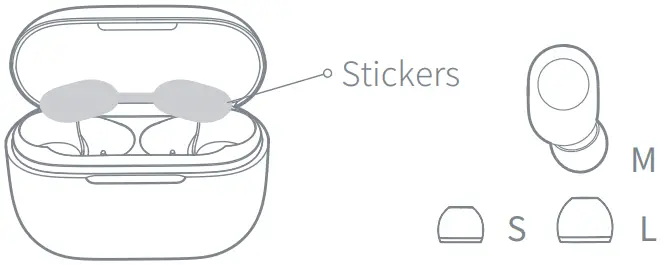
- Tear off the stickers, then fully charge the charging case and earbuds.

- Choose the most suitable ear tips. (Earbuds have been assembled with M-size ear tips)
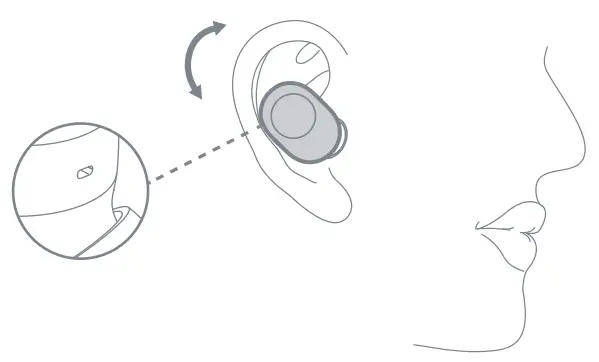
- Distinguish left and right earbuds, and adjust earbuds to fit your ears comfortably

Please set Mic towards your mouth to get a
How to Charge
- Earbuds: Put earbuds back to the case to charge
Ps: The LED glows solid red. After the earbuds are fully charged, the LED will turn white for 1 minute. - Charging Case
- Charge via USB Type-C cable
- Wireless charge
- Charging Case Battery Indicator Light Less than 5% battery, three white lights flash 5 times within 20 seconds.
| LED | Battery indication |
 | < 30% |
 | 30-80% |
 | > 80% |
Charging Case Charging Display
After the charging case is fully charged, the
THREE LEDs will be on for 60s and then go out.
| LED | Battery indication |
 | < 30% |
 | 30-80% |
 | > 80% |
 Light
Light Lights off
 Flashing
How to Pair
Automatically Pair
- Take two earbuds out from the charging case simultaneously. After the white light is on, then the red and white lights start to flash alternately. If the above process is completed, the earbuds will be successfully paired.
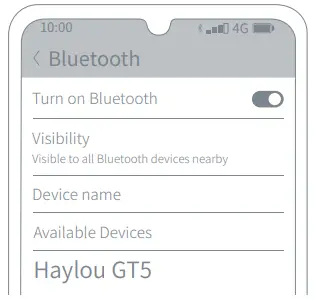
- When the white light of the left/right earbud flashes slowly, turn on Bluetooth and search for “Haylou GT5”, then tap to connect
- After the first connection, the earbuds can be automatically connected to the lastest paired device when turned on (Bluetooth needs to be turned on).
Note: If the connection fails, put the earbuds back to the charging case and repeat the above operation.
Manually Pair
When the earbuds is turned off, press and hold for 1.5s to turn on the two earbuds, then wait for 2-3s for the earbuds to be connected in series, and when the white light of the right earbud flashes slowly, turn on the device’s Bluetooth to connect.
Switch operation
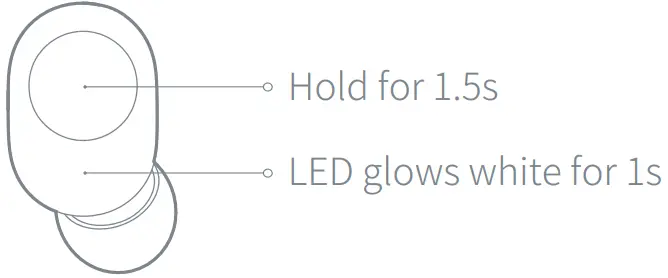
Pick out earbuds to power on. Hold MFB for 1.5s to power on(LED glows white for 1s), if earbuds are not in carry case.
Push earbuds back in case to power off them.
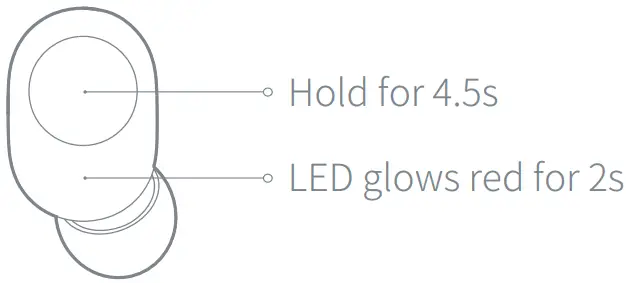
Hold MFB for 4.5s to power off earbuds(LED glows red for 2s).

Get more “ Operation ” video?
Follow our official Facebook page “ Haylou ”. Message us with “ GT5 Operation
How to Use
Answer the second call
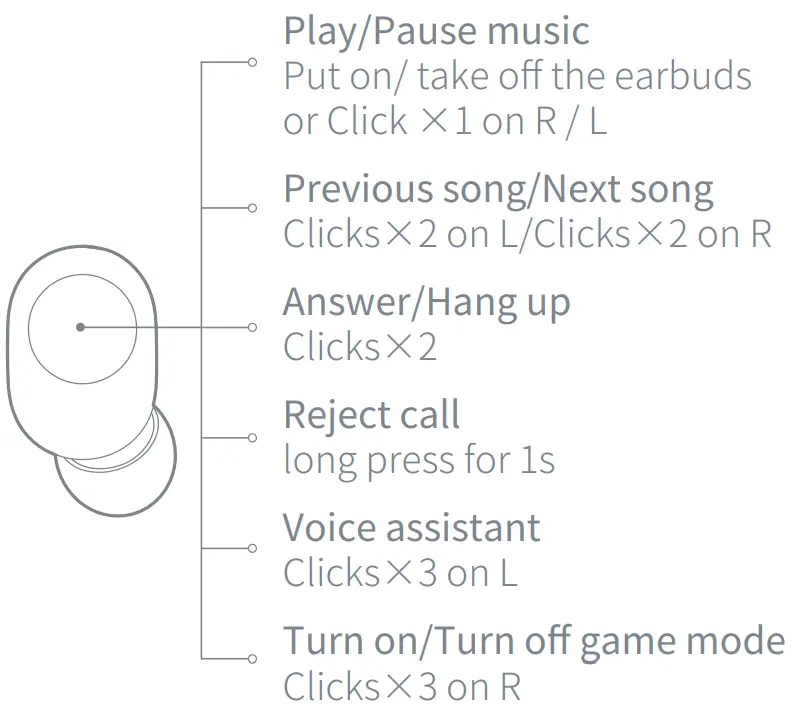
When the phone calls, double-click the MFB to answer the call;
When there is a new call during the mobile phone call, press the MFB to keep the previous call and make the second call;
Double-click the MFB to switch between two calls;
Press and hold the MFB for 1 second to hold the first call and reject the second call.
Can’t charge?
Earbuds:
- Charge the charging case for 1 hour before use.
- Make sure that the charging case of the earbuds contacts the charging pin in the charging case properly.
- Make sure there is no dirt on the charging pin.
Charging Case:
- Make sure the charging cable and interface are connected properly.
- LED will not turn on if you put on charging cable when the case is topped up.
- Repeat plugin/out cable or try different socket or plug.
- Check if the charging pin is missing or loses its elasticity.
When need to reset?
- Only one earbud plays.
- Earbuds cannot be connected to the phone.
- Cannot switch to stereo mode.
- Other malfunctions.
Factory Reset
- Put the earbuds back to the case.
- Keep it in the case, at the same time press and hold both “Touch Control Areas” of the earbuds for 10 seconds. After that, the earbuds will quickly blink 3 times(red→white→red), and then release them. The light of earbuds always turns on after resetting successfully.
- Unpair Bluetooth connection on the device, then turn on Bluetooth and search “ Haylou GT5” to connect again.
PS: Before resetting, please make sure that the earbuds and charging cases have sufficient power.
Get the “ Reset ” video?
Follow our official Facebook page “ Haylou ”. Message us with “ GT5 Reset
Daily Maintenance
Do not wear the earbuds to take shower, rain, put it in the washing machine, and use it in extreme environments such as abnormal temperatures. After each normal use, please use a dry cloth and other tools to wipe off the sweat or rain on the earbuds, which can effectively extend the use of the earbuds duration.
Warranty Card
 12-Month Limited Warranty
 Lifetime Technical Support
 @Haylou

Follow us on Facebook and get more surprises…