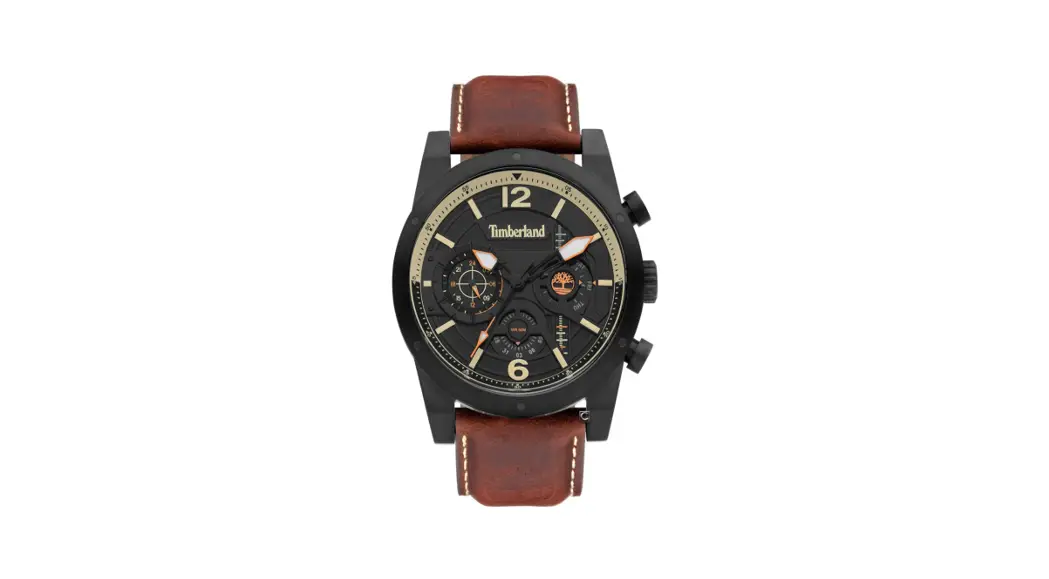
 VX9J
VX9J
INSTRUCTION MANUAL
Features
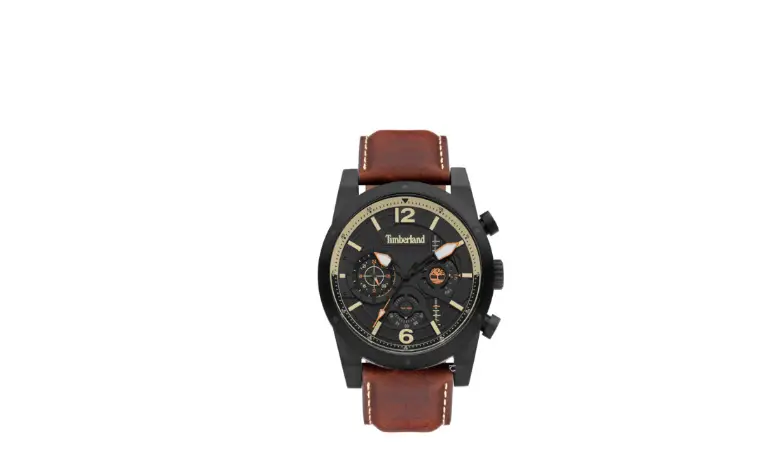
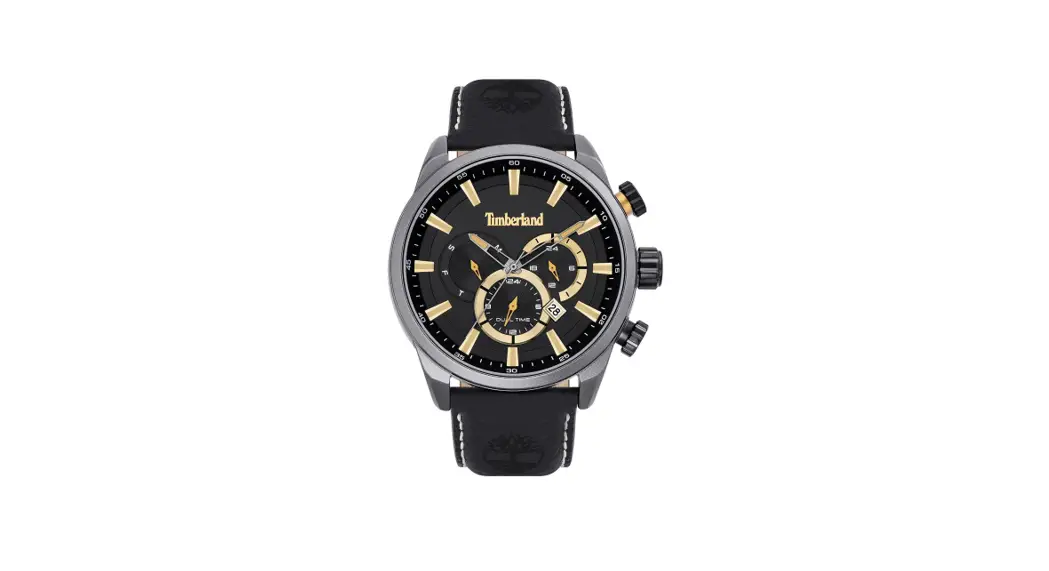
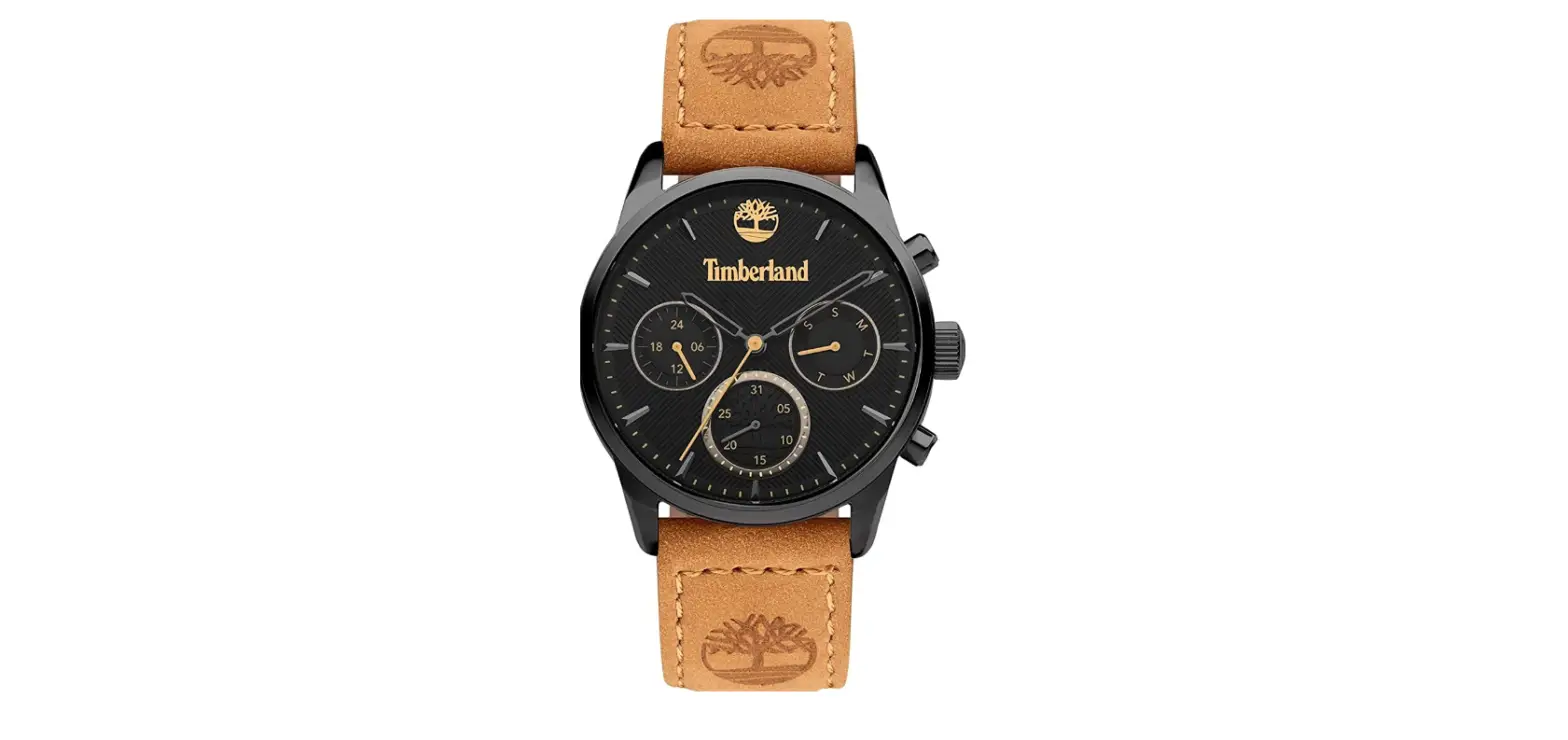
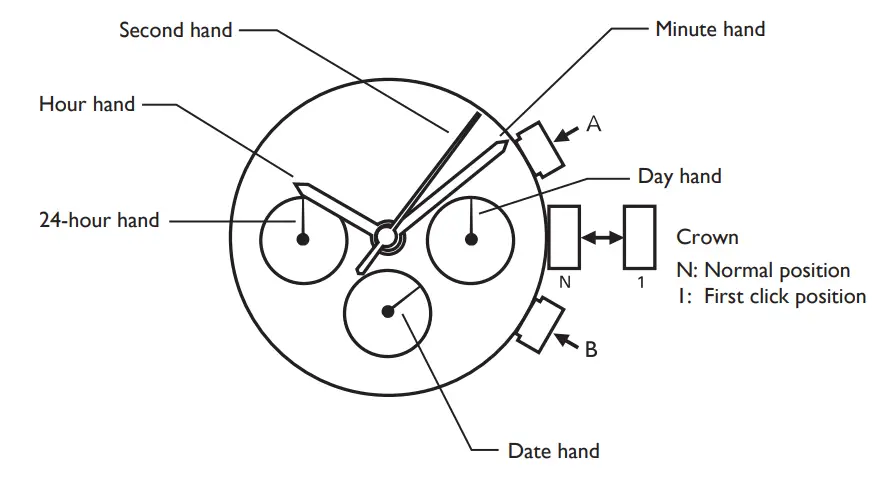
- Hour, minute and second hands
- Day, date and 24-hour indicators
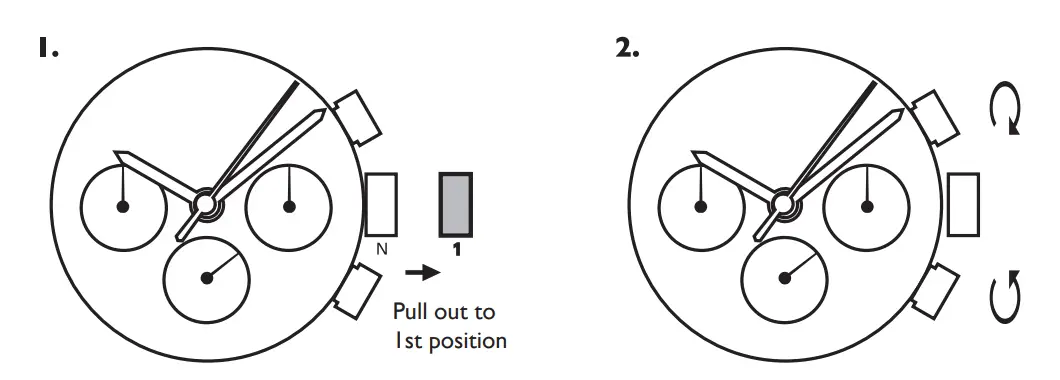
How to set time
- Pull the crown out to the 1st click position when the second hand is at the 12 o’clock position.

- Turn to set the time taking AM/PM into consideration.
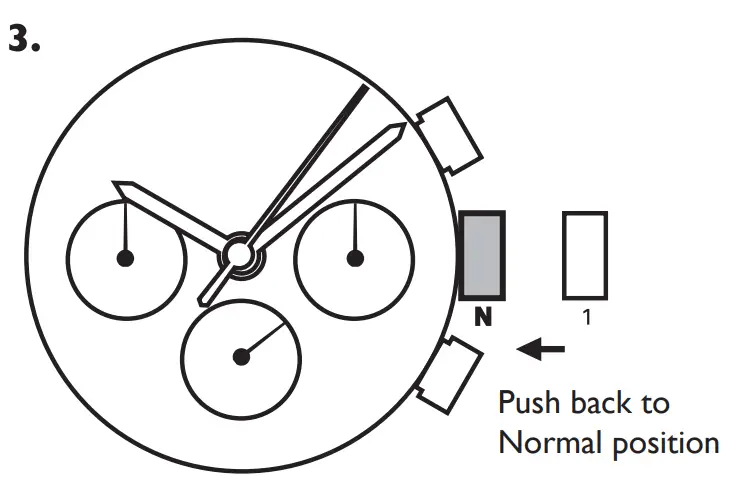
- Push the crown back to the normal position.
- Advance Setting Technique.
- The 24-hour hand moves correspondingly with the hour hand.
- When setting the hour hand, check that the 24-hour hand is correctly set.
- When setting the minute hand, advance it 4 to 5 minutes ahead of the desired time and then turn it back to the exact time.
Water resistance level
| without any water-resistant marking |  |
| 3 ATM / 30m |  |
| 5 ATM / 50m |  |
| 10 ATM / 100m |  |
| 20 ATM / 200m |  |
- Always set the crown in the normal position / Tighten screw-lock crown completely.
- When the watch is underwater or wet, never use the pushers/ bezels, or set the time. Watch cases and metal bracelets should be rinsed thoroughly in fresh water after being in salt water.
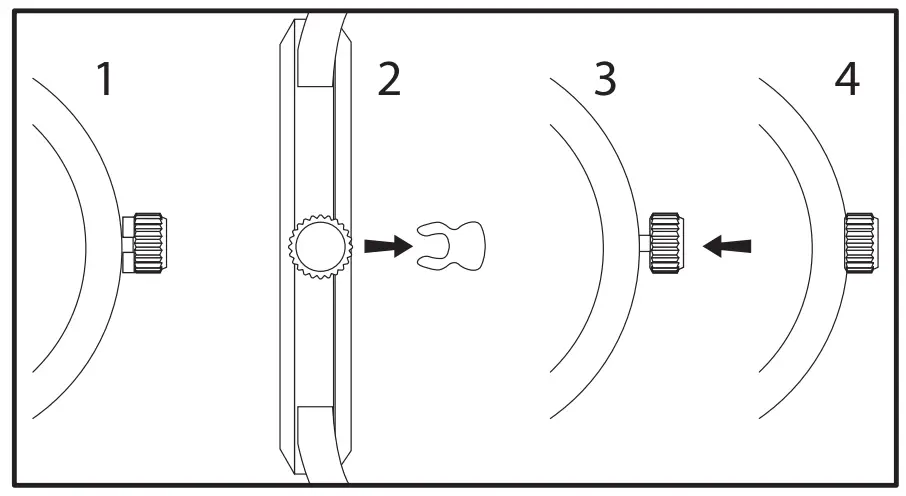 1- 2: Pull crown stopper sideways off the crown.
3- 4: Push crown inside to activate the watch.
Timberland and  are trademarks of TBL Licensing LLC.
2016 © TBL Licensing LLC. All rights reserved.