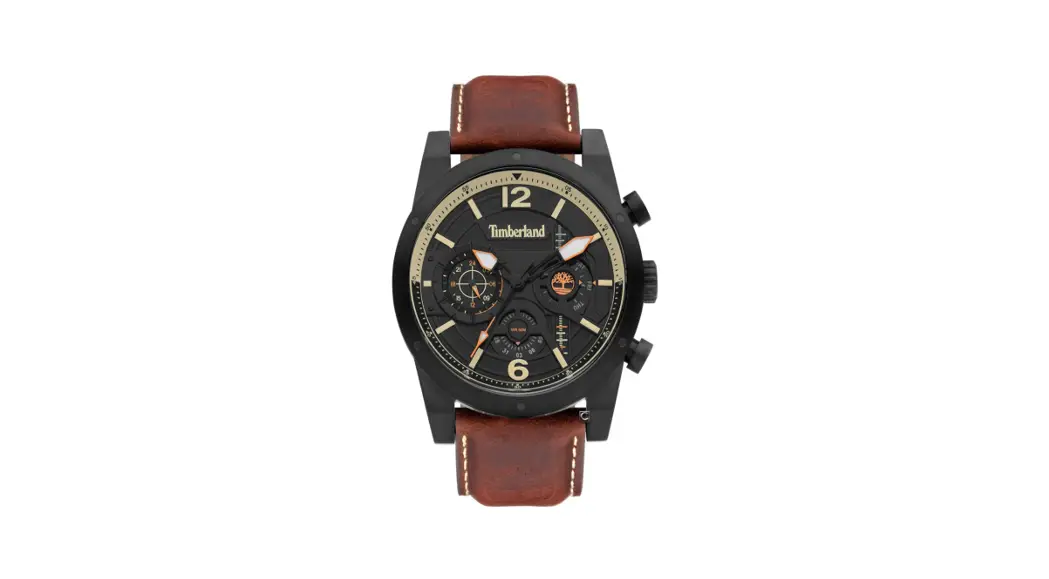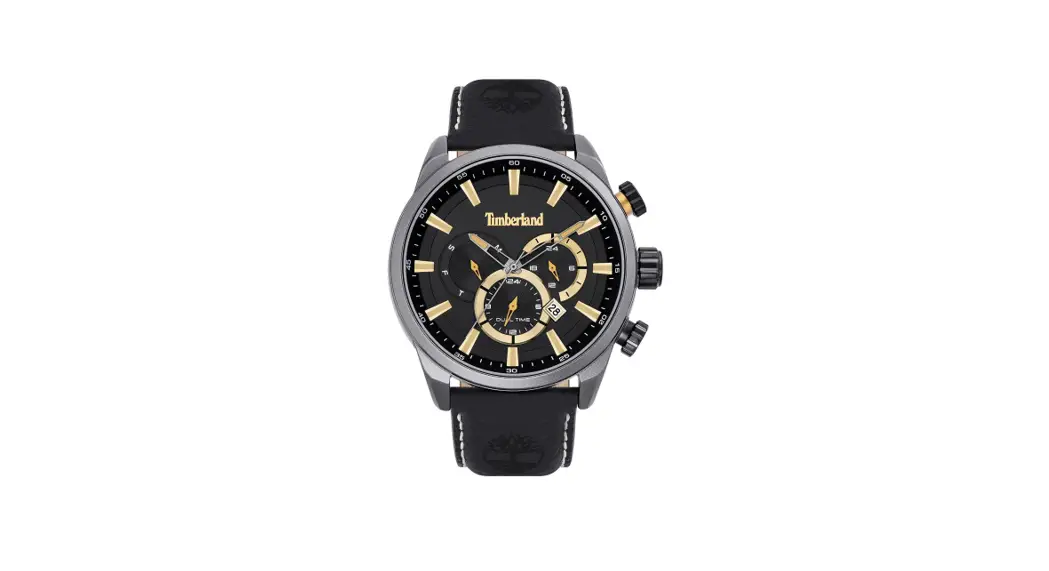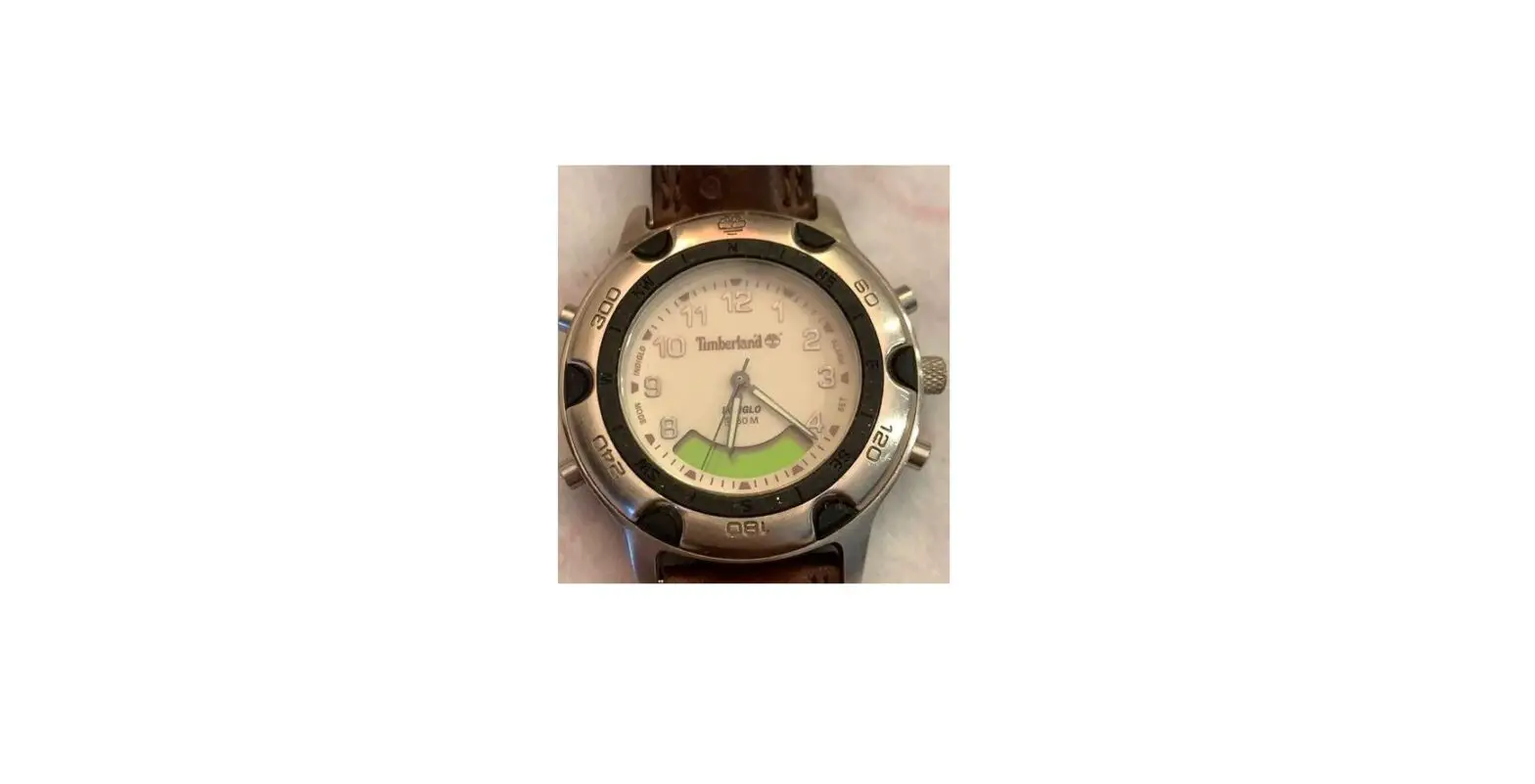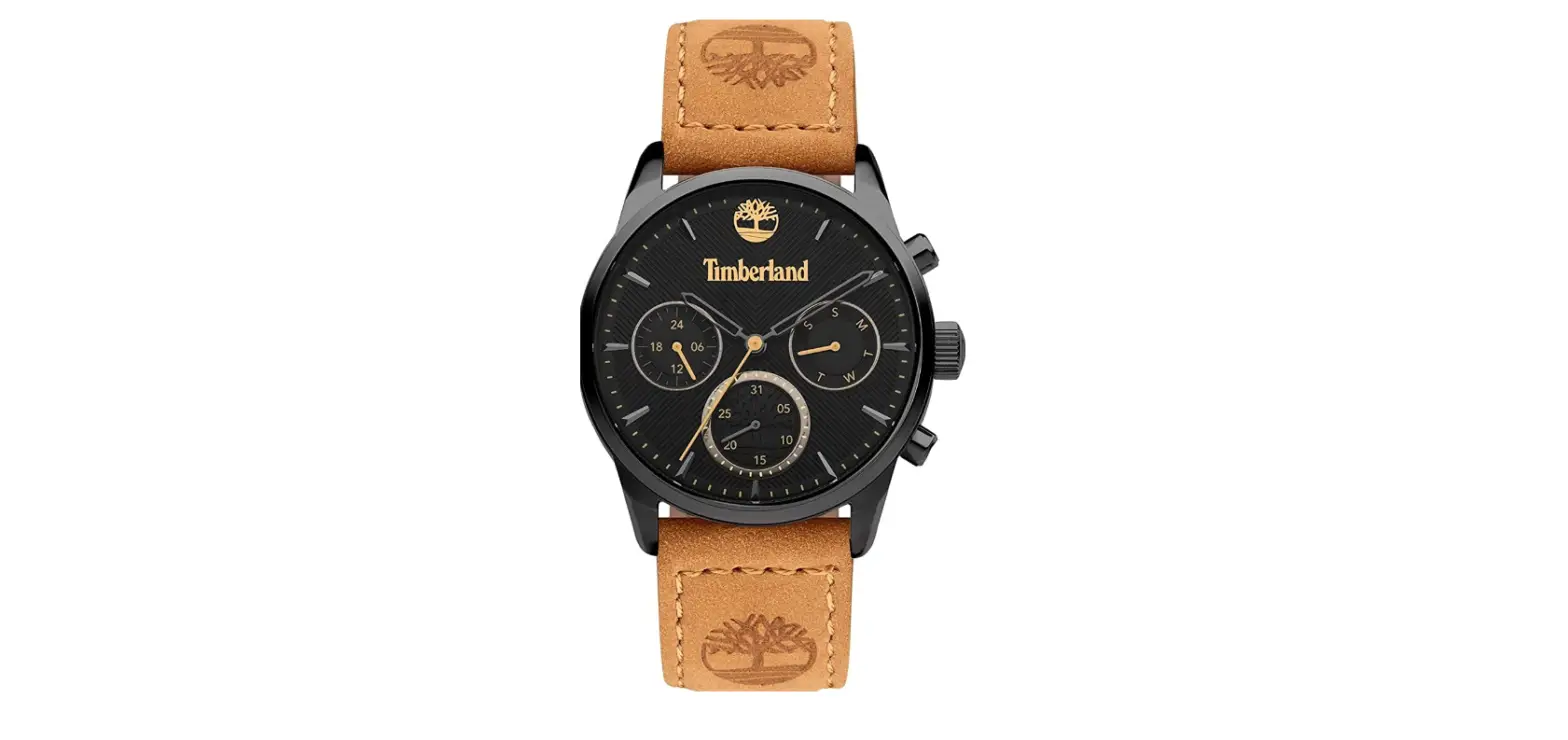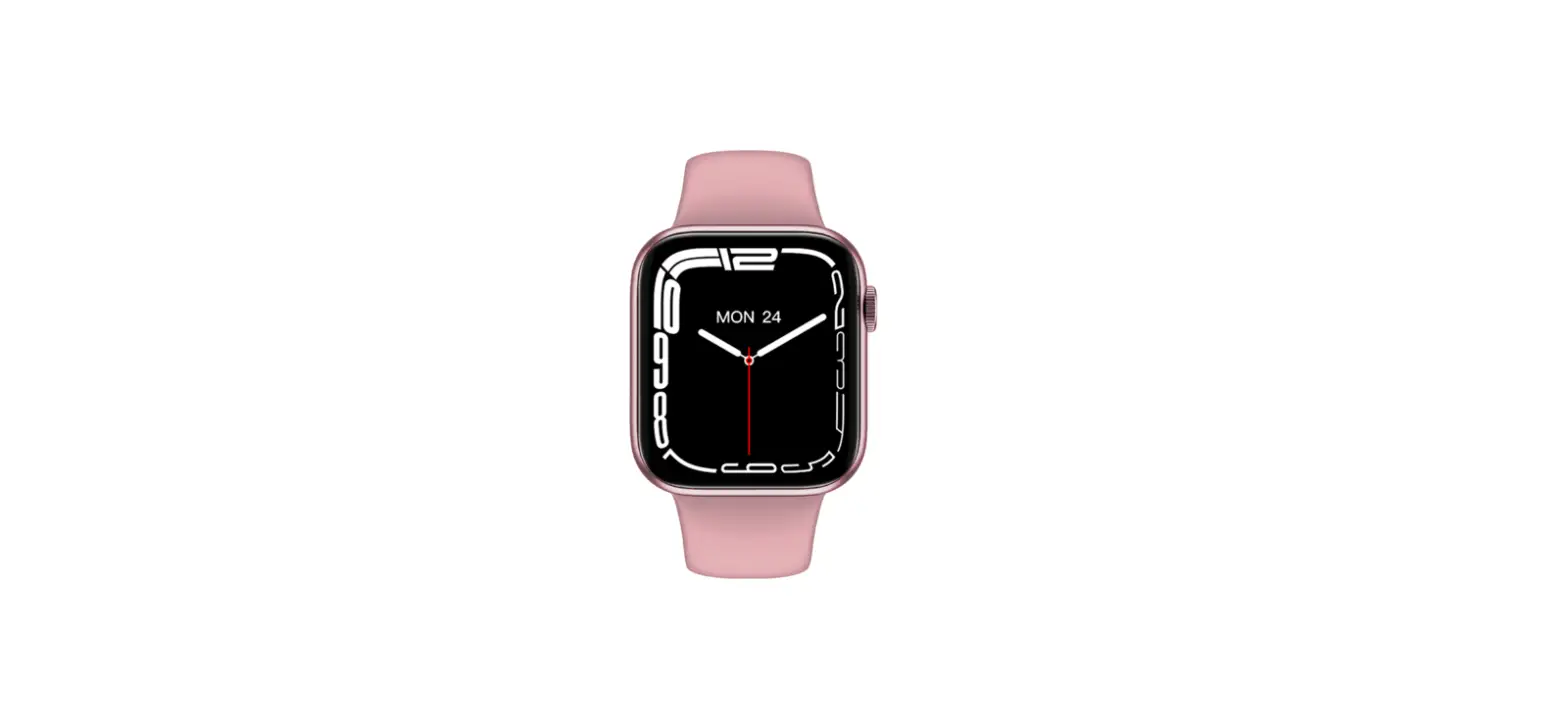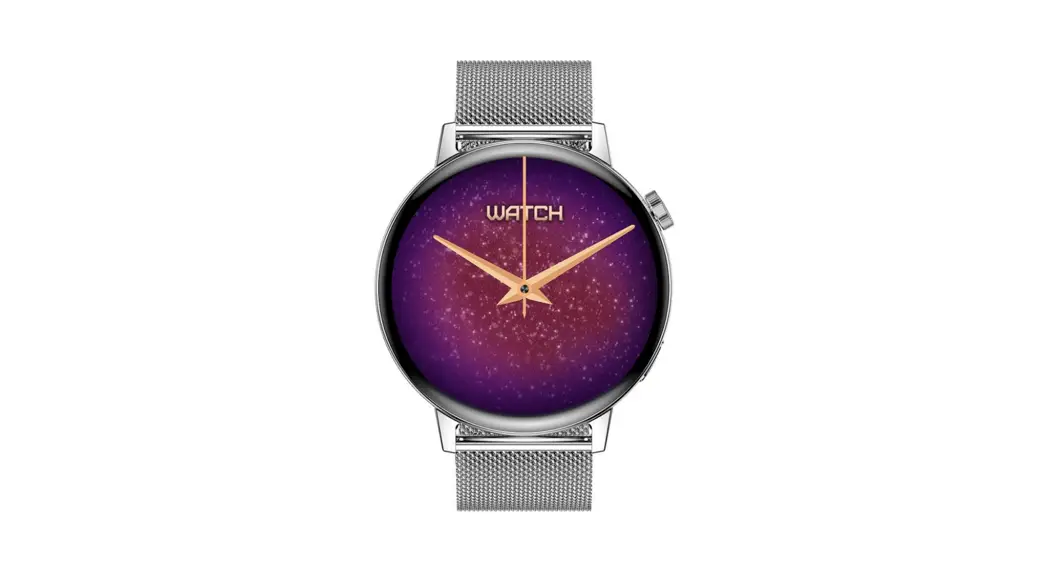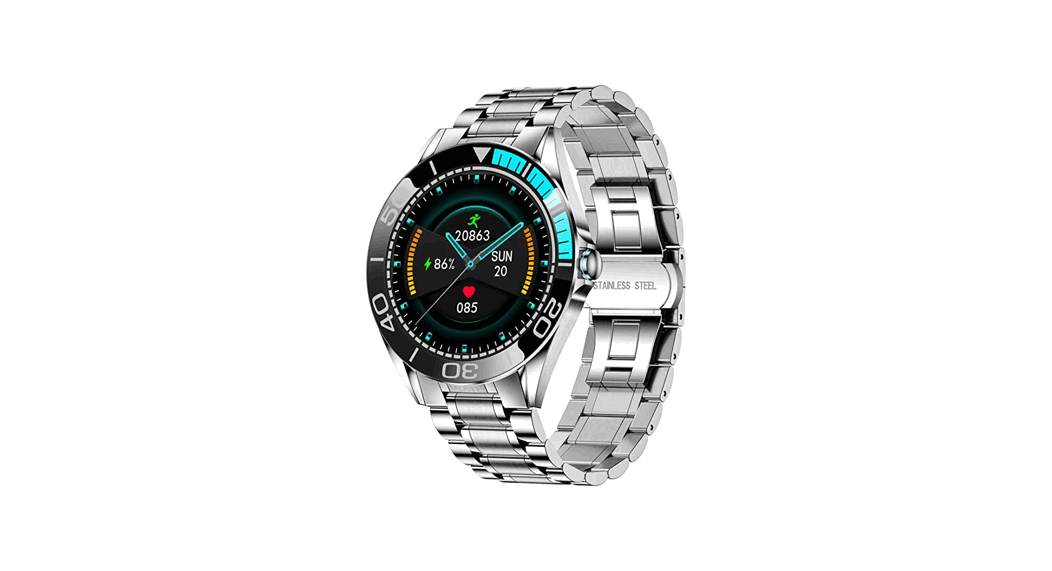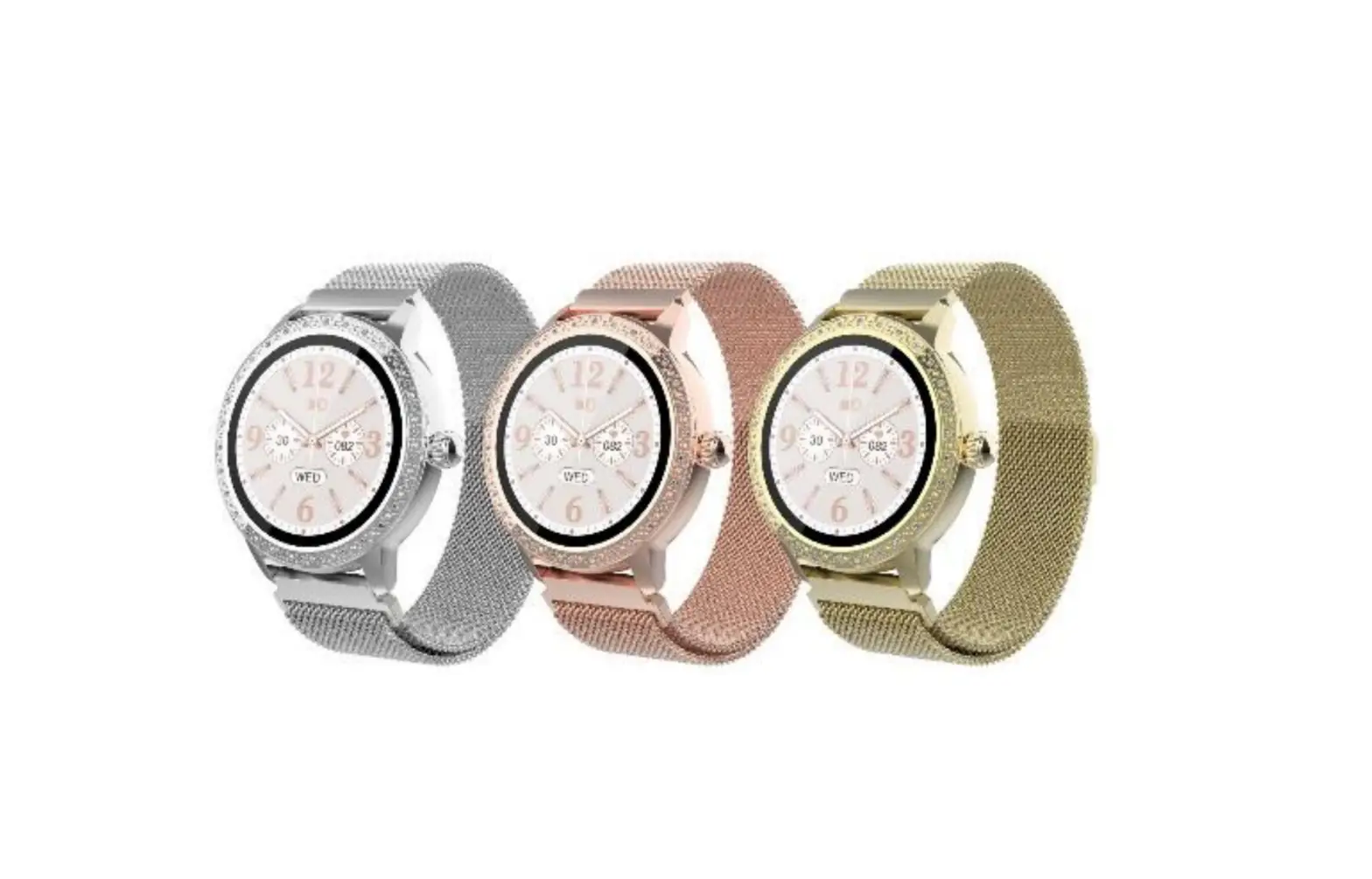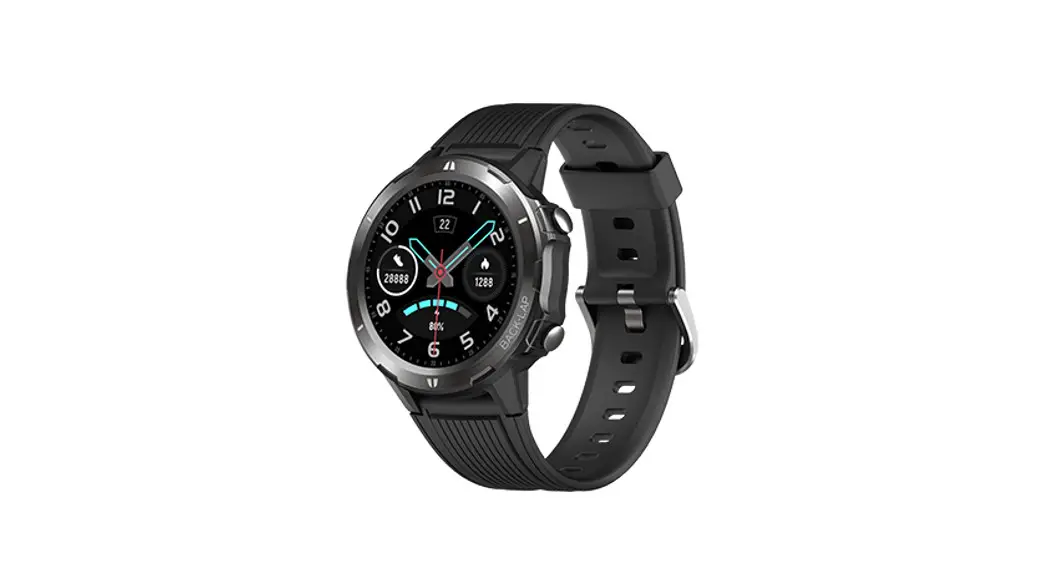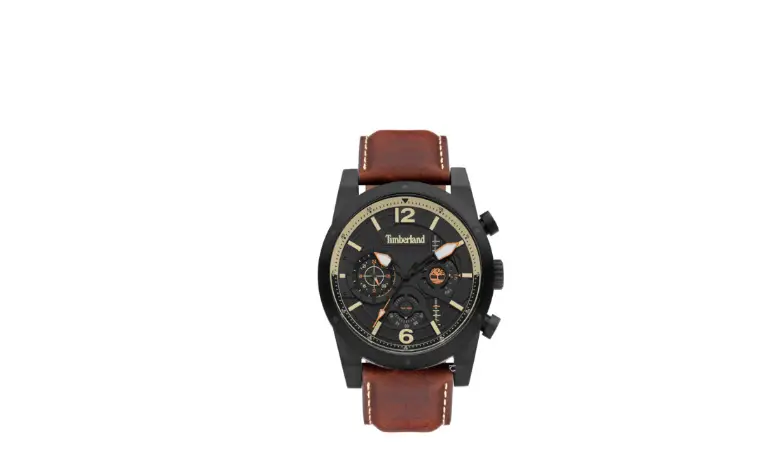

Timberland VX9J Smartwatch

Features
- Hour, minute and second hands
- Day, date and 24-hour indicators
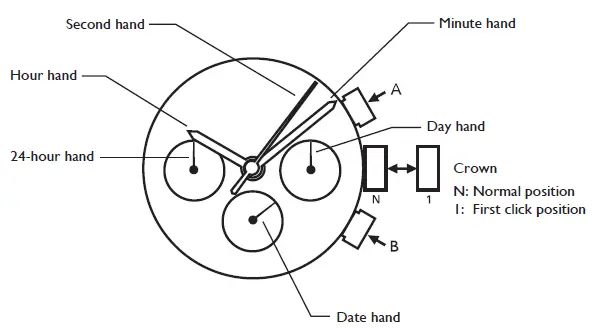
How to set time
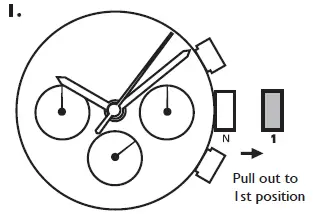
- Pull the crown out to the 1st click position when the seconds hand is at the 12 o’clock position.
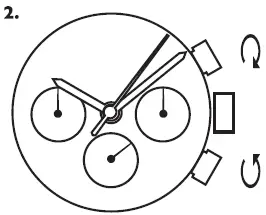
- Turn to set the time taking AM/PM into consideration.
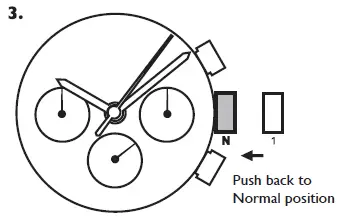
Push the crown back to the normal position. - Advance Setting Technique.
- The 24-hour hand moves correspondingly with the hour hand.
- When setting the hour hand, check that the 24-hour hand is correctly set.
- When setting the minute hand, advance it 4 to 5 minutes ahead of the desired time and then turn it back to the exact time.
How to set date and day of the week
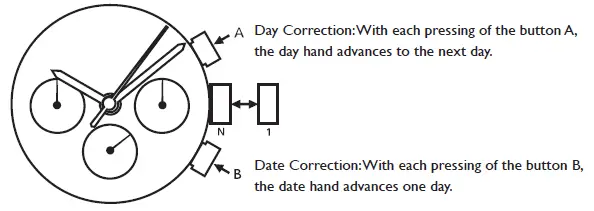
- Note
- Do not set the date and the day hands between 9:00 p.m. and 4:00 a.m. Otherwise, they may not move properly.
- While setting the date and the day hands, check that they move properly in one-day increments.
- It is necessary to adjust the date on the first day after a 30-day month and February.