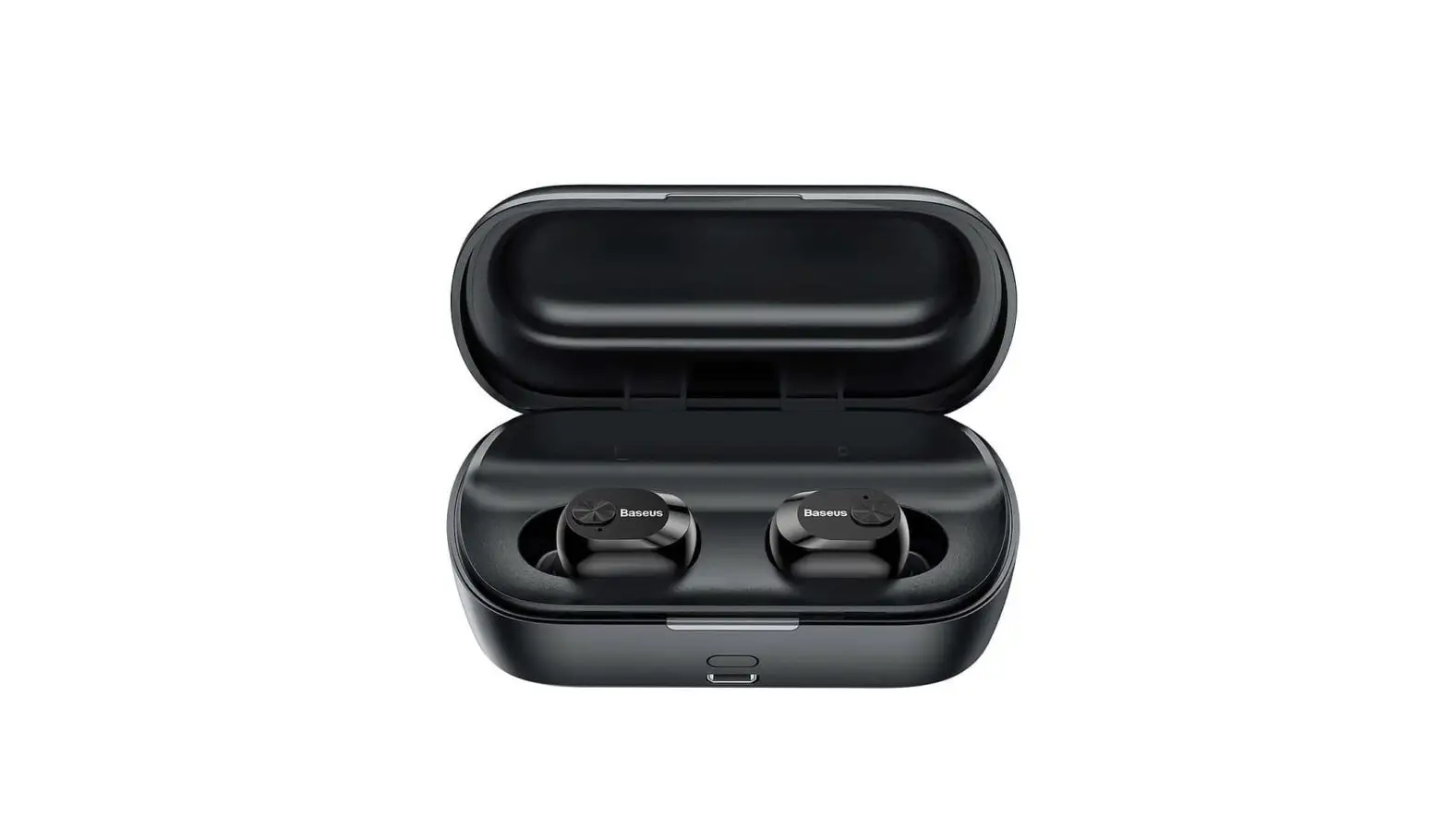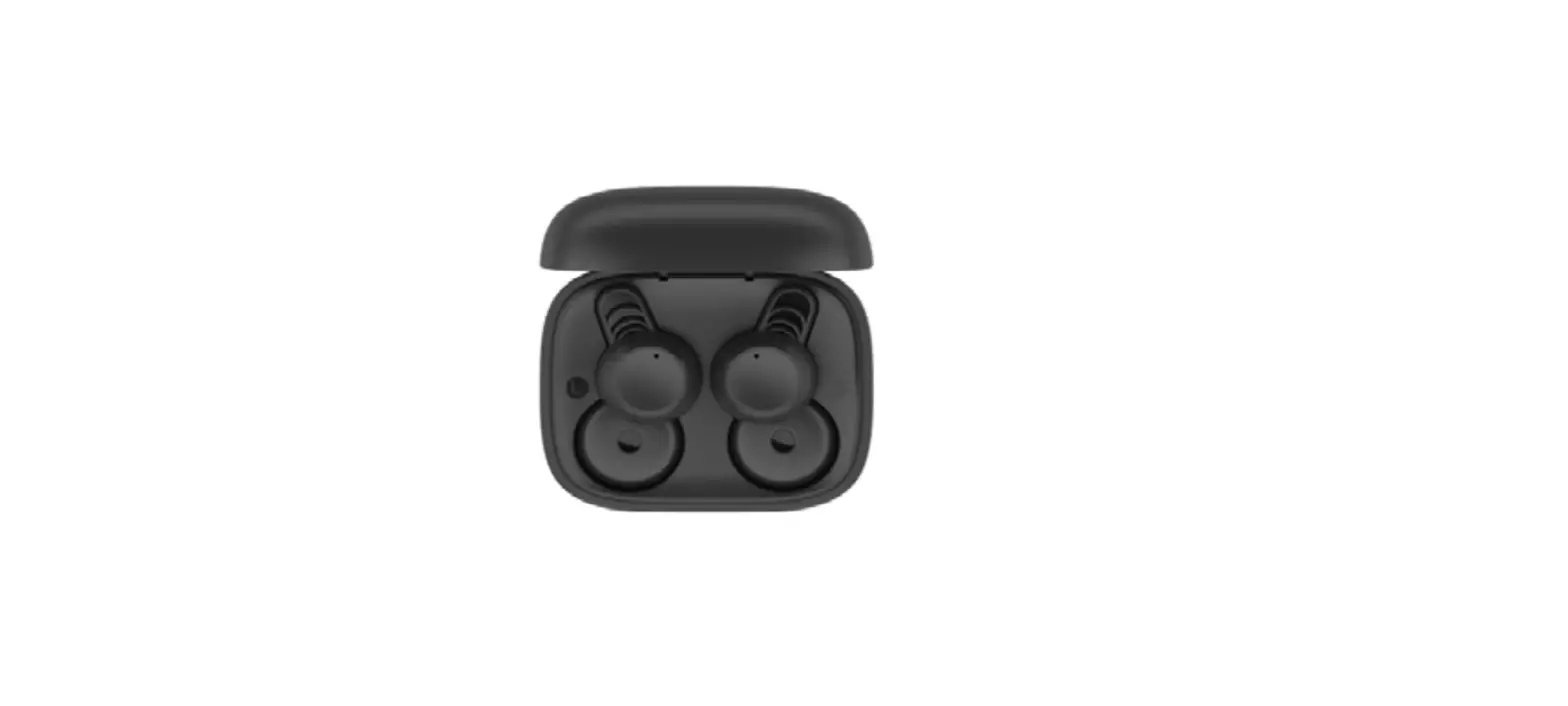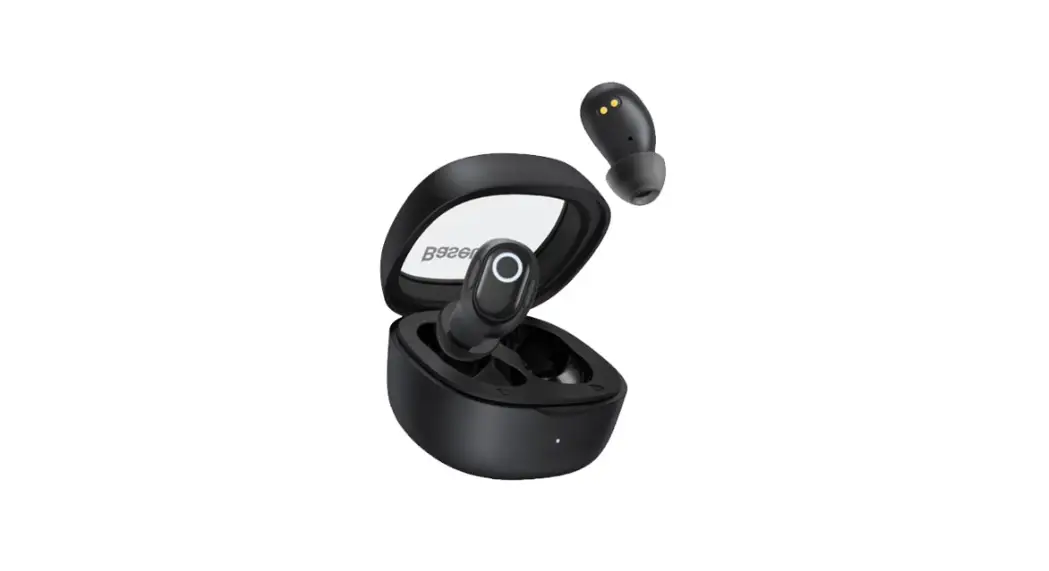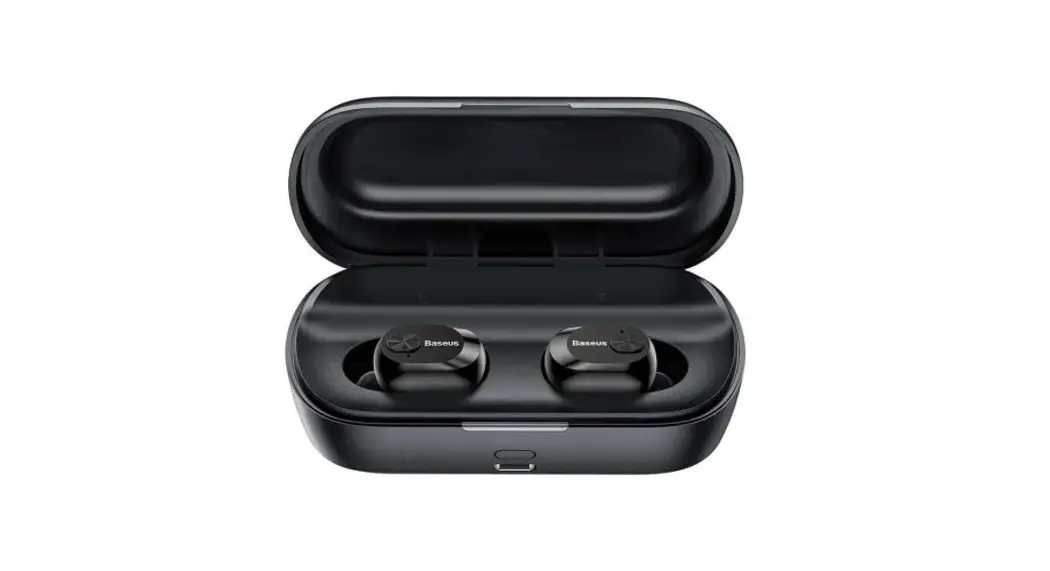

W01 True Wireless Earphones
User Manual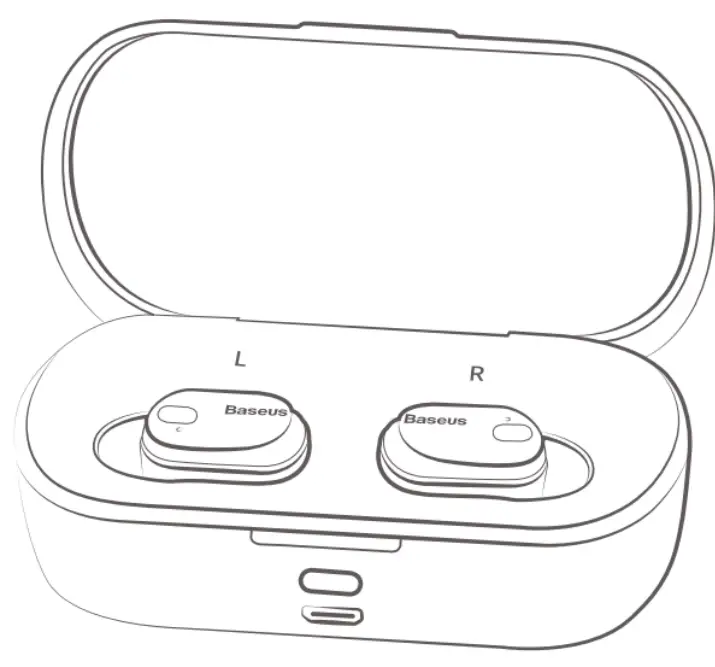
Dear customer,
Thank you for purchasing our product. Please read the following instructions carefully before first use and keep this user manual for future reference. Pay particular attention to the safety instructions. If you have any questions or comments about the device, please contact the customer line. www.alza.co.uk/kontakt
 +44 (0)203 514 4411
Importer: Alza.cz a.s., Jankovcova 1522/53, Holesovice, 170 00 Praha 7, www.alza.cz
Package contents
Charging cable ×1
Ear tip ×4
Warranty card & user manual ×1
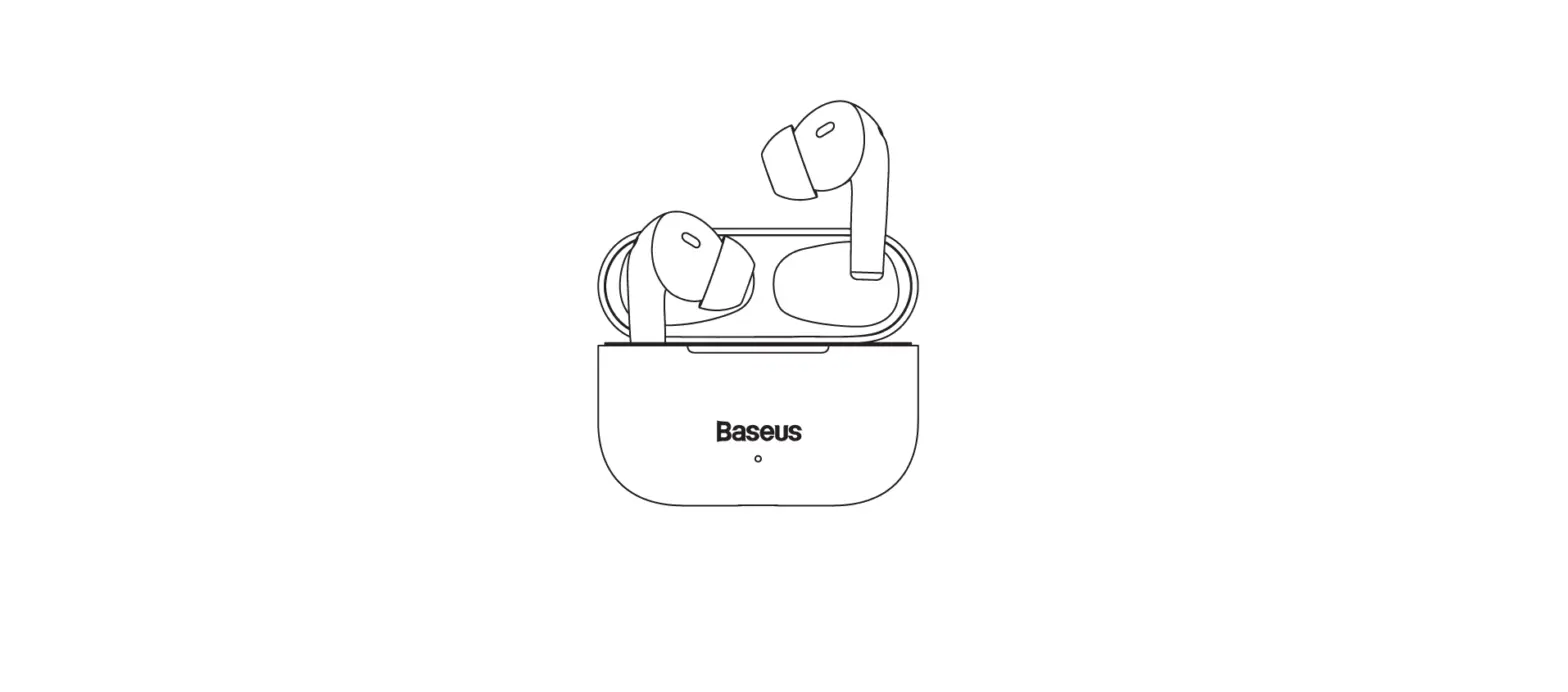
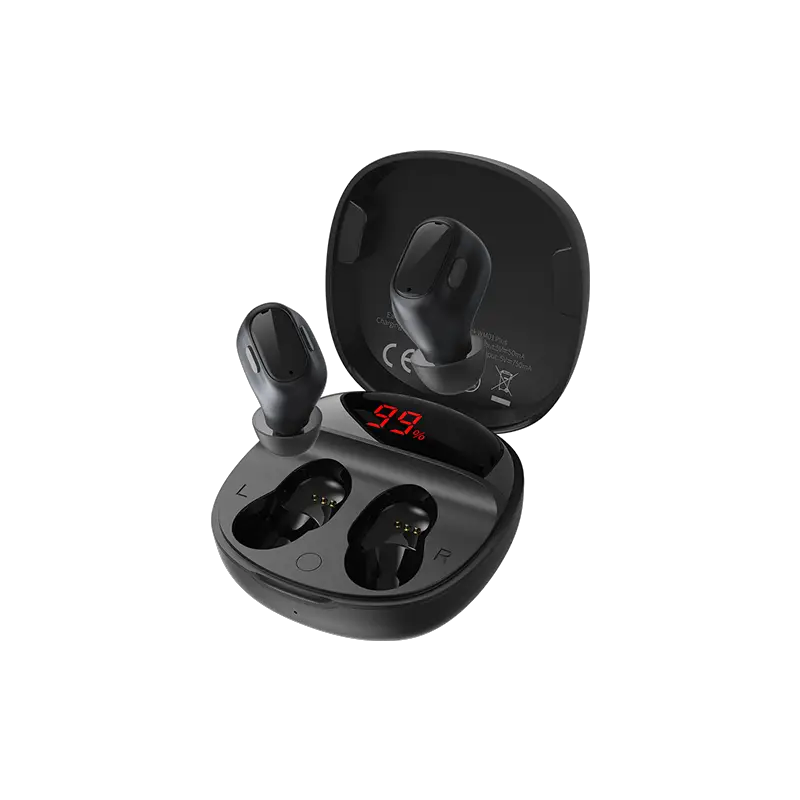
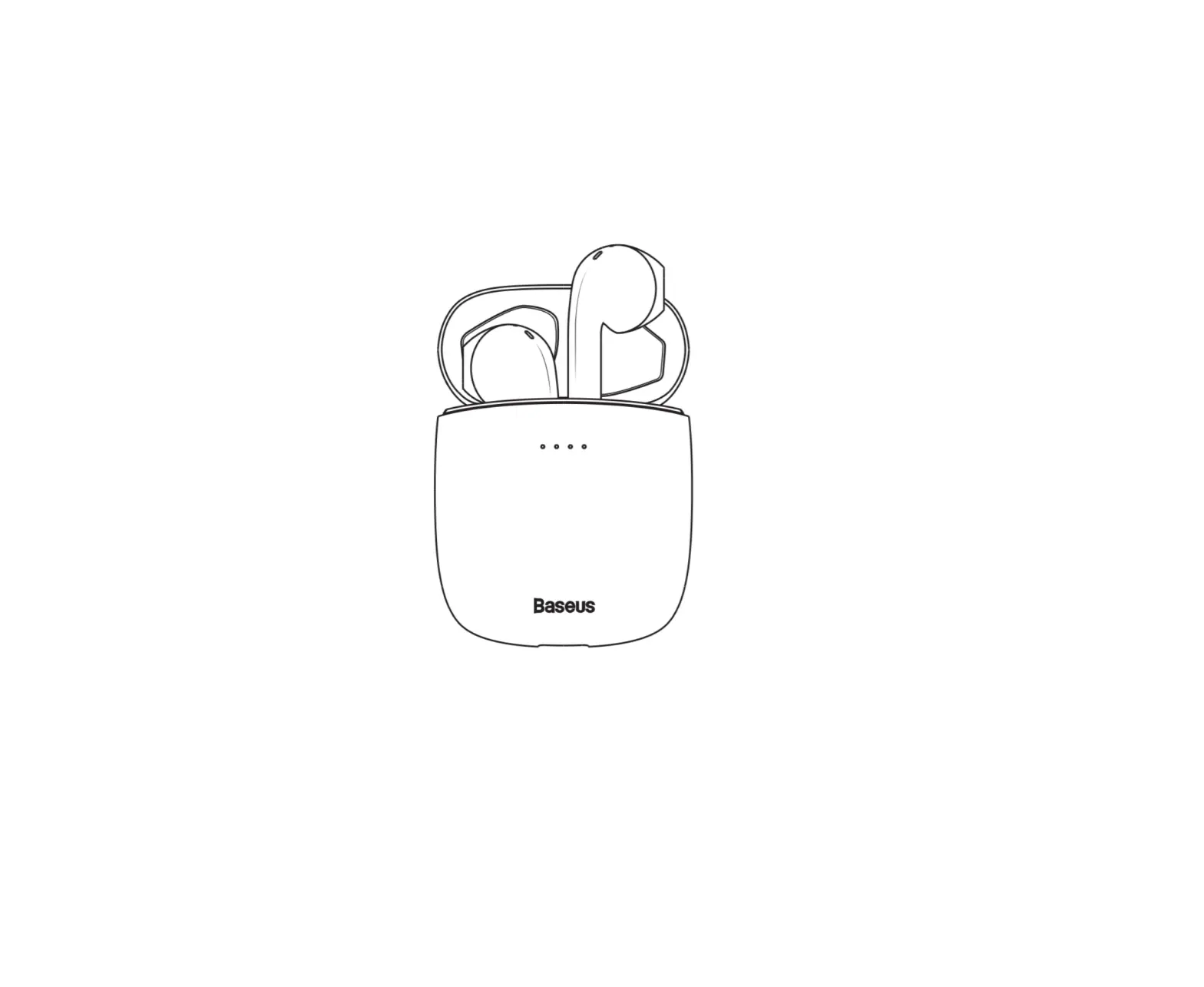
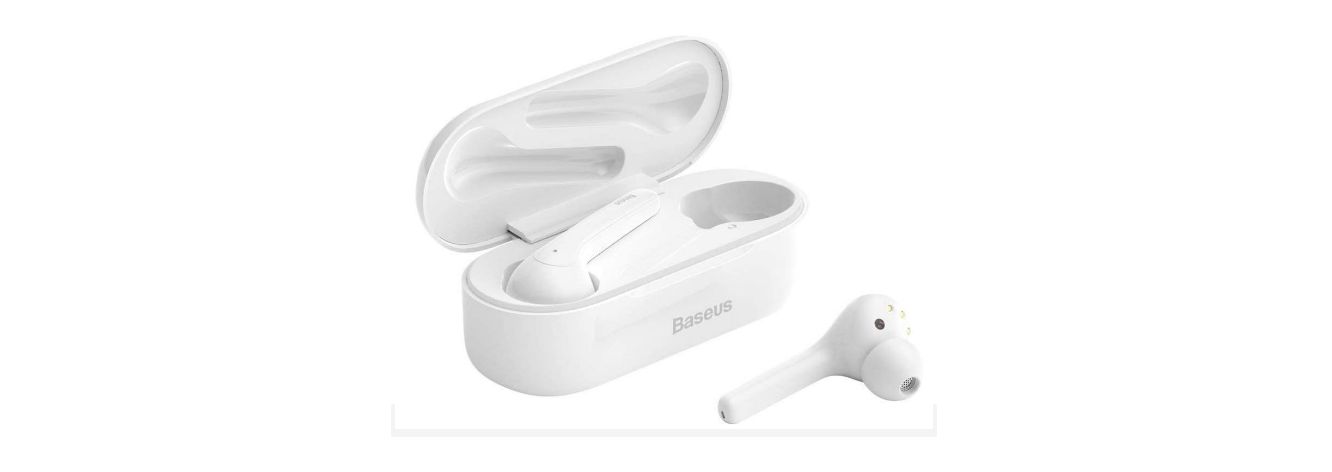
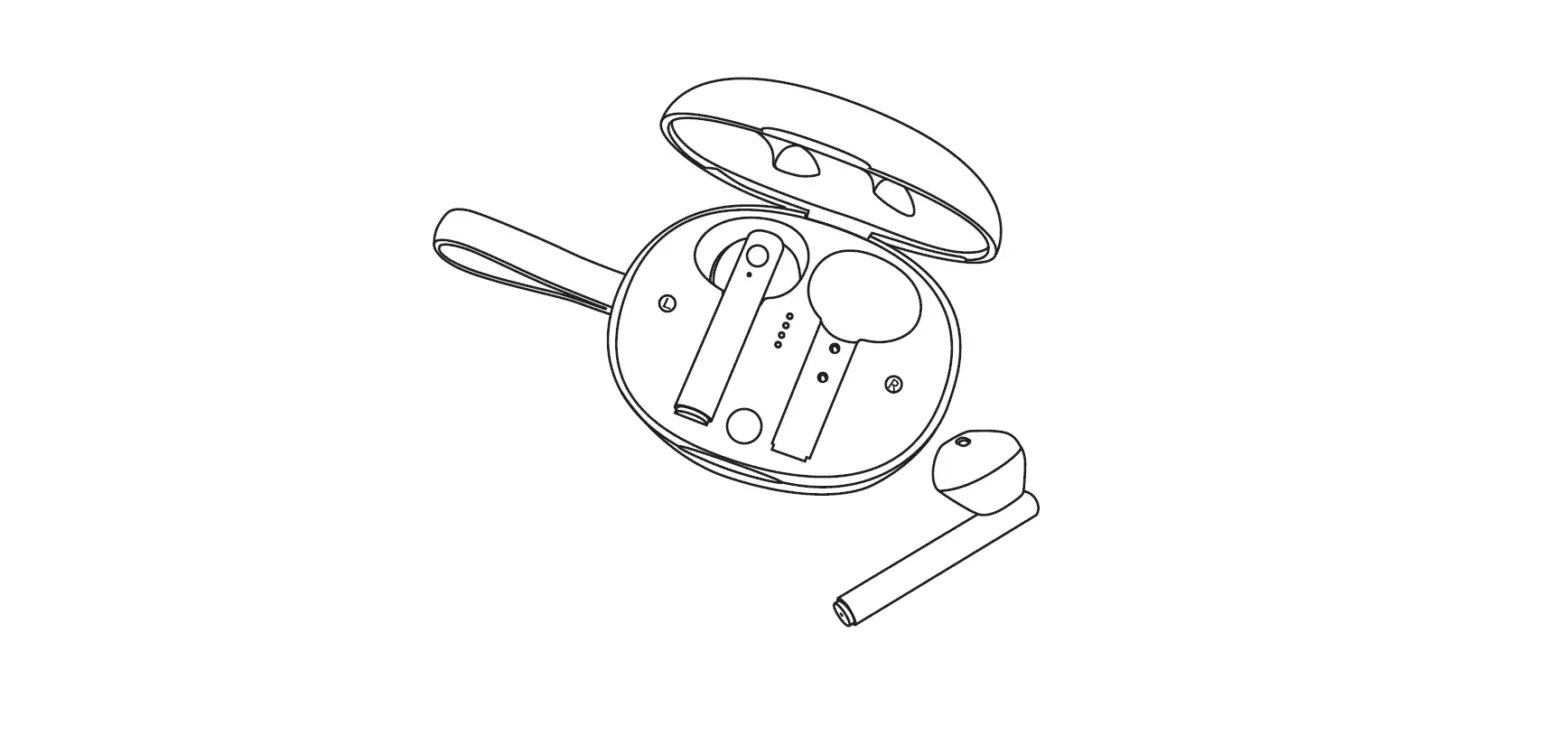
Product diagram and key functions
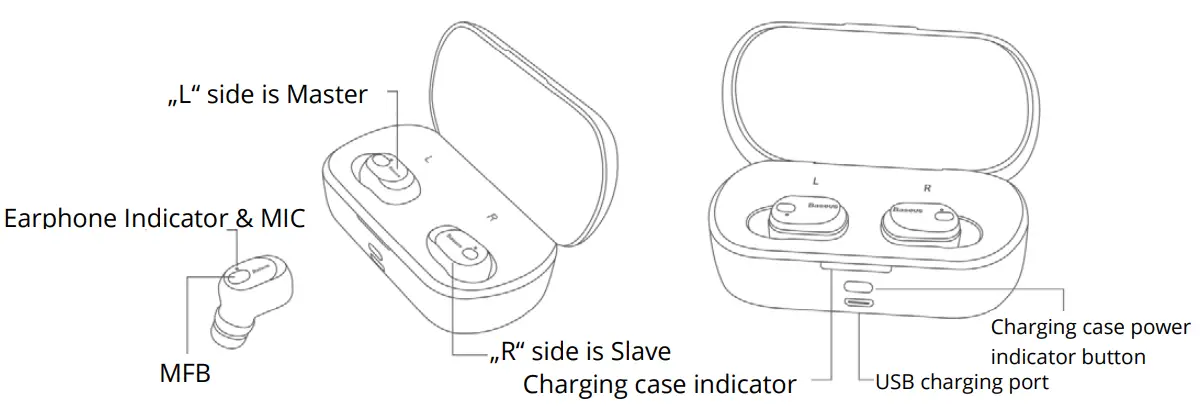
Multifunctional key (MFB):
Power On: The earphones will be automatically powered on after taking them out from the charging case at the same time in the off state. Press and hold the MFB on both earphones for about 2s to turn them on.
Power Off: The earphones will be automatically powered off after you put them both in the charging case at the same time in a connected state. Press and hold the MFB for about 4s to turn them off.
Play / Pause: Press the MFB once
Next song: Press and hold the MFB on the master earphones for 1 s.
Previous song: Press and hold the MFB on slave earphones for 1 s.
Single earphone pairing mode
- Pick up a single earphone from the charging case, the earphone will be turned on automatically with blue light flashing, the earphone will go into pairing mode.
- Search for a device named “Baseus Enock W01” on the mobile phone and click to connect.
Note: If a single slave earphone is picked up from the charging case, the blue light will flash alternately, and it will look for the master earphone. When the earphone fails to find it, it will connect to the mobile phone alone. If the master earphone is picked up from the charging case, it will connect directly to the mobile phone.
TWS earphone Pairing mode
- The earphone will be automatically powered on after removing both earphones from the charging case at the same time. Master (L) and slave ® will enter pairing mode with blue light flashing. After the two earphones are connected successfully, the master (L) earphone will flash blue light quickly and the slave (R) flashes blue light every 5 s. Then the TWS earphone is entering TWS pairing mode.
- Search for a device named “Baseus Enock W01” on the mobile phone and click to connect.
Note:
- While the two devices pair for the first time, please keep the wireless earphone within 1 m from your mobile phone.
- Turn on the wireless function on your mobile phone, search for the device and select the correct device model: Baseus Enock W01, then click to connect.
- Enter the pairing password “0000” (some mobile phones may need a password)
- If pairing fails, please repeat it again till the blue LED flashes slowly.
- If the slave earphone and master earphones are not successfully paired, please put both into the charging case and long press MFB for 10 s to clear the earphone pairing information and then repeat the pairing steps.
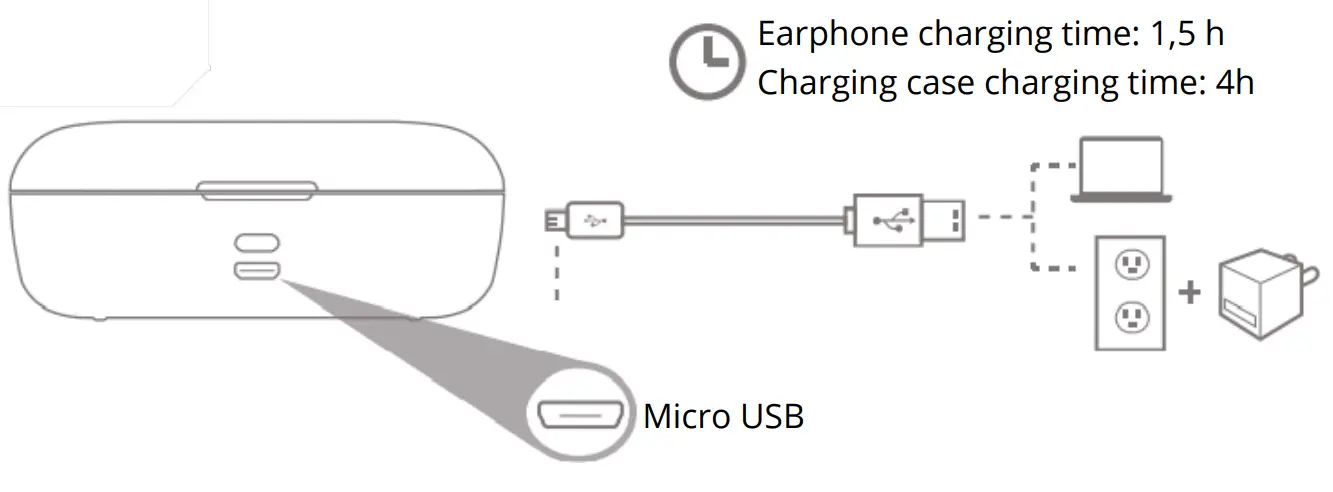
Charging
Talk mode
- Answer a call: When there is an incoming call, press the MFB once on the master or slave earphones to answer the call.
- Hang up a call: When calling, press MFB once on master or slave earphones to hang up the call.
- Reject a call: When there is an incoming call, press and hold the MFB key on master or slave for 2s to reject the call.
- Redial Audio Switch: During a voice call, press and hold MFB on the master earphones for 1s to switch from earphone to smartphone, do the same to switch back to earphones.
- Multiparty call: When there is an incoming call, press the MFB once to answer call 1. When the other call (call 2) is coming, press once to answer call 2, and press and hold MFB to switch between them.
Earphone LED indicator status
| Power on | Blue LED flashes for 1 s |
| Power off | Red LED flashes for 1 s |
| Pairing status | Blue LED light flashes quickly |
| TWS pairing status | Master (L) flashes blue light quickly, slave (R) flashes blue light once each 5 s |
| Standby status | Master (L) and slave (R) blue light flashes once in 5 s |
| Low battery standby status | Red light flashes 1 time in each 8 s |
| Charging status | The red indicator is lit for a long time |
| Fully charged | The red light is off and the blue light is on for 1 min and then goes off |
Charging case LED indicator status
Click the button to display the battery level:
| Case power more than 80 % | Blue light slowly flashes 5 s |
| Case power 20 – 80 % | Red and blue lights alternately flash 5 s |
| Case power less than 20 % | Red light slowly flashes 5 s |
Specifications
| Brand | Baseus |
| Product Name | Encok True Wireless Earphones |
| Model | W01 |
| Material | ABS + Silicon |
| Color | White / Black |
| Version | V 5.0 |
| Device name | Baseus Enock W01 |
| Communication range | 10 meters |
| Standby time | 100 hours |
| Call time | 6 hours |
| Music time | 6 hours |
| Earphone battery capacity | 60 mAh / 3,7 V |
| Charging case capacity | 2000 mAh / 3,7 V |
| Earphone input | DC 5 V = 40 mA |
| Earphone rated current consumption | 8 mA |
| Charging case Input | 0,5 A |
| Charging case rated consumption | 40 mA |
| Earphone charging time | 1,5 hours |
| Charging case charging time | 4 hours |
| Frequency response range | 20 Hz – 20 kHz |
| Suitable for | Compatible with all wireless devices |
FAQs
- Why doesn’t the product turn on?
 When using your product for the first time, please check and make sure the earphones’ battery is fully charged. If the battery runs out of power, your earphone may not turn on.
 - The earphone is silent during playback? Check for a valid connection between the device and your earphone. If the device is not properly connected, please reconnect it. Meanwhile, please also adjust the volume on your mobile phone or your earphone to a proper level.
- Why is the wireless connection unstable, and how far should my mobile phone be kept from the earphone? Please make sure that your mobile phone is kept within a 10% m effective distance from your earphone. Usually, if there is no obstruction between your mobile phone and your earphone, then the connection distance can be better. Please make sure that there is not any interference from wireless devices and Wi-Fi devices nearby.
- May I use my wireless earphone while it is being charged? No, you can not use your earphones while they are being charged.
Product safety information
Please read all instructions and warnings before using this product. Improper use of the product will cause damage to the product.
- High volume may affect hearing. For traffic safety, do not use headphones while driving or cycling.
- Supervise children when they use the equipment. The product is not a toy.
- The battery is included in the product. Please do not expose it to sunlight, fire, or similar overheating; The input voltage of the charger port should not exceed 5 V. During charging, when overvoltage, over-current, or over-temperature occurs, the charging will stop automatically to avoid injury. When returning to a normal state, charging will continue.
- Please charge your headset regularly (suggested once a month) to maintain its long life.
Tips:
* Improper use of the product may easily cause damage to the product itself or may endanger the safety of people and property.
* If there is personal and property damage caused by improper use, the consumer will bear all consequences. Our company will not bear any legal responsibility.
Warranty Conditions
A new product was purchased in the Alza.CZ sales network is guaranteed for 2 years. If you need repair or other services during the warranty period, contact the product seller directly, you must provide the original proof of purchase with the date of purchase.
The following are considered to be a conflict with the warranty conditions, for which the claimed claim may not be recognized:
- Using the product for any purpose other than that for which the product is intended or failing to follow the instructions for maintenance and operation and service of the product.
- Damage to the product by a natural disaster, the intervention of an unauthorized person, or mechanically through the fault of the buyer (e.g. during transport, cleaning by inappropriate means, etc.).
- Natural wear and aging of consumables or components during use (such as batteries, etc.).
- Exposure to adverse external influences, such as sunlight and other radiation or electromagnetic fields, fluid intrusion, object intrusion, mains overvoltage, electrostatic discharge voltage (including lightning), faulty supply or input voltage, and inappropriate polarity of this voltage, chemical processes such as used power supplies, etc.
- If anyone has made modifications, modifications, alterations to the design, or adaptations to change or extend the functions of the product compared to the purchased design or use of non-original components.