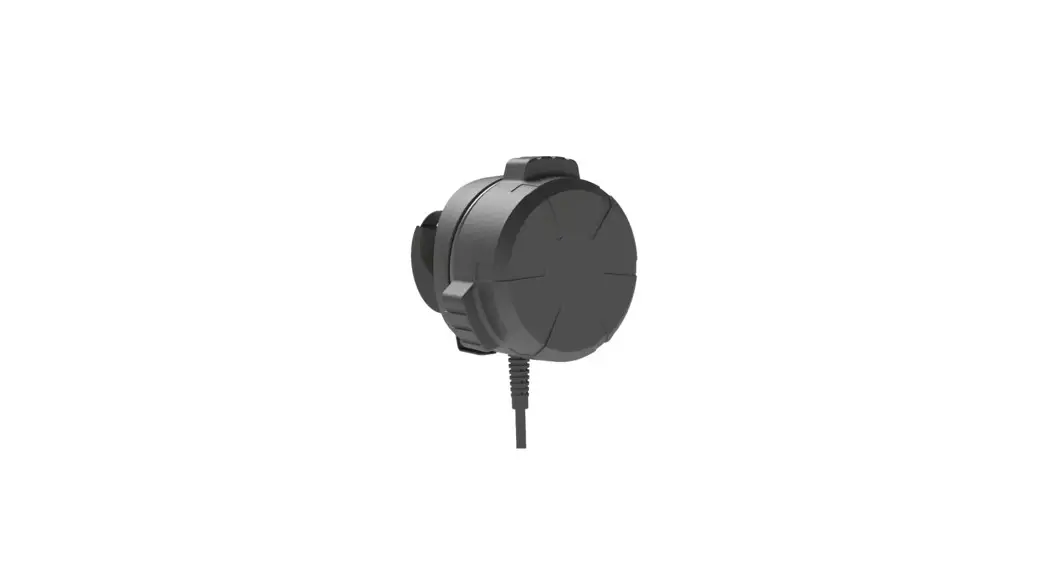

Permobil Mx2 Speed Control Dial Smartdrive User Guide

Permobil Mx2 Speed Control Dial Smartdrive User Guide

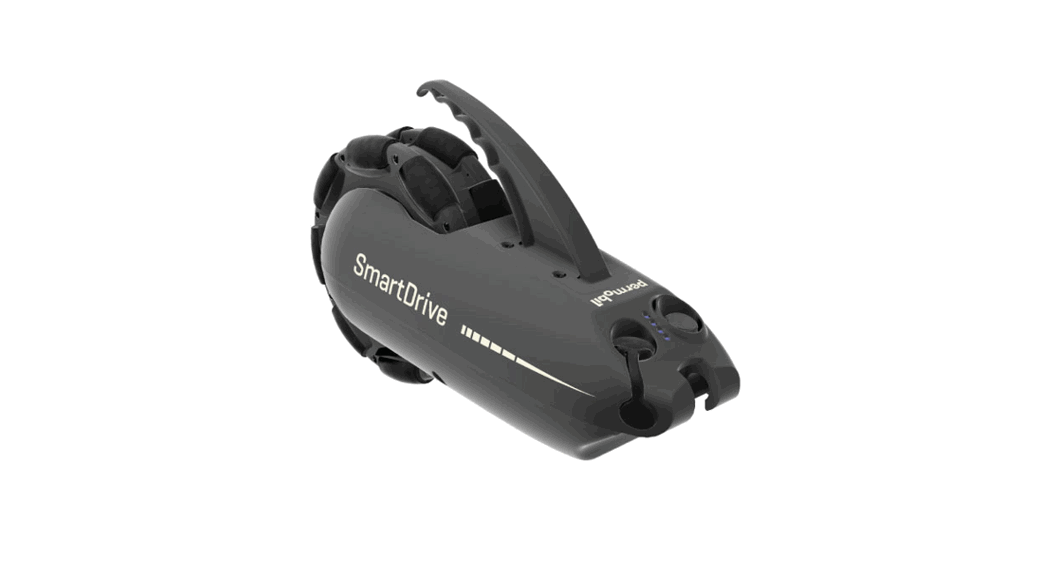
permobil - logoMX2 Speed Control Dial SmartDrive
User Guide

MX2 Speed Control Dial SmartDrive

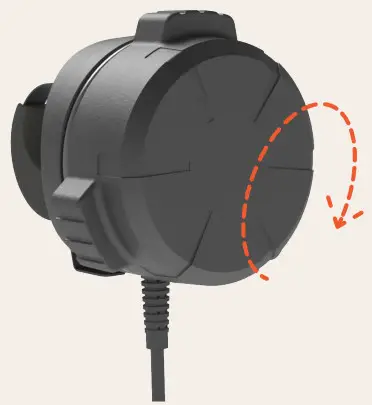
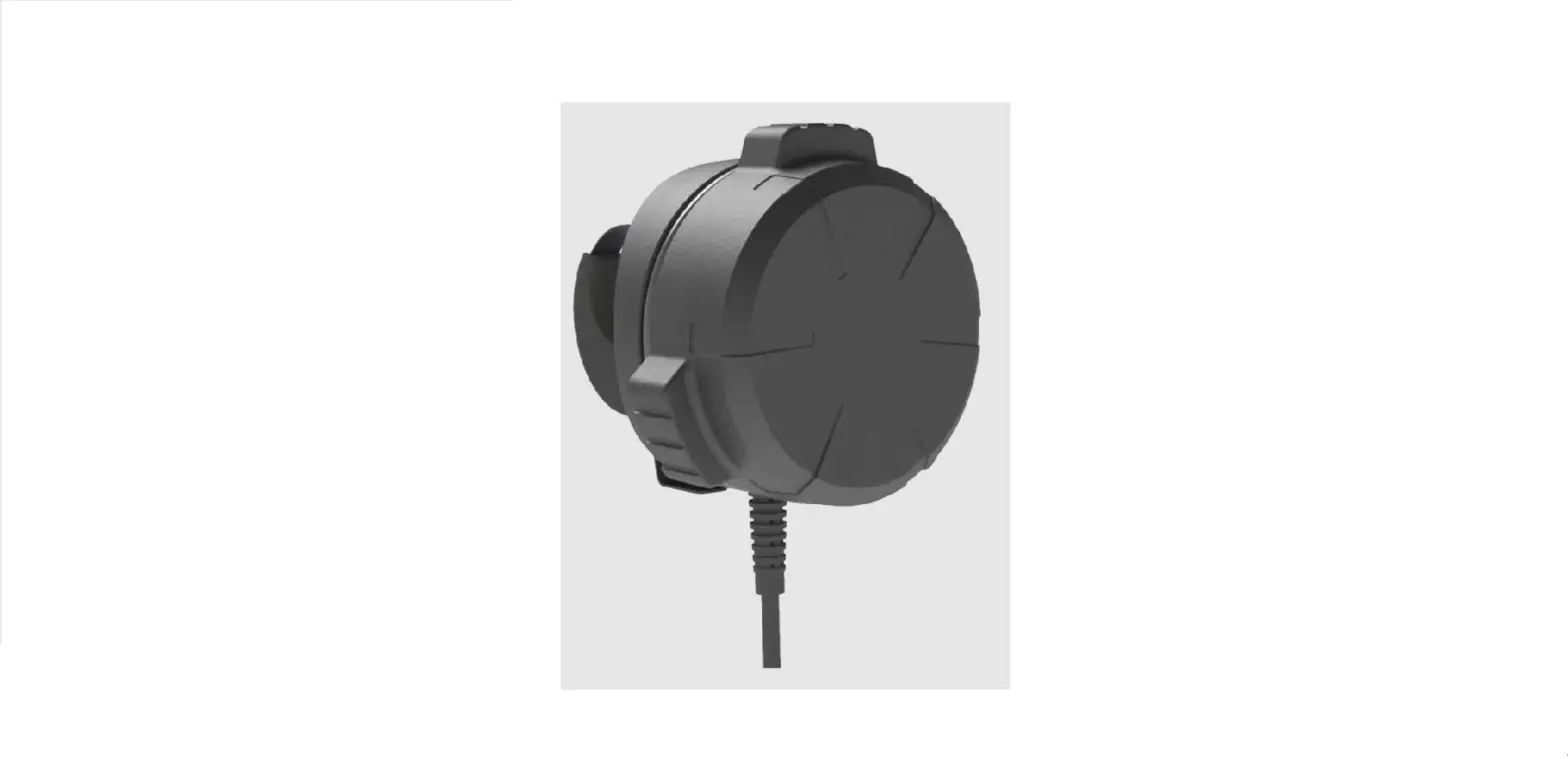
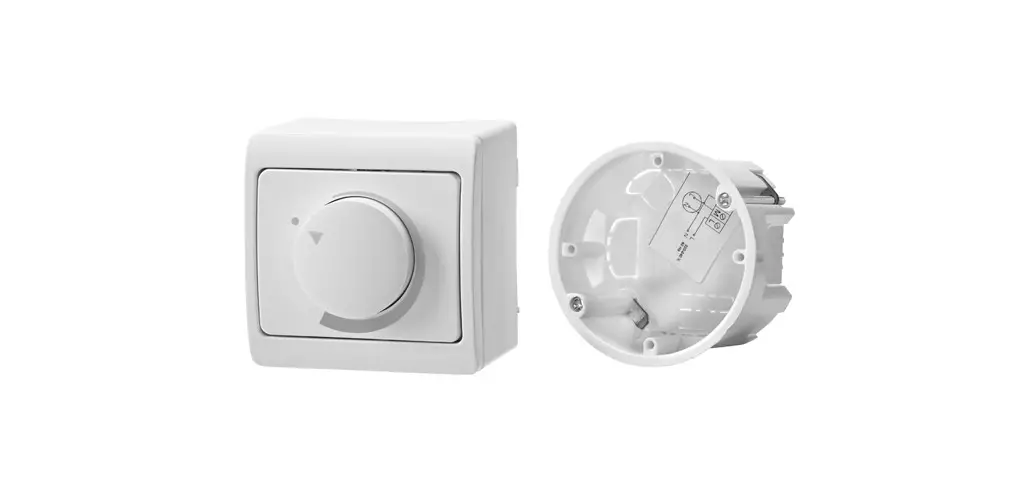
  1. Rotate dial to its “STOP” limit.
    permobil MX2 Speed Control Dial SmartDrive - Figure 3
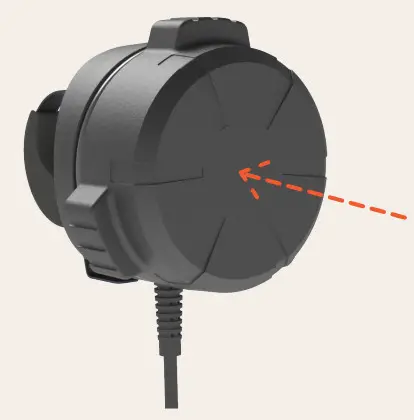
  2. Press against face of SpeedControl until LED turns on.
    permobil MX2 Speed Control Dial SmartDrive - Figure 2
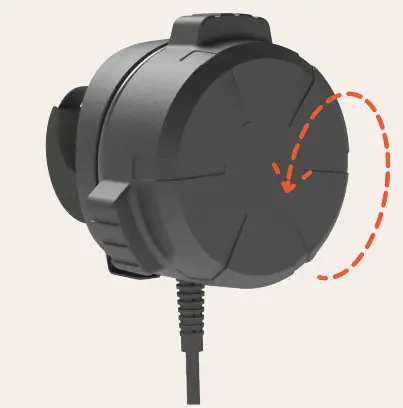
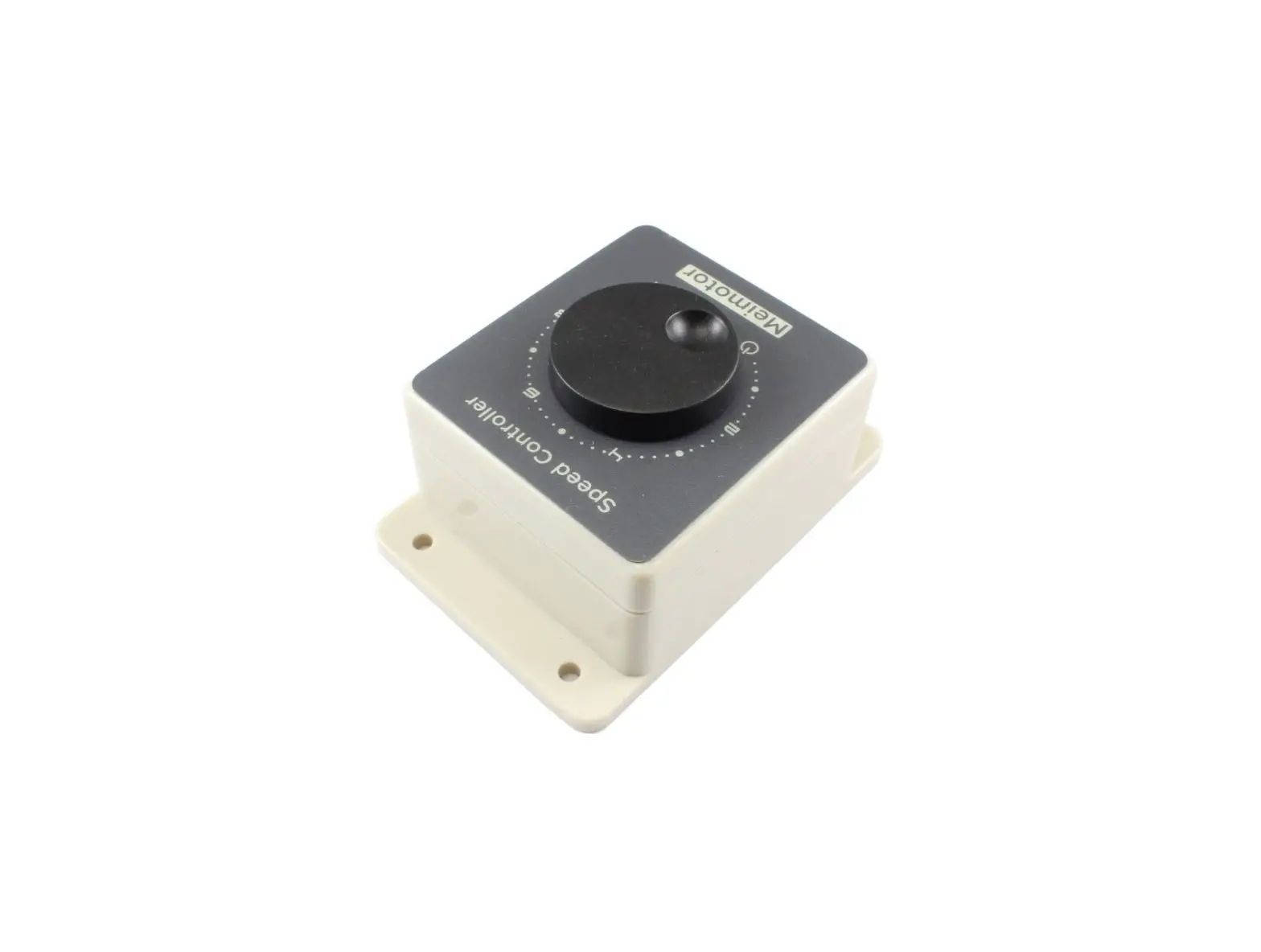
  3. Rotate dial forward until you reach desired speed. Adjust your speed by rotating the dial forward or backward.
    permobil MX2 Speed Control Dial SmartDrive - Figure 1
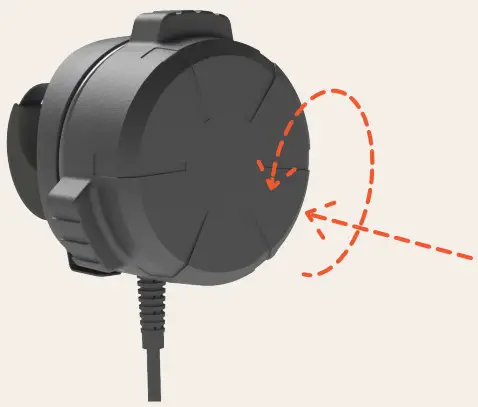
  4. To stop, rotate back to “STOP” limit and hold your handrims. Press against face of the SpeedControl to turn power assist off.
    permobil MX2 Speed Control Dial SmartDrive - Figure 4

Documents / Resouces

Download manual
Here you can download full pdf version of manual, it may contain additional safety instructions, warranty information, FCC rules, etc.


Related Manuals