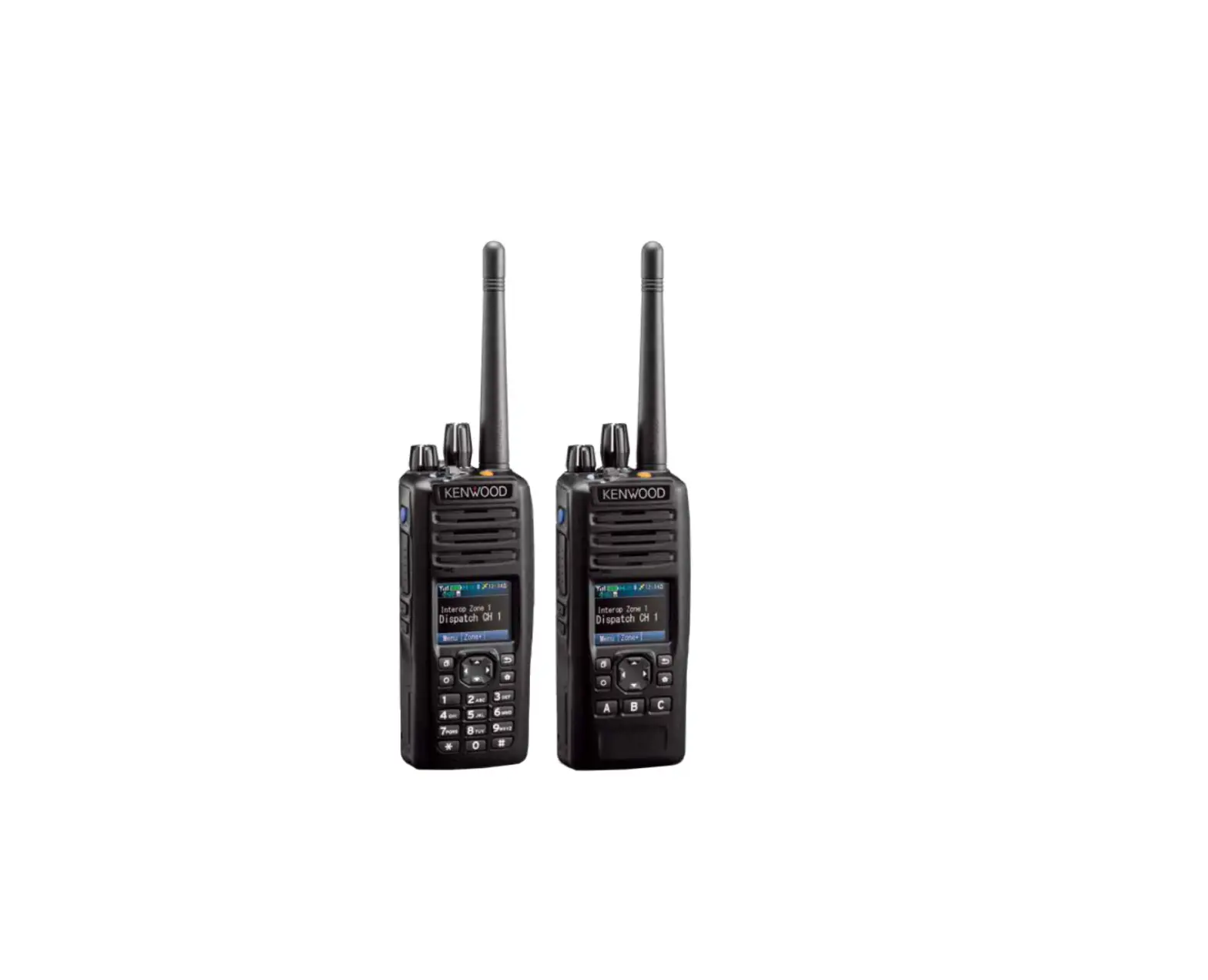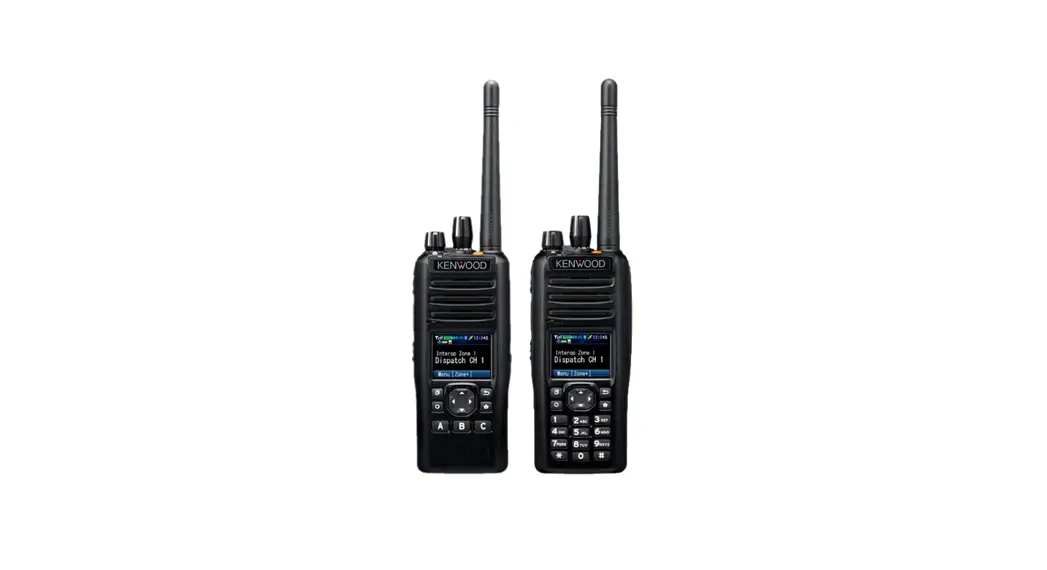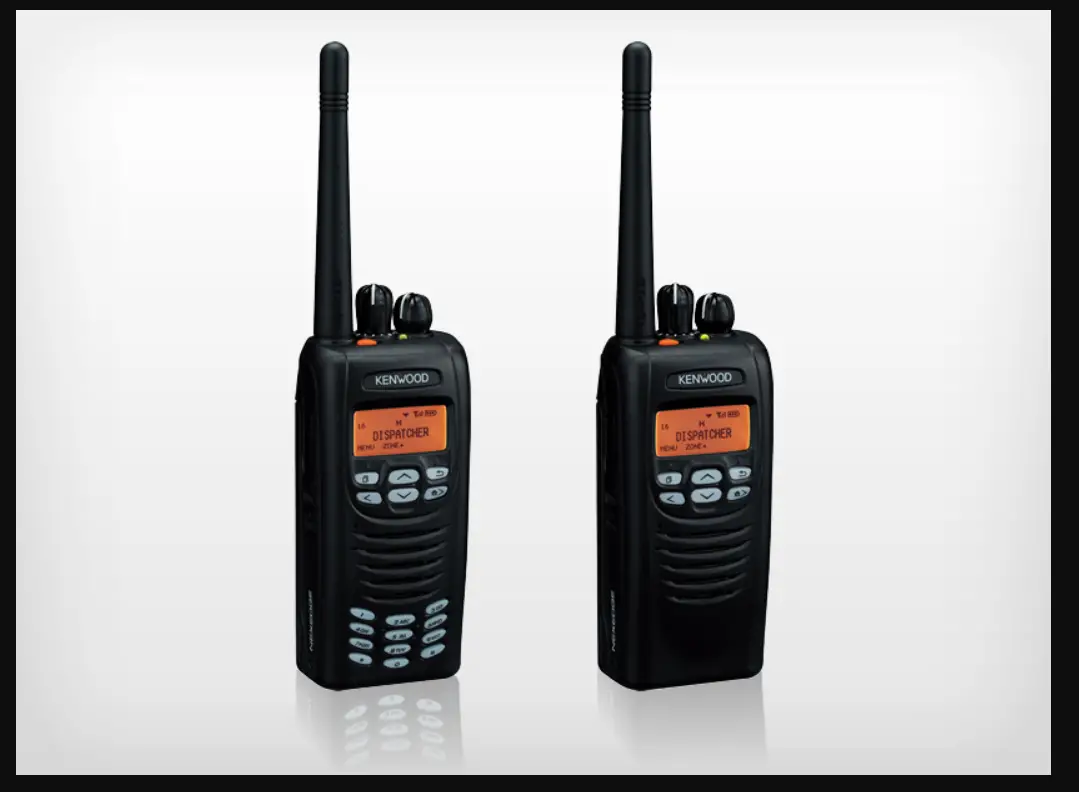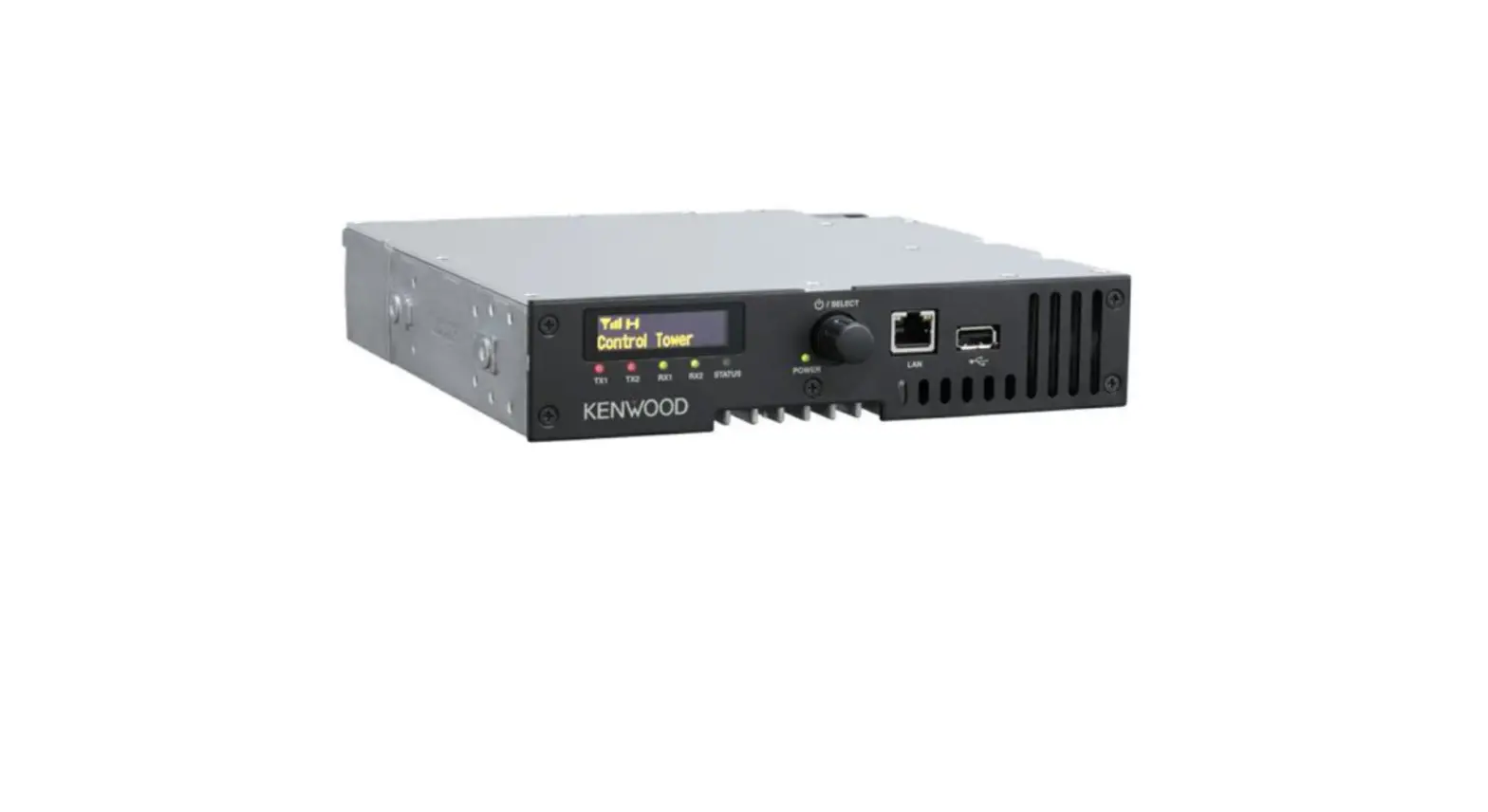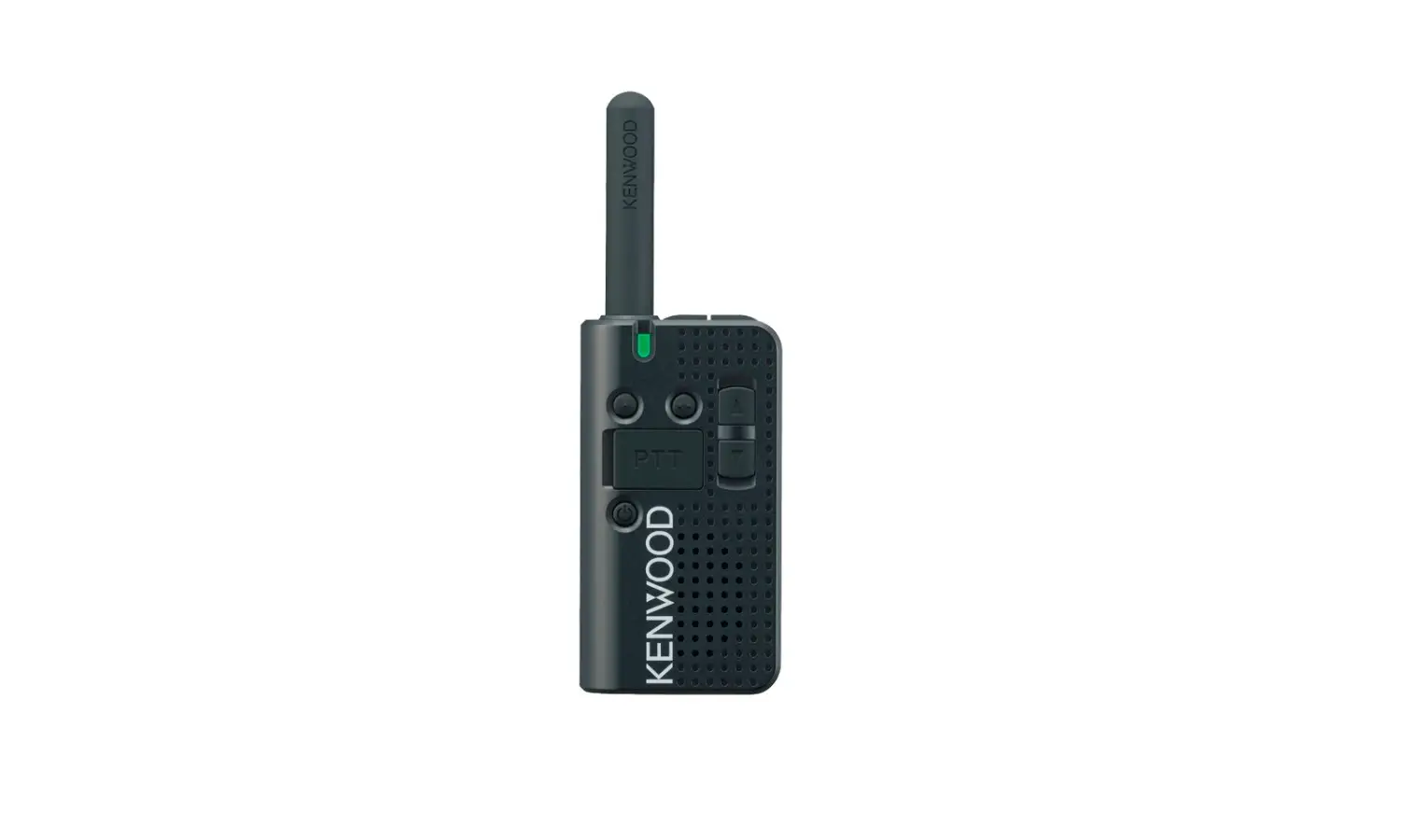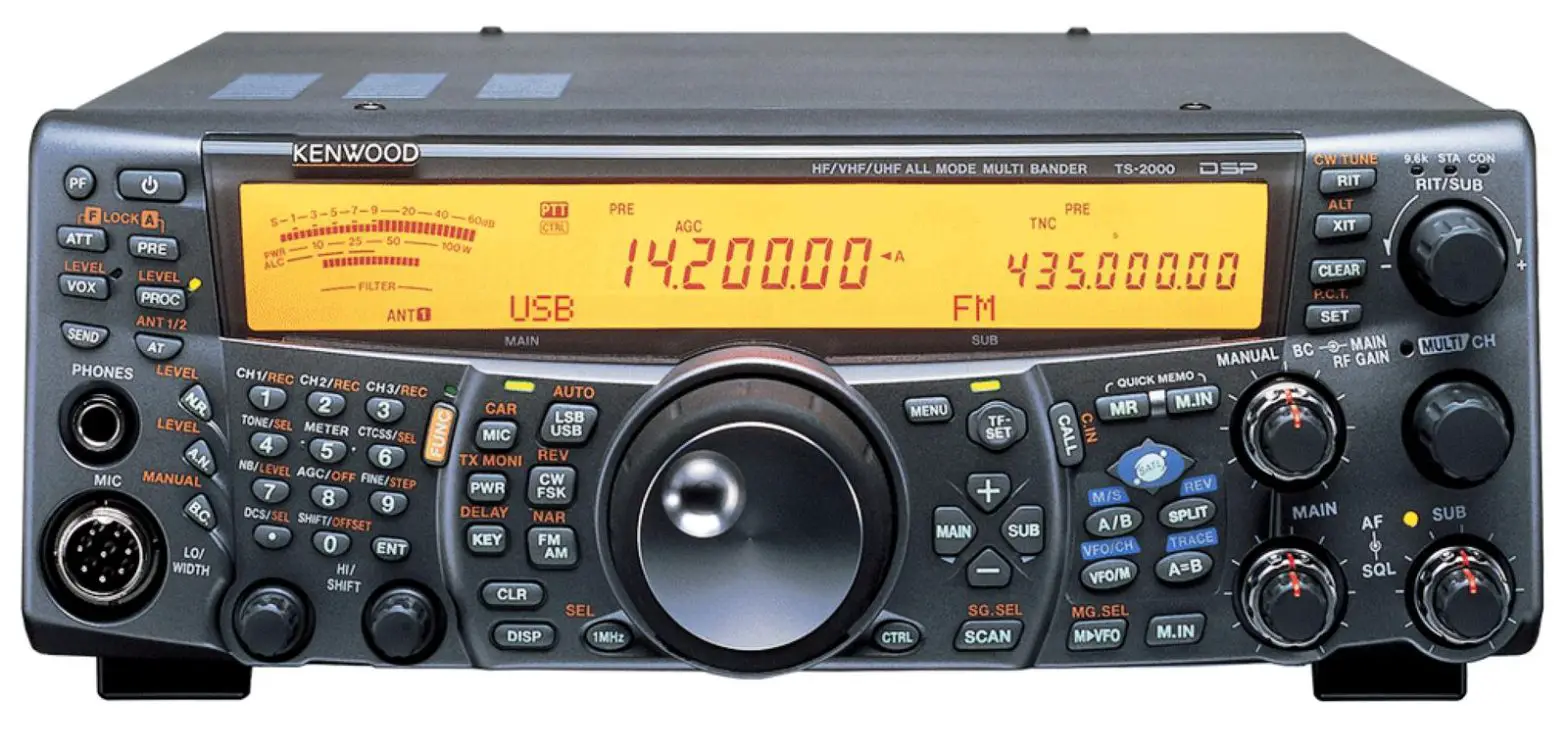
PCI RACE RADIOS Kenwood NX-1200 Transceiver User Guide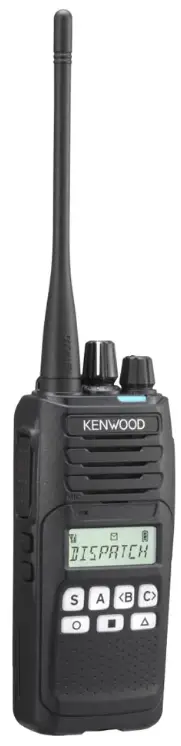
Product Descriptions
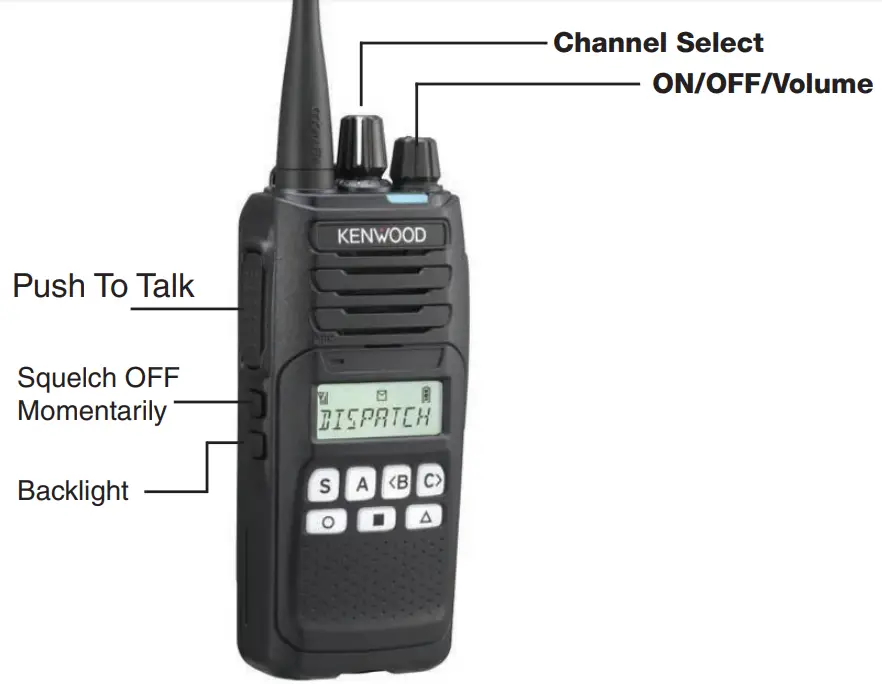
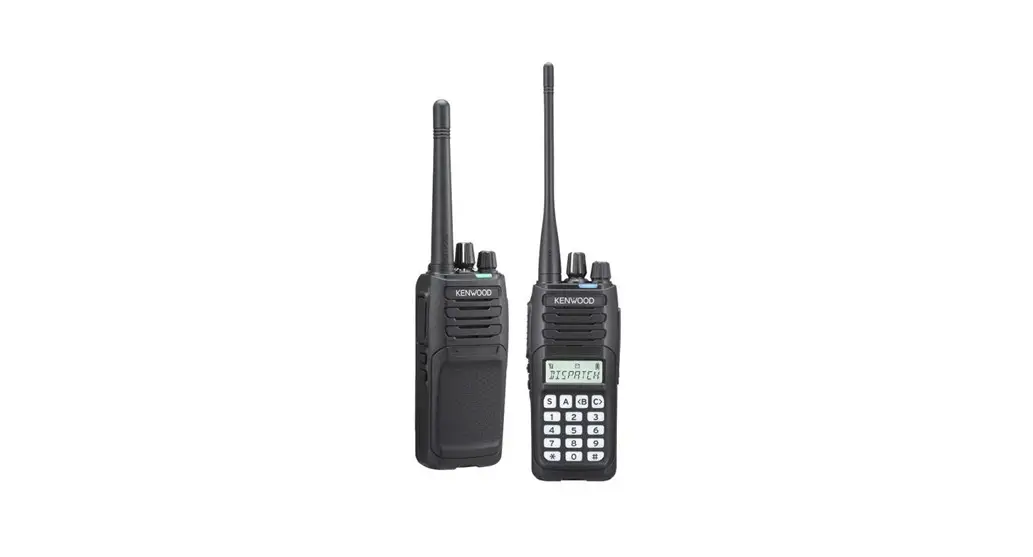
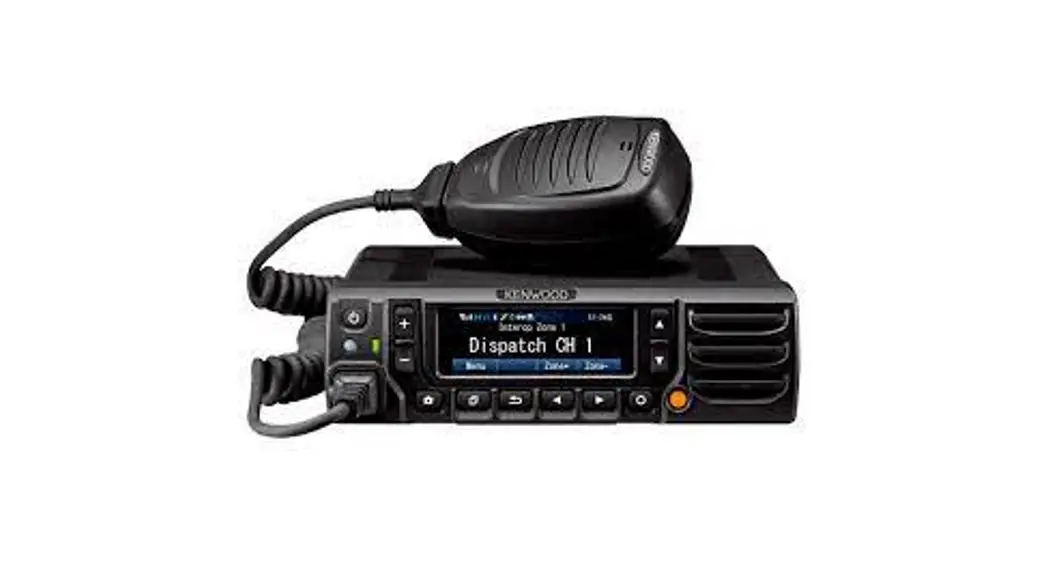
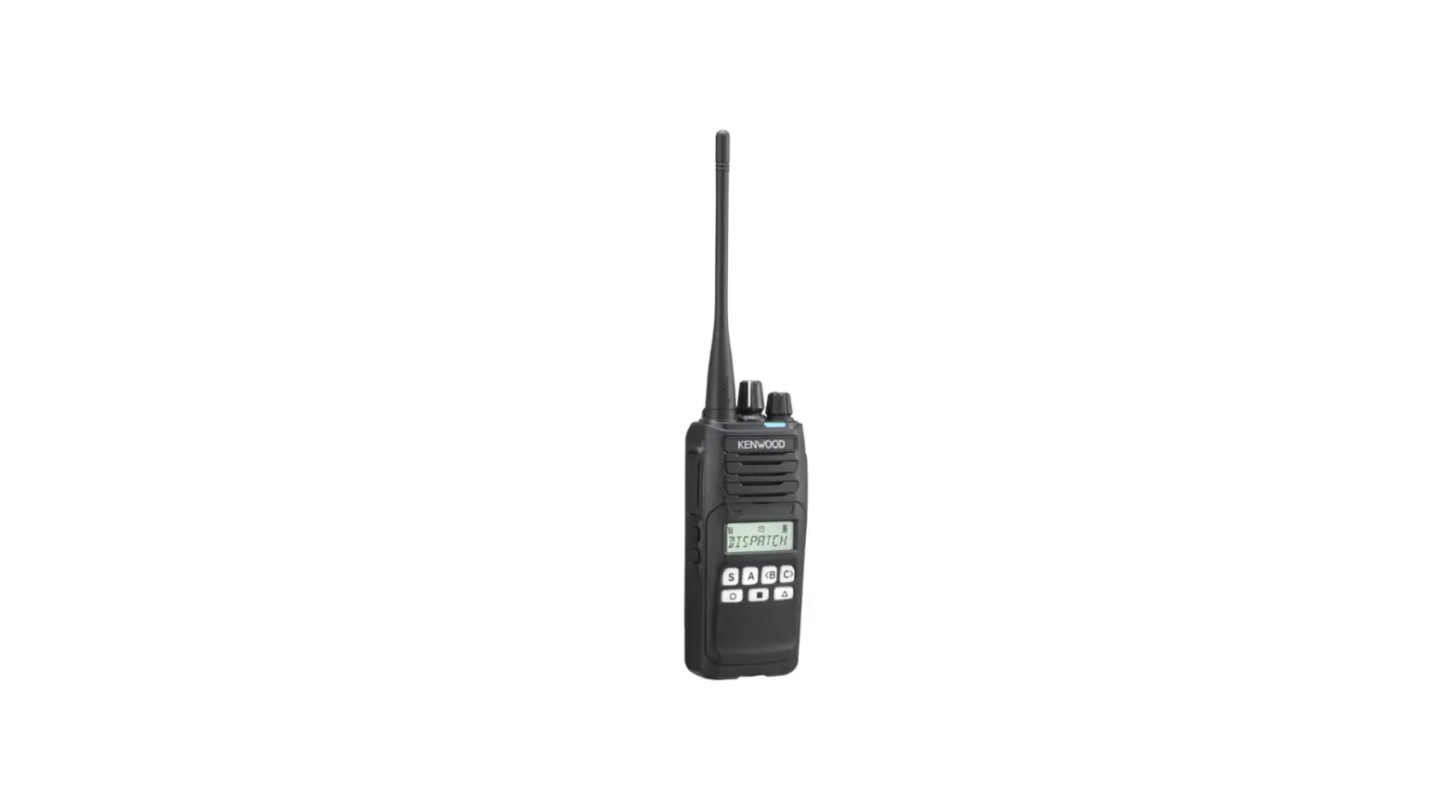
S – Squelch
Press to select squelch and use the B and C buttons to adjust. Press S to save.
A – Button Lock
Press to Lock/Unlock radio on selected channel and zone.
<B – Bank Down
Switches DOWN between channel banks.
C> – Bank Up
Switches up between channel banks.
 – Home Channel
Press to return to Home Channel. Press and hold on your designated frequency until you hear a beep to set as your Home Channel.
 – Direct Channel 1
Press to return to the selected direct channel. Press and hold on your designated frequency until you hear a beep to set as your direct channel.
Customer Service
 562-427-8177
 www.pciraceradios.com
6185 Phyllis Drive, Cypress, CA 90630

 PCI Race Radios - Intercoms, GPS, Two-Way Radios, Headsets, Helmets