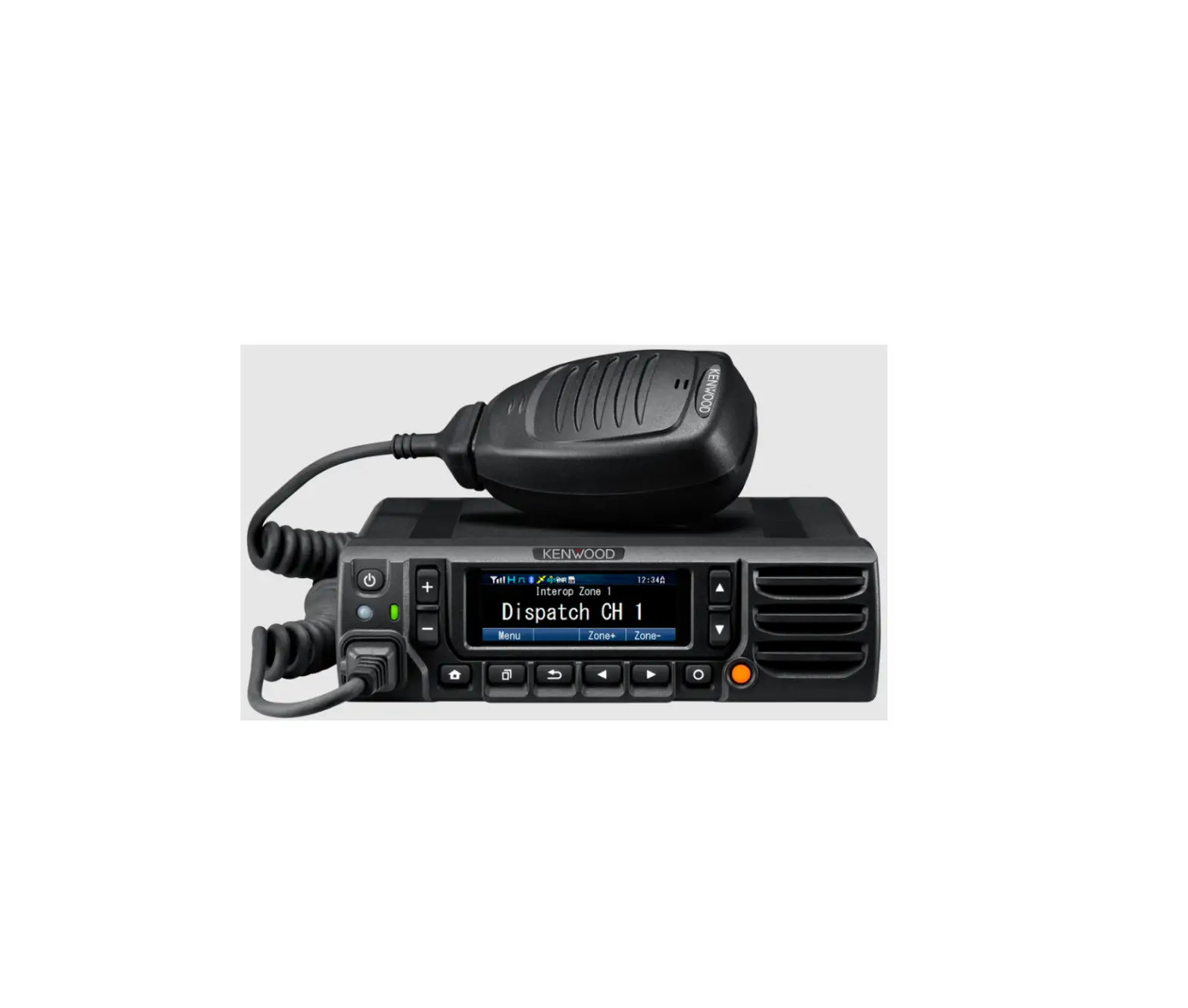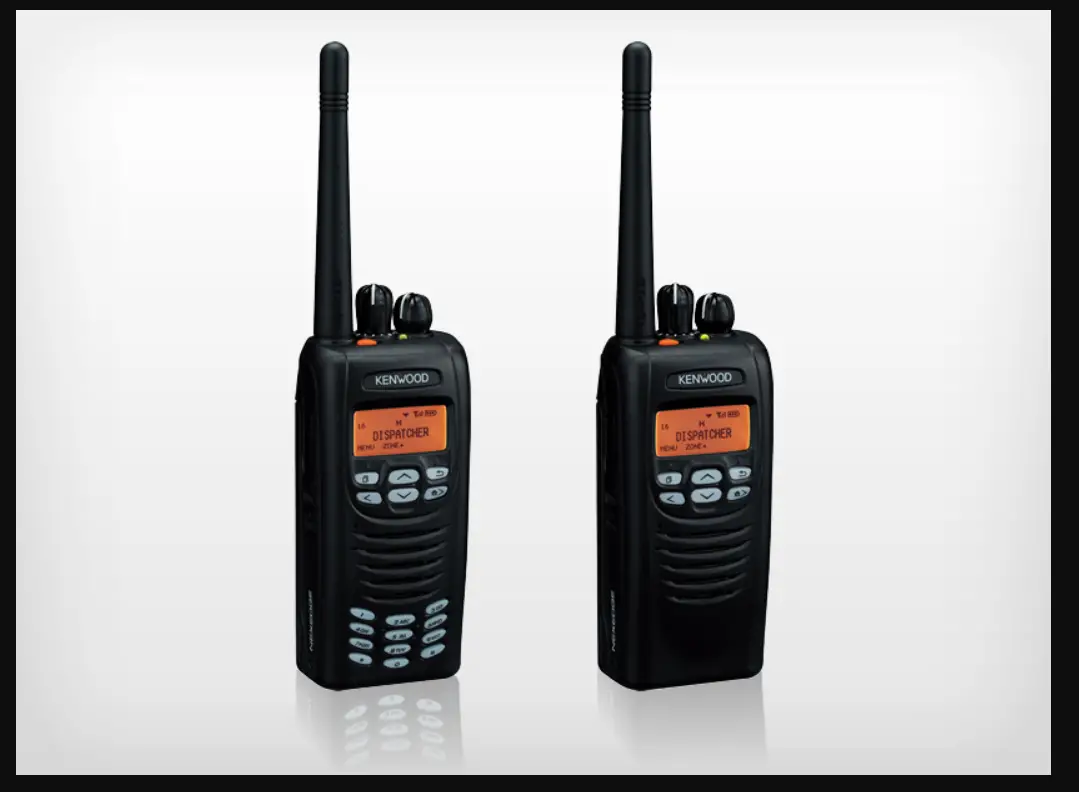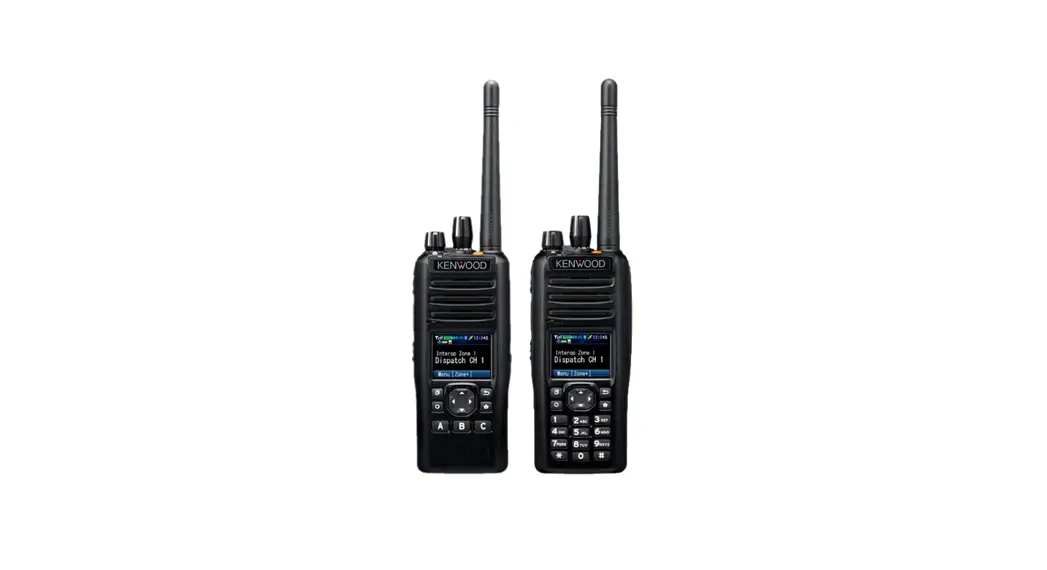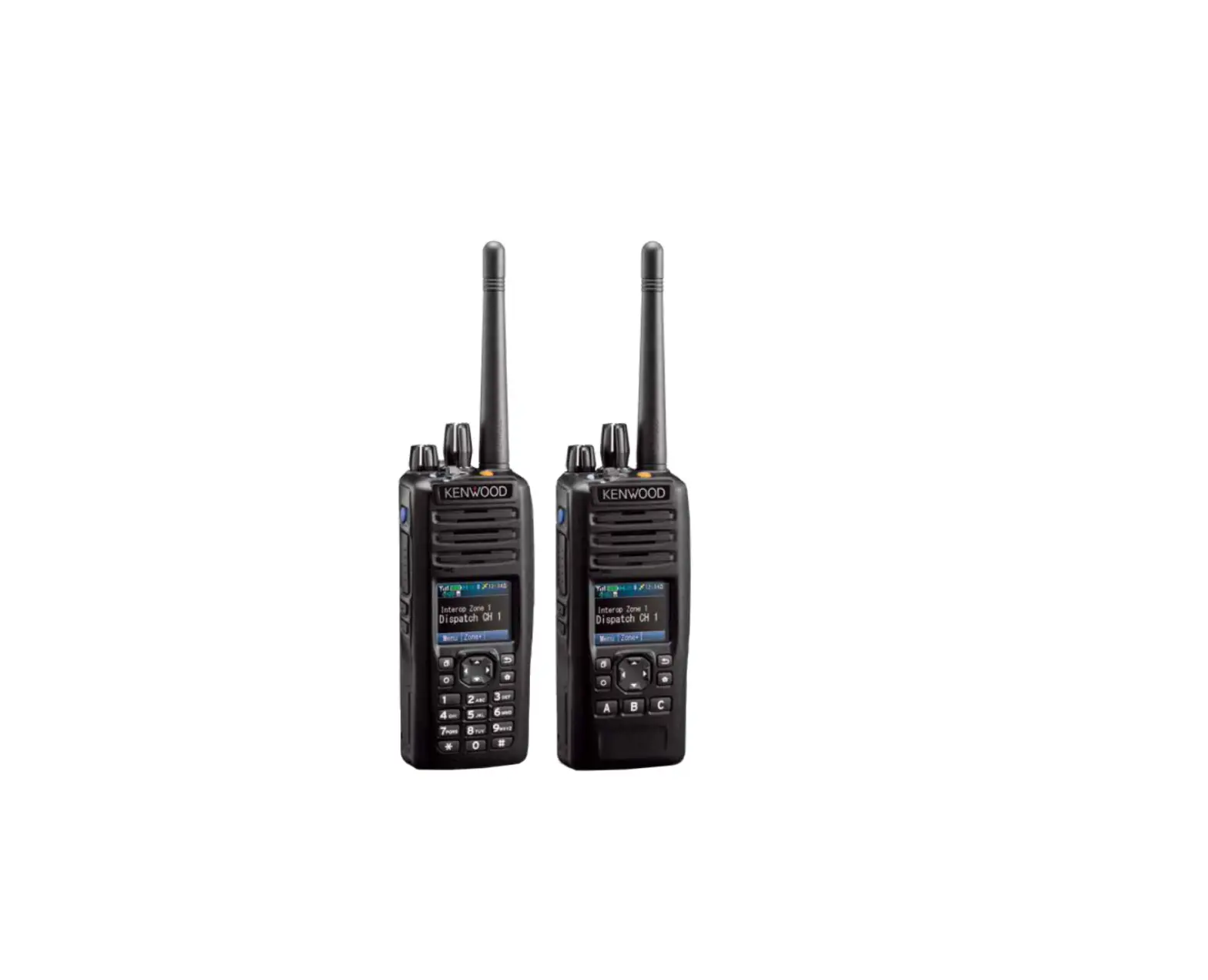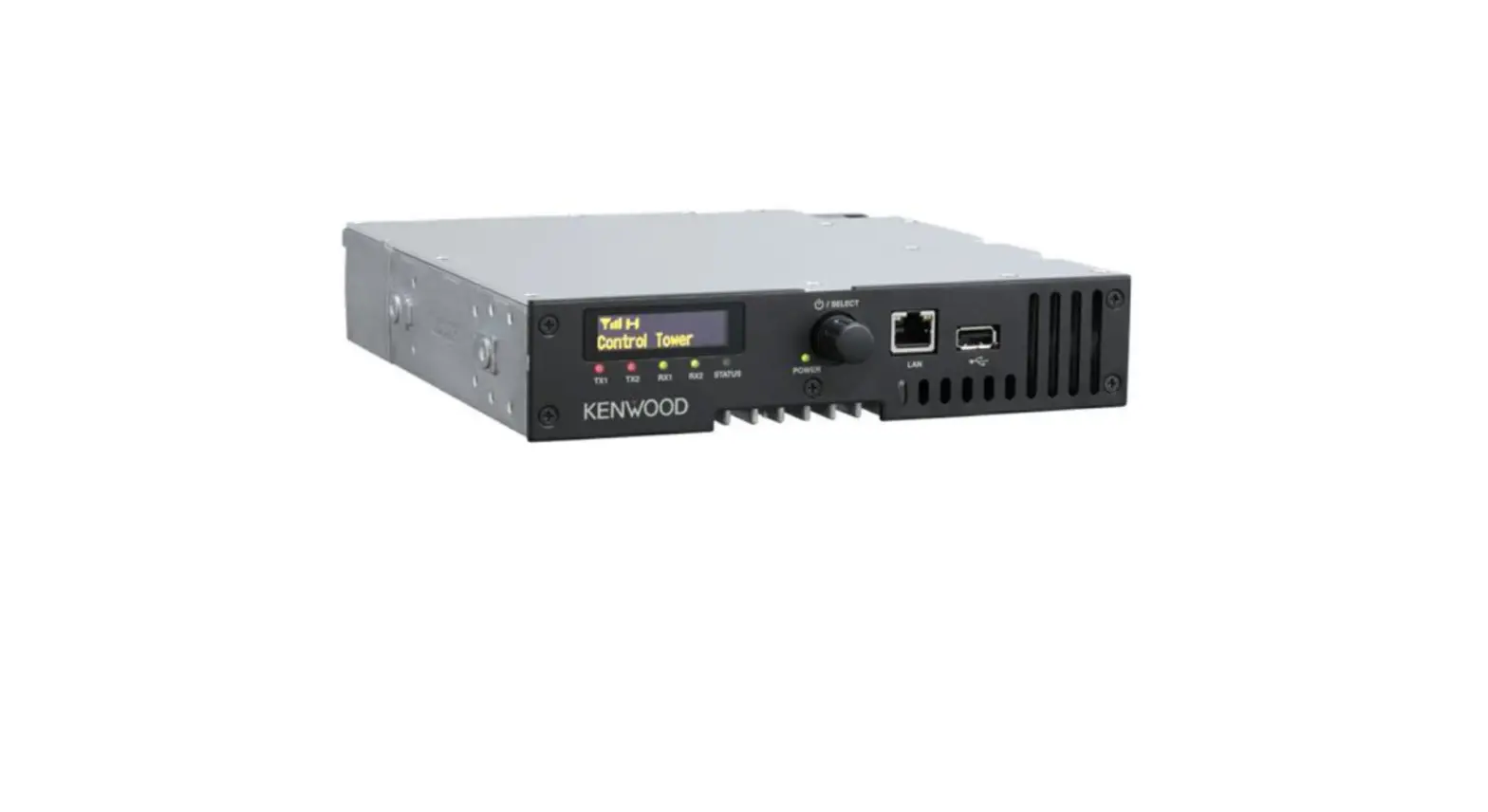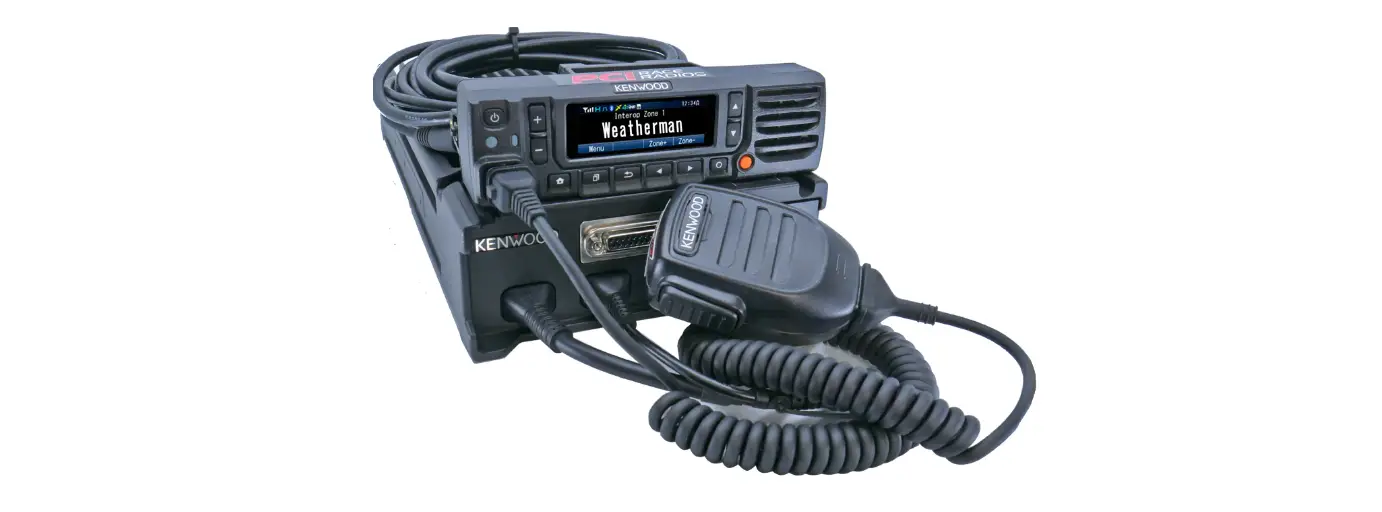

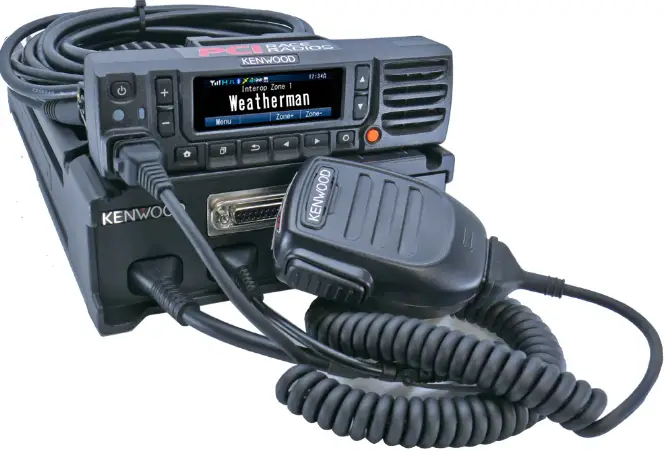
PCI Kenwood NX-5700 High Power Radio
OVERVIEW
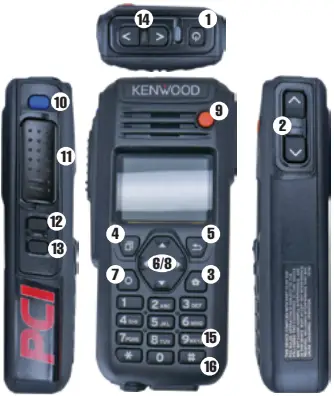
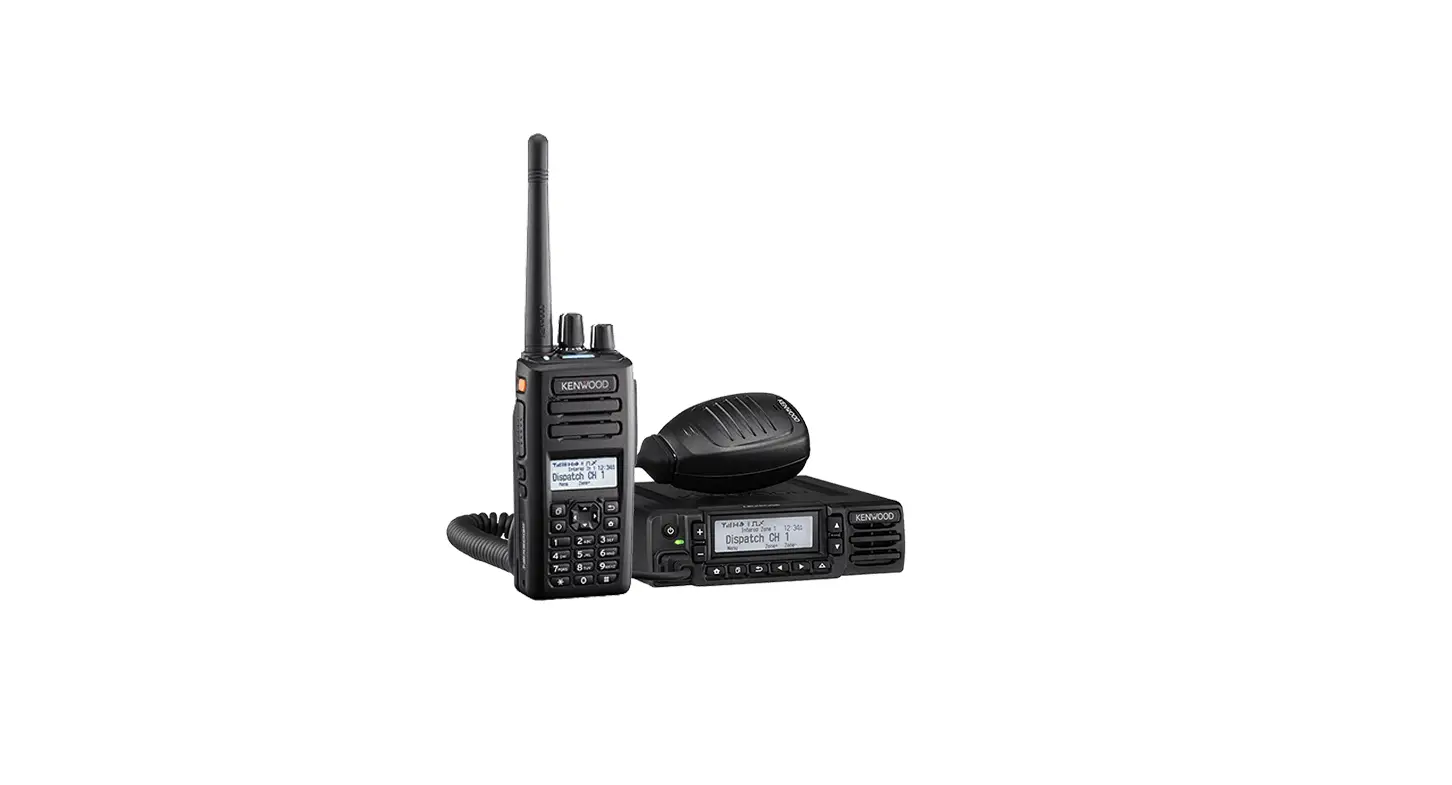
- Power
- Volume Up/Down
- Home Screen
- Menu
- Playback
- Zone Up/Down
- Home Channel
- Channel Up/Down
- Channel 1
- Monitor
- Push to Talk
- LCD Brightness
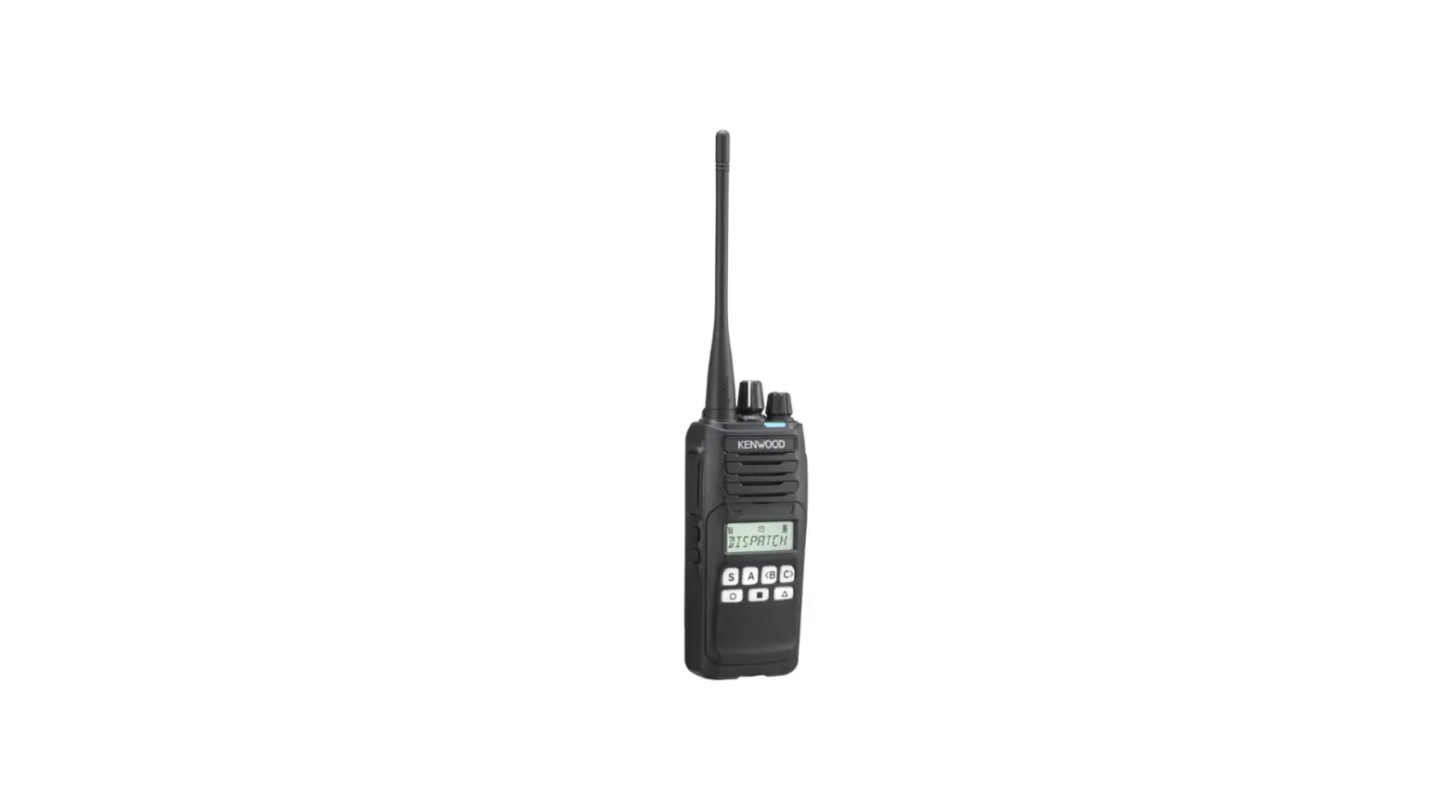
- SCAN
- Channel Up/Down
- Channel Info
- Key Lock
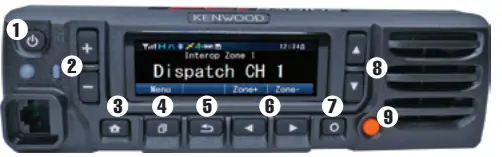
- Power
- Volume Up/Down
- Home Screen
- Menu
- Playback
- Zone Up/Down
- Home Channel
- Channel Up/Down 9 Channel 1
- PLAYBACK MENU: Press the
 PLAYBACK button to display the most recent TX/RX. Scroll up and down and press the
  MENU button to play.
Press HOME SCREEN to return to the display.
 - VOICE PLAYBACK: Press and hold PLAYBACK to replay the most recent RX.
- PRIORITY SCAN ON HAND HELD: Press the
 SCAN button to turn scan ON/OFF.
 - PRIORITY SCAN ON REMOTE HEAD: Press the MENU button three times. Press arrow down to highlight “ON” and press MENU to select.
PressHOME SCREEN to return to the display. - MENUS: Press the MENU button to enter the menu options. Use the
 horizontal arrow keys to select Scan, Squelch, or the Settings Menu.
The settings menu contains LCD brightness, Clock and colors. Press MENU to select. Press HOME SCREEN to return to the display.
 PLAYBACK button to display the most recent TX/RX. Scroll up and down and press the
  MENU button to play.
 HOME SCREEN to return to the display.
 SCAN button to turn scan ON/OFF.
 horizontal arrow keys to select Scan, Squelch, or the Settings Menu.
562-427-8177
www.pciraceradios.com
6185 Phyllis Drive, Cypress, CA 90630
 PCI Race Radios - Intercoms, GPS, Two-Way Radios, Headsets, Helmets