 ICT LRDN106 Light Hotspot
User Manual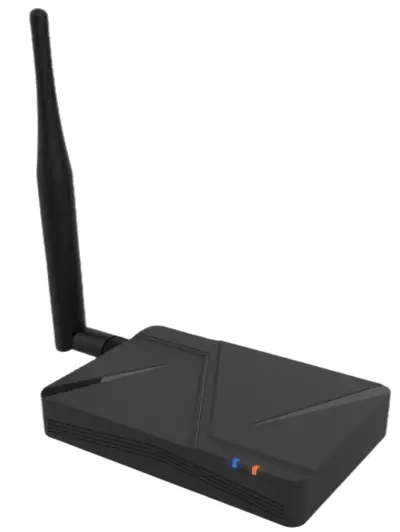
Introduction
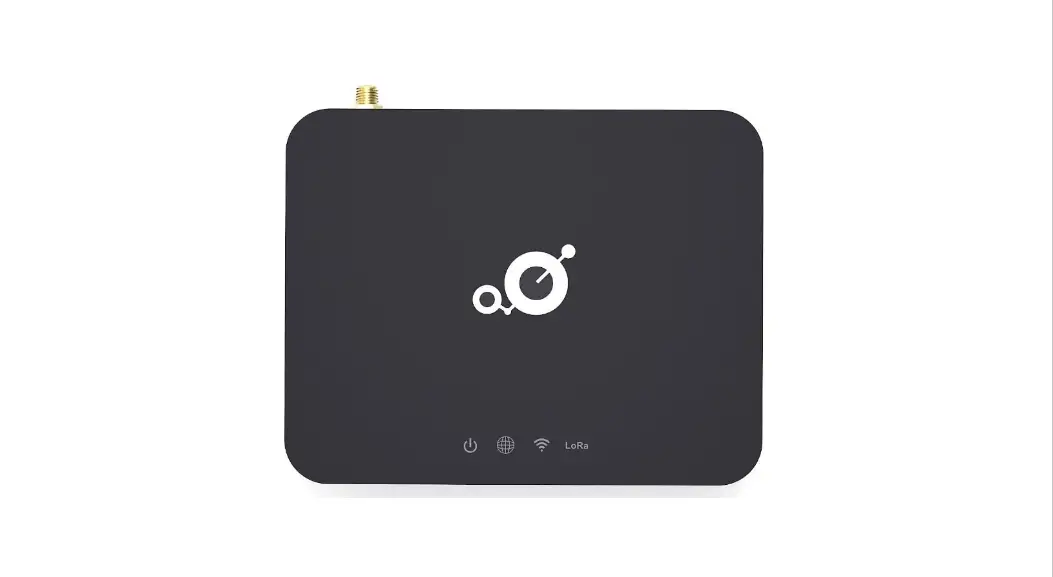
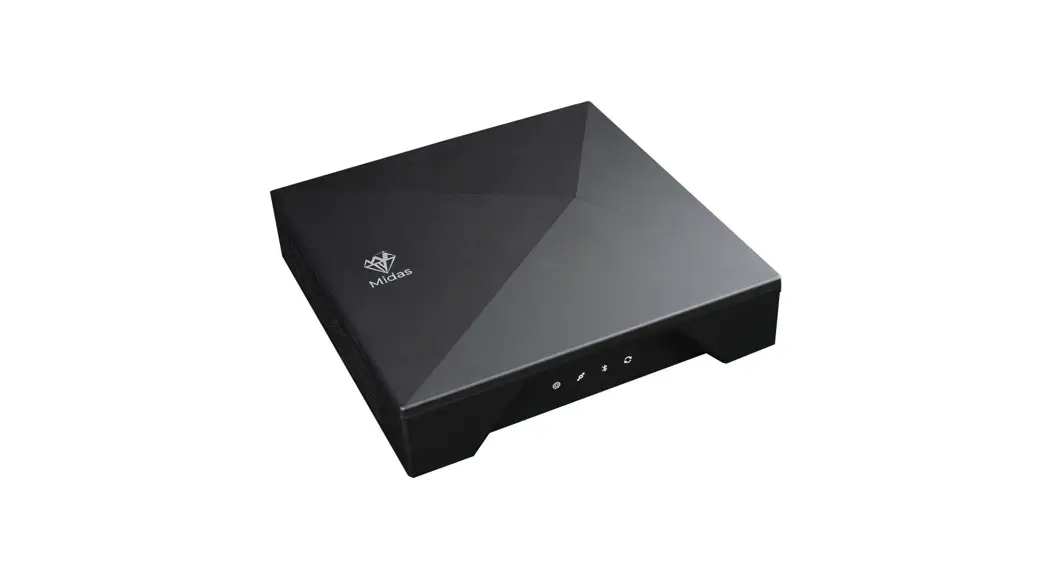
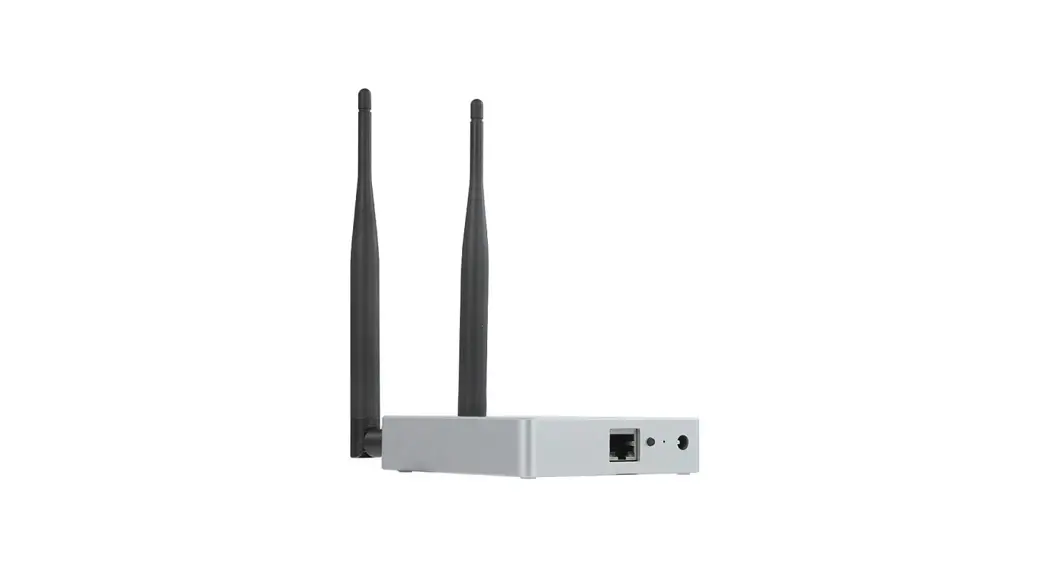
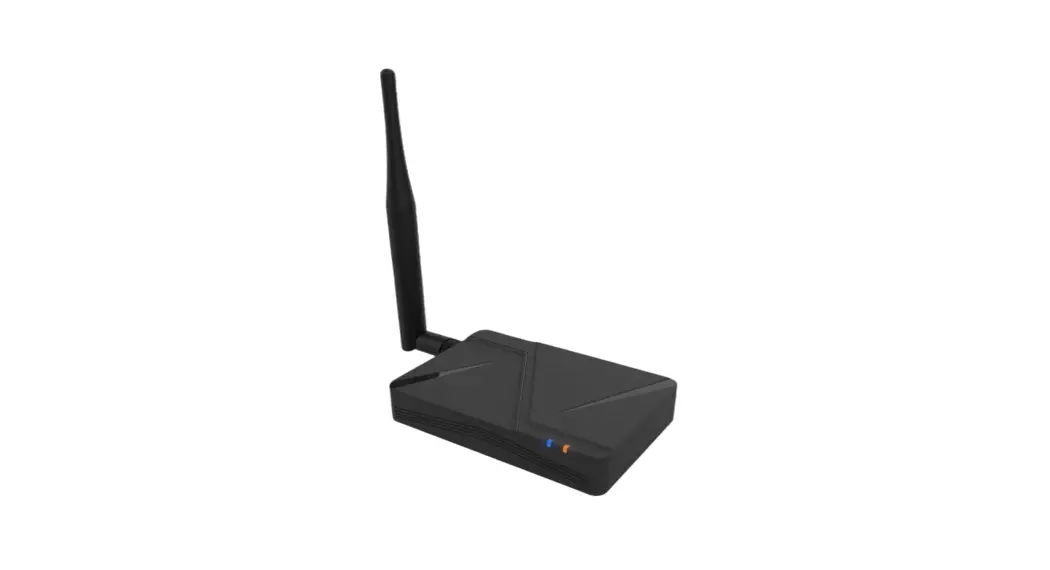
The system is a communication device that is based on the SEMTECH SX1302/SX1250 to provide LoRa functionality of the Light Hotspot. This document intends to describe its hardware, mechanical and software specifications.
Network Systems
This Light Hotspot collects packets from LoraWAN compatible end nodes. Received packets will be forwarded to the Network and Application servers via Internet.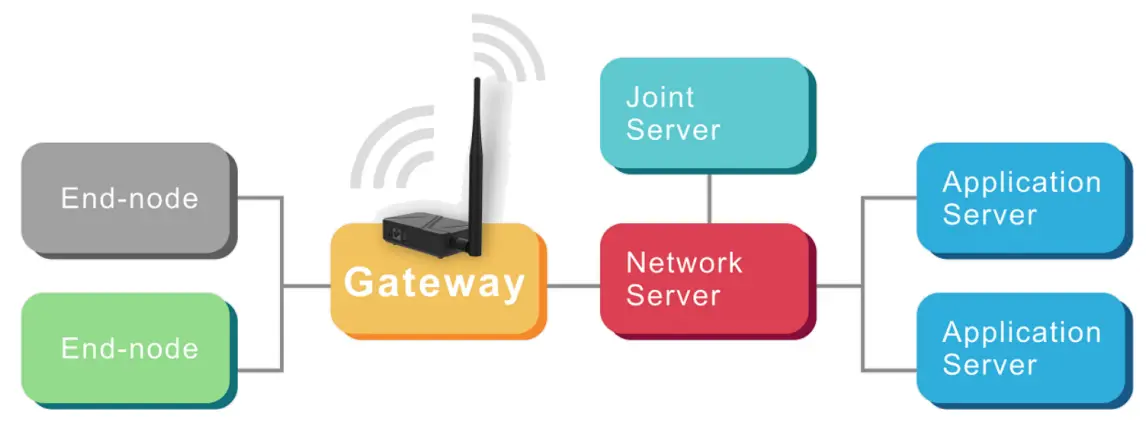
Specifications
| Category | Item | Specification |
| Processor | MIPS24Kec, 580MHz | |
| Memory (RAM/Storage) | DDR2 I 28MB / Flash 32MB | |
| LoRa | Max. TX Power | Conducted, 27 dBm @ 9I5.5MHz |
| RX Sensitivity | Conducted, -141 dBm @ SF=12/BW125 | |
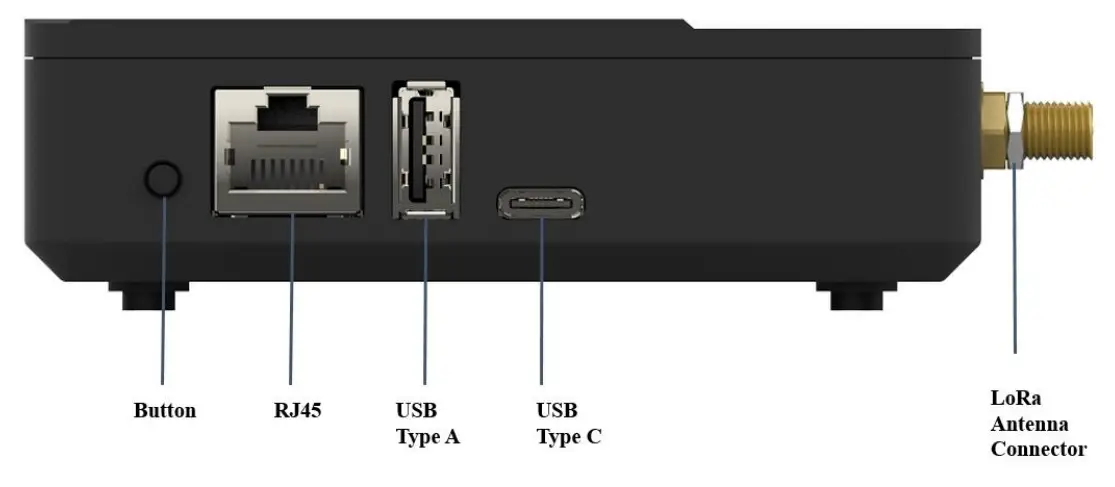
| 1/0 | Ethernet | 10/100M |
| USB type A | USB 2.0 x 1 | |
| Power, USB type C | 5V input with Serial port | |
| LED | X 2 (Orange / Blue) | |
| Button | X 1 | |
| Accessory | AC/DC adaptor | 100-240V / 5V 244 |
| LoRa Antenna | External, Omni, 3.0dBi gain | |
| Environment | Operating temperature | -10° C to +50° C |
| Storage temperature | -20° C to +70° C | |
| Operating humidity | 10%-90% non-condensing | |
| Storage humidity | 5%-95% non-condensing | |
| ESD | Air: ±8KV, Contact:±4KV | |
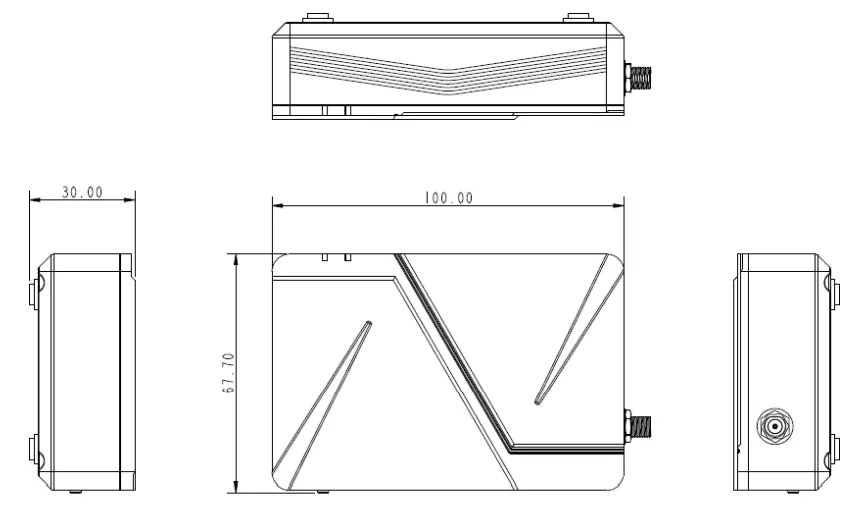
| Mechanical | Dimension | LxWxH: 100×67.7×30 mm (main system only) |
| Weight | 88g | |
I/O Description
LED Indicator Description
The different colors of the LEDs indicate different working states
| Indicator color | Indicator status | Description |
| Orange | Solid on | System power on |
| Blinking | System initializing | |
| Blue | Solid on | Service is ready |
User Guide
Take out the power adapter and antenna from the package. Insert the antenna to the Lora antenna SMA port and tighten the connector. To power on the device, connect the USB Type C plug to the gateway USB Type C port, then connect AC plug to 100240V wall socket.
Once the system is powered on, provide Internet access to the Lora hotspot using one of the following methods:
Wired connection:
- Plug in RJ45 Ethernet cable to DHCP enabled ETHERNET switch
Product Outline Dimension
Content
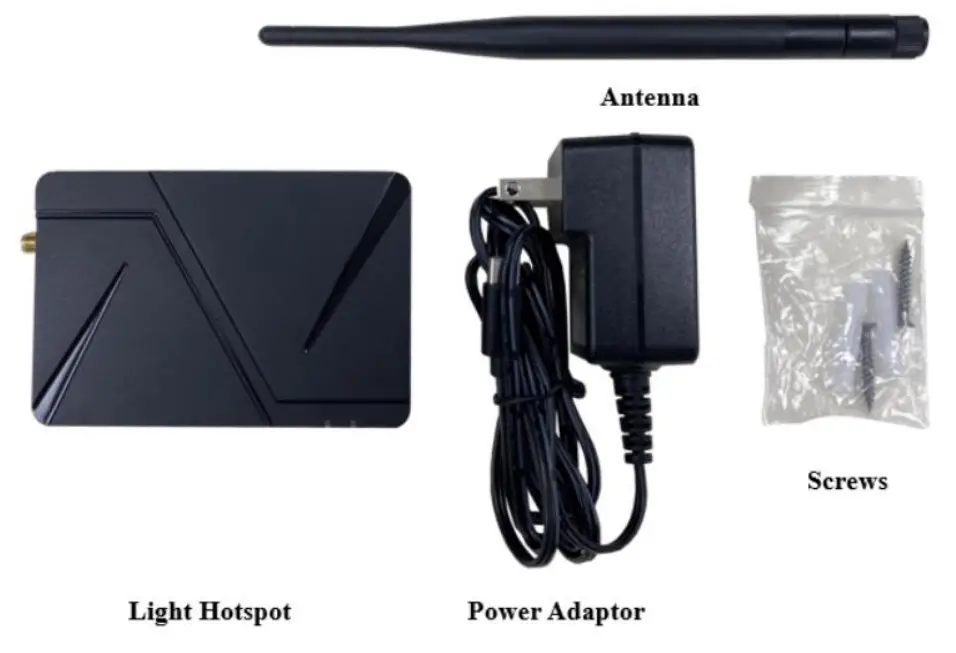
Light Hotspot Installation
There are two ways to install Light Hotspot:
Standard setting: To place Light Hotspot on a flat surface and adjust antenna to an upward position.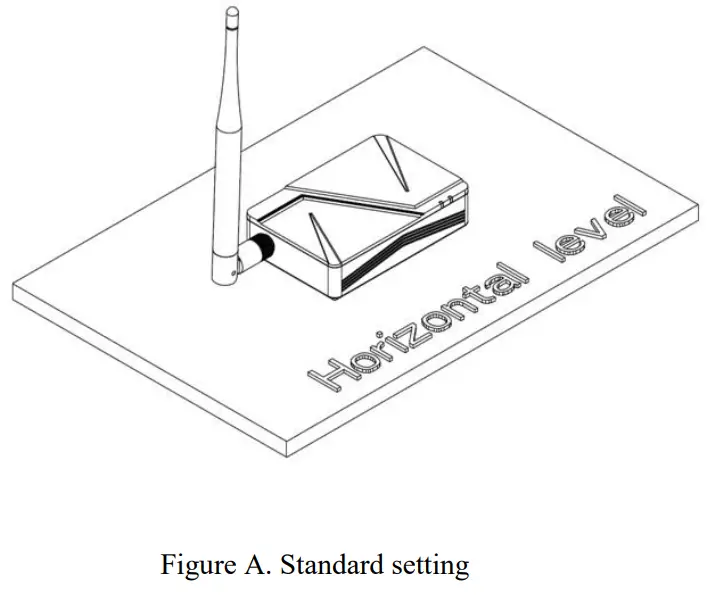
Wall mount setting: Drill two holes spacing 44 mm on the wall, plug in expansion pipes, fasten the screws, and mount Light Hotspot on the wall.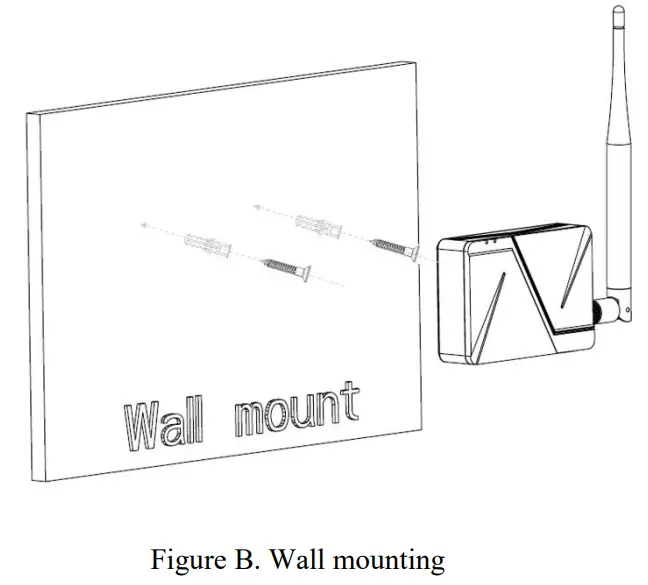 Notes:
- Please avoid dropping to avoid any damages during installation.
- Light Hotspot is intended for indoor usage. It is best to place in a dry, less dust, and ventilated area. Please avoid moist and raining areas.
- For best antenna performance, Light Hotspot should be placed close to window and avoid metallic objects.
- Warranty will be void if the product void label is tampered.
FCC Statement:
This device complies with part 15 of the FCC Rules. Operation is subject to the following two conditions:
- This device may not cause harmful interference, and
- This device must accept any interference received, including interference that may cause undesired operation.
NOTE: This equipment has been tested and found to comply with the limits for a Class B digital device, pursuant to part 15 of the FCC Rules. These limits are designed to provide reasonable protection against harmful interference in a residential installation.
This equipment generates, uses and can radiate radio frequency energy and, if not installed and used in accordance with the instructions, may cause harmful interference to radio communications. However, there is no guarantee that interference will not occur in a particular installation.
If this equipment does cause harmful interference to radio or television reception, which can be determined by turning the equipment off and on, the user is encouraged to try to correct the interference by one or more of the following measures:
- Reorient or relocate the receiving antenna.
- Increase the separation between the equipment and receiver.
- Connect the equipment into an outlet on a circuit different from that to which the receiver is connected.
- Consult the dealer or an experienced radio/TV technician for help.
- Changes or modifications not expressly approved by the party responsible for compliance could void the user’s authority to operate the equipment.
This equipment complies with FCC radiation exposure limits set forth for an uncontrolled environment.
This equipment should be installed and operated with a minimum distance of 20 cm between the radiator and a human body.