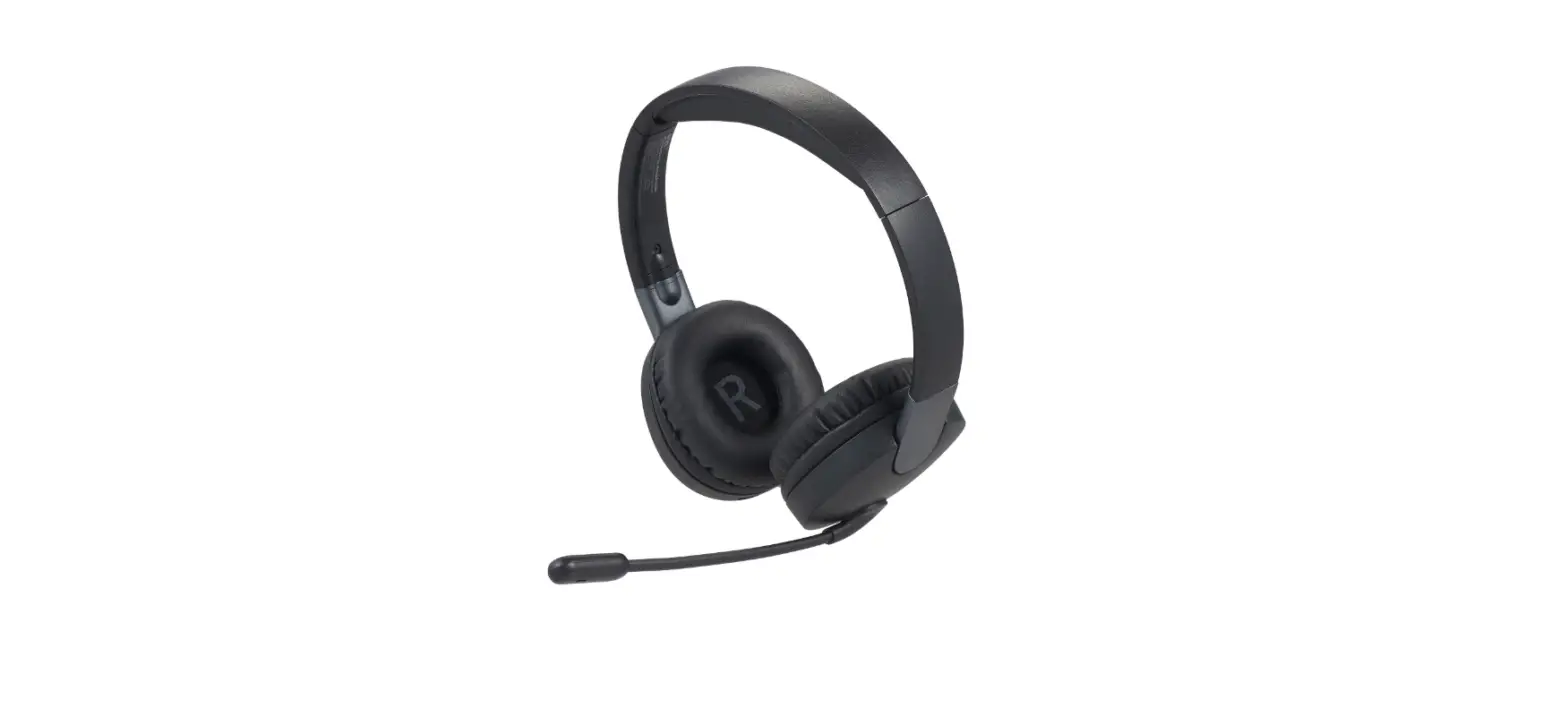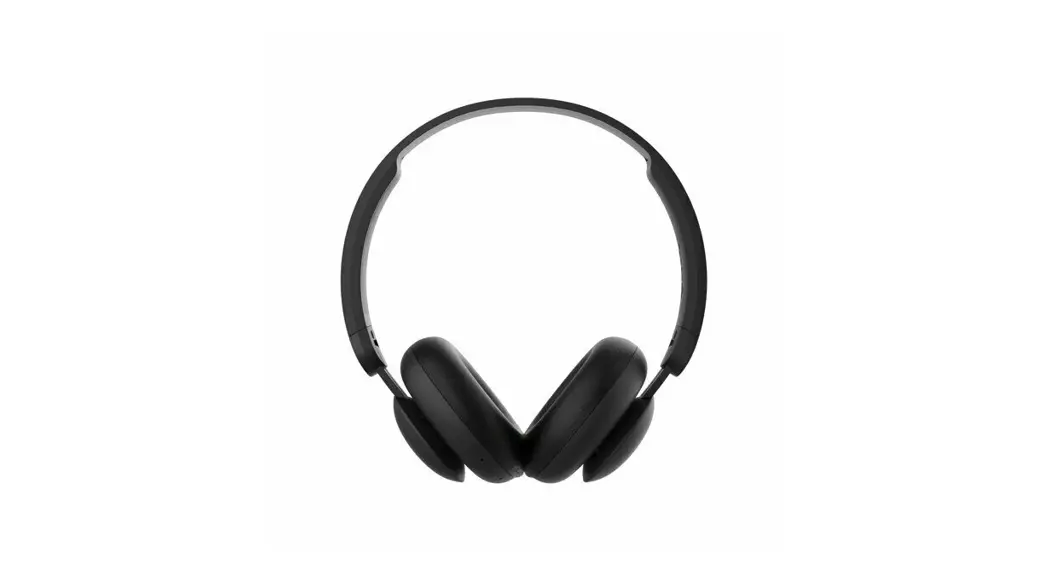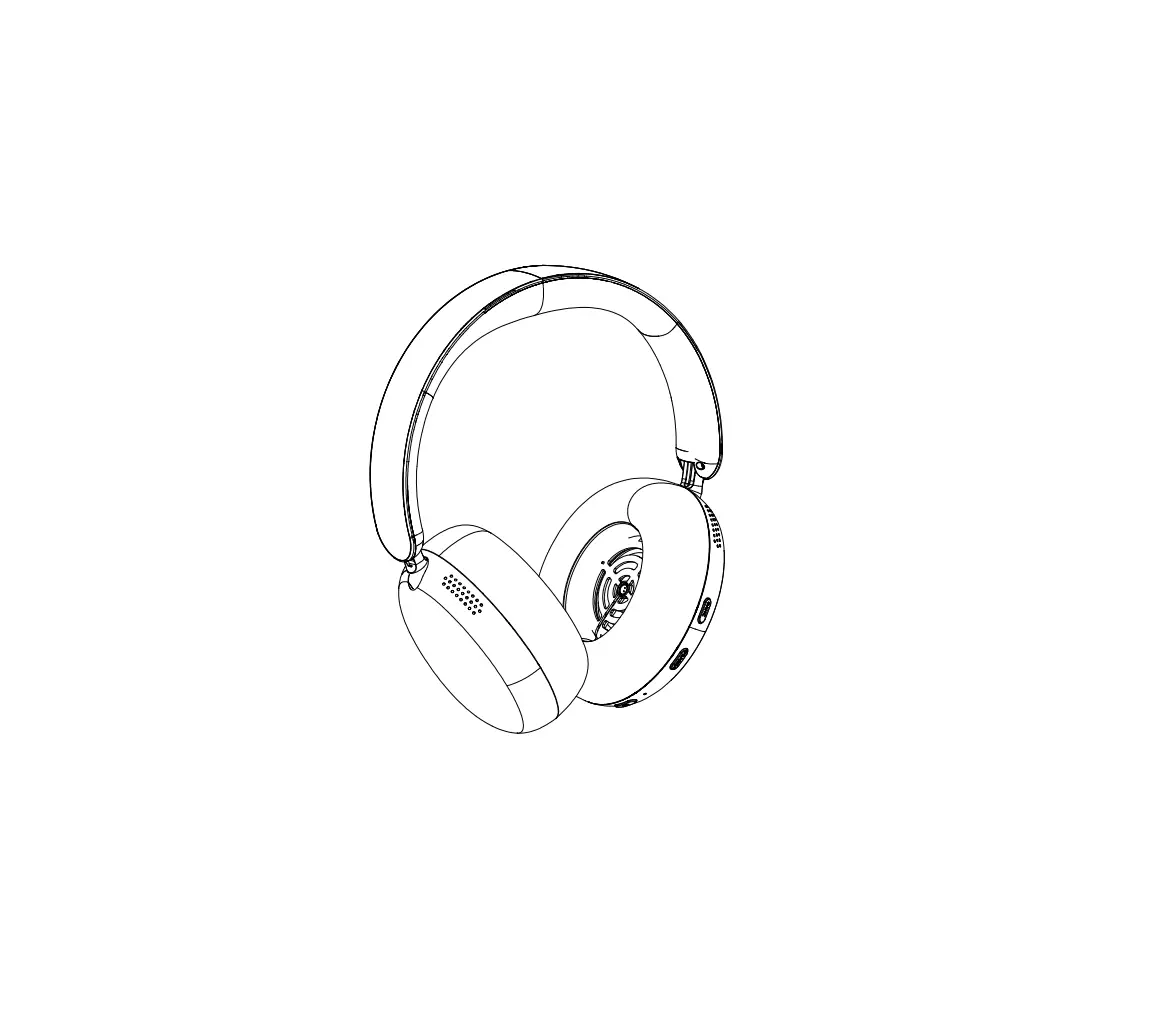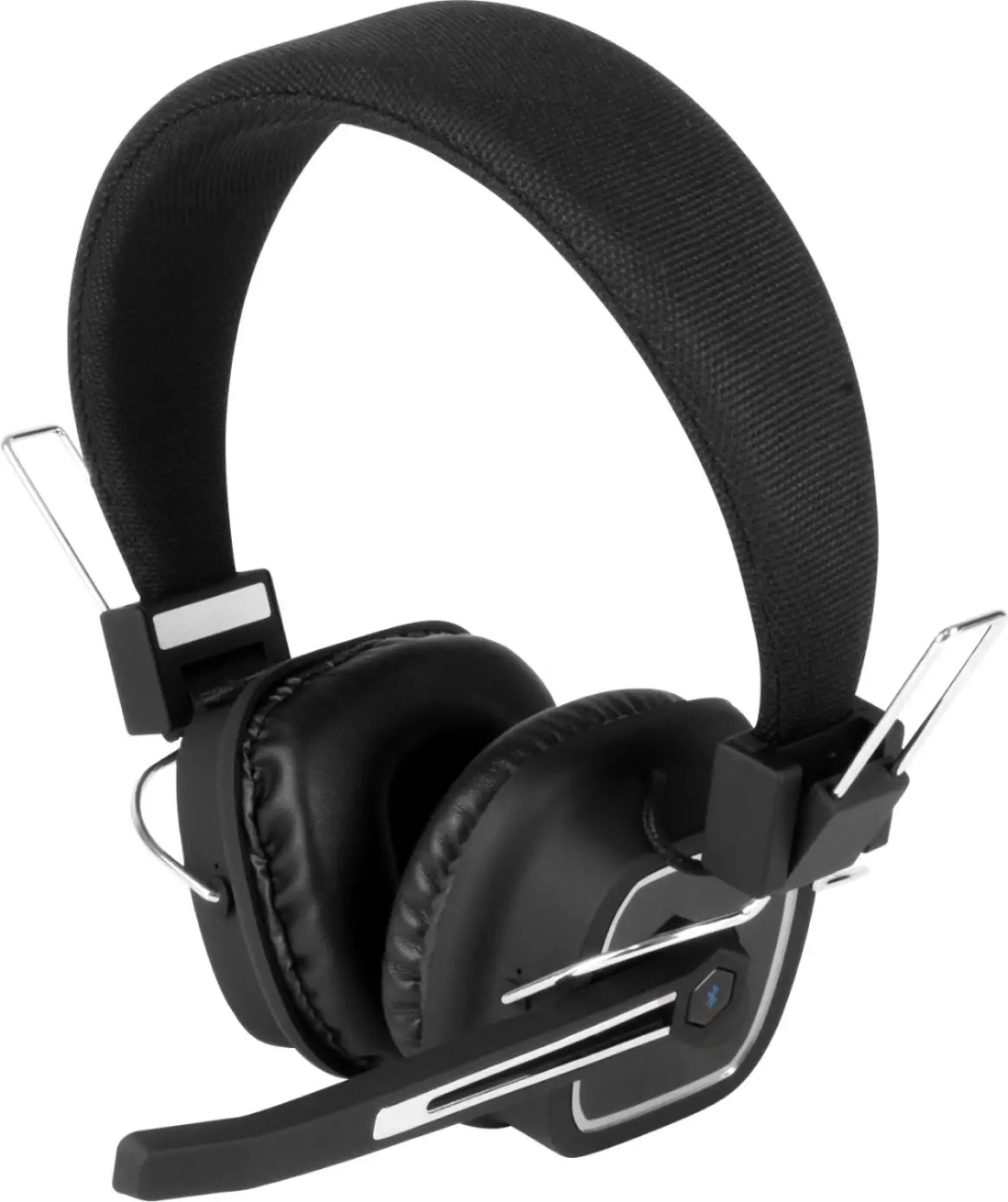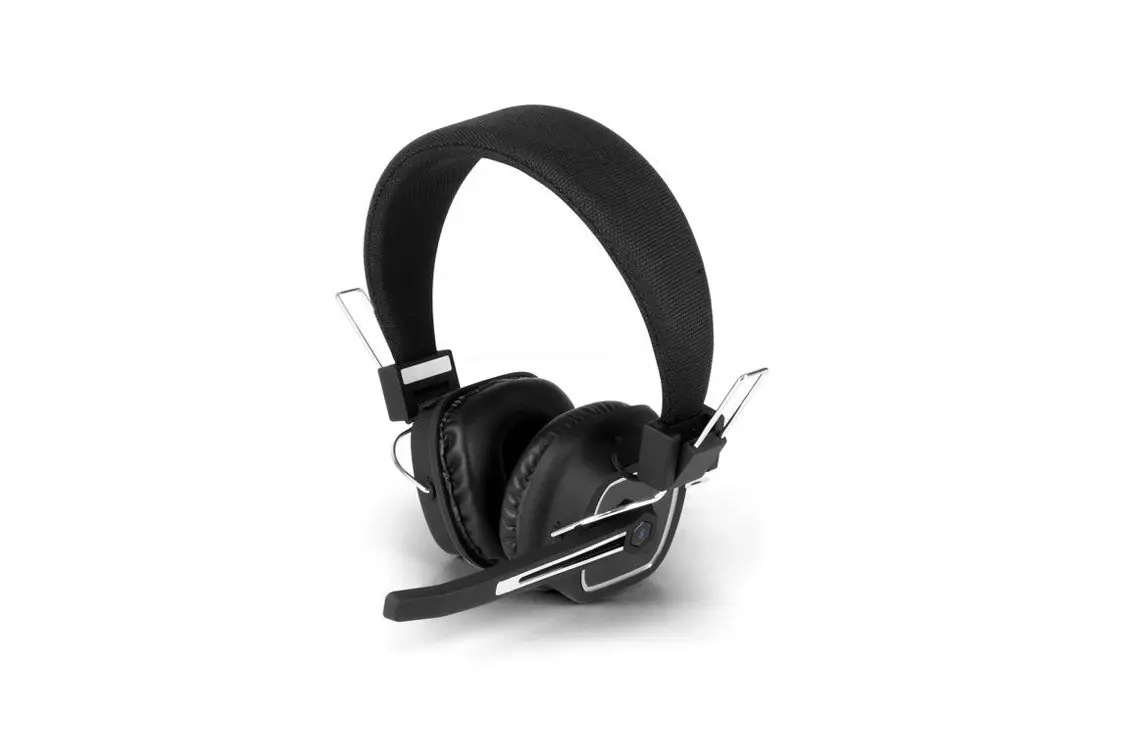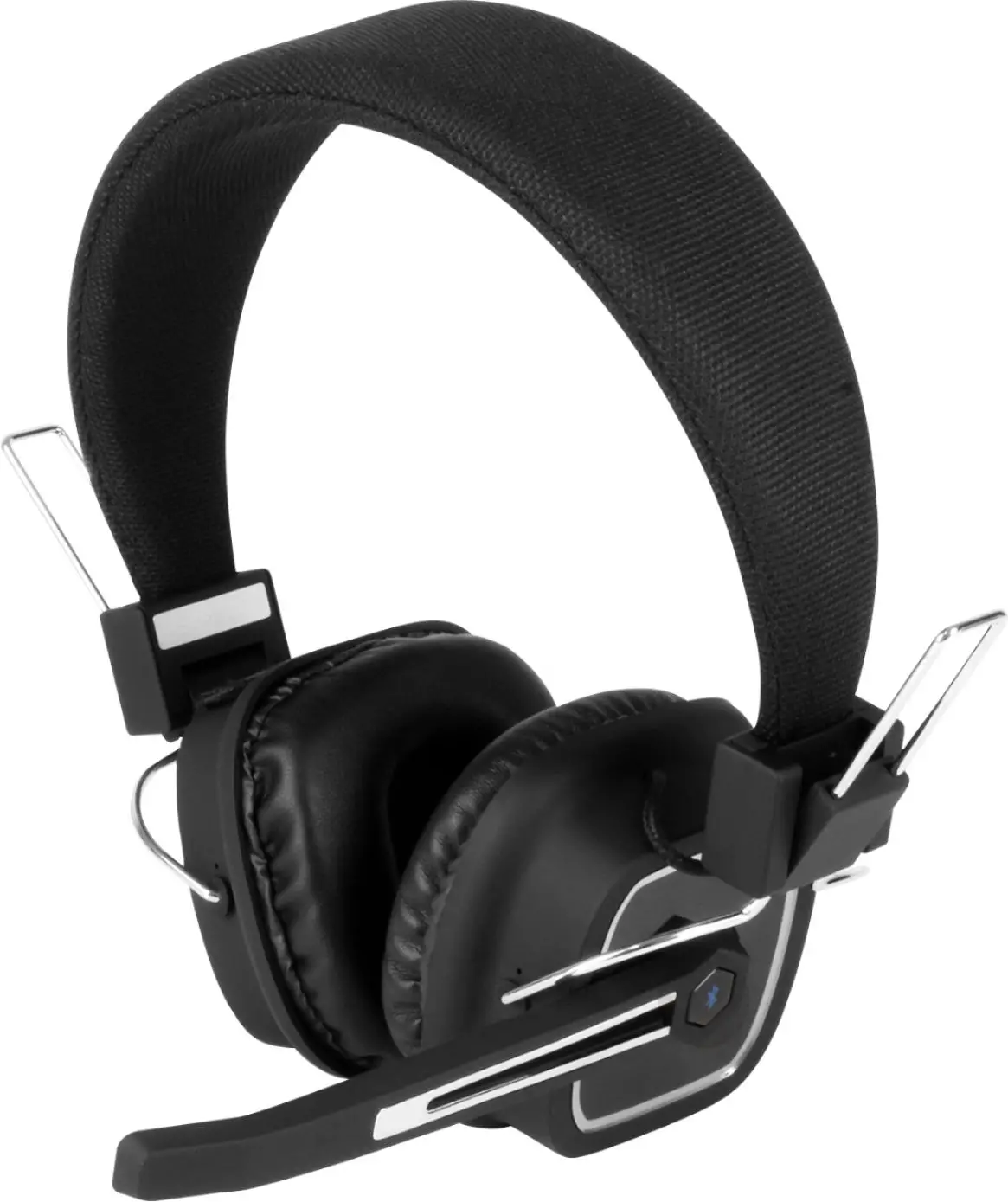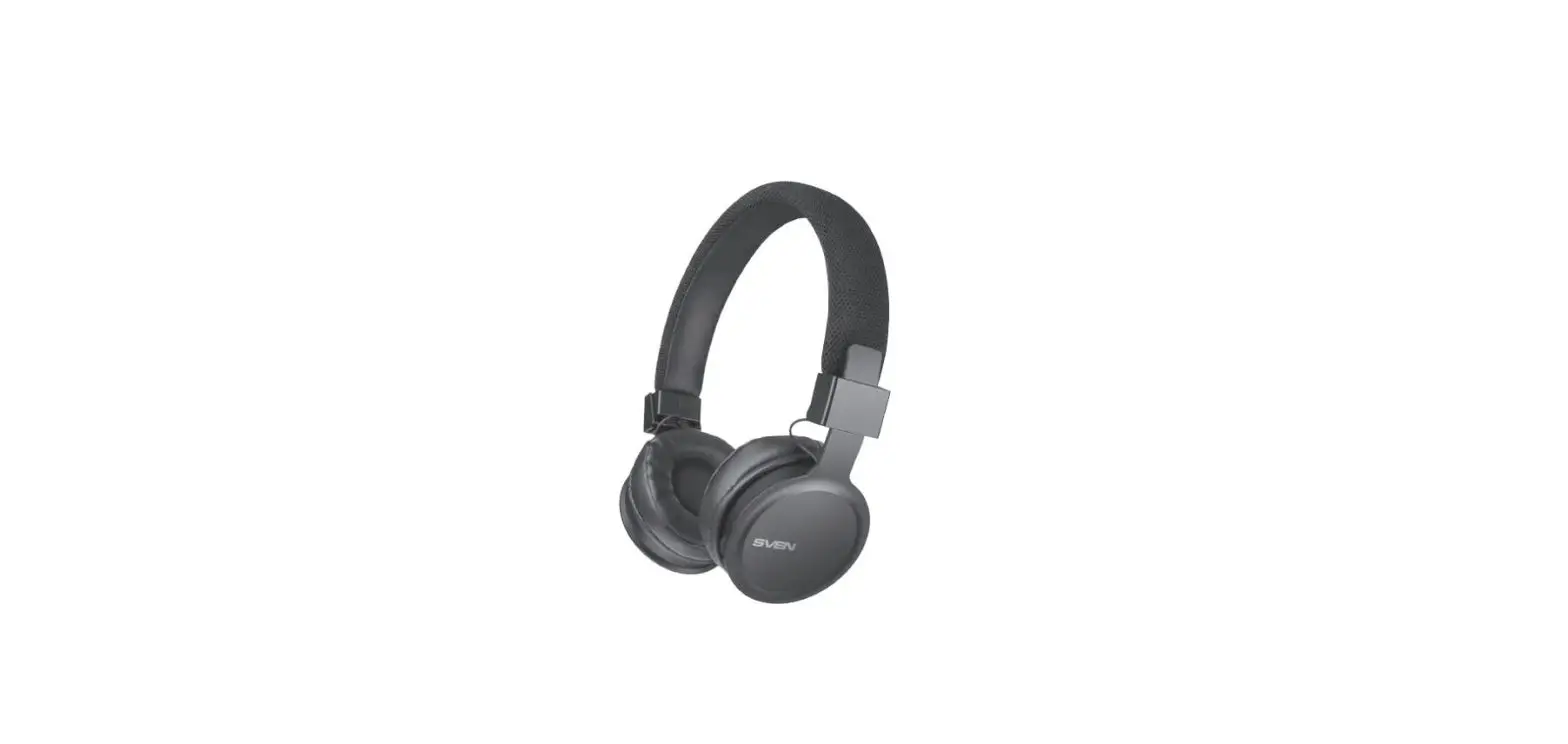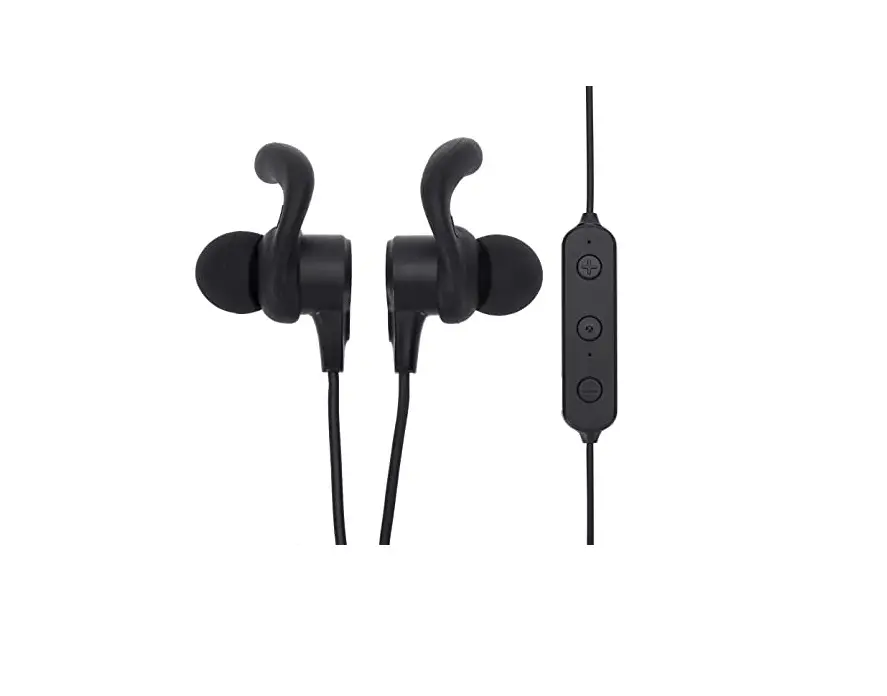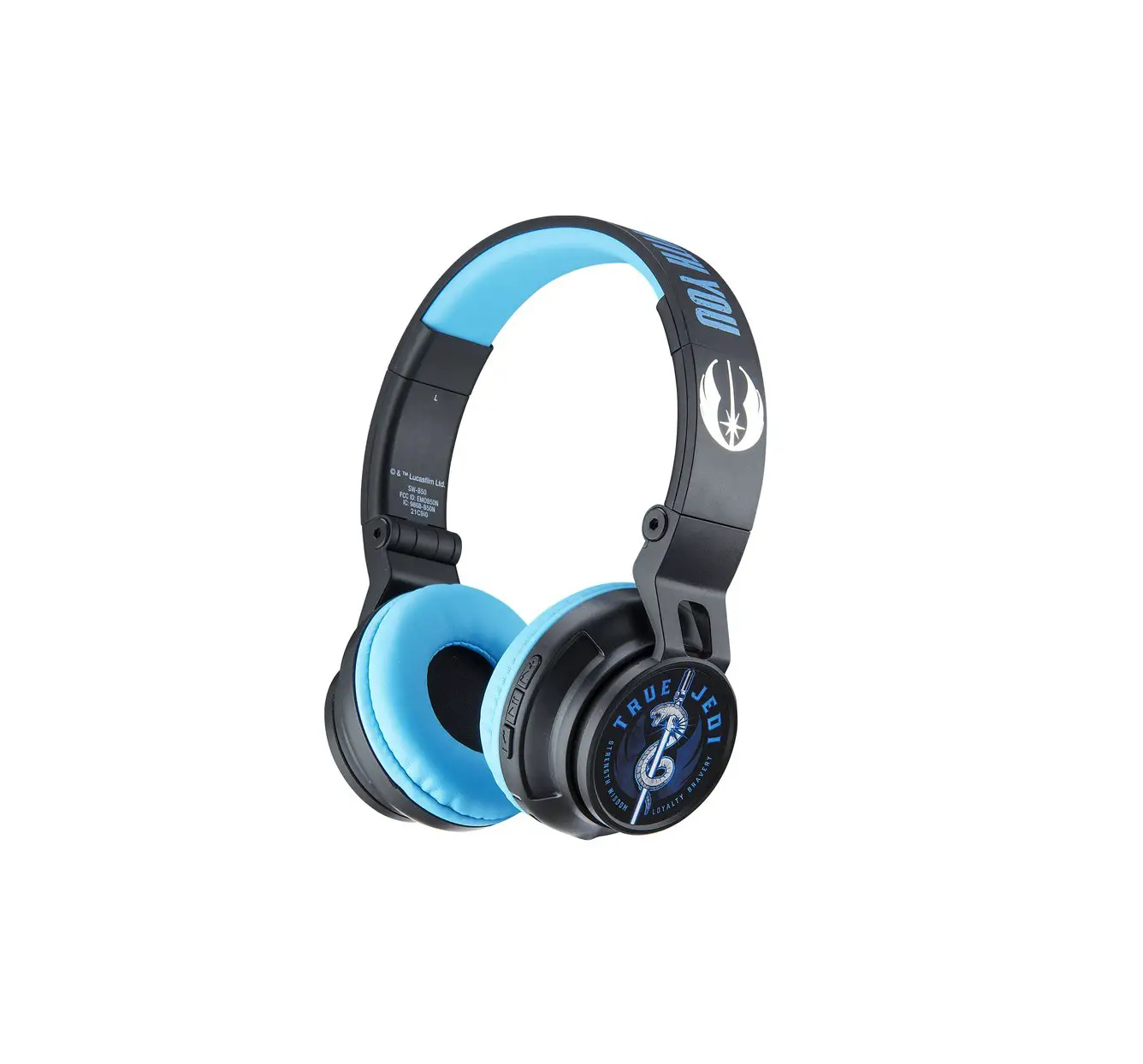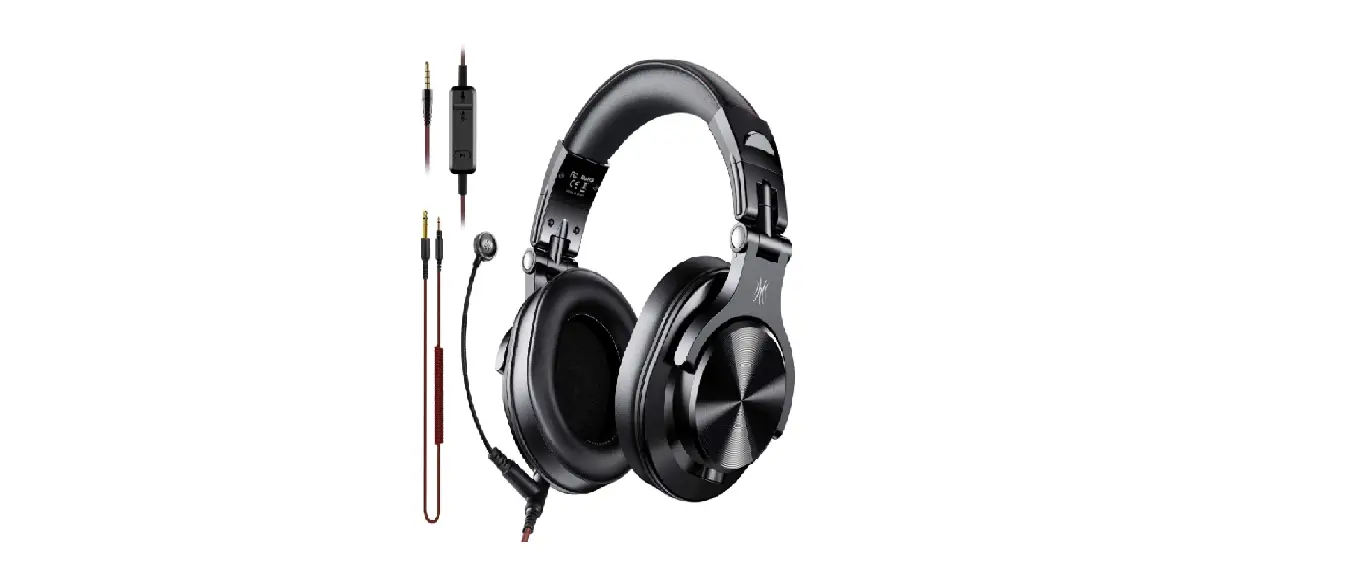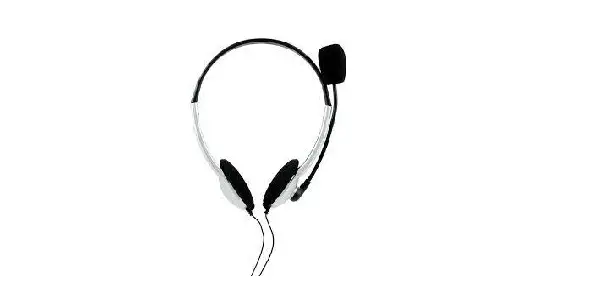

ONN70290 Wireless On-Ear Headphones With Rotating Boom Microphone
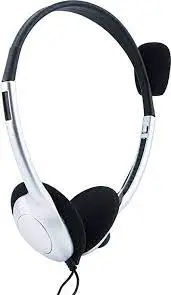
Get to Know Your Wireless Headphones
- Model:100070290
- Speaker Rated Input Power:10mw
- Speaker Diameter: 30mm
- Speaker Impedance: 32±15%
- Speaker Sensitivity: 100±4dB
- USB-C Charging cable: 6 ft (1.8 m)
What’s in the Box?
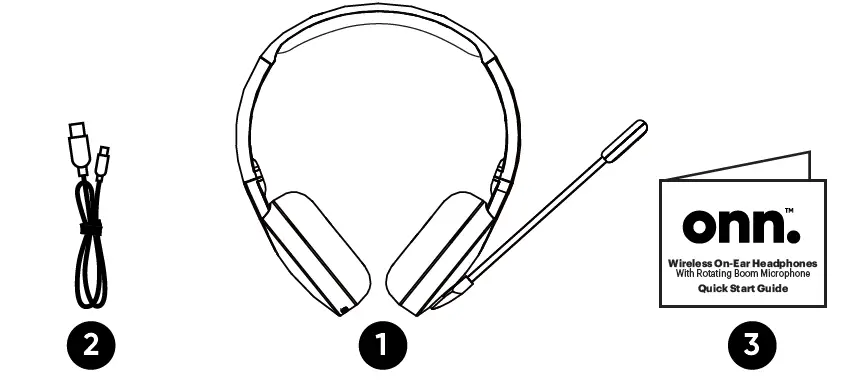
- 1 Wireless On-ear Headphones
- 1 USB C Charging Cable 6 ft (1.8m)
- 1 Quick Start Guide
First time set-up
For first time use, power on the headphones, and open Bluetooth setting on your device and choose “onn. PC Headset”. The product will automatically reconnect to the last paired device when power on next time.
When power off the headphones, press and hold 5 sec for pairing mode automatically.
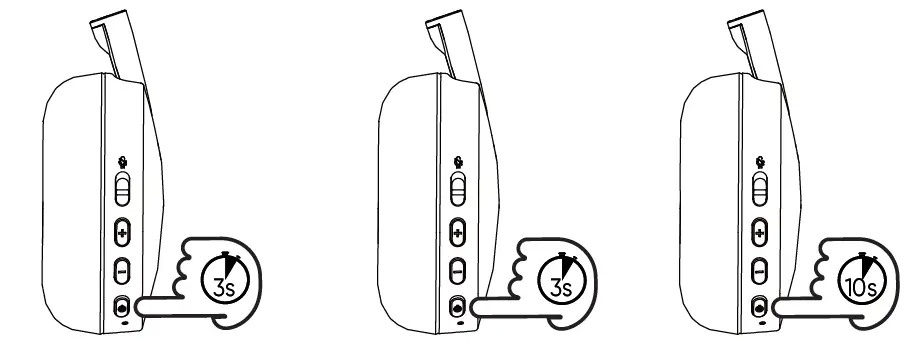
- Press & Hold 3 sec power on LED light turns blue
- Press & Hold 3 sec power off LED light turns red then off
- Reset
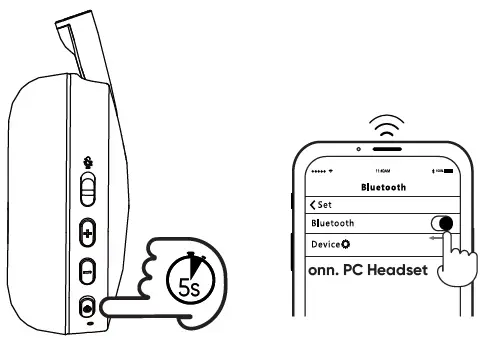
Press & Hold 5 sec pairing blue and red LED alternative flashing
Dual-point connectivity
connect two devices simultaneously
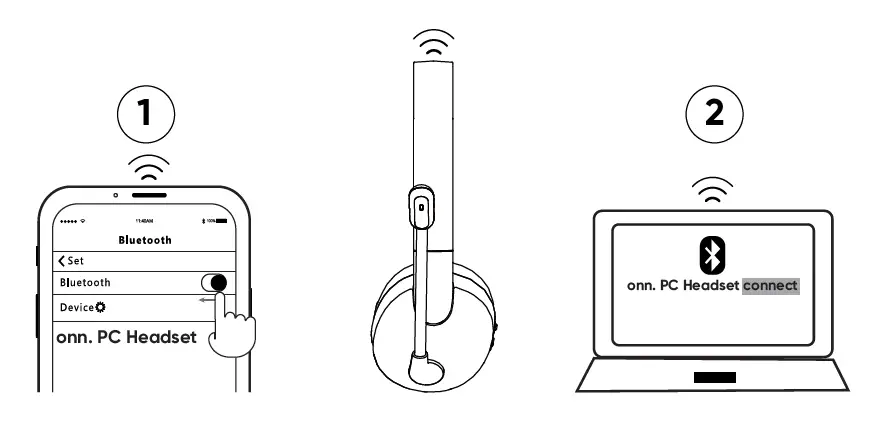
- When FIRST device conncted with “onn. PC Headset”, turn off bluetooth in device settings, the bluetooth headphone would go into pairing mode;
- Enter your SECOND device into bluetooth settings and get it connected with “onn. PC Headset”;
- Turn on your FIRST device bluetooth, it would reconnect with “onn. PC Headset” simultaneously.
Enjoy Your Music
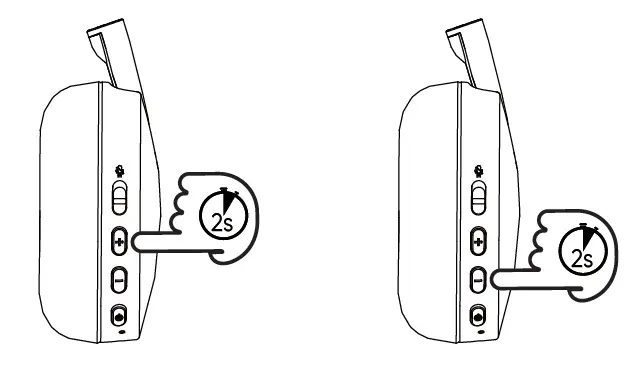
- Next Song
- Last Song
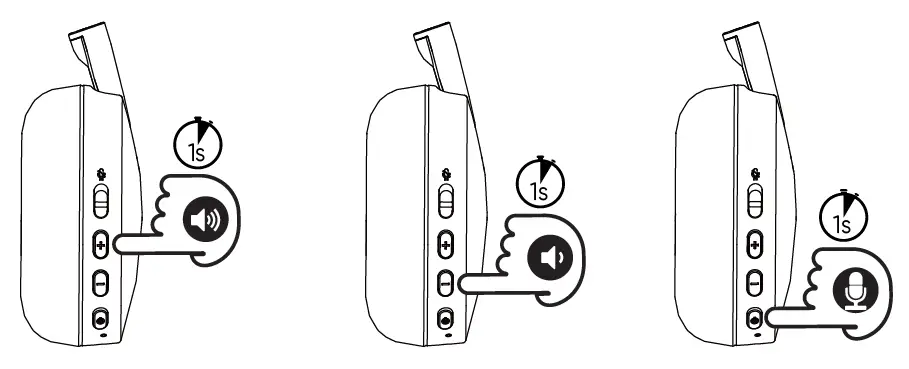
- Volume Up
- Volume Down
- Siri/Google Assistant
Take a Clear Phone Call
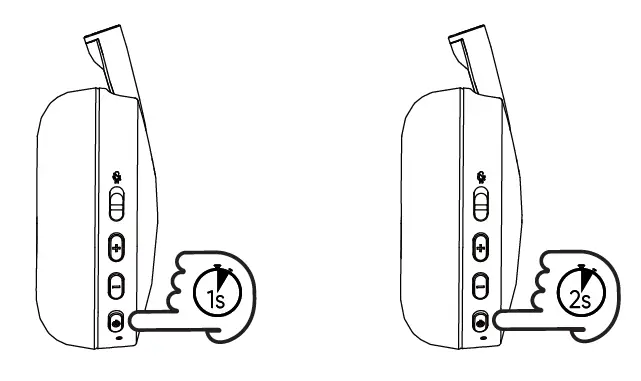
- Answer/Hang Up
- Reject Call

- Volume Up
- Volume Down
- Mute switch
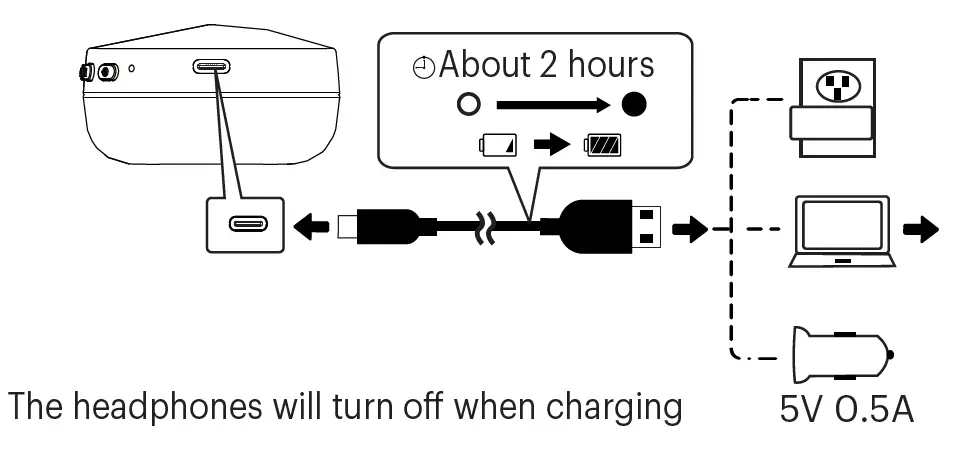
Charge Your Headphones
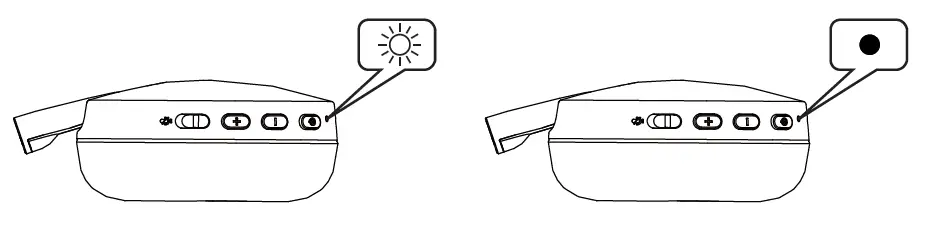
- Headphones charging: red light on
- Headphones fully charged: blue light on