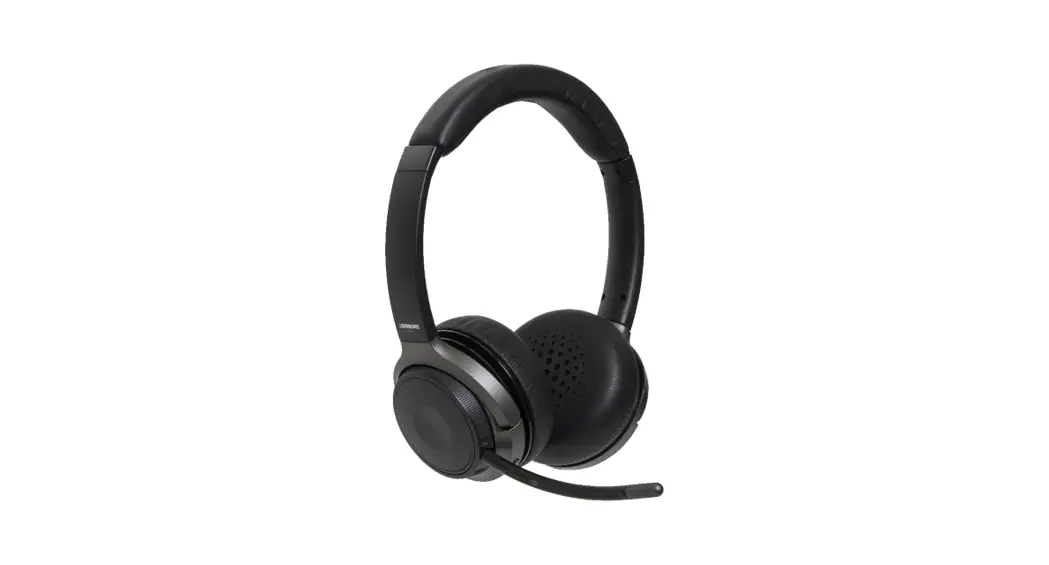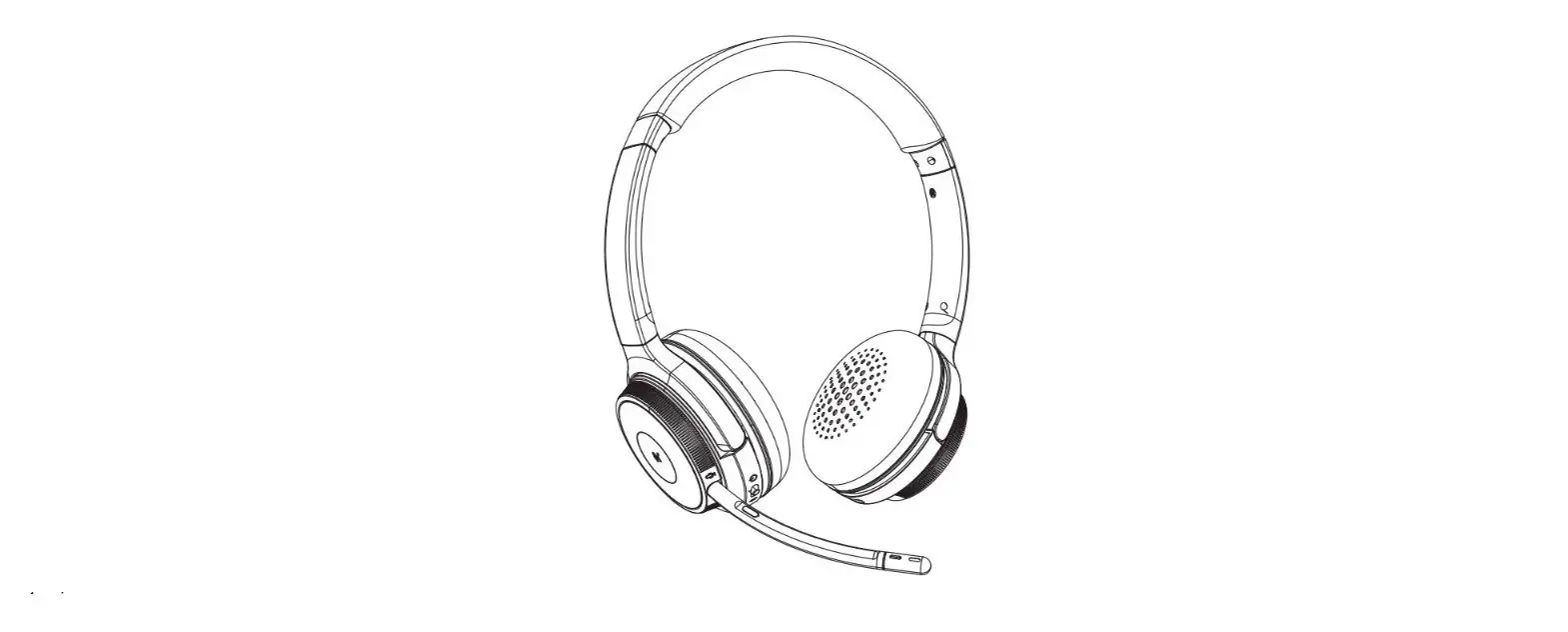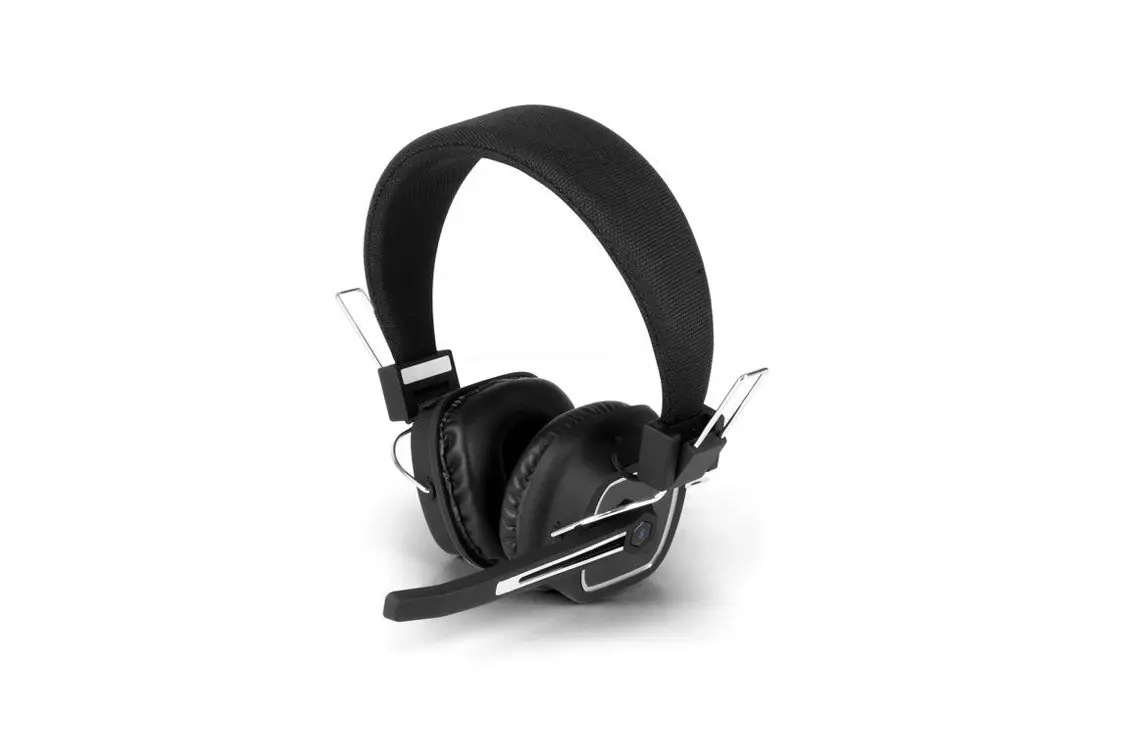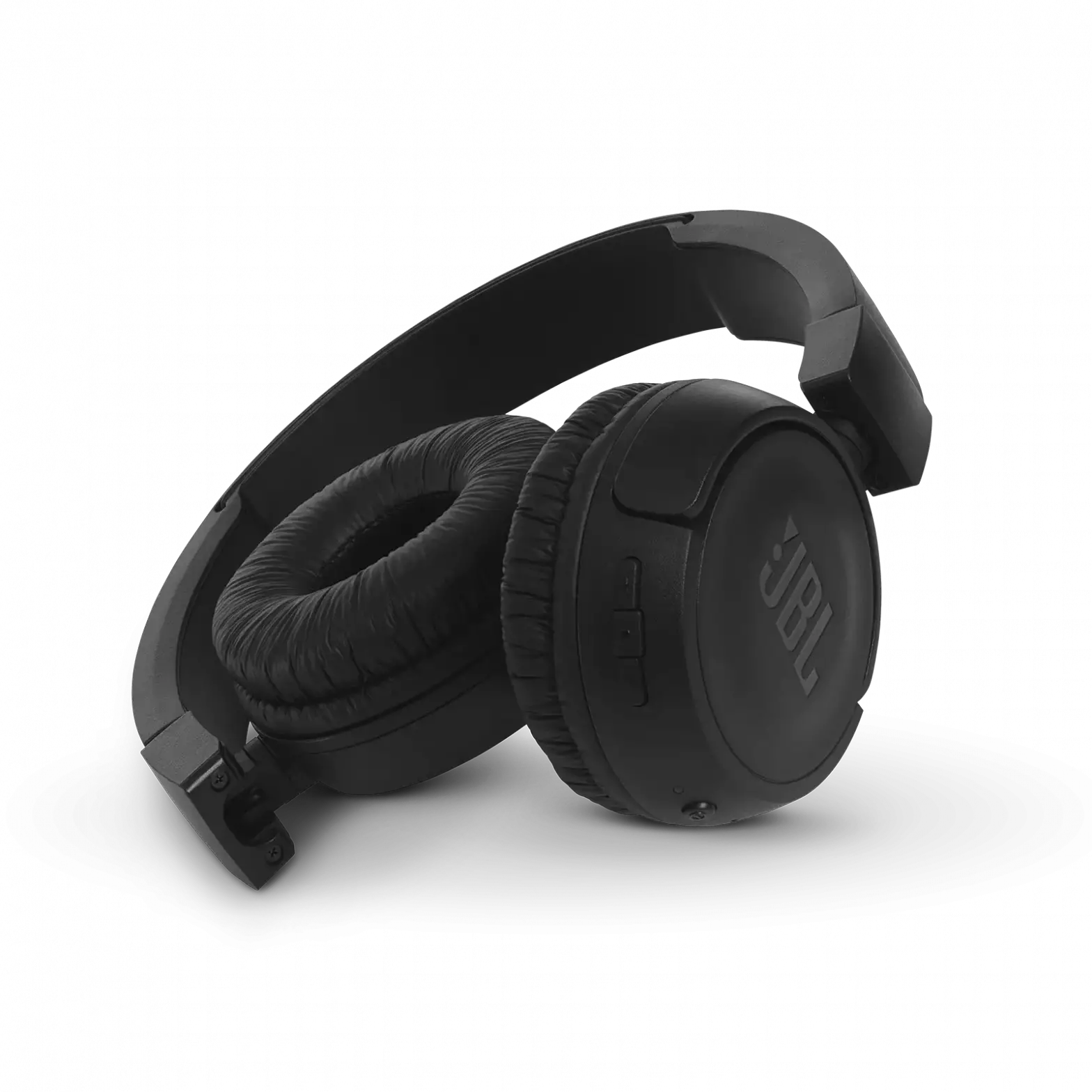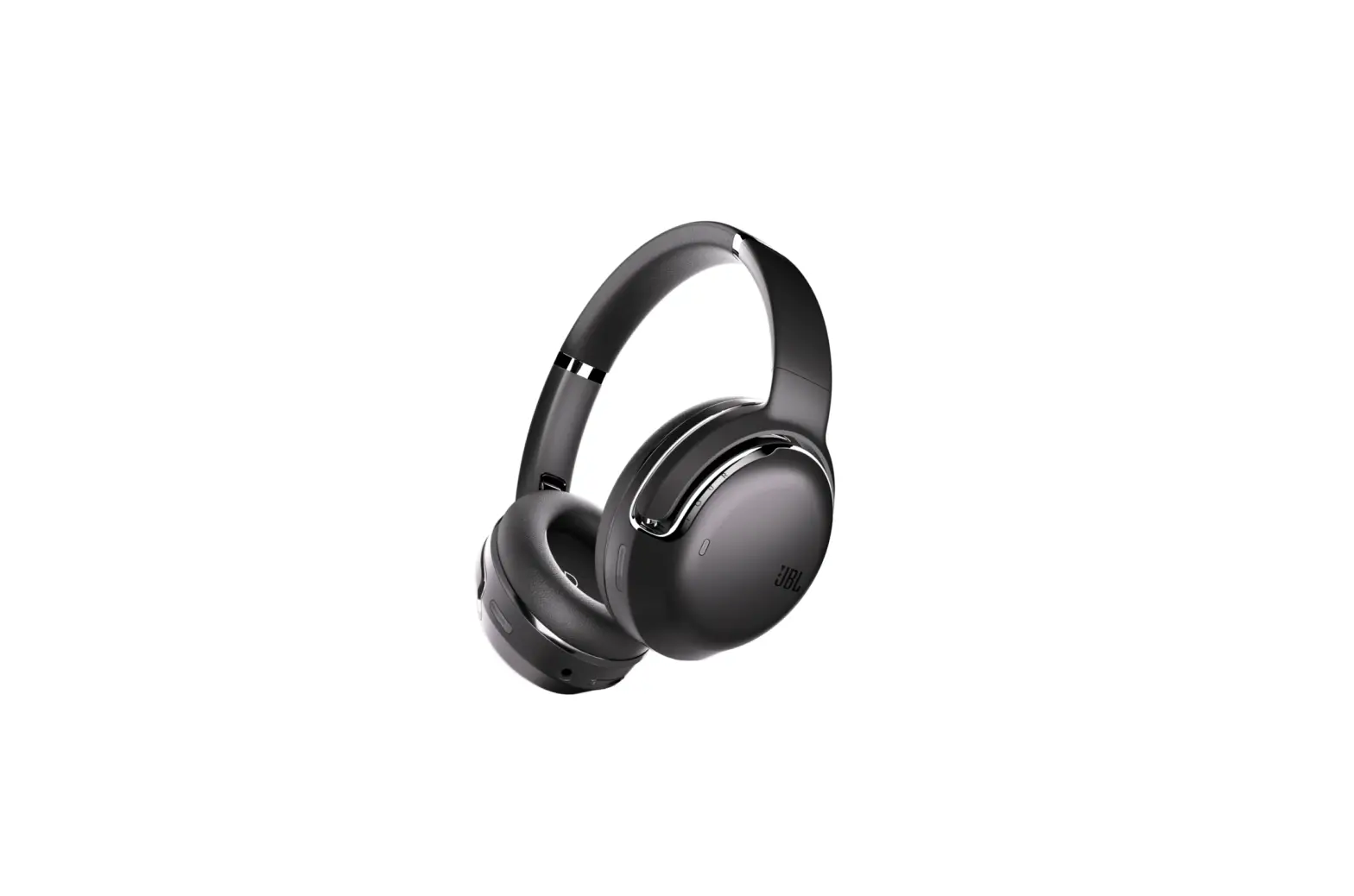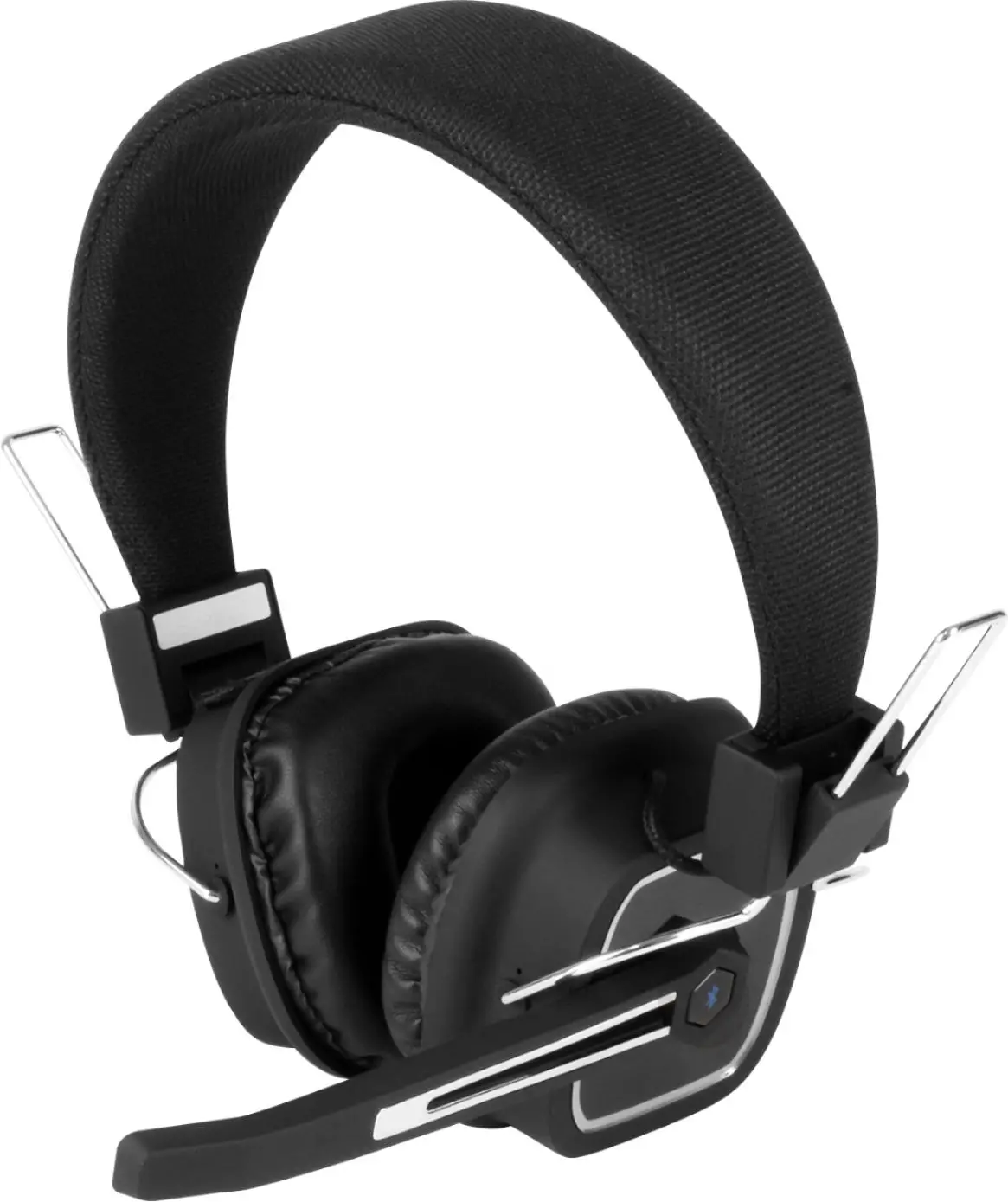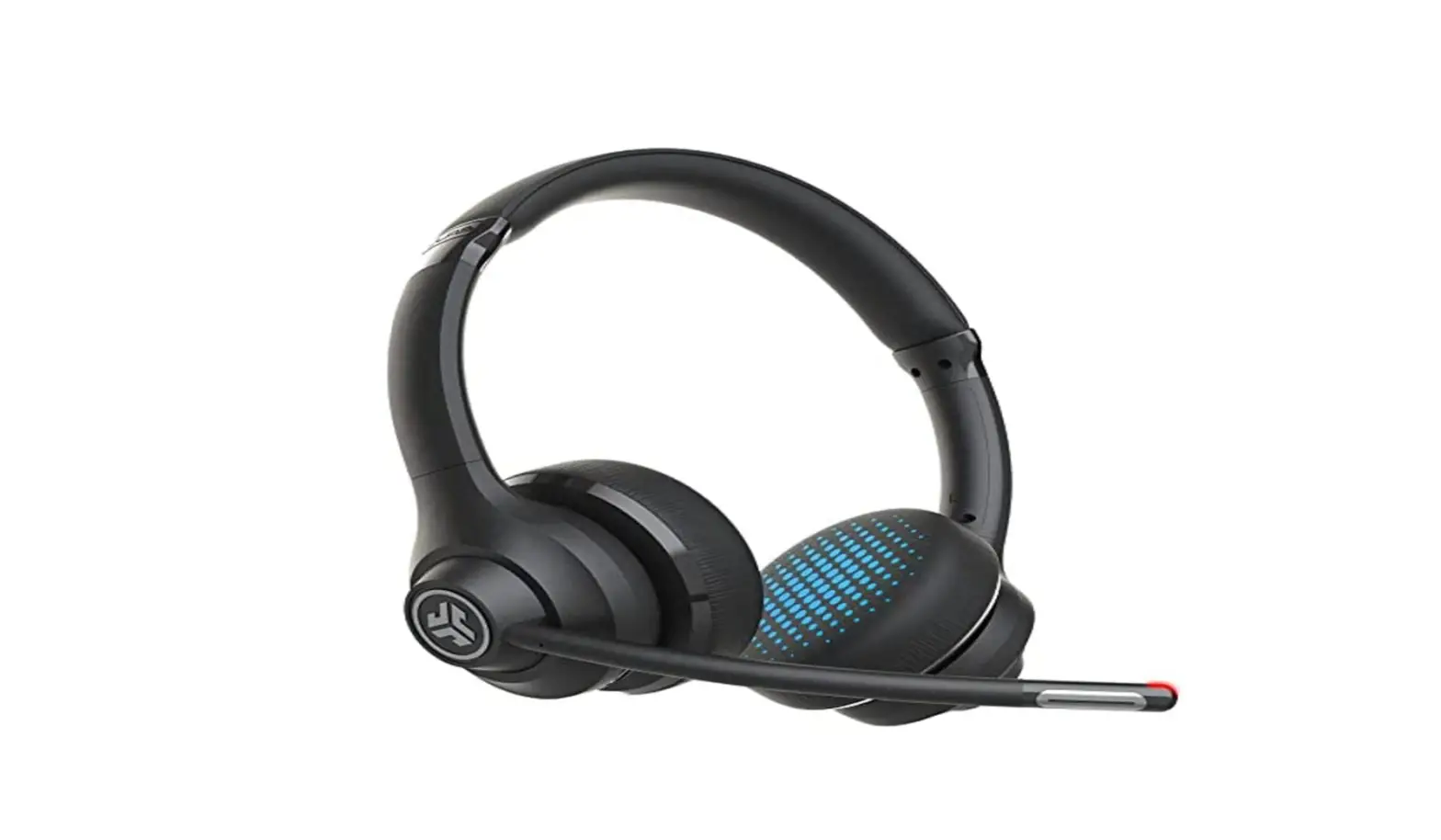

Wireless Pro Headphones with Boom Mic
MODEL NO. JB19BF18
QUICK-START GUIDE
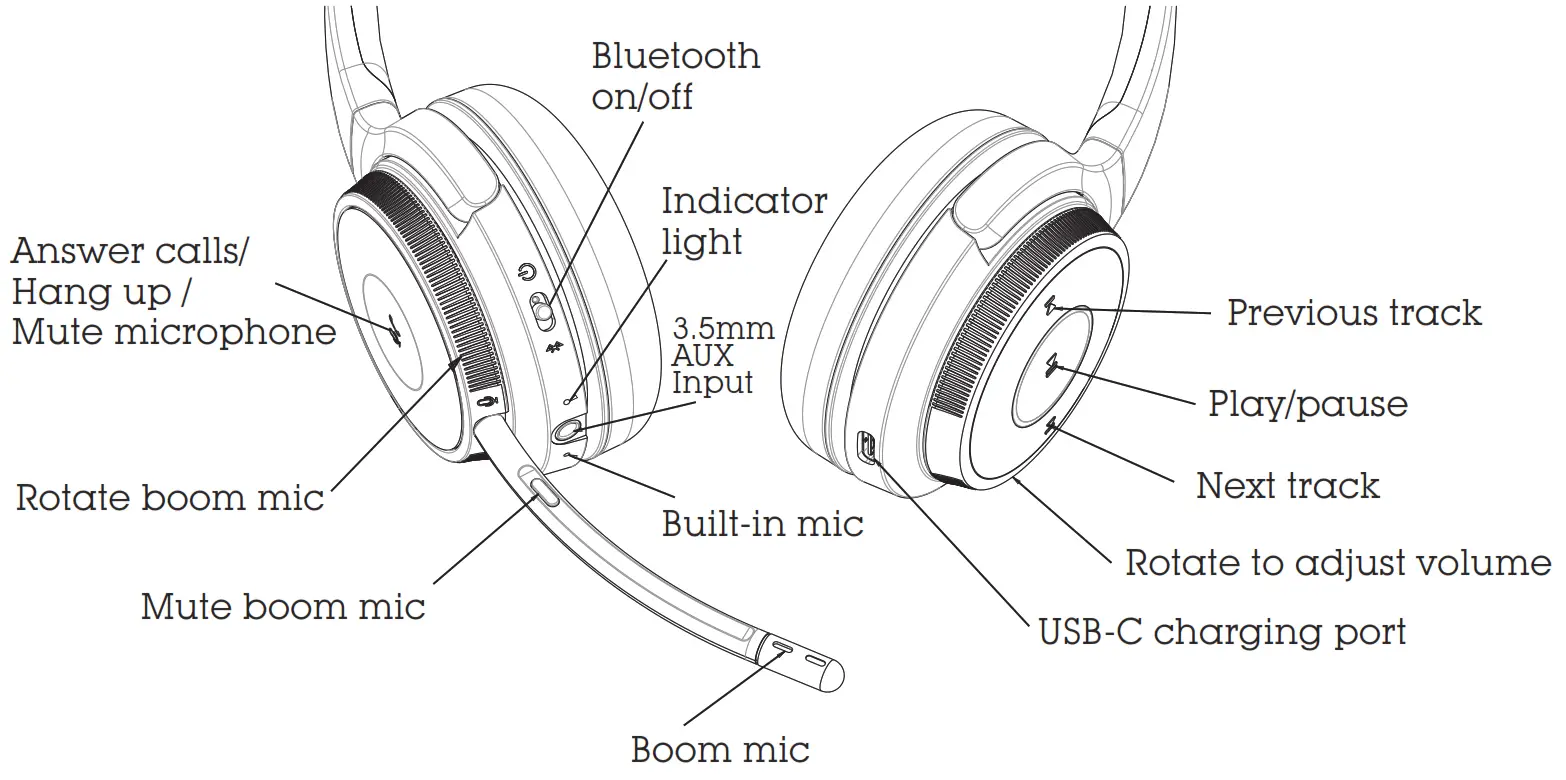
Power On/Off
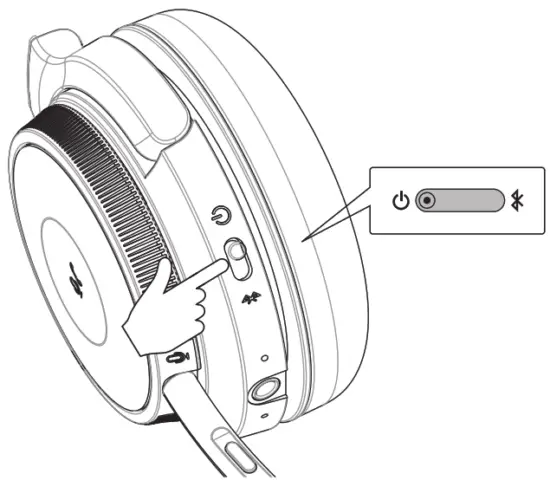 | Power on: Slide the switch to the CENTRE position (Blue light illuminates for 2 seconds) |
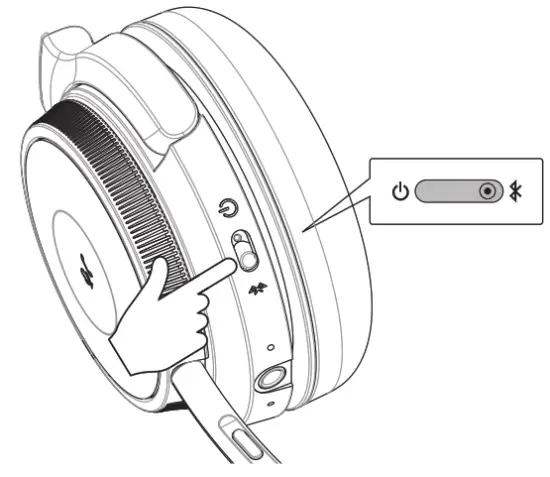 | Power off: Slide the switch to the position (Red light illuminates for 2 position (Red light illuminates for 2seconds) |
Operation
 Connect first Bluetooth device Turn on Bluetooth function on mobile device and select to pair with JB19BF18 (LED will flash red and blue when ready to connect)
- Connect second Bluetooth device Slide the switch to the “
 ” and hold about 10 seconds until the voice prompts states “pairing”, then search the name”JB19BF18″ on your mobile device and select to connect.
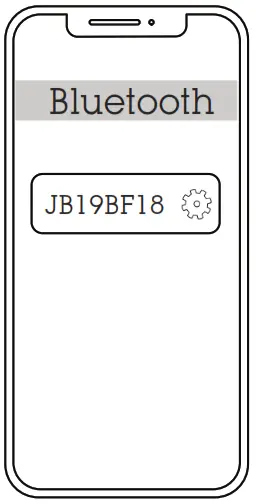 Connect first Bluetooth device Turn on Bluetooth function on mobile device and select to pair with JB19BF18 (LED will flash red and blue when ready to connect)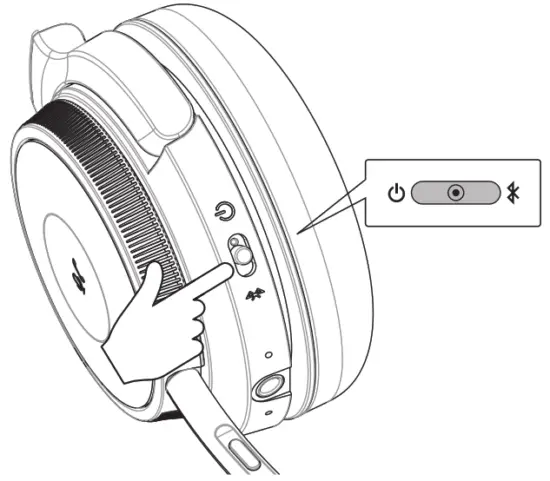
Functions
Bluetooth Pairing
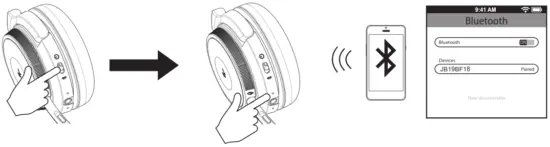 | ||
| Slide the switch to the CENTRE position | LED will flash red and blue when ready to connect | In your device‘s Bluetooth settings activate Bluetooth and select ”JB19BF18” enter the PIN ‘0000’ if needed |
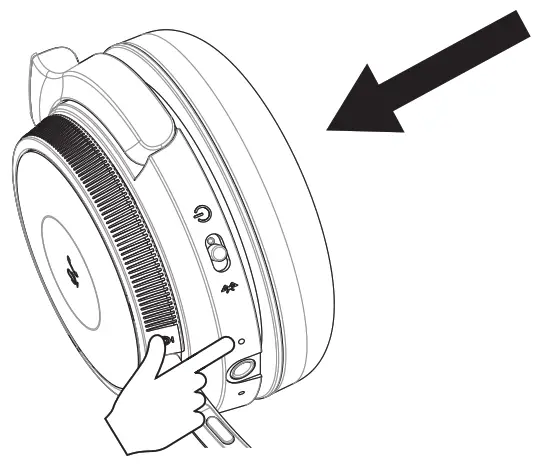
The blue LED light will flash to indicate the headphone is connected
Note: Playback using certain devices may change the flashing LED to a different colour for the duration of playback.
Charging
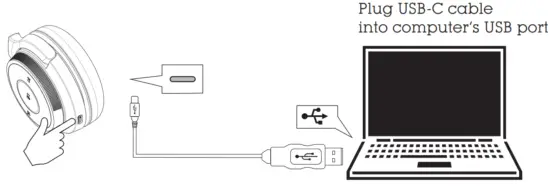
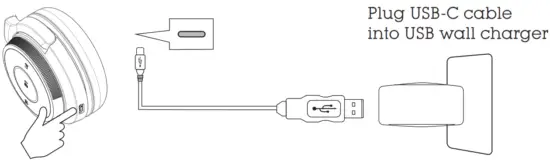
Before using the headphone for the first time, charge it for at least two hours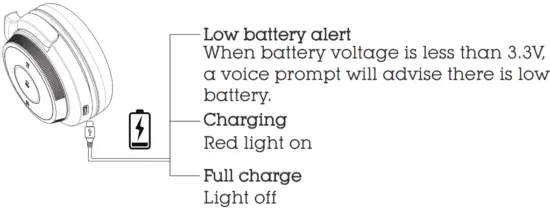
 WARNING Do not connect this cable to products other than JB19BF18 wireless pro headphones. Connecting this cable to other devices might cause damage to both cable and the device.