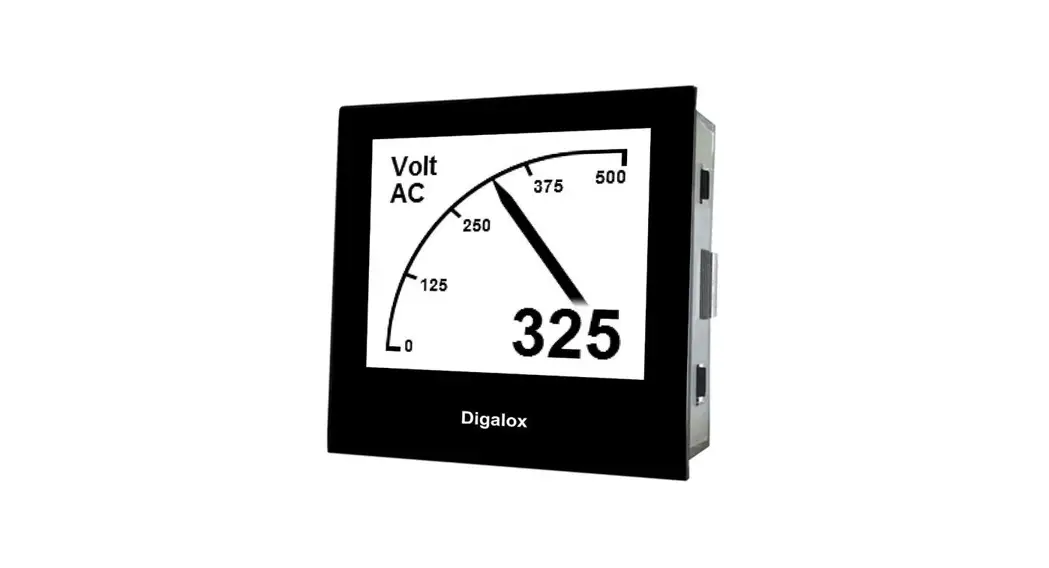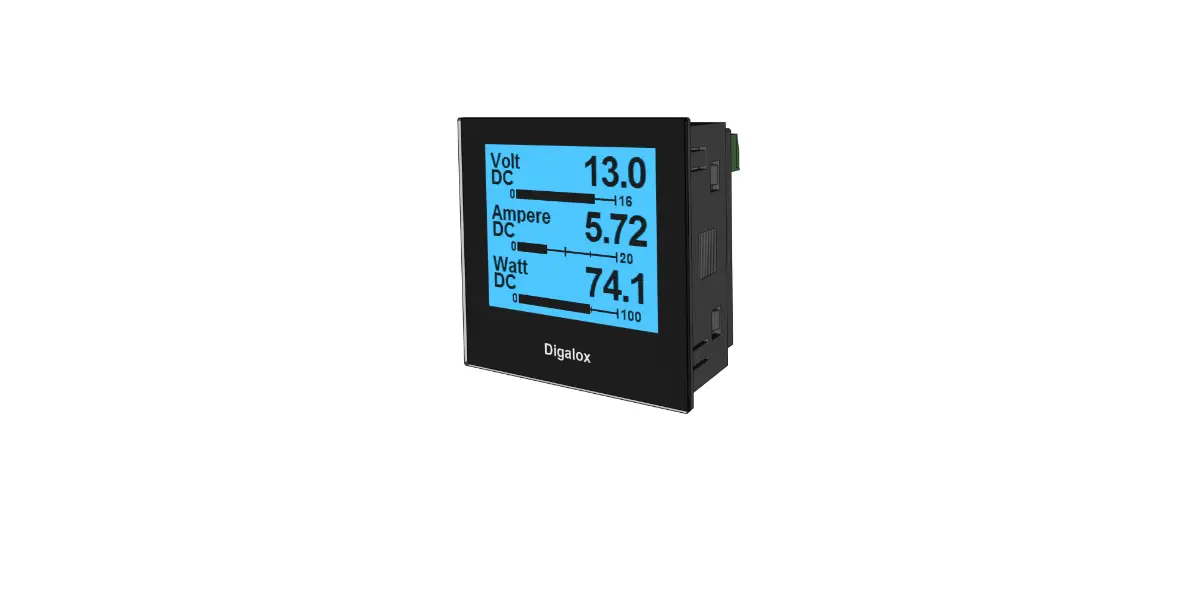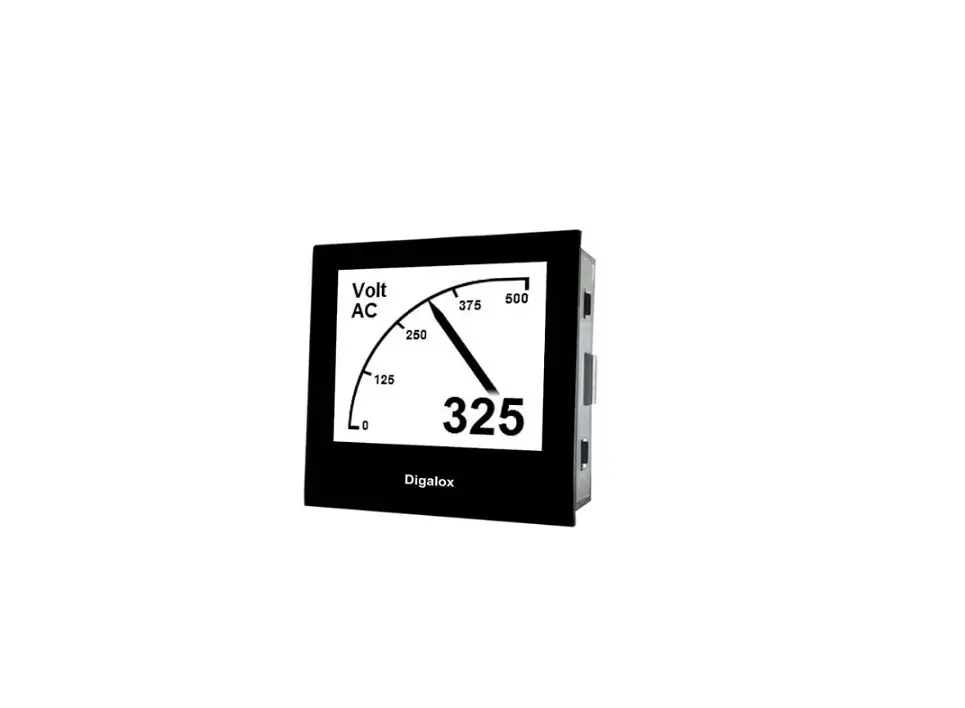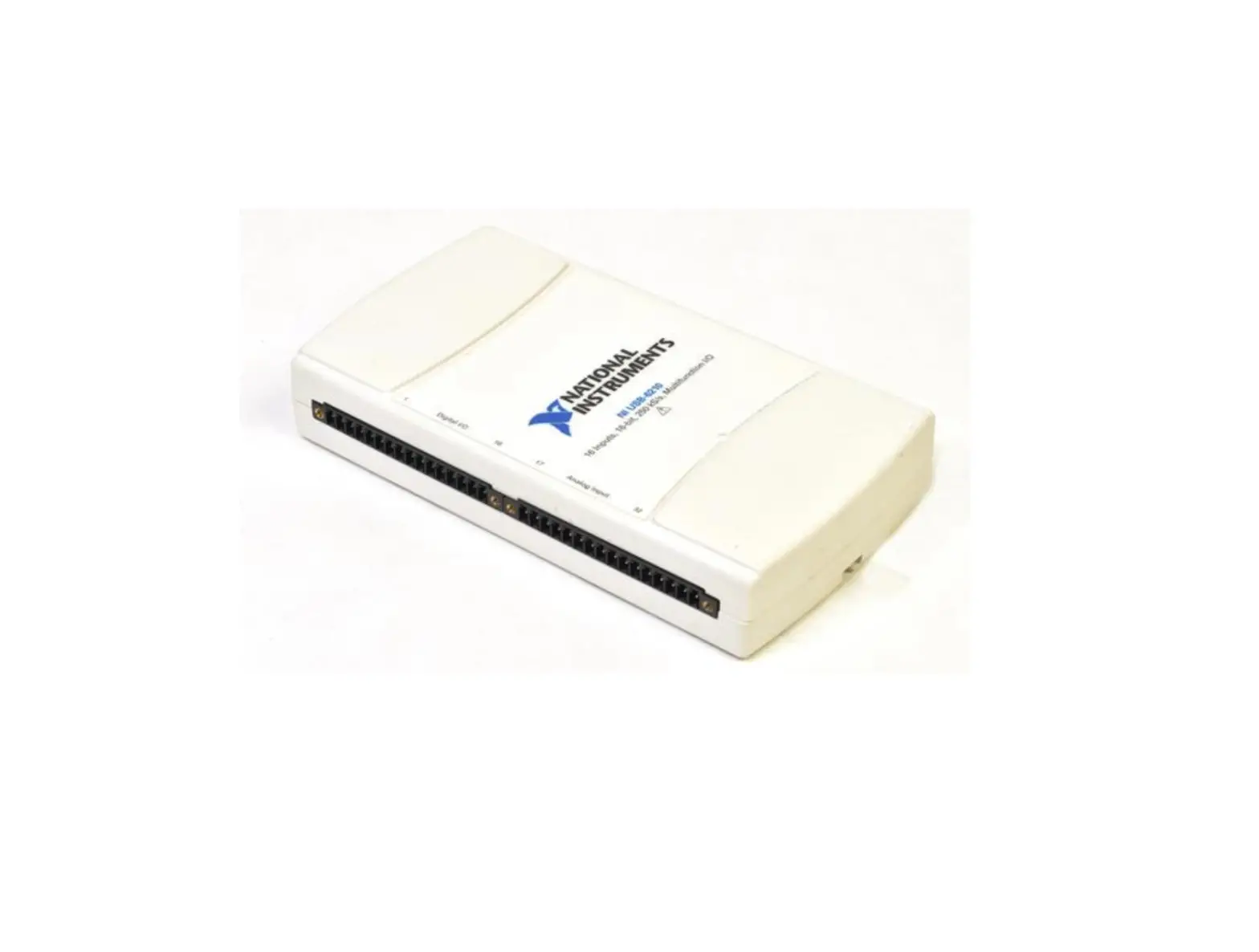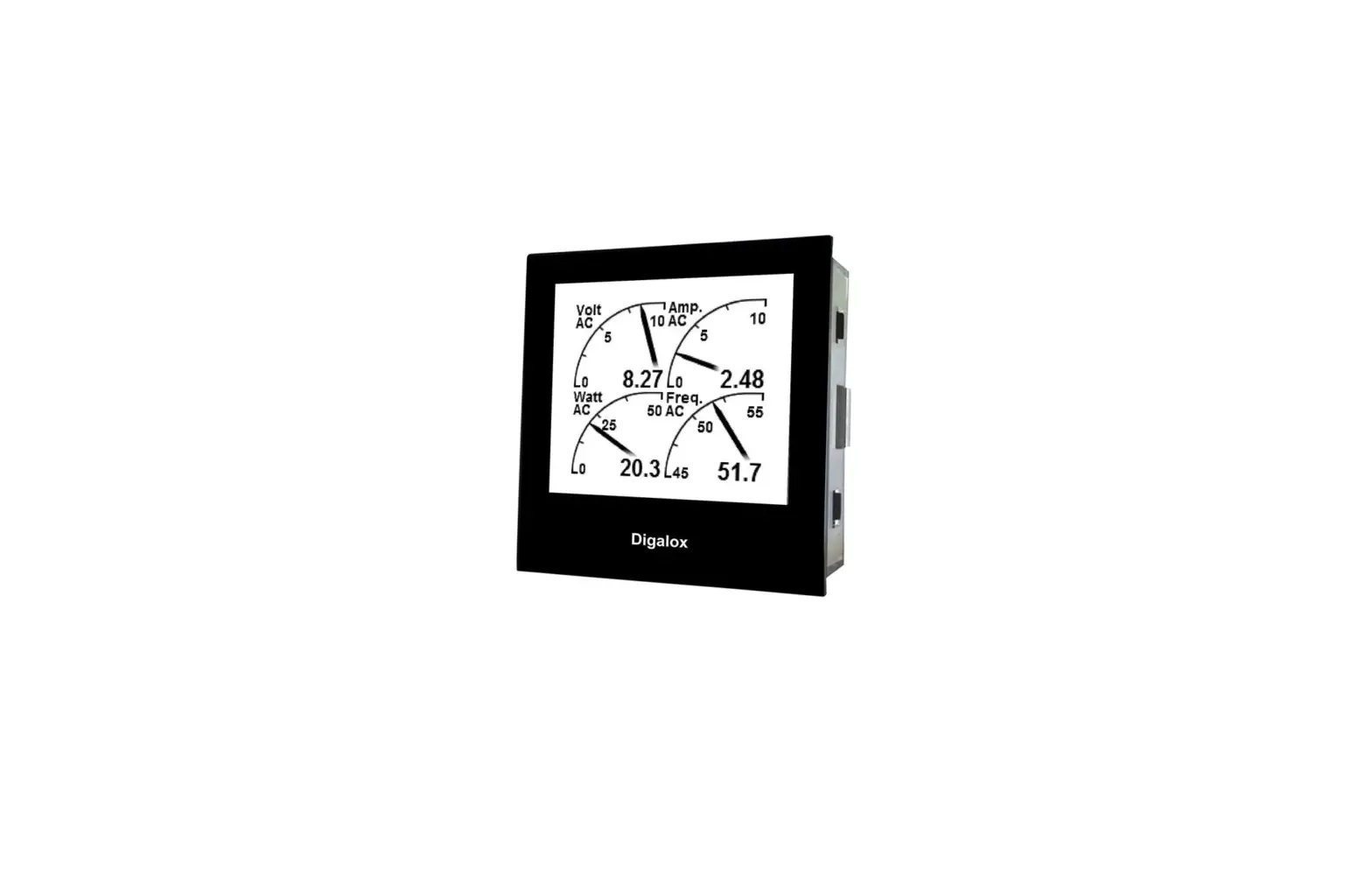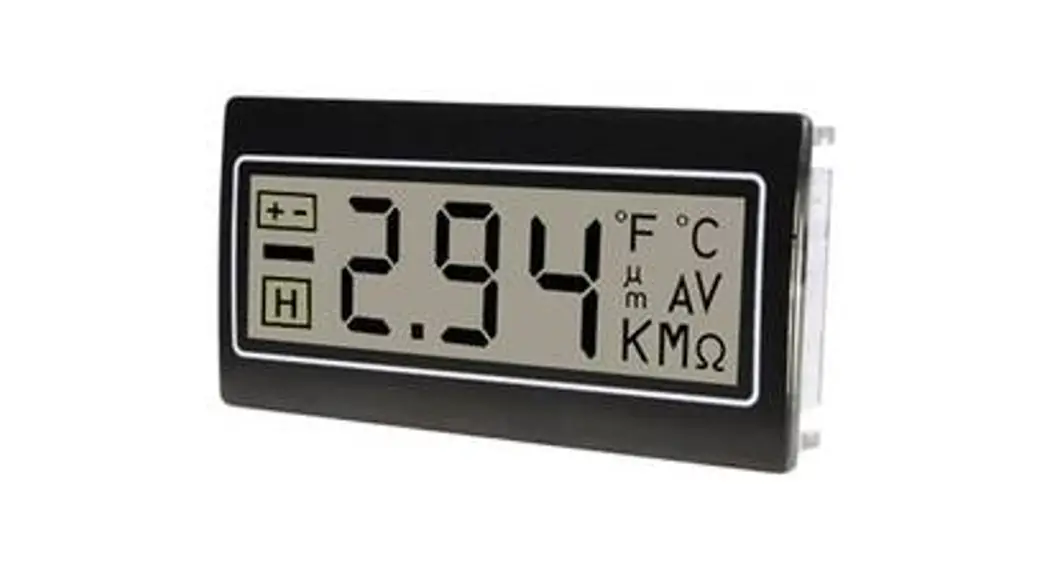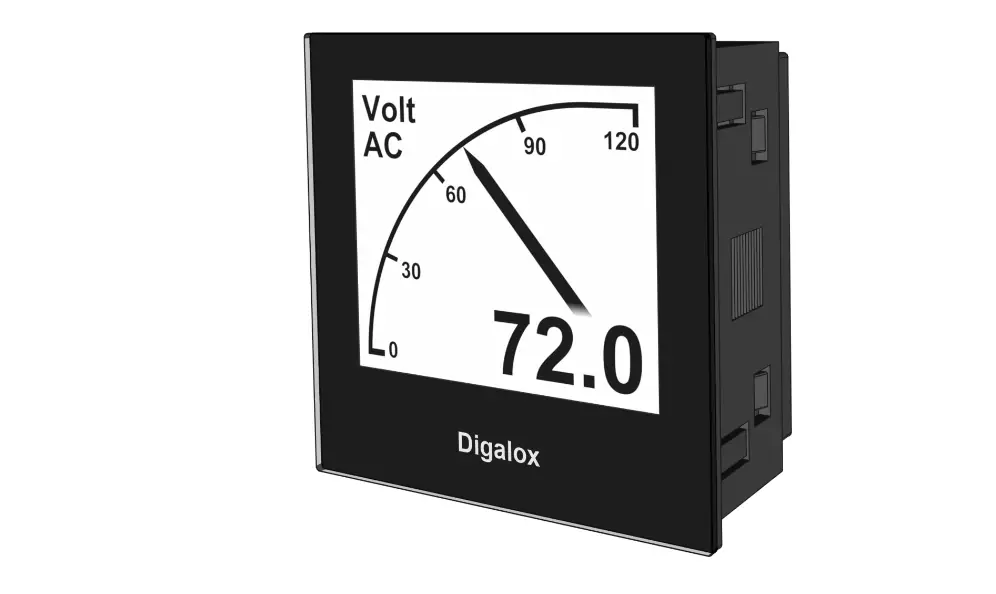

TDE Instruments Digalox DPM72-AV2 USB Interface
Safety instructions
- Read instruction manual carefully before operating the device! Keep for later reference.
- Mounting and installation must be carried out by suitably qualified and competent persons only.
- WARNING: When working on the device hazardous voltages must not be connected to the device!
- DANGER: When the USB port is connected, only voltages lower than 50 V may be applied to the measurement inputs. The USB port is not isolated from the measurement circuit.
Intended use
- Configuration of Digalox® DPM72-AV2 or DPM36
- Indoor use non condensing, non corrosive.
- Failure to comply with these instructions will void all guarantee and warranty.
Description
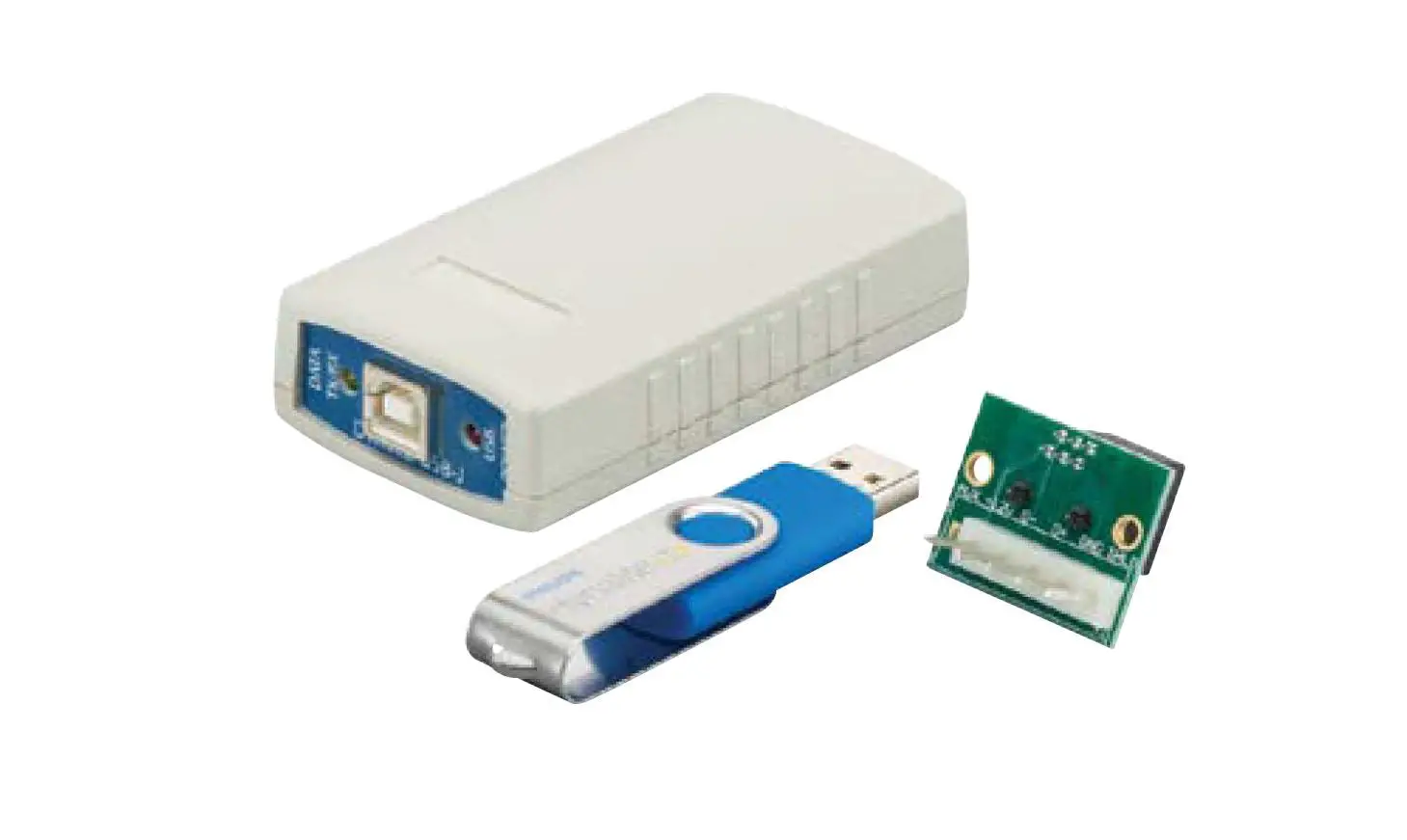
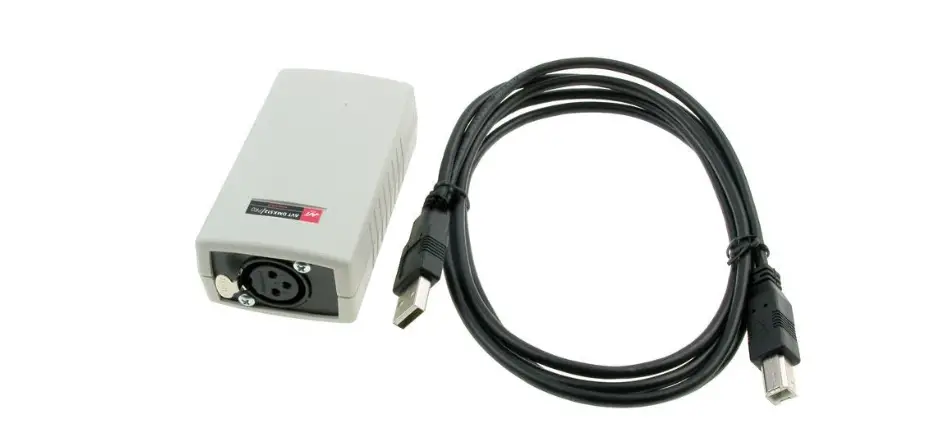
The USB interface is used to connect a Digalox® DPM72-AV2 or DPM36 to a PC. Using the corresponding configuration software “Digalox® Manager”, the device can be configured.
Visit www.digalox.com to download the software “Digalox® Manager”.
Product overview
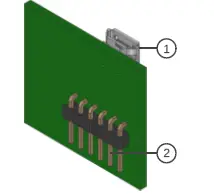
- USB Micro-B interface
- Pins to connect to DPM72-AV2 or DPM36
Mounting onto DPM72-AV2
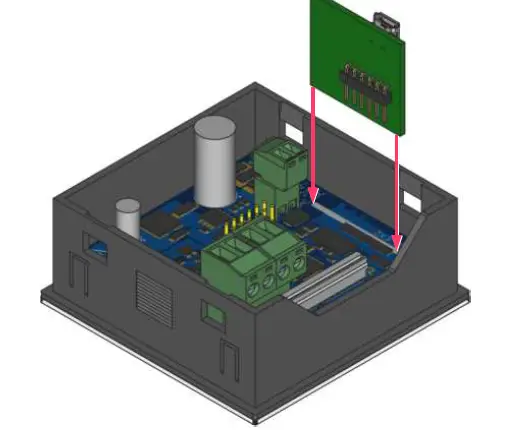
Plug the USB interface card into the position marked “USB EX2” on the circuit board of the Digalox® DPM72-AV2. Make sure that all pins of the card are plugged into the socket. A USB cable with a USB Micro-B plug is required to connect to the PC.
Specification
| Supply | 5 V |
| Power consumption AV2 | Max. 1.2 W |
| Power consumption DPM36 | Max. 0.6 W |
| Connection (USB) | USB-Micro-B |
| Operating temperature | 0 °C to +50 °C |
| Storage temperature | -20 °C to +70 °C |
| Operating altitude | 0 to 2000 m above sea level |
| IP code | IP00 |
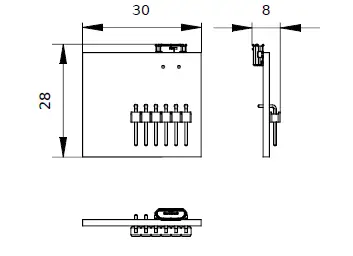
| Dimensions | 28 mm × 30 mm × 8 mm |
| Net weight | 4 g |
Dimensions [mm]
Contact information
TDE Instruments GmbH, Gewerbestraße 8, D-71144 Steinenbronn Phone: +49 7157 20801
E- mail: [email protected]
Internet: www.tde-instruments.de, www.digalox.com
 Übersicht
 Übersicht
 Großhandel für Messtechnik | TDE Instruments