
StayayaGo mini
owner’s guide
What’s in the Box:
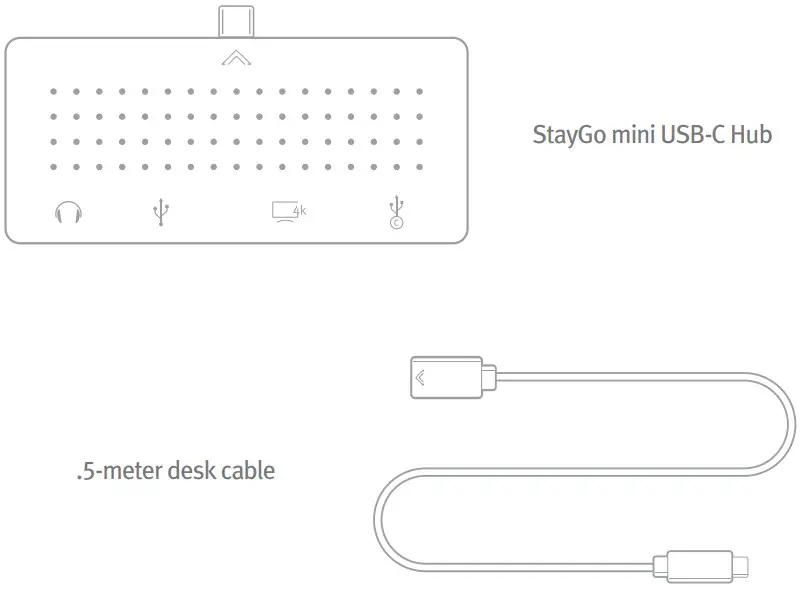
Tech Specs
Dimensions: 72x32x8.2mm
Weight: 28.2g
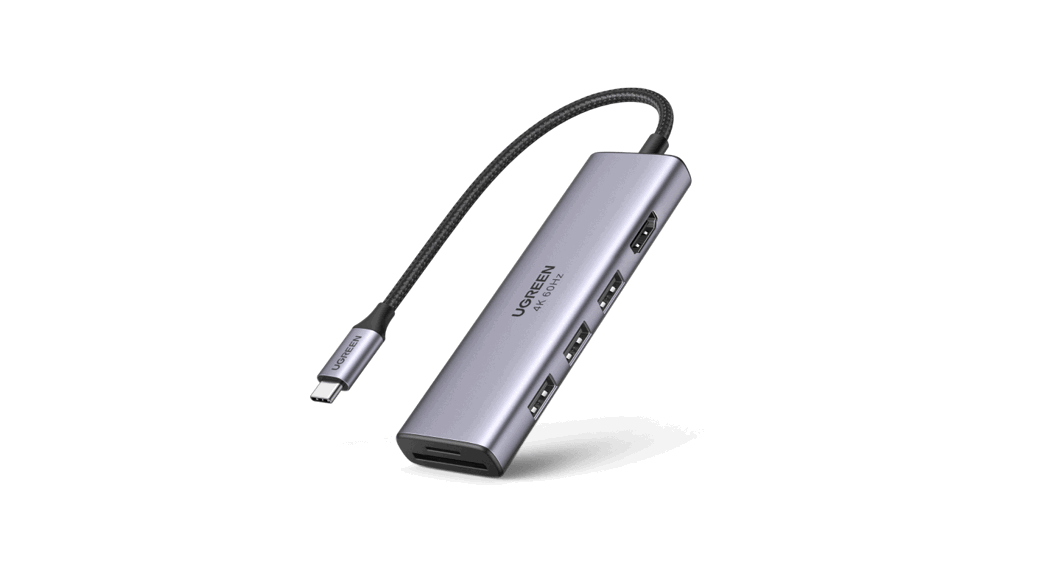
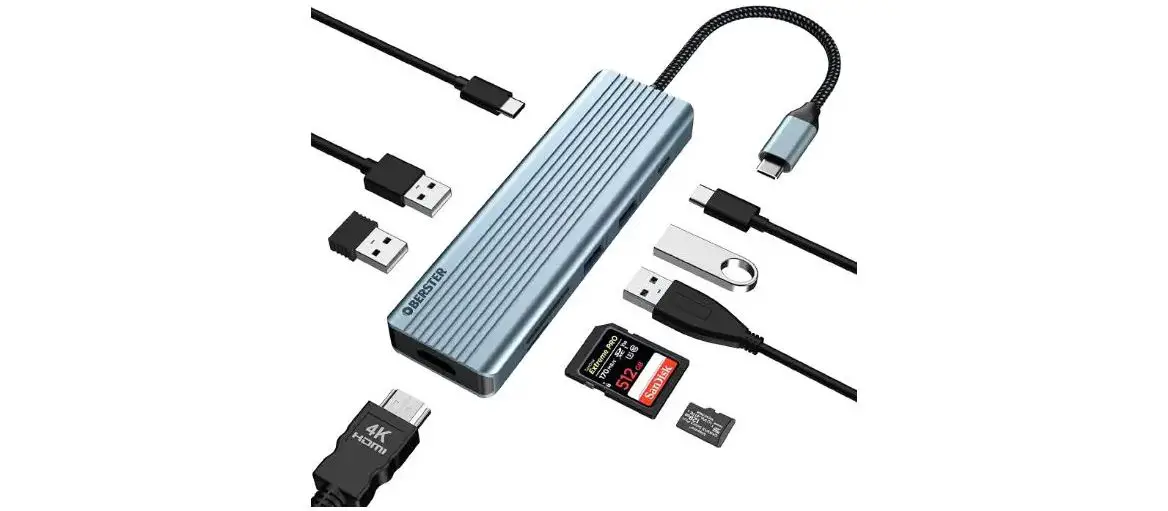
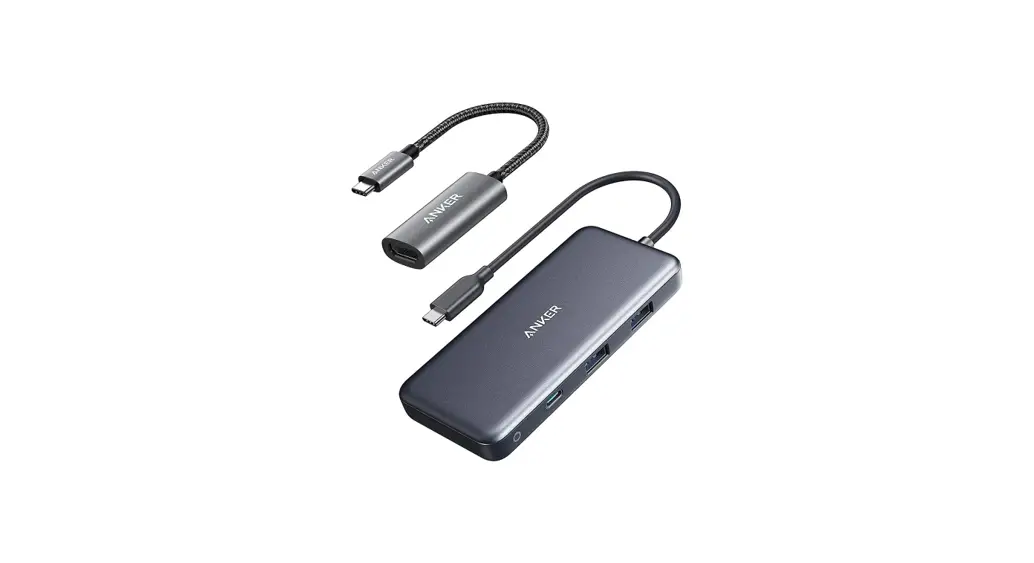
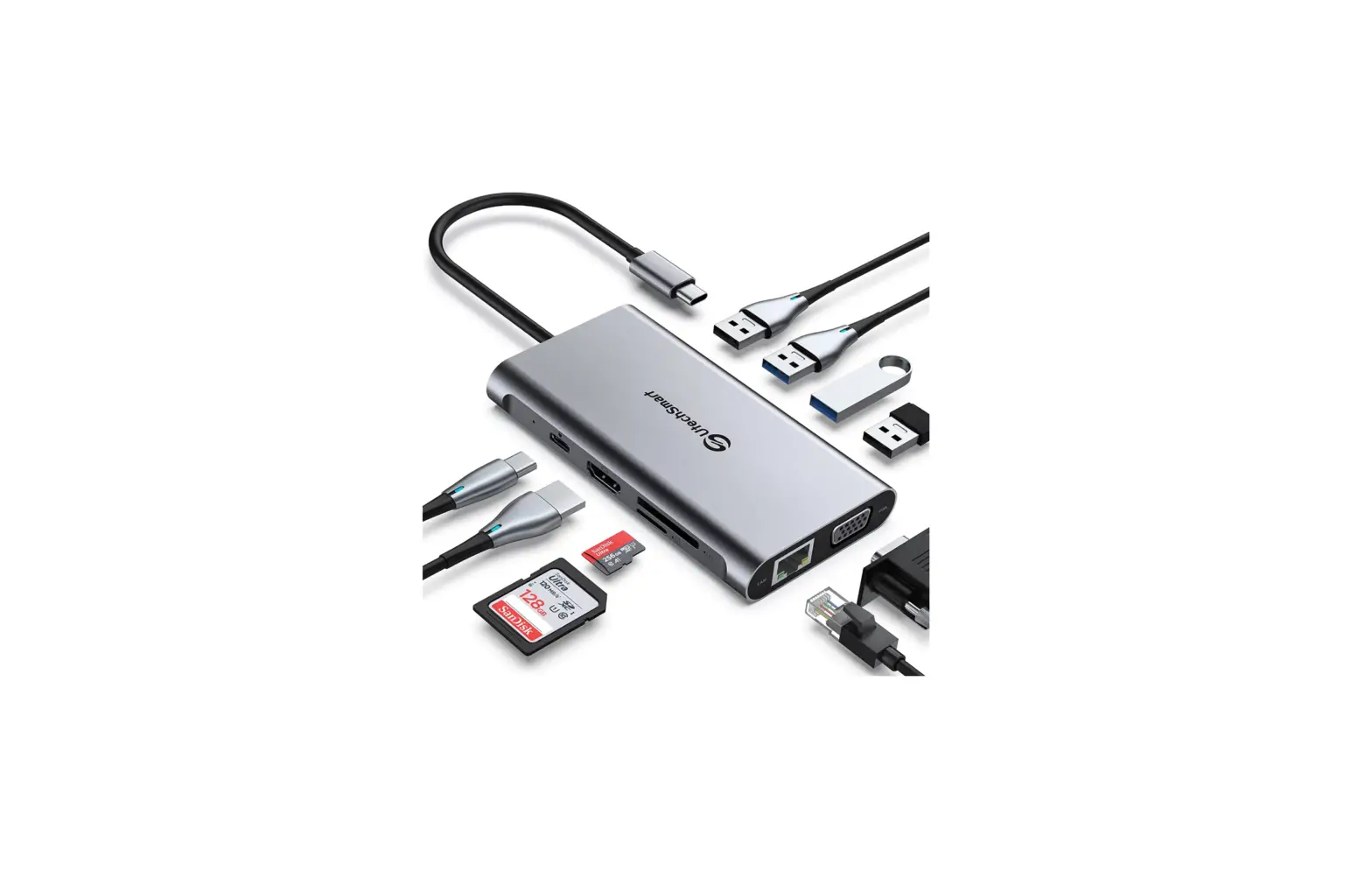
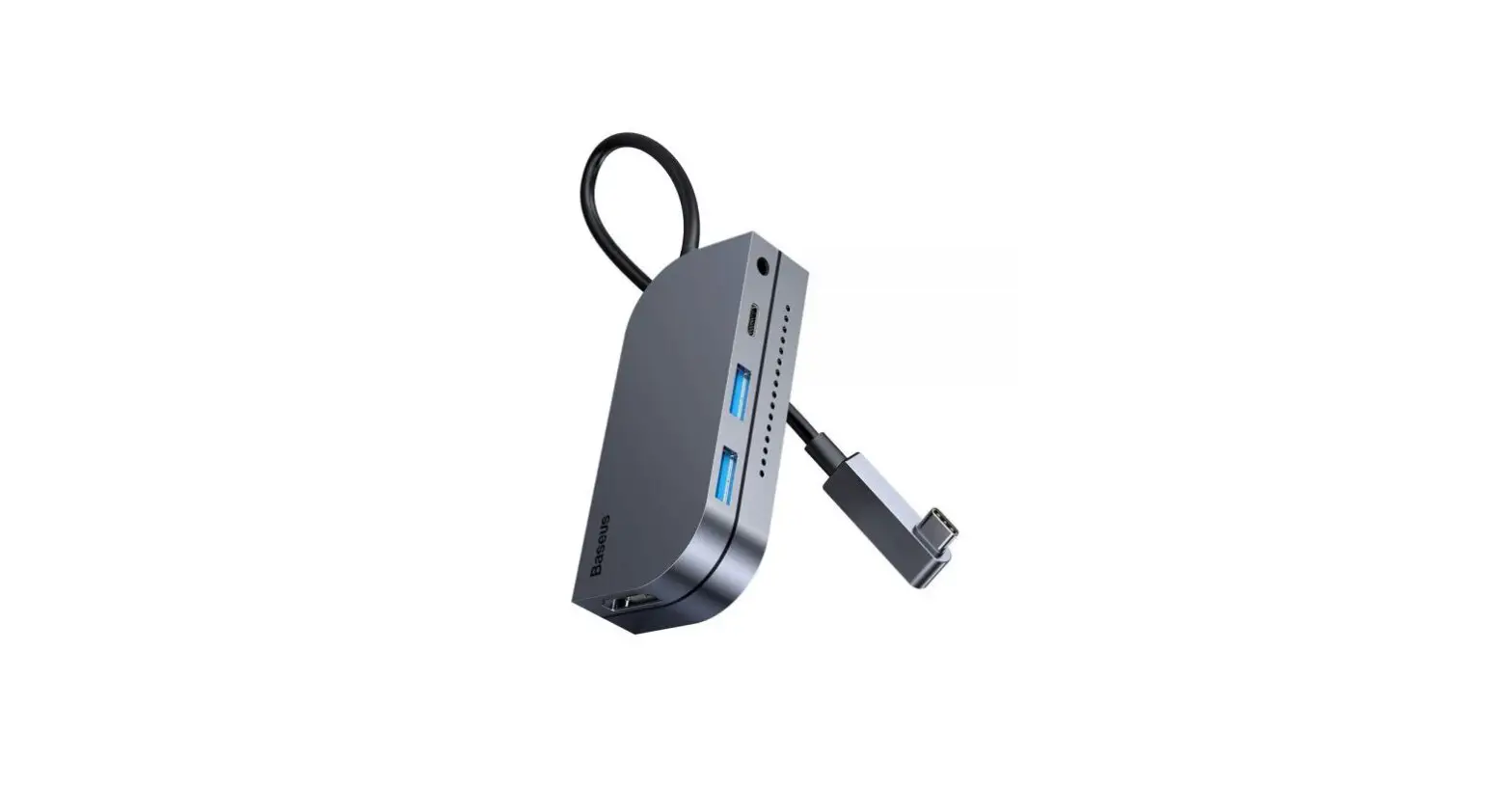
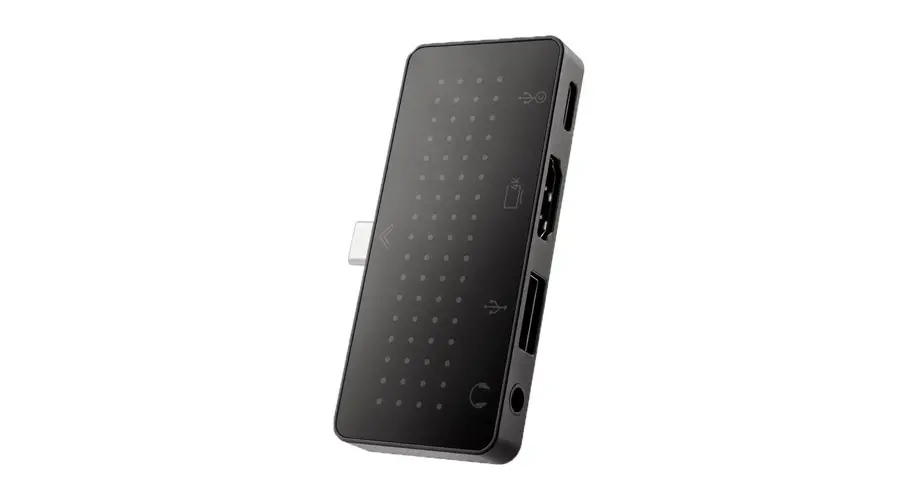
Ports Upstream: USB-C Male Ports Downstream: 3.5mm Headphone Out, USB-A 2.0, 4k HDMI, USB-C (PD Charging)
Power: USB Bus Power or PD power adapter, supports up to 100w (Not Included)
Note: StayGo mini requires 4w of power for onboard accessories
Interface Overview:
Ports
The stay mini provides many of the essential ports needed to connect all your peripherals and devices with ease.
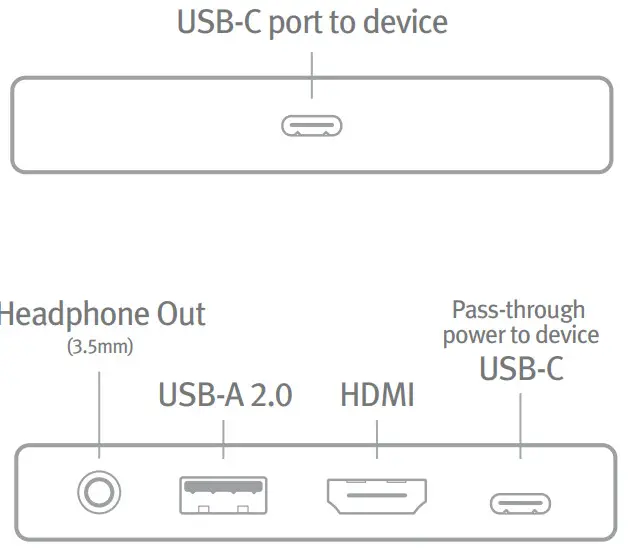
Note: If both HDMI and 3.5mm are connected, audio will come from the 3.5mm port. If the stay mini is already connected to the device, audio will come from the port that is connected last.
Have questions? Visit twelvesouth.com or email [email protected]
©2021 Twelve South, LLC. All rights reserved.
Connection Guide:
Charging your device through StayGo mini
Connect your device’s USB-C charging cable to the USB-C port on the back of StayGo mini, and connect to your USB-C charger.
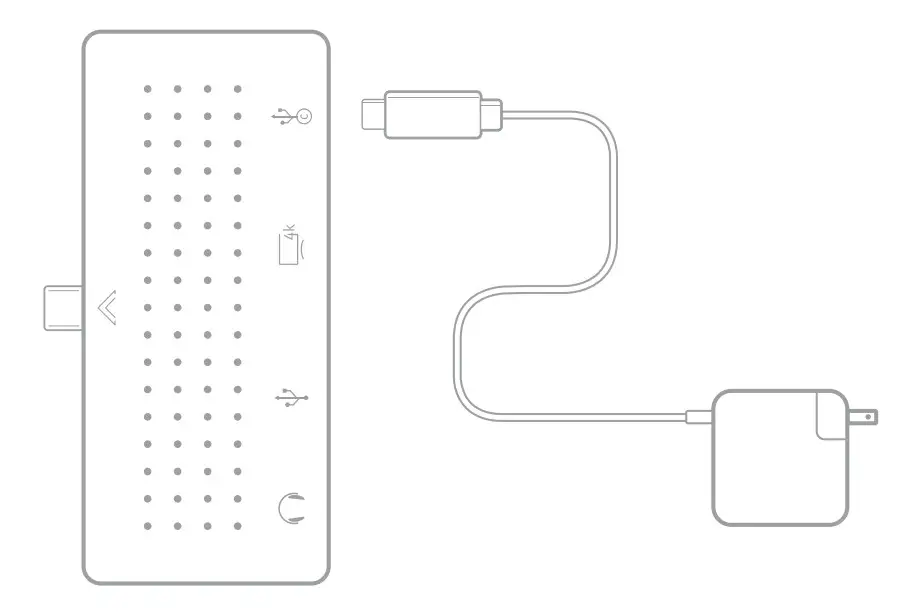
Connect your computer’s power adaptor to the StayGo mini, pass-through power will supply up to 100W of charging power to your device. (Adapter not included) Plug the StayGo mini directly into your device or use the included .5 meter cable.
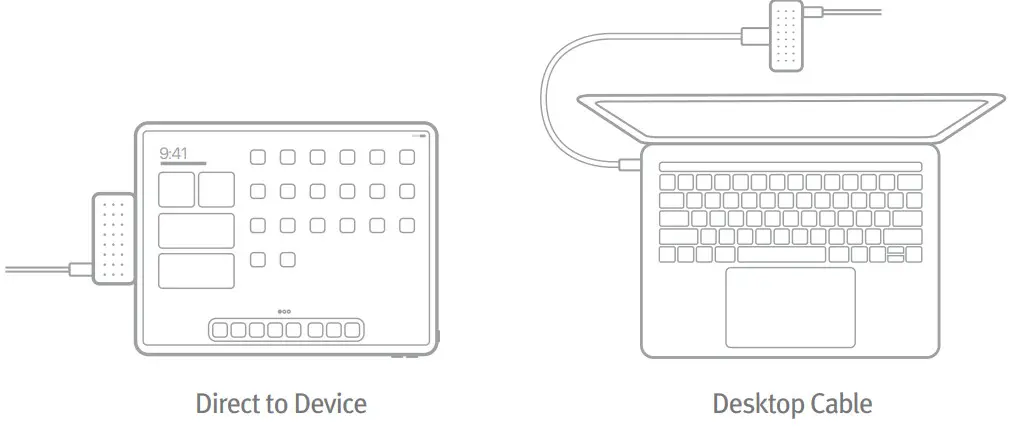
How to Use StayGo mini:
Choose your setup
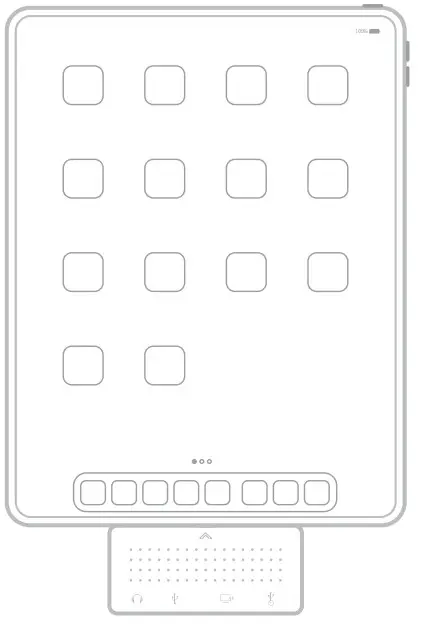
Direct: connect the StayGo mini directly to your device using the male USB-C port on the front of the stay mini.
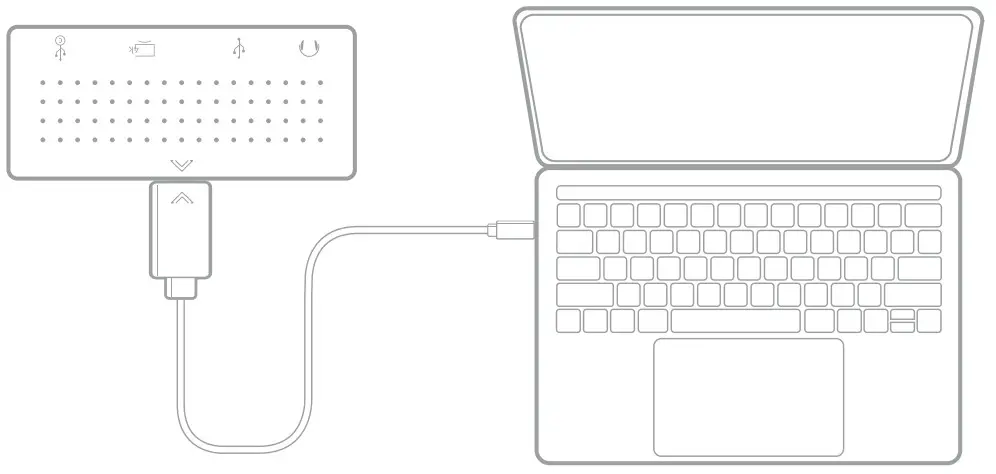
Cable: connect the StayGo mini to your device using the .5 meter desktop cable.
Thank You