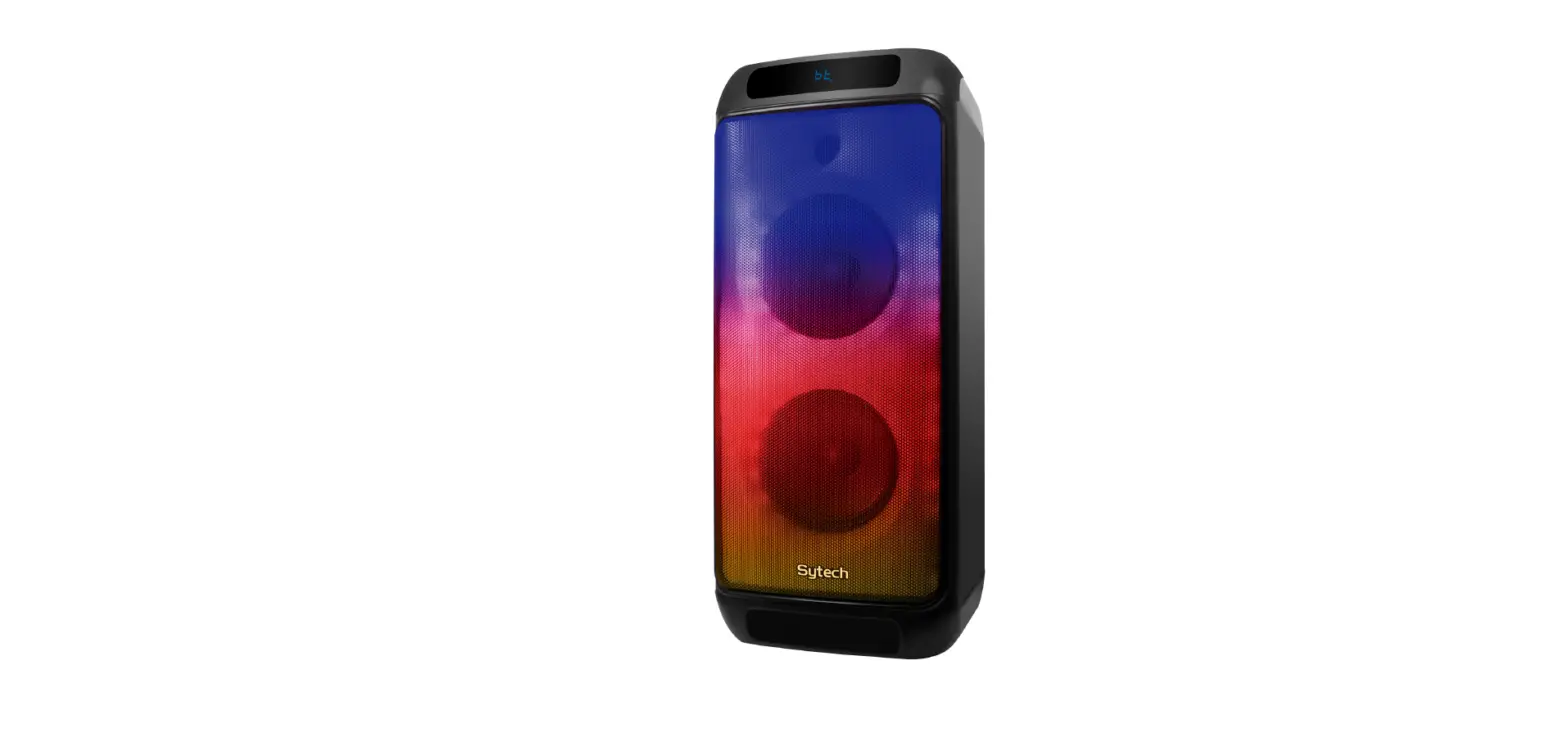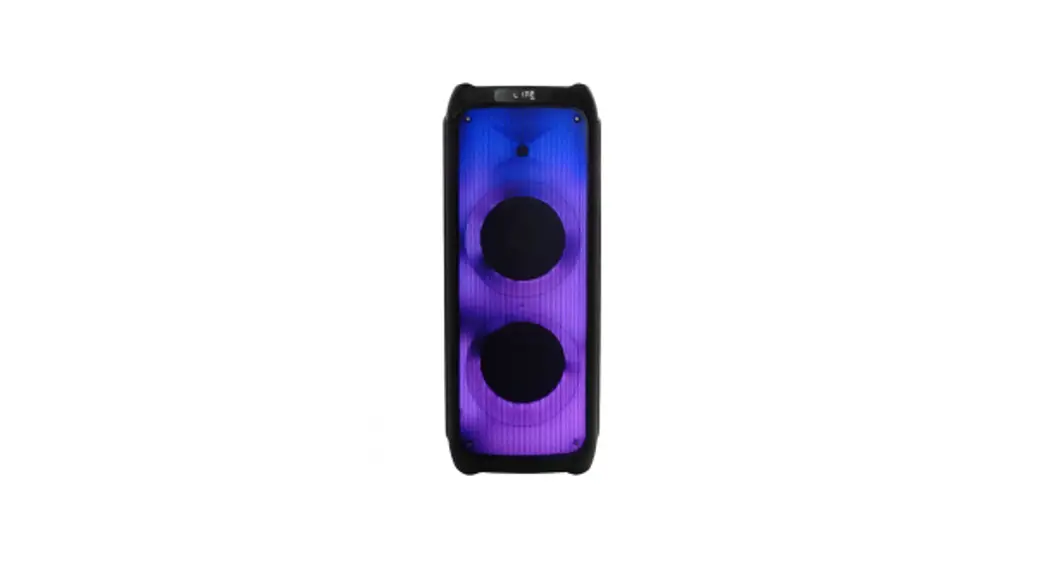

EPIC PARTY
Wireless Speaker
Instructions Manual
BLUETOOTH PAIRING YOUR SPEAKER
- Turn On your speaker.
Short press the “MODE” button to switch to Bluetooth mode. You’ll hear an automated voice saying “Bluetooth Mode’: - Search pairing name “iHip EPIC Speaker” in your device and pair it.
When successfully paired, an automated voice will say “connected”.
TWS FUNCTION
- Turn On your Speaker.
- Double click the “MODE” button of two speakers at the same 2 times to pair with each other.
- Search pairing name “iHip EPIC Speaker” in your device and pair it.
When successfully paired, an automated voice will say ‘connected”.
Screen is shown as:

FM Mode Long press to automatically search the channels.Short press to start/pause music.Short press to the previous channel.Short press to next channel.
The screen is shown as:
Package Includes:
(1)Wireless Speaker, (1)User Manual, (1) 2inl Charging Cable
Caution: The user is cautioned that changes or modifications not expressly approved by the party responsible for compliance could void the user’s authority to operate the equipment.
This device complies with Part 15 of the FCC Rules. Operation is subject to the following two conditions: (1) this device may not cause harmful interference. and (2) this device must accept any interference received, including interference that may cause undesired operation.
NOTE: This equipment has been tested and found to comply with the limits for a Class B digital device, pursuant to Part 15 of the FCC Rules. These limits are designed to provide reasonable protection against harmful interference in a residential installation. This equipment generates, uses, and can radiate radio frequency energy and, if not installed and used in accordance with the instructions. may cause harmful interference to radio COmmunications. However, there is no guarantee that interference will not occur in a particular installation. If this equipment does cause harmful interference to radio or television reception. which can be determined by turning the equipment off and on. the user is encouraged to try to correct the interference by one or more of the following measures:
- Reorient or relocate the receiving antenna.
- Increase the separation between the equipment and receiver.
- Connect the equipment into an outlet on a circuit different from that to which the receiver is connected.
- Consult the dealer or an experienced radio/TV technician for help.
FCC Radiation Exposure Statement
This equipment complies with the FCC radiation exposure limits set. forth—for an uncontrolled environment.
This transmitter must not be co-located or operating in conjunction with any other antenna or transmitter,
C 2020 Zelkos. Inc. iHip is a trademark of Zelkos, Inc. Registered in the U.S. and other countries. The illustrated product and specifications may differ slightly from that supplied. All other trademarks and trade names are those of their respective owners. The United States and international patent pending. All Rights Reserved. For ages 12. up. This is not a toy. Designed by up. Manufactured in China.
The Bluetooth® word mark and logos are registered trademarks owned by Bluetooth SIG, Inc. and any use of such marks is under license. Other trademarks and trade names are those Of their respective owners.
Limited One Time Warranty.
To activate your product warranty go to our website. www.iHip.com 8 register this product.
SPECIFICATIONS
- Bluetooth Version: V5.0
- Bluetooth Range: Up To 33ft
- Battery: 1200mah Rechargeable Battery
- Input: DC 5V / 0.5A
- Speaker Output: 2x5W
- Play Time: (Speaker Both At 100% Volume) 1 Hour At 100% Phone Volume; 4 Hours At 75% Phone Volume; 9 Hours At 50% Phone Volume.
- Charging Time: About 3-4 Hours
- Cable Included: 0.5m USB Charging & 3.5mm Auxiliary 21n 1 Cable
Charging your Speaker
When the battery is low there will be a voice message”Low battery, please charge.”
When charging, the LED light indicator will be RED and will turn off when fully charged.
Multicolor light will automatically turn On & Off with the Speaker.
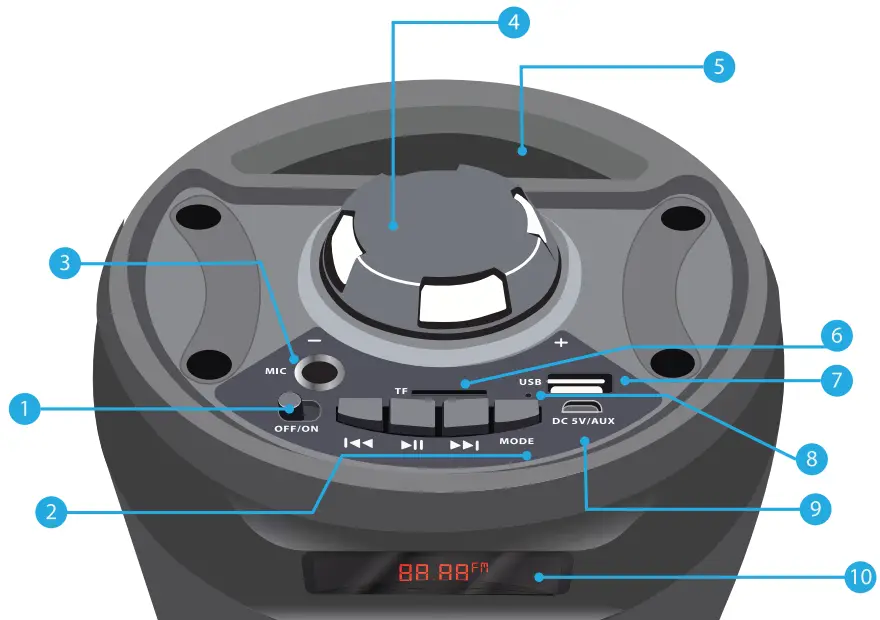
- Power Button
On: Slide the “ON/OFF” Switch to the ON position.
Off: Slide the “ON/OFF” Switch to the OFF position. - Speaker Controls
 Short press to the previous song.
 Short press to next song.
 Short press to start/pause music. mom Short presses the
“MODE” button to switch the mode. Will have both voice and screen advice. - Mic Port
For Karaoke Mode, plug in a 6.5mm jack microphone’ in the Mic slot. *(not included) - Volume
Turn the volume circle to Just the volume.
Turn left to decrease the volume.
Turn right to increase the volume.
“U01″ to”U16” Will be shown on the screen when the volume is adjusted. - Phone Stand
- SD Card Mode
Insert the SD card into the TF slot.
The screen shows as:
USB Port Insert the USB into the USB slot
The screen shows as:
- Charging Indicator
The LED indicator will have a RED light when charging and will turn off when fully charged. - DC/5V AUX Port
Using the 2-in-1 cable included in your package, connect the micro-USB end to the DC/5V AUX port of the speaker and connect the AUX end to your device.
The screen shows as:
- LED Screen
 Short press to the previous song.
 Short press to next song.


19 Progress St Edison, NJ 08820 www.iHip.com
 #ItHilp
 Find us on Facebook. Keyword: Portable Entertainment