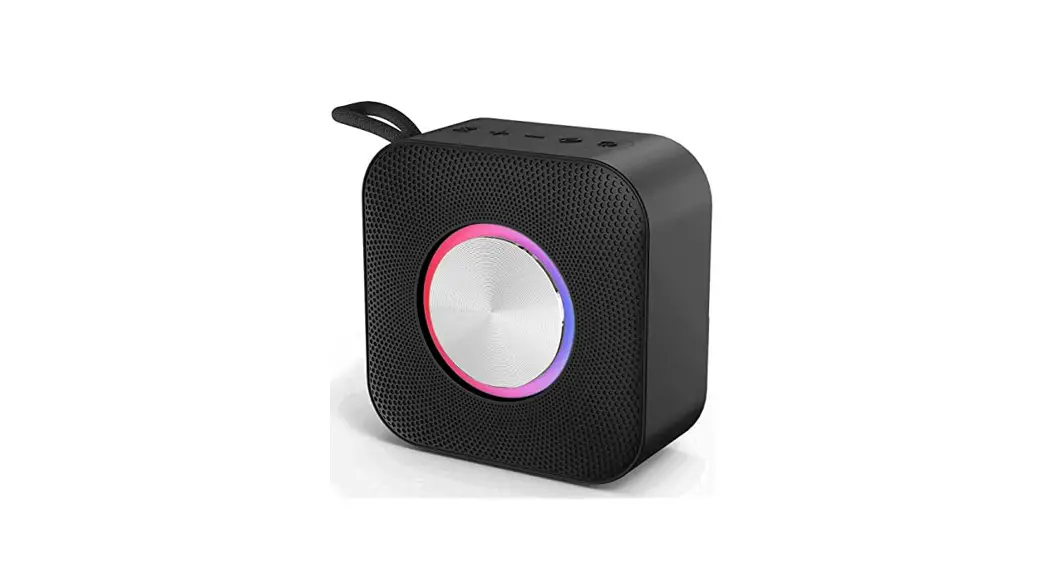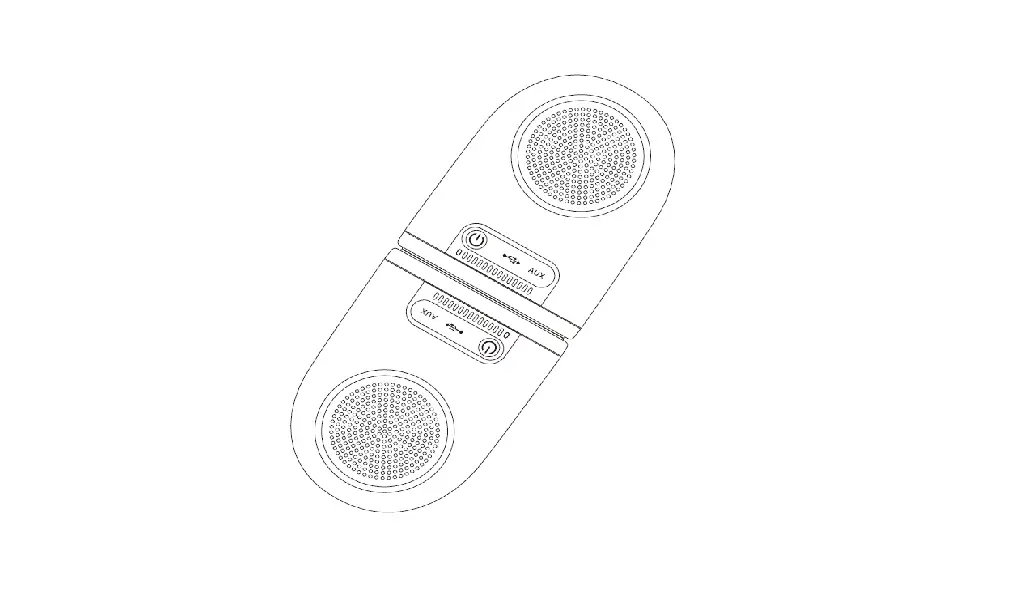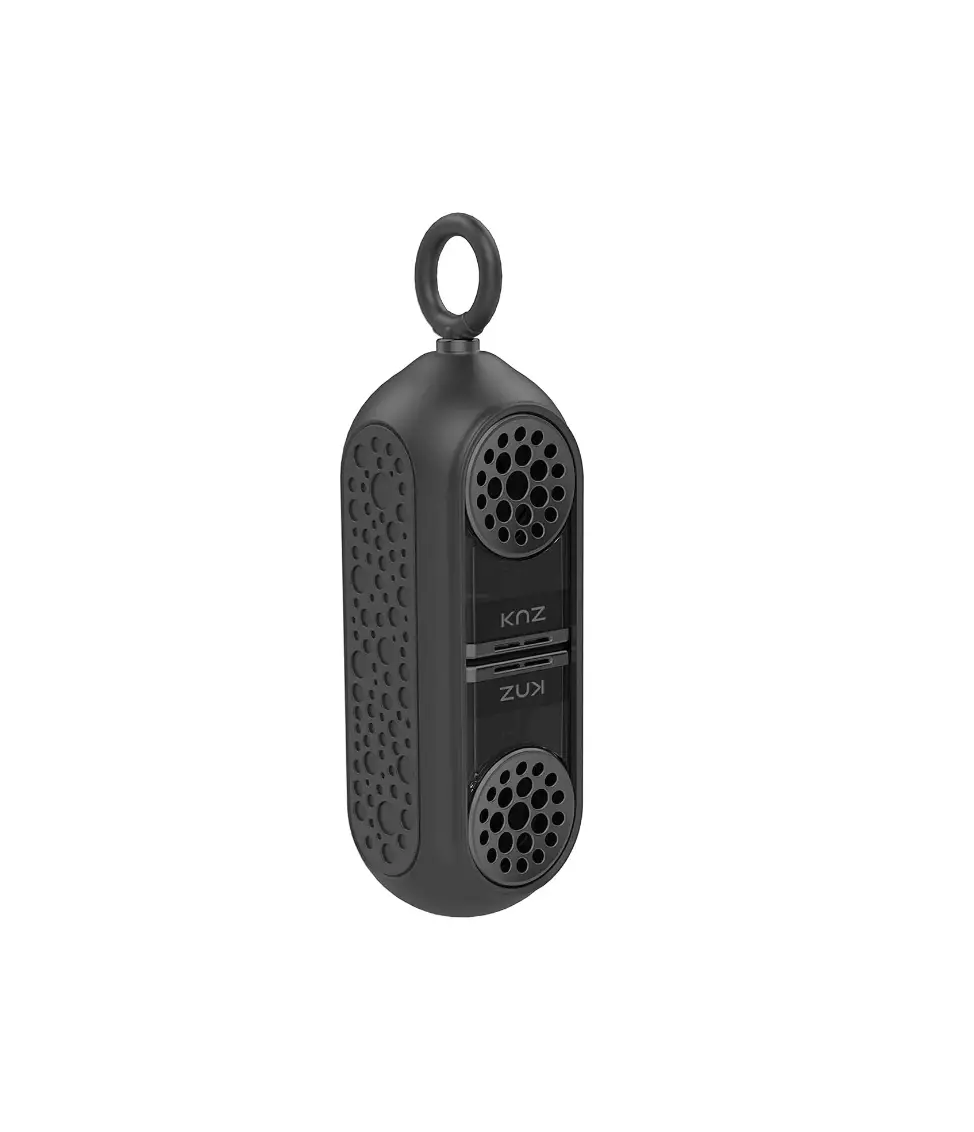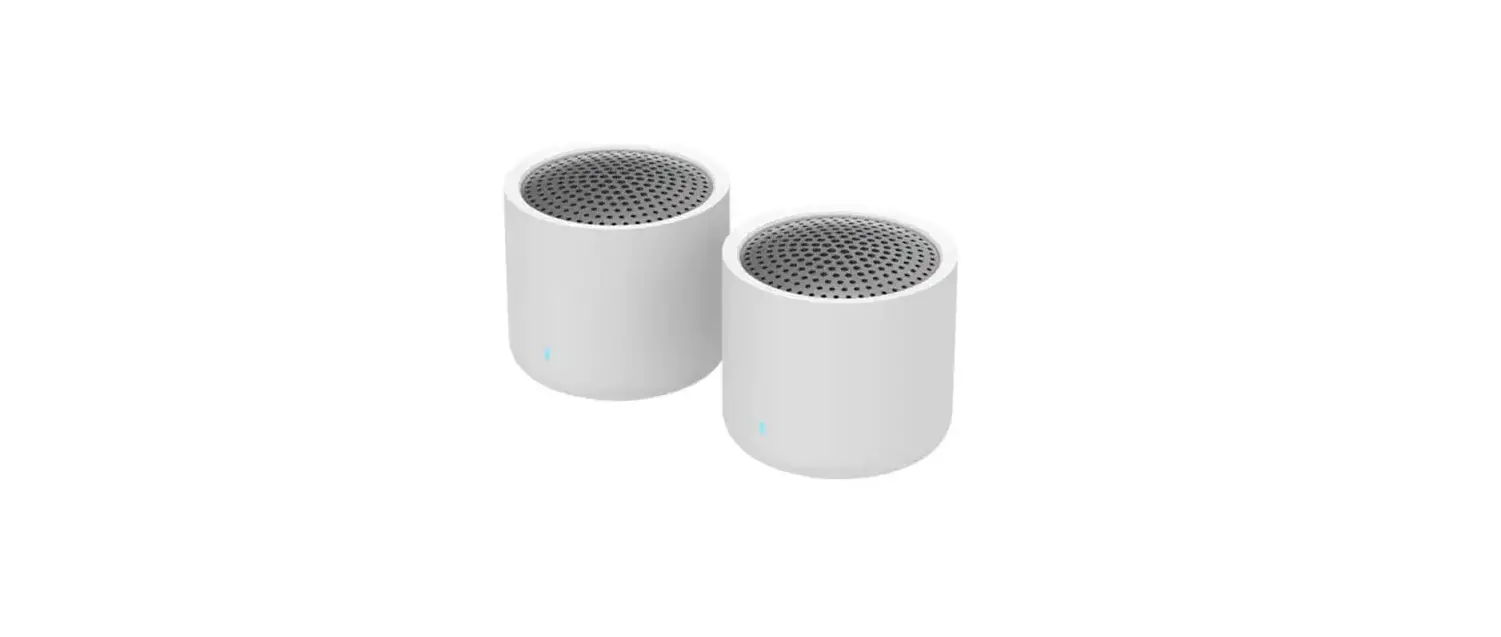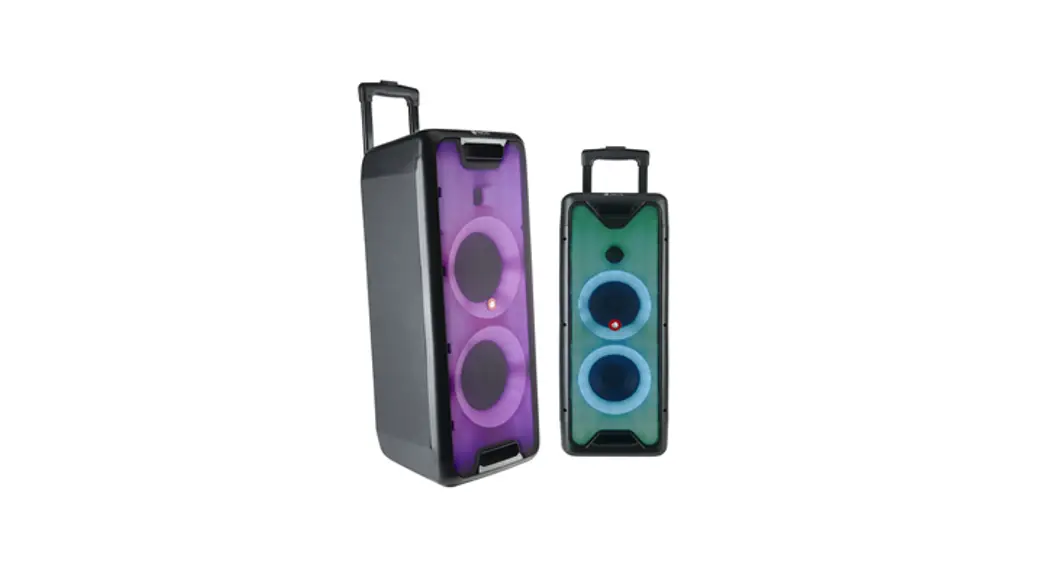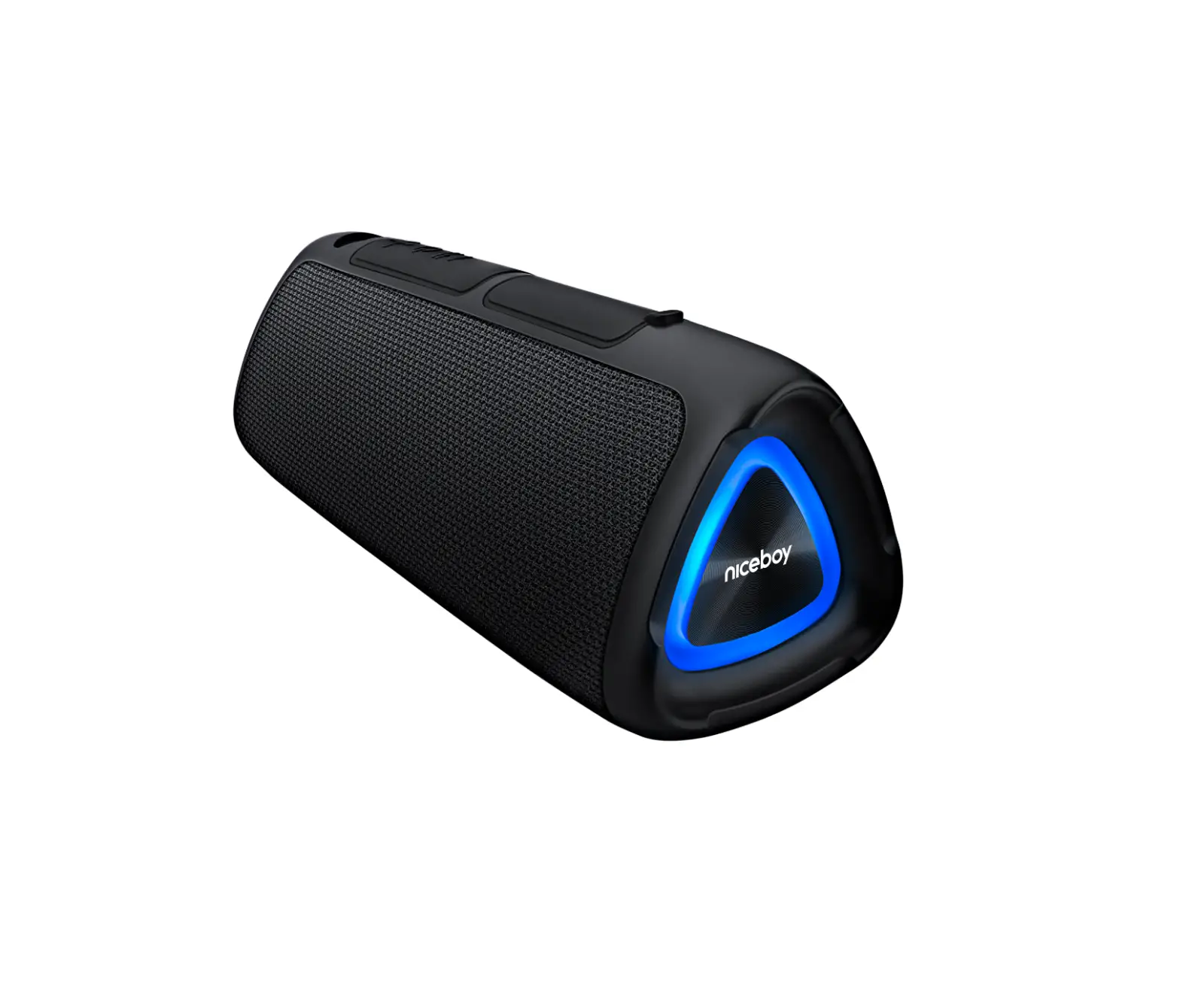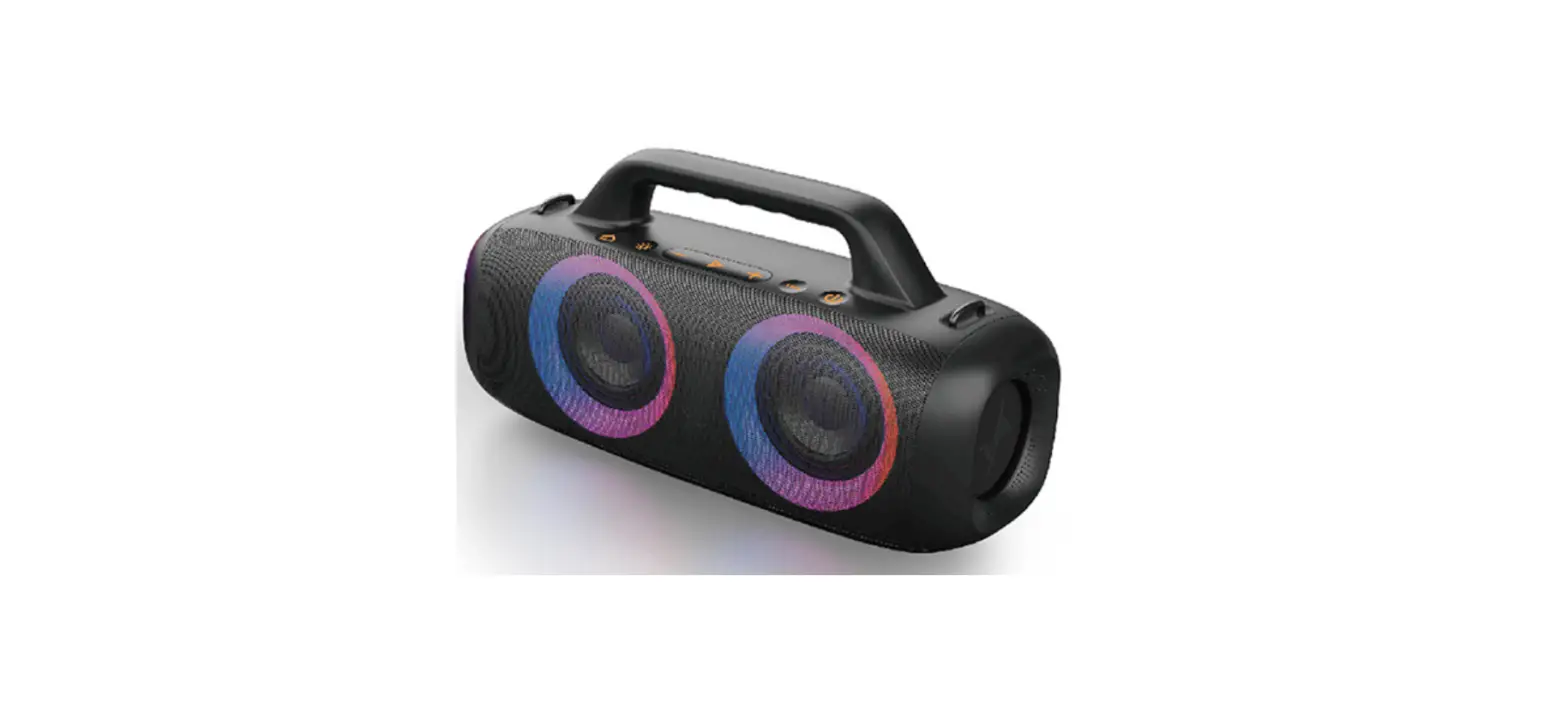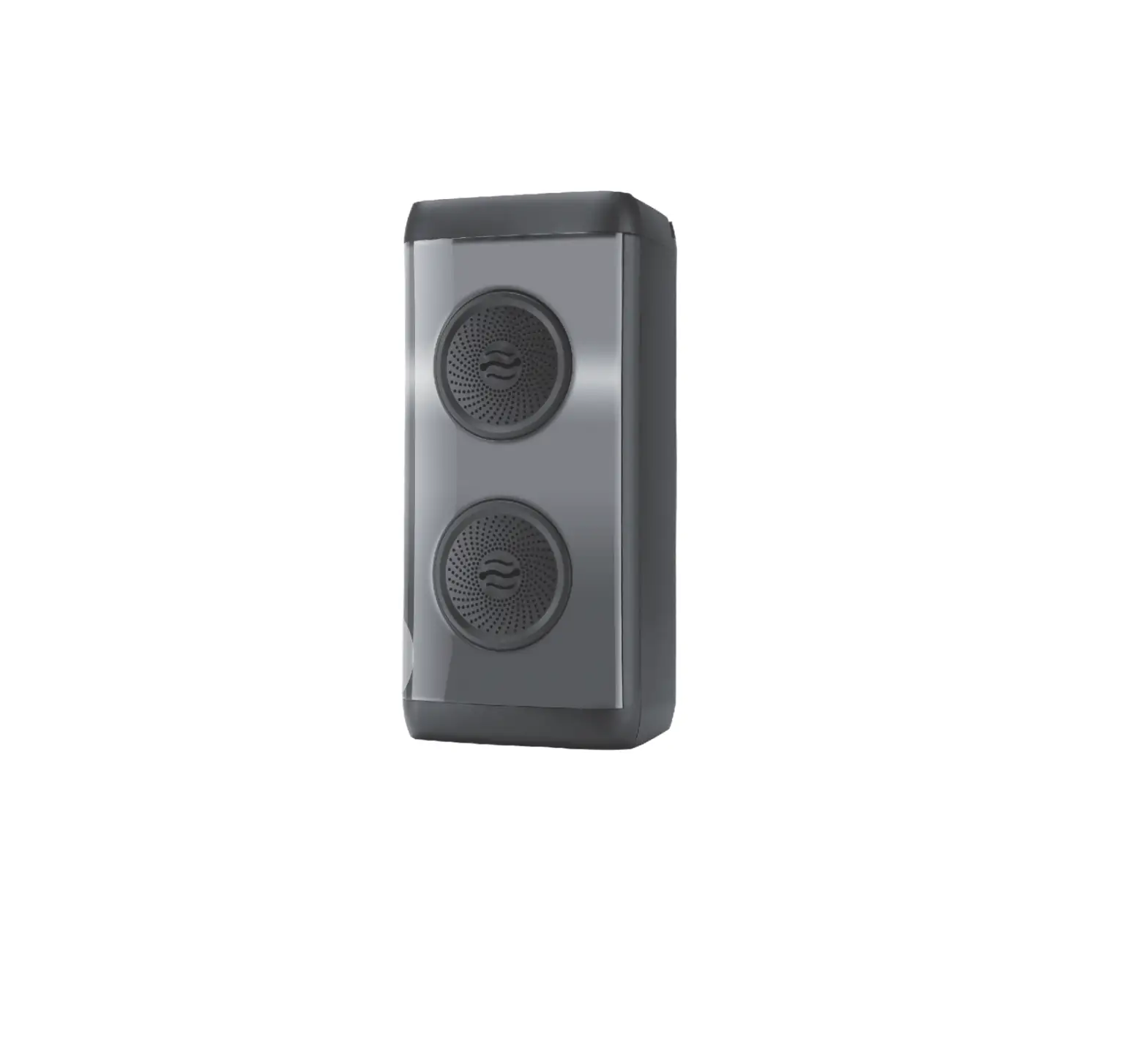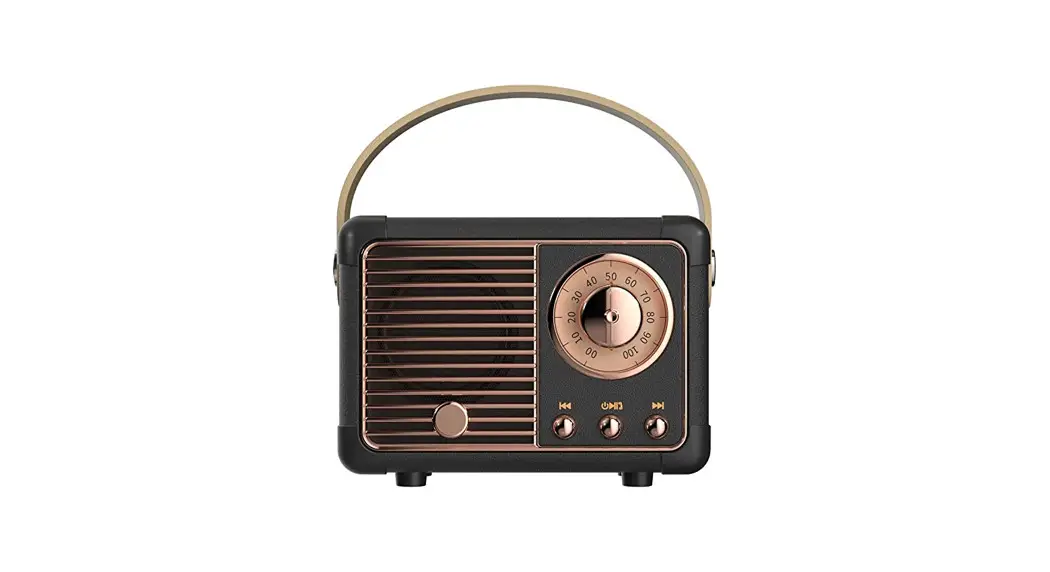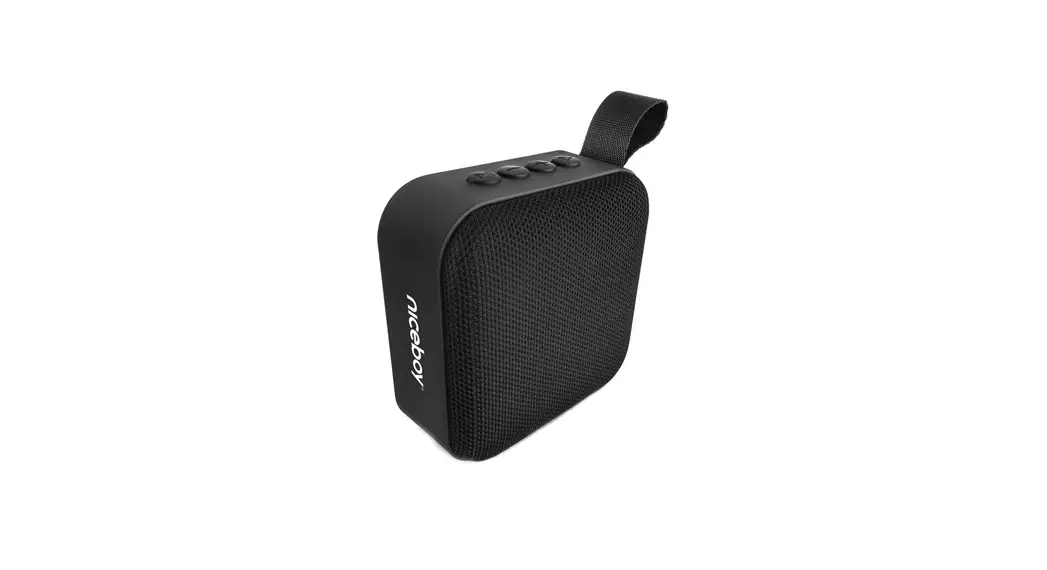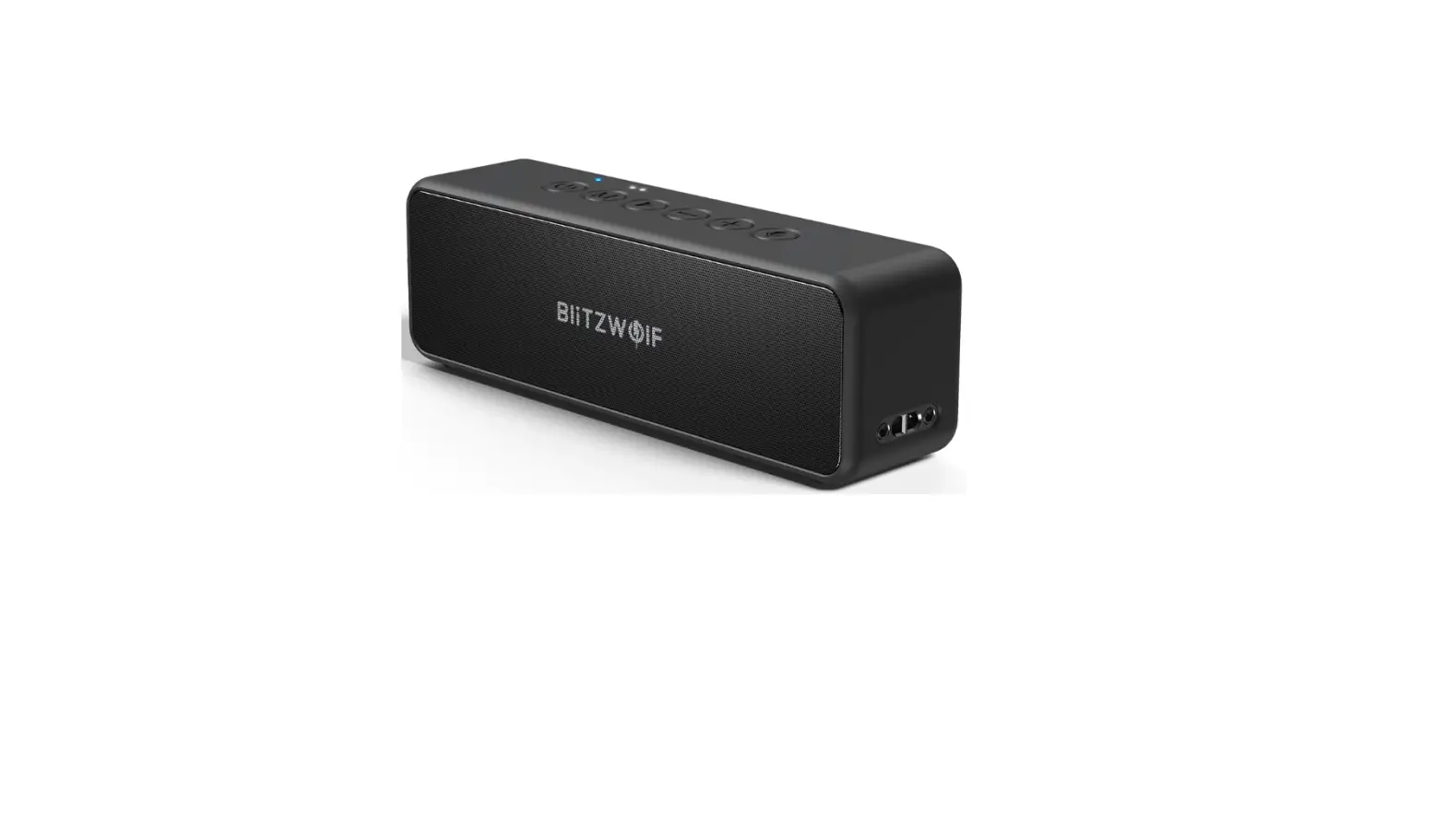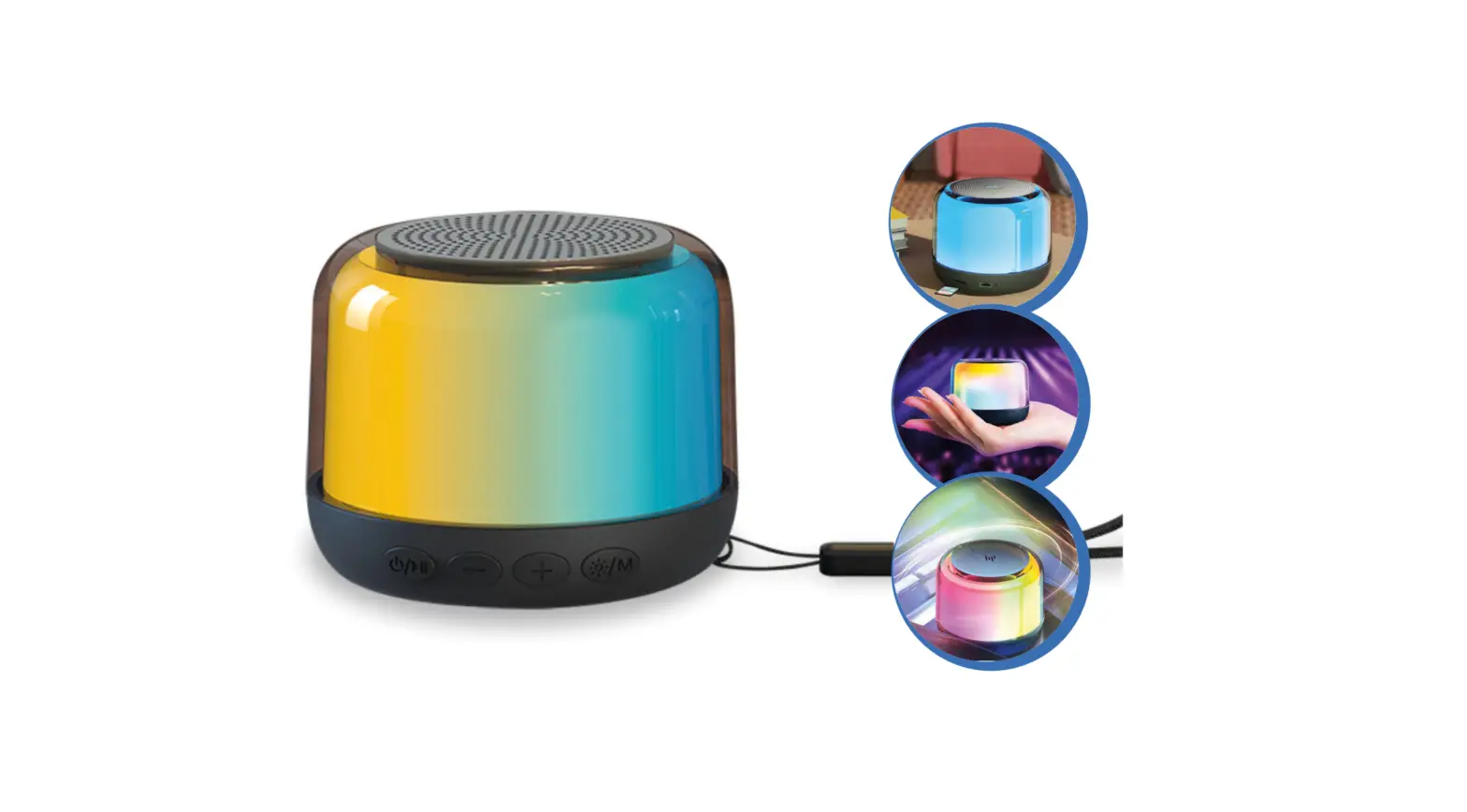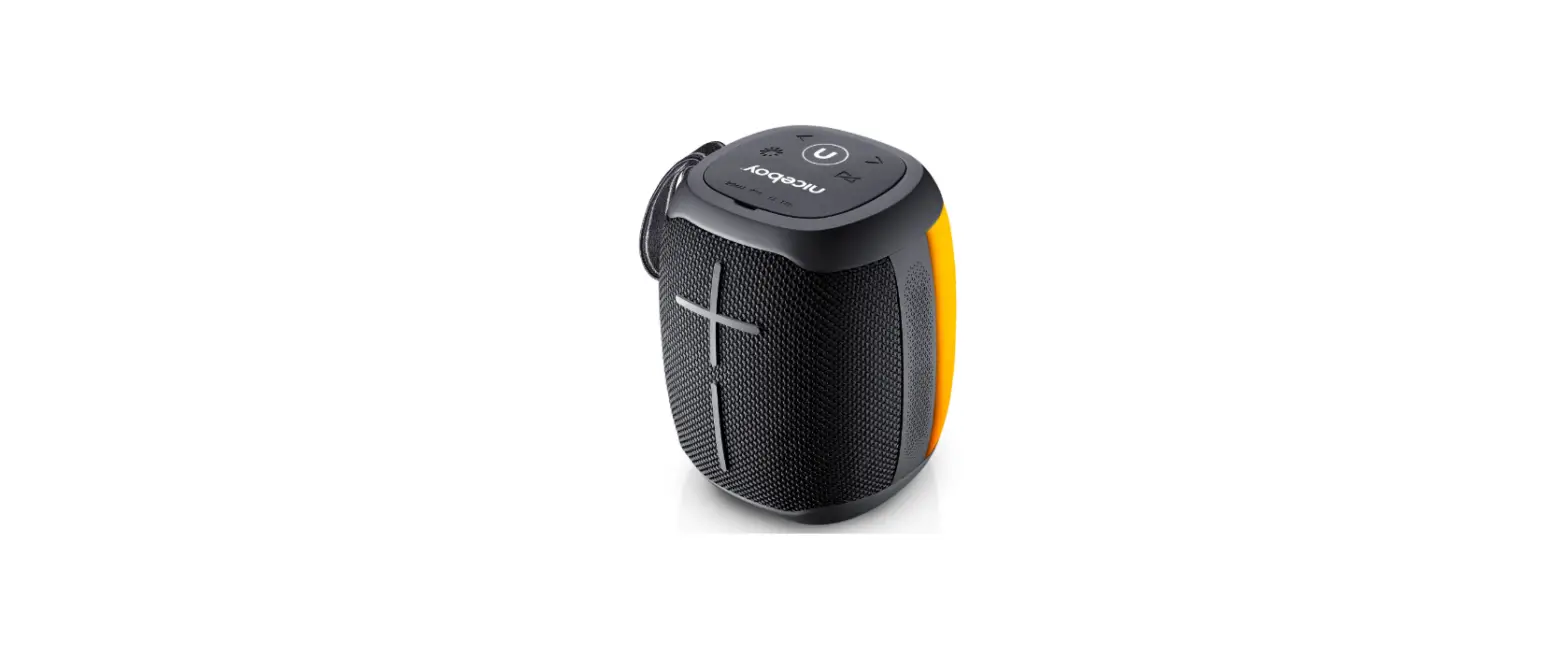

Lucky Group 18802 Wireless Speaker
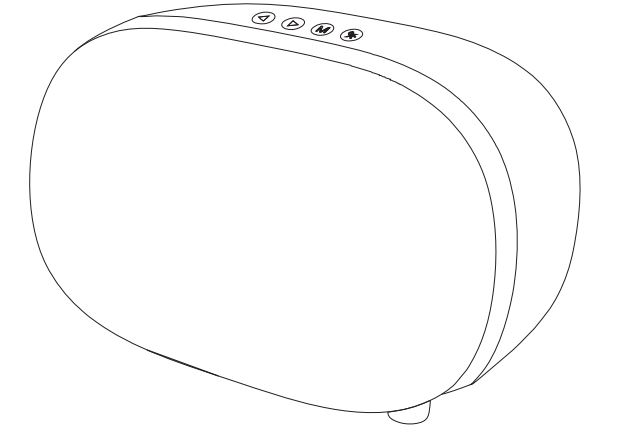
Specifications
- Wireless version : 5.0
- Output power: 3W*2
- Impedance : 40
- Speaker unit: 3 inch
- Product weight: 625g
- Working range : l0M
- Frequency: 100Hz-20KHz
- Battery capacity: 800mAh
- Product material: ABS+metal
- Product size: 210*132*126mm
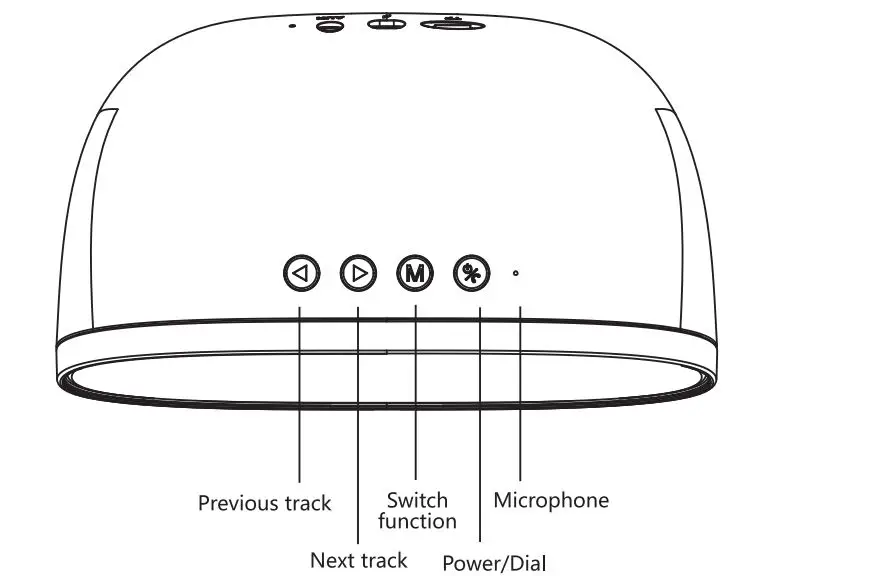
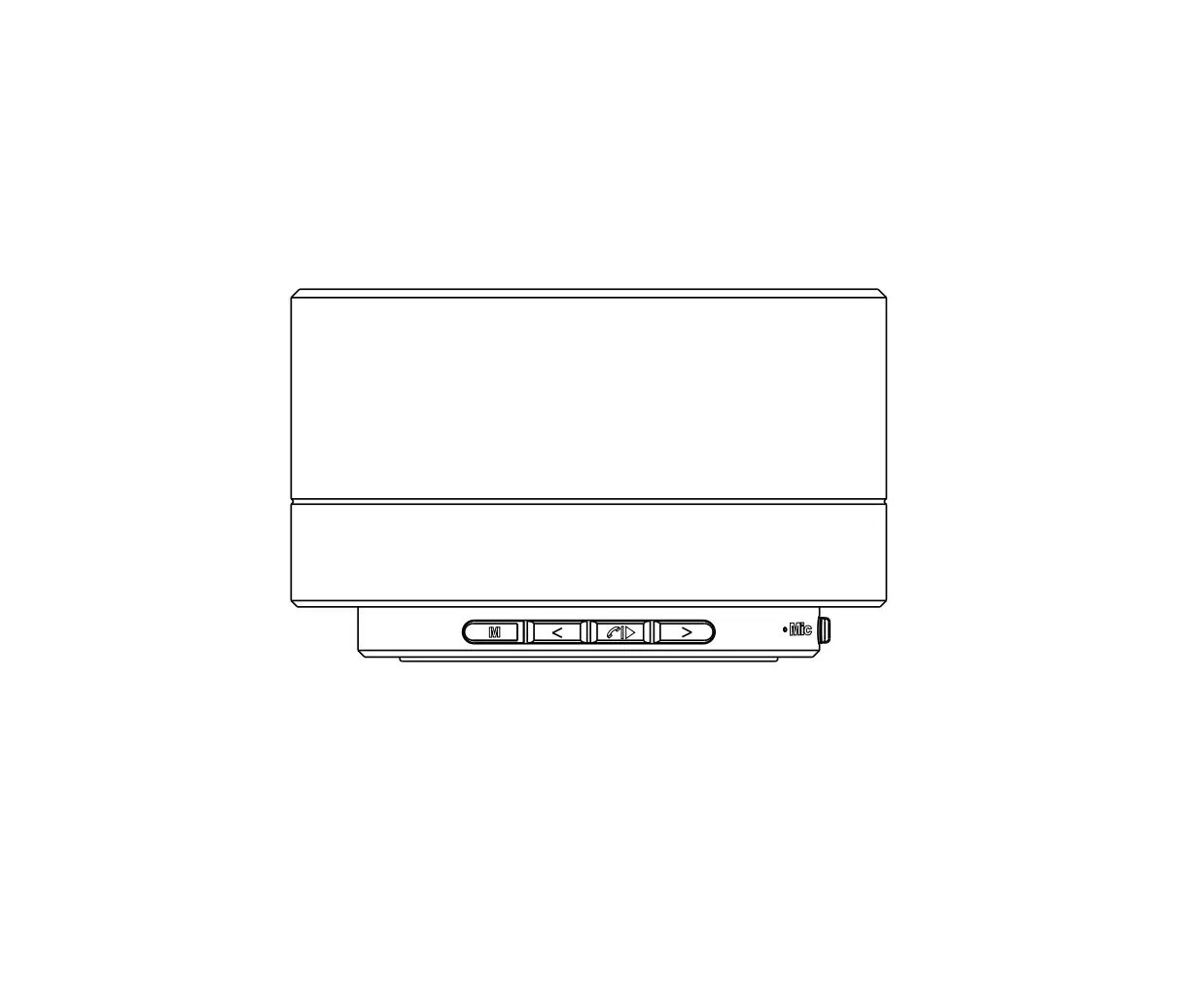
- Long press
 3 seconds to turn on/off.
 - Play mode,short press ,Play/Pause.
- Call mode,short press ,Answer/Hang up.
- Wireless moed,double click ,dial back the last call number.
- Switch the LED Light: Short press the
 button repeatly to switch the status of the LED light. Press once, the 7 color LED Light will change gradually. Press twice, the 7 color led light will flash, and press third times, the led light will be shutoff.
 - Long press to switch functions(bluetooth,TF Card, AUX. if you have TF card or AUX.)
- Volume control +/Next track
 :Long press Next track; Short press the volume increase.
 - Volume control -/Previous track
 :Long press Previous track; Short press the volume decrease.
 3 seconds to turn on/off.
 button repeatly to switch the status of the LED light. Press once, the 7 color LED Light will change gradually. Press twice, the 7 color led light will flash, and press third times, the led light will be shutoff.
 :Long press Next track; Short press the volume increase.
 :Long press Previous track; Short press the volume decrease.
Wireless Mode Operation
- Long press the power button 3 seconds to turn on the speaker,the wireless will enter pairing mode after the boot tone,blue light flashes means that wireless waiting for your connect.
- Open the wireless of your device,search for the wireless code 18802 ,click it to pair. The device will show that it is connected.and the blue light will change.
- Open the music player of your device and play music.
Charging Operation
- Inset the micro head of the speaker’s micro USB cable into the speaker’s micro USB socket,and the other side of the USB port into the computer’s USB socket.The light of the speaker will turn red when charging,when the battery is full,the red light off.
AUX in Operation
- Power on the speaker, the default setting is bluetooth. While plugging the 3.5mm audio cable, the mode will be auto switched to aux. And when unplugging the audio cable, it will switch back to bluetooth mode.
- LED Light changing status:
Bluetooth pairing: Blue light is constant on.
Bluetooth paired: Three light changing alternately (Red, Blue and Green)
Playing music: 7 color led light change alternately
Aux-in mode: 7 color led light change alternately
FCC WARNING
This device complies with part 15 of the FCC Rules. Operation is subject to the following two conditions: (1) this device may not cause harmful interference, and (2) this device must accept any interference received, including interference that may cause undesired operation.Any changes or modifications not expressly approved by the party responsible for compliance could void the user’s authority to operate the equipment. NOTE: This equipment has been tested and found to comply with the limits for a Class B digital device, pursuant to Part 15 of the FCC Rules These limits are designed to provide reasonable protection against harmful interference in a residential installation. This equipment generates, uses and can radiate radio frequency energy and, if not installed and used in accordance with the instructions, may cause harmful interference to radio communications. However, there is no guarantee that interference will not occur in a particular installation.If this equipment does cause harmful interference to radio or television reception,which can be determined by turning the equipment off and on, the user is encouraged to try to correct the interference by one or more of the following measures:
- Reorient or relocate the receiving antenna.
- Increase the separation between the equipment and receiver.
- Connect the equipment into an outlet on a circuit different from that to which the receiver is connected.
- Consult the dealer or an experienced radio/TV technician for help.
The device has been evaluated to meet general RF exposure requirement. The device can be used in portable exposure condition without restriction FCC ID: 2ACO3-18802