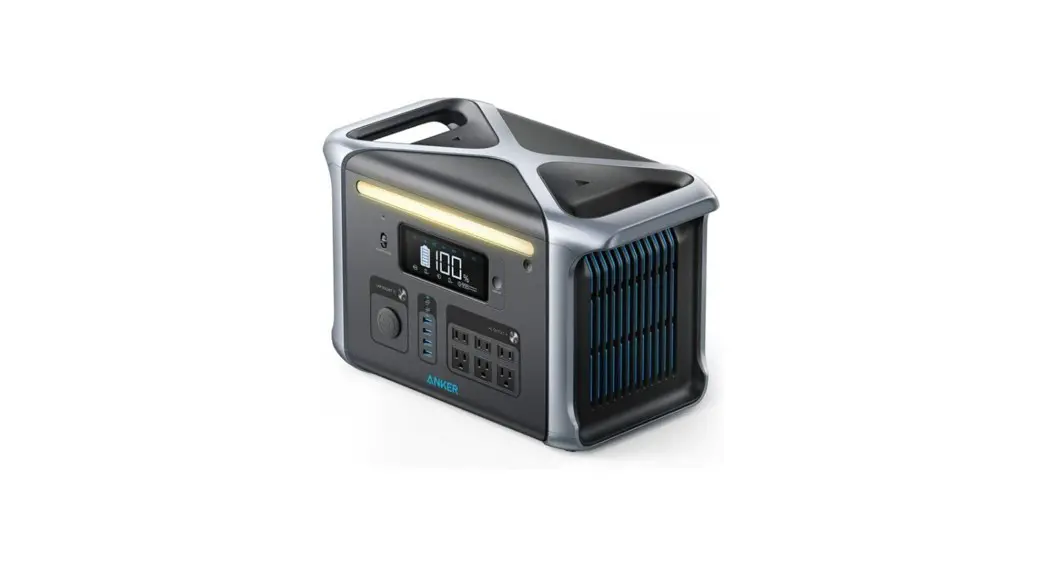
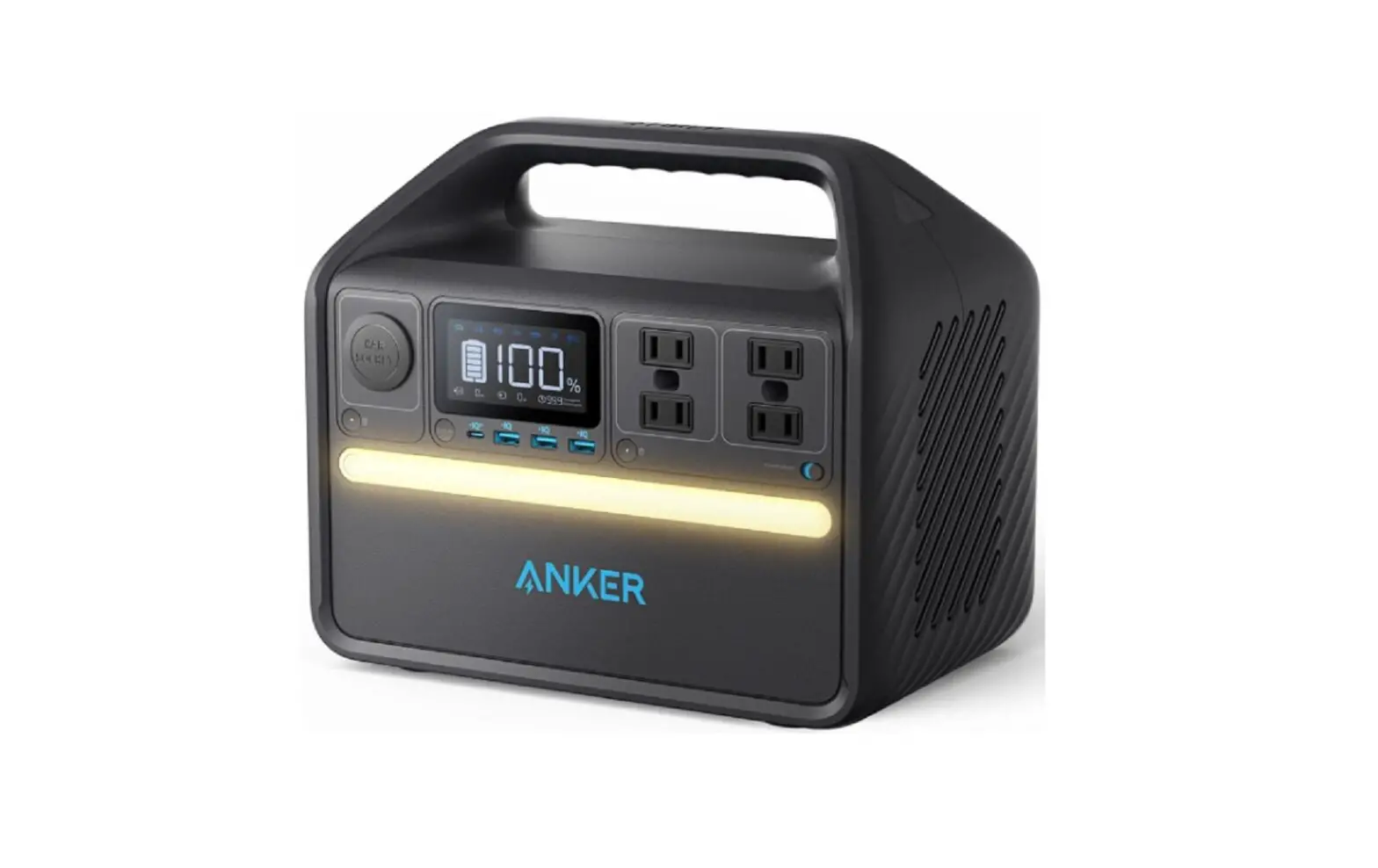
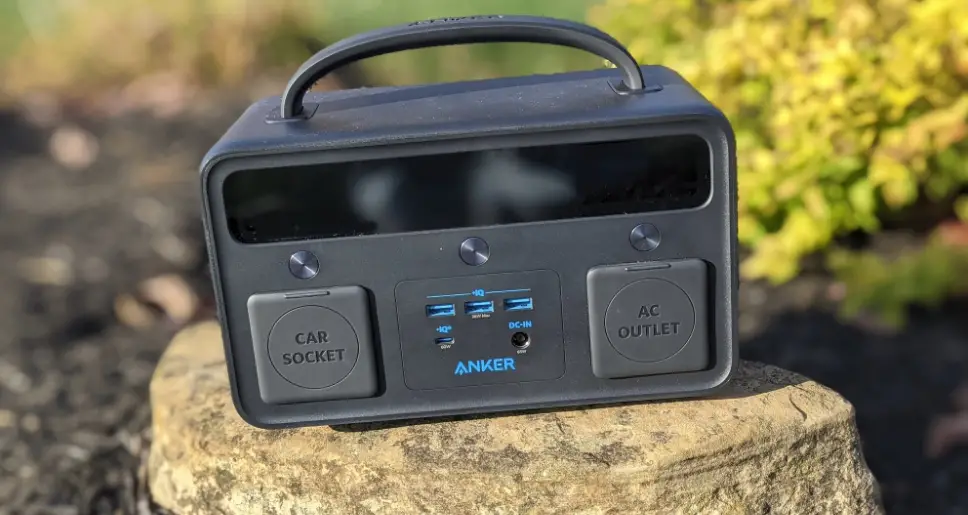
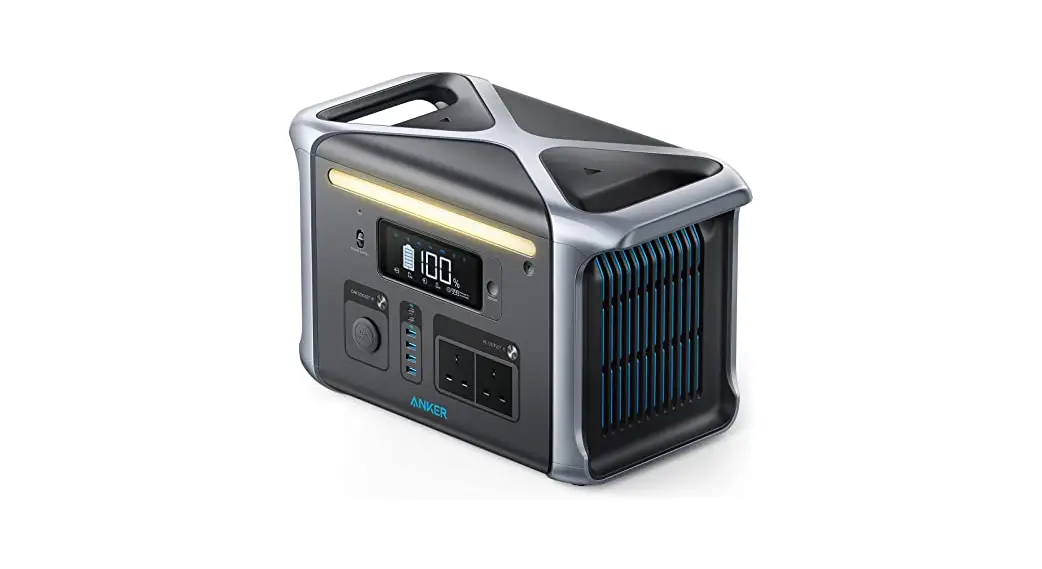
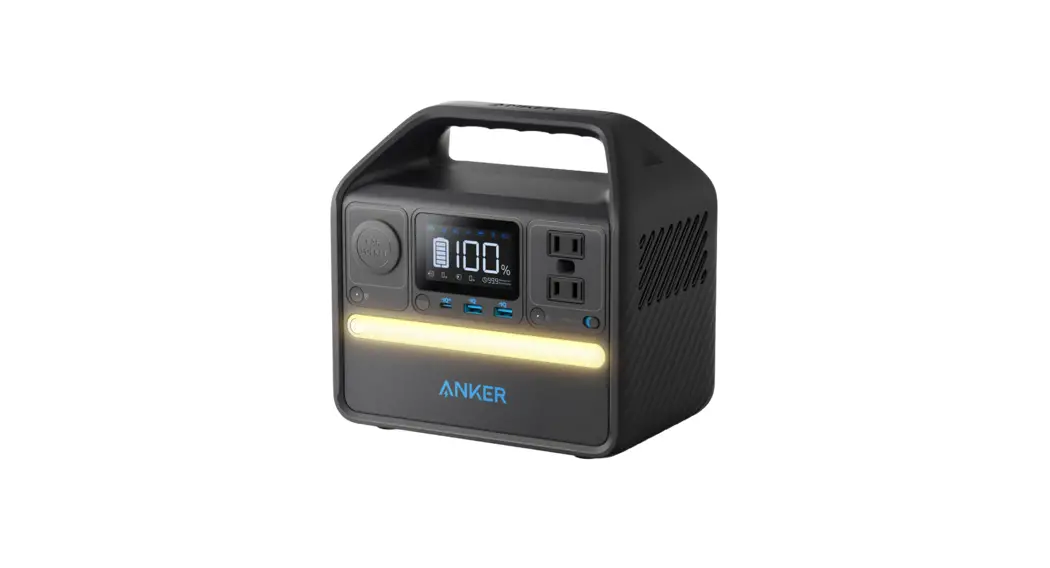
A1760111-F0 Portable Power Station
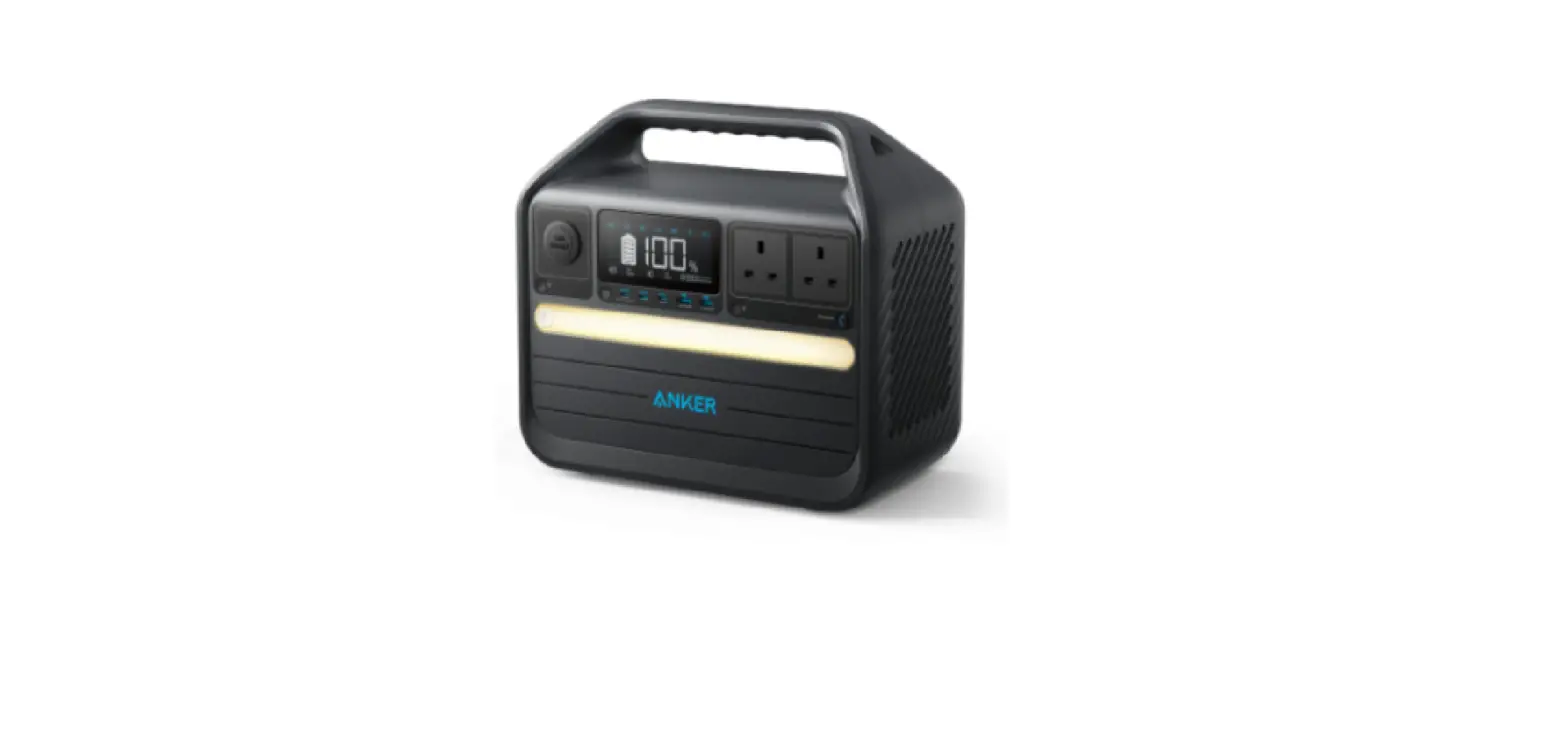
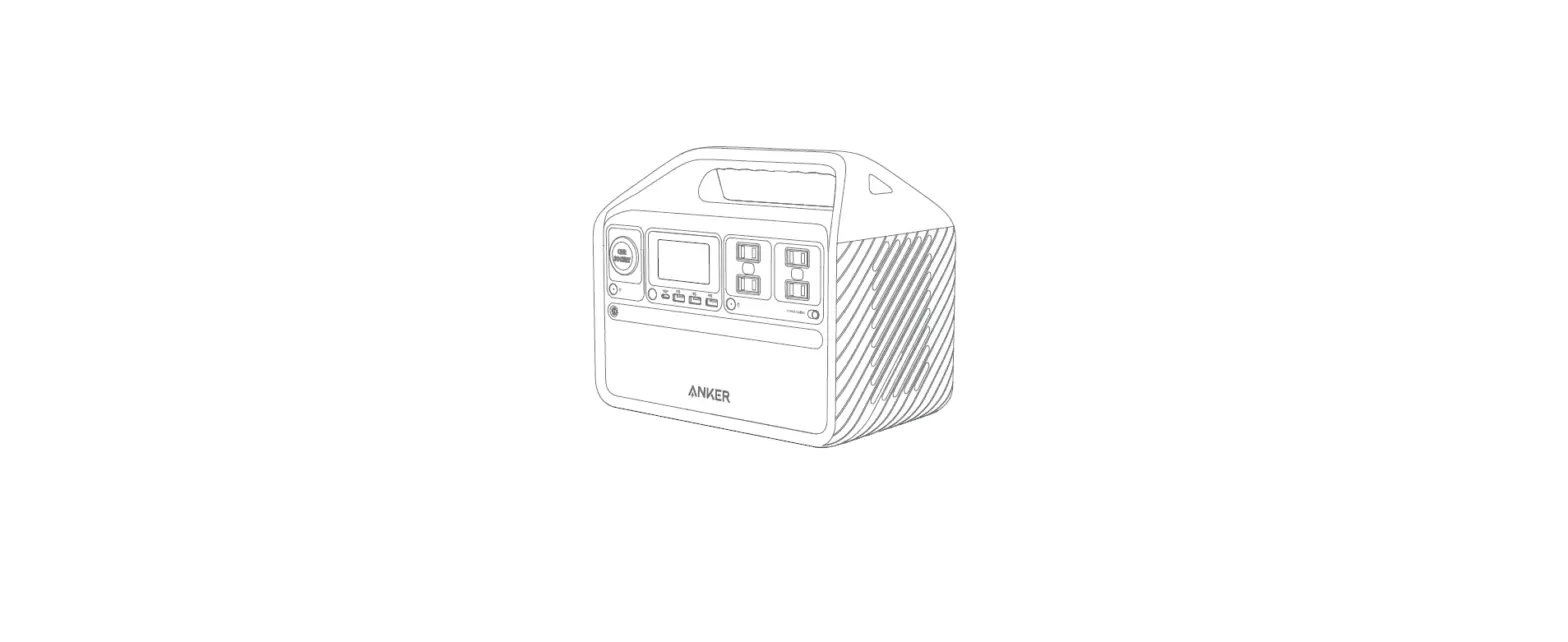
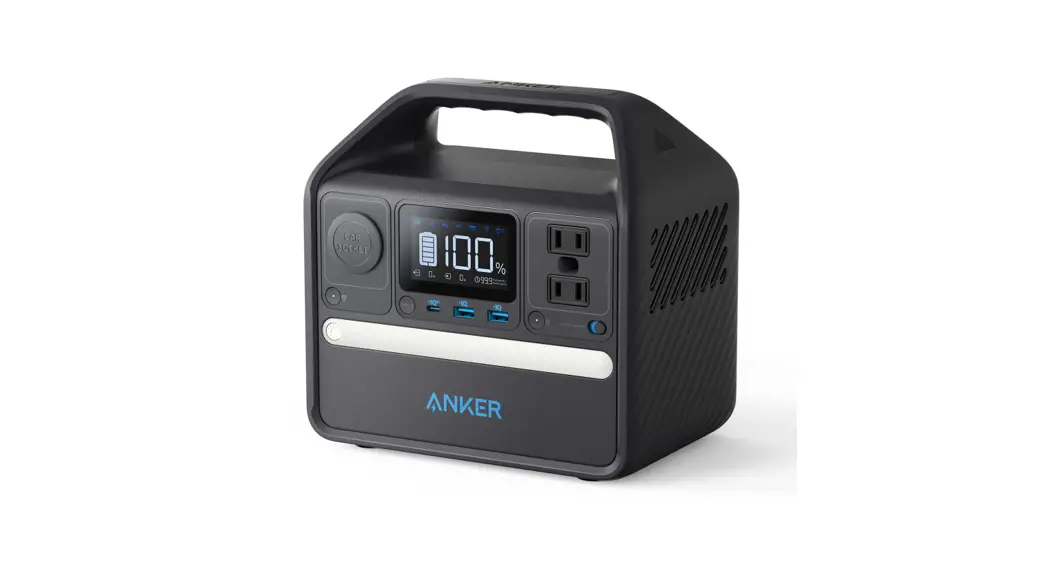
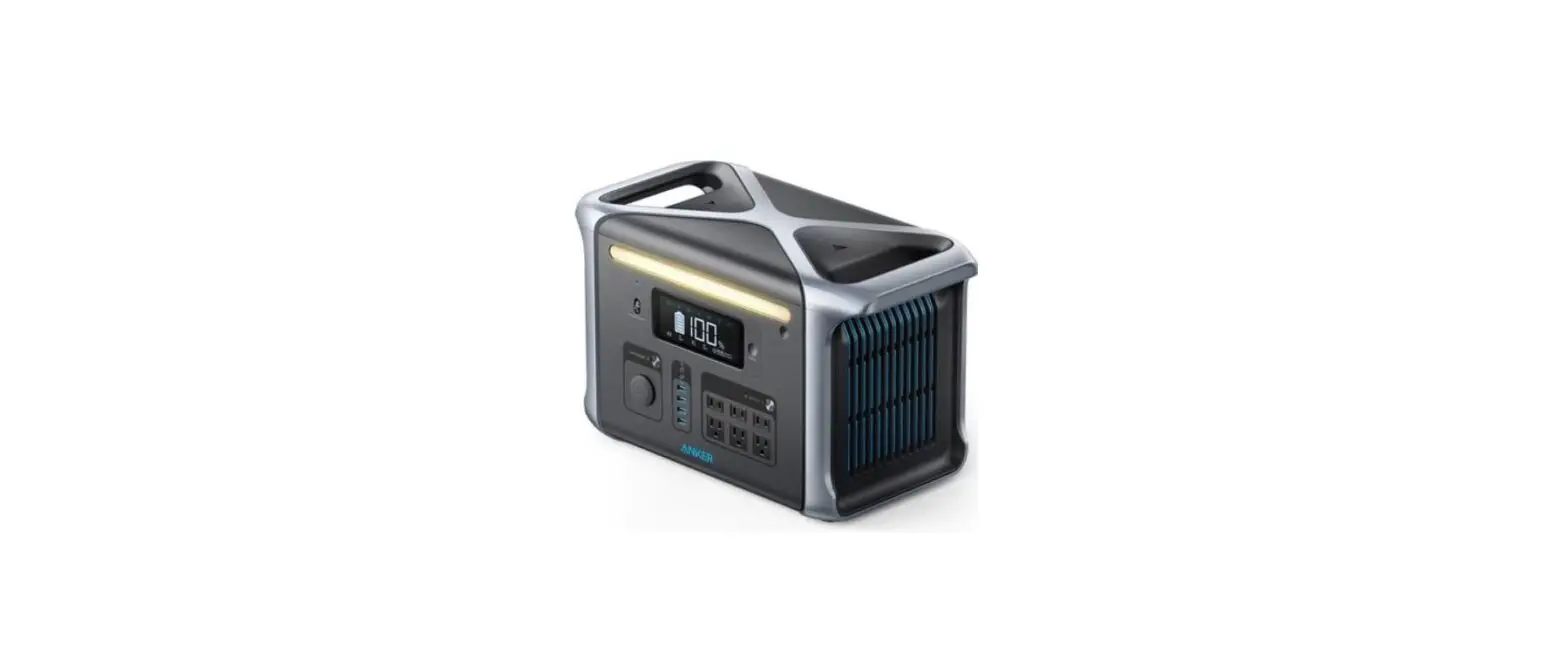
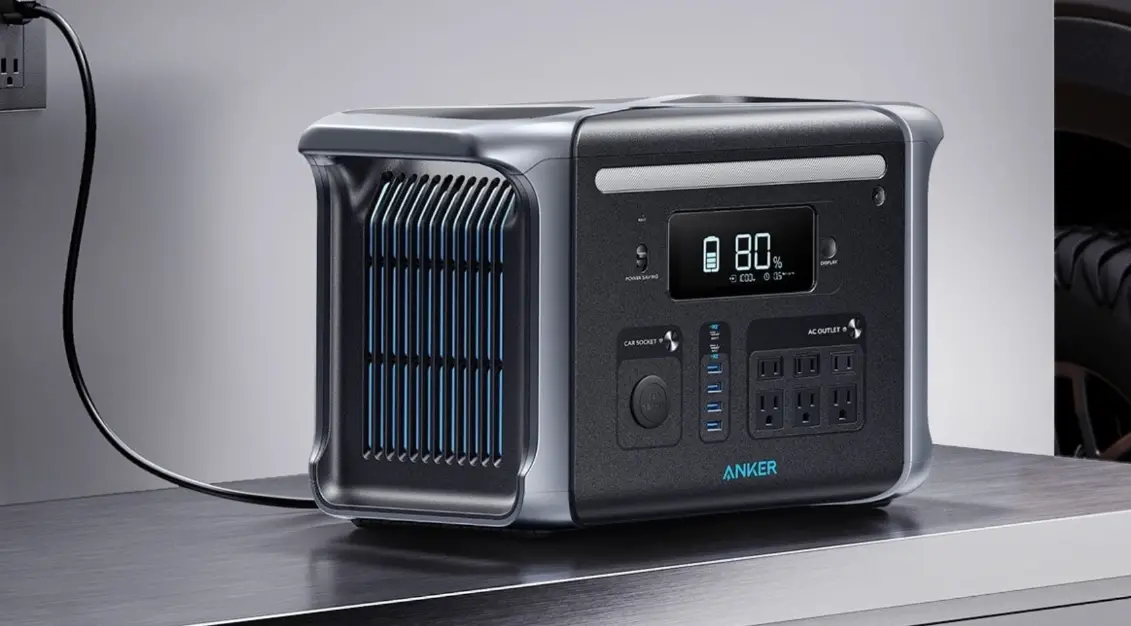
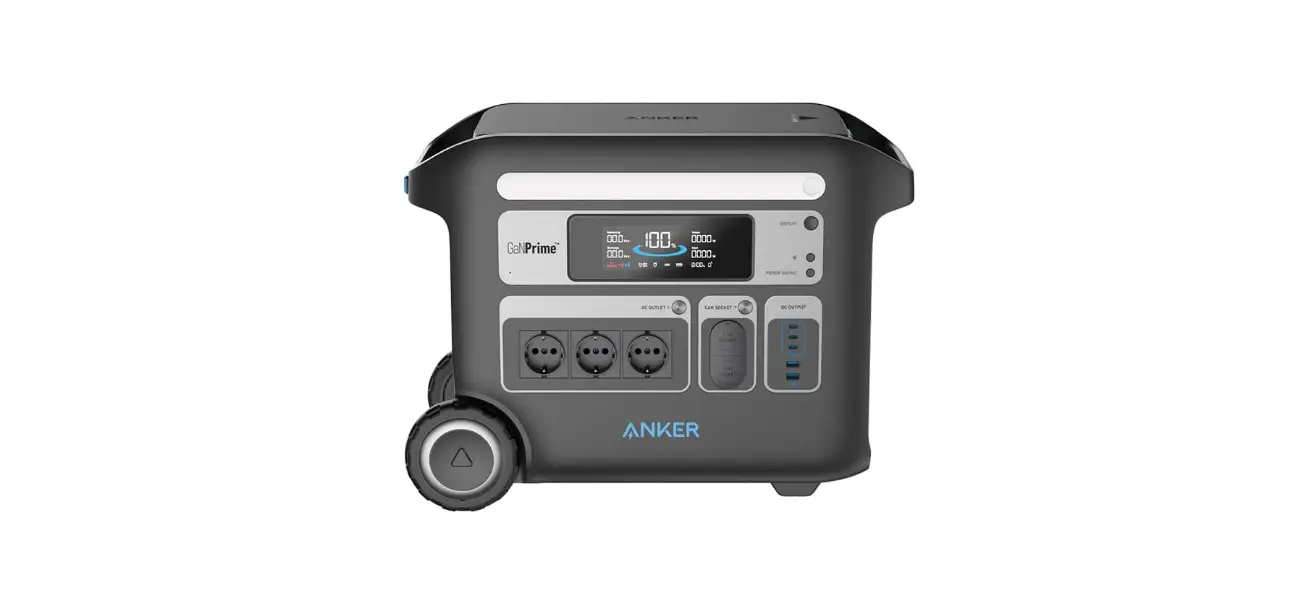
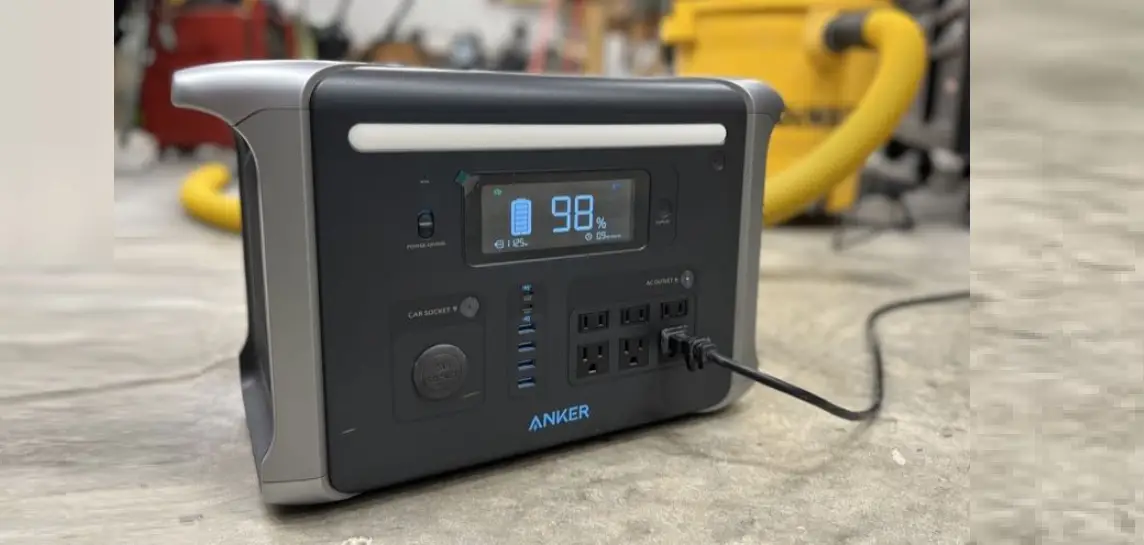
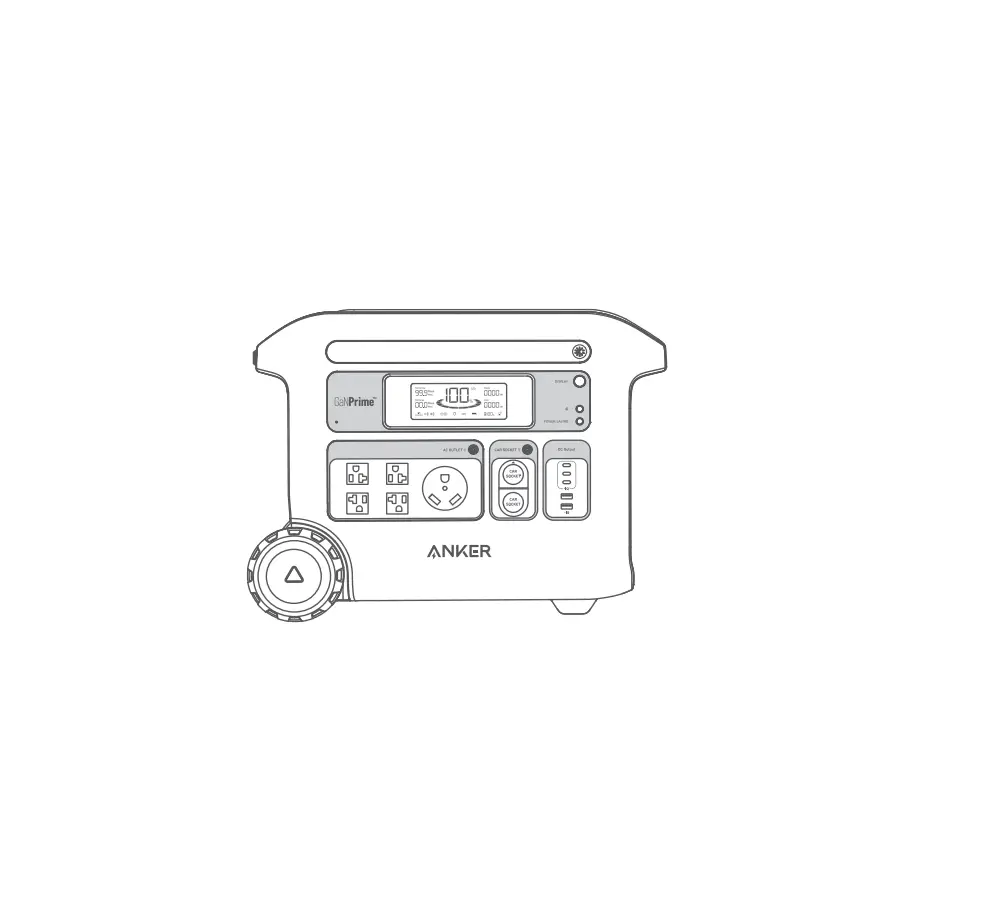
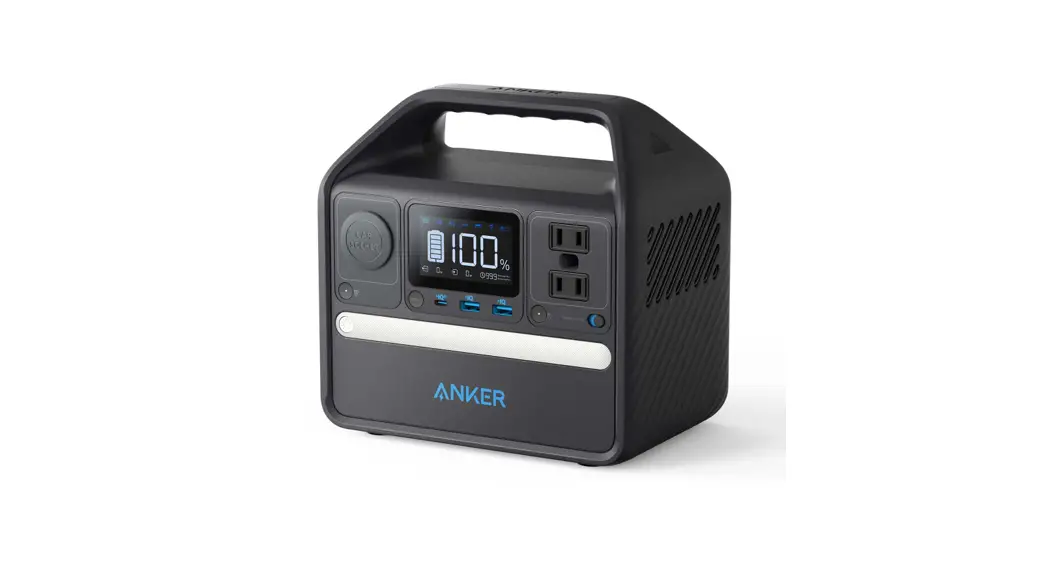
Anker 555 Portable Power Station (PowerHouse 1024Wh)
Product Number: A1760 51005003353 V01
Product Information:
- AC Charging: Press the AC button and connect your devices to
the AC output ports. - USB Charging: Connect your devices to the USB ports.
- Car Socket Charging: Press the button on the car socket,
connect your devices, and start charging. - Power Saving Mode: Switching on the power saving mode prevents
wasting power by automatically turning off the Power Station once
all your devices are fully charged. Switching off the power saving
mode will enable stable charging over an extended period. - Ambient Light: Press the button once to turn on the ambient
light. Press one more time to turn it off. - SOS Mode: Press and hold the button for 2 seconds to turn on
SOS mode. - LCD Screen: Displays remaining battery, time to recharge,
current input/output power, and other information. - Troubleshooting: Provides solutions for AC charging failure and
resetting the Power Station. - Specifications: Includes cell capacity, input/output ports,
temperature ranges, size, net weight, and gross weight. - Important Safety Instructions: Provides safety precautions and
warnings.
Product Usage Instructions:
- To recharge your Power Station, use one of the following
methods:
- DC Recharging (200W Max): Connect the Power Station to a wall
outlet using the provided 200W AC adapter. - Solar Panel Recharging (200W Max): Connect up to 2 100W solar
panels in parallel with a solar charging cable. - USB-C Recharging (100W): Connect the Power Station to a charger
via the USB-C port.
- AC Charging: Press the AC button and connect your devices to
the AC output ports. - USB Charging: Connect your devices to the USB ports.
- Car Socket Charging: Press the button on the car socket,
connect your devices, and start charging.
- Switching on the power saving mode will automatically turn off
the Power Station once all your devices are fully charged. - Switching off the power saving mode will enable stable charging
over an extended period, suitable for timelapse photography or
using a CPAP machine while sleeping.
- Press the button once to turn on the ambient light.
- Press one more time to turn it off.
- Press and hold the button for 2 seconds to turn on SOS
mode.
- Press the button to turn on the LCD screen.
- The screen displays remaining battery, time to recharge,
current input/output power, and other relevant information.
- For AC charging failure, try unplugging one or more connected
devices if the total power exceeds 1000W. - To perform a factory reset, insert a paper clip or pin into the
reset hole for 1 second. If the Power Station still doesn’t work,
contact [email protected].
Please refer to the user manual for more detailed instructions
and safety information. For FAQs and additional support, visit
anker.com/support.
For FAQs and more information, please visit:
anker.com/support
@anker_official @Anker Deutschland @AnkerOfficial
@anker_jp
@Anker Japan
@Anker_JP
@Anker
Product Number: A1760 51005003353 V01
Anker 555 Portable Power Station (PowerHouse 1024Wh)
USER MANUAL
English
01
11
What’s in the Box
Recharging Your Product
DC recharging (200W Max) Recharge your power station by connecting to a wall outlet with the 200W AC adapter.
Anker 555 Portable Power Station (PowerHouse 1024Wh)
Car Charging Cable
Overview
Solar Charging Cable
User Manual
200W AC adapter
3 1
2
Solar panel recharging (200W Max) Recharge your power station by connecting up to 2 100W solar panels in parallel with a solar charging cable.
USB-C recharging (100W)
4
Recharge your power station by connecting it to a charger via the USB-C port.
Output Ports: 1 Car Socket 2 USB Ports 3 AC Output Ports
01
Input Ports: 4 DC Input Port
· When your portable power station only has 1% battery remaining, the Remaining Battery indicators will T flicker to remind you to recharge the product.
02
Powering Your Devices
AC charging Press the AC button and connect your devices to the AC output ports.
on / off
USB charging Connect your devices to the USB ports.
Car socket charging Press the button on the car socket, connect your devices, and start charging.
on / off
03
Power Saving Mode
Switching on the power saving mode prevents wasting power by automatically turning off the Power Station once all your devices are fully charged. Switching off the power saving mode will enable stable charging over an extended period, such as for timelapse photography or for sleeping with a CPAP machine.
on
off
Light
Ambient light Press the button once to turn on the ambient light. Press one more time to turn it off.
SOS mode Press and hold the button for 2 seconds to turn on SOS mode.
x1
SOS
2S
04
LCD Screen Guide
2
3
4
5
6
7
8
9
10
1
11
12
LCD Screen Button Press the button to turn on the LCD screen.
Power Saving Mode
High-Temperature Alert · When this icon shows, stop using the product and leave it to cool down until the icon disappears. 4 Low-Temperature Alert · When this icon shows, stop using the product until the icon disappears.
USB-C Output/ Input Port
USB-A Output Port
Car Charging
AC Charging and Voltage Frequency Press the AC output port on/off button for 2 seconds to switch the frequency.
Remaining Battery
Time to Recharge / Remaining Battery in Hours
Current Input Power 12 Current Output Power
05
Trouble Shooting
AC charging failure If AC charging is unavailable, it’s possible that the connected devices exceed 1000W. Try unplugging one or more of the connected devices to see if this resolves the issue.
Resetting your Power Station
If your power station isn’t working correctly, insert a paper clip or pin into the reset hole for 1 second for a factory reset. If the Power Station still doesn’t work, please contact [email protected].
Reset
FAQ
Q1: Why does the power station’s battery drain even when no devices are connected? When the AC or Car Socket control button is turned on, even if no devices are being charged, there will still be a certain amount of no-load power consumption. To avoid this, make sure the AC and Car Socket charging buttons are off or turn on the power saving mode when you’re not using the Power Station. Q2: What’s the max power output of the AC output ports? The AC output ports can deliver a maximum of 1000W to connected devices. Q3: Can I recharge the product while charging connected devices? Yes. Q4: Can this product power a CPAP machine? Yes, but make sure to turn off the power saving mode first. Q5: What kind of solar charger can charge this product? Any 11-28V solar charger with an DC7909 connector.
06
Specifications
Cell Capacity DC Input Solar Panel Input Car Charger Output AC Output USB-A Output USB-C Output/ Input (100W) USB-C Output (60W) Discharging Temperature Charging Temperature Size Net Weight Gross Weight
Attention
1024 Wh 200W Max 11-28V 10A(200W Max) 12V 10A 110V 9.09A, 50Hz/60Hz, 1000W Max 5V 2.4A (2.4A Max Per Port) 5V 3A/9V 3A/15V 3A/20V 3A/20V 5A (100W Max) 5V 3A/9V 3A/15V 3A/20V 3A (60W Max) -4°F-104°F / -20°C-40°C 32°F-104°F / 0°C-40°C 13.8 x 11.6 x 7.4 inch/ 350 x 295 x 188 mm 13.1 kg/28.9 lb 16.1 kg/35.5 lb
Not permitted on aircraft.
IMPORTANT SAFETY INSTRUCTIONS
WARNING – When using this product, basic precautions should always be followed, including the following: Read all the instructions before using the product. · To reduce the risk of injury, close supervision is necessary when the product is used near children. · Do not put fingers or hands into the product. · Do not expose the product to rain or snow. · Use of an attachment not recommended or sold by the product manufacturer may result in a risk of fire,
electric shock, or injury to persons. · To reduce risk of damage to the electric plug and cord, pull the plug rather than the cord when disconnecting
the product. · Do not use the product in excess of its output rating. Overload outputs above rating may result in a risk of fire
or injury to persons. · Do not use the product or attachment that is damaged or modified. Damaged or modified batteries may
exhibit unpredictable behavior resulting in fire, explosion or risk of injury. · Do not operate the product with a damaged cord or plug, or a damaged output cable. · Do not disassemble the product. Take it to a qualified service person when service or repair is required.
Incorrect reassembly may result in a risk of fire or electric shock. · Do not expose to fire or high temperatures. Exposure to fire or temperatures above 130°C may cause
explosion. · To reduce the risk of electric shock, unplug the power pack form the outlet before attempting any instructed
servicing. · Have servicing performed by a qualified repair person using only identical replacement parts. This will ensure
07
that the safety of the product is maintained. · When charging a device, the product may feel warm, this is a normal operating condition and should not be
cause for concern. · When charging the internal battery, work in a well ventilated area and do not restrict ventilation in any way. · Do not clean the product with harmful chemicals or detergents. · Misuse, dropping or excessive force may cause product damage. · When disposing of secondary cells or batteries, keep cells or batteries of different electrochemical systems
separate from each other. · Do not use or store the power station in direct sunlight for a long period, such as in a car, cargo bed, or any
other place where it will be exposed to high temperatures. Doing so may cause the product to malfunction, deteriorate, or generate heat.
CAUTION: Risk of explosion if the battery is replaced by an incorrect type. · Disposal of a battery into fire or a hot oven, or mechanically crushing or cutting of a battery, can result in an
explosion; · Leaving a battery in an extremely high temperature environment can result in an explosion or leakage of
flammable liquid or gas; · A battery subjected to extremely low air pressure may cause an explosion or leakage of flammable liquid or
gas; · Unplug the AC power cable to disconnect from line voltage.
Storage and Maintenance instructions 1. Please store the product between 32°F-104°F (0°C-40°C). Avoid exposing the product to rain or using the
product in a humid environment. 2. To preserve battery lifespan, please discharge the battery to 30% and recharge it to 60% every three months. 3. For safety, please do not store the product in an environment with a temperature higher than 113°F or lower
than 14°F for an extended period of time. 4. Please keep the product laid flat during use, when charging, and during storage.
FCC Statement This device complies with Part 15 of the FCC Rules. Operation is subject to the following two conditions: (1) This device may not cause harmful interference, and (2) this device must accept any interference received, including interference that may cause undesired operation. Warning: Changes or modifications not expressly approved by the party responsible for compliance could void the user’s authority to operate the equipment. Note: This equipment has been tested and found to comply with the limits for a Class B digital device, pursuant to Part 15 of the FCC Rules. These limits are designed to provide reasonable protection against harmful interference in a residential installation.
This equipment generates, uses, and can radiate radio frequency energy and, if not installed and used in accordance with the instructions, may cause harmful interference to radio communications. However, there is no guarantee that interference will not occur in a particular installation. If this equipment does cause harmful interference to radio or television reception, which can be determined by turning the equipment off and on, the user is encouraged to try to correct the interference by one or more of the following measures: (1) Reorient or relocate the receiving antenna. (2) Increase the separation between the equipment and receiver. (3) Connect the equipment into an outlet on a circuit different from that to which the receiver is connected. (4) Consult the dealer or an experienced radio / TV technician for help.
The following importer is the responsible party. Company Name: Fantasia Trading LLC Address: 5350 Ontario Mills Pkwy, Suite 100, Ontario, CA 91764 Telephone: +1-800-988-7973 IC Statement This device complies with Industry Canada license-ICES-003. Operation is subject to the following two conditions: (1) This device may not cause interference, and (2) This device must accept any interference, including interference that may cause undesired operation of the device.
Le présent appareil est conforme aux CNR d’Industrie Canada applicables aux appareils radio exempts de licence. L’exploitation est autorisée aux deux conditions suivantes : (1) l’appareil ne doit pas produire de brouillage, et (2) l’utilisateur de l’appareil doit accepter tout brouillage radioélectrique subi, même si le brouillage est susceptible d’en compromettre le fonctionnement.
08
This digital apparatus complies with CAN ICES-003(B) / NMB-003(B). Declaration of Conformity Hereby, Anker Innovations Limited declares that the product type A1760 is in compliance with Directives 2014/35/EU & 2014/30/EU & 2011/65/EU. The full text of the EU declaration of conformity is available at the following internet address: https://www.anker.com GB Declaration of Conformity Hereby, Anker Innovations Limited declares that the product type A1760 is in compliance with Electrical Equipment (Safety) Regulations 2016 & Electromagnetic Compatibility Regulations 2016 & The Restriction of the Use of Certain Hazardous Substances in Electrical and Electronic Equipment Regulations 2012. The full text of the GB declaration of conformity is available at the following internet address: https://www.anker.com.
Anker Innovations Limited Room 1318-19, Hollywood Plaza, 610 Nathan Road, Mongkok, Kowloon, HongKong
The following importer is the responsible party (contract for EU and UK matters) Anker Innovations Deutschland GmbH Georg-Muche-Strasse 3, 80807 Munich, Germany
Anker Technology (UK) Limited, GNR8, 49 Clarendon Road, Watford, Hertfordshire, WD17 1HP, United Kingdom
Customer Service
5-Year Limited Warranty
Lifetime Technical Support
[email protected] [email protected] (For Middle East and Africa Only)
(US) +1 (800)988 7973 Mon-Fri 6:15AM – 5:00PM(PT) (UK) +44 (0) 1604 936200 Mon-Sat 6:00-19:00; Sun 6:00-14:00 (DE) +49(0)69 9579 7960 Mon-Fri 8:00 – 16:00 (Middle East & Africa) +971 42428633 Mon-Thu 9:00 – 17:30; Fri 8:00 – 12:00 (UAE) +971 8000320817 Mon-Thu 9:00 – 17:30; Fri 8:00 – 12:00 (KSA)+966 8008500030 Mon-Thu 8:00 – 16:30; Fri 7:00 – 11:00 (Kuwait) +965 22069086 Mon-Thu 8:00 – 16:30; Fri 7:00 – 11:00 (Egypt) +20 8000000826 Mon-Thu 7:00 – 15:30; Fri 6:00 – 10:00 (AU) +61 3 8331 4800 Mon-Fri 8:30 – 17:00 (AEST) (TR) +90 (850) 460 14 14 Mon-Fri 9:00 – 18:00 (RU) +8 (800) 511-86-23 Mon-Fri 9:00 – 18:00 (MSK) ( ) +86 400 0550 036 9:00 – 18:00 ( ) 03 4455 7823 – 9:00 – 17:00 ( ) +82 02-1670-7098 – 10:00 – 17: 00
09
10
DC ( 200W) AC
Anker 555 Portable Power Station (PowerHouse 1024Wh)
AC (200W)
3 1
2
( 200W)
2 100W
USB-C (100W) USB PD USB USB-C
4
: 1 2 USB 3 AC
11
: 4 DC
· 1% T
12
AC AC AC
on / off
USB USB
on / off
13
on
off
1
x1
SOS 2 SOS
SOS
2S
14
2
3
4
5
6
7
8
9
10
1
11
12
· 4 ·
USB-C
USB-A
AC AC 2
(%)
/
12
15
AC 1,000W 1,000W
Q1: AC AC Q2: AC 1,000W Q3: Q4: DC7909 11 28V
16
DC AC USB-A USB-C (100W) USB-C (60W) ( ) ( ) ( ) ( )
1024 Wh 200W 11-28V 10A( 200W) 12V 10A 110V 9.09A50Hz/60Hz 1000W 5V 2.4A ( 2.4A) 5V 3A/9V 3A/15V 3A/20V 3A/20V 5A ( 100W) 5V 3A/9V 3A/15V 3A/20V 3A ( 60W) -20° C 40° C 0° C 40° C 350 x 295 x 188 mm 13.1kg 16.1kg
–
130° C
1. 0° C 40° C
2. 3 30 60
3.
17
18
5 18 Anker Japan 5
[email protected] [email protected] (For Middle East and Africa Only)
(US) +1 (800)988 7973 Mon-Fri 6:15AM – 5:00PM(PT) (UK) +44 (0) 1604 936200 Mon-Sat 6:00-19:00; Sun 6:00-14:00 (DE) +49(0)69 9579 7960 Mon-Fri 8:00 – 16:00 (Middle East & Africa) +971 42428633 Mon-Thu 9:00 – 17:30; Fri 8:00 – 12:00 (UAE) +971 8000320817 Mon-Thu 9:00 – 17:30; Fri 8:00 – 12:00 (KSA)+966 8008500030 Mon-Thu 8:00 – 16:30; Fri 7:00 – 11:00 (Kuwait) +965 22069086 Mon-Thu 8:00 – 16:30; Fri 7:00 – 11:00 (Egypt) +20 8000000826 Mon-Thu 7:00 – 15:30; Fri 6:00 – 10:00 (AU) +61 3 8331 4800 Mon-Fri 8:30 – 17:00 (AEST) (TR) +90 (850) 460 14 14 Mon-Fri 9:00 – 18:00 (RU) +8 (800) 511-86-23 Mon-Fri 9:00 – 18:00 (MSK) ( ) +86 400 0550 036 9:00 – 18:00 ( ) 03 4455 7823 – 9:00 – 17:00 ( ) +82 02-1670-7098 – 10:00 – 17: 00
19
 download - Anker US
 Anker | Live Charged. - Anker US