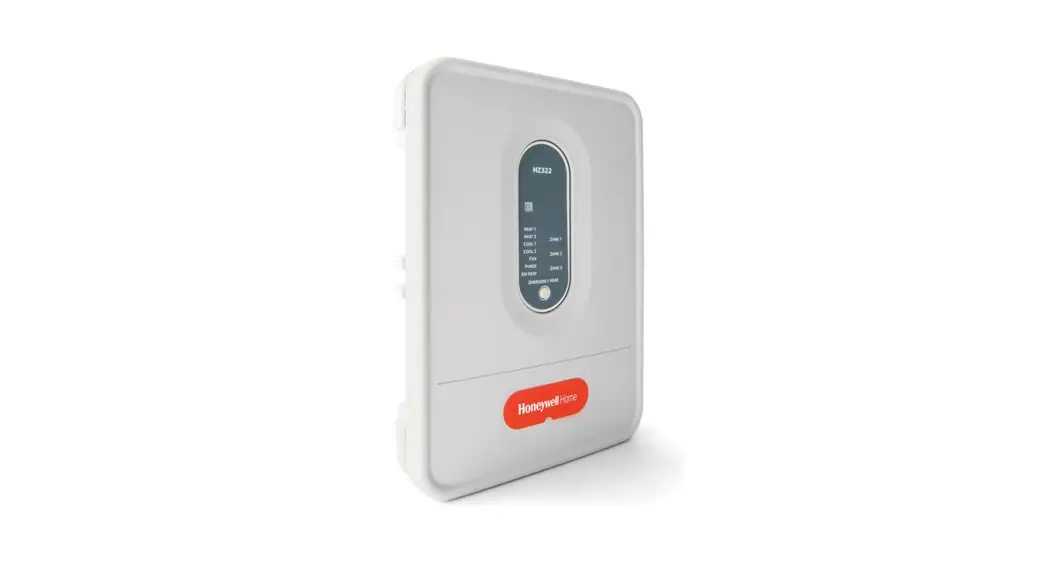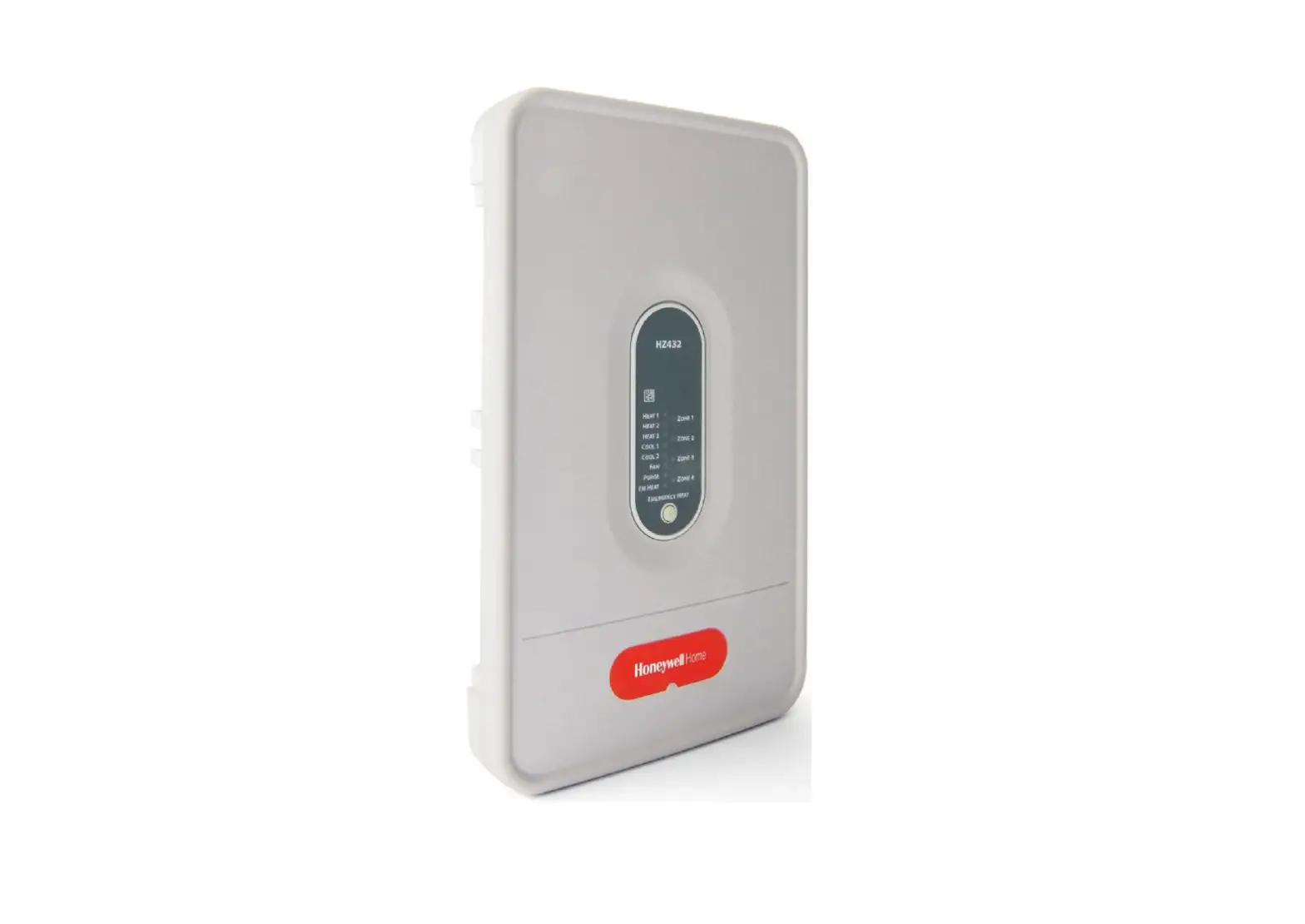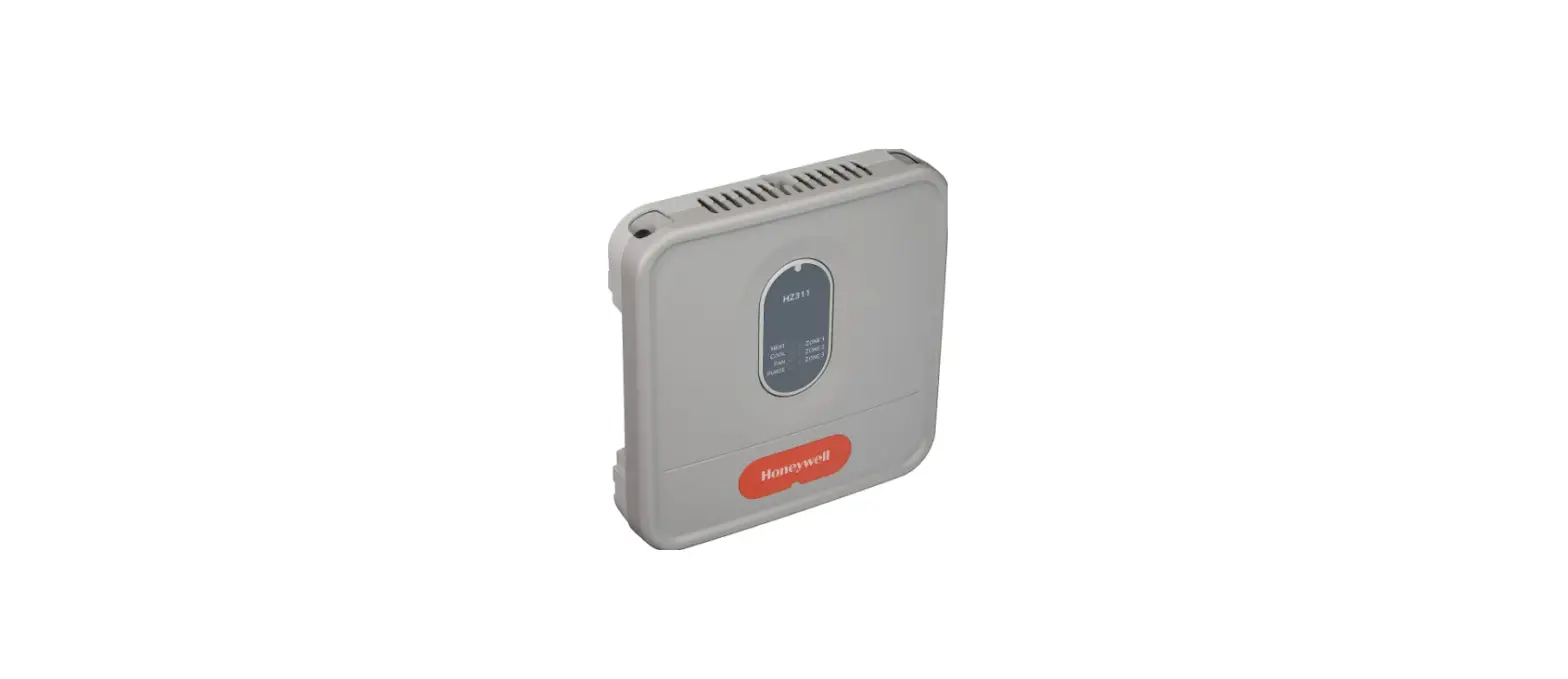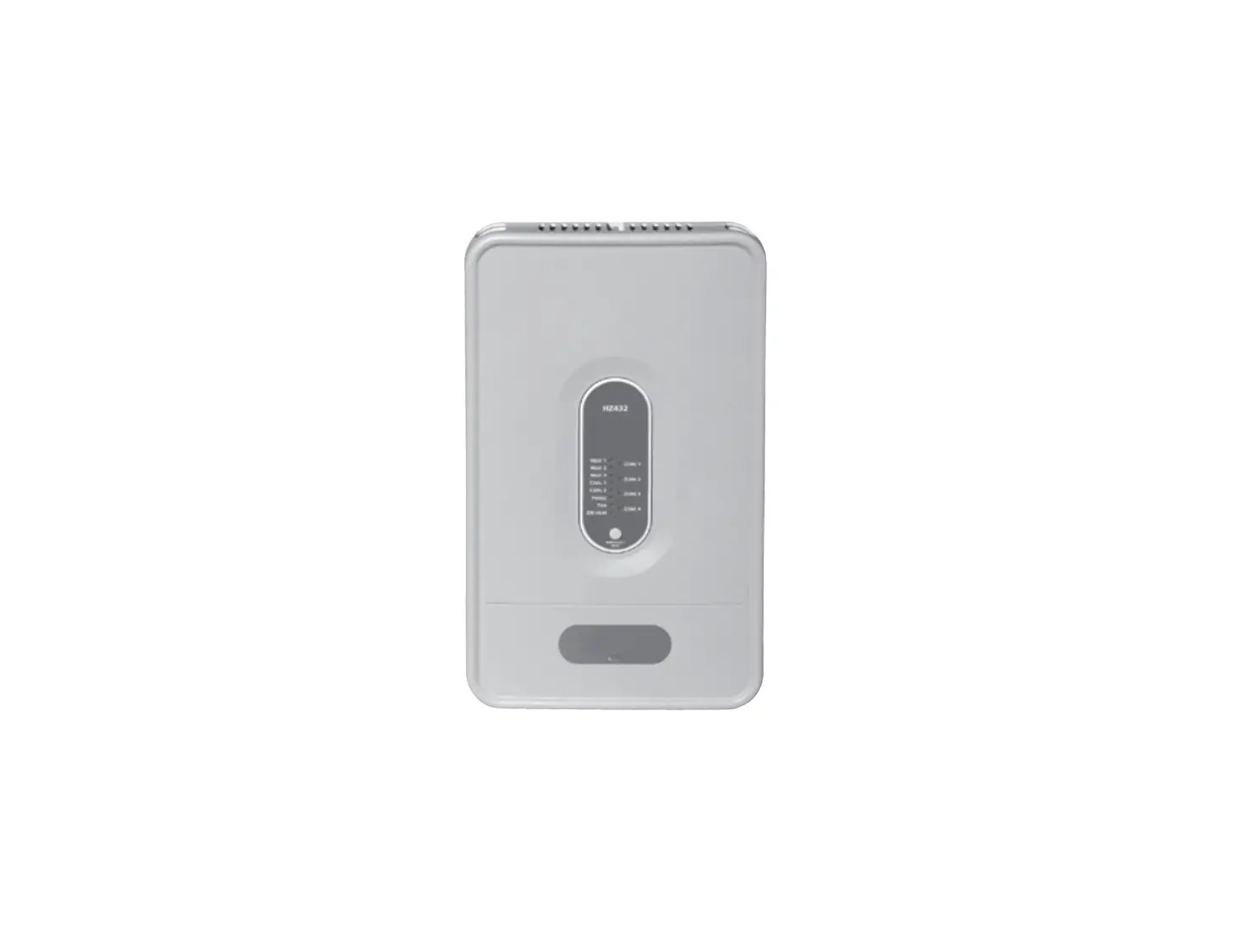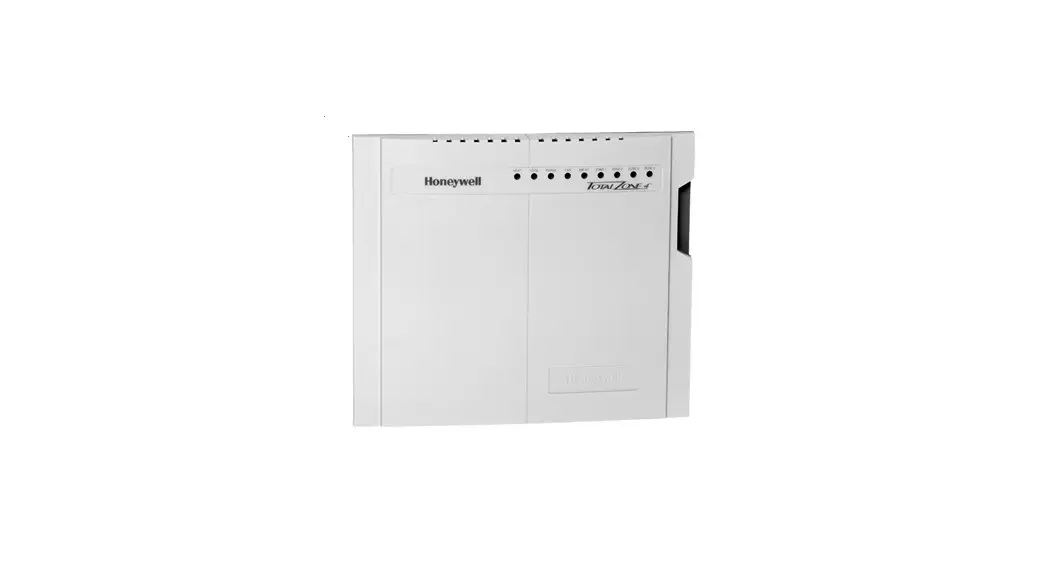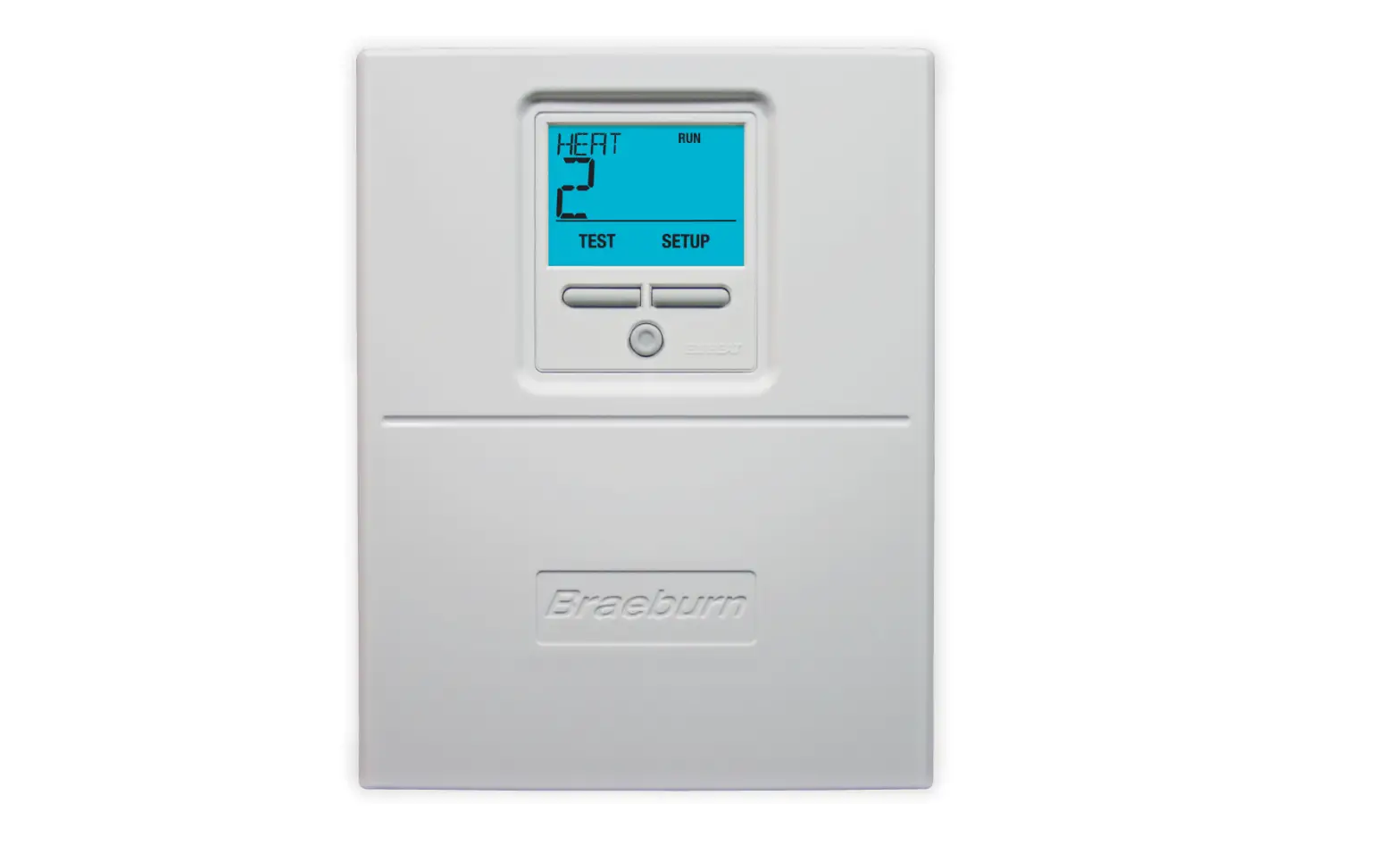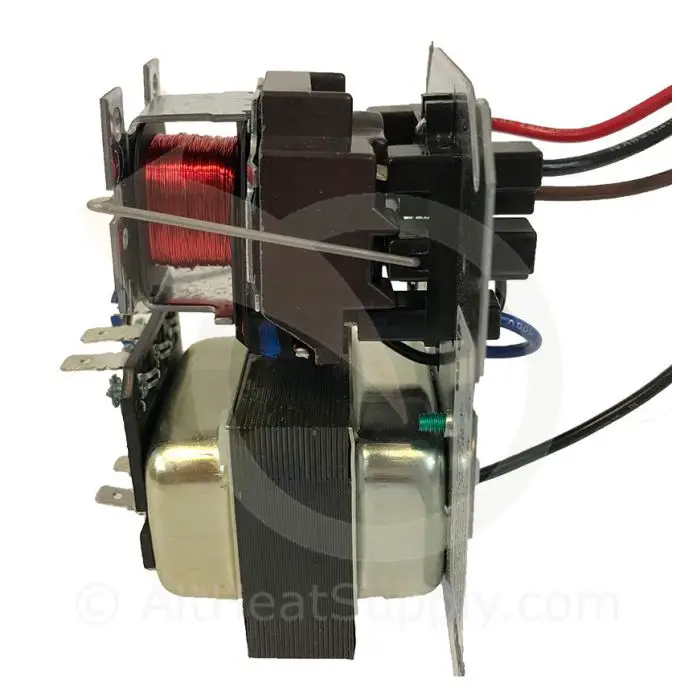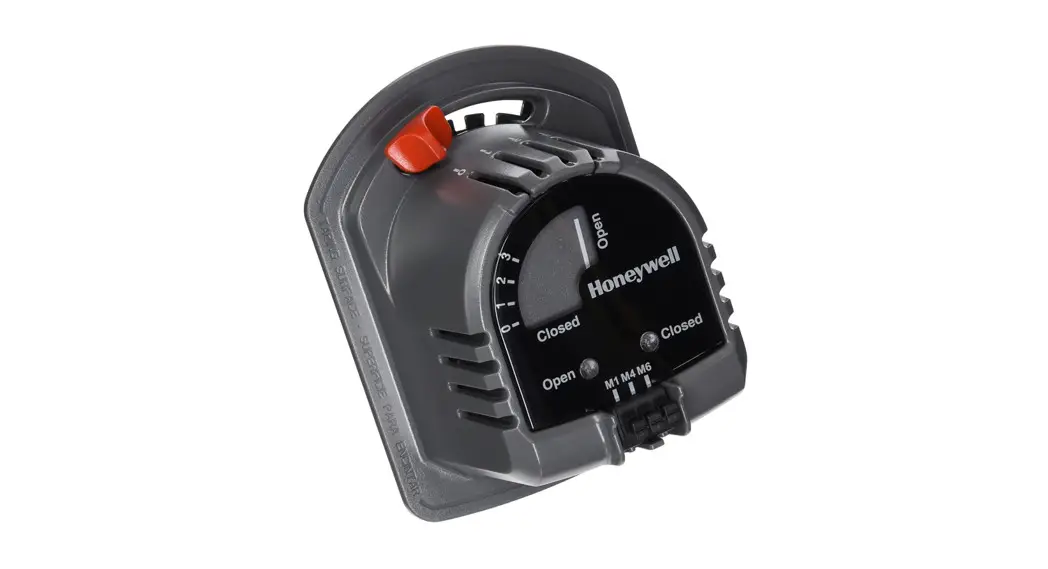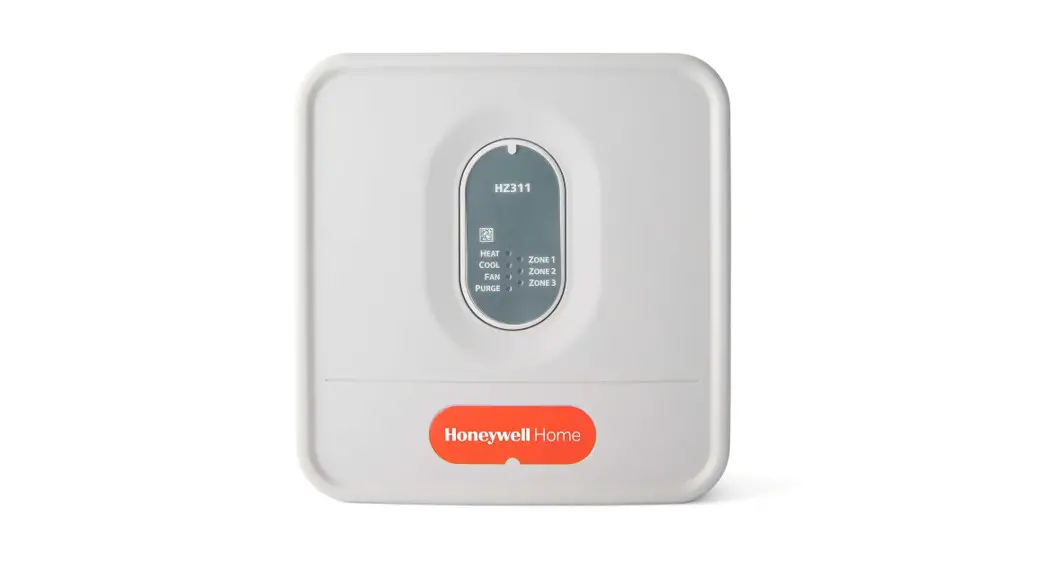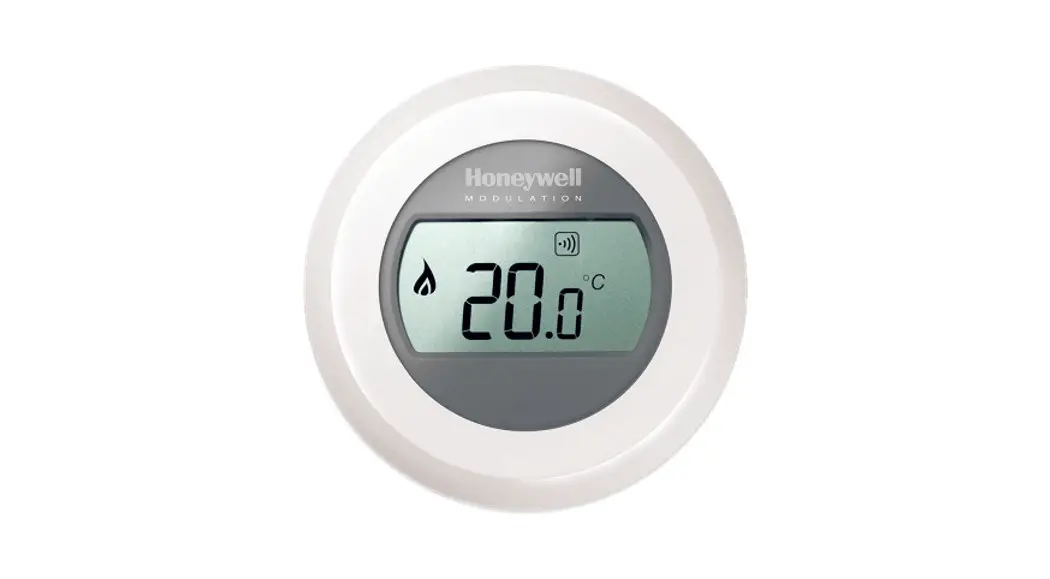

Honeywell HZ221 TrueZONE Control Panel
SPECIFICATIONS AND ACCESSORIES
- Input Ratings:
Voltage: 18-30 VAC 50/60 Hz transformer of 40 VA or more. - Current Draw:
Zone Panel: 6.25 VA max.
All VA specifications at 24 VAC. - Wiring:
18–20-gauge solid (not stranded) wire. - Humidity Ratings:
5% to 90% RH non-condensing. - Temperature Ratings:
Shipping: -20° to 150°F (-29° to 66°C)
Operating: -40° to 165°F (-40° to 74°C) - Dimensions:
See below. - Emissions:
Complies with FCC Class B, part 15 requirements.
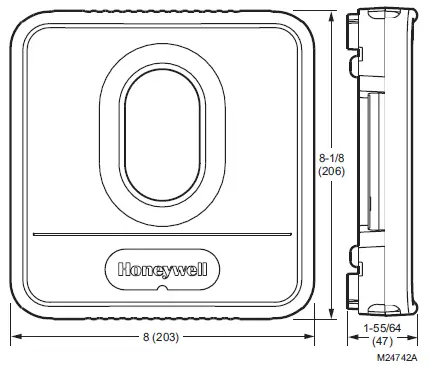
HZ221 TrueZONE panel dimensions in in. (mm).
RECOMMENDED THERMOSTATS, DAMPERS, AND ACCESSORIES
The following are suggested thermostats, dampers, and accessories for use with the TrueZONE panel.
Table 1. Recommended Thermostats.
| System | Non-Programmable | Programmable |
| Heat Pump | TH3210D, TH5220D, TH5320U | TH4210D, TH6220D, TH8220U, TH8321U, YTH9421C |
Note: These thermostat models all have different fourdigit suffixes. All versions of the model numbers listed above will work with the applications they’re listed for.
Table 2. Recommended Dampers.
| Type | Honeywell Damper | Round | Rectangular |
| Zone | Spring-open/ power-closed | ARD | ZD |
| Zone | Power-open/ power-closed | MARD/ RRD | For recommended dampers call the Honeywell Zoning Hotline at 1-800-828-8367. |
| Bypass | Static pres- sure regulat- ing damper | SPRD | SPRD |
Table 3. Maximum Dampers
| Ambient Temp. | Maximum Damper VA per Zone |
| 100°F (38°C) | 28.8 |
| 160°F (71°C) | 16.8 |
Use an SDCR (Slave Damper Control Relay) for additional dampers.
Maximum dampers per panel is limited by transformer size.
Ensure transformer is large enough to power the panel (6.25 VA) and dampers.
Table 4. Accessories.
| Accessory | Description |
| 40 VA transformer* | AT140A1042* |
| 75 VA transformer | AT175A1008 |
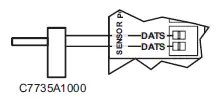
| Discharge Air Temperature Sensor (DATS)* | DATS C7735A1000* |
| SDCR | Slave Damper Control Relay |
Included in HZ221K kit.
Installation
- Mount the HZ221 TrueZONE panel near the HVAC equipment; locate it on a wall, stud, roof truss, or cold-air return.
NOTE: The HZ221 TrueZONE panel can be mounted in any orientation; level it for appearance only.
- Separate the zone panel cover from the base, and use the base as a template to drill mounting holes.
Attach the base to the wall, stud, roof truss, or duct with appropriate screws (not included).
Wiring must comply with applicable codes, ordinances, and regulations.
CAUTION: Voltage Hazard.
Can cause electrical shock or equipment damage. Disconnect power before beginning installation.
Wire entire panel before applying transformer power. - Install thermostats using instructions provided with thermostats.
Connect thermostat to zone panel. To connect wire to the panel, strip approximately 1/4 in. of insulation and push wire into terminal. To release wire, press the button on top of the terminal. In retrofit applications,trim end of wire if not straight.
If the thermostat has separate E and Aux terminals, install a jumper between the two terminals.
- Install dampers using instructions provided with dampers. Connect dampers to zone panel.
NOTE: Multiple dampers can be wired in parallel. - Connect DATS as shown.

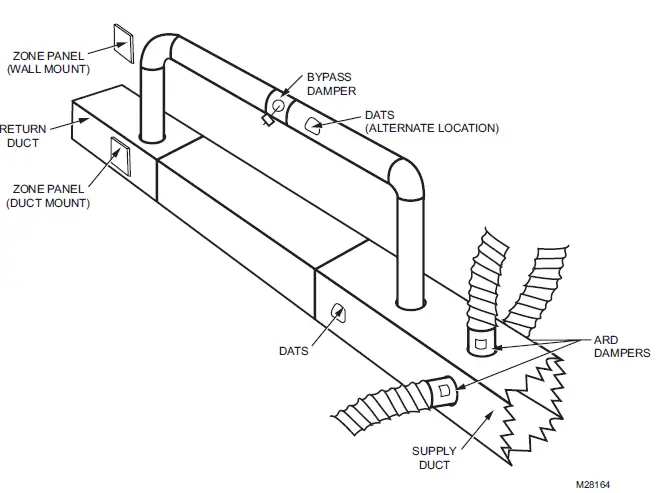
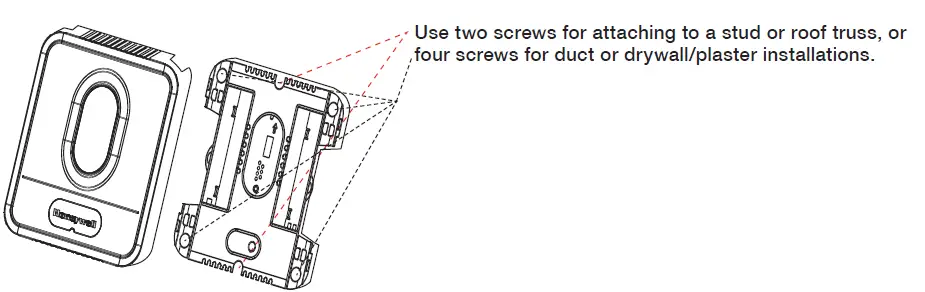
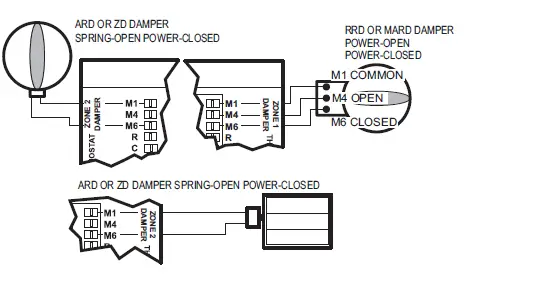
Wiring
Connect equipment as shown
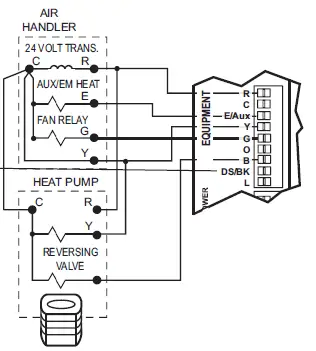
The DS/BK terminal is used with a variable-speed fan.
Connect to the DS, BK, or ODD terminal on the furnace equipment. When only one zone calls for heat, cool, or fan, the DS/BK terminal operates the fan at low speed to reduce airflow.
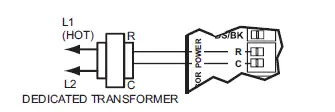
Connect transformer as shown.
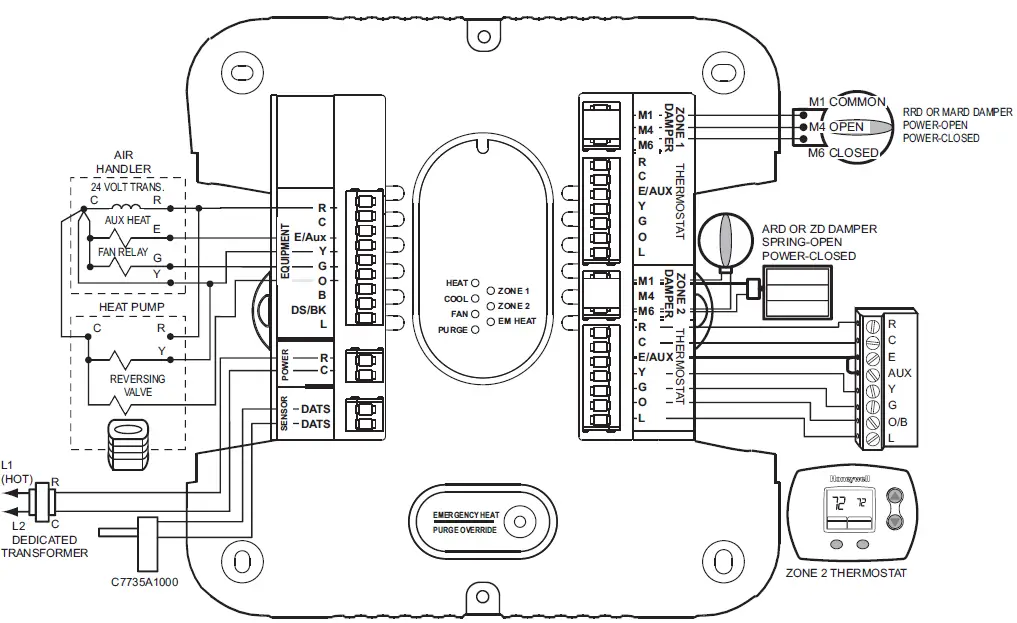
The following diagram is an overall view of wiring for a heat pump system as depicted in steps 3–7.
Operation
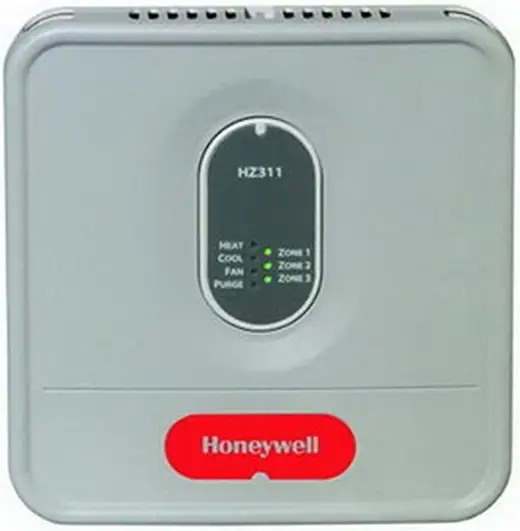
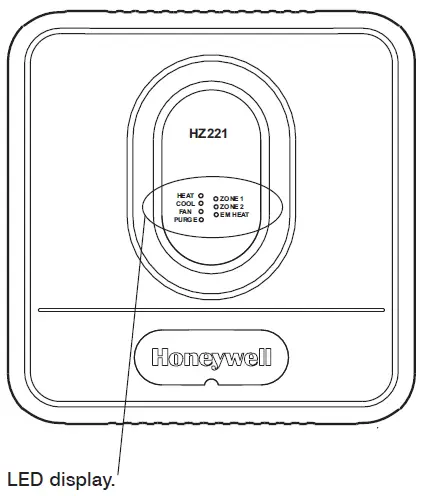
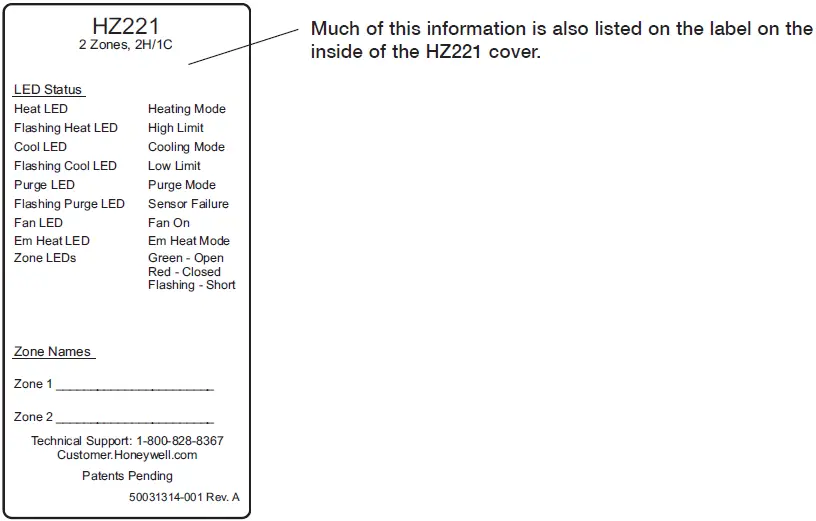
The HZ221 TrueZONE panel contains an LED display that communicates system and zone status. The LEDs indicate the following information.
Table 5. LED Operation.
| LED | Description |
| HEAT | Solid when in heat. Blinking when DATS temperature exceeds 120°F (49°C) and calling for heat pump only. Blinking when DATS temperature exceeds 160°F (71°C) and calling for heat pump and auxiliary heat. At 150°F (66°C), auxiliary heat is disabled. |
| COOL | Solid when in cool. Blinking when 45°F (7°C) DATS low limit mode has been reached. |
| FAN | Solid when in operation. |
| PURGE | Solid when in purge (lasts 2 minutes at power-up and after a call for heat or cool). Blinking when the DATS sensor has failed, or the wires are shorted or open. Will blink for 3 minutes at power-up if DATS is not present. |
| ZONE 1, 2 | Solid green when open or opening. Solid red when closed or closing. Blinking amber when there is a damper or thermo- stat short circuit (circuit breaker trip). |
| EM HEAT | Solid when in Em Heat mode. |
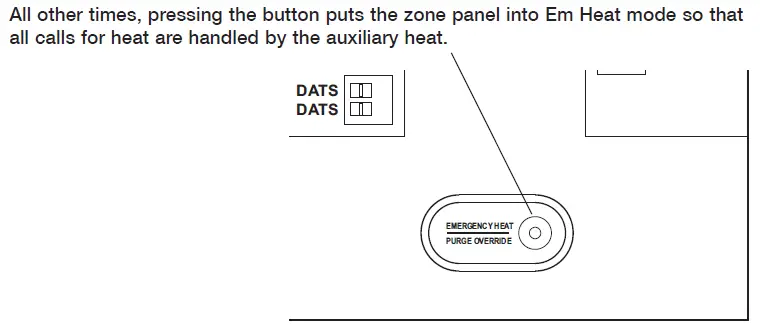
When the zone panel cover is off, the EMERGENCY HEAT/PURGE OVERRIDE button is visible.
When the panel is in Purge (at startup or after a call for heat/cool), pressing this button stops the Purge, which saves time during installation or troubleshooting.
Warranty
Honeywell warrants the products in this catalog (except those parts designated on Honeywell’s price lists as not covered by this warranty) to be free from defects due to workmanship or materials, under normal use and service, for the following warranty periods. Honeywell VisionPRO®, Commercial VisionPROTM, FocusPRO®, PRO 4000, PRO 3000, LineVoltTM PRO, Digital RoundTM, and Modern RoundTM (T87K, N) Series Thermostats with a date code of 0501 or later: sixty (60) months from date of installation. CommercialPRO, PRO 2000 and PRO 1000 thermostats: twenty-four (24) months from date of installation. All other Honeywell thermostats and thermostats with a date code of 0452 or earlier: twelve (12) months from date of installation, unless specified otherwise. Honeywell Air Cleaners, Humidifiers, Ventilators,Ultraviolet Treatment and Zoning Products with a date code of 0501 or later, excluding replacement maintenance parts: sixty (60) months from date of installation. All other Honeywell indoor air quality and zoning products with a date code of 0452 or earlier: twenty-four (24) months from date of installation, unless specified otherwise.
Variable frequency drive devices (VFD) and accessories: new products for thirty-six (36) months and factory refurbished drives for twelve (12) months from date of installation when start-up and commissioning is performed by Honeywell VFD Authorized and trained personnel. All VFD warranty return products must have prior authorization (Form No. 87-0284) and be returned only to the VFD Service Center in Chattanooga, TN. MS, MN and Fact Acting 2-position Direct Coupled Actuators: sixty (60) months from date of installation. The warranty period for all other products is twelve (12) months from date of installation.
If a product is defective due to workmanship or materials, is removed within the applicable warranty period, and is returned to Honeywell in accordance with the procedure described below, Honeywell will, at its option, either repair, replace or credit the customer for the purchase price of the product, in accordance with the procedure described below. This warranty extends only to persons or organizations who purchase products in this catalog for resale.
The expressed warranty above constitutes the entire warranty of Honeywell with respect to the products in this catalog and IS IN LIEU OF ALL OTHER WARRANTIES,EXPRESS OR IMPLIED, INCLUDING ANY WARRANTY OF MERCHANTABILITY OR WARRANTY OF FITNESS FOR A PARTICULAR PURPOSE. IN NO EVENT SHALL HONEYWELL BE RESPONSIBLE FOR ANY CONSEQUENTIAL DAMAGES OF ANY NATURE WHATSOEVER.
Automation and Control Solutions
Honeywell International Inc.
1985 Douglas Drive North
Golden Valley, MN 55422
customer.honeywell.com
Honeywell Limited-Honeywell Limitée
35 Dynamic Drive
Toronto, Ontario M1V 4Z9
® U.S. Registered Trademark.
© 2008 Honeywell International Inc.
Patents pending
69-2200—01 M.S. 04-08
Printed in U.S.A. on recycled paper containing at least 10% post-consumer paper fibers.
Need Help?
For assistance with this product please visit http://yourhome.honeywell.com or call Honeywell Zoning Hotline toll-free at 1-800-828-8367
® U.S. Registered Trademark.
Patents pending.
Copyright © 2008 Honeywell International Inc.
All rights reserved.
 Home - Fire Alarm Resources - Free fire alarm PDF manuals, documents, installation instructions, and technical specifications
 Honeywell Home | Smart Home Comfort and Security