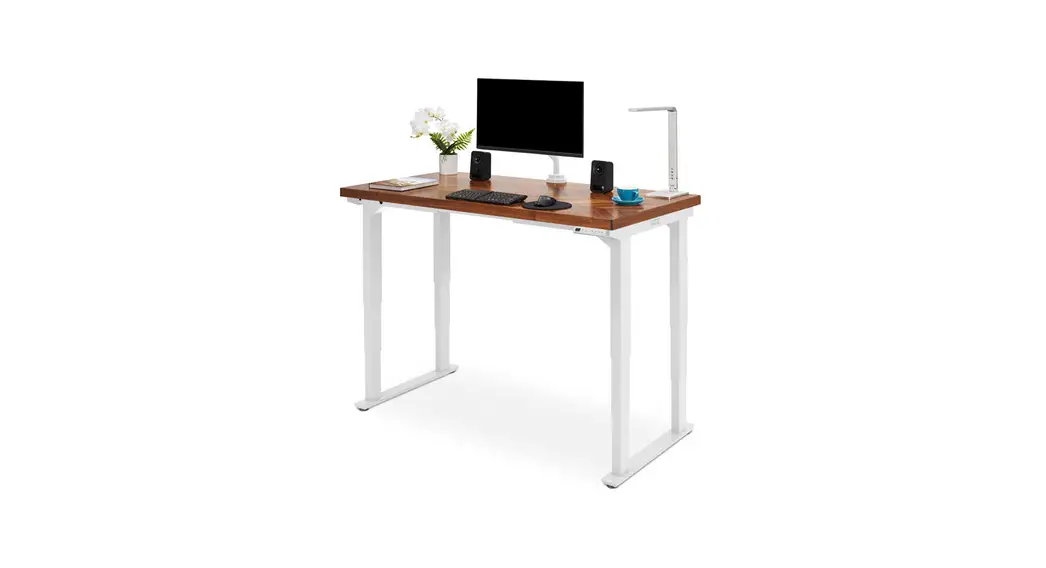
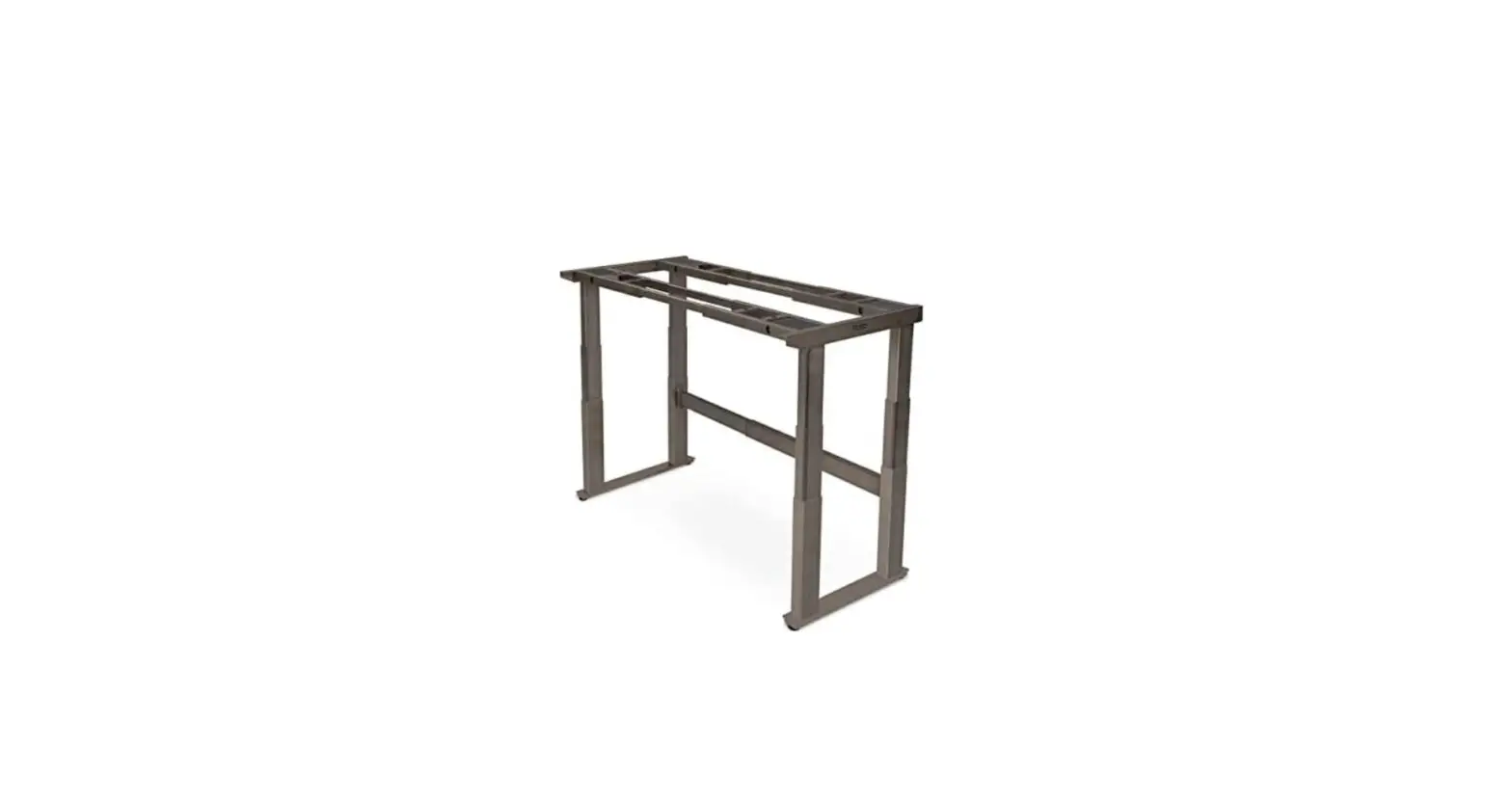
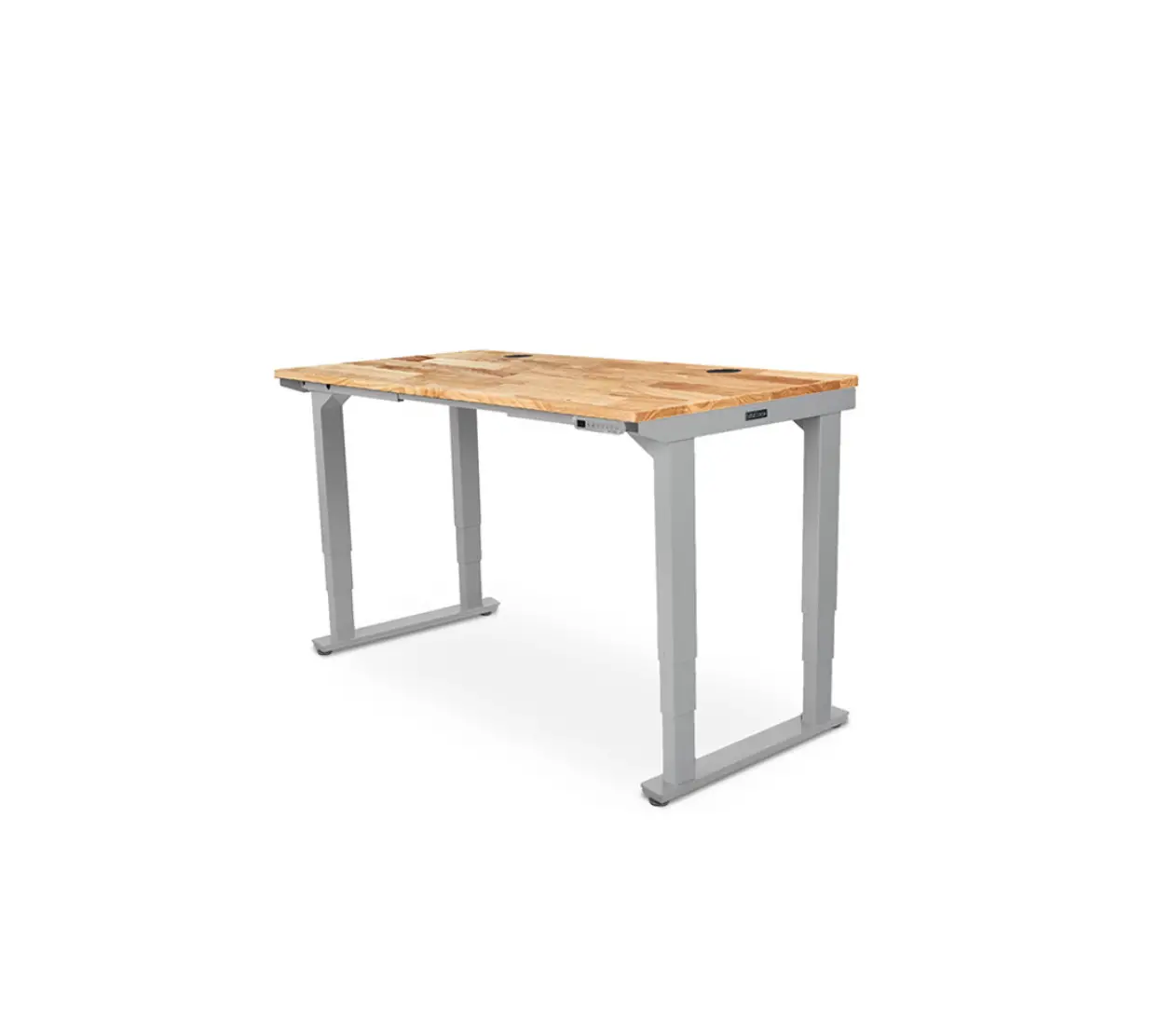
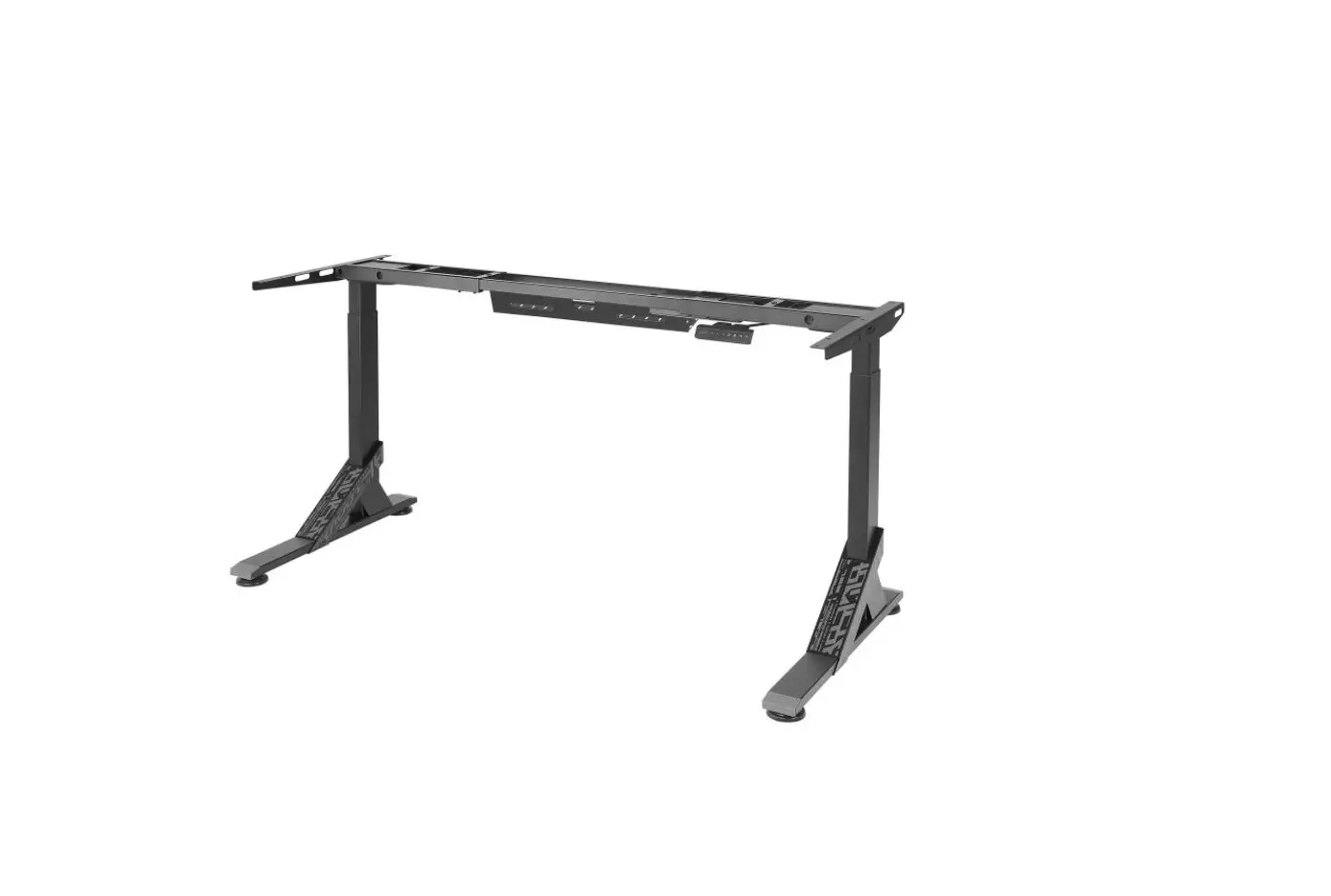
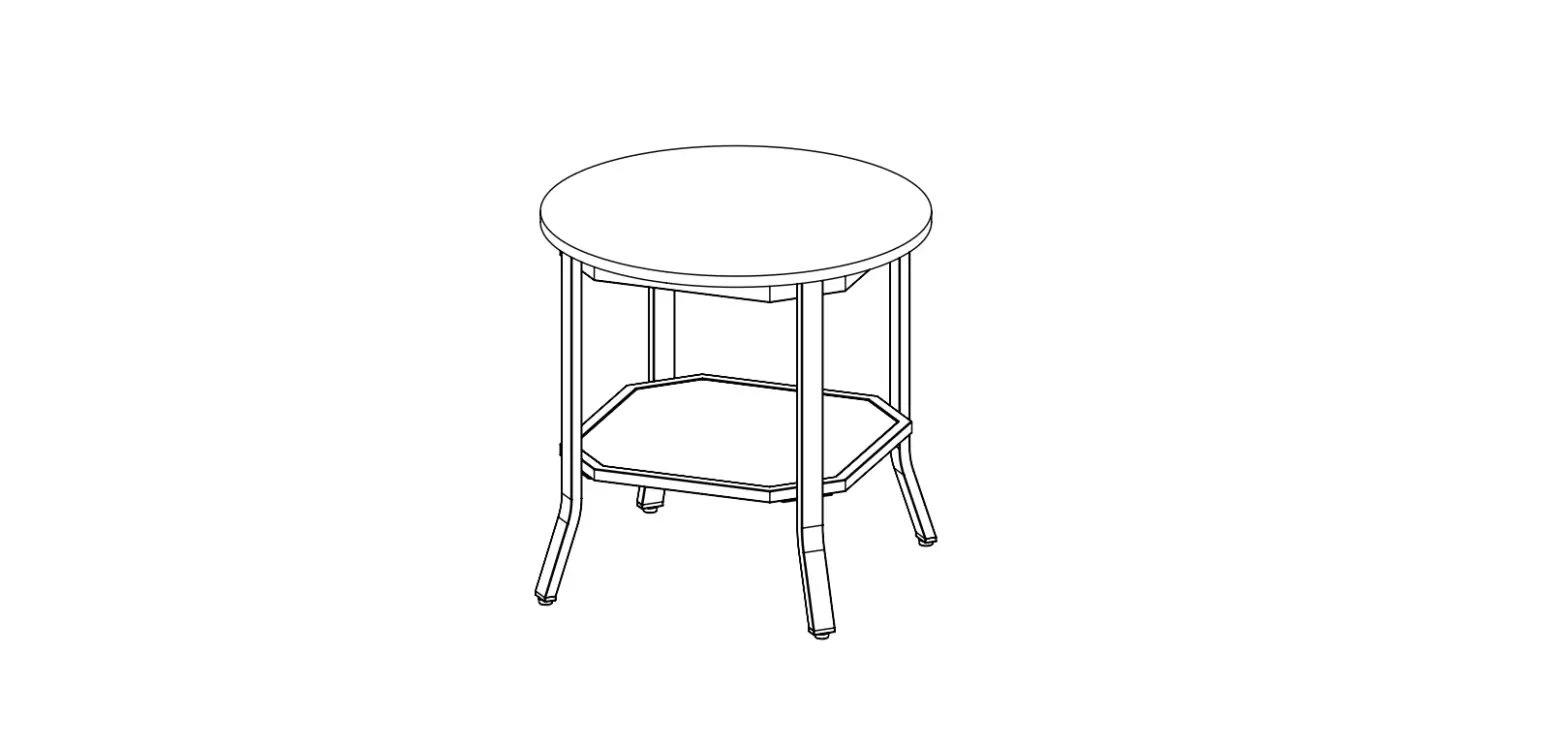
FRM415 Seated Height O-Leg Table
Seated Height O-Leg Table FRM415
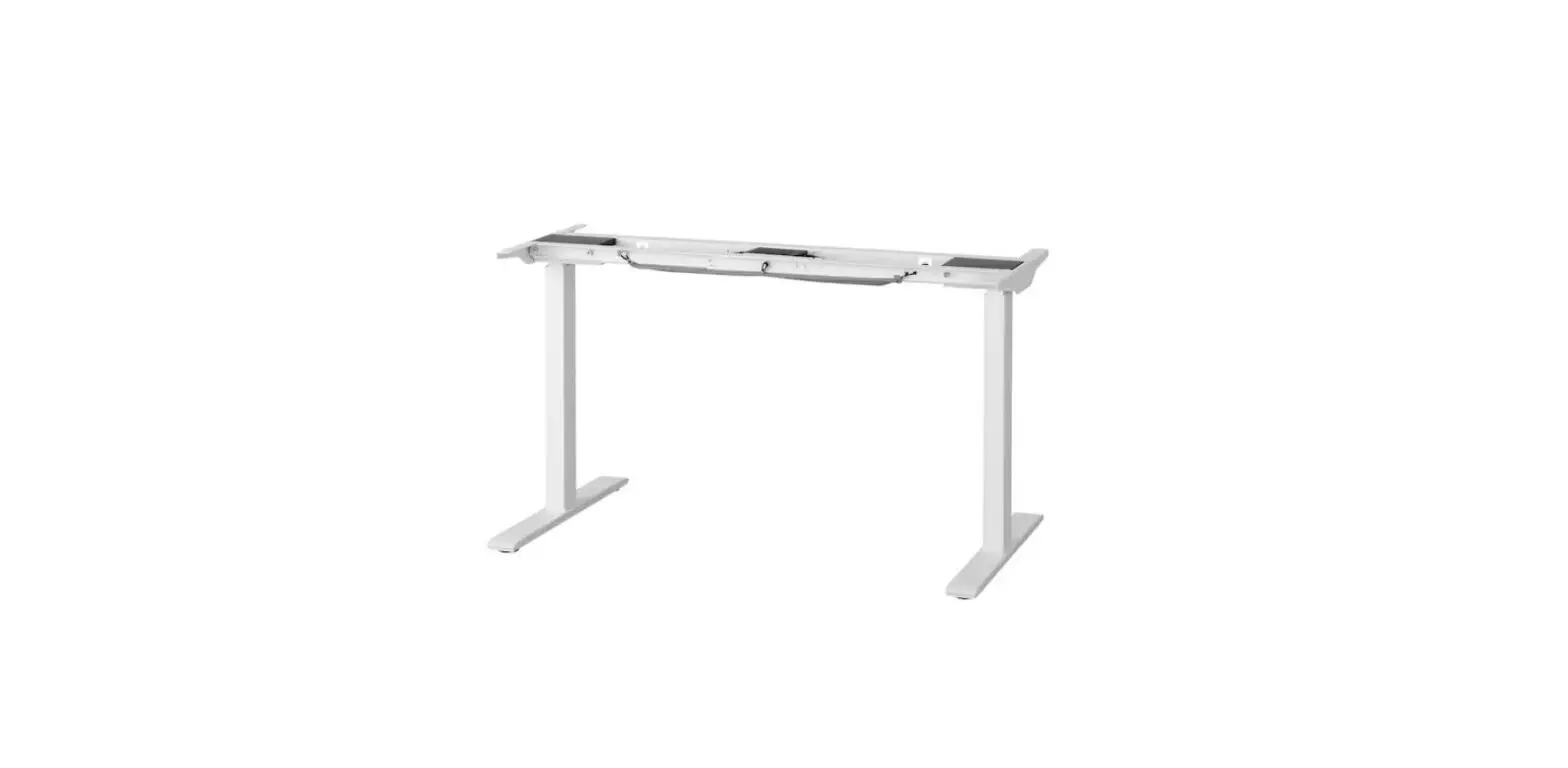
The Seated Height O-Leg Table FRM415 is designed for indoor use
in dry environments only. This table comes with a package of
components including O-Legs, Crossbar Ends, Crossbar Rails,
Crossbar Brackets, Logo Plate, and screws for assembly. It is
recommended to have two people for assembly and to assemble on a
debris-free carpet or blanket to avoid damage to the floor or
tabletop. Please read the safety and warning instructions carefully
before use.
Safety and Warnings
- Inspect the table regularly and stop using immediately if you
notice any damaged or loose parts. - Only replace damaged parts with authorized UPLIFT Desk parts
and instructions. - The table is designed for use in dry environments, indoors
only. - Please provide these instructions to any new user or owner of
this table.
Recommended Assembly Workspace and Practices
It is recommended to assemble the table on a debris-free carpet
or blanket to avoid damage to the floor or tabletop. Two persons
are recommended for assembly.
Package Contents
- O-Leg (qty 2)
- Crossbar End (qty 2)
- Crossbar Rail (qty 2)
- Crossbar Brackets (qty 2)
- Logo Plate (qty 2)
- M6 x 10 Machine Screw (qty 12)
- M6 x 10 Hex Drive Flat Head Screw (qty 4)
- M8 x 8 Set Screw (qty 8)
- #10 Washer (qty 6)
- M8 x 10 Machine Screw (qty 4)
- 4mm Allen Wrench (qty 1)
- 5mm Allen Wrench (qty 1)
Assembly Instructions
Step 1 – Preparation
- Decide where you want the table to be located and consider
assembling nearby. - For ease and safety, use two persons for assembly.
- Assemble the table on a debris-free carpet or blanket to avoid
damage to the floor or tabletop. - Ensure you have received all components and hardware before
disposing of any packing material. Lay out the components from all
boxes and make sure the items and quantities match what is shown in
each of the package contents sections in these instructions.
Step 2 – Attach Crossbar End
- Place one of the O-Legs (P1) on the ground with the two tabs
facing up as shown. - Position one of the Crossbar Ends (P2) between the tabs of the
O-Leg so the holes in the O-Leg and the holes in the Crossbar End
are aligned. - Using the smaller 4mm Allen Wrench (H7), loosely insert four M6
x 10 Machine Screws (H1) through the holes on the inside tab of the
O-leg and into the Crossbar End as shown, but do not tighten
them. - Using the same Allen Wrench, loosely insert two M6 x 10 Hex
Drive Flat Head Screws (H2) through the holes on the outside tab of
the O-Leg and into the Crossbar End as shown, but do not tighten
them. - Rotate the Crossbar End and O-Leg assembly so the Crossbar End
is resting on the floor and the O-Leg is pointing toward the
ceiling. - Using the 4mm Allen Wrench, loosely insert two M6 x 10 Machine
Screws through the two larger holes in the outside face of the
O-Leg and into the Crossbar End. - Completely tighten the two M6 x 10 Hex Drive Flat Head Screws
and six M6 x 10 Machine Screws from the previous steps with the 4mm
Allen Wrench. - When assembling the O-Legs in the orientation shown, the Logo
Plate will need to be attached upsidedown so it is right-side up
when the table is flipped over. Attach the Logo Plate (P5) by
pressing the posts on the Logo Plate firmly into the two smaller
holes in the outside face of the O-Leg. The Logo Plate conceals the
two screws in the face of the O-Leg.
Seated Height O-Leg Table
FRM415
For assembly assistance, visit upliftdesk.com/contact, or call 800-349-3839, or email [email protected]
Patented, ©2023 UPLIFT Desk®. All Rights Reserved.
Two person Scan QR code for assembly product webpage
Safety and Warnings
WARNING: Inspect the table regularly and stop using immediately if you notice any damaged or loose parts. Only replace damaged parts with authorized UPLIFT Desk parts and instructions.
Warning: The table is designed for use in dry environments, indoors only.
Please read these instructions carefully. Inappropriate use of this table can cause property damage and/or bodily injury. Under no circumstances does the manufacturer accept warranty or liability claims for damages caused from improper use of this table. Please provide these instructions to any new user or owner of this table.
Recommended Assembly Workspace and Practices
· Place all parts on a clean surface such as a rug or carpet to keep organized and avoid scratches. · Two people are recommended for assembly. · Remove all packaging materials before beginning the assembly process.
P1
O-Leg
qty 2
P2 Crossbar End
qty 2
Package Contents
P3 Crossbar Rail
qty 2
P4 Crossbar Brackets P5 Logo Plate
qty 2
qty 2
H1 M6 x 10 Machine Screw
qty 12
H2 M6 x 10 Hex Drive Flat Head Screw
qty 4
H3 M8 x 8 Set Screw
qty 8
H4a #10-24 x ¾” Machine Screw
qty 6
H4b #10 x ¾” Wood Screw
qty 6
H5 #10 Washer
qty 6
H6 M8 x 10 Machine Screw
qty 4
H7 4mm Allen Wrench H8 5mm Allen Wrench
2
Logo Plate
M6 x 10 Machine Screw
O-Leg
Component Diagram
Crossbar Brackets
Crossbar Rail
M8 x 10 Machine Screw
M8 x 8 Set Screw
M6 x 10 Hex Drive Flat Head Screw Crossbar End
M6 x 10 Machine Screw O-Leg
Logo Plate
Assembly Instructions
Step 1 – Preparation
A. Before assembly, decide where you want the table to be located and consider assembling nearby.
B. For ease and safety, we recommend using two people for assembly.
C. To avoid any damage to your floor or tabletop, we recommend assembling your table on a debris-free carpet or blanket.
D. Ensure you have received all components and hardware before disposing of any packing material. Lay out the components from all boxes and make sure the items and quantities match what is shown in each of the package contents sections in these instructions.
© UPLIFT Desk · 800-349-3839 · [email protected] · upliftdesk.com
3
Step 2 – Attach Crossbar End
A. Place one of the O-Legs (P1) on the ground with the two tabs facing up as shown.
B. Position one of the Crossbar Ends (P2) between the tabs of the O-Leg so the holes in the O-Leg and the holes in the Crossbar End are aligned.
C. Using the smaller 4mm Allen Wrench (H7), loosely insert four M6 x 10 Machine Screws (H1) through the holes on the inside tab of the O-leg and into the Crossbar End as shown, but do not tighten them.
D. Using the same Allen Wrench, loosely insert two M6 x 10 Hex Drive Flat Head Screws (H2) through the holes on the outside tab of the O-Leg and into the Crossbar End as shown, but do not tighten them.
E. Rotate the Crossbar End and O-Leg assembly so the Crossbar End is resting on the floor and the O-Leg is pointing toward the ceiling.
F. Using the 4mm Allen Wrench, loosely insert two M6 x 10 Machine Screws through the two larger holes in the outside face of the O-Leg and into the Crossbar End.
Tab P2
H1 H2
P1 P1 H1
G. Completely tighten the two M6 x 10 Hex Drive Flat Head Screws and six M6 x 10 Machine Screws from the previous steps with the 4mm Allen Wrench.
H. When assembling the O-Legs in the orientation shown, the Logo Plate will need to be attached upsidedown so it is right-side up when the table is flipped over. Attach the Logo Plate (P5) by pressing the posts on the Logo Plate firmly into the two smaller holes in the outside face of the O-Leg. The Logo Plate conceals the two screws in the face of the O-Leg.
I. Repeat this step for the second O-Leg and Crossbar
End assembly.
P5
4
Step 3 – Insert Crossbar Rails
A. Slide the Crossbar Rails (P3) into a Crossbar End (P2) from the previous step as shown. Use either Leg assembly in this step; they are the same.
P3
Step 4 (if applicable) – Drill Frame Attachment Holes
A. If the bottom side of your tabletop has threaded metal inserts or pre-drilled holes (see diagram), skip this step and proceed to Step 5.
Tabletop with pre-drilled holes
Tabletop without pre-drilled holes
B. Select the side that will be the top surface of your tabletop and make sure that side is facing down. Make sure you only drill into the bottom surface of the tabletop.
C. Place the Leg assembly from Step 3 onto the tabletop as shown so the Leg assembly is centered between the front and back edges of the tabletop and approximately 1/4″ in from the outside edge of the tabletop.
© UPLIFT Desk · 800-349-3839 · [email protected] · upliftdesk.com
5
D. Make a pencil mark in the center of each of the two middle holes in the O-Leg indicated by arrows. You can access the holes through the rectangular cutouts in the inside face of the O-Leg.
IMPORTANT: Don’t drill through your tabletop top surface. DRILL NO DEEPER THAN 1/2″. To ensure this, we recommend wrapping a piece of tape around your drill bit 1/2″ from the tip. Stop drilling just before the tape touches the tabletop.
Move the leg assembly out of the way and drill pilot holes at your pencil marks using a 1/8″ drill bit.
E. Follow the same pre-drilling process with the other leg assembly at the other end of the tabletop.
X
0.5″ Tape
Step 5 – Attach Leg Assembly to Table Top
A. Begin with the Leg assembly with the Crossbar Rails inserted into the Crossbar ends. B. Align the holes in the O-Leg (P1) with the holes on the tabletop as shown. When adjusting the location of the Leg
assembly on the tabletop, lift it when moving instead of sliding to help protect the surface from scratches.
30″ deep tabletop
For 30″ deep tabletops: align the holes with the center slots as shown by the arrows in the 30″ deep tabletop image.
For 24″ deep tabletops: align the metal inserts or pre-drilled holes with the side slots that center the tabletop as shown by the arrows in the 24″ deep tabletop image.
24″ deep tabletop
C. IMPORTANT: Determine the correct screws to use based on whether your tabletop has threaded metal inserts or pre-drilled holes.
For tabletops with threaded metal inserts: Use the #10-24 x 3/4″ Machine Screws (H4a) and Washers (H5) for the following steps. Do not use the Wood Screws with the pointed end.
For tabletops without threaded metal inserts: Use the #10 x 3/4″ Wood Screws (H4b) and Washers (H5) for the following steps.
Machine screw: flat end
Wood screw: pointy end
6
D. Use a Phillips Head Screwdriver and the screws and washers determined above to attach the O-Leg to the tabletop, but do not tighten the screws completely yet.
E. Position the other Leg assembly onto the Crossbar Rails (P3) and repeat the steps above for attaching the other O-Leg.
F. Tighten all of the screws that were started in this step. Take care when tightening not to strip the screws.
30″ deep tabletop screw locations:
24″ deep tabletop screw locations:
© UPLIFT Desk · 800-349-3839 · [email protected] · upliftdesk.com
7
Step 6 – Position Center Rail
A. Slide each Crossbar Rail (P3) left or right until the center indicator marks are approximately centered between the two Crossbar Ends (P2).
Center indicator mark
B. Insert four M8 x 8 Set Screws (H3) into each Crossbar End and tighten using the 4mm Allen Wrench.
IMPORTANT: Ensure that all eight set screws make contact with the Crossbar Rail inside the Crossbar Ends.
Step 7 – Attach Crossbar Brackets
A. There is a left and a right Crossbar Bracket (P4). Position them over the center threaded insert in the desktop as shown, with the two-holed tabs pointing in toward each other. Loosely attach them to the Crossbar End (P2) in the orientation shown using four M8 x 10 Machine Screws (H6), but do not tighten the screws yet.
P4
H6
P2
B. There are two sets of holes in the Crossbar Brackets to align with both 24″ and 30″ deep tabletops. · If you have a tabletop with threaded metal inserts or pre-drilled holes: use one of the screws selected in Step 5 and one #10 Washer (H5) to attach each bracket to the tabletop. · If you have a tabletop that does not have threaded metal inserts or pre-drilled holes: follow the instructions in Step 4 to pre-drill a hole in the center of one of the two holes in each Crossbar Bracket, then use one #10 x ¾” Wood Screw (H4b) and one #10 Washer (H5) to attach each bracket to the tabletop.
C. Tighten the four M8 x 10 Machine Screws that were started in this step using the 5mm Allen Wrench (H8).
8
H3 H5
Step 8 – Install Accessories
If you purchased any of the following accessories, we recommend installing them now.
Casters A. Remove the pre-installed Leveling Glides from
the Feet by unscrewing them counterclockwise from the mounting holes. B. Install a Caster in each of the Leveling Glide mounting holes by turning the stem of the Caster clockwise. Use a flat wrench to tighten the hex nut on the Casters.
WMK008 Wire Management Tray Most UPLIFT tabletops include two pre-drilled holes about 12″ apart located near the back of the tabletop. If your tabletop includes grommets, these holes will be located between them. These holes are meant for attaching the WMK008 Wire Management Tray. If you choose to place the Tray in a different location, refer to Step 4 to make pre-drilled holes for the Wire Management Tray attachment, and be careful not to drill through your tabletop. Attach the tray to the tabletop using two #10 x 5/8″ Wood Screws.
Anchor Plates Various UPLIFT Desk accessories were designed to attach to the patented mounting points located along the sides of the Crossbar Ends (P2) on the frame. Some of these accessories require the use of the Anchor Plates. Refer to the instructions provided with each accessory for specific mounting instructions. If the Anchor Plates are required, attach them using the M8 x 10 Machine Screws that came with the Anchor Plate and tighten the screws using the 5mm Allen Wrench (H8).
© UPLIFT Desk · 800-349-3839 · [email protected] · upliftdesk.com
9
Step 9 – Ensure All Screws are Tight
IMPORTANT: With the table upside down, take a moment to confirm all frame screws are tight using the Allen Wrench and Phillips head screwdriver. This is an important step, and it is much easier to ensure the screws are tight before flipping the table upright.
Frame screws include pre-applied Loctite to stay tight over time, so tightening thoroughly this one time is all you need.
x1
x1 x1
x3
x4 x2
x1 x1
x1
x1
x3
x1 x1
x4 x2
x1 x1
x1
Step 10 – Table Placement
When preparing to flip the table over, be aware of any attached accessories, especially an accessory that might move on a track like a Keyboard Tray or CPU Holder.
A. With one person located at each end of the table, support the table frame and the tabletop equally and begin to tilt it slowly toward the front or back side so the O-Legs are touching the floor.
B. Adjust your grip and continue to rotate the table until it is right-side up with both O-Legs completely on the floor.
10
C. Position your table where you would like it to be.
· If your table has Casters: moving is easy! If your Casters include locks, make sure they are unlocked and roll the table to the desired location. Be sure to relock the Casters to keep the table stationary.
· If your table does not have Casters: do not drag the table! Use two people to lift the table by holding onto the tabletop and frame together. Never lift the table by just the tabletop. This puts undue stress on the attachment screws. Be sure to hold the frame when lifting.
D. If your table does not have casters installed, adjust the Leveling Glides as needed to level the table.
© UPLIFT Desk · 800-349-3839 · [email protected] · upliftdesk.com
11
Work Better. Live Healthier
upliftdesk.com [email protected] 800-349-3839 512-614-3152
SAVE THIS MANUAL
Study this manual carefully. If this product is sold, please provide this manual to the buyer, installers, or support personnel operating the product.
©
Copyright Notice: This manual is a component of this UPLIFT Desk product. This manual is a part of the scope of delivery, even if the item is resold. This manual is also available on the
UPLIFT Desk website: upliftdesk.com. This manual is subject to United States copyright law.
AI-FRM415-1.0
 UPLIFT Desk | Office Furniture that Benefits You
 UPLIFT Desk | Office Furniture that Benefits You