MDR 500 Series MDR Changing the Recorded Video Resolution
Product Information
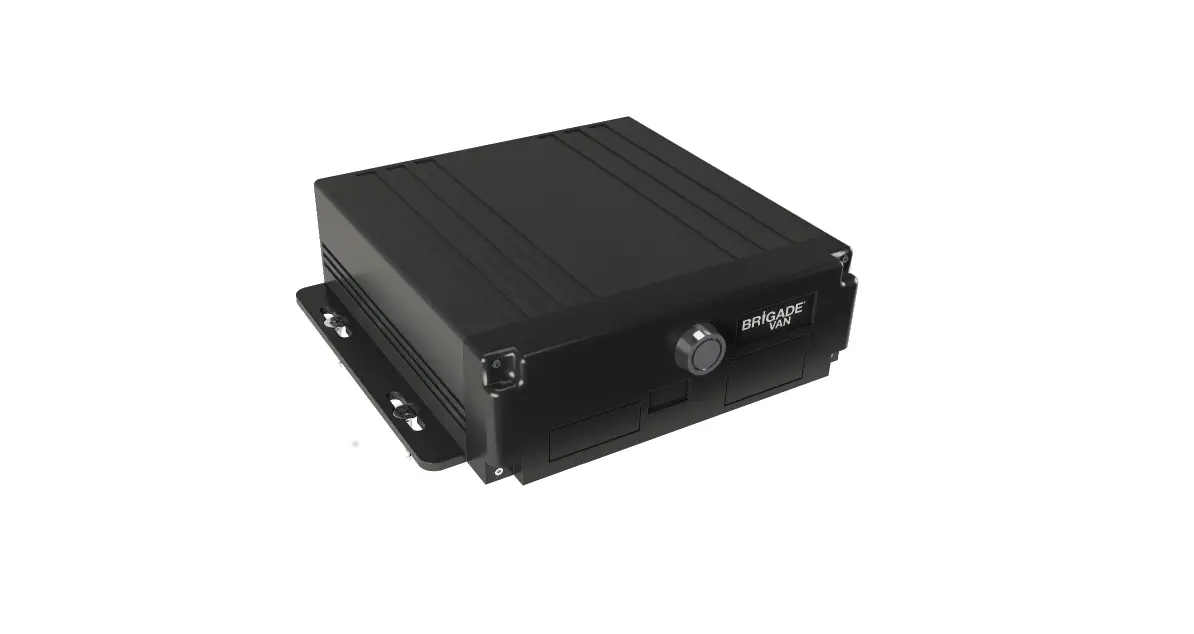
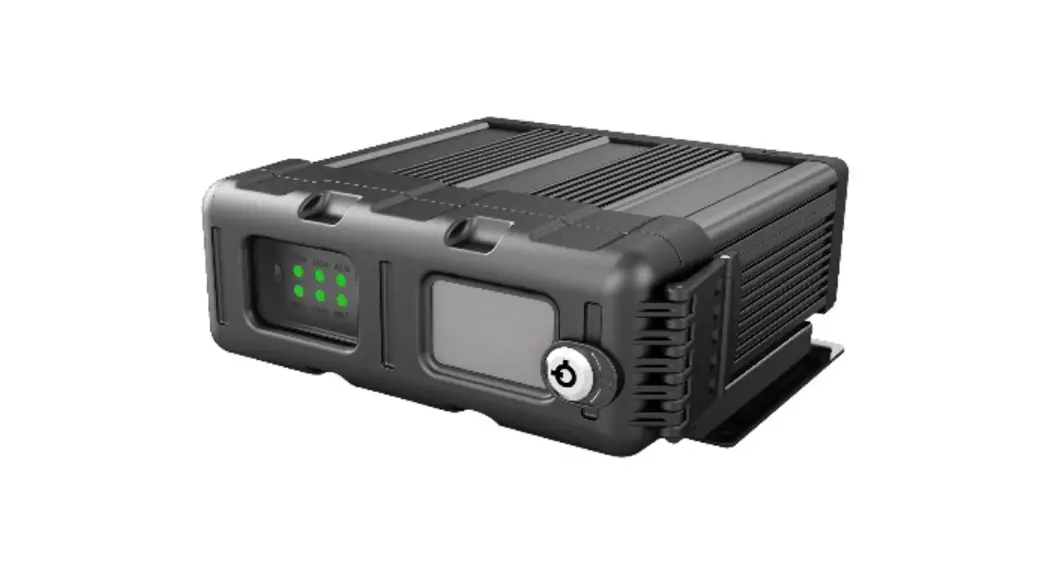
The Mobile Digital Recorder (MDR) is a device that allows users
to connect cameras to it and choose the resolution for each
individual camera. The device requires a USB mouse to access the
Setup Menu. The default resolution is D1, but the user can choose
from various options, including CIF (lowest), WCIF, HD1, WHD1, D1,
WD1, and AHD* [720p & 1080p] (highest). When an AHD camera is
connected to the device, the Resolution will require changing to
either 720p or 1080p, depending on the AHD camera model, using the
dropdown menu. For further information on each resolution, please
refer to Section 19 Specifications in the current MDR 500
Installation and Operation Guide.
Product Usage Instructions
- Connect your cameras to the Mobile Digital Recorder (MDR).
- Connect a USB mouse to the device.
- Log in by clicking on Setup, see Sections 4.1 Quick Menu &
4.2 Login of the current Installation and Operation Guide to see
how to log in. - Click on Surveillance, Record and HDD.
- Find the Resolution heading, which is the fourth heading
down. - Choose the desired resolution from the dropdown menu. If you
are using an AHD camera, make sure to choose either 720p or 1080p,
depending on the camera model. - Click on Save before exiting the menu.
Tech Tips
MDR Ref:DTaTte0.00137/06/19 Changing the Recorded Video Resolution V1.0
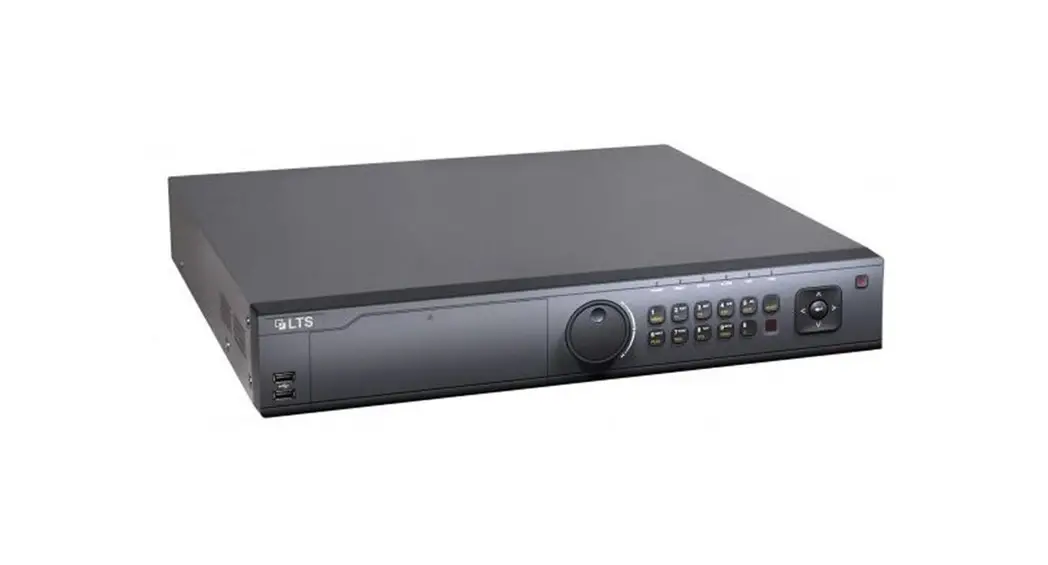
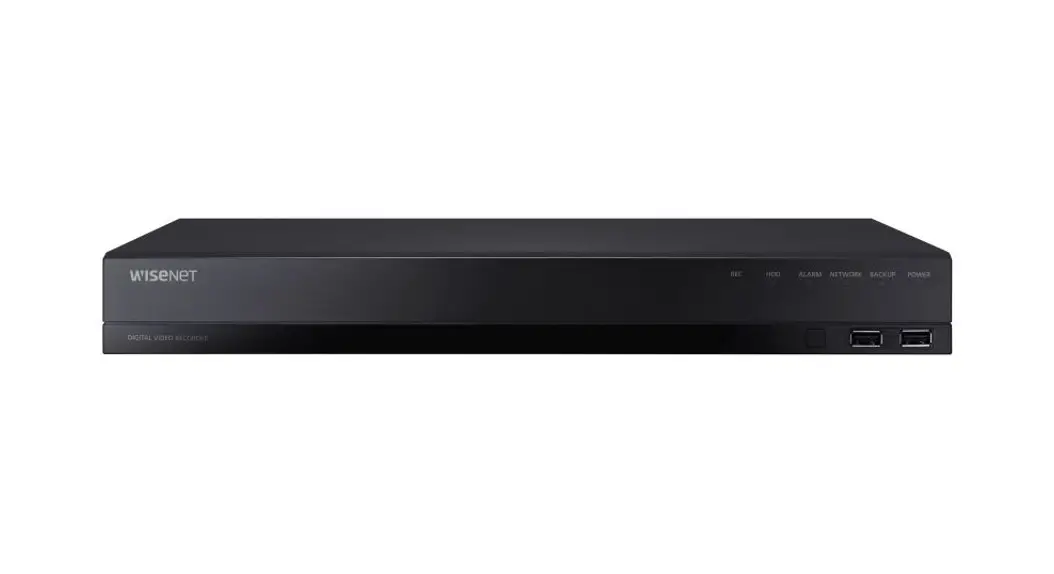
Related Products Mobile Digital Recorders (MDR 500 Series)
Full details of these settings can be found in Section 7.2.2.2 HDD Resolution, of the current Installation and Operation Guide.
When connecting cameras to the Mobile Digital Recorder (MDR) the user can choose the resolution for each individual camera. A USB mouse is required to access the Setup Menu.
Once logged in click on Setup, see Sections 4.1 Quick Menu & 4.2 Login of the current Installation and Operation Guide to see how to log in. Then click on Surveillance, Record and HDD. The fourth heading down is Resolution. By default this is set to D1, but can be changed although will only show AHD cameras if they are connected#.
The Resolution options are CIF (lowest), WCIF, HD1, WHD1, D1, WD1 and AHD* [720p & 1080p] (highest). Please refer to Section 19 Specifications in the current MDR 500 Installation and Operation Guide for further information on each resolution.
*When an AHD camera is connected the Resolution will require changing to either 720p or 1080p, depending on the AHD camera model, using the dropdown menu. Once selected click on Save, before exiting the menu.
#Please note; increasing the resolution will reduce the recording time on the MDR. Please refer to the MDR Storage Calculator on the website to check suitability open link.
The current MDR 500 Installation and Operation Guide can be found on the website in PRODUCT SUPPORT – open link then click in the User Manual tab.
Page 1 of 1
Where to find this and other Tech Tips on the website
 MDR Storage Calculator | Products | Brigade Electronics