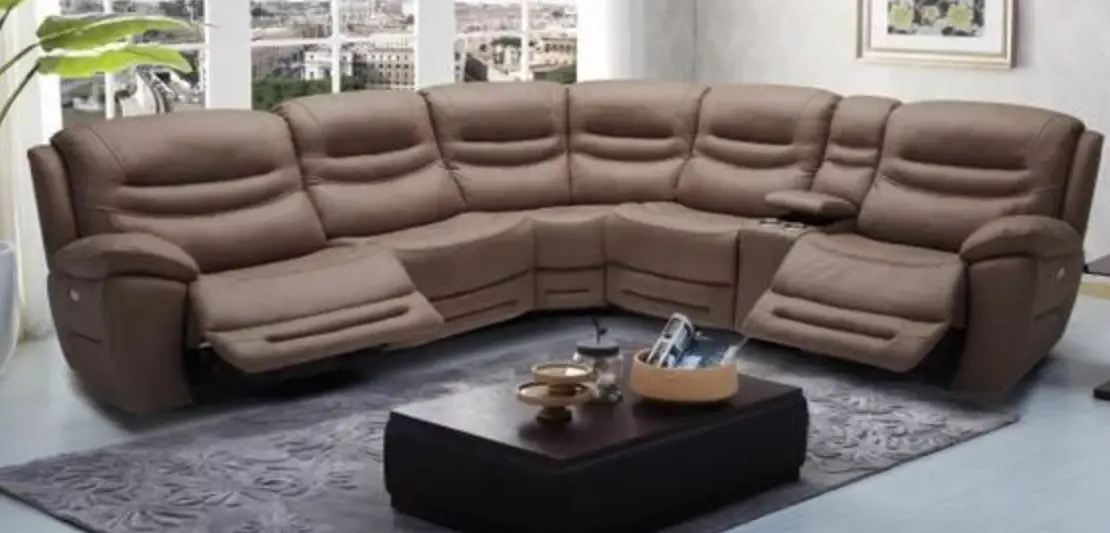
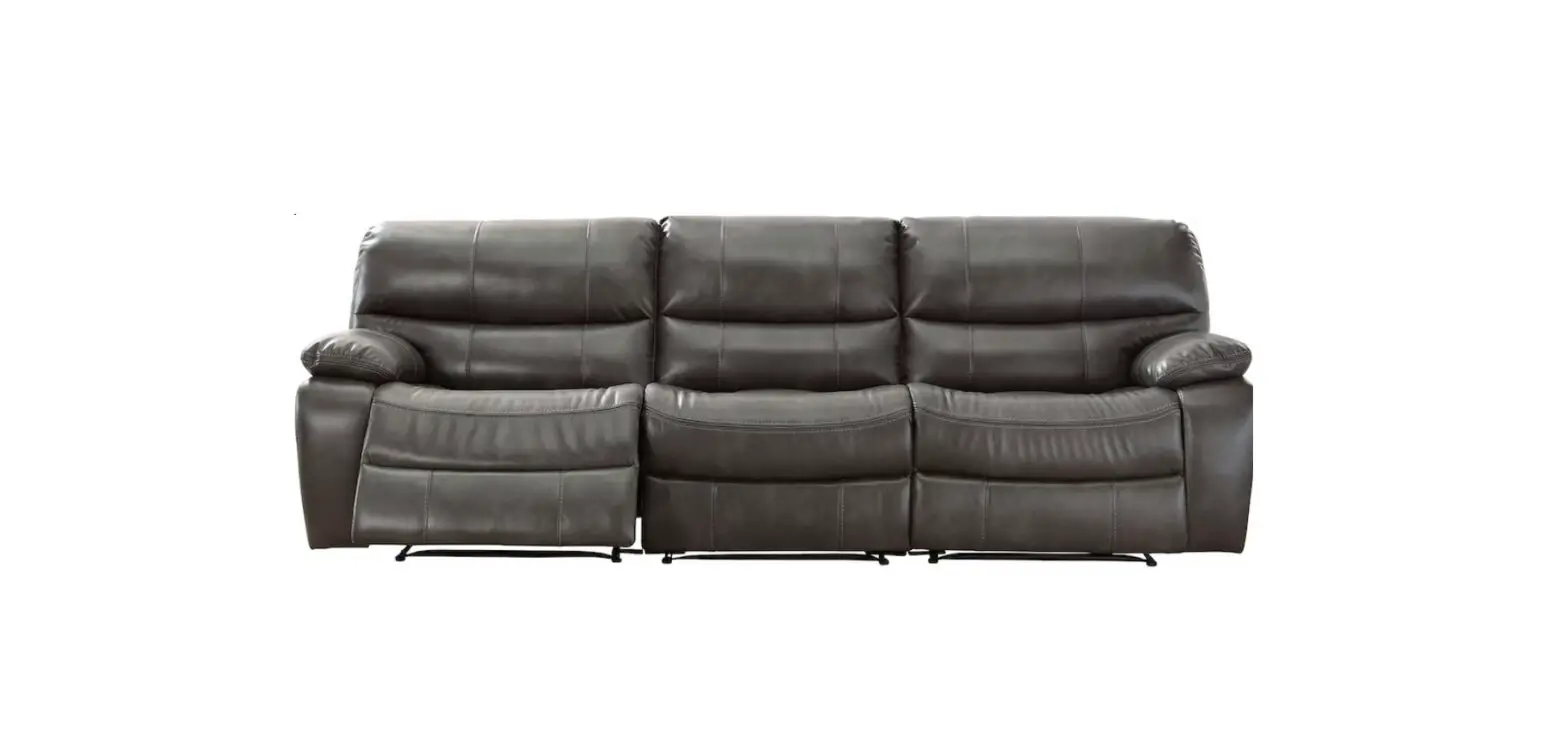
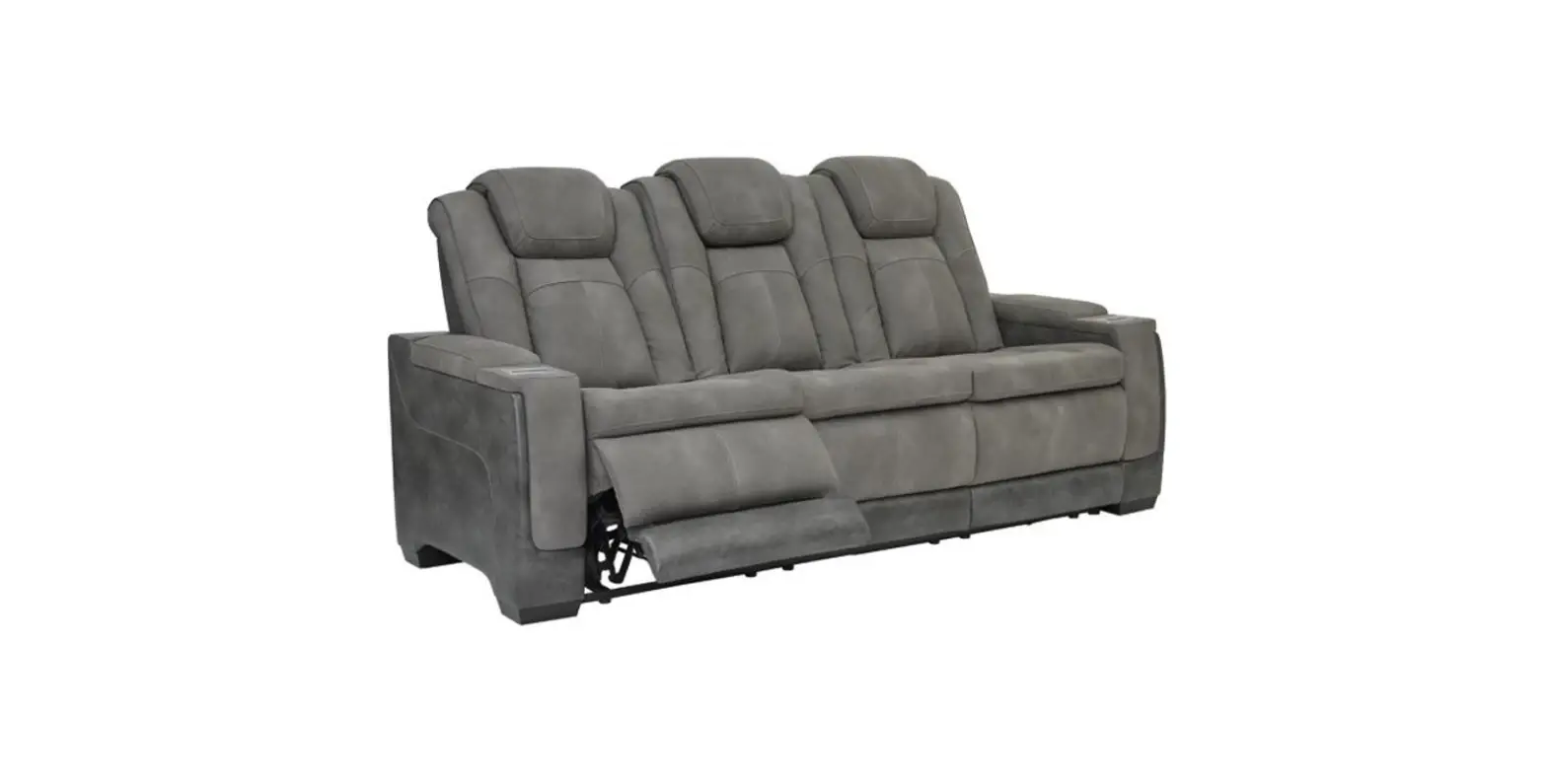
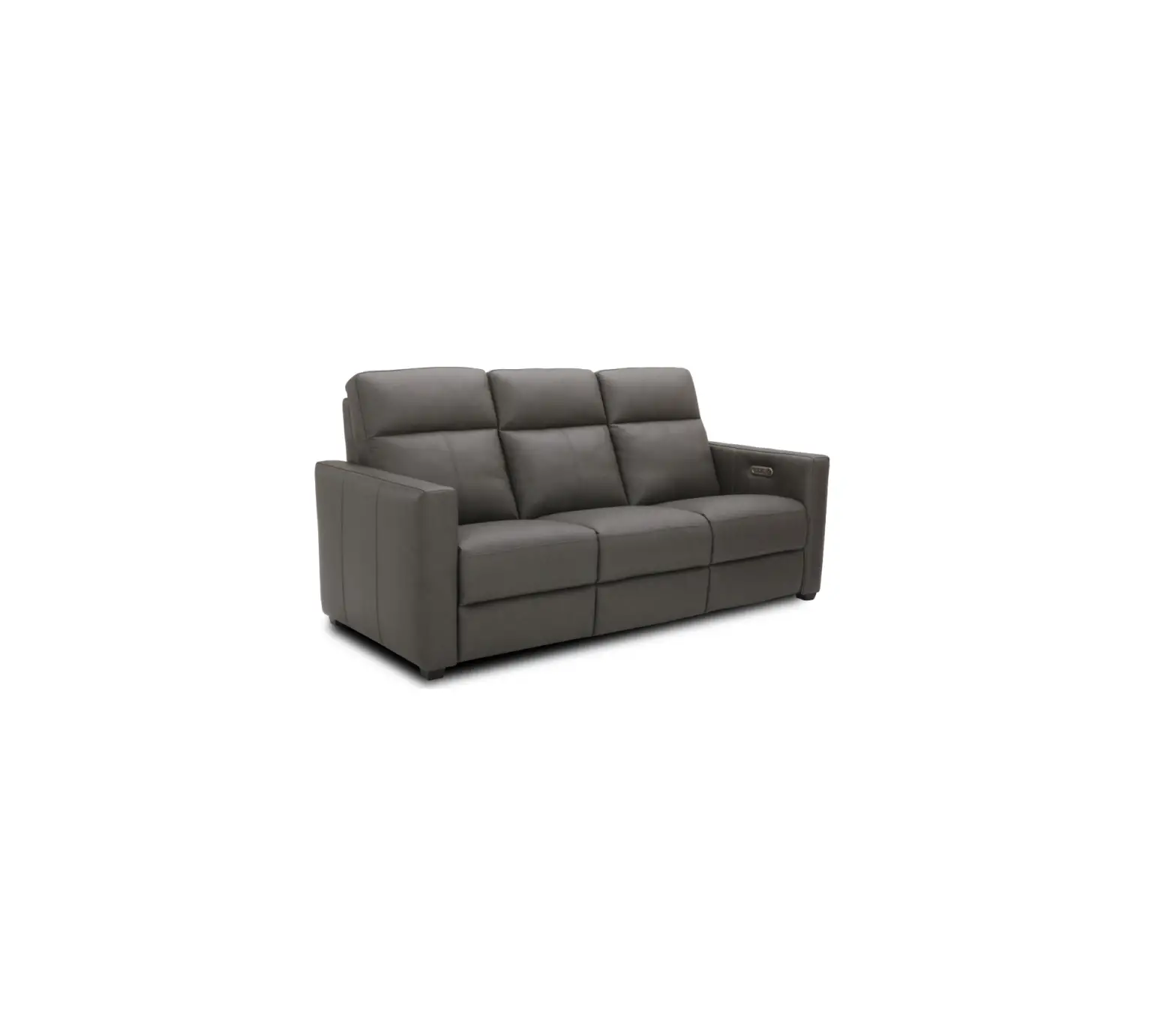
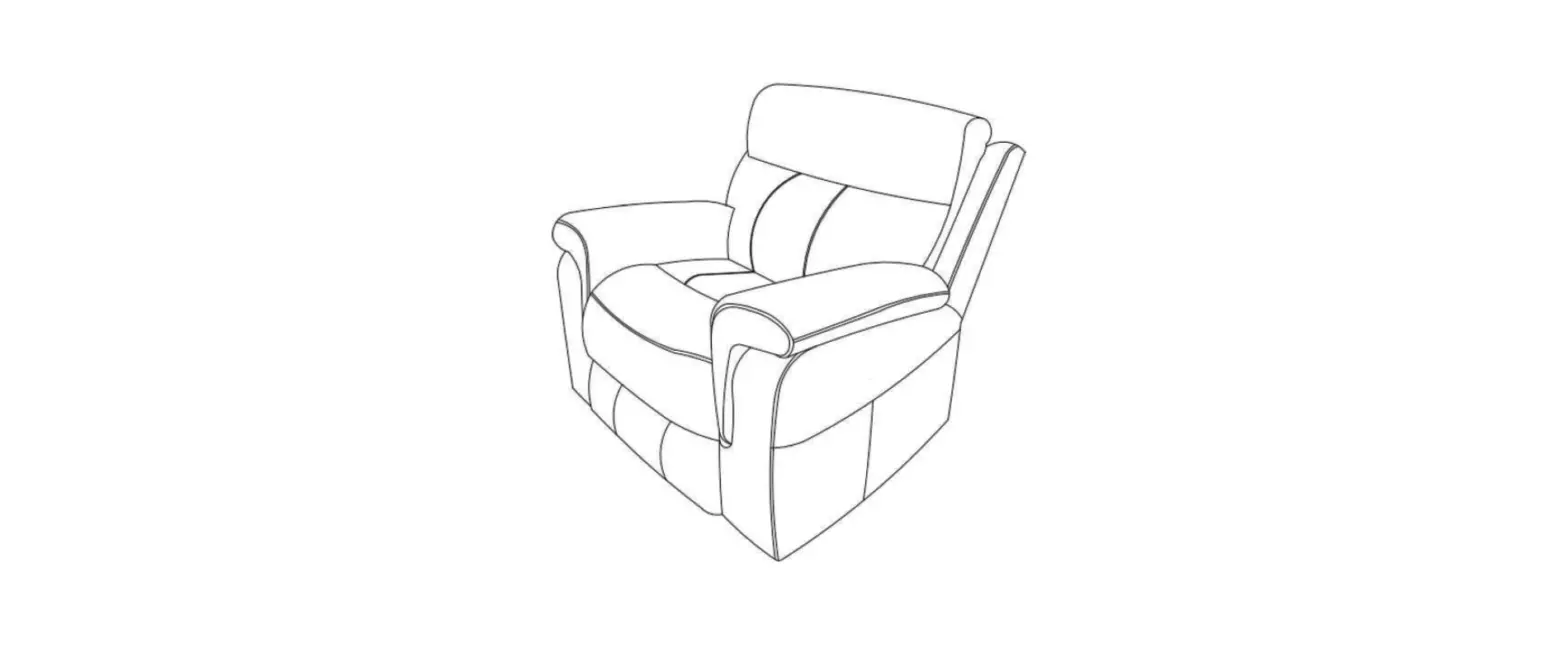
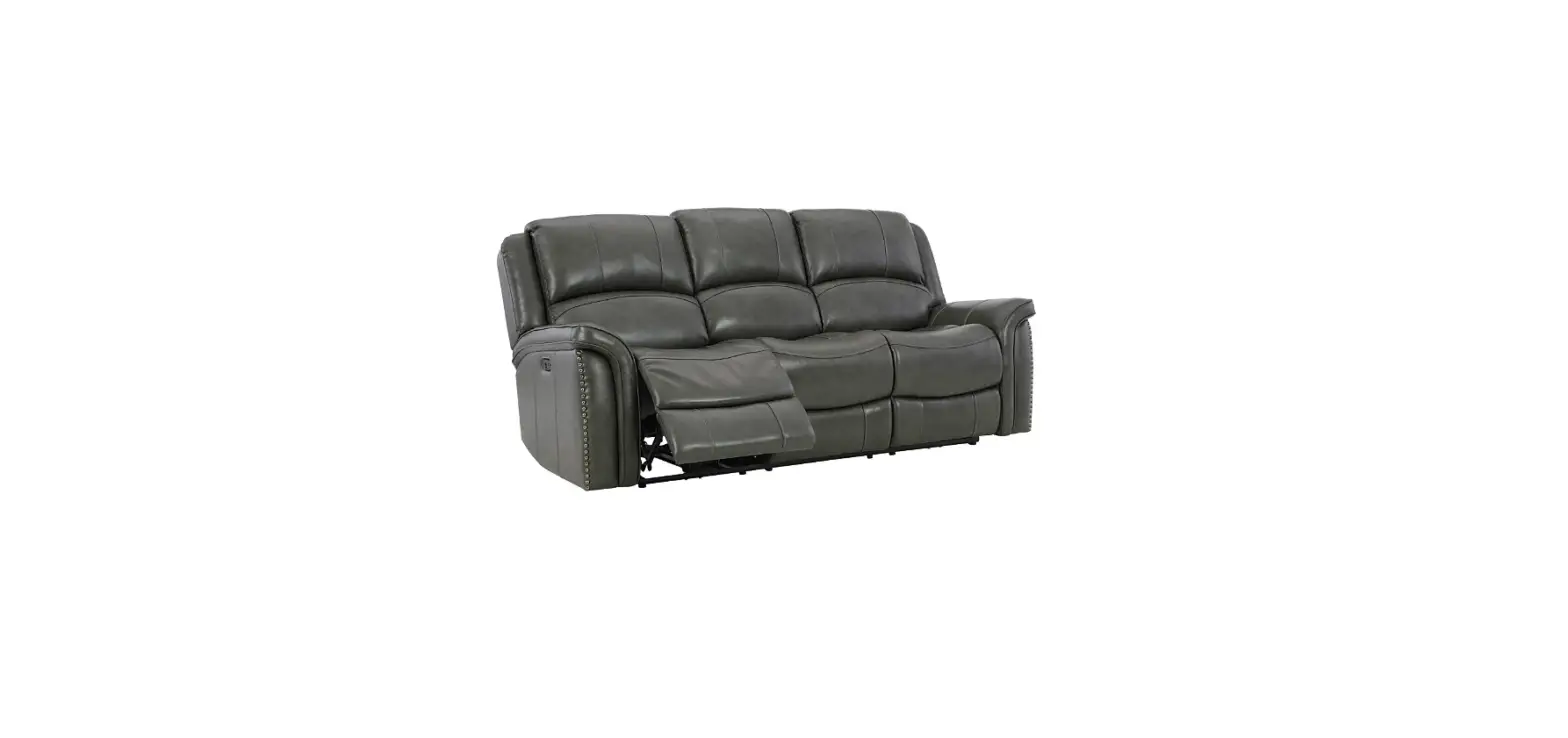
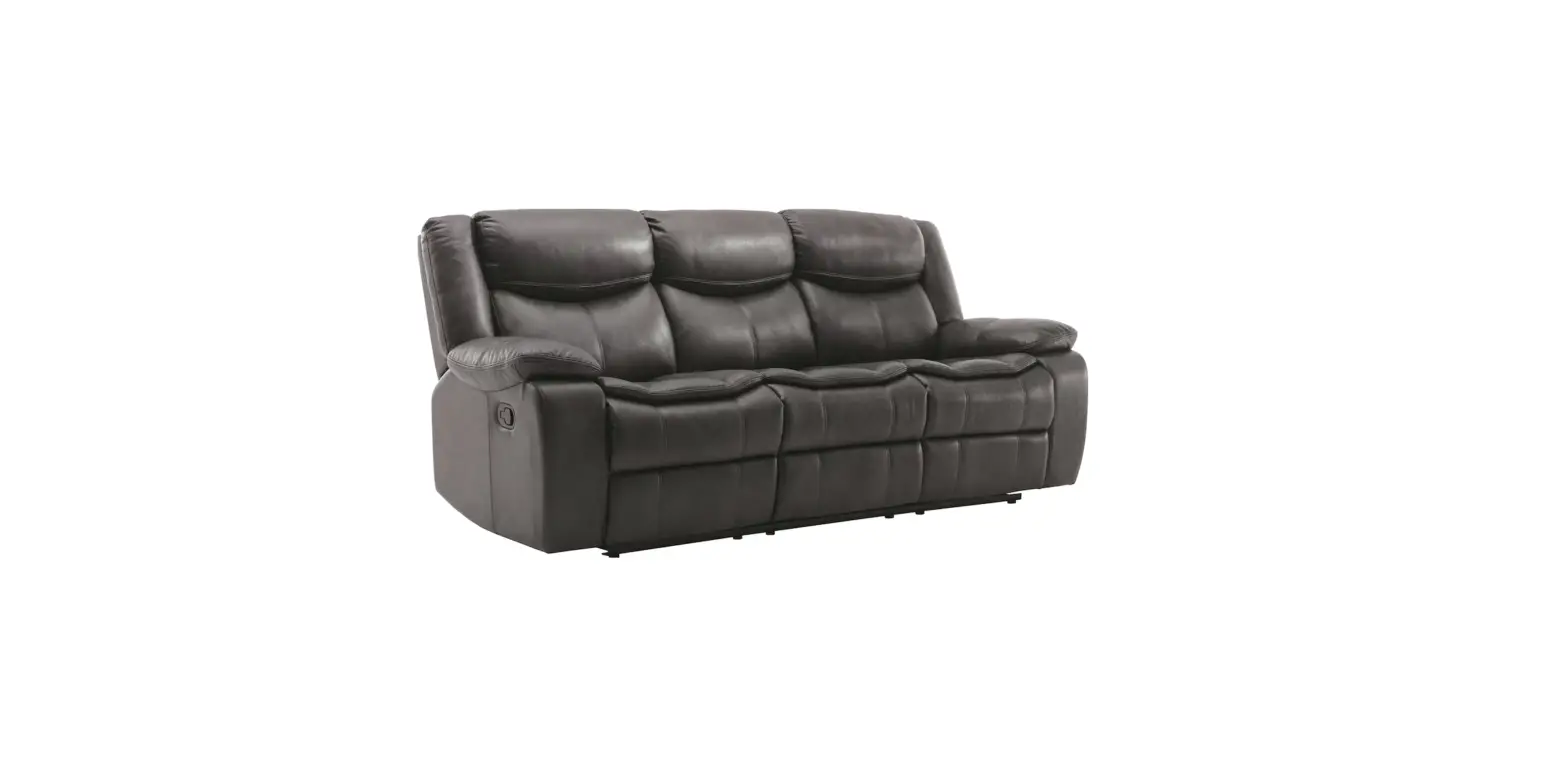
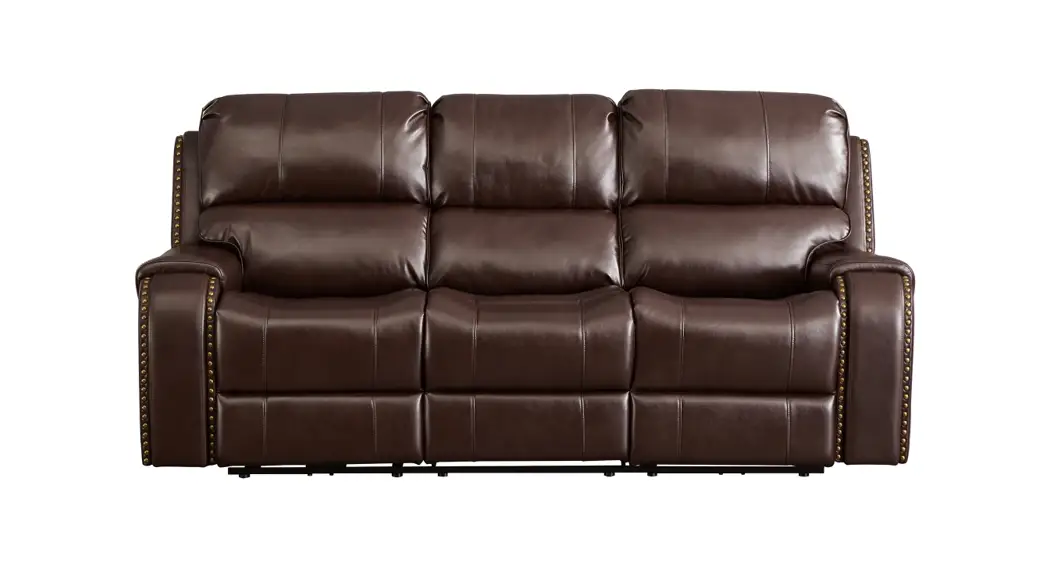
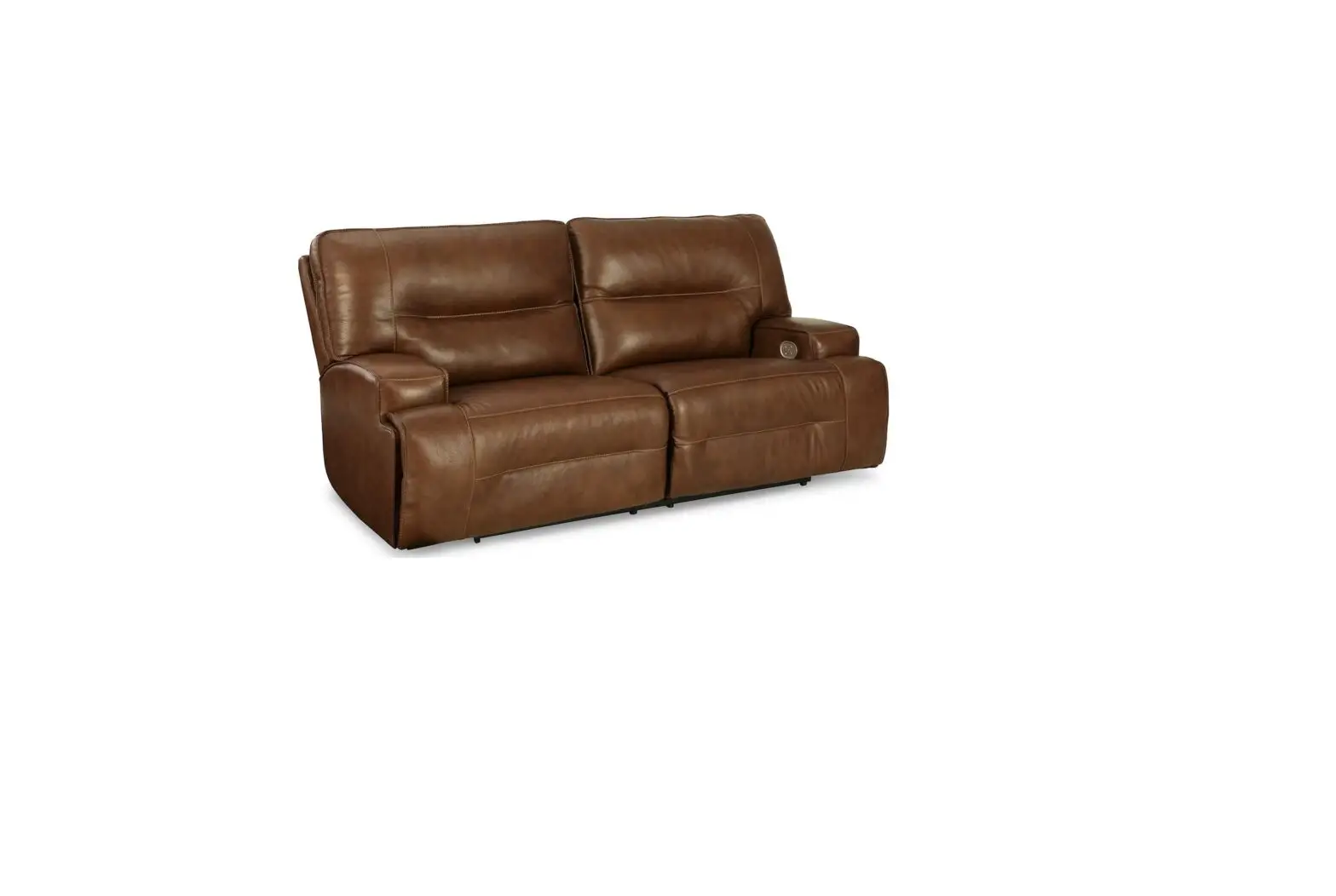
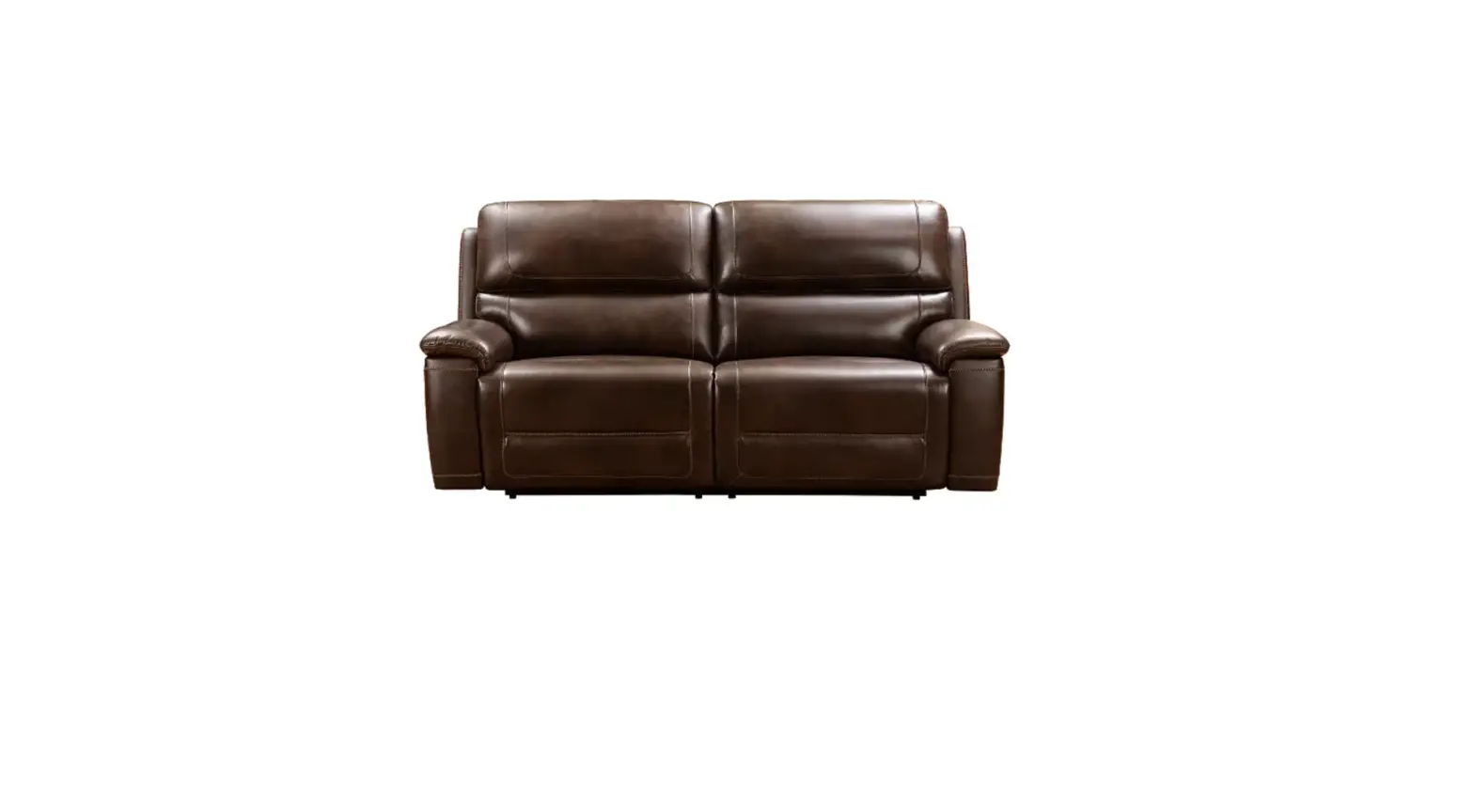
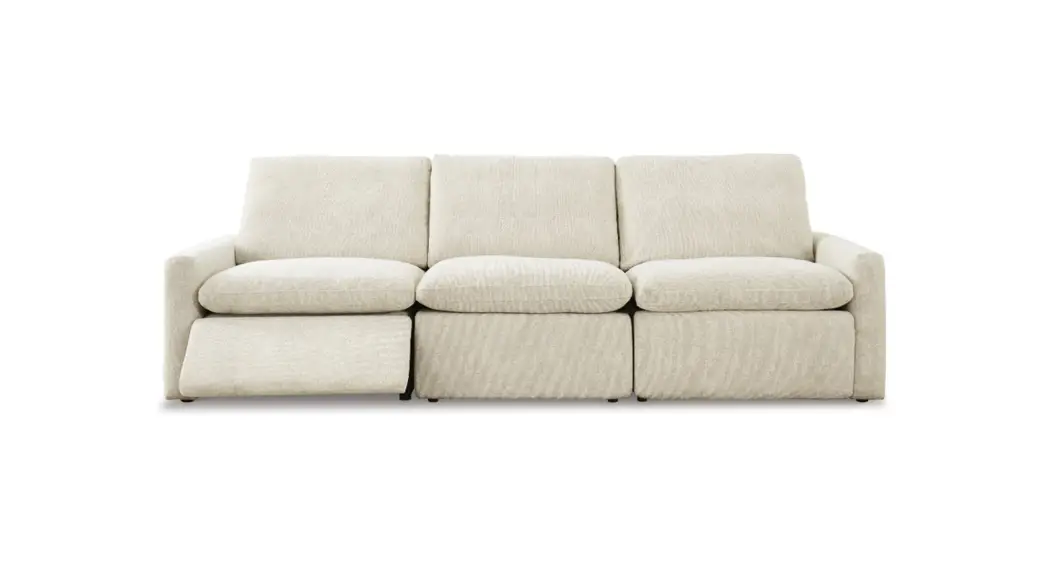
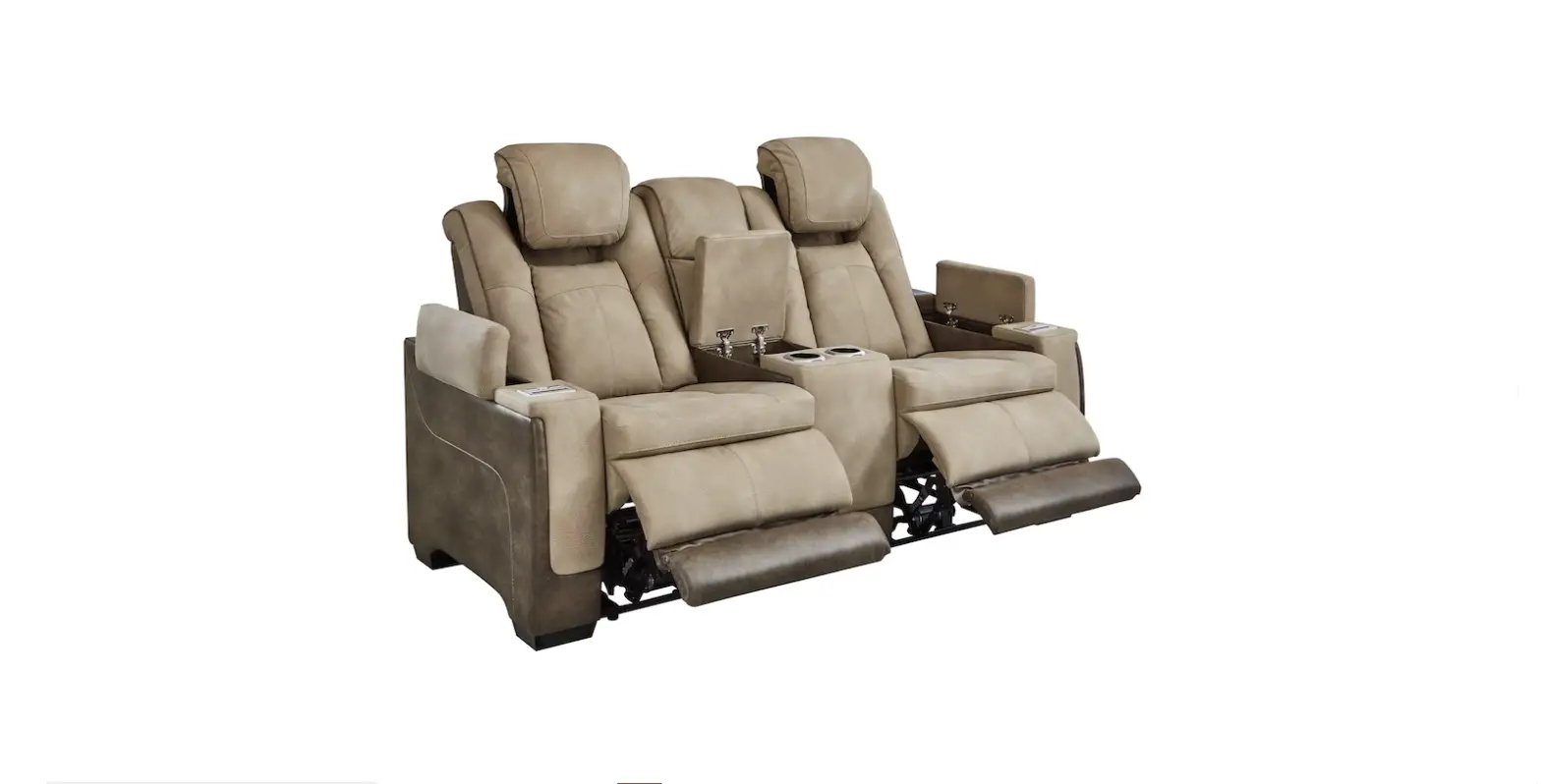
K2024-52PHR-S Eastwood Power Reclining Sofa
K2024-52PHR-S EASTWOOD POWER RECLINING SOFA USER MANUAL
Product Information
The K2024-52PHR-S Eastwood Power Reclining Sofa is a comfortable
and stylish sofa that comes with a power recliner. The sofa has a
headrest and seat motor that can be controlled through a side
switch. The sofa comes with a power transformer and a DC cord that
powers the motors. The sofa also has a junction box and a small
junction box that connects the motors to the switch. The sofa is
designed to provide comfort and convenience to the user.
Product Usage Instructions
To use the K2024-52PHR-S Eastwood Power Reclining Sofa, follow
the steps below:
- Ensure that the AC power cord is properly plugged into the
socket. - Check whether the connection between related parts is
disconnected according to electrical connection diagram. - Check whether the indicator light of power transformer is
steady on.- If the light is on, the AC power cord is okay.
- If the light is flashing, the AC power cord is short-circuited.
Contact the seller to repair or replace the defective part. - If the light is off, the AC power cord is damaged. Contact the
seller to repair or replace the defective part.
- Check whether the cables of power transformer are squeezed,
skinned, or snapped. - Check whether the indicator light of power transformer is
steady on.- If the light is steady on, the power transformer is okay.
- If the light is flashing, the power transformer is
short-circuited. Contact the seller to repair or replace the
defective part. - If the light is off, the power transformer is damaged. Contact
the seller to repair or replace the defective part.
- Check whether the DC cord is damaged. If it is, contact the
seller to repair or replace the defective part. - Check whether the DC socket is damaged. If it is, contact the
seller to repair or replace the defective part. - Check whether the cables of DC socket are squeezed, skinned, or
snapped. - Check whether the cables of junction box or small junction box
are squeezed, skinned, or snapped. - Check whether the cables of hand wand are squeezed, skinned, or
snapped. - Check whether the switch button can spring back normally. If it
can’t, contact the seller to repair or replace the defective
part. - If the headrest and seat motor both do not work, troubleshoot
according to the guide provided in the user manual. - If the seat motor works but the headrest motor does not work,
troubleshoot according to the guide provided in the user
manual. - If the headrest motor works but the seat motor does not work,
troubleshoot according to the guide provided in the user
manual. - If the headrest or seat motor running sounds abnormal or very
loud, it may be damaged. Contact the seller to repair or replace
the defective part.
K2024-52PHR-S EASTWOOD POWER
RECLINING SOFA
USER MANUAL
Components:
· Switch mounted on the side of furniture and controls all motors and functions (reclining, power headrest, etc.) via a direct connection with motors.
· AC power cord connects the power transformer to the power outlet. · DC cord connects the power transformer to the DC socket (mounted on the rear bottom of LAF arm stump). · DC socket receives power from DC cord then transfer to motors. · Power Transformer A box-shaped unit to transfer 110V AC power to 25V DC power to supply for the furniture. · Seat / Headrest Motor motors mounted on mechanism to drive movement on seat/headrest via switch control. · Mechanism the motion mechanical frame unit within the piece of furniture. · USB Ports- located on side switches for charging USB-supported devices. · Junction box- receives power from DC socket then transfer to speakers. · Small junction box- receives power from DC socket then transfer to reading light. · Speakers- mounted on the side of outside arm and works via bluetooth connection (with smart device and/or TV). · Reading light- mounted on the back of armless chair and controlled ON/OFF by its own switch. · Light cupholder- mounted at the top of arm stump. · Multi-socket- mounted on the back of drop down table and independent electrical system.
Power Recliner PARTS
Quick Trouble-Shoot for Motors Malfunctioning:
Below are some possible reasons to cause motors to stop working: 1. Loose connection or wires not securely plugged in. 2. AC power cord damaged 3. Broken power transformer (especially when ALL motors stop working on one unit) 4. DC cord damaged 5. Broken DC socket 6. Broken side switch 7. Motors failure
NOTE: In some cases a button on the switch might be stuck after being pushed, thus continuously activating the motor. This can cause overheating or even damages on the power transformer.
Trouble-Shooting Guide
No.
Error
1
Headrest and seat motor both not work
Motor System Troubleshoot
Analysis The AC power cord is not plugged The motor system connection is disconnected
The AC power cord is damaged
The power transformer is damaged
Troubleshoot
Check that the AC power cord is properly plugged into the socket
Check whether the connection between related parts is disconnected according to electrical connection diagram.
Check whether the indicator light of power transformer is steady on. 1The light is on, the AC power cord is ok. 2The light is flashing, the AC power cord is short-circuited, please contact the seller to repair or replace the defective part. 3The light is off, the AC power cord is damaged, please contact the seller to repair or replace the defective part.
Check whether the cables of power transformer are squeezed, skined or snapped. Check whether the indicator light of power transformer is steady on. 1The light is steady on, the power transformer is ok. 2The light is flashing, the power transformer is short-circuited, please contact the seller to repair or replace the defective part. 3The light is off, the power transformer is damaged, please contact the seller to repair or replace the defective part.
The DC cord is damaged
Check whether the DC cord are squeezed, skined or snapped.
The DC socket is damaged
The junction box or small junction box is damaged
Check whether the cables of DC socket are squeezed, skined or snapped.
Check whether the cables of junction box or small junction box are squeezed, skined or snapped.
The switch is damaged
1Check whether the cables of hand wand are squeezed, skined or snapped. 2Check whether the switch button can spring back normally.
The headrest and seat motor both are damaged
Please contact the seller to repair or replace the defective part.
Trouble-Shooting Guide
No.
Error
2
Seat motor can work but headrest motor not work
3
Headrest motor can work but seat motor not work
Motor System Troubleshoot
Analysis
The headrest motor is disconnected or damaged.
Troubleshoot
1Check whether the connection between related parts is disconnected according to electrical connection diagram. 2Check whether the cables of headrest motor are squeezed, skined or snapped. 3If the headrest motor still does not work, please contact the seller so they can repair or repair or replace the defective part.
The seat motor is damaged
Please contact the seller to repair or replace the defective part.
4
The headrest or seat motor running The internal of headrest or seat motor sounds is abnormal or very loud is damaged
Please contact the seller to repair or replace the defective part.
Trouble-Shooting Guide
CAUTION
No.
Error
1
The USB Port can not Charger mobile devices
USB Charging System Troubleshoot
1Output : 5V / 2A 2USB ports only charging mobile devices (not compatible with computers) 3Do not use usb splitter/extenders, do not Charger multiple devices at one time, otherwise damages could occur.
Analysis
Troubleshoot
The input requirements of the mobile device do not match the USB port output
Please
confirm
the
input
requirements
for
mobile
devices.
The AC power cord is not plugged
Check that the AC power cord is properly plugged into the socket
The AC power cord is damaged The power transformer is damaged The DC cord is damaged
Check whether the indicator light of the power transformer is steady on. 1The light is on, the AC power cord is ok. 2The light is flashing, the AC power cord is short-circuited, please contact the seller to repair or replace. 3The light is off, the AC power cord is damaged, please contact the seller to repair or replace the defective part.
Check whether the cables of power transformer are squeezed, skined or snapped. Check whether the indicator light of power transformer is steady on. 1The light is steady on, the power transformer is ok. 2The light is flashing, the power transformer is short-circuited, please contact the seller to repair or replace the defective part. 3The light is off, the power transformer is damaged, please contact the seller to repair or replace the defective part.
Check whether the DC cord are squeezed, skined or snapped.
The DC socket is damaged
Check whether the cables of the DC socket are squeezed, skined or snapped.
The junction box or small junction box is damaged
Check whether the cables of junction box or small junction box are squeezed, skined or snapped.
The seat motor is damaged
Check whether the cables of seat motor are squeezed, skined or snapped.
The switch is damaged
Please contact the seller to repair or replace the defective part.
Trouble-Shooting Guide
No.
Error
1
All of the bluetooth speakers can not work
2
One of the bluetooth speakers can not work
Bluetooth Speakers System Troubleshoot
Analysis
Troubleshoot
The AC power cord is not plugged
Check that the AC power cord is properly plugged into the socket
The bluetooth speakers system connection is disconnected
Check whether the connection between related parts is disconnected according to electrical connection diagram.
The AC power cord is damaged
Check whether the indicator light of the power transformer is steady on. 1The light is on, the AC power cord is ok. 2The light is flashing, the AC power cord is short-circuited, please contact the seller to repair or replace. 3The light is off, the AC power cord is damaged, please contact the seller to repair or replace the defective part.
The power transformer is damaged
Check whether the cables of power transformer are squeezed, skined or snapped. Check whether the indicator light of power transformer is steady on. 1The light is steady on, the power transformer is ok. 2The light is flashing, the power transformer is short-circuited, please contact the seller to repair or replace the defective part. 3The light is off, the power transformer is damaged, please contact the seller to repair or replace the defective part.
The DC cord is damaged
Check whether the DC cord are squeezed, skined or snapped.
The DC socket is damaged
Check whether the cables of the DC socket are squeezed, skined or snapped.
The junction box is damaged
Check whether the cables of junction box box are squeezed, skined or snapped.
All of the bluetooth speakers are damaged
1Check whether the cables of the bluetooth speakers are squeezed, skined
or snapped.
2If the bluetooth speakers still not work, please contact the seller to repair or replace the defective part.
This bluetooth speakers is disconnected or damaged
1Check whether the connection between related parts is disconnected
according to electrical connection diagram.
2If the light cupholder still does not work, please contact the seller to repair or replace the defective part.
Trouble-Shooting Guide
No.
Error
1
All of the reading light can not work
2
One of the reading light can not work
Reading Light System Troubleshoot
Analysis
Troubleshoot
The AC power cord is not plugged
Check that the AC power cord is properly plugged into the socket
The reading light system connection is disconnected
Check whether the connection between related parts is disconnected according to electrical connection diagram.
The AC power cord is damaged
The power transformer is damaged
The DC cord is damaged The DC socket is damaged The small junction box is damaged All of the reading light are damaged
Check whether the indicator light of the power transformer is steady on. 1The light is on, the AC power cord is ok. 2The light is flashing, the AC power cord is short-circuited, please contact the seller to repair or replace. 3The light is off, the AC power cord is damaged, please contact the seller to repair or replace the defective part.
Check whether the cables of power transformer are squeezed, skined or snapped. Check whether the indicator light of power transformer is steady on. 1The light is steady on, the power transformer is ok. 2The light is flashing, the power transformer is short-circuited, please contact the seller to repair or replace the defective part. 3The light is off, the power transformer is damaged, please contact the seller to repair or replace the defective part.
Check whether the DC cord are squeezed, skined or snapped.
Check whether the cables of the DC socket are squeezed, skined or snapped.
Check whether the cables of small junction box are squeezed, skined or snapped.
1Check whether the cables of the reading light are squeezed, skined or snapped. 2If the reading light still not work, please contact the seller to repair or replace the defective part.
This reading light is damaged
Please contact the seller to repair or replace the defective part.
Trouble-Shooting Guide
No.
Error
1
All of the light cupholder can not work
2
One of the light cupholder can not work
Light Cupholder System Troubleshoot
Analysis
Troubleshoot
The AC power cord is not plugged
Check that the AC power cord is properly plugged into the socket
The light cupholder system connection is disconnected The AC power cord is damaged
The power transformer is damaged The DC cord is damaged
Check whether the connection between related parts is disconnected according to electrical connection diagram.
Check whether the indicator light of the power transformer is steady on. 1The light is on, the AC power cord is ok. 2The light is flashing, the AC power cord is short-circuited, please contact the seller to repair or replace. 3The light is off, the AC power cord is damaged, please contact the seller to repair or replace the defective part.
Check whether the cables of power transformer are squeezed, skined or snapped. Check whether the indicator light of power transformer is steady on. 1The light is steady on, the power transformer is ok. 2The light is flashing, the power transformer is short-circuited, please contact the seller to repair or replace the defective part. 3The light is off, the power transformer is damaged, please contact the seller to repair or replace the defective part.
Check whether the DC cord are squeezed, skined or snapped.
The DC socket is damaged
Check whether the cables of the DC socket are squeezed, skined or snapped.
The junction box or small junction box is damaged
The seat motor is damaged
Check whether the cables of junction box or small junction box are squeezed, skined or snapped.
Check whether the cables of seat motor are squeezed, skined or snapped.
The switch is damaged
Check whether the cables of switch are squeezed, skined or snapped.
All of the light cupholder is damaged Please contact the seller to repair or replace the defective part.
This light cupholder is disconnected or damaged
1Check whether the connection between related parts is disconnected
according to electrical connection diagram.
2If the light cupholder still does not work, please contact the seller to repair or replace the defective part.
Trouble-Shooting Guide
CAUTION
No.
Error
1 The AC socket can not work
2
The wireless charger can not charger mobile device
3
The USB Port can not charger mobile devices
Multi-socket System Troubleshoot
1AC socket input/output125V/12A/1500W MAX 2Wireless charging : 5V/1A/5W MAXDistance5mm 3USB output : 5V/2A/10W MAX 4Meaning of wireless charging indicatorBlue=Standby modeGreen=In chargingFlash=Restart 5USB ports only charging mobile devices (not compatible with computers) 6Do not use usb splitter/extenders, do not Charger multiple devices at one time, otherwise damages could occur.
Analysis
Troubleshoot
The AC power cord is not plugged
Check that the AC power cord is properly plugged into the socket
The system overload protection
1Press the”RESET”switch below the AC socket to restart the system. 2If it still does not work, please contact the seller to repair or replace the defective part.
The AC power cord is not plugged
Check that the AC power cord is properly plugged into the socket
The charging distance is too far
Check whether the protective cover of the mobile device exceeds 5mm
The wireless charger is damaged
Please contact the seller to repair or replace the defective part.
The input requirements of the mobile device do not match the USB port output
Please
confirm
the
input
requirements
for
mobile
devices.
The AC power cord is not plugged
Check that the AC power cord is properly plugged into the socket
The USB port is damaged
Please contact the seller to repair or replace the defective part.
Power Recliner Trouble Shooting
No
1. Check power cords integrity and connection to transformer.
2. If power cords undamaged, and connection secured, replace power transformer.
Check if the green light on power transformer is on
Yes
Check connection security and components integrity on DC socket and power cable.
Check connection security and integrity of motor’s 2-pin cable
For dual-power recliners, please check connection and integrity of Y-Cable splitter.