Land Rover Multimedia System
Product Information
| Product Name | Land Rover Manual |
|---|
Product Usage Instructions
1. For your safety, please try not to watch videos and operate
machines while driving. When driving, please turn the volume to a
level where you can clearly hear outside sounds. Before starting
the operation, read this manual and other manuals of the system
carefully to understand the safety tips and warning labels in this
manual and the machine. After reading this manual, keep it within
easy reach for reference at any time.
2. First of all, please pay attention to traffic safety. If you
encounter difficulties in operating this system, please park the
car in a safe place before operating.
3. Do not let children operate the machine to avoid personal
injury or machine damage. Please follow the traffic rules when
using the satellite navigation function.
4. Please don’t ban the use of electronic equipment or use open
flame in places such as gas stations, wineries, or areas with
strong electromagnetic interference, as it may cause danger.
5. Do not maintain, maintain or install the machine by yourself.
Do not install or maintain the machine when the power is on. It is
very dangerous to install and maintain the machine by personnel who
are not trained or inexperienced in installing electronic equipment
or vehicle accessories.
6. Do not store or install the machine in direct sunlight, and
do not put it in an environment with other harmful substances,
especially the LCD screen. If the LCD screen is installed near the
air duct of the air conditioner, please ensure that the cool air or
hot air does not blow directly to the machine, otherwise it may
damage the machine or even cause injury to the car or the
person.
7. Do not use sharp objects to scratch the display, and do not
apply excessive pressure with hard objects, as it may cause damage
to the display or touch screen.
8. In order to ensure the normal operation of the machine and
prevent fire or electric shock, please do not expose the machine to
humid air or sprinkle liquid on it.
Basic Operation
1. Start/stop the host: The machine is turned on when the ACC
switch is on. Turn off the engine and pull out the key to turn off
the power supply of the machine.
2. Volume adjustment: The upper key volume on the steering wheel
button can adjust the volume of the machine.
3. Backlight brightness adjustment: Adjust the brightness in
Brightness Settings in the Settings option.
4. Astern camera: When the vehicle is in R gear, the display
screen will immediately switch to the reverse camera regardless of
whether the machine is on or off.
5. Application selection: APP ICONS, music, videos, etc. can be
seen in the host panel or by clicking application. On the home
page, tap different function ICONS to enter the corresponding
interface. For details about each function, see the following
chapter. Tap the application sliding page to switch between
multiple pages.
6. Mode and play location memory: Turn off the power and then
restart the machine. The system will return to the mode before
shutdown. If it is radio, it will continue to listen to the radio
station that it has memorized before. If it is music or video, it
will continue to recover from the last interrupted position.
Land Rover Manual
Matters needing attention
1. For your safety, please try not to watch videos and operate
machines while driving; When driving, please turn the volume to a level where you can clearly hear outside sounds. Before starting the operation, read this manual and other manuals of the system carefully to understand the safety tips and warning labels in this manual and the machine. After reading this manual, keep it within easy reach for reference at any time.
2. First of all, please pay attention to traffic safety 3. If you encounter difficulties in operating this system, please
park the car in a safe place before operating.
4. Do not let children operate the machine to avoid personal
injury or machine damagePlease follow the traffic rules when using the satellite navigation function
5. Please don’t ban the use of electronic equipment or it is
forbidden to use open flame, such as: gas station, winery, such as strong electromagnetic interference region, otherwise may
cause danger
6. Do not maintain, maintain or install the machine by yourself.
Do not install or maintain the machine when the power is on. It is very dangerous to install and maintain the machine by personnel who are not trained or inexperienced in installing electronic equipment or vehicle accessories
7.Do not store or install the machine in direct sunlight, and do not put it in other harmful substance environment, especially the LCD screen. If the LCD screen is just near the air duct of the air conditioner when it is installed, please ensure that the cool air or hot air does not blow directly to the machine, otherwise it may damage the machine, or even cause injury to the car or the person
7.Do not use some sharp objects to scratch the display, do not take hard objects to vigorously press, otherwise it will cause damage to the display or touch screen
9. In order to ensure the normal operation of the machine and prevent fire or electric shock, please do not expose the machine to humid air, let alone sprinkle liquid on the machine
One.Basic operation
1.Start/stop the host
The machine is turned on when the ACC switch is on
Turn off the engine and pull out the key will turn off the power supply of the machine
2.Volume adjustment
The upper key
“Volume.” on the
steering wheel button can adjust the volume of
the machine.
3.Backlight brightness adjustment
Adjust the brightness in Brightness Settings in the Settings option
4. Astern camera
When the vehicle is in R gear, the display screen will immediately switch to reverse camera no matter the machine
is on or off
6. Application selection
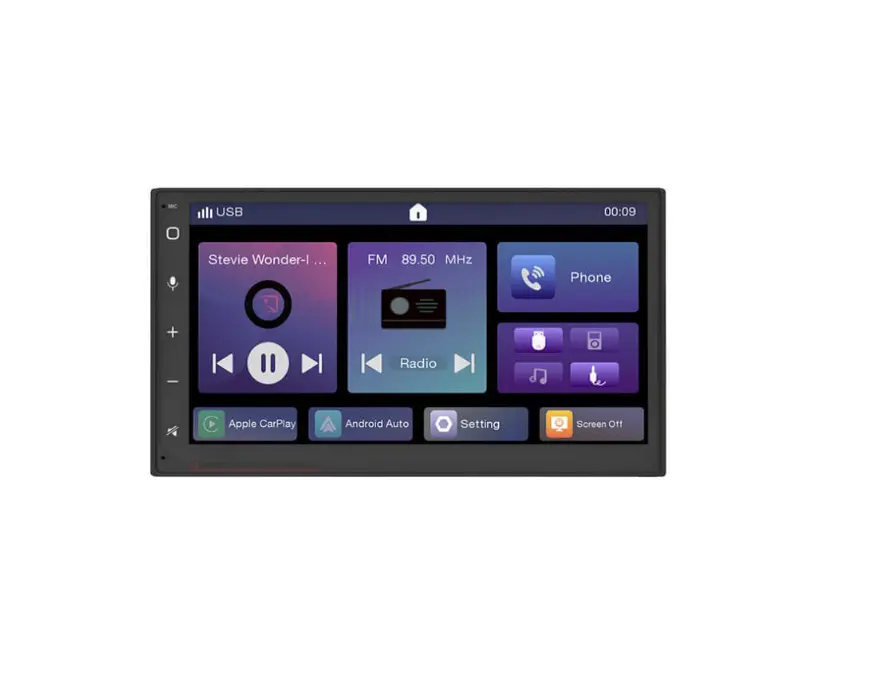
APP ICONS, music, videos, etc. can be seen in the host panel or by clicking application. On the home page, tap different function ICONS to enter the corresponding interface. For details about each function, see the following chapter. Tap the application sliding page to switch between multiple pages
7. Mode and play location memory
Turn off the power and then restart the machine. The system will return to the mode before shutdown. If it is radio, it will continue to listen to the radio station that it has memorized before. If it is music or video, it will continue to recover from the last interrupted position
Two, setting
Tap the Settings icon on the home screen on the touch
screen”
“Enter the system Settings screen, click the
corresponding option to enter
1. Navigation Settings
2. open
You can open the navigation path selection
function and open the optional map as the main page map
3.open
You can open the sound Settings, adjust the
volume of Android media and navigation volume (Android
sound is fixed).
4.open
You can turn on the sound adjustment
5.open
Turn on brightness adjustment
6.open
To open the multilingual selection
7.open
To open the system Settings
1open 2open
reversing 3open
This is the radar switch This is the silent state/not silent state when
You can open the factory Settings. Please
consult the after-sales staff for the password
4open
This is to restore factory Settings. When
the machine is stuck or crashes due to external APP
installation, click here to restore the factory default application
state
5open
Manually restart the system
8 open
You can open the camera Settings option, which
camera to install, and the corresponding selection
9 open
Network Settings can be turned on
1WIFI off state
2WIFI open state, enter the password to connect
10.open
You can see the system version/system
information of the local device
11.open You can open the car while driving to close the screen function, the program will not stop
Three. Applications and functions
1.Bluetooth
Open the home screen You can open the Bluetooth interface, search the Bluetooth name with your mobile phone, and click Connect
2.music
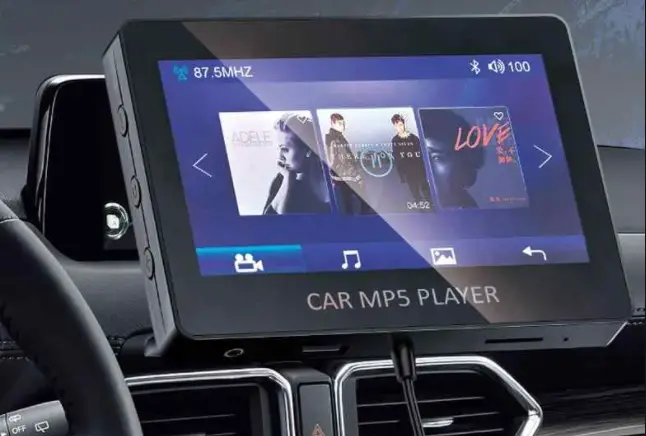
Open the home screen You can play music/video
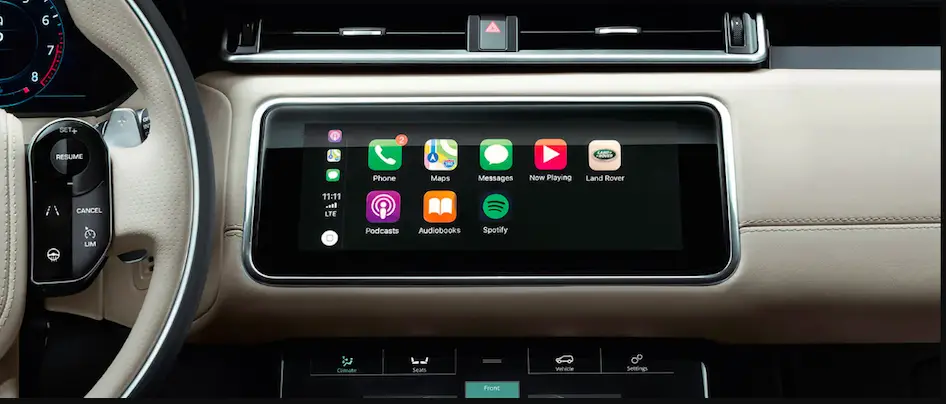
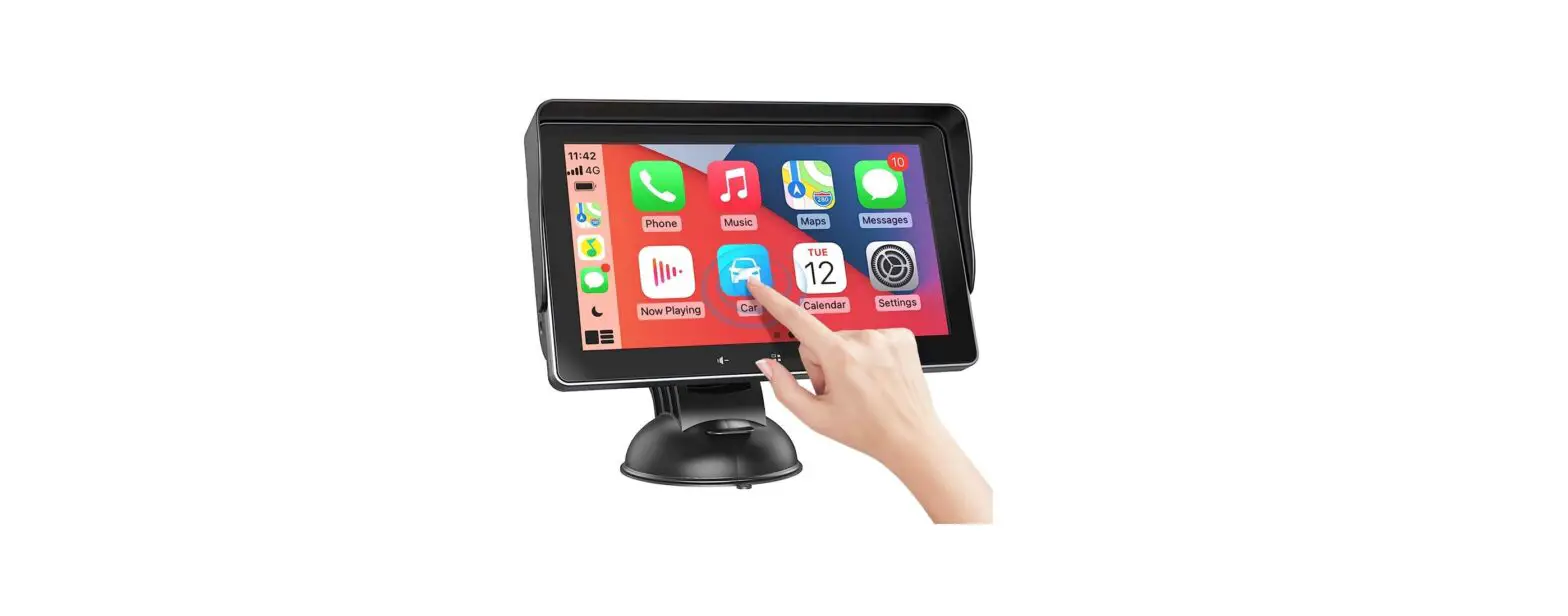
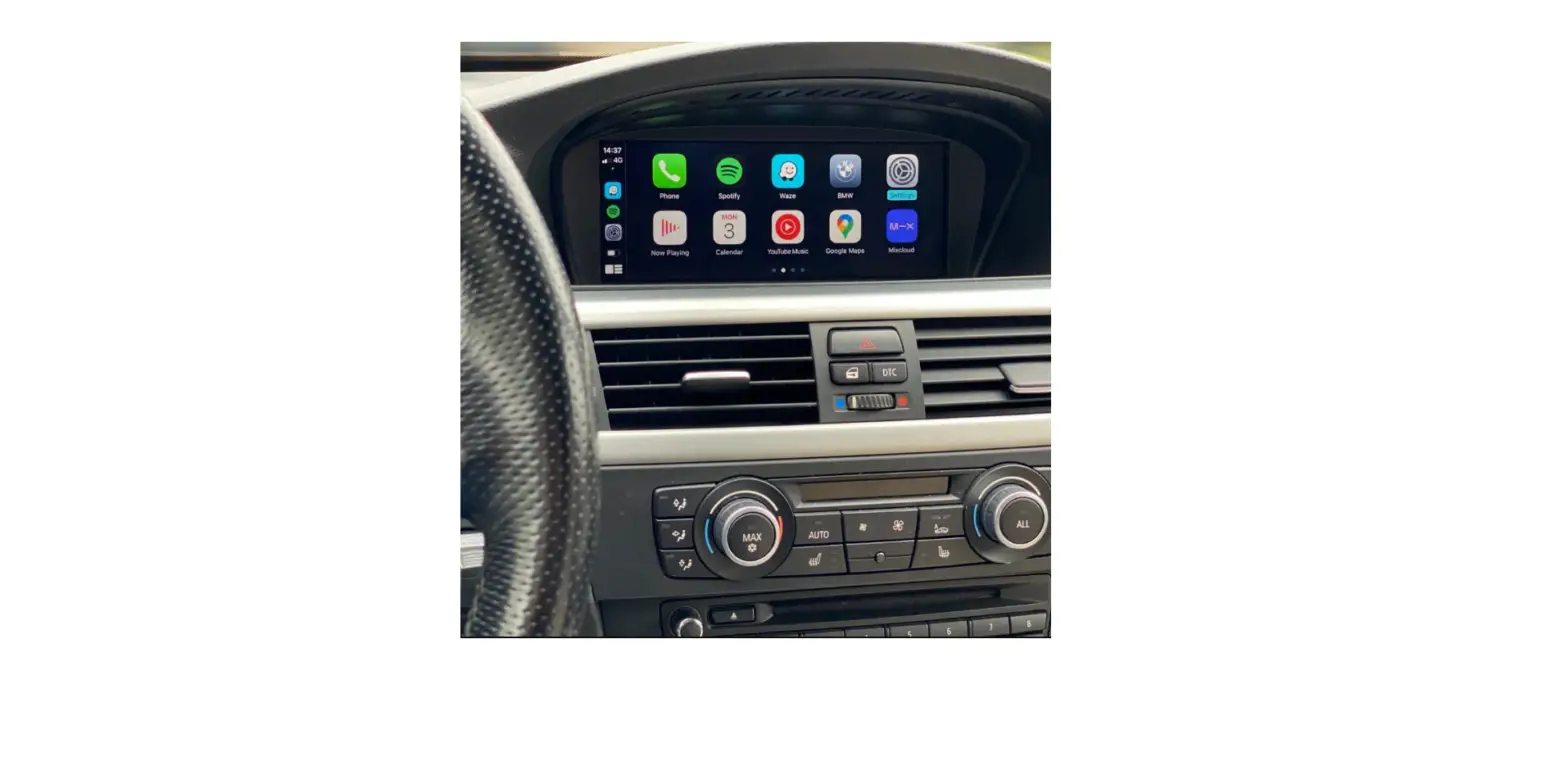
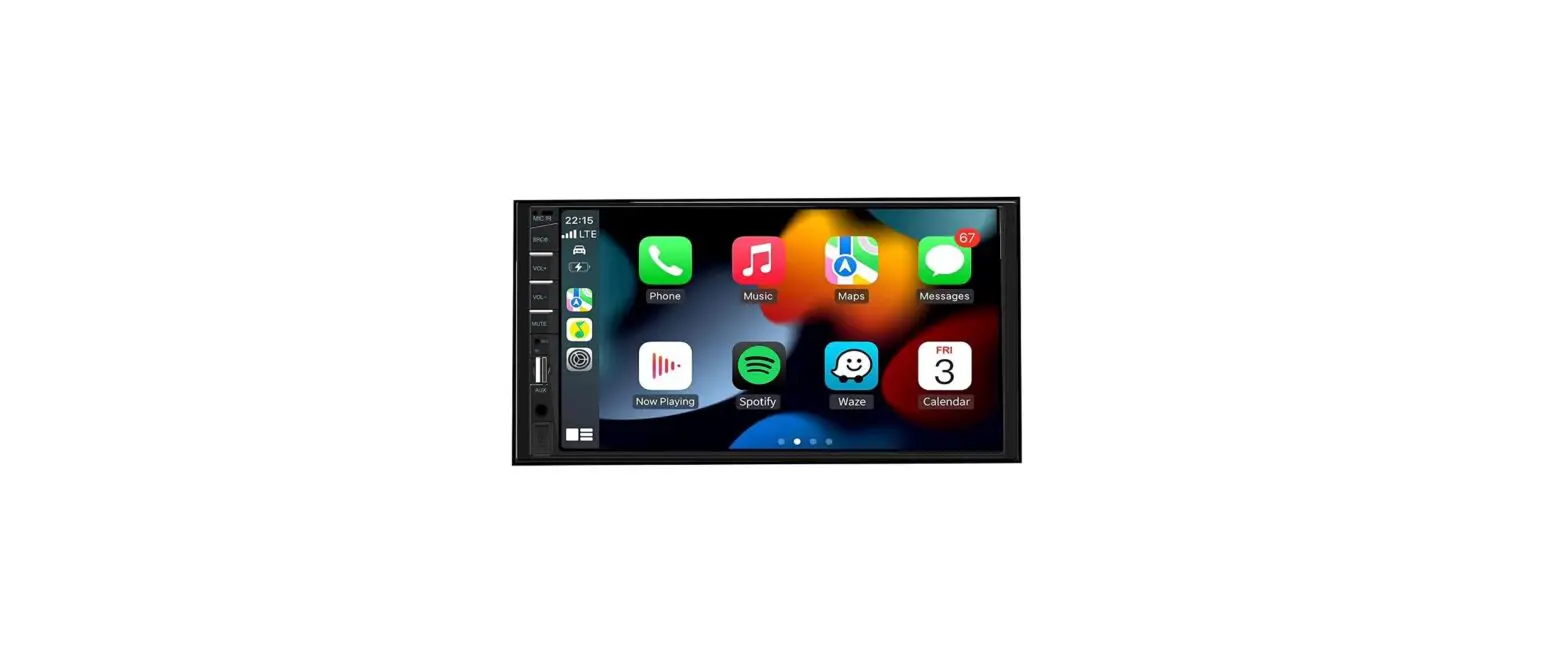
3.Carplay
Click the icon on the home screen to enter the Apple Carplay interface
In addition: after Bluetooth connection, the machine will automatically jump to the Carplay interface, but also do not need to operate
4.Multimedia application
This picture comes with its own application program. Customers can download and install their favorite application in the browser
Dr System resolution selection
Because the original car system is retained, when the original car can not display/display incomplete, the resolution needs to be adjusted. The specific operation is as follows:
Open
To open the resolution optionAs
shown in the picture
Judging method:
If there is any problem with debugging, consult after-sales technicians
Precautions for use
1. In order to enhance the viewing inside the carriage, the LCD screen of the monitor is exposed. Do not press the LCD screen, otherwise it may cause failure. When tapping the LCD screen, in addition to the touch screen coordinate correction, please be sure to tap with your fingers. Otherwise, you may chafe or get dirt.
2. When there is dust or dirt on the monitor on the clean screen, please first cut off the power supply and wipe gently with a soft cloth. When wiping the monitor, please pay attention to avoid being scratched by your nails. Do not use wet rags. Do not use volatile oil, thinner and other volatile drugs.
FCC Caution.
§ 15.19 Labelling requirements. This device complies with part 15 of the FCC Rules. Operation is subject to the following two conditions: (1) This device may not cause harmful interference, and (2) this device must accept any interference received, including interference that may cause undesired operation.
§ 15.21 Information to user. Any Changes or modifications not expressly approved by the party responsible for compliance could void the user’s authority to operate the equipment.
§ 15.105 Information to the user. Note: This equipment has been tested and found to comply with the limits for a Class B digital device, pursuant to part 15 of the FCC Rules. These limits are designed to provide reasonable protection against harmful interference in a residential installation. This equipment generates uses and can radiate radio frequency energy and, if not installed and used in accordance with the instructions, may cause harmful interference to radio communications. However, there is no guarantee that interference will not occur in a particular installation. If this equipment does cause harmful interference to radio or television reception, which can be determined by turning the equipment off and on, the user is encouraged to try to correct the interference by one or more of the following measures: -Reorient or relocate the receiving antenna. -Increase the separation between the equipment and receiver. -Connect the equipment into an outlet on a circuit different from that to which the receiver is connected. -Consult the dealer or an experienced radio/TV technician for help.
RF warning for Mobile device:
This equipment complies with FCC radiation exposure limits set forth for an uncontrolled environment. This equipment should be installed and operated with minimum distance 20cm between the radiator & your body.