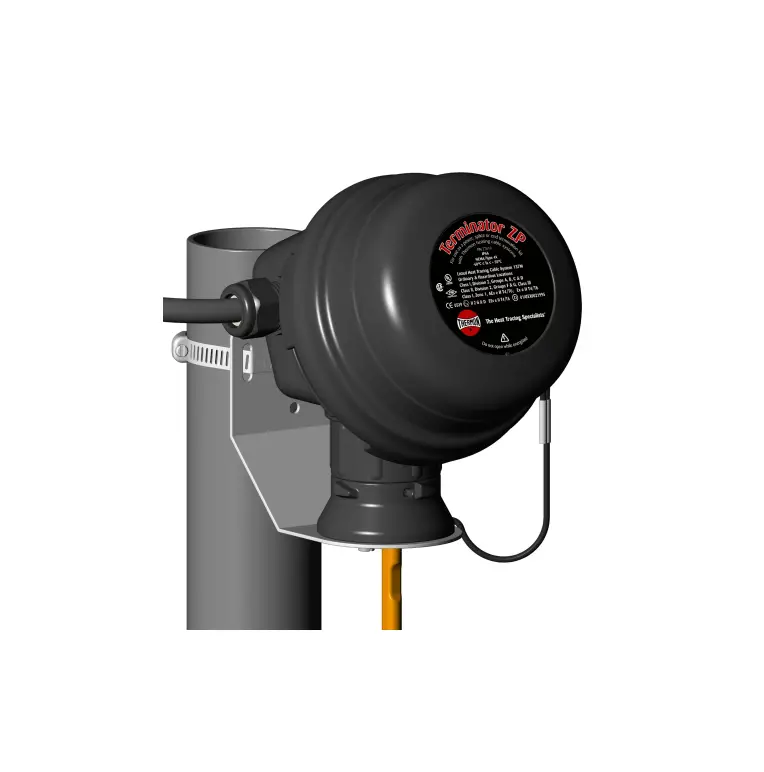
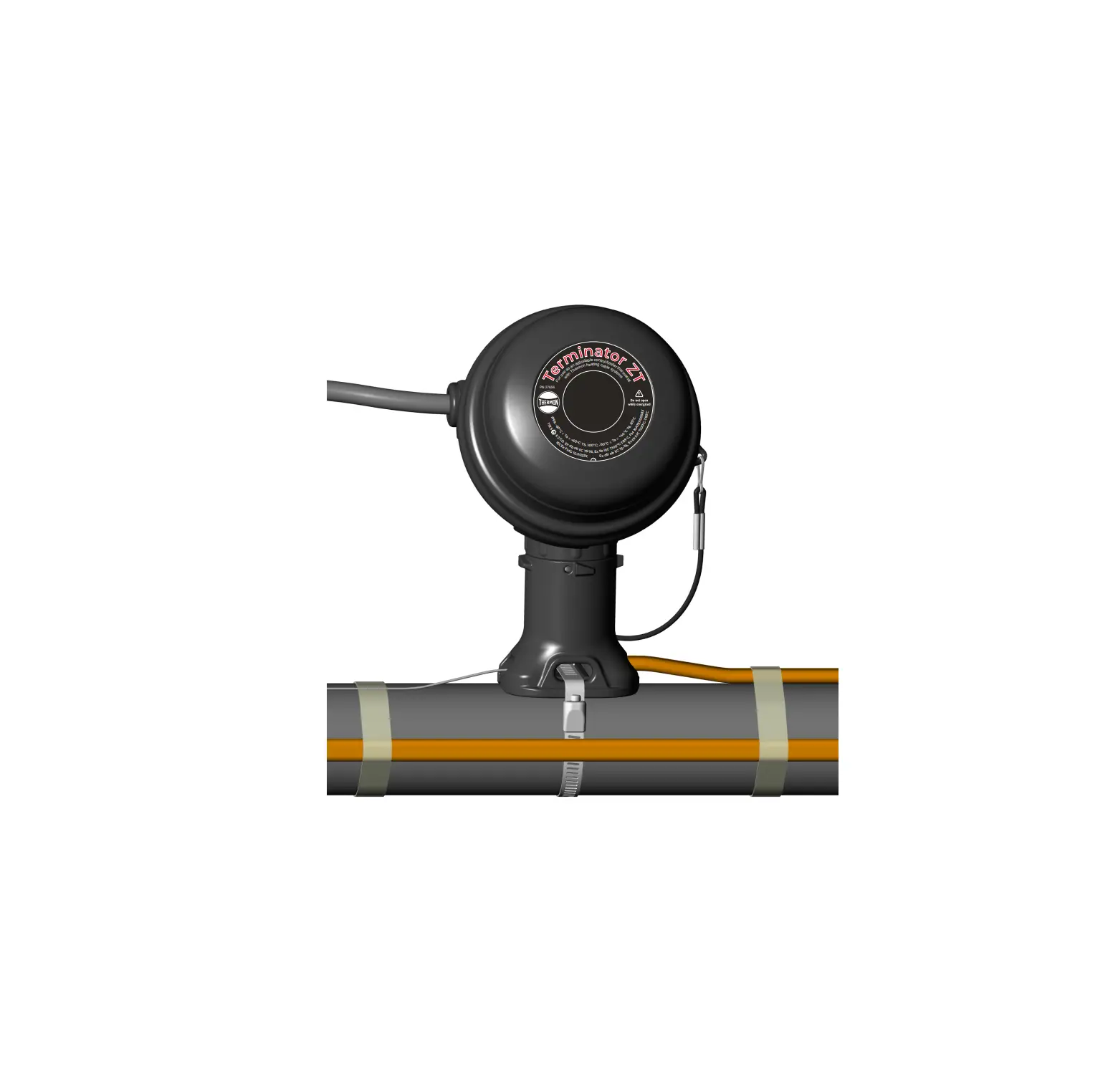
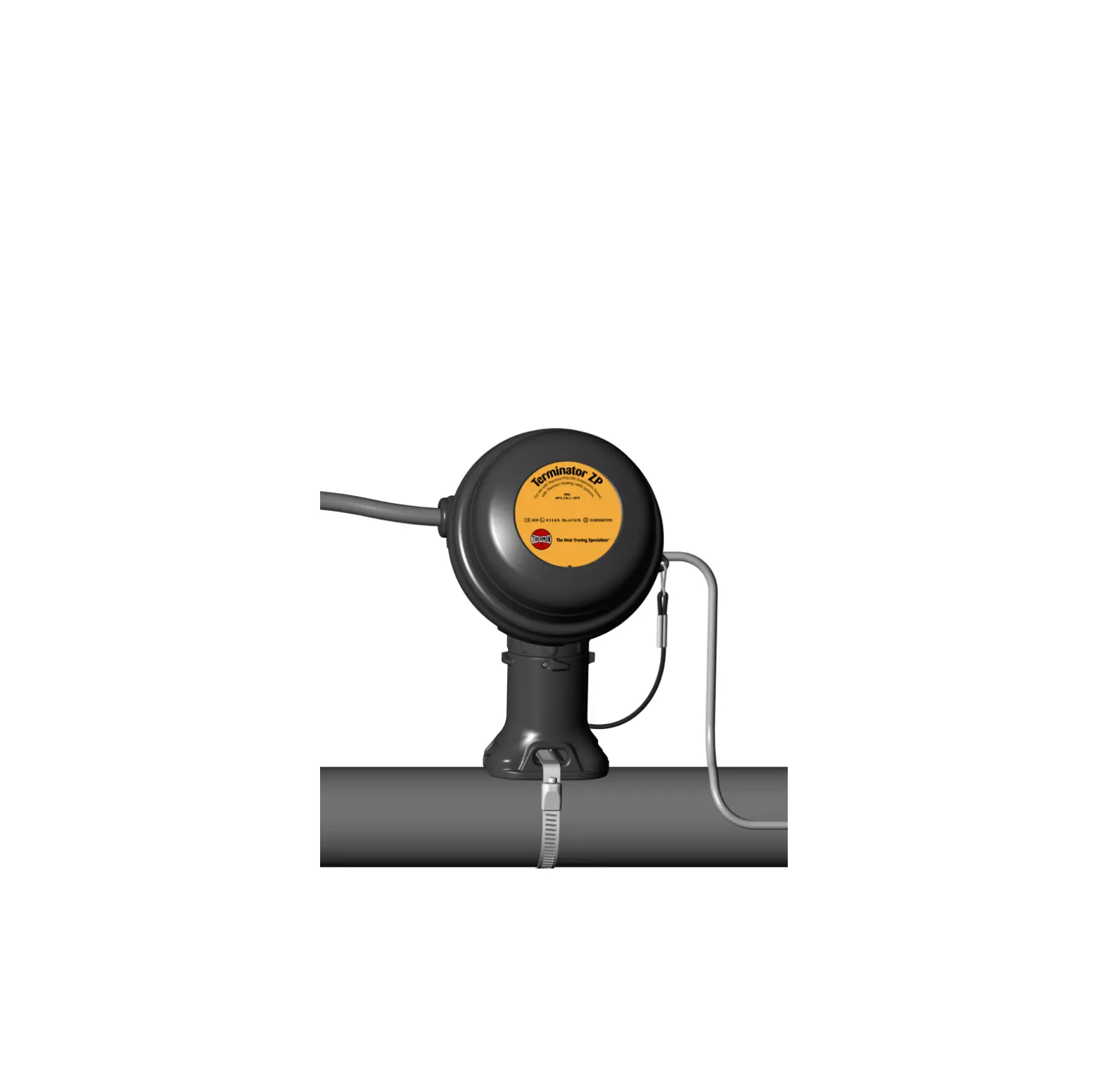
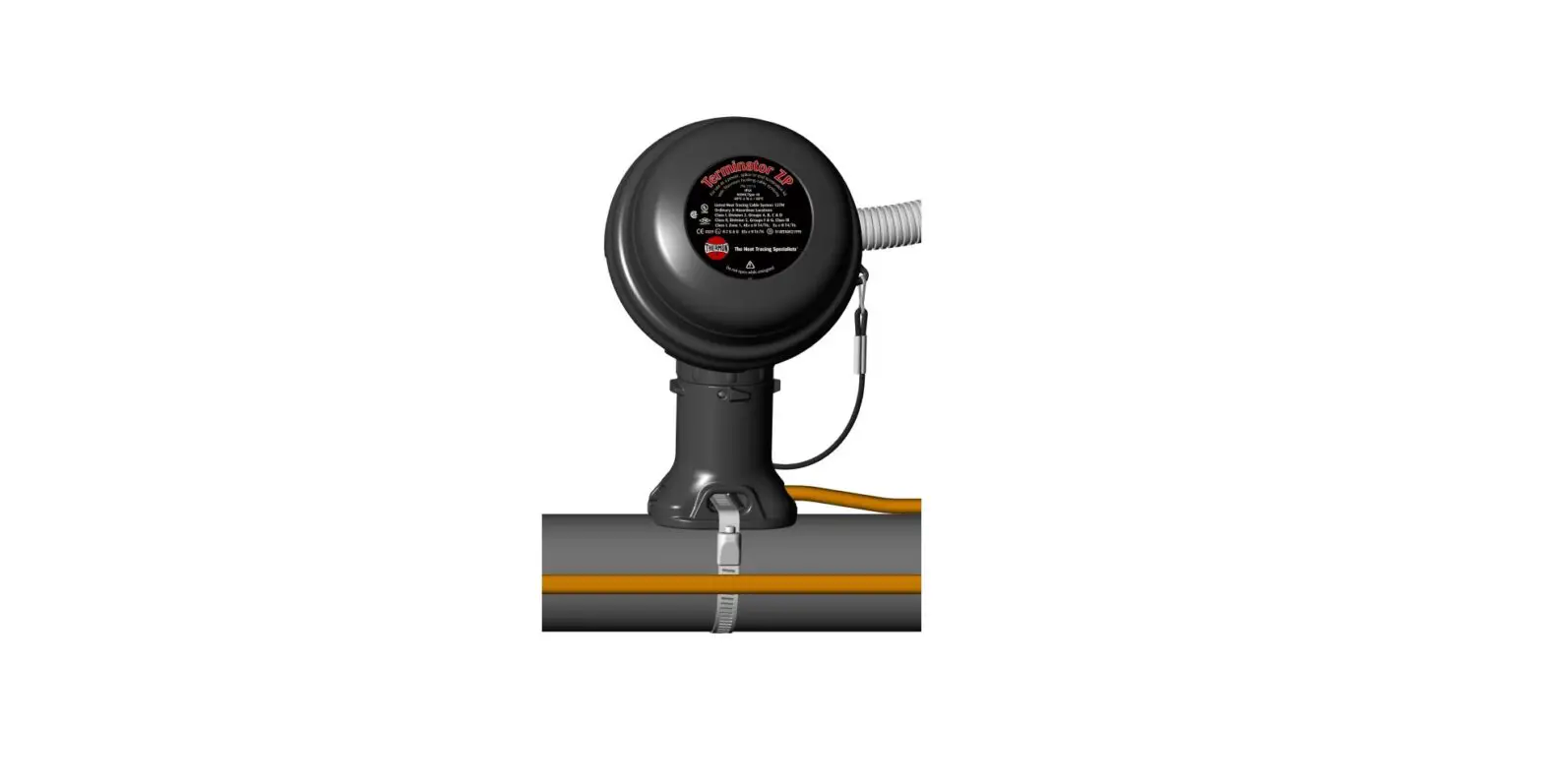
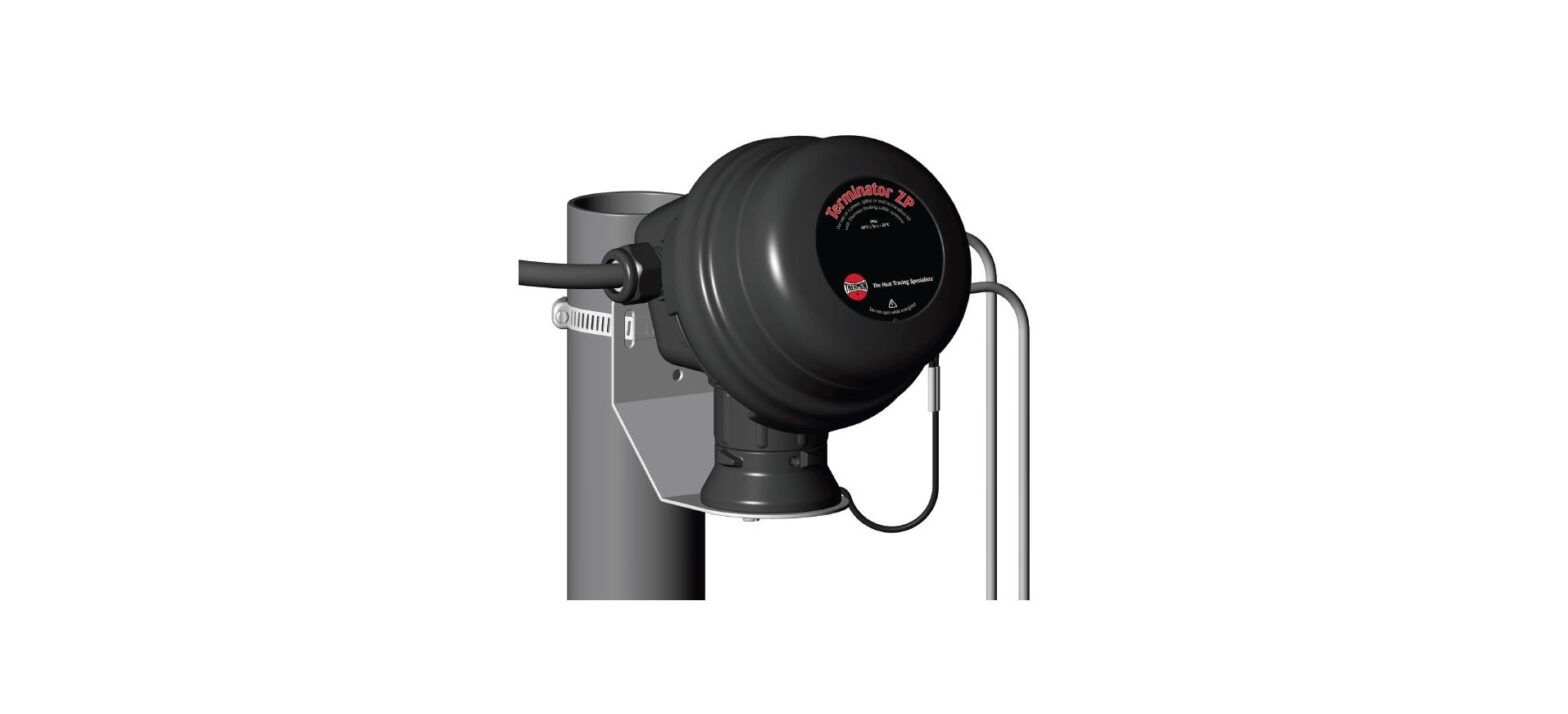
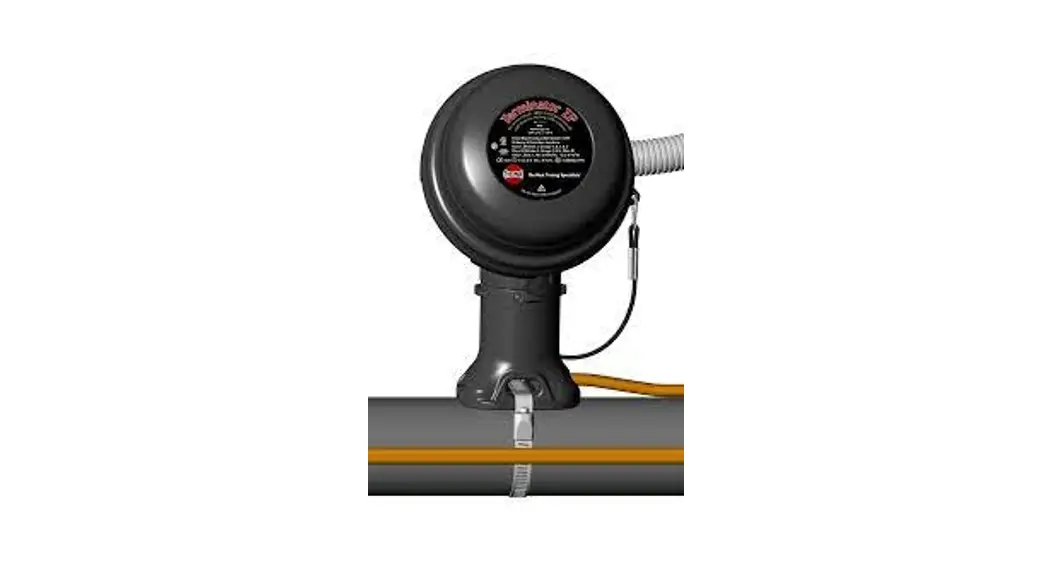
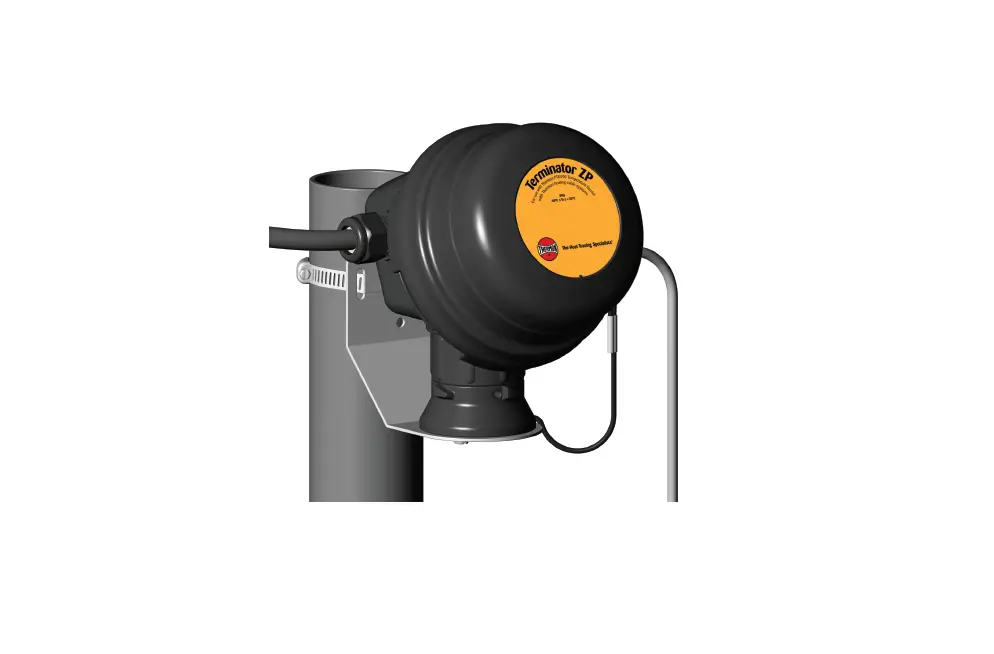
PN50852U Terminator ZP-Ambient-WP Thermostat Connection Kit
Product Information:
Product Name: TerminatorTM ZP-Ambient-WP
Thermostat Connection Kit
Product Type: Ambient Sensing Thermostat
Connection Kit
Model: ZP-Ambient-WP
Certifications/Approvals: FMG 10.0022X Ex eb mb
IIC T6…T4 Gb, 0344 II 2 G Ex eb mb IIC T6…T4 Gb, FM
10ATEX0058X
Dimensions: 155mm x 205mm x 206mm
Kit Contents:
| Item | Quantity | Description |
|---|---|---|
| 1 | 1 | Expediter Assembly |
| 2 | 1 | Support Cap with O-Ring |
| 3 | 1 | Threaded Grommet Compressor |
| 4 | 1 | Grommet Support Base with O-Ring |
| 5 | 1 | Junction Box Lid |
| 6 | 1 | Nut |
| 7 | 1 | Terminal Blocks with DIN Rail (Refer to terminal specifications for maximum allowable wire size) |
| 8 | 2 | Junction Box Cord |
| 9 | 1 | Blind Plug |
| 10 | 1 | Bracket |
| 11 | 3 | Screws |
| 12 | 3 | Washers |
| 13 | 1 | Ambient Temperature Sensor |
Tools Required:
- Terminator-LN-Tool (order separately)
Specific Conditions of Use:
Avoid electrostatic charge. Clean only with damp cloth.
Installation Procedures:
- Slide appropriate IEK insulation entry kit components onto
cable. - Mounting Method 1: Secure wall mount bracket
to mounting surface using pipe band provided with kits. - Mounting Method 2: Secure wall mount bracket
to mounting surface using customer supplied screws, flat washers,
and nuts. - Mount expediter to bracket using M5 x 8 mm screws and M5 lock
washers. - Locate bus connection (HPT and FP only) as shown. Cut end of
cable at angle to aid in piercing grommet. Leave additional cable
for expansion as needed. - Insert cable into expediter. Make sure bus connection (HPT and
FP only) remains outside of expediter. Note: For HPT and FP cable,
exchange grommet in Terminator with GRW-G provided in PETK-3. - Cut off end of cable.
- Terminate cable with appropriate PETK termination kit. Refer to
PETK installation instructions. - Push excess cable back through expediter. Tighten cap securely.
Tape cable expansion loop to pipe. - Mount junction box base on expediter. Make sure to align slots
to properly orient junction box base. Tighten nut with
Terminator-LN-Tool. If mounting horizontally, threaded gland holes
must face downward.
TerminatorTM ZP-Ambient-WP
Thermostat Connection Kit
INSTALLATION PROCEDURES
For Ambient Sensing Thermostat Connection Applications (Pilot Control or Direct Switching of 1-2 Heating Cables)
TerminatorTM ZP-Ambient-WP
The following installation procedures are suggested guidelines for the installation of the Terminator ZP-Ambient-WP Kit. For translations other than English and local language translation provided here, please contact Thermon. The English language installation procedure shall govern.
Kit Contents
1
2
r ZP ermbloesstyast tSeemnssor
Do
Terminato For usweitwhitThhTehrmeromnohneAamtinbgiecnat Th
0539 II 2 G & D EEx e II T4/T6
01ATEX0021995
not open while energized
4 7
5 6
Order Separately
IEK Insulation Entry Kit (per cable)
IEK-SXL: for RSX, VSX-HT
IEK-SXM for BSX
IEK-SXS for KSX, HTSX, USX
IEK-HPT for HPT
Dimensions
155 mm
205 mm
3
8
10
12 11 9
Item Quantity
Description
Expediter Assembly
Support Cap with O-Ring
1
1
Threaded Grommet Compressor
Grommet
Support Base with O-Ring
2
1
Junction Box Lid
3
1
Junction Box Base with O-Ring
4
1
Nut
5
1
Banding
Terminal Blocks with DIN Rail
6
1
(Refer to terminal specifications for
maximum allowable wire size)
7
1
Junction Box Cord
8
2
Blind Plug
9
1
Bracket
10
3
Screws
11
3
Washers
12
1
Ambient Temperature Sensor
Order Separately PETK Power and End Termination Kits (per cable) PETK-1 for RSX, VSX-HT, BSX PETK-2 for KSX, HTSX, USX PETK-3 for HPT, FP
1
2
3
4
5
6
7
8
9
Item 1 2 3 4 5 6 7 8 9
Quantity 1 1 2 1 1 1 1 1 1
Description RTV Tube Power Connection Boot Conductor Wire Pins Braid Wire Pin Ground Sleeve End Cap Tape Strip (PETK-3 only) GRW-G Grommet (PETK-3 only) End Termination Caution Label
206 mm
43 mm
Warnings · Due to the risk of electrical shock, arcing and fire
caused by product damage or improper usage, installation or maintenance, a ground-fault protection device is required. · Installation must comply with Thermon requirements (including form PN 50207U for Ex systems) and be installed in accordance with the regulations as per the norm EN IEC 60079-14 for hazardous areas (where applicable), or any other applicable national and local codes. · Component approvals and performance ratings are based on the use of Thermon specified parts only. · De-energize all power sources before opening enclosure. · Avoid electrostatic charge. Clean only with a damp cloth. · Keep ends of heating cable and kit components dry before and during installation. · Minimum bending radius of heating cable is 32 mm (except HPT is 57 mm and FP is 19 mm). · The thermostat must be protected with an IECEx/ ATEX certified max. 16A circuit breaker (fuse) on power lead. · Individuals installing these products are responsible for complying with all applicable safety and health guidelines. Proper Personal Protective Equipment (PPE) should be utilized during installation. Contact Thermon if you have any additional questions.
Tools Required
3 mm 8 mm
Terminator-LN-Tool (order separately)
28 mm 33 mm
Specific Conditions of Use
Avoid electrostatic charge. Clean only with damp cloth.
Certifications/Approvals
IP66 -50°C Ta +50°C Ordinary & Hazardous Locations
FMG 10.0022X Ex eb mb IIC T6…T4 Gb
0344
II 2 G Ex eb mb IIC T6…T4 Gb, FM 10ATEX0058X
2
INSTALLATION PROCEDURES
1. Slide appropriate IEK insulation entry kit
components onto cable.
2a. Mounting Method 1: Secure wall mount
bracket to mounting surface using
pipe band provided with kits.
2b.
Mounting Method 2: Secure wall mount bracket to mounting surface using customer supplied screws, flat washers, and nuts.
3. Mount expediter to bracket using M5 x 8
mm screws and M5 lock washers.
4. Locate bus connection (HPT and FP
only) as shown. Cut end of cable at angle to aid in piercing grommet. Leave additional cable for expansion as needed.
5. Insert cable into expeditor. Make sure
bus connection (HPT and FP only) remains outside of expediter.
Note: For HPT and FP cable, exchange grommet in Terminator with GRW-G provided in PETK-3.
6. Cut off end of cable.
7. Terminate cable with appropriate PETK
termination kit. Refer to PETK installation
instructions.
8. Push excess cable back through
expediter. Tighten cap securely. Tape
cable expansion loop to pipe.
9. Mount junction box base on expediter.
Make sure to align slots to properly orient junction box base. Tighten nut with Terminator-LN-Tool. If mounting horizontally, threaded gland holes must face downward.
10. Install M25 power gland (order
11.
separately) and M25 blind plug. For
in-line splice, T-splice, or end
termination, install additional
M25 blind plug (order M25-B-EXE
separately) instead of M25 power gland.
Install ambient temperature sensor.
3
TerminatorTM ZP-Ambient-WP
INSTALLATION PROCEDURES
12. Install power cable.
13. Install quick mount terminal blocks
and tighten screws (if necessary).
14. Complete system wiring. Terminal set
screws shall be tightened to a torque value of 1.4 Nm (12.4 lb-in). See page 5 for wiring details.
nnatAhmebaiteinngt or ZP Tchaebrlemsoysstatet mSesnsor
Term For use i with
wTihtherTmhoenrmo
0539
EEx e II T4/T6 II 2 G & D
nergized
01ATEX0021995
Do not open while e
15. Install junction box lid and twist hand
tight. Insert screwdriver into ratchet slots located on side of junction box base.
16. Use screwdriver to ratchet on junction
box lid. Lid will rotate 30 degrees. To remove lid, repeat steps 15 and 16 but in the opposite direction.
17. Install IEK insulation entry kit to seal
heating cable penetration through
insulation cladding.
Wiring Details
Pilot Control
Direct Cable Switching (1 to 2 Heating Cables)
In order to avoid EMI issues with a temperature controller, the shield of the control wire shall be connected to the instrumentation earth only. Do not connect the control wire shield in the junction box.
European Headquarters: Boezemweg 25 · PO Box 205 · 2640 AE Pijnacker · The Netherlands · Phone: +31 (0) 15-36 15 370 Corporate Headquarters: 100 Thermon Dr · PO Box 609 San Marcos, TX 78667-0609 · Phone: 512-396-5801 · 1-800-820-4328 For the Thermon office nearest you visit us at . . . www.thermon.com
Form PN50852U-0222
© Thermon, Inc. · Printed in U.S.A. · Information subject to change.
 World Leader in Industrial Process Heating | Thermon