 GN-70
GN-70
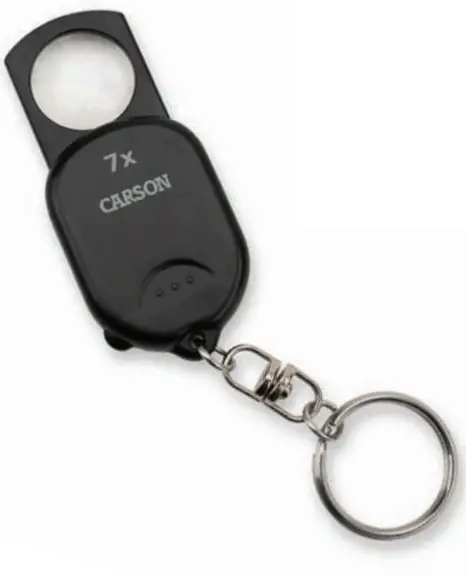
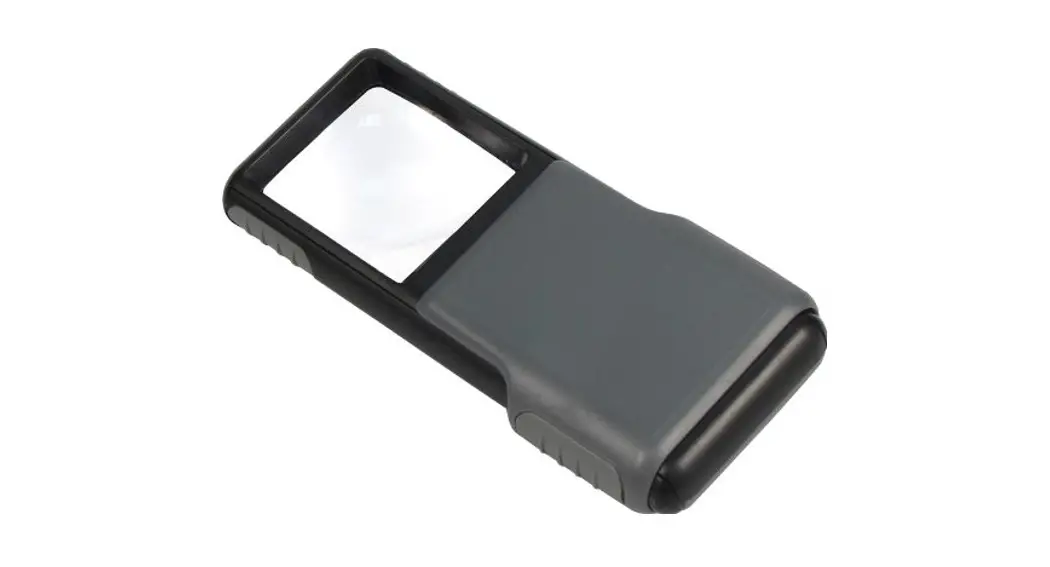
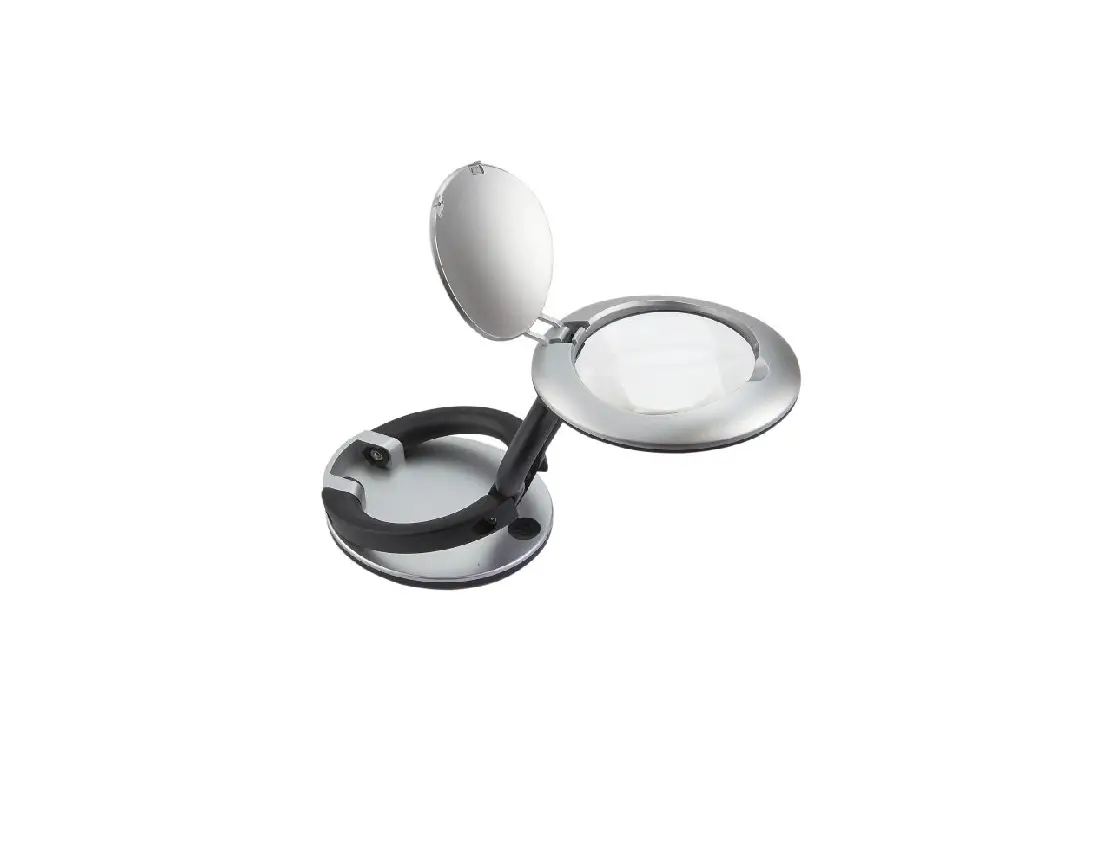
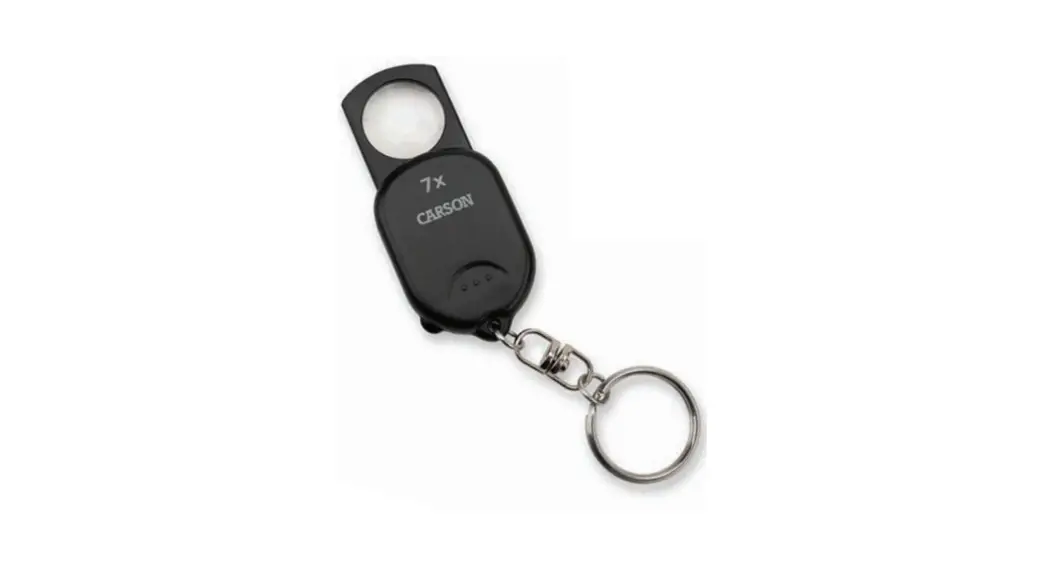
Pop Up Keychain Magnifier™
7x Magnification
Congratulations on selecting your new Pop Up Keychain Magnifier!
In order to achieve optimum performance, please follow instructions for proper use and care.
PRODUCT SPECIFICATION
| Magnification: | 7x |
| Weight: | 0.2 lbs |
| Dimensions: | 1.1″ x 0.3″ x 2.3″ |
USING KEYCHAIN MAGNIFIER
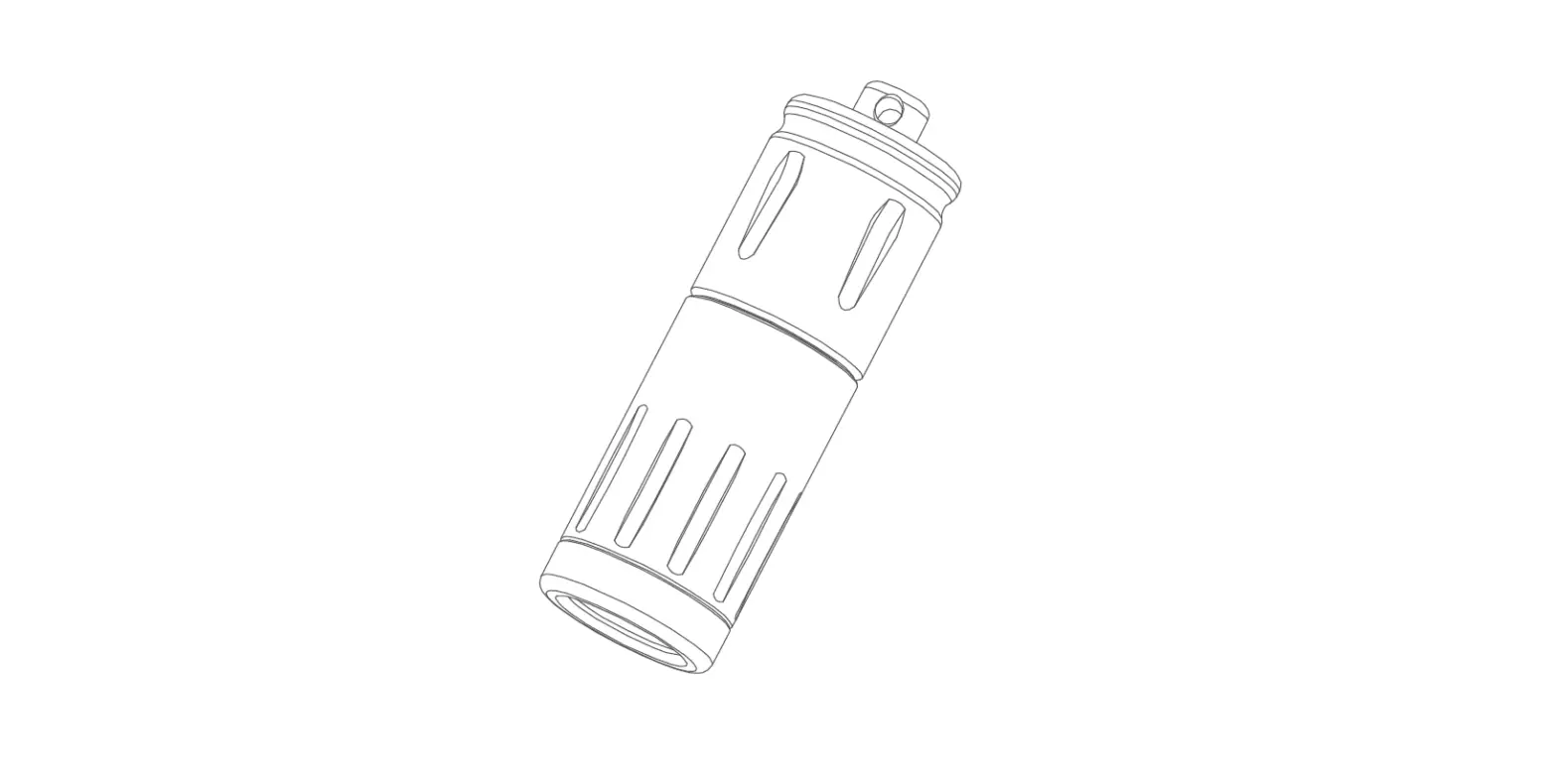
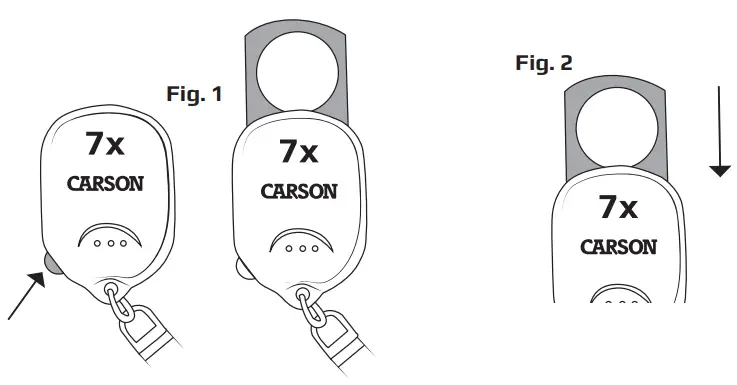
- To open magnifier, push spring-loaded button on bottom left to extend magnifier out (Fig 1).
- Place magnifier over the object you are viewing.
For Best Results: Depending on your vision, you may need to move the magnifier closer or further away until object is in focus. - To close magnifier, gently push top of magnifier down into protective housing (Fig. 2).
CARE
Clean using microfiber lens cloth. Do not use any abrasives, chemical cleaners, or solvents.
Customer Service:
If you experience any difficulties, please contact us and we will be happy to help you.
 |  [email protected] [email protected] |
 | [email protected] |
 | [email protected] |
For warranty information, visit www.carson.com/warranty
www.carson.com
Carson Optical 2070 5th Avenue, Ronkonkoma, NY 11779 | Tel: 631-963-5000
 Carson Optical