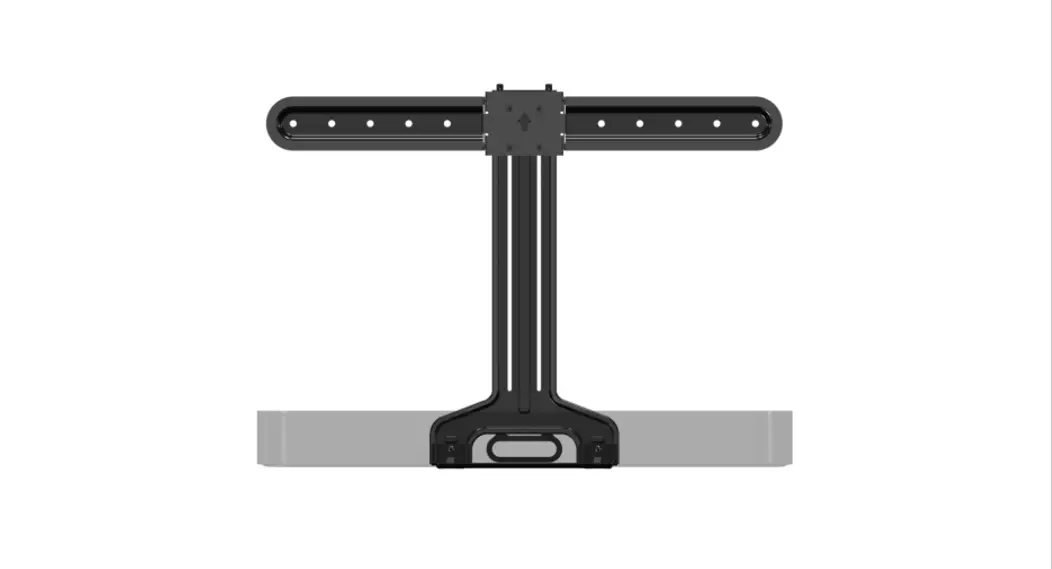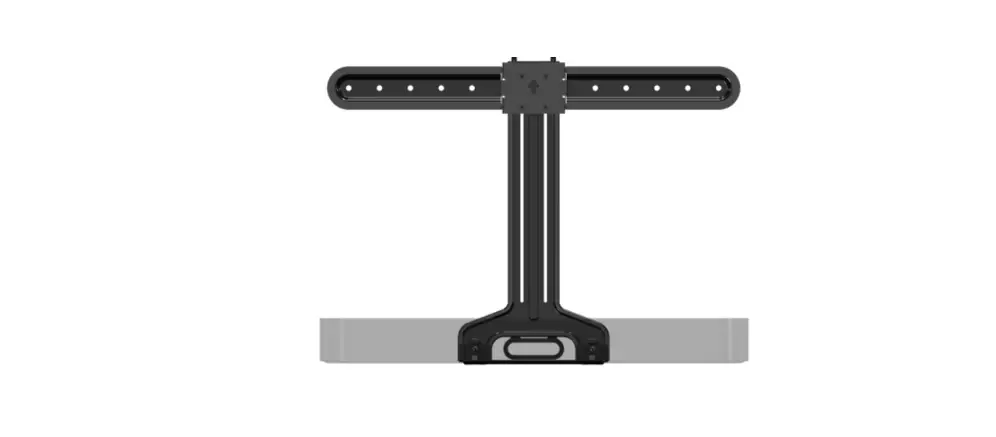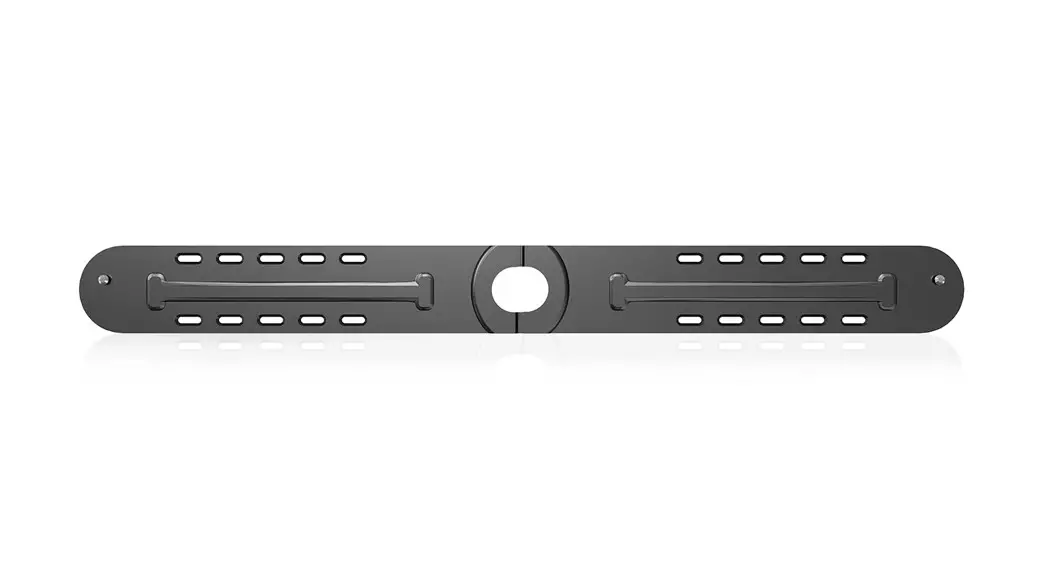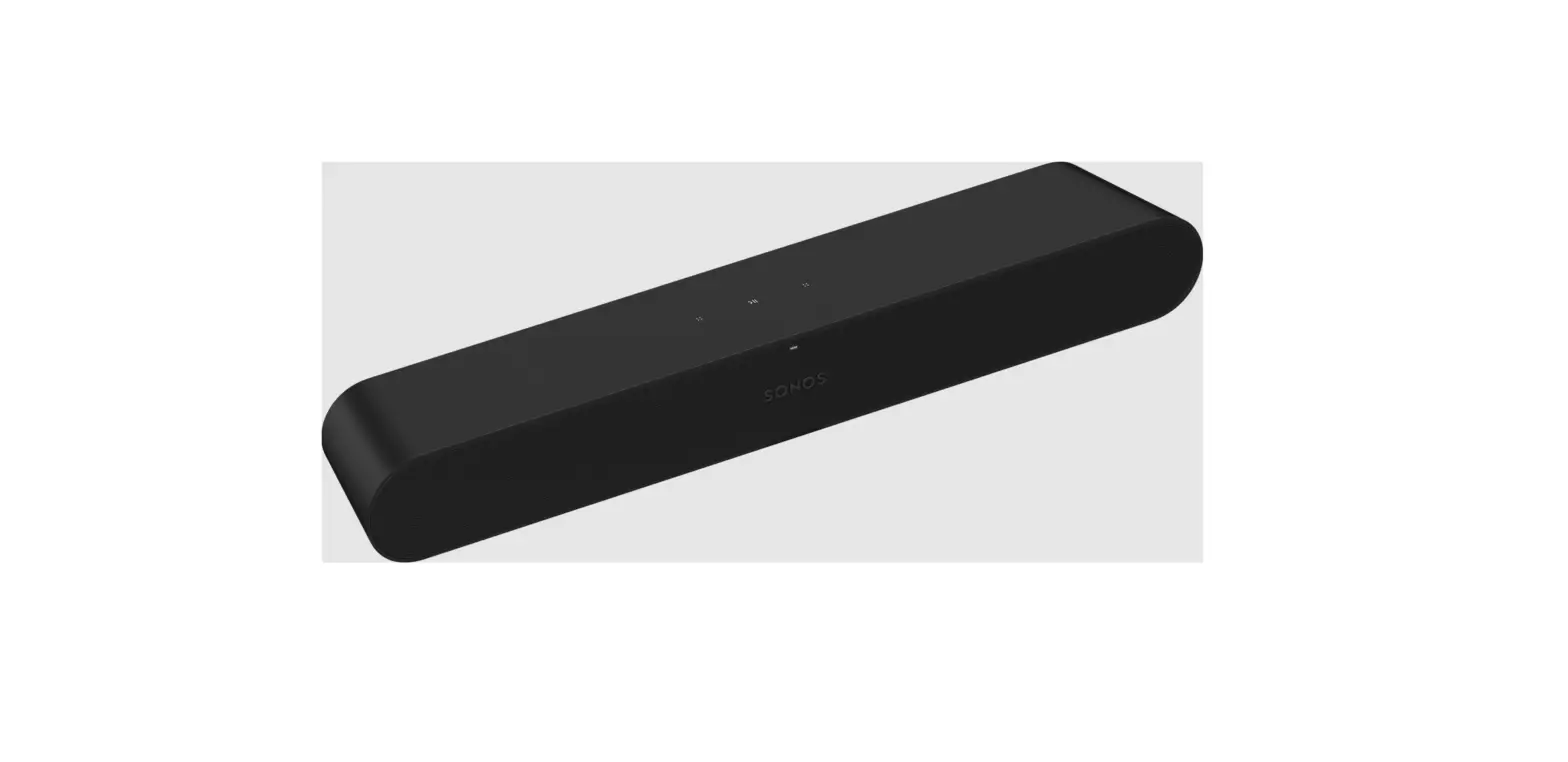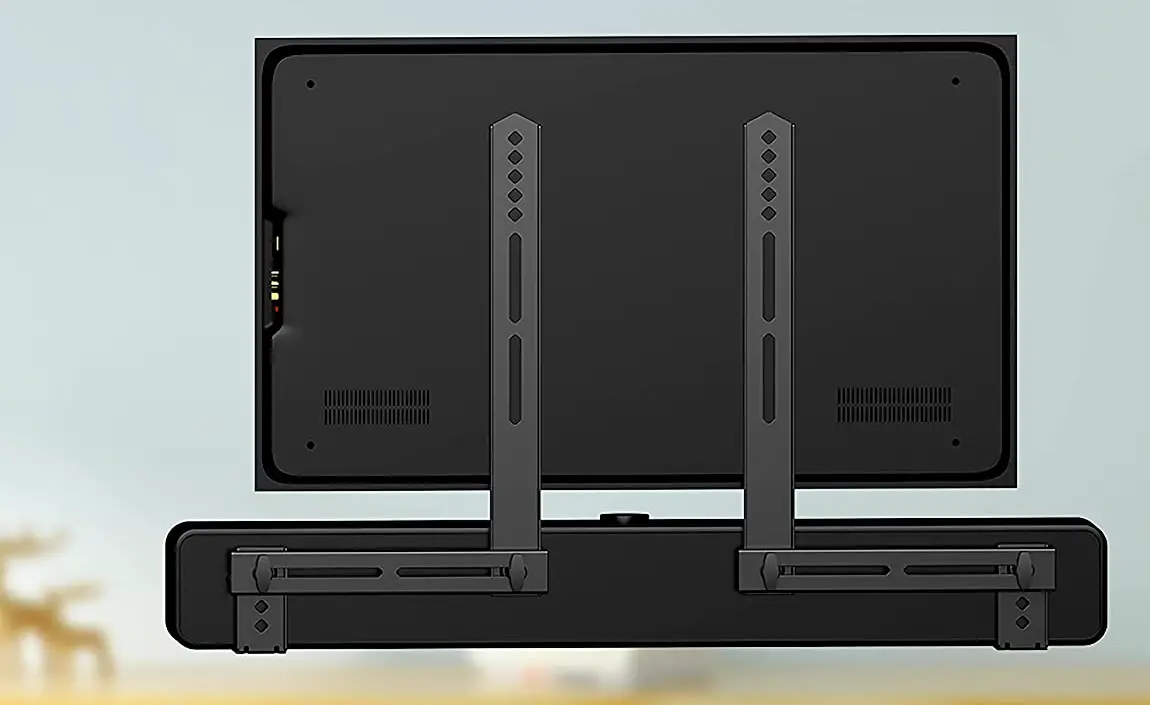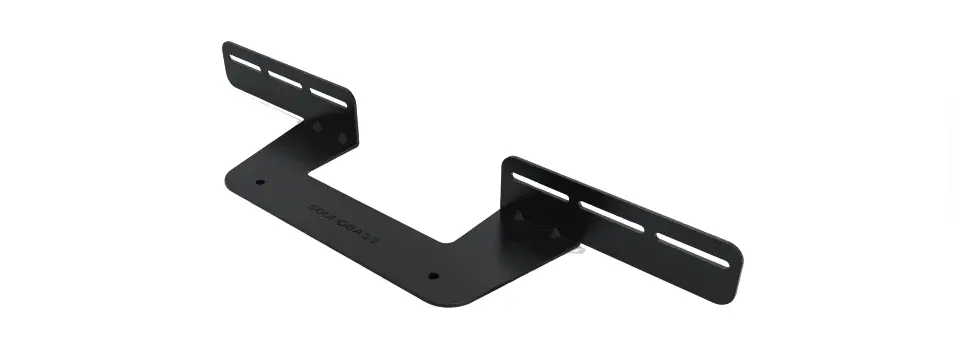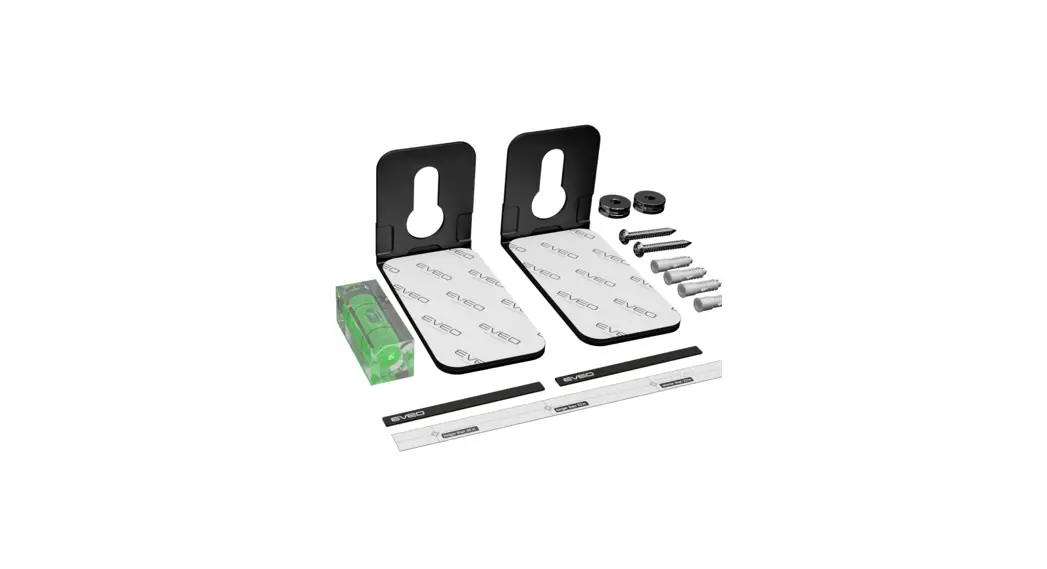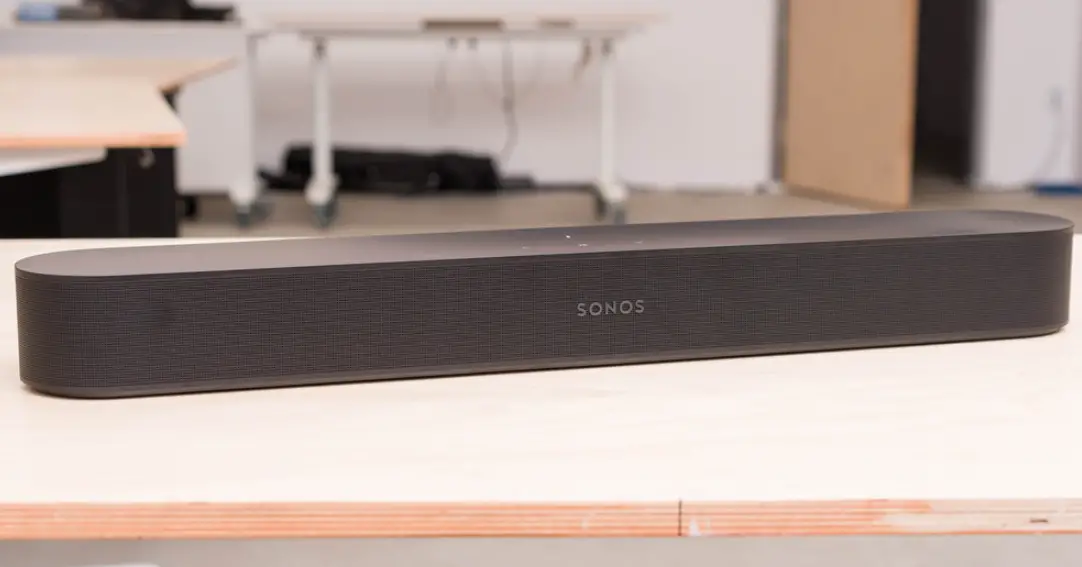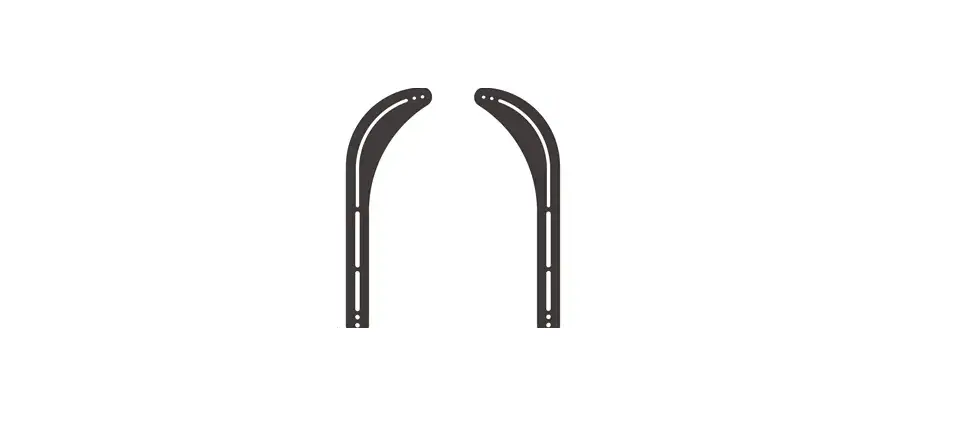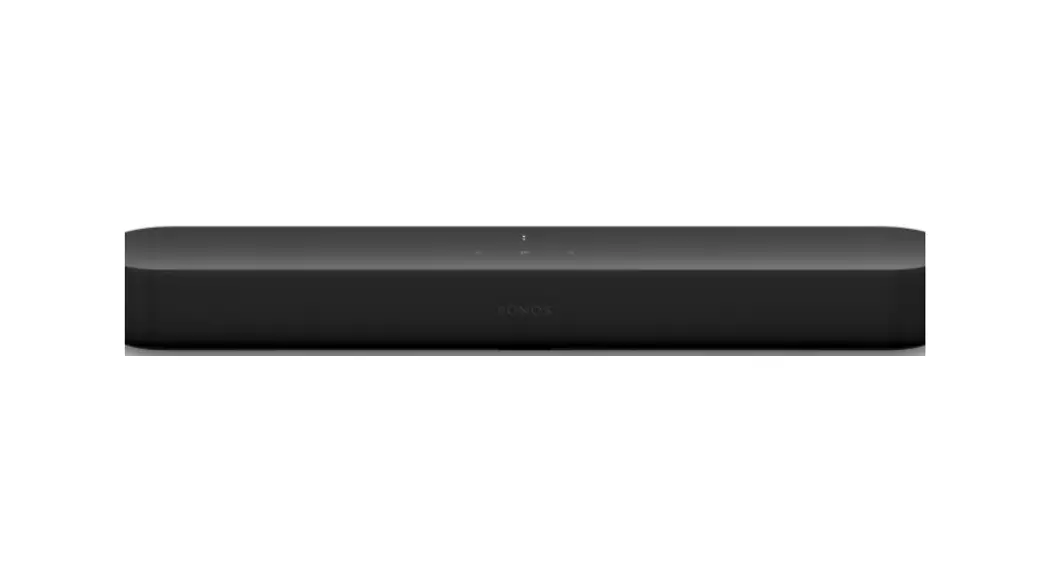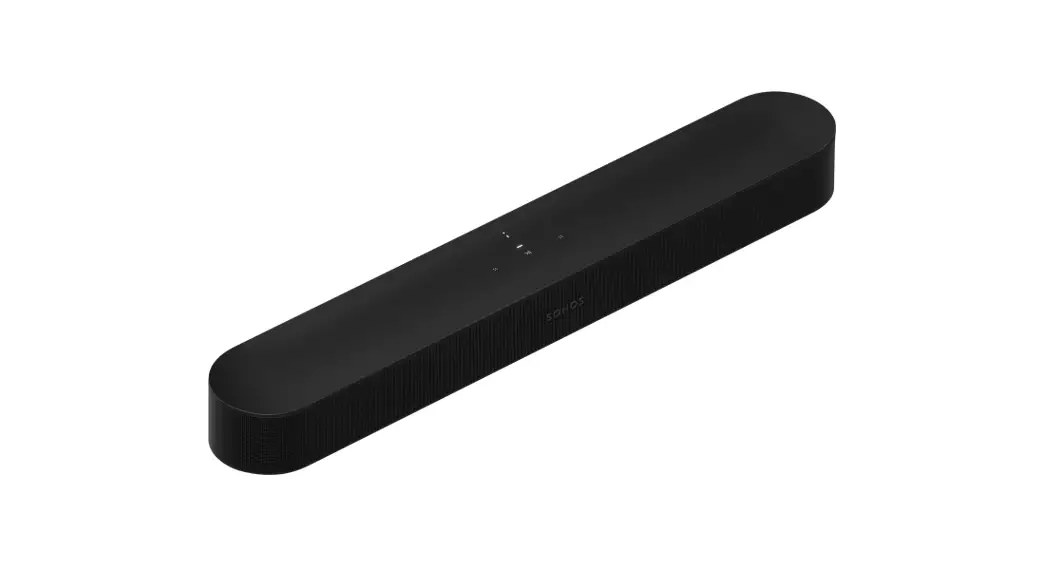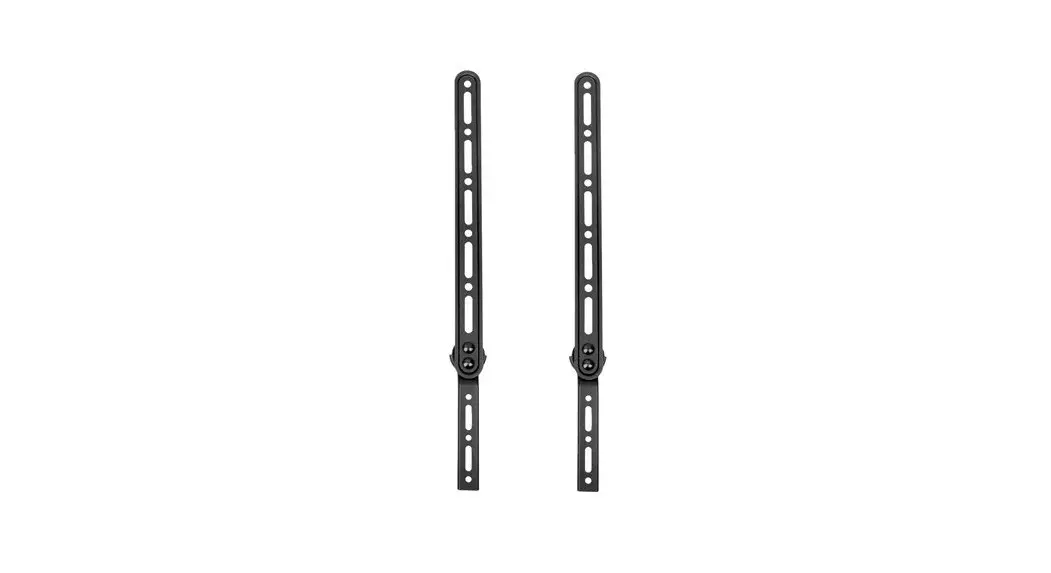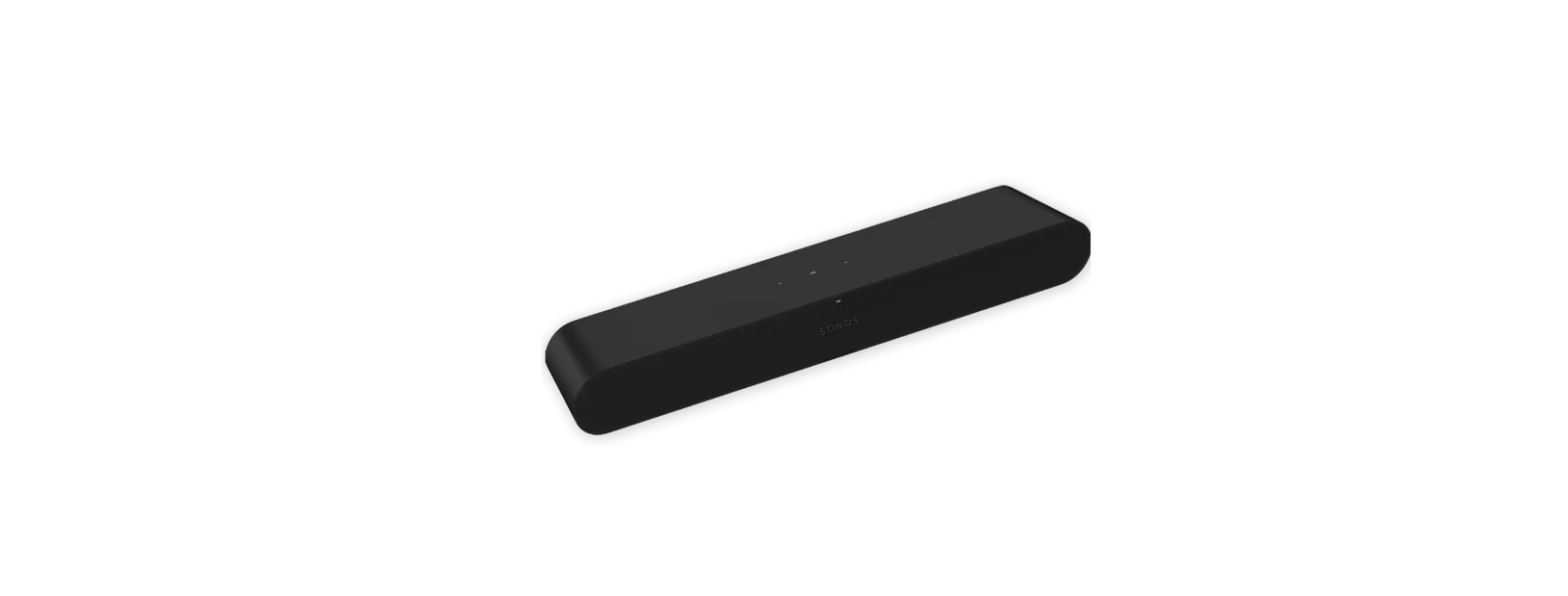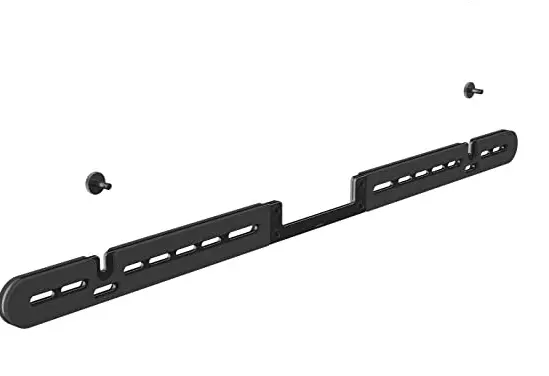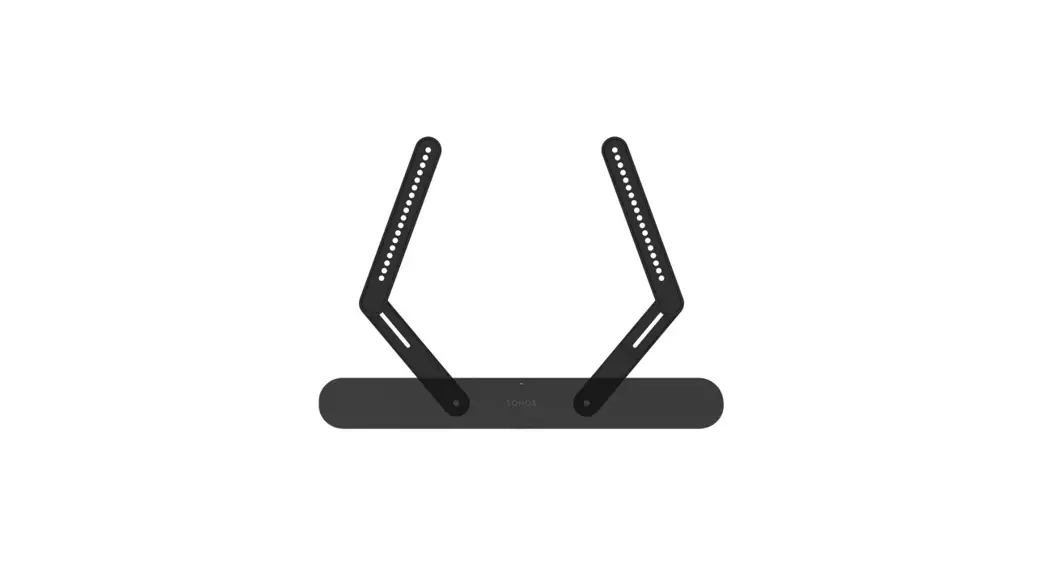
 SOUNDBAR MOUNT DESIGNED FOR Sonos Ray
Instruction Manual
WE’RE HERE TO HELP
If you have any questions along the way, just give us a call or visit SANUS.com
US: +1 (800) 359-5520
IMPORTANT SAFETY INSTRUCTIONS
SAVE THESE INSTRUCTIONS – PLEASE READ THE ENTIRE MANUAL PRIOR TO USE
 Before getting started, let’s make sure this mount is perfect for you!
- Your TV, soundbar, soundbar mount, and any accessories you plan to install DO NOT EXCEED the specified weight limit of your TV or TV wall mount.
- Refer to the documentation that came with your soundbar, your TV, and your TV wall mount for additional guidance.
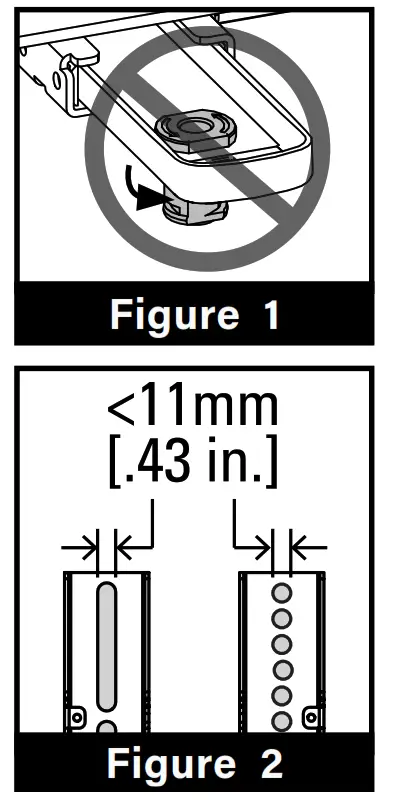
- You CAN NOT use this product if your TV mount’s interface bracket: includes built-in/integrated spacers (Figure 1), or the mounting holes/ slots are greater than 11mm [.43 in.] (Figure 2).
 WARNING:
- This soundbar mount is only designed for use with TV wall mounts that meet third-party safety certifications (UL Certified).
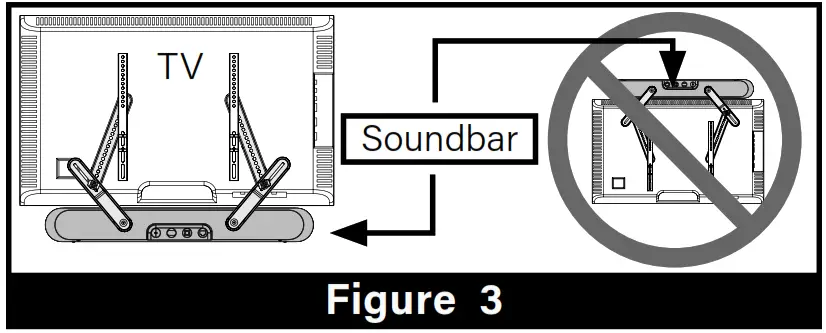
- This soundbar mount is ONLY designed to mount below the television (Figure 3).
- This soundbar mount is designed to be installed and utilized only as specified in this manual. The manufacturer is not responsible for improper assembly, use, or handling of this product.
- For wall-mounted TVs: Your wall must be capable of supporting five times the weight of your TV, TV mount, and soundbar combined.
- Failure to follow these instructions could result in an unstable situation that may result in property damage or personal injury.
If you have any questions, please contact customer service.
US: +1 (800) 359-5520
UK: +44 (0) 800 056 2853
EMEA: +31 (0) 495 580 852
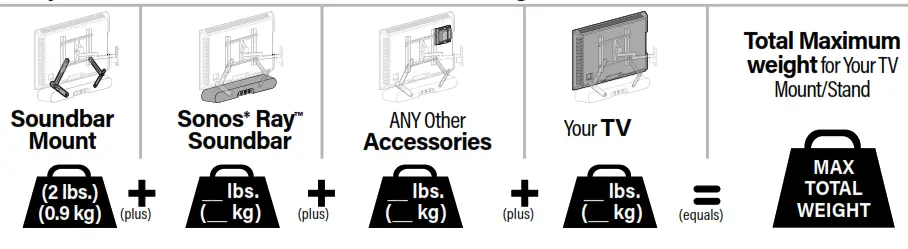
Weight Restrictions
Weight Limit for WSSAFM1-B2 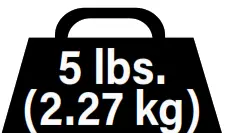 DO NOT EXCEED 5 lbs. (2.27 kg) for this Soundbar Mount.
TOTAL Weight Limit for Your TV Mount/Stand
CAUTION: Avoid potential personal injuries and property damage!
The weight of your TV/ this soundbar mount/your soundbar/any accessories MUST BE LOWER than the maximum weight rating of your TV mount.
See your TV mount’s manual for maximum weight allowed.
Tools Needed
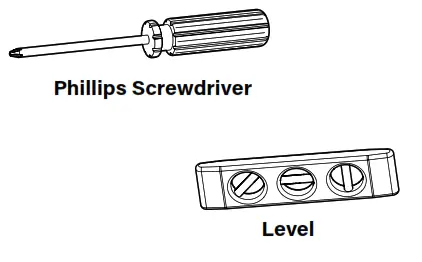 | 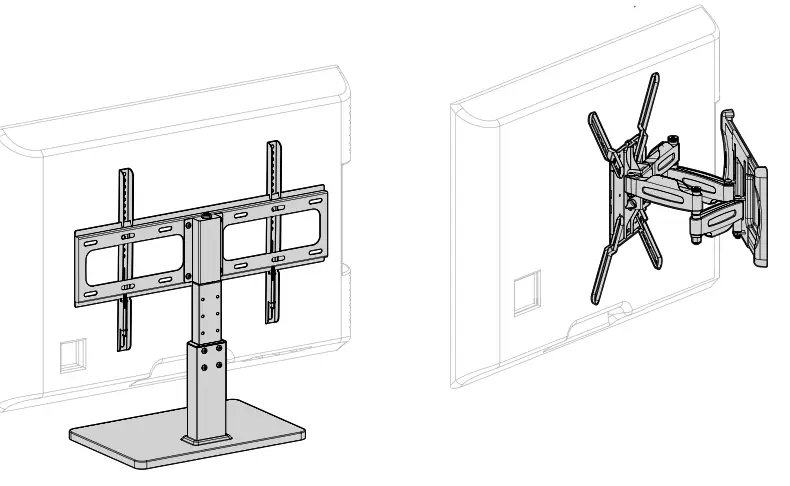 | 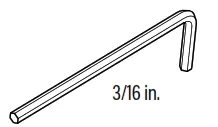 |
| Phillips Screwdriver. | 3rd Party Certified TV stand or Wall Mount** | INCLUDED |
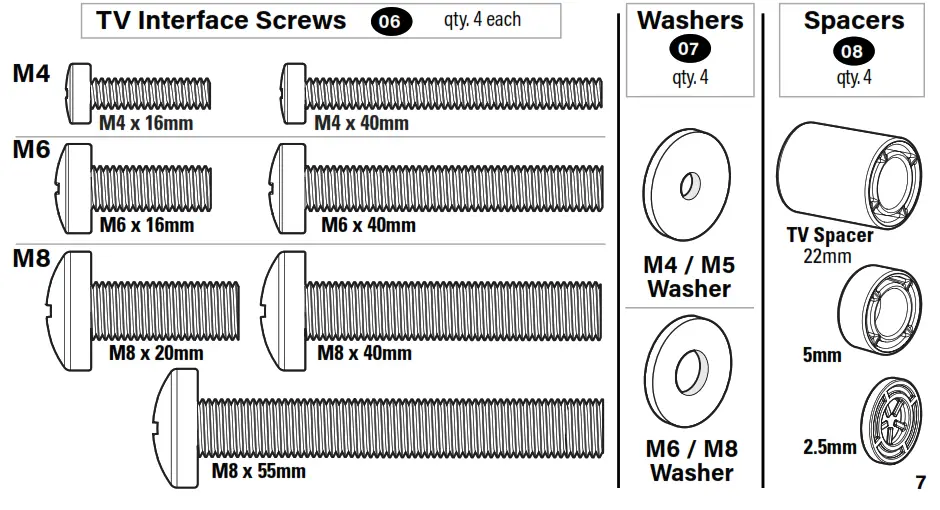
Supplied Parts and Hardware WARNING: This product contains small items that could be a choking hazard if swallowed. Before starting assembly, verify all parts are included and undamaged. If any parts are missing or damaged, do not return the damaged item to your dealer; contact Customer Service. Never use damaged parts! NOTE: Not all hardware included will be used.
Parts and Hardware for STEP 3
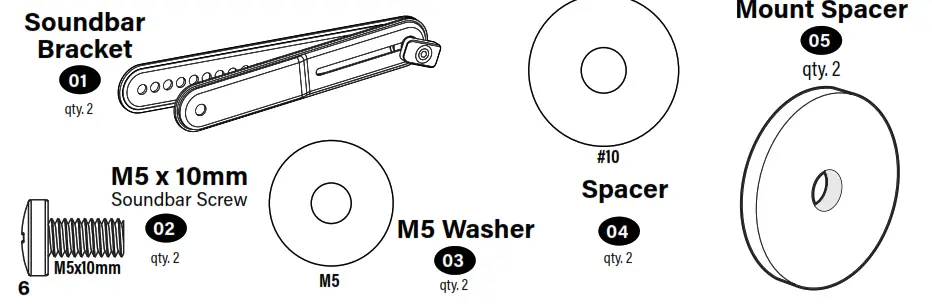
Parts and Hardware for STEP 3
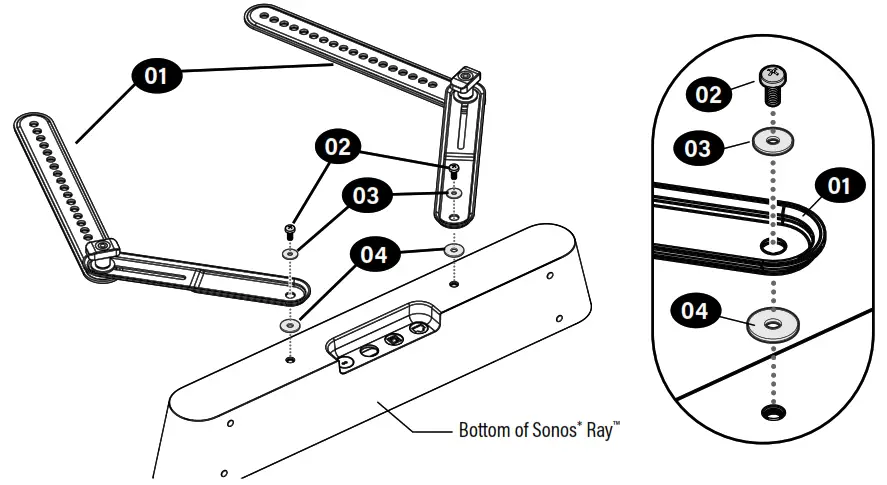
STEP 1 Install Brackets on Sonos * Ray ™
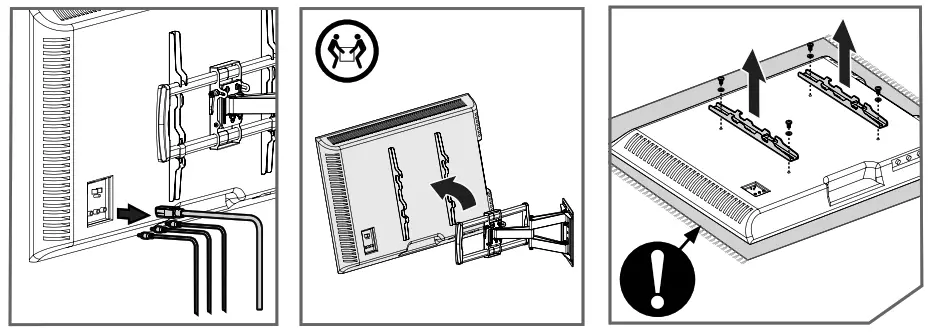
STEP 2 Position Sonos * Ray ™ Soundbar
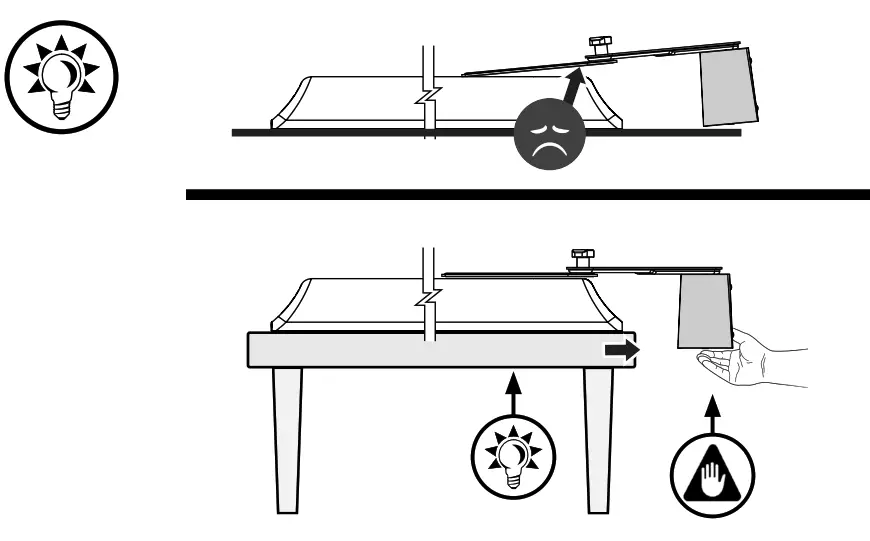
STEP 2.1 Prep Your TV (if mounted on a wall or stand) CAUTION: Follow your TV mount’s manual for instructions on how to safely remove your TV and TV bracket.
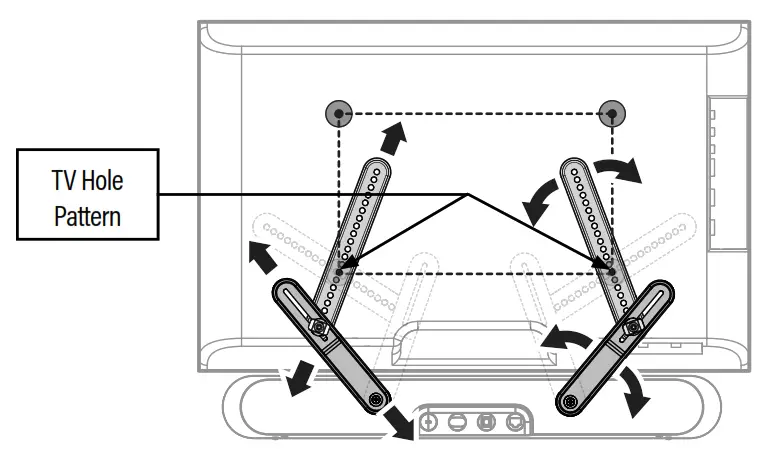
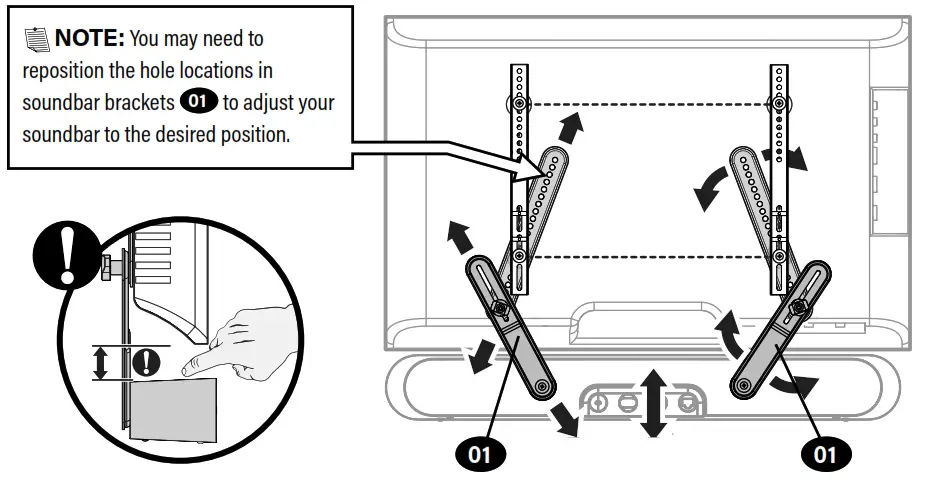
STEP 2.2 Adjust Soundbar Mount to Match Your TV (VESA) Hole Pattern
 |  |
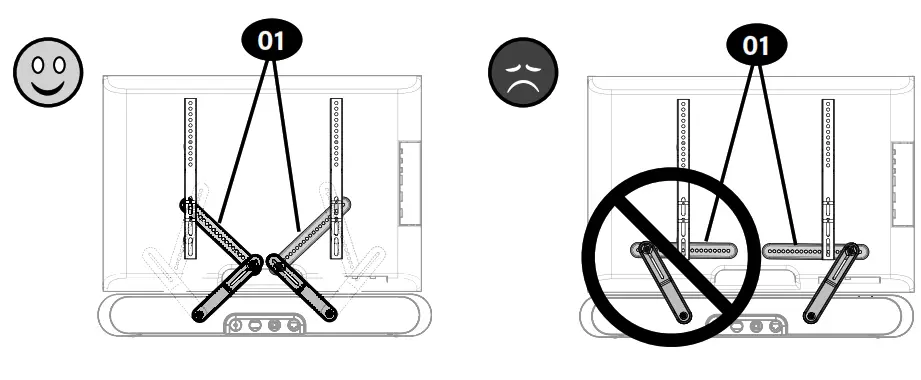
NOTE: Position the soundbar brackets 01 as vertically as possible.
STEP 3Install Sonos * Ray ™ Soundbar Mount to Your TV
TV Screw Diameter
Only one screw size 06 fits your TV.
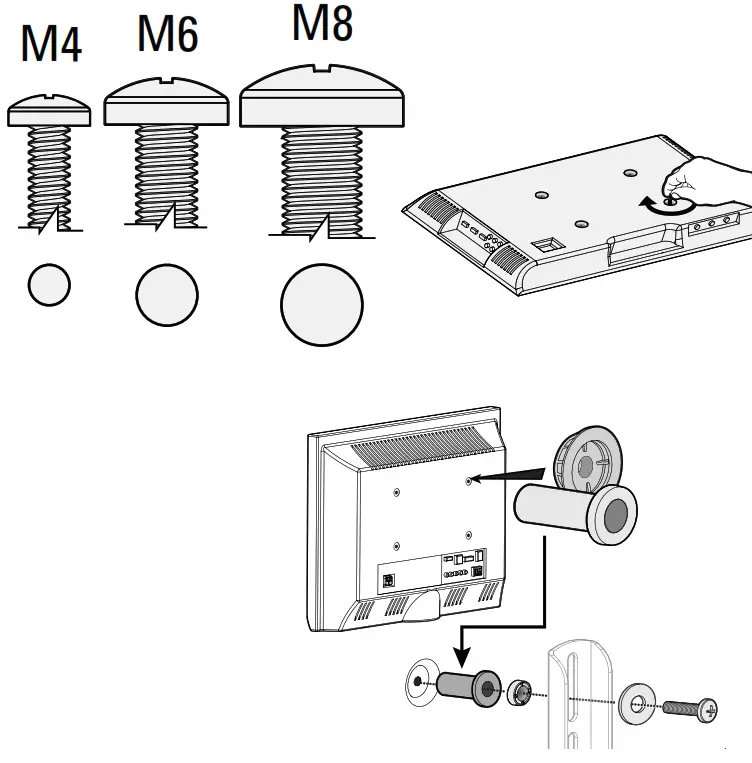
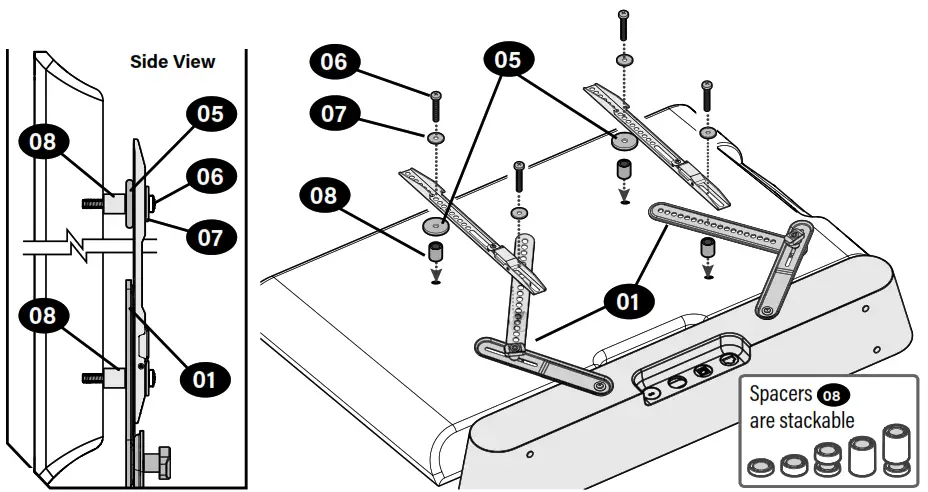
NOTE: If your TV included inset spacers or adapters, use them under the mounting hardware.CAUTION: Verify adequate thread engagement with your screw 06, washer 07, spacer 08 combination, AND TV/sound bar brackets.
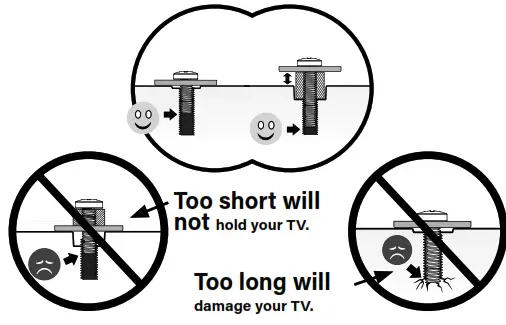
3.2 TV Screw Length
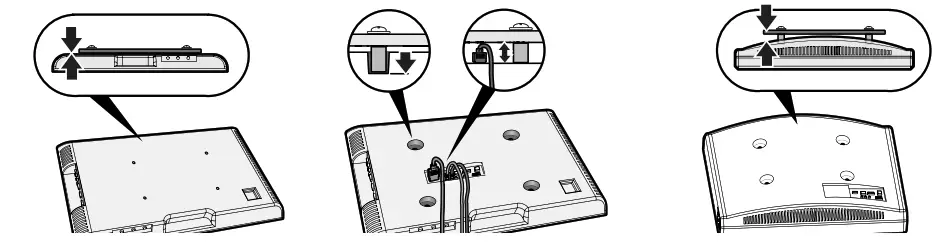 | ||
| NO SPACER Flat Back TV [TV brackets lay flat on your TV]GO TO PAGE 15 | SPACER NEEDED Flat Back TV with Extra Space Needed [for deep inset holes or cable interference GO TO PAGE 16 | Rounded or Irregular Back TV[TV brackets NOT resting flat on your TV] GO TO PAGE 16 |
Assemble (No Spacer)
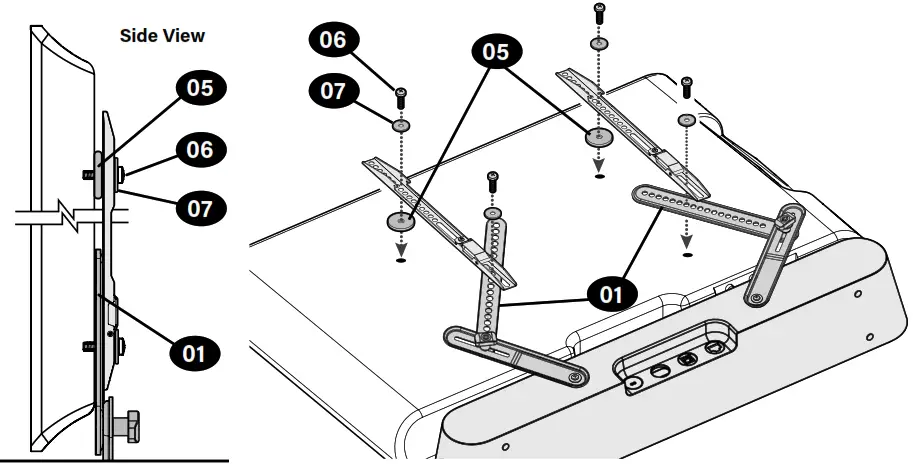
Assemble (Spacer Needed)
Adjust Soundbar Bracke
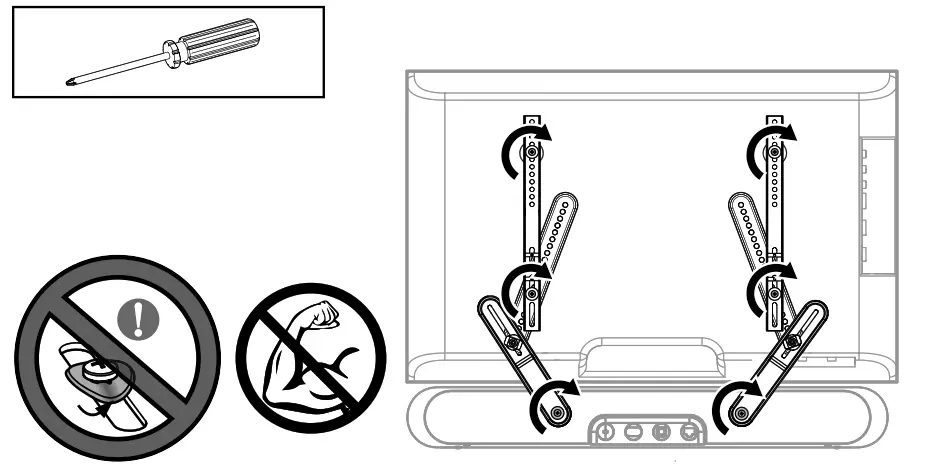
Tighten Connections
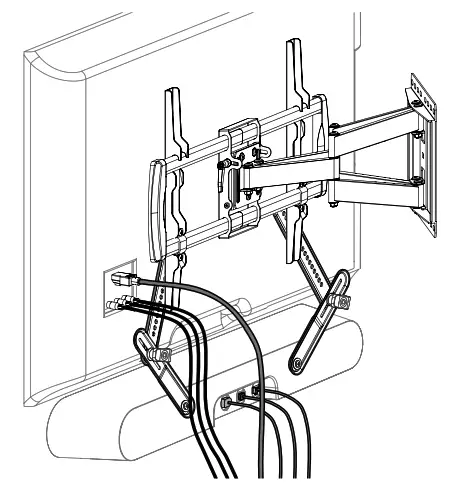
 Hang Up the TV /Sonos * Ray ™ Assembly
Follow your TV wall mount installation manual to hang your TV assembly.
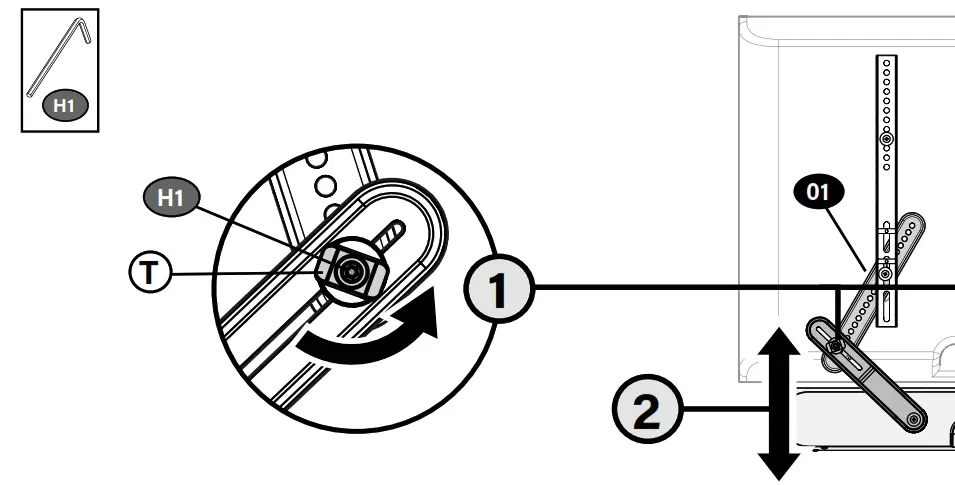
Adjustments
 TIP: Use tilt knobs,T, to get the south bar mount to the desired location, then use included hex key H1 to tighten.
 | |
Thank you for choosing SANUS! Please take a moment to let us know how we did:
| Legrand AV Inc. 6436 City West Parkway Eden Prairie, MN 55344 USA US: +1 (800) 359-5520 | Legrand AV Netherlands B.V. Franklinstraat 14 6003 DK Weert Netherlands UK: +44 (0) 800 056 2853 EMEA: +31 (0) 495 580 852 | Authorized Representative for the UK Starline Holding Technology Ltd. Unit C Island Road Reading RG2 0RP UK |
Legrand AV Inc. and its affiliated corporations and subsidiaries (collectively, “Legrand”), intend to make this manual accurate and complete. However, Legrand AV makes no claim that the information contained herein covers all details, conditions, or variations. Nor does it provide for every possible contingency in connection with the installation or use of this product. The information contained in this document is subject to change without notice or obligation of any kind. Legrand AV makes no representation of warranty, expressed or implied, regarding the information contained herein. Legrand AV assumes no responsibility for the accuracy, completeness or sufficiency of the information contained in this document.
©2021 Legrand AV Inc. All rights reserved. SANUS is a brand of Legrand.
Sonos* and rays are trademarks or registered trademarks of Sonos, Inc. *Reg. U.S. Pat. & TM Off.
Legrand AV
6436 City West Parkway
Eden Prairie, MN 55344 USA
6901-602832 00
 SANUS | #1 Brand of TV Wall Mounts in the U.S.