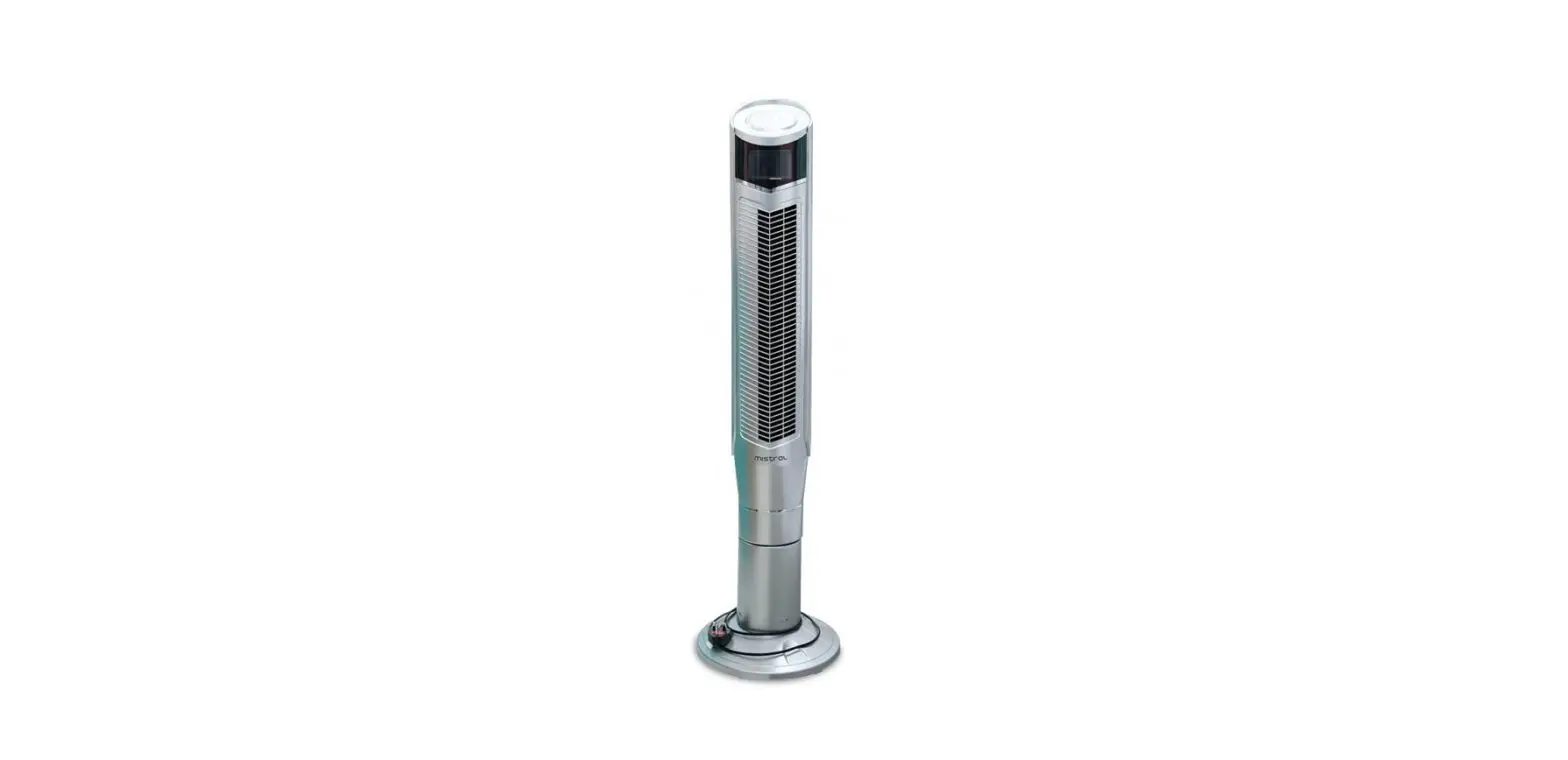
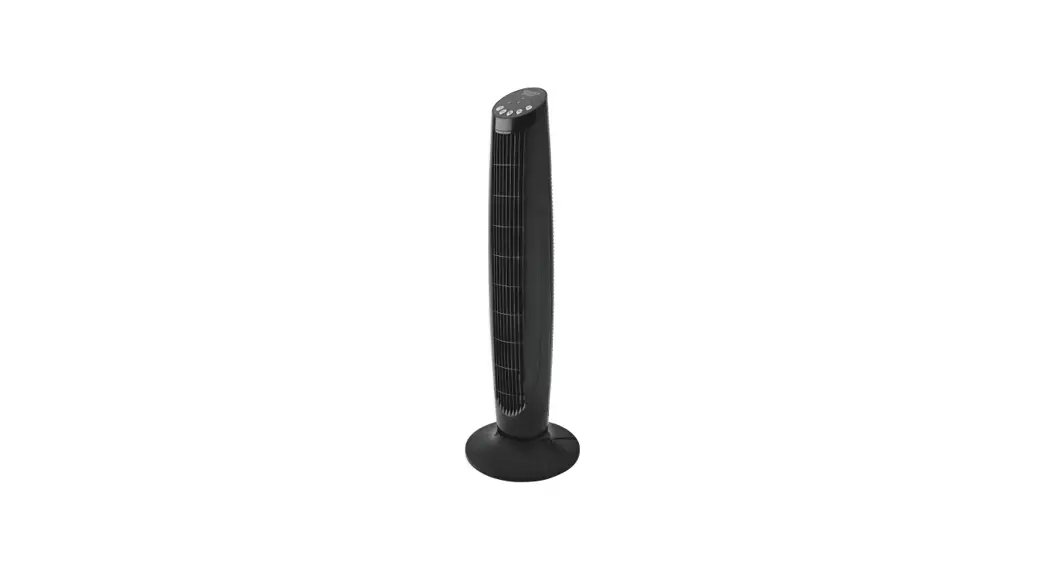
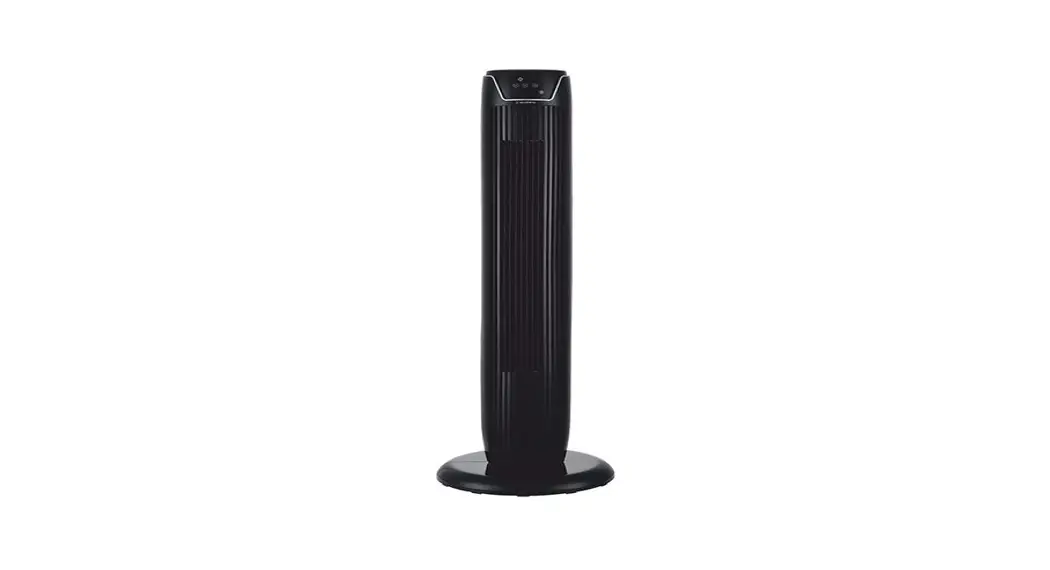
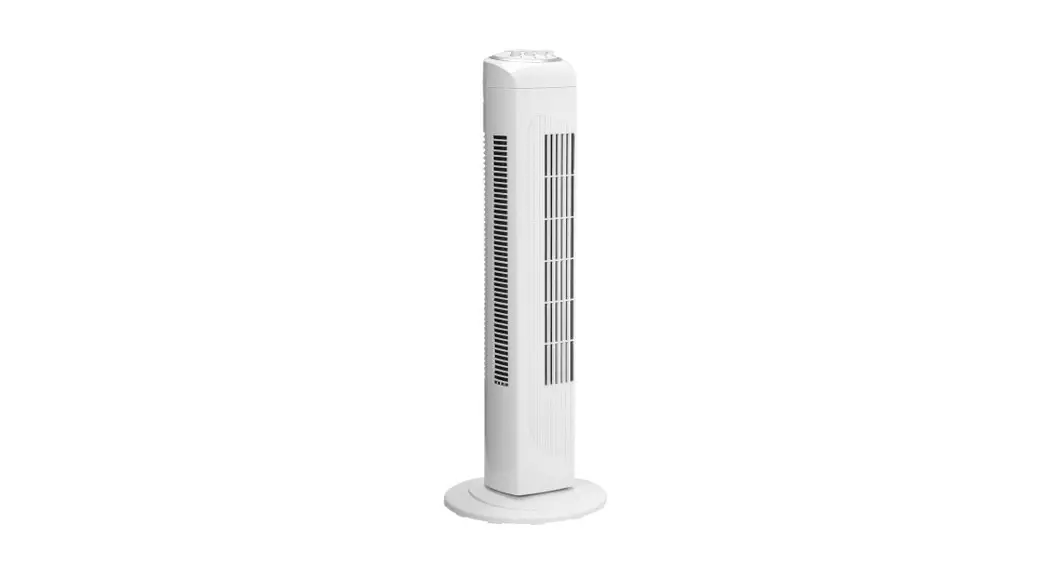
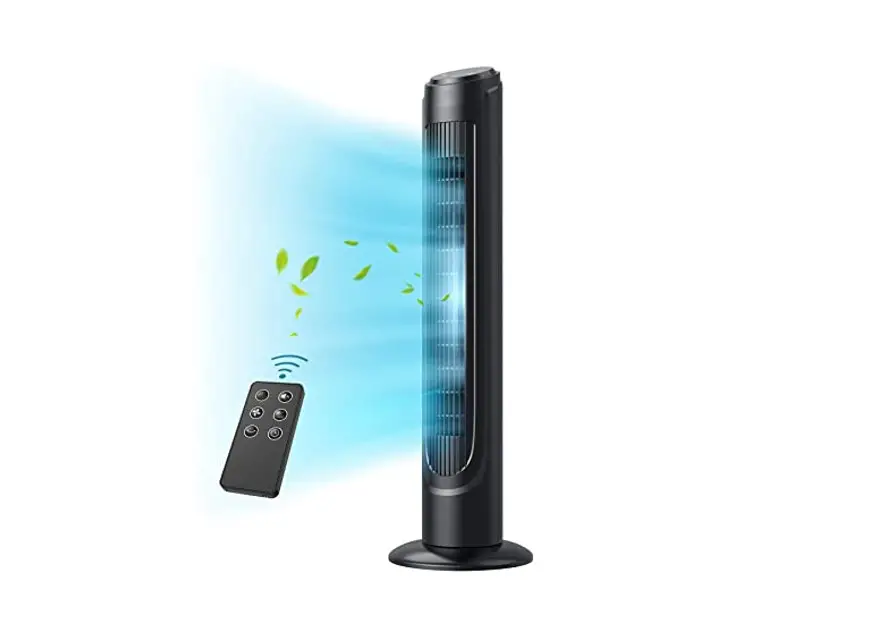
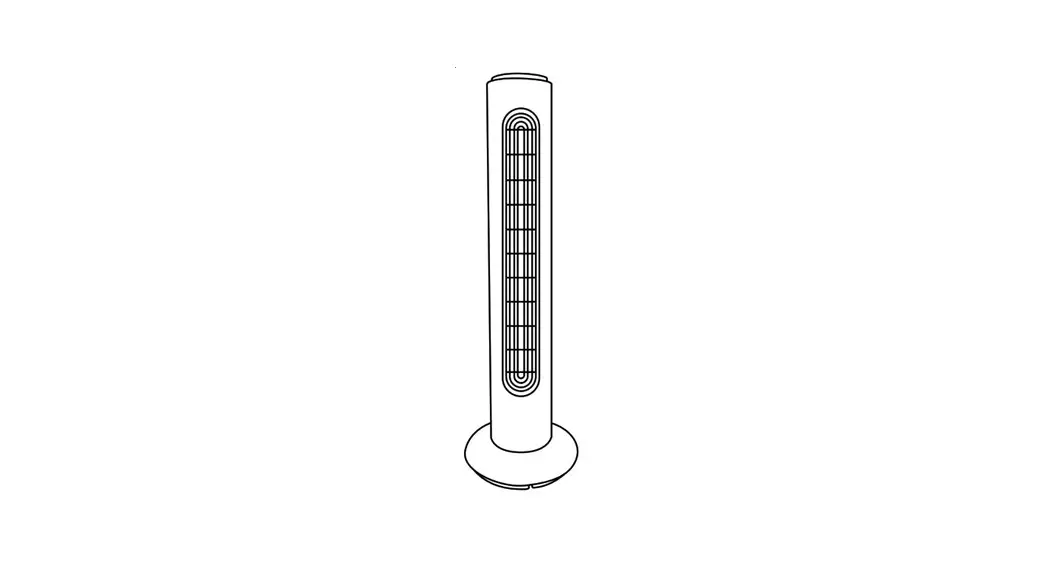
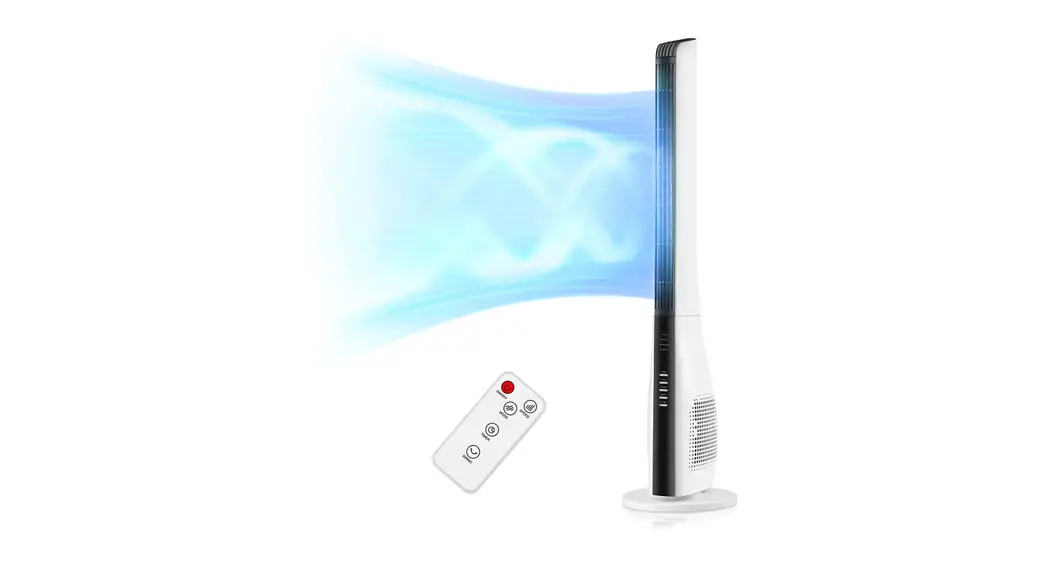
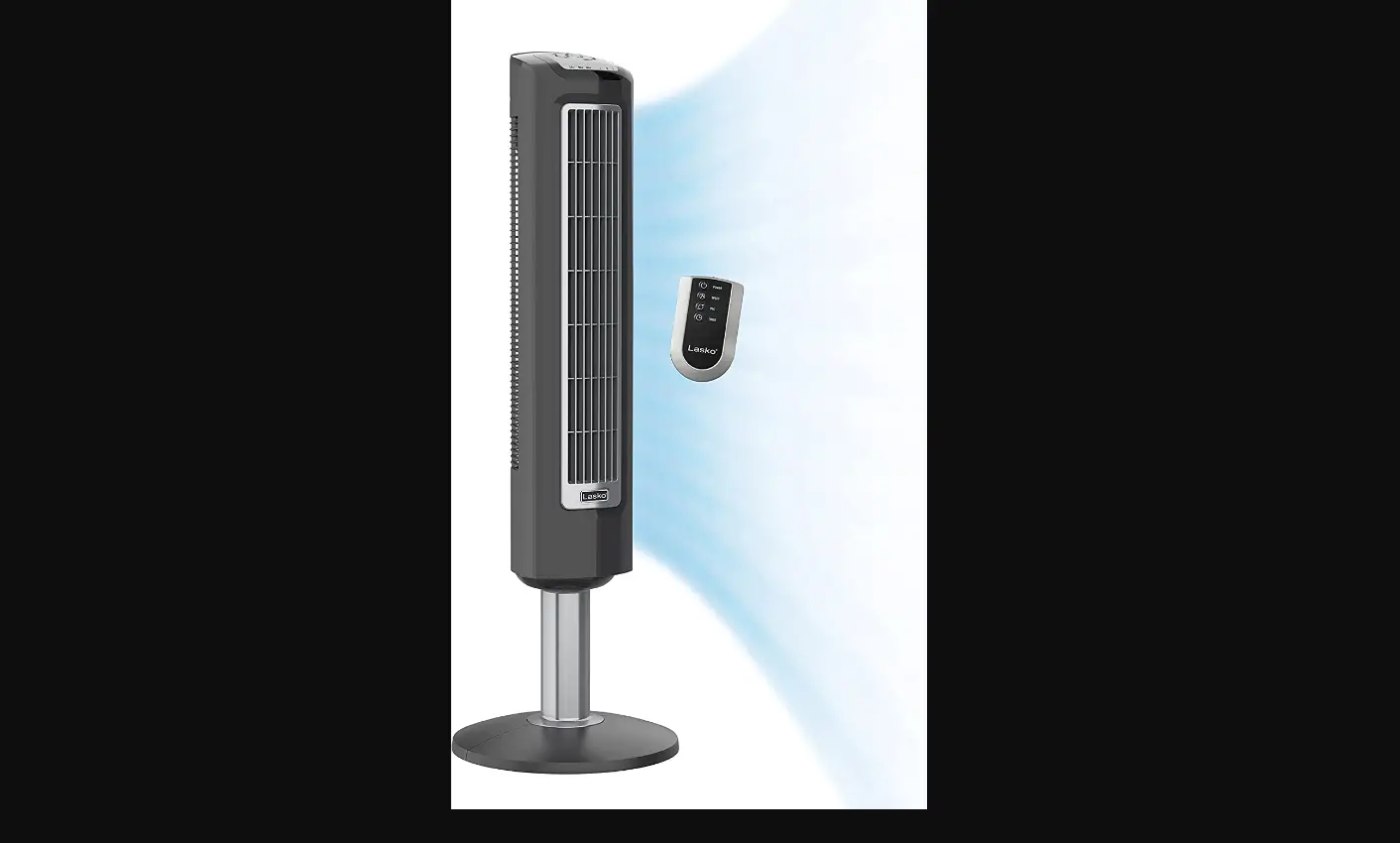
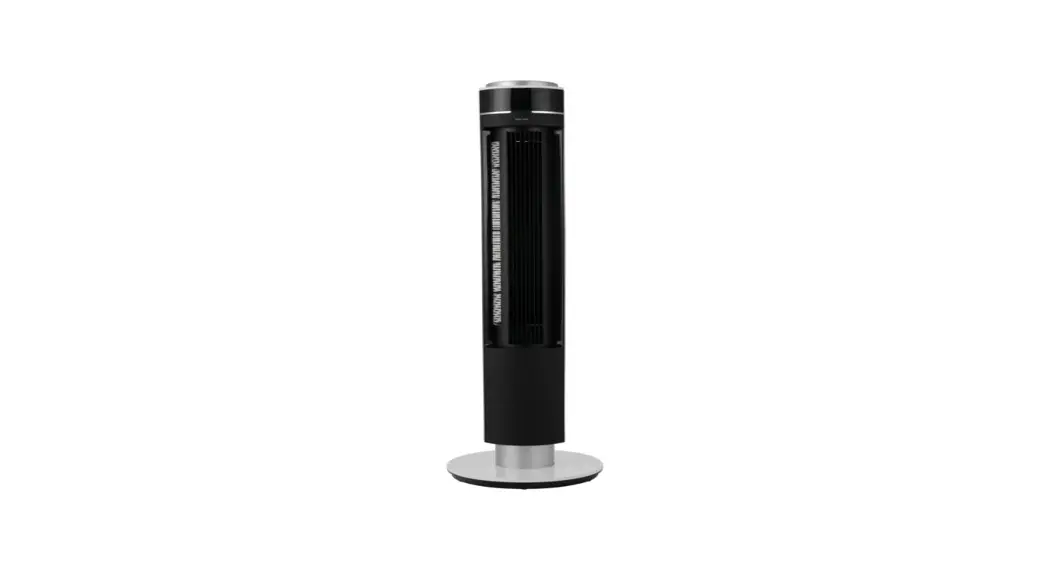
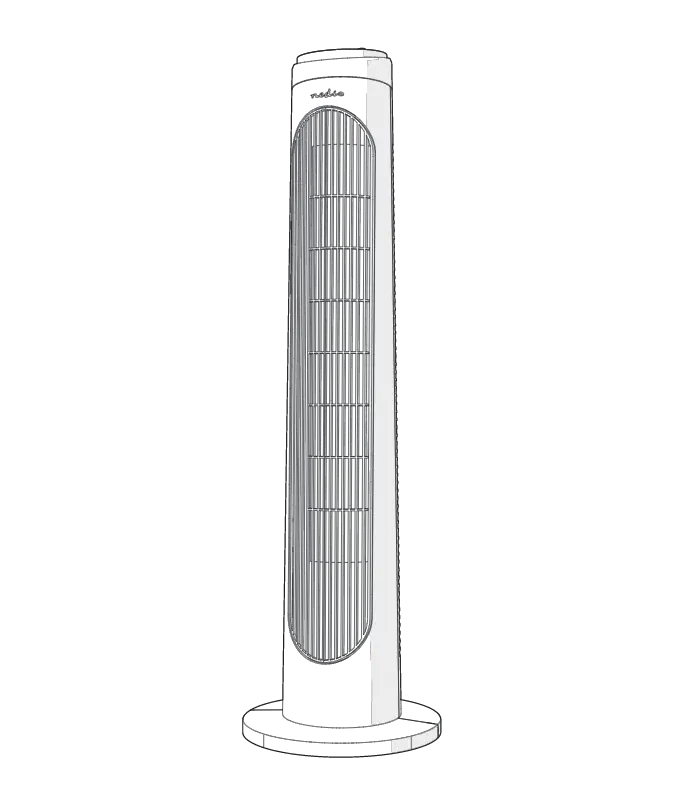
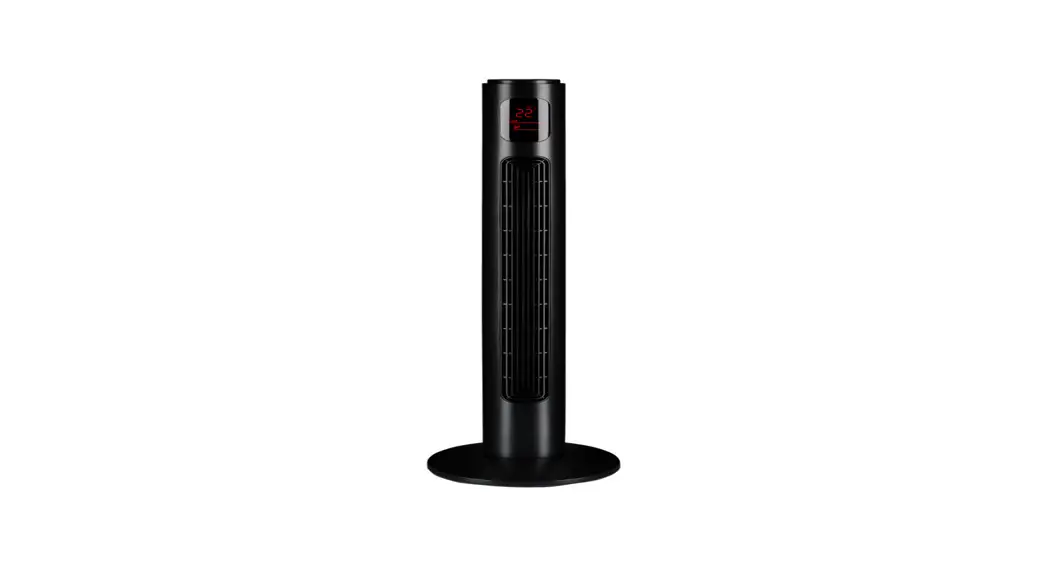
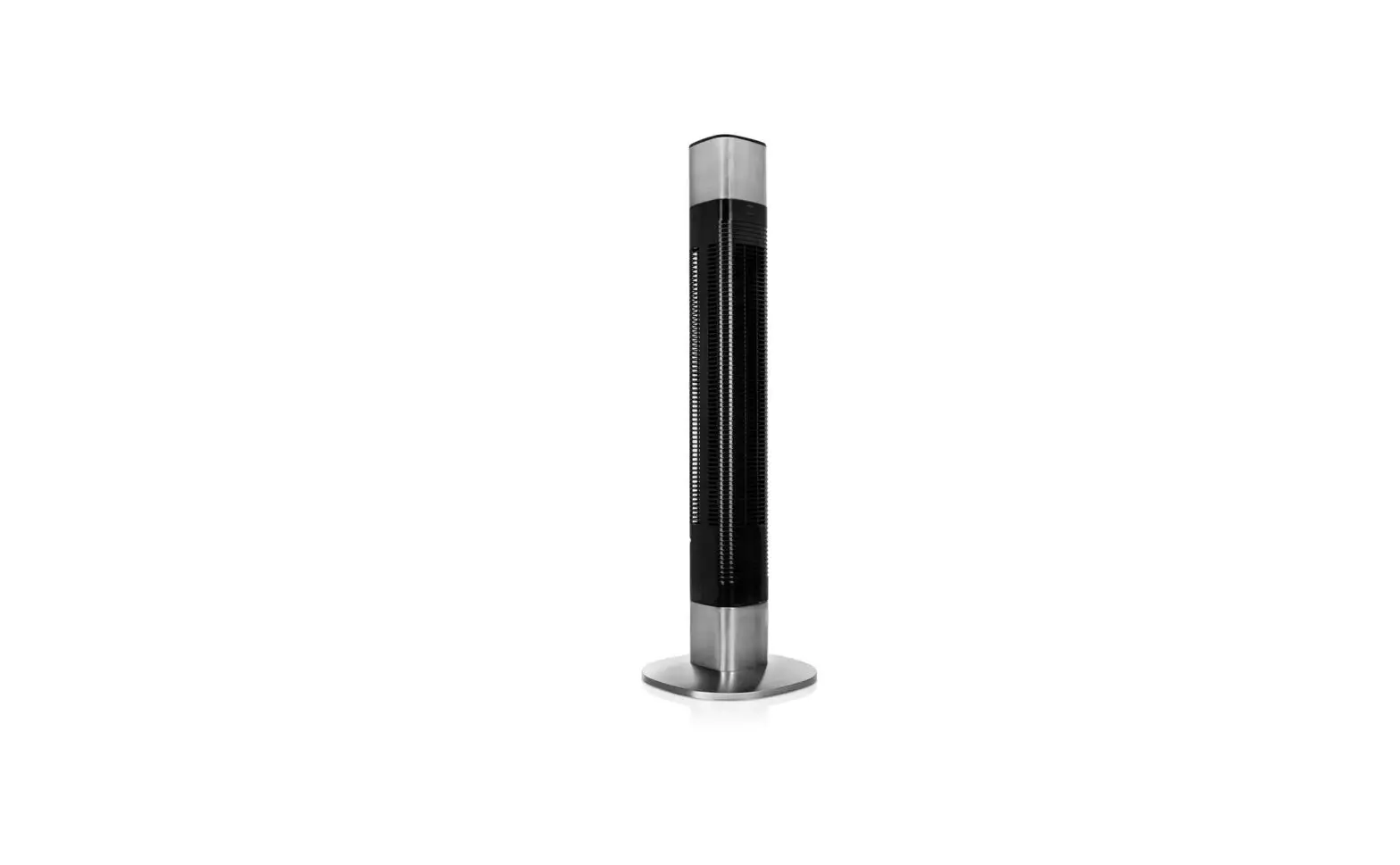
5312 Remote Tower Fan
Remote Tower Fan Model No.: 5312
Product Information
This tower fan is equipped with multiple functions, such as 8
speeds, 3 modes, 360-degree oscillation, 24-hour timer, remote
control, and ionizer. With the above functions, our tower fan can
provide a cool, healthy, and luxurious lifestyle.
Specifications
- Model No.: 5312
- Rated: 120V, 60Hz
- Power: 50W
- Class II
Structure and Parts
Parts list:
- Remote control
- Instruction manual
- Base A
- Base B
- Air inlet head
- Air outlet head
- Screw ST4*12mm (4)
The tower fan consists of a remote control, instruction manual,
two bases (A and B), air inlet head, air outlet head, and four
screws (ST4*12mm).
Important Safeguards
When using an electrical appliance, basic safety precautions
should always be obeyed, including the following:
- Read all instructions before using.
- To reduce the risk of fire, electric shock, or personal
injuries:- This appliance has a polarized plug (one blade is wider than
the other). - Do not attempt to destroy this safety function alone.
- To change the fuse, it should only be conducted by qualified
professionals. - Replace the fuse only with a 5-amp 125-volt fuse.
- Do not replace the polarized plug as it has a safety device
that should not be removed. - Discard the product if its polarized plug is damaged.
- This appliance has a polarized plug (one blade is wider than
Installation
- Take out the two bases from the gift box. Connect them
together. - Connect the fan body to the base with four screws
(ST4*12mm).
Usage Instructions
The tower fan comes with a remote control that has the following
functions:
- Power button: Press this ON/OFF button to turn the fan ON/OFF.
Press once, the fan will start operation and show the default wind
level 1. Press the button again to stop the fan. - Oscillation button: Use this button to turn on/off the
oscillation feature. - Fan mode button: The model has three modes: Normal/ Natural/
Sleeping. When you turn on the fan, the default mode is Normal wind
mode, the LED screen will indicate “Normal wind mode”. If you want
to change the mode, please press this button and choose the mode
you want.- Normal wind mode: The Normal light indicator will display when
this mode is selected.
- Normal wind mode: The Normal light indicator will display when
- Timer button: Use this button to set the timer for 1-24
hours. - Fan speed button: Use this button to adjust the fan speed from
1-8 levels.
Instruction Manual
Remote Tower Fan Model No.: 5312
Please read this manual carefully before operating this product. Keep this manual for further reference.
Part 1 IMPORTANT SAFEGUARDS
When using an electrical appliance, basic safety precautions should always be obeyed, including the following:
READ ALL INSTRUCTIONS BEFORE USING
WARNING: To reduce the risk of fire, electric shock, or personal injuries:
1. This fan is for household use only. 2. Before first use, check whether your voltage corresponds to the product nameplate requirements. 3. For safety reasons, please check the status of the power cord and plug before use. 4. When not in use, be sure to turn off the fan and unplug it from the power socket. 5. Be careful when using this equipment near children. 6. Do not run the power cord under carpets, and do not cover the cord with throw rugs. Do not put a cord under furniture or appliances. Arrange cord away from traffic areas so that people will not be tripped over by it. 7. Do not operate any fan with the damaged cord or plug. Discard the fan or return it to an authorized service facility for examination and repair. 8. If the fan’s power supply cord is damaged, it must be replaced by the manufacturer or its service agent to avoid potential safety hazards. 9. Use the fan in well-ventilated areas. Place the fan at least 8 inches from any walls to ensure the proper airflow during use. The fan cannot be located directly under or close to the curtain. 10. Do not obstruct the airflow with any objects or place anything in the opening of the fan. 11. Do not use the fan in areas where curtains may be sucked in. 12. Only place the fan on a hard, flat, dry floor. 13.Do not use the product in extreme temperatures, humidity, or
dusty environments. 14.Do not put heavy objects on the fan. 15. Do not place the fan below the power outlet that will suck the cord inside to cause damage. 16.When the fan is oscillating, do not touch the fan manually to avoid damage. 17. Be sure to turn off the power supply before unplugging the power cord from the power outlet to avoid a short circuit, fire, or electric shock. 18. Do not twist or pull the power cord out. 19. In order to avoid the danger of electric shock, do not unplug the fan when your hands are wet. 20. Children under 8 years old should not operate the fan. 21. This appliance is not suitable for people (including children) with reduced physical/sensory/mental abilities or people who lack experience and knowledge. Unless the above-mentioned people are supervised or instructed by a person who is responsible for their safety. 22. Children should be supervised to ensure that they do not play with the appliance. 23. Ensure that the fan is switched off and unplugged from the power supply before removing the guard. 24. To reduce the risk of fire or electric shock, do not use this fan with any solid-state speed control device. 25. Please unplug or disconnect the appliance from the power supply before the repair work is carried out. 26. This product has overload protection (fuse). A blown fuse indicates an overload or short circuit. If the fuse is blown, unplug the product from the socket. Replace the fuse (select the appropriate fuse rating according to the product label) by following the user maintenance instructions and checking the product. If the replacement fuse is blown, there may be a short circuit, and the product should be discarded or returned to an authorized service facility for examination/repair.
Warning:
This appliance has a polarized plug (one blade is wider than the other). In order to reduce the risk of electric shock, the plug can only be inserted into the electrical outlet/receptacle one way. If the plug cannot be fully inserted into the power outlet, reverse the plug. If it is still not suitable, please contact a qualified electrician. Do not attempt to destroy this safety function alone.
To Change the fuse
The following should ONLY be conducted by qualified professionals:
1. Grasp the plug and remove it from the electric receptacle. Do not unplug by pulling on the cord.
2. As shown in the figure below, slide the fuse access cover on the top of the plug towards the blade and open the fuse cover.
3. Remove the fuse carefully. Push the fuse from the other side or turn the fuse holder upside down to remove the fuse.
4. Fire risk. Replace the fuse only with a 5-amp 125-volt fuse. 5. Close the fuse cover by sliding the fuse access cover on
the top of the plug away from the blades. 6. Fire risk. Do not replace the polarized plug as it has a
safety device that should not be removed.
Discard the product if its polarized plug is damaged.
SAVE THESE INSTRUCTIONS
Part 2 Brief introduction
This tower fan is equipped with multiple functions, such as 8 speeds, 3 modes, 360-degree oscillation, 24-hour timer, remote control and ionizer. With the above functions, our tower fan can provide a cool, healthy, and luxurious lifestyle.
Part 3 Specification
MODEL No. 5312
RATED 120V, 60Hz
POWER 50W
CLASS II
Part 4 Structure and parts
Parts list Description Quantity
Remote 1
control
Instruction 1
Manual
Base
2
Screw
ST4*12mm
4
1. Head 5. Air inlet
2. Display 6. Base A
3. Remote control 7. Base B
4. Air outlet
Part 5 Installation
1. Taking out the two bases from the gift box. Connect them together. (As shown below)
2. Connect the fan body to the base with 4 screws (2) (As shown below).
Part 6 Function
1. Temperature indicator 2. Timer indicator 3. Oscillation indicator 4. Low fan speed 5. Medium fan speed 6. High fan speed 7. Normal fan mode 8. Natural fan mode 9. Sleeping fan mode 10. Display ambient temperature and timer hours
1. Power button 2. Oscillation button 3. Fan mode button 4. Timer button 5. Fan speed button
1. ON/OFF
Press this ON/OFF button
to turn the fan ON/OFF. Press once, the
fan will start operation and show the default wind level 1. Press the
button again to stop the fan.
2. Mode
The model has three modes: Normal/ Natural/ Sleeping. When you turn
on the fan, the default mode is Normal wind mode, the LED screen will
indicate
. If you want to change the mode, please press
, and
choose the mode you want.
Normal wind mode:
The Normal light indicator
will display when this mode is selected.
Natural wind mode:
The Natural light indicator
will display when this mode is selected.
The fan will run cyclically, as shown in the figure below:
Sleep wind mode:
The Sleep light indicator
will display when this mode is selected,
the fan will run into the Min normal wind and the buzzer will be turned off
immediately. 5 seconds after the cessation of the manual operation, the
light will dim and then go out. If you want to change the wind speed, just
Press
to choose the wind speed ranging from 1-3. In this mode, the
wind speed will be reduced by one level every half an hour, and the level
1 wind speed will be maintained until it is turned off.
3. Oscillation
Press this automatically.
button, the fan will oscillate from the left to the right
4. Timer
Press the timer, and then Press
to choose the duration of time.
The timer is 12 hours. To cancel the setting, press the “Timer” button
again and press
button to set it as 00 Hr.
5. Wind Speed
Press
to choose the wind speed ranging from 1-3.
Part 7 Maintenance and Storage
1. Always remove the plug from the socket-outlet and allow the fan to stop before cleaning it. 2. Clean the external surfaces of the fan with a soft damp cloth (not dripping wet cloth).
WARNING: Do not immerse the fan into the water. Do not use any cleaning chemicals such as detergent or abrasive. Do not allow the interior to get wet as this could cause dangerous consequences. 3. When the unit is not in use, make sure that it is unplugged from the wall socket. To store the fan, you may pack it in the original carton and store it in a cool and dry place. 4. In case of malfunction or doubt, do not try to repair the fan by yourself; otherwise it may result in a fire hazard or electric shock.
Part 8 After-sales service
This appliance has a one-year warranty since the date of purchase, considering the following notes: 1. Guarantee is only valid by showing the invoice or purchase ticket. 2. Damages caused by misuse, abuse, improper installation, lack of maintenance, negligence or accident during transportation, and external influences, such as atmosphere or electric rays, floods, humidity, etc., are not covered by this warranty. 3. This warranty will void when it is discovered that the product has been subjected to repairs, alterations or other interventions by any unauthorized persons.
Thank you for purchasing this product! If you have any questions about the product, such as missing parts, product damage, product assembly and operation etc., please contact us via Amazon Message or customer service phone: 213-4467172; 661-4358826
IMPORTANT
Simply call our customer service department for any consulting:
213-4467172; 661-4358826
(8:30am – 5:30pm P.S.T.) DATED PROOF OF PURCHASE IS REQUIRED FOR WARRANTY
SERVICE.
AVIS
Veuillez appeler le service à la clientèle pour toutes questions au:
213-4467172; 661-4358826
(8:30am – 5:30pm P.S.T.) PREUVE D’ACHAT ORIGINALE REQUISE POUR SERVICE DE
GARANTIE.
IMPORTANTE
Sólo hay que llamar nuestro departamento de servicio al cliente en caso de tener preguntas o inquietudes:
213-4467172; 661-4358826
(8:30am – 5:30pm P.S.T.) SE REQUIERE PRUEBA DE COMPRA CON FECHA PARA SERVICIO
BAJO GARANTÍA.
Add: 9A7d33drTeosps:anRgOaWCaAnNyoEnLBElvCdT. ARPICT3A10P,PCLhIaAtsNwCoErthL,LCCA 91311 28407 Ascent Way, Santa Clarita, CA 91350 Phone: 213-4467172; 661-4358826