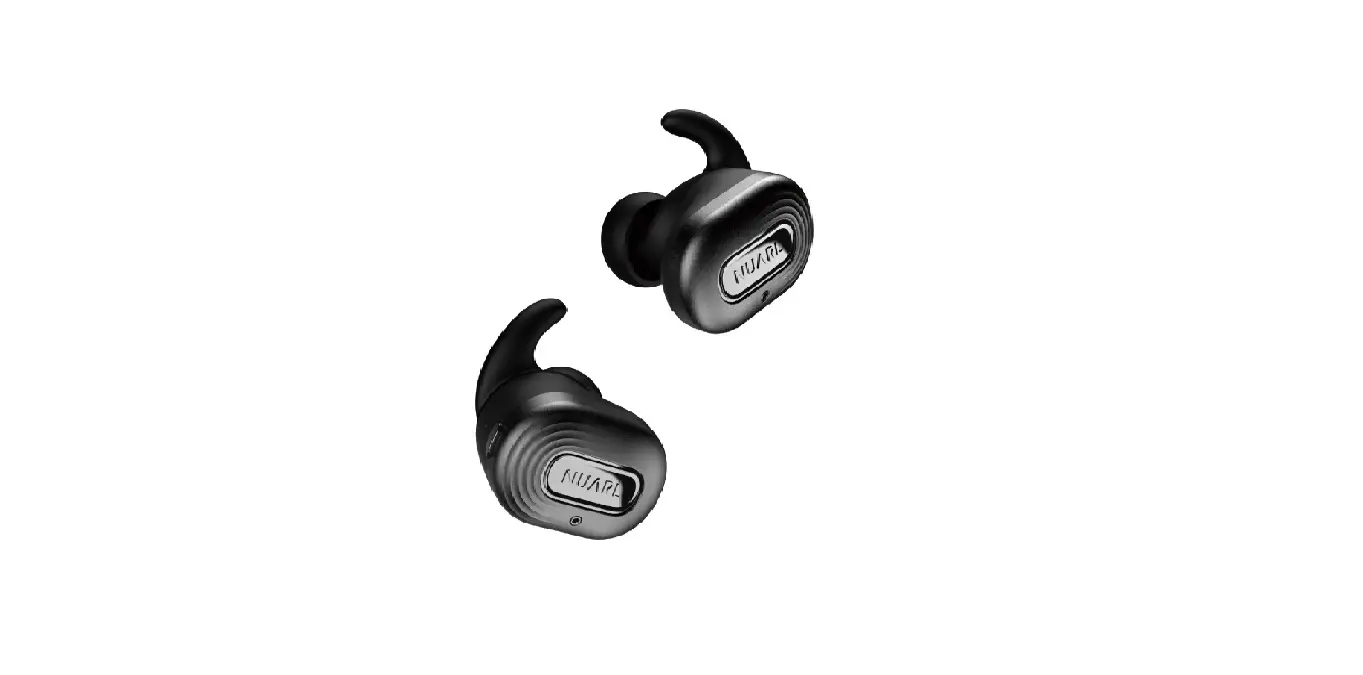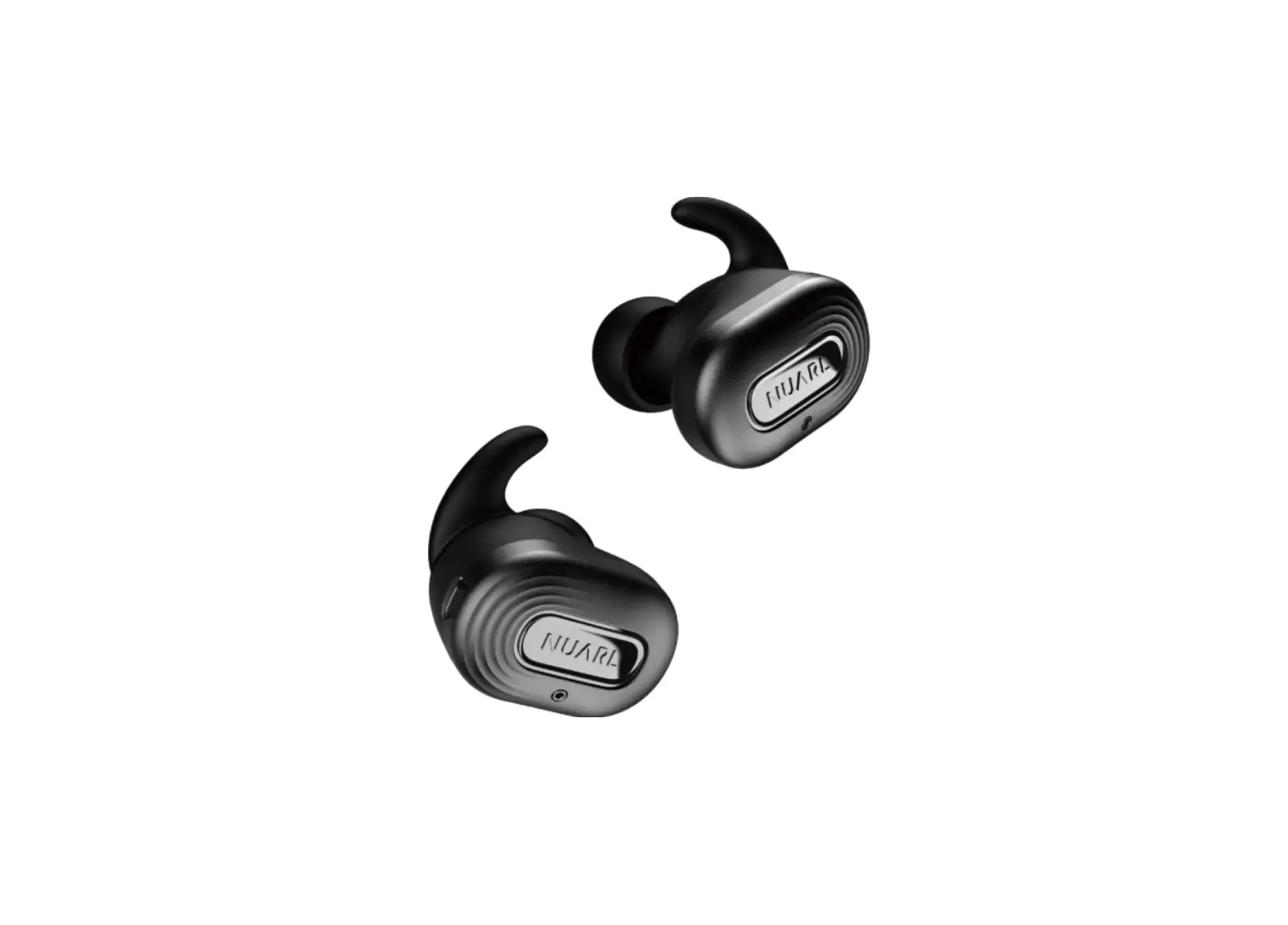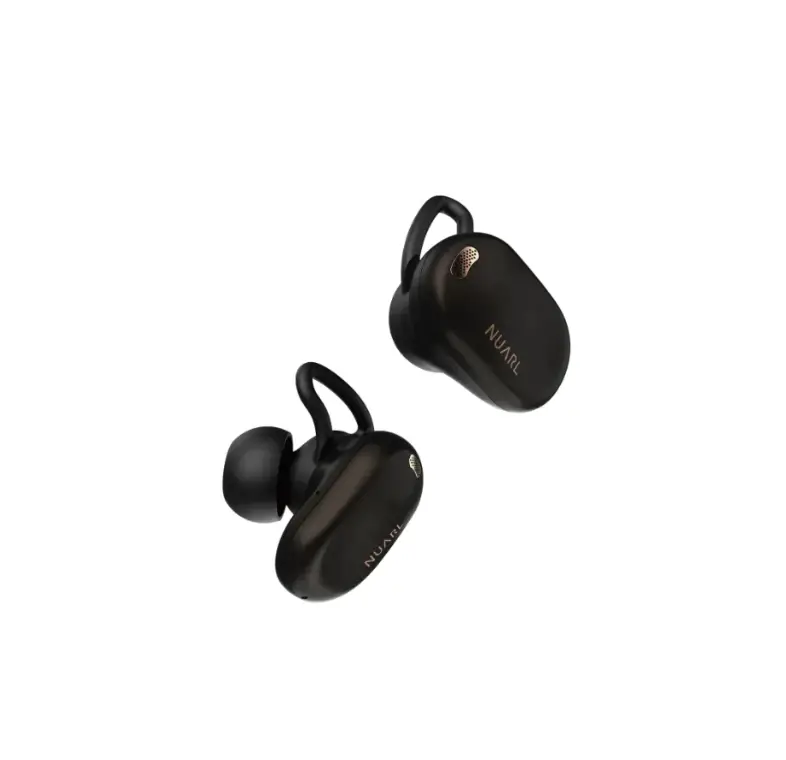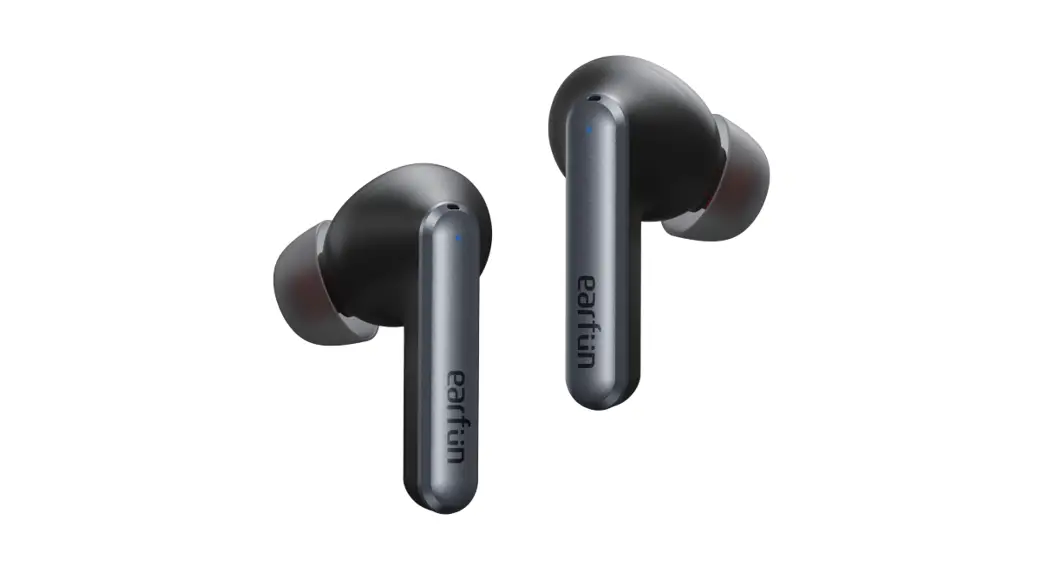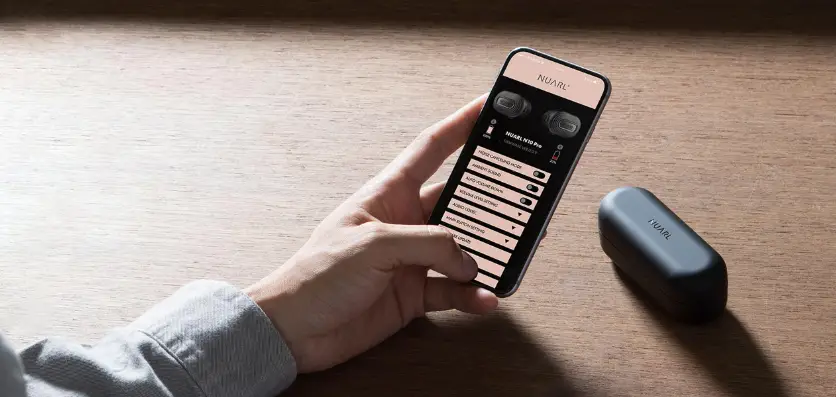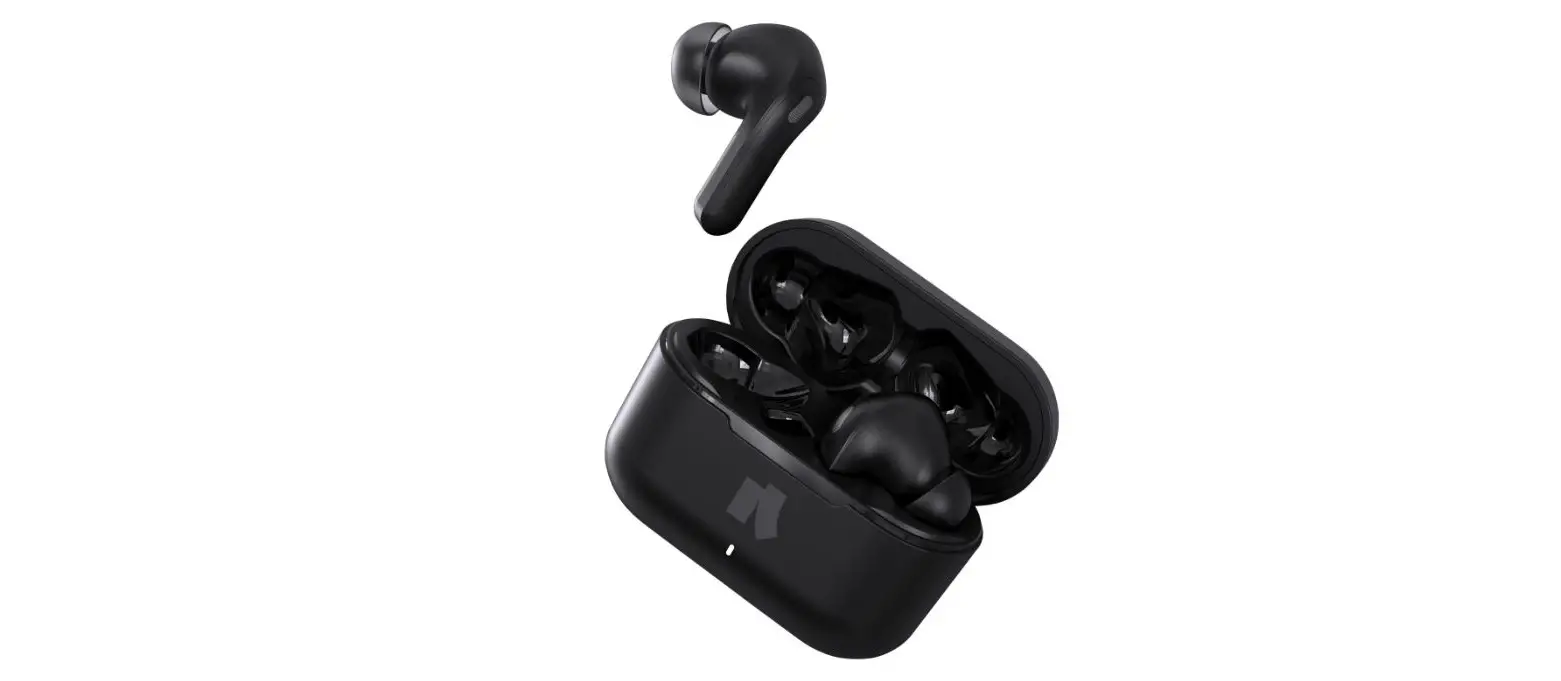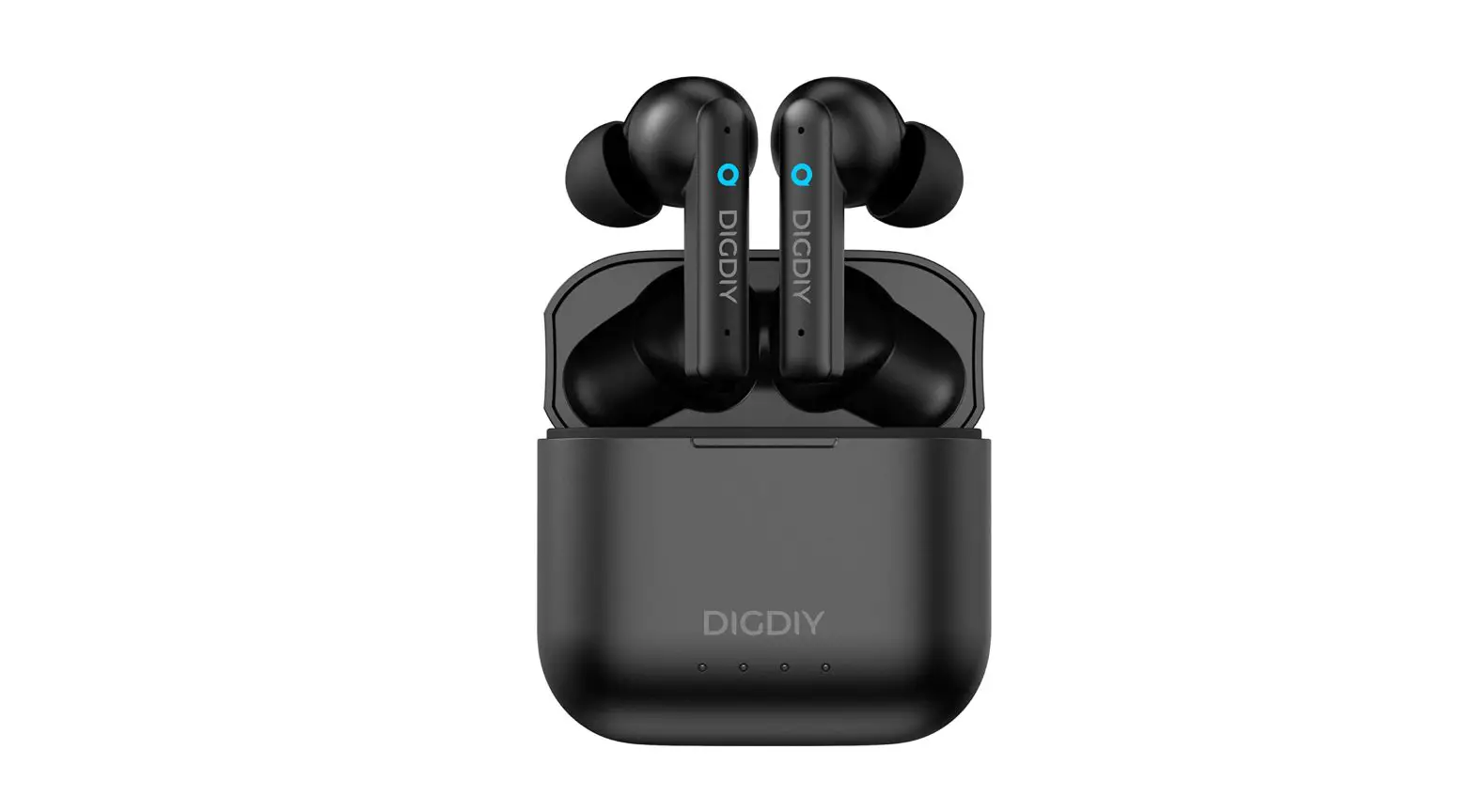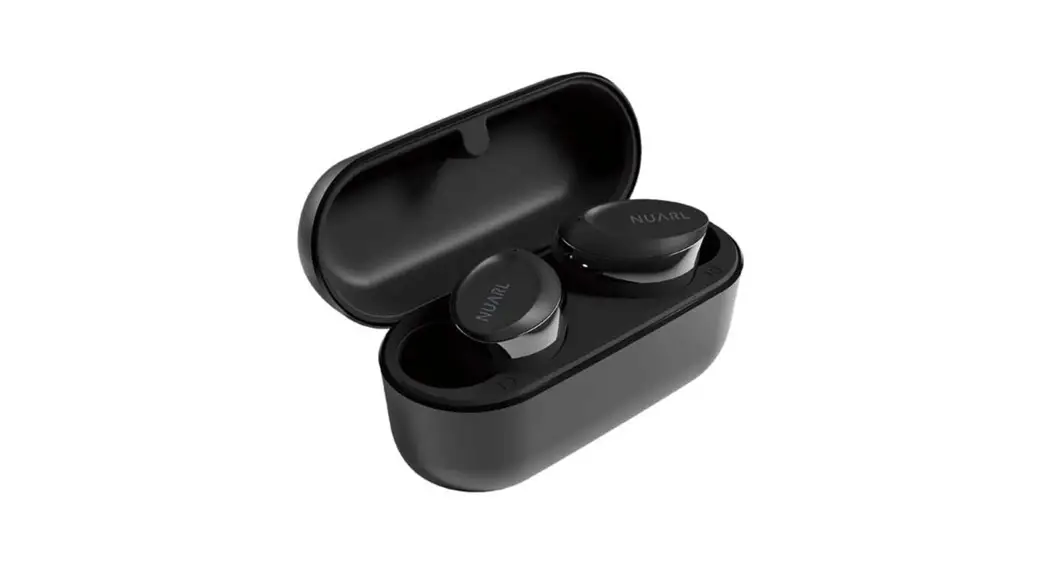

NUARL N10 Plus ANC Completely Wireless Earbuds
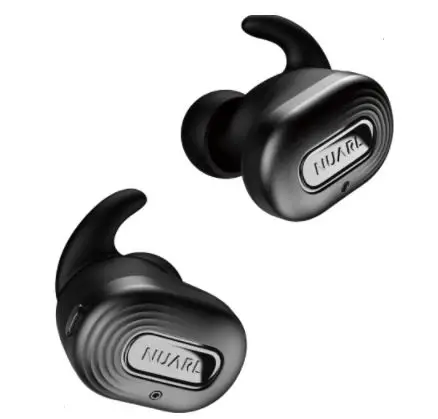
Product Diagram 
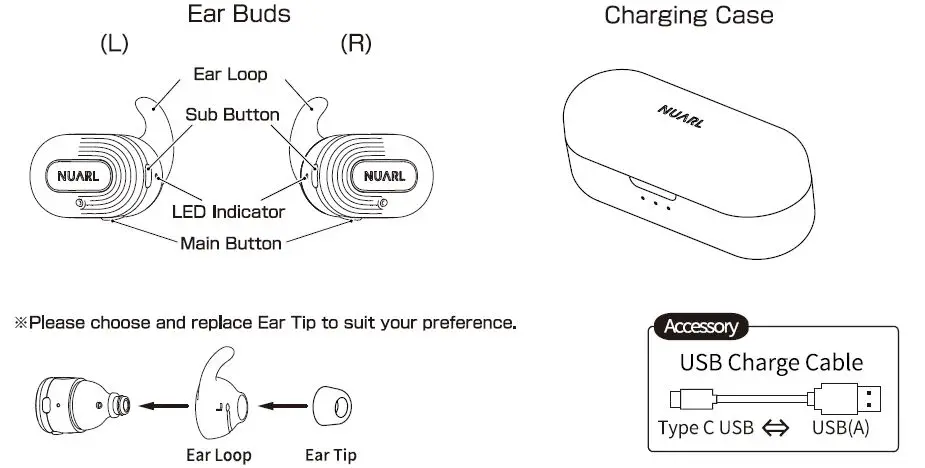
Before Use
Remove Insulating Sheet
Remove Insulating sheet from back side of earbuds. 
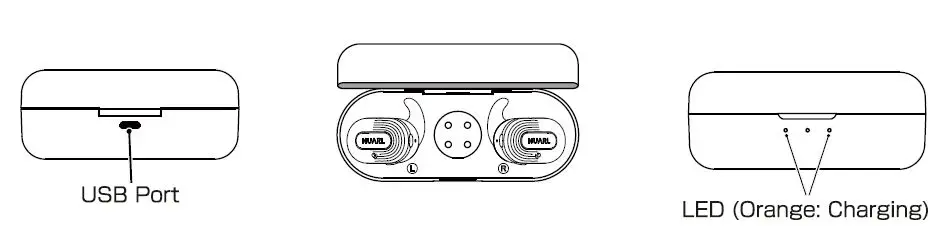
Battery Charge
- Insert USB type A connector of USB Charge Cable to USB AC charger or USB port of PC, and insert Type C USB connector to USB port of Charging Case.
- Put the Ear Buds into Charging case.
- While charging,the LED light constantly .
- When charging is completed, the LED will turn off.

Power On/Power Off
- Put the Ear Buds into Charging Case , Ear Buds power OFF automatically. When pick up the Ear buds, power ON automatically.
- When Case battery is low, this function does not work.
Pairing
Pairing
To use Ear Buds first time, you must pairing Ear Bud with mobile phone or player. Once your Ear Buds is paired with other devices, they will remain paired and automatically recognize each other.
[First time to use]
- Turn on Bluetooth function of your mobile phone.
- Turn on the power of both earbuds.
- Select “NUARL NlO Plus” in discovered device list of the phone.
- Click “Pair” in the phone display.
[Re-pairing or Pairing with second mobile phone]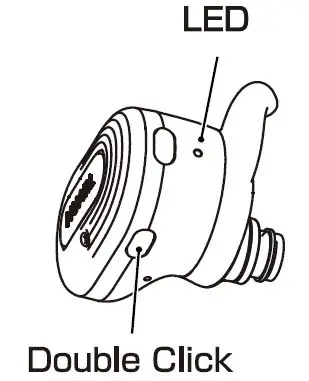
- Turn on Bluetooth function of your mobile phone.
- When Earbuds is not connected to any other device, the LED will blink alternately in white and orange after 8 seconds, or by double-clicking the main button.
- Select “NUARL NlO Plus” in discovered device list of the phone.
- Click “Pair” in the phone display.
Charging Case
Charge Case Battery
- Insert USB type A connector of USB Charge Cable to
- USB AC charger or USB port of PC, and insert Type C USB connector to USB port of Charging Case.
- While charging,the Orange LED(Center) light constantly. When charging is completed, the LED will turn off.
- When put into earbuds , the charging indicator flash for about 3 seconds depending on the remaining battery level in the charging case.
Auto Power ON/OFF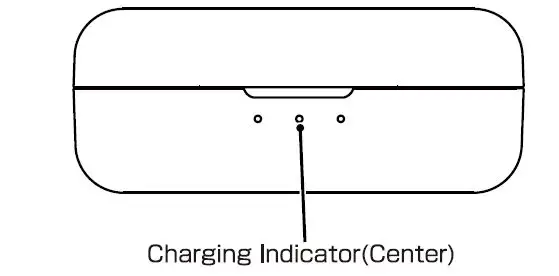
- Put the Ear Buds into Charging Case, Ear Buds power OFF automatically. When pick up the Ear buds power ON automatically.
- When Case battery is low, this function does not work.
Multipoint Connection
This product supports Multipoint connection, which allows you to connect to two devices simultaneously. To use the Multipoint connection, the second device must be paired with this product in advance. The maximum number of devices that can be connected via Multipoint connection is two. Music can be played back on either of the connected devices. However, you cannot play music from both devices at the same time. Also, when one device is playing, operating the other device will not switch the music. Please stop playback and then operate the other device.
Meaning of LED
| Power ON | White 1 Second |
| Disconnected | White 2 times each 3 Seconds |
| Connected | White 1 time each 7 Seconds |
| Music Play / Talking | No Flash |
| Delete Pairing | Flashing White continuously |
| Pairing | Flashing White and Orange |
Button Operation
| L | R | ||
| Po wer | ON | lClick | lClick |
| OFF | Lon g pr essuntil beep 2 tim es | Lon g pr essuntil beep 2 tim es | |
| Music * | Pla y/ Pause | lClick | |
| Next Track | 2Click | ||
| Previous Track | 3Clic k | ||
| Vo lume | Volu me Up | 3Clic k | |
| Volume Do wn | 2Click | ||
| Phon e | Answer Call | lClick | |
| Han g Up | lClick | ||
| Reject Call | Lon g press 2seconds | ||
| Pairin g | Forced Pairin g | 2Click with no connection | |
| Clear | Lon g press Main button Sseconds until beep 3times, then 2Click | ||
| Siri/Google | Start | Lon g press Main button until a beep without music play | |
Active Noise Canceling (ANC)
This product equipped with active noise cancellation (ANC). Each time you press the sub-button, the function switches from ANC to Ambient and then to Off. This product’s active noise canceling function uses microphones to capture external noise. It captures sound and digitally reduces unwanted noise. The effectiveness level of active noise cancellation can be changed in the NlO CONNECT app.
Ambient Mode
This product is equipped with an Ambient mode that allows you to listen to ambient sounds from the microphone. The operation settings for Ambient sound function can be changed with the NlO CONNECT app. When the wind hits the earphones with the Ambient mode enabled, a wind noise can be heard. This is not a product defect.
*ANC and Ambient sound cannot be used at the same time.
Gaming Mode
By enabling the gaming mode, you can reduce the audio delay in relation to the video. However, sound quality and Bluetooth stability may be degraded while in the gaming mode.
N10 CONNECT APP
The NlO CONNECT app (free of charge) allows you to get the most out of this product. You can customize various features, update the firmware and more. Download the app by searching for “NlO CONNECT” in the Apple App store or Google Play store.
Main features
- Adjust the ANC effect level.
- Operation Settings for External Sound Intake
- Volume level setting
- Equalizer setting
- Button setting
- Firmware update
The function of the app may change with the version up.
Frequently Asked Questions
Q)Suddenly I heard no sound from one earbud.
A)Please turn off earbud and turn on it again.
Q) Bluetooth connection has dropped.
A) Please delete rNUARL NlO PlusJ from Bluetooth device list and pairing with your device again.
Q) The pairing between L and R earbud has dropped.
A) Turn off both earbuds and turn on them again.
A)Please try to “Clear” pairing as page 18.
Q) When I place the earbud in the case, it won’t turn off itself.
When I get the earbud out from the case it won’t turn on.
A) While the case’s power is low, the automatic on off function will not be active. Please turn on/off it manually.
Q) The case has run out of charges.
A) The case will discharge itself, please recharge the case regularly.
Q) I want to know about warranty and repair in outside of Japan.
A) The warranty is only valid in the country in which the product was purchased. Please contact purchased store directly for the specific repair of the goods.
Specification
| Product Specification | |
| Driver | ct>lOmm PTT Diaphragm NUARL DRIVER[NlO]V3 |
| Frequency Response | 20~20,000Hz |
| Battery | Earbuds: 3.7V/ 60mAh Li-ion Battery Charger Case: 3.7v/ 760mAh Li-Po Battery |
| Continuous Play time{ANC OFF) | 7hours {SBC/ AAC) / Sh ours(apt X) |
| Continuous Play time(ANC ON) | Sh ours(SBC/ AAC) / 3.Shours(aptX) |
| Charging Time | 1.Shours |
| Bluetooth Specification | Versi on5.2/ Class 2/ Multi Pairing{4) / Multi Point(2) |
| Bluetooth CODEC | aptX Adaptive, apt X, AAC, SBC |
| Bluetooth Profile | A2DP , HFP, HSP, AVRCP |
| Microphone | Omni-direction(cVc NC, ANC, Ambient) |
| Waterproof Level | IPX4 |
| Operation Temperature | 5~ 50°C |
| Accessories | Charger Case, Charging Cable, Ear Tip, Ear loop, Operation Manual |
| Certification | CE, FCCID: 2ARG T-Nl 0PLUS |
Federal Communications Commission Part l 5
This device complies with Part 15 of the FCC Rules. Operation is subject to the following two conditions: (1) this device may not cause harmful interference, and (2) this device must accept any interference received, including interference that may cause undesired operation. Changes or modifications to this unit not expressly approved by the party responsible for compliance could void the user’s authority to operate the equipment.
NOTE: This equipment has been tested and found to comply with the limits for a Class B digital device, pursuant to Part 15 of the FCC Rules. These limits are designed to provide reasonable protection against harmful interference in a residential installation. This equipment generates, uses and can radiate radio frequency energy and, if not installed and used in accordance with the instructions, may cause harmful interference to radio communications. However, there is no guarantee that interference will not occur in a particular installation. If this equipment does cause harmful interference to radio or television reception, which can be determined by turning the equipment off and on, the user is encouraged to try to correct the interference by one or more of the following measures:
- Reorient or relocate the receiving antenna.
- Increase the separation between the equipment and receiver.
- Connect the equipment into an outlet on a circuit different from that to which the receiver is connected.
- Consult the dealer or an experienced radio/TV technician for help.
This device and its antenna(s) must not be co-located or operation in conjunction with any other antenna or transmitter.
Radiation Exposure Statement
The device has been evaluated to meet general RF exposure requirement. in portable exposure condition without restriction.