
QUICK
REFERENCE GUIDE
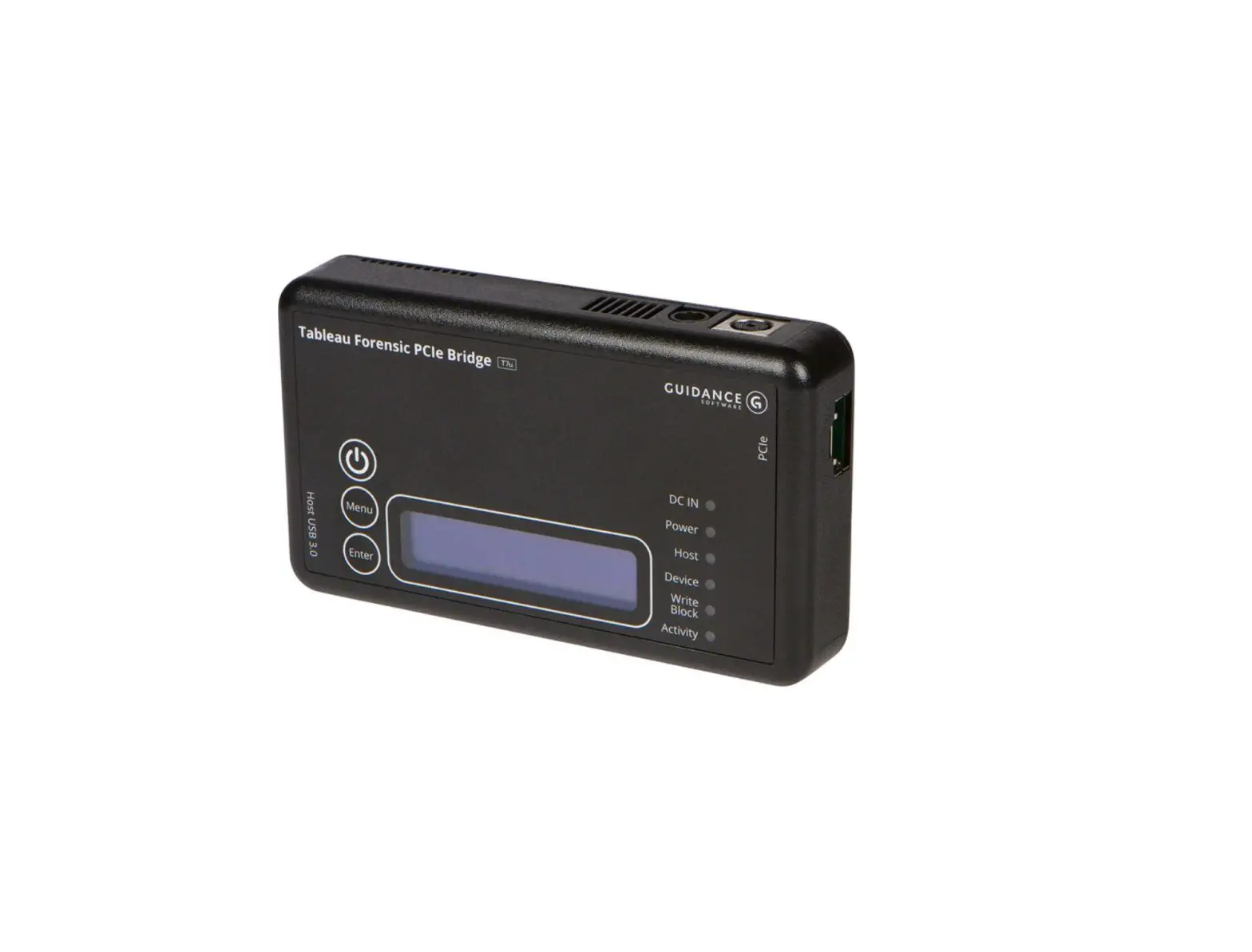
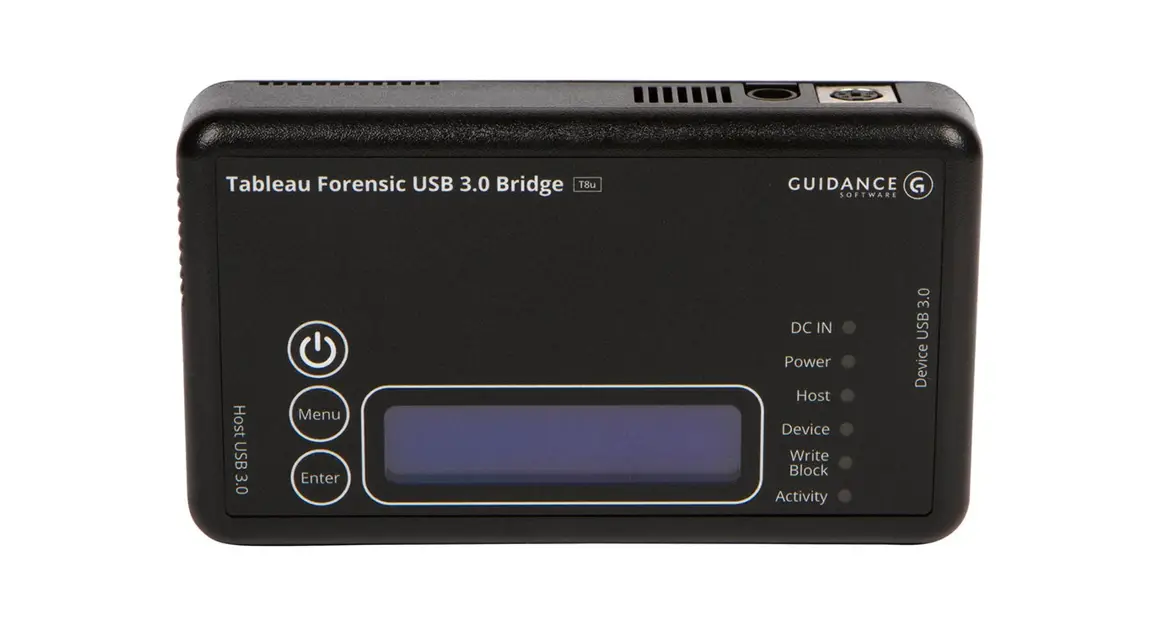
Tableau Forensic T8u USB Bridge
GETTING STARTED
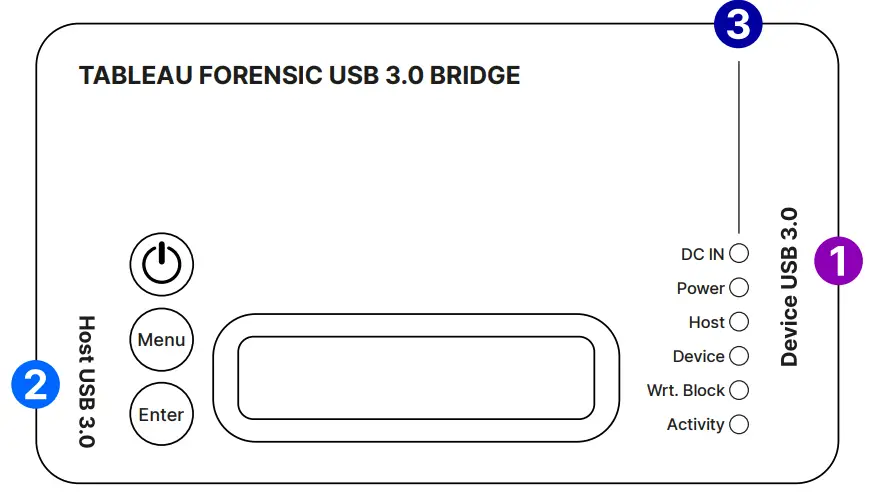
Confirm that the bridge is off before the beginning.
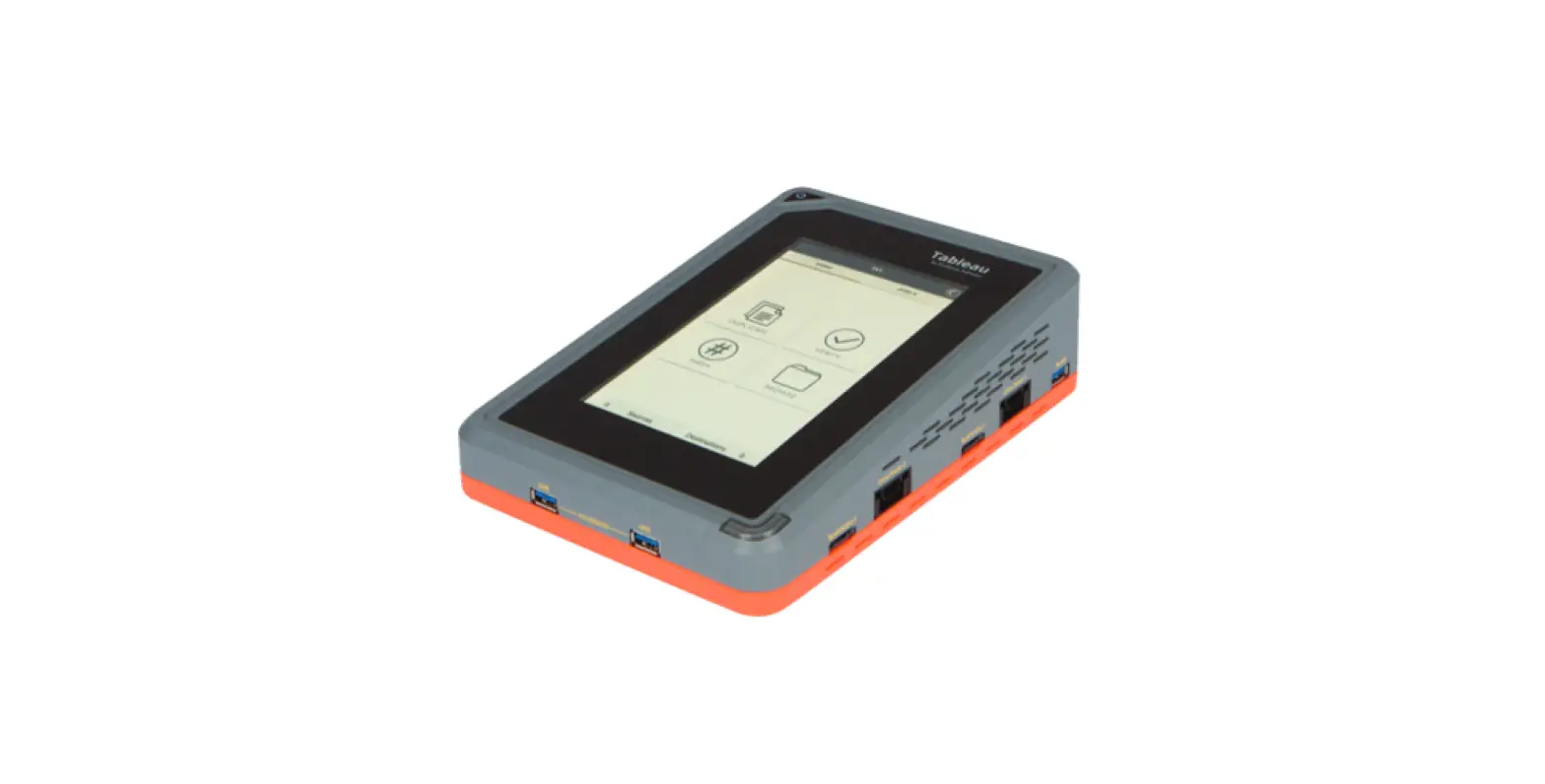
- Connect one USB source device* to the right side of the T8u 1
* T8u supports USB devices that conform to the USB Mass Storage Bulk-Only specification. - Connect the bridge to the host computer using the host USB port 2
- Connect the power supply to the bridge’s DC In 3
- Press the power button
 and to begin operation Before you remove the connected USB device or power down the T8u, safely eject or unmount the device on your host computer.
| Device Info | Displays the connected USB device mfg, model, serial number and firmware version |
| Select LUN | If the drive has multiple LUNs, select a LUN to mount |
| Bridge Info | Displays T8u firmware version, serial number, and DIP switch configuration |
| Show Status | Displays information related to the current status |
Use the Menu and Enter buttons to navigate through these LCD menus:
| Menu |  | Advance to next main menu screen |
| Enter |  | Advance to the first/next informational screen |
CONNECTION RECOMMENDATIONS
| For USB Device | Use the cable supplied with the USB device or directly connect |
| For the Host Connection | Use a Tableau USB 3.0 cable (TC-USB3) |
| For Power (DC-In) | Use a Tableau power supply (TP5 or TP2) |
DIP SWITCH SETTINGS
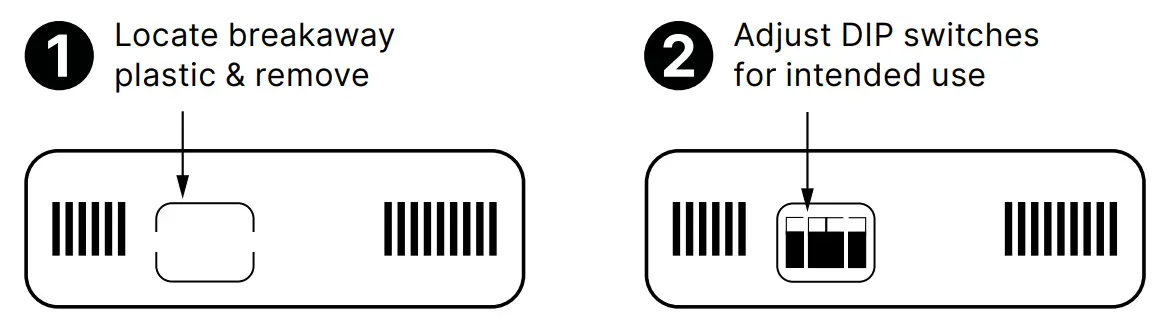
| SWITCH 1 | ON = Read/Write  |
| OFF = Read-Only | |
| SWITCH 2 | ON = Hide Write Protect |
| OFF = Report Write Protect | |
| SWITCH 3 | ON = Hide Write Errors |
| OFF = Report Write Errors | |
| SWITCH 4 | No Function |
* Default setting is OFF for all switches
FIRMWARE UPDATES
Free firmware updates are provided for Tableau Forensic products on a regular basis through the Tableau Firmware Update (TFU) utility. Reference the Tableau Download Center webpage for more information: security.opentext.com/tableau/download-center
SUPPORT
For Tableau Forensic product support: opentext.com/support/contact/guidance
ABOUT OPENTEXT
OpenText, The Information Company, enables organizations to gain insight through market-leading information management solutions, on-premises or in the cloud. For more information about OpenText (NASDAQ: OTEX, TSX: OTEX) visit: opentext.com.
CONNECT WITH US:
- OpenText CEO Mark Barrenechea’s blog
- Twitter | LinkedIn
opentext.com/contact
Copyright © 2021 Open Text. All Rights Reserved. Trademarks owned by Open Text.
For more information, visit https://www.opentext.com/about/copyright-information • 09.21 | 18895. EN