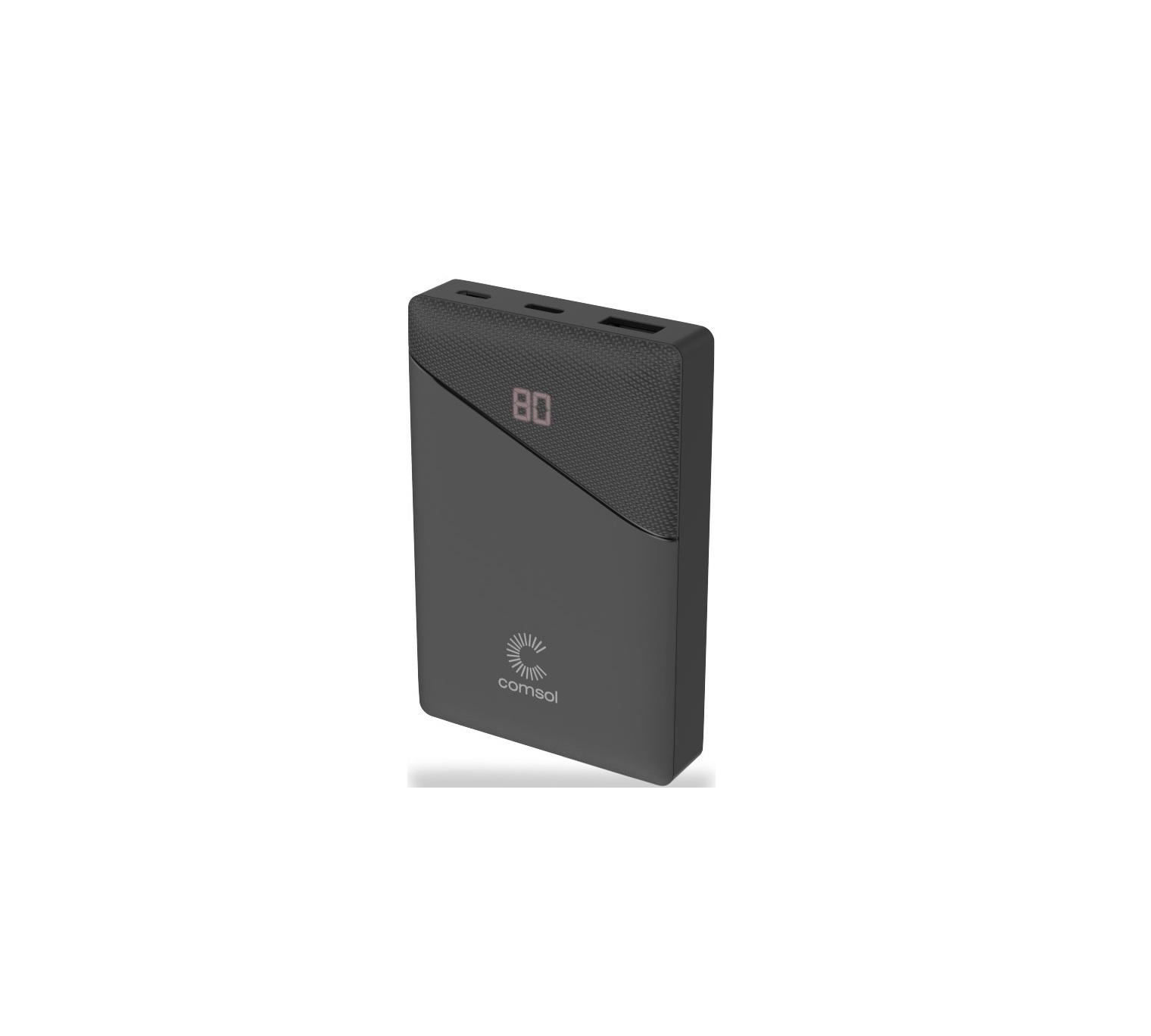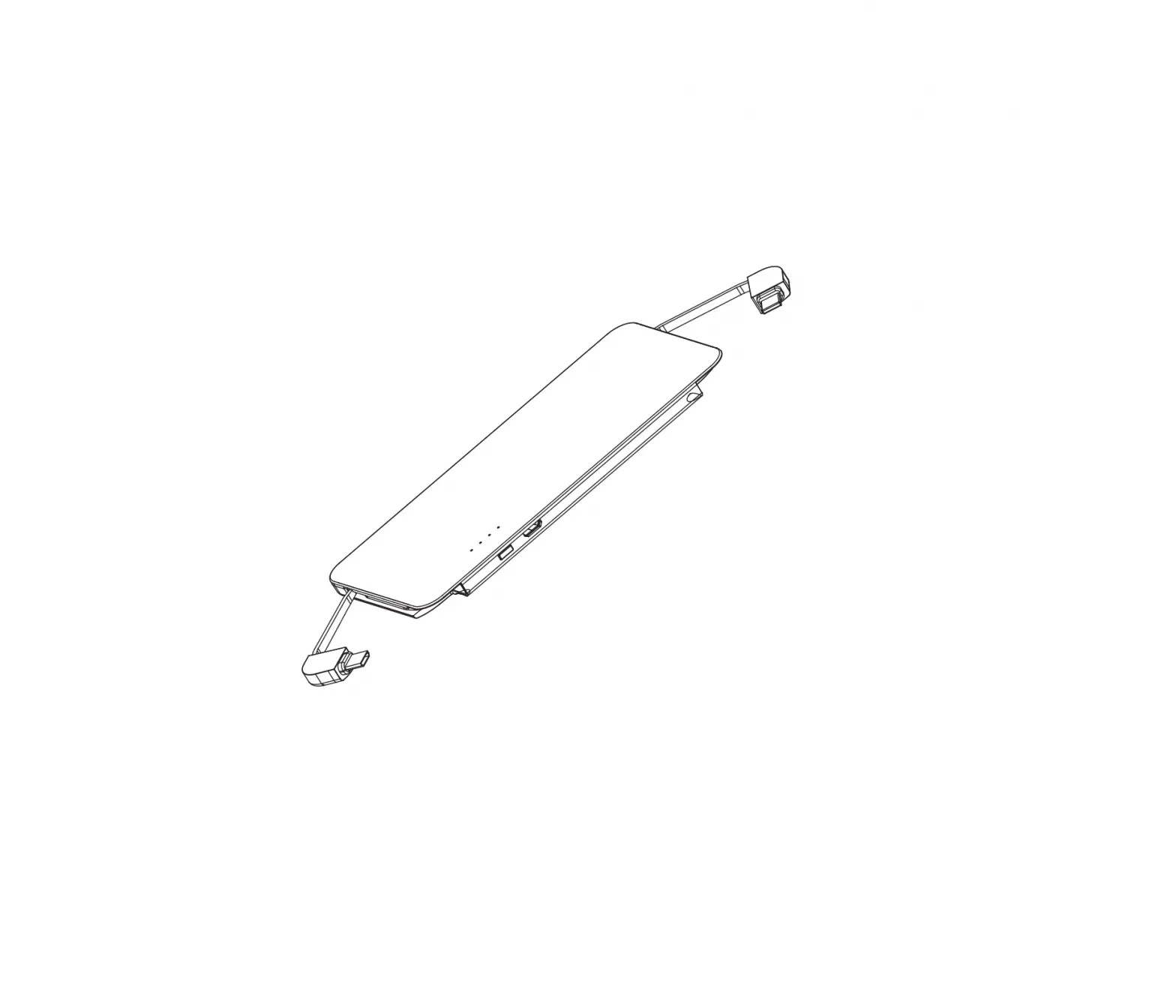

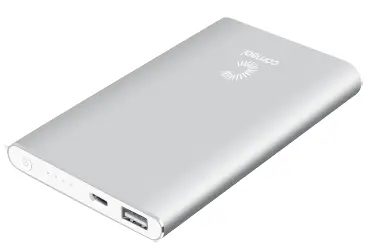
comsol PB0401BK 4000mAh Power Bank Charger
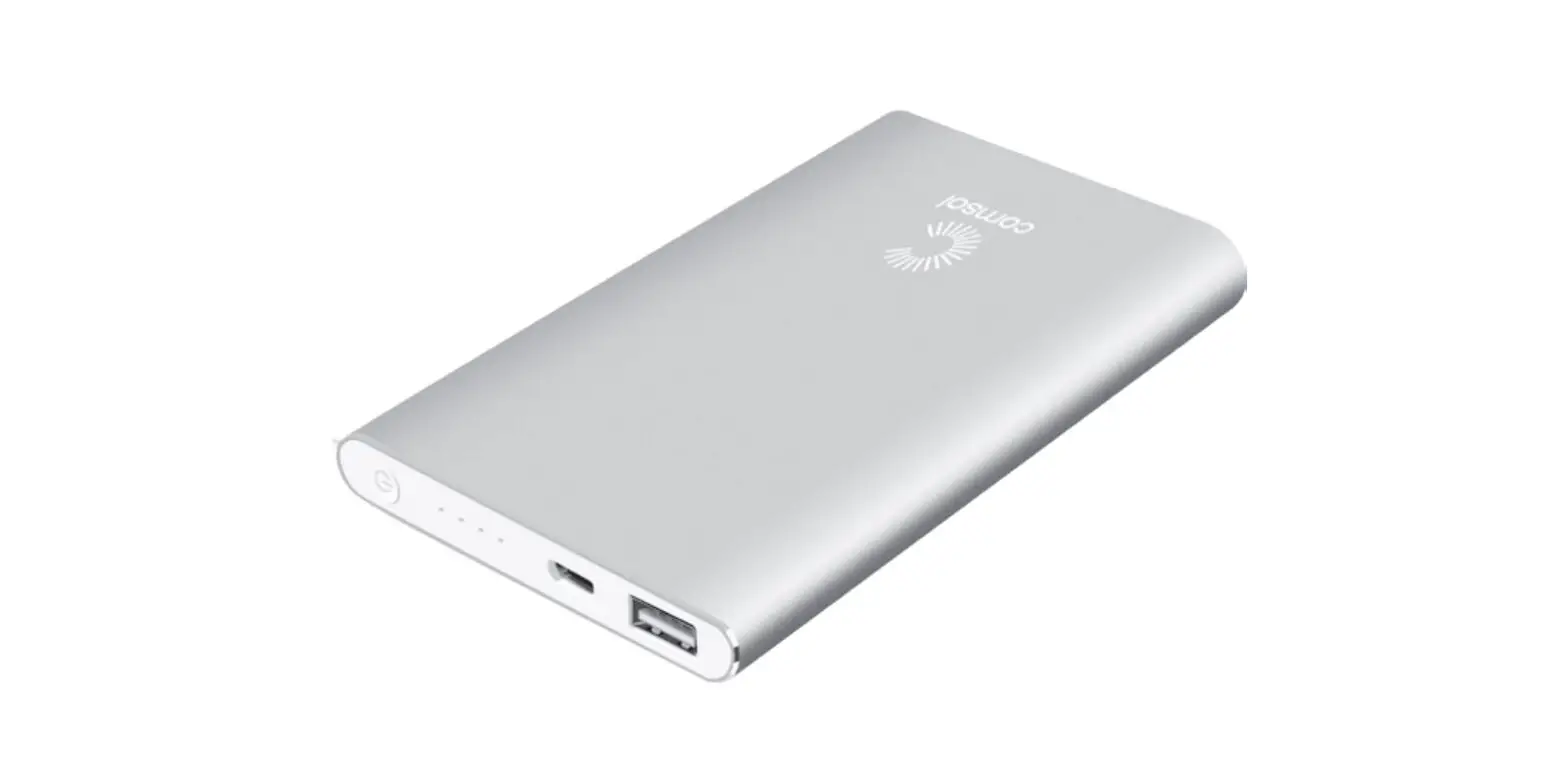
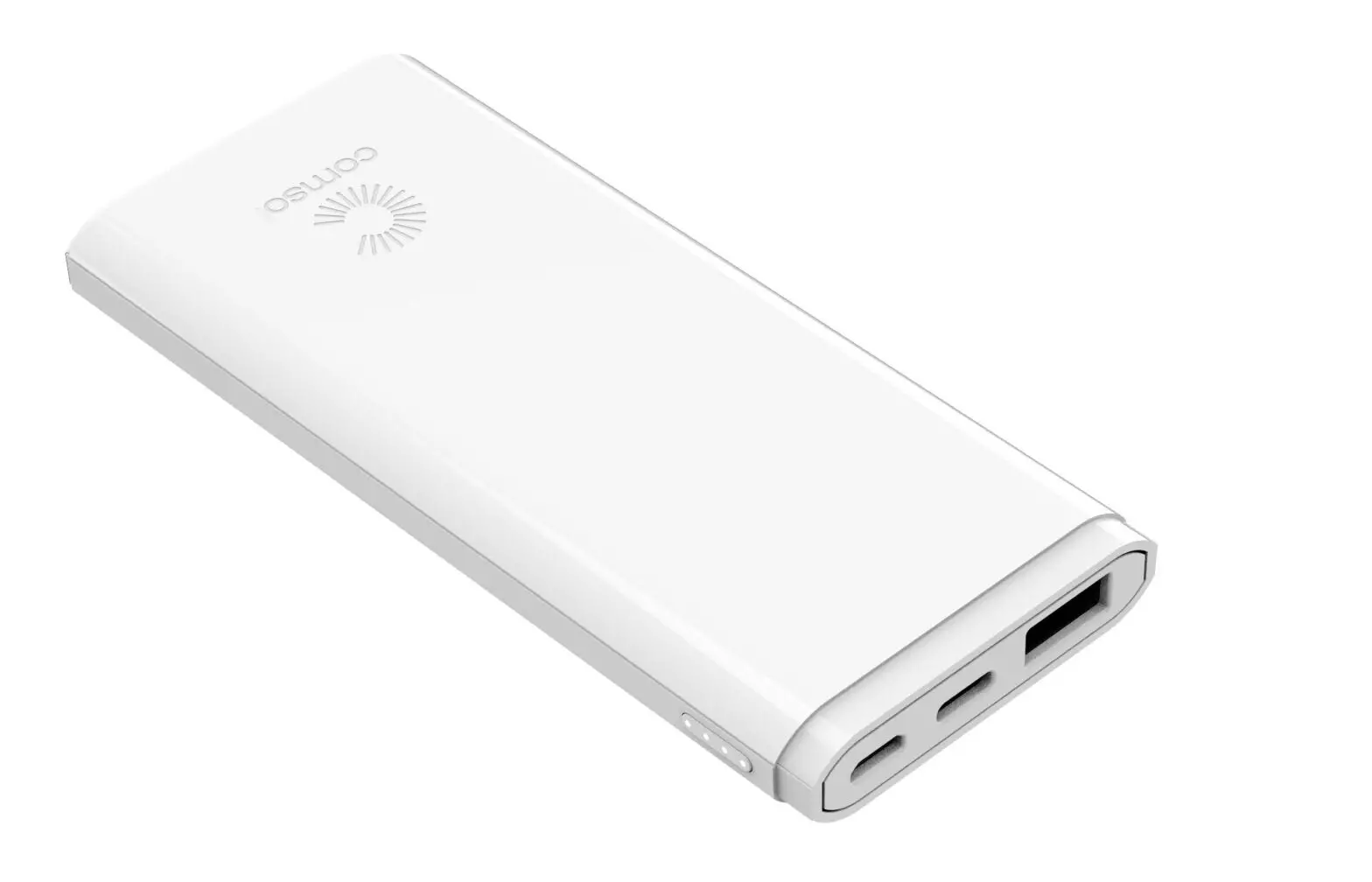
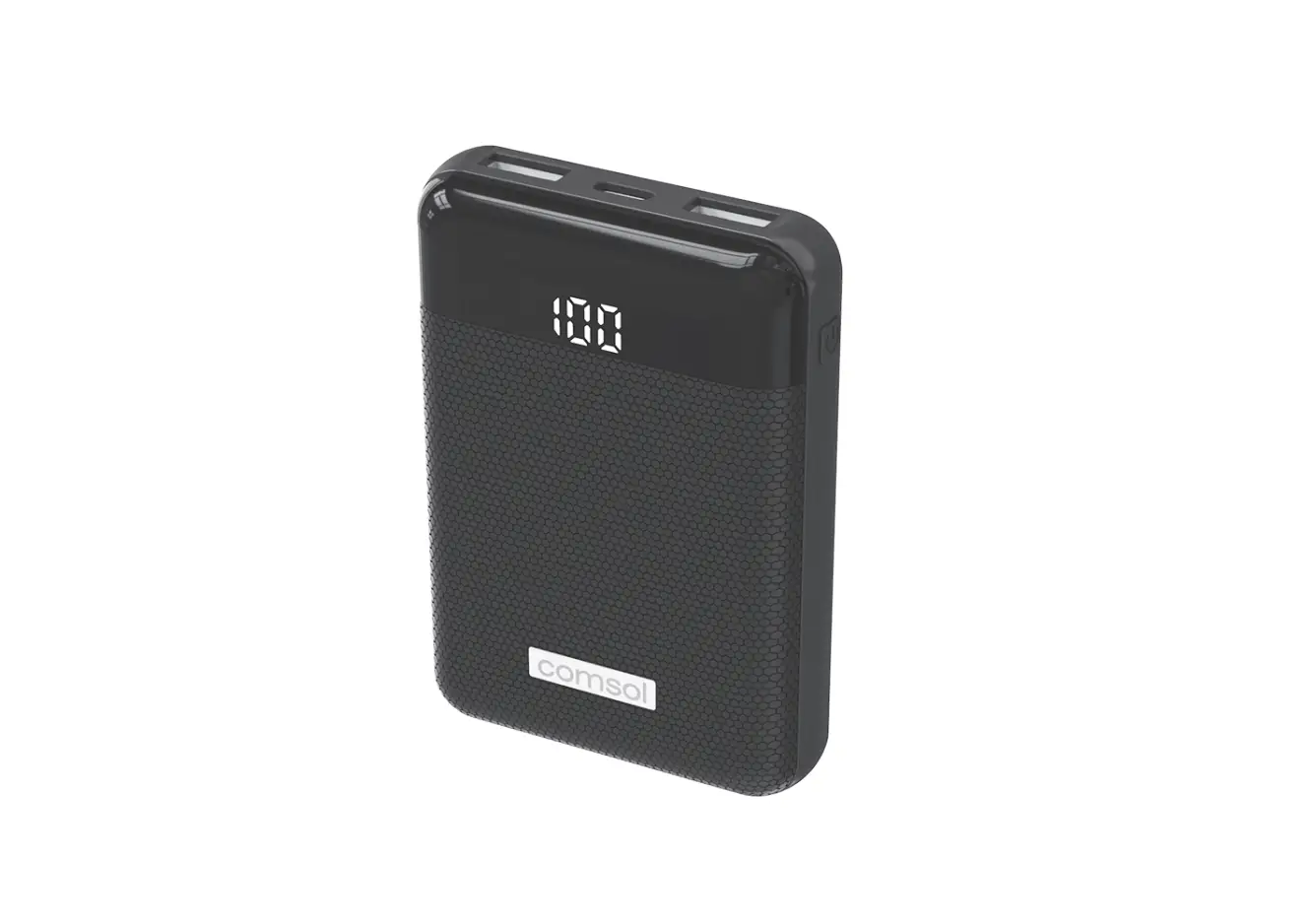
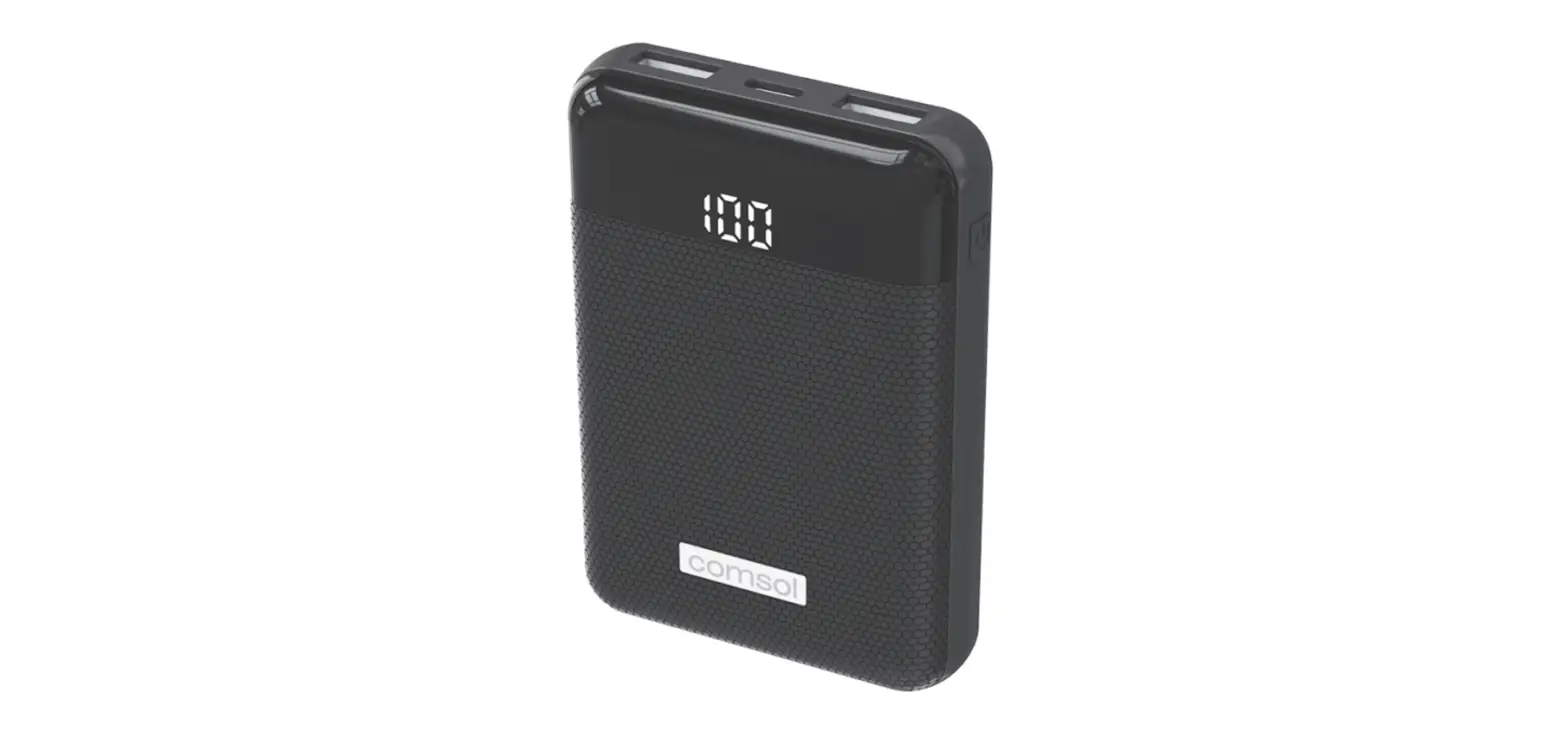
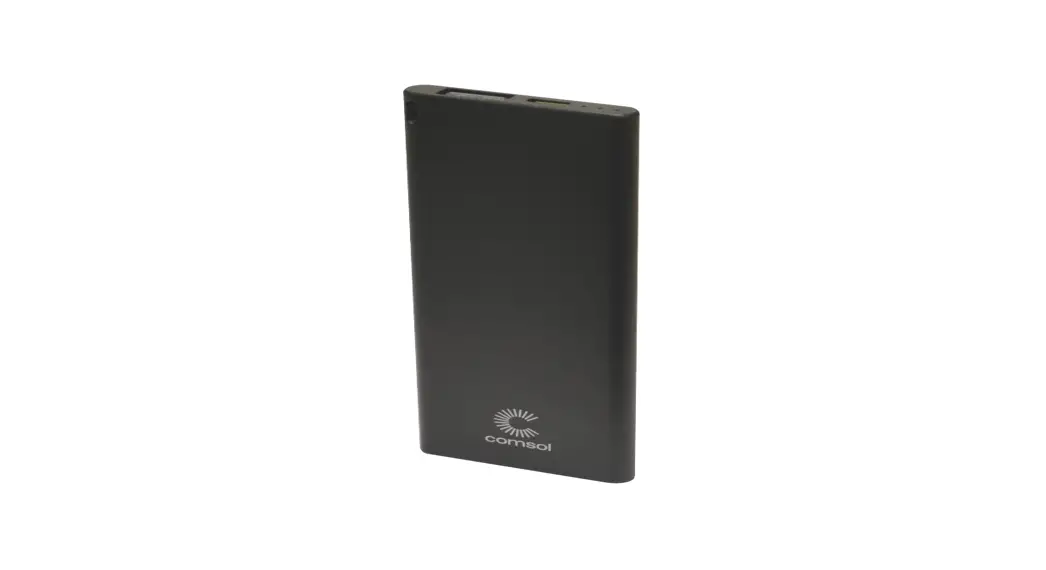
Power Bank Layout
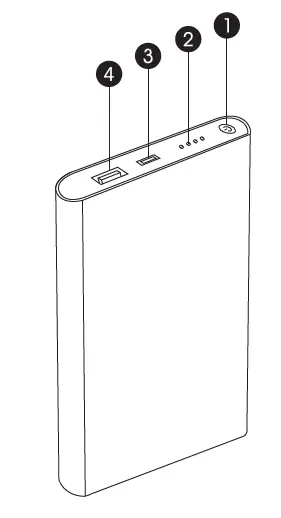
- Power On/Off
- Capacity LED Indicators
- Micro USB Input: 5V 1A
- USB-A Output: 5V 1A
Suitable for
- iPhone/iPod
- Most smartphones including Samsung, LG, Sony, HTC, Nokia, Microsoft, Huawei, Motorola, Google, OnePlus, Oppo & more
- Smartwatches, fitness trackers, digital cameras, portable gaming consoles, eReaders and drones
- Bluetooth devices such as speakers, headsets or earphones
Features
- 4000mAh provides 140% extra battery for an average smartphone*
- Get an extra 20 hours of talk time on an iPhone X or 17 hours on a Samsung Galaxy S9
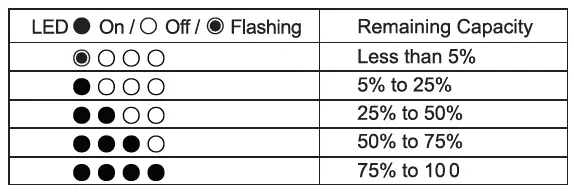
- Four LED indicators to show remaining capacity
- Rechargeable more than 500 times
- Includes 30cm micro USB cable for charging and re-charging
- Built-in over voltage, over current, over heating, over discharge and short circuit protection
- Watt Hour Rating: 14.8Wh
- Input: DC 5V 1A
- Output: DC 5V 1A
- Charging Time: 2 to 4 hours depending on charger output
- Size: 110mm (L) x 69mm (W) x 11mm (H)
- Weight: 128g
- Certifications: RCM, RoHS, UN38.3
To Charge Power Bank.
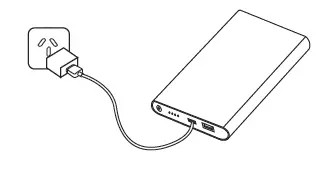
- Using the included micro USB cable, connect the larger USB-A connector to a USB wall charger
- Connect the smaller micro USB connector to the input port on the power bank
- During charging the LED indicators will flash to show charging status
- When charging is complete all four LED indicators will remain on
To Charge Phone or USB Device
To Charge a Mobile Phone or other USB Device
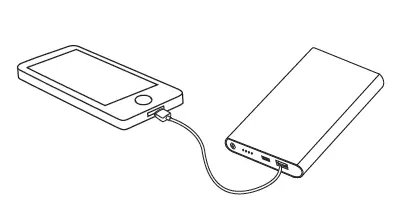
- Using your phone or other USB device’s charging cable, connect the USB-A connector to the output connector on the power bank
- Connect the other end of the cable to your device
- Charging should commence automatically
- If your phone or device uses a standard micro USB connector then you can also use the included cable to charge your device
- During charging the LED indicators will be on
- When your phone or device is fully charged, the power bank will automatically turn itself off
To Check Remaining Capacity
- Press On/Off button and LEDs will light to show remaining capacity
- The LEDs will turn off automatically after approximately 5 seconds
Important Safety Instructions
- To maximize battery life span, fully charge power bank before first use for 6 to 8 hours
- Store power bank in a cool and dry place.
- Do not store power bank in hot or humid environment
- Operating temperature should be between -10c to 45c
- If power bank is not used for long periods of time, you should charge and discharge once every three months
- When charging a device, the power bank may feel warm, this is a normal operating condition and should not be cause for concern
- In normal conditions, the battery performance will decline over several years
- Do not dispose of power bank in heat or fire
- Do not clean power bank with harmful chemicals or detergents
- Misuse, dropping or excessive force may cause product damage