 IXS-HBDV
Preprogrammed IX Kit
GENERAL OVERVIEW
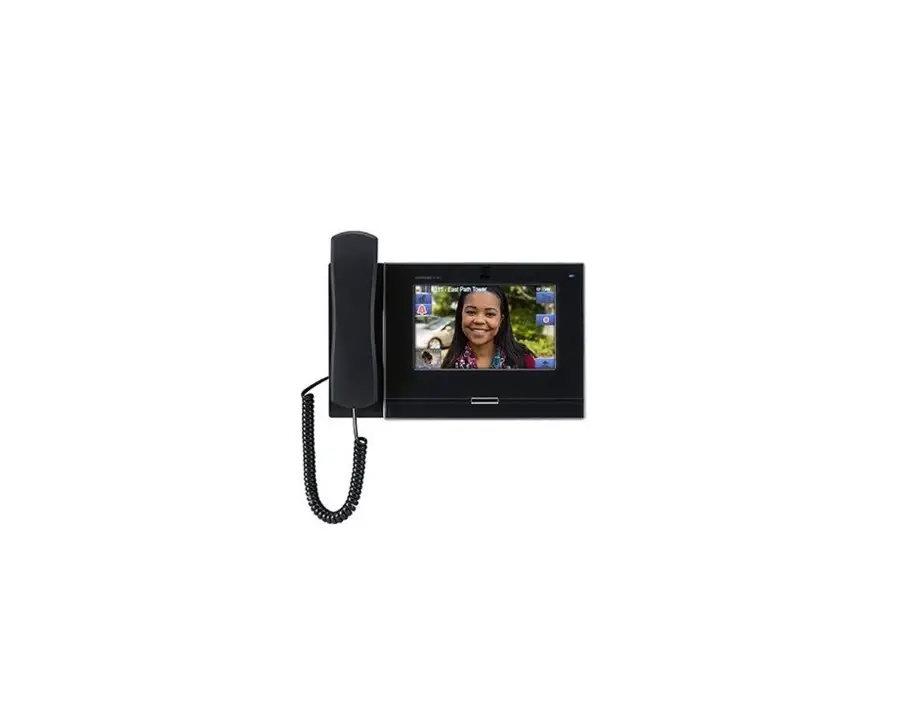
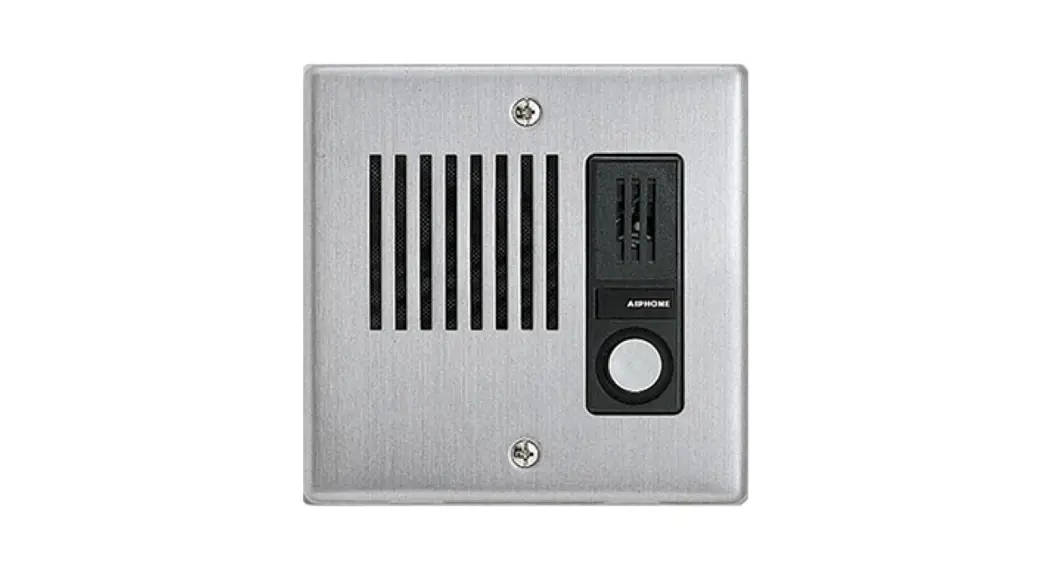
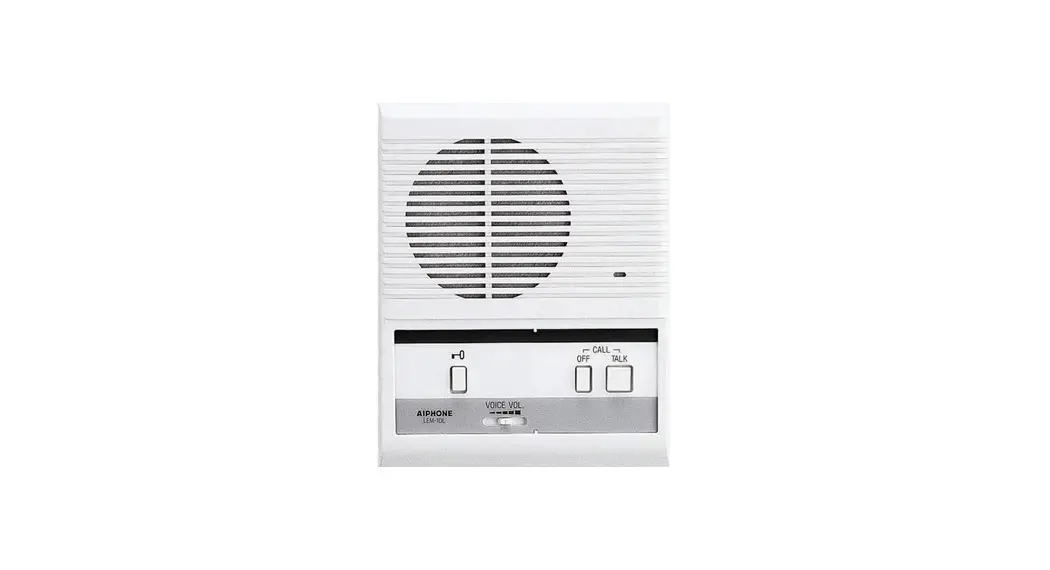
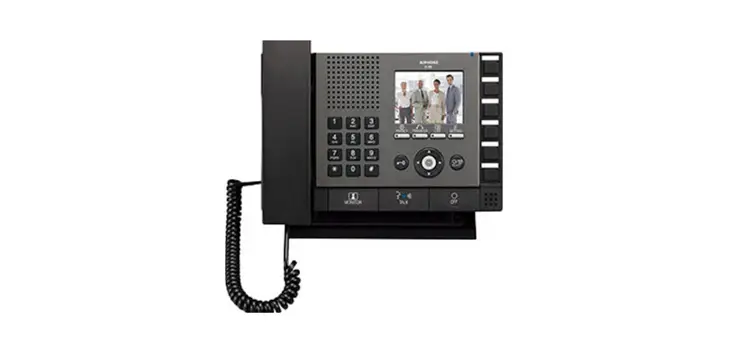
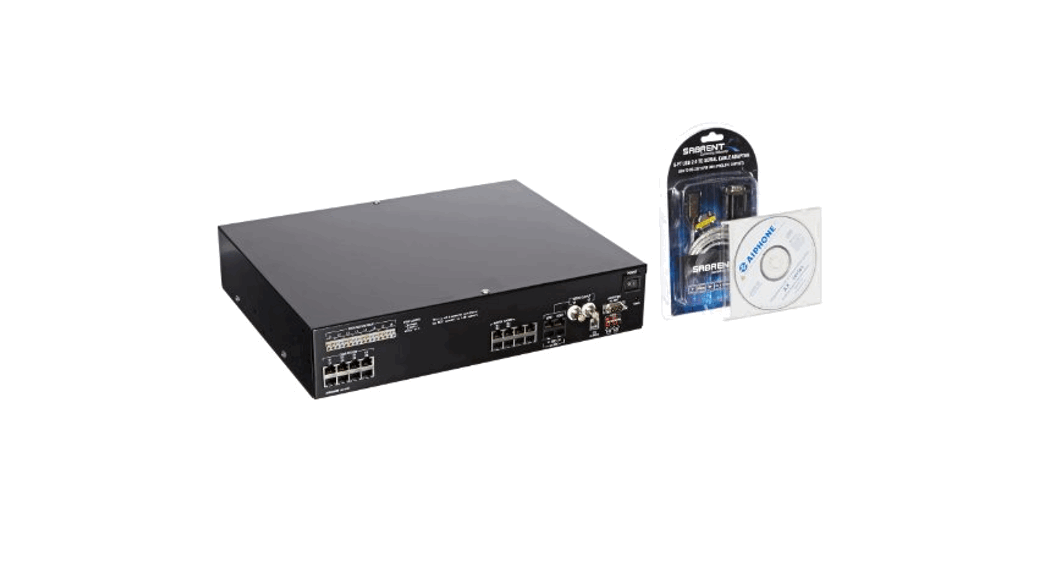
The IXS-HBDV is a preprogrammed kit including one IX-DV, one IX-MV7-HB, one PoE switch, and a USB drive. The USB drive includes the configuration file and instructional videos on how to add to this system.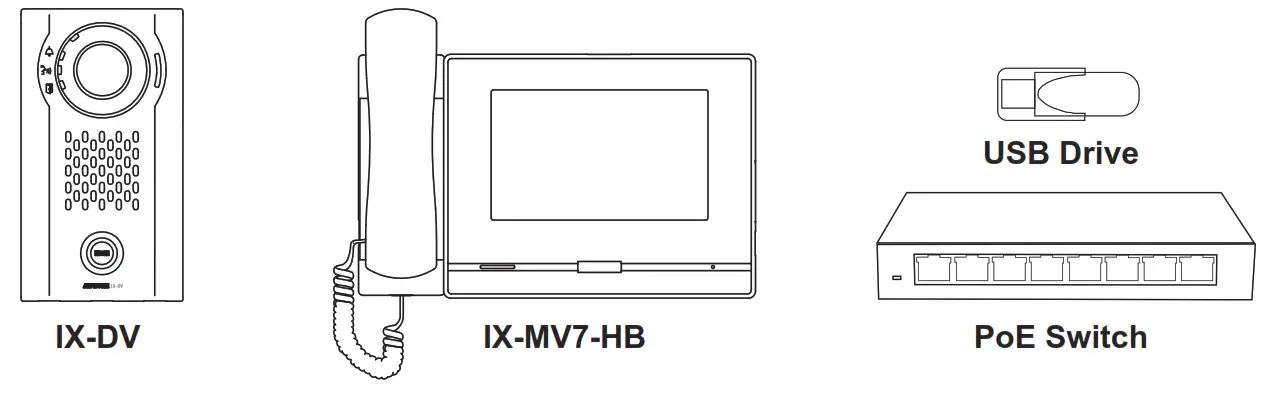
USB Contents
- IX Series Kit Configuration file
- Video 1 – Import IX Series Configuration File
- Video 2 – Date and Time
- Video 3 – Adding a Door Station
- Video 4 – Adding a Master Station
- Video 5 – Adding an IXW-MA
Getting Started
Step 1 Unpack contents. Store the USB drive in a safe place as it contains the system’s unique configuration file and “how-to” videos.
Step 2 Plug the PoE switch into a 110V AC outlet.
Step 3 Connect IX-DV and IX-MV7-HB to the PoE switch using Cat-5e/6 cable (not provided).
It does not matter which port you plug them into.
Step 4 Wait for a solid blue light on the IX-DV and IX-MV7-HB to indicate that the stations have properly powered up.
This should take approximately 1 minute.
Optional Steps (Recommended)
Step 5 Watch video 1 to import the configuration file onto your PC. Videos and configuration files are found on a supplied USB drive.
Step 6 Watch video 2 to change the Date and Time settings.
Optional Steps
Step 7 Watch video 3 to add more door stations to the system.
Step 8 Watch video 4 to add more master stations to the system.
Step 9 Watch video 5 to add an IXW-MA network relay to the system.
IXS-HBDV Kit Inst.
08/21
Aiphone Corporation
www.aiphone.com
(800) 692-0200