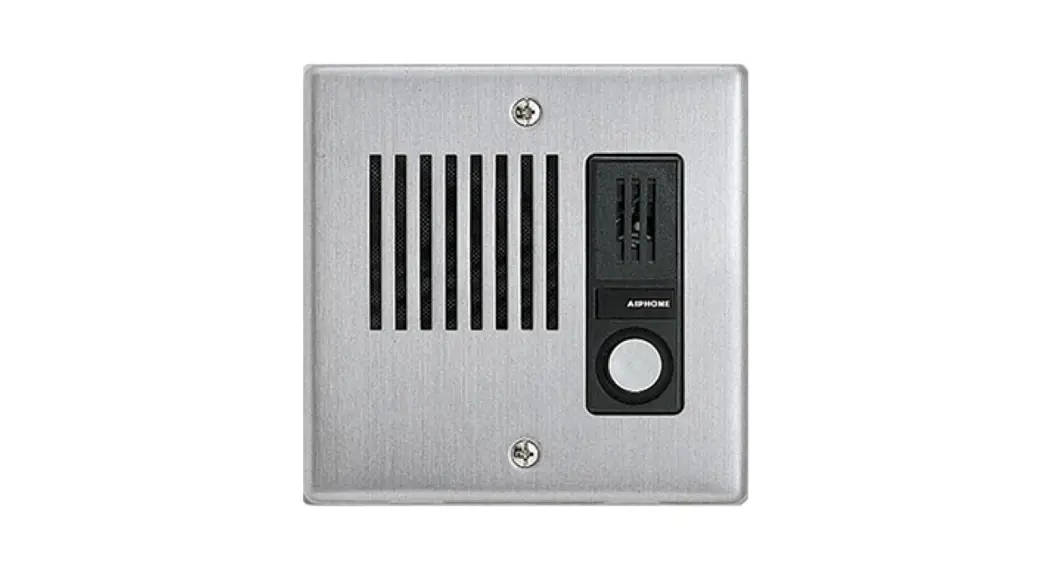
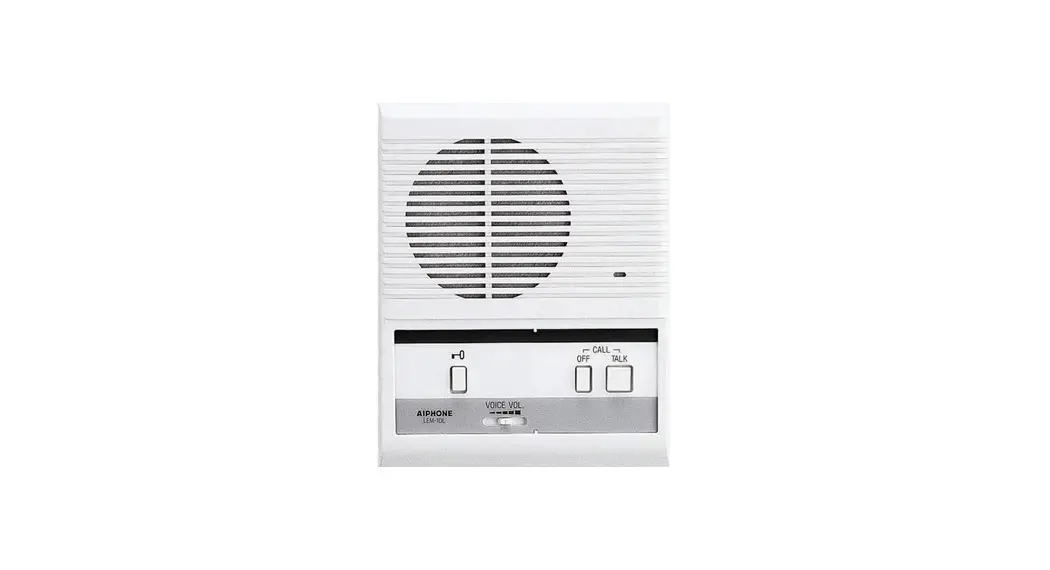
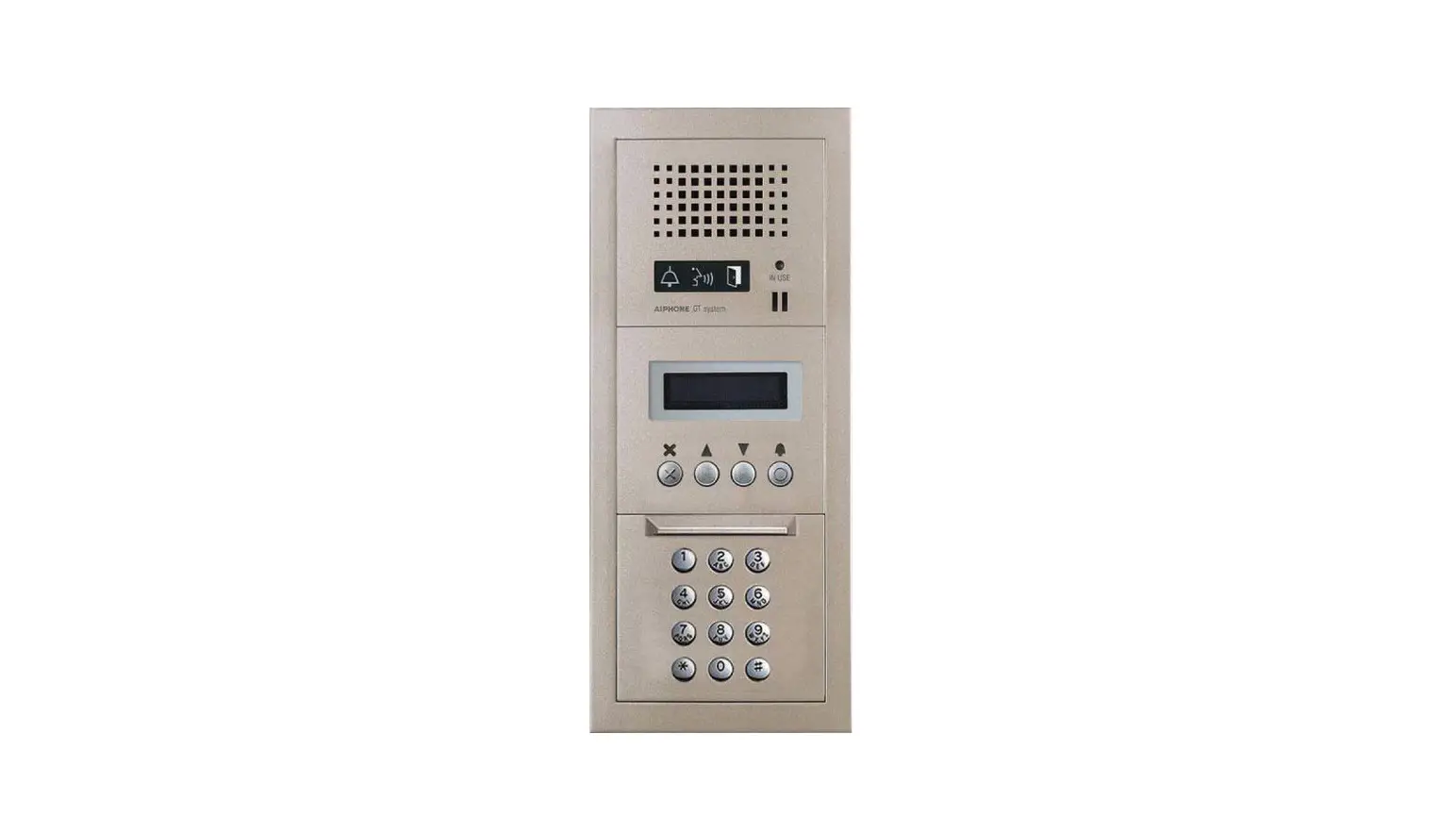
IX Series Sub Station as a Master Station
IX Series Application Note
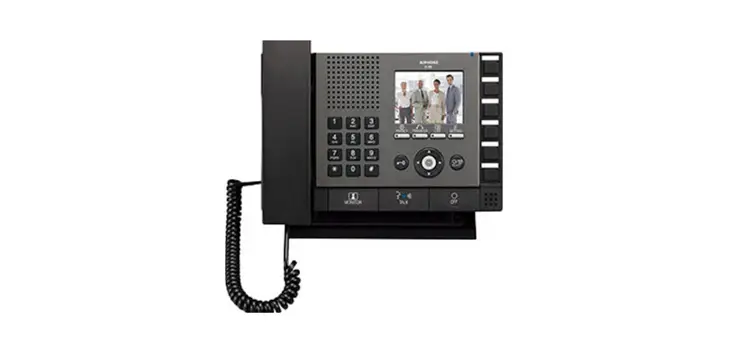
Configuring an IX-RS Sub Station as a Master Station
The IX Series is a highly advanced video intercom system that
allows for communication between door stations and master stations.
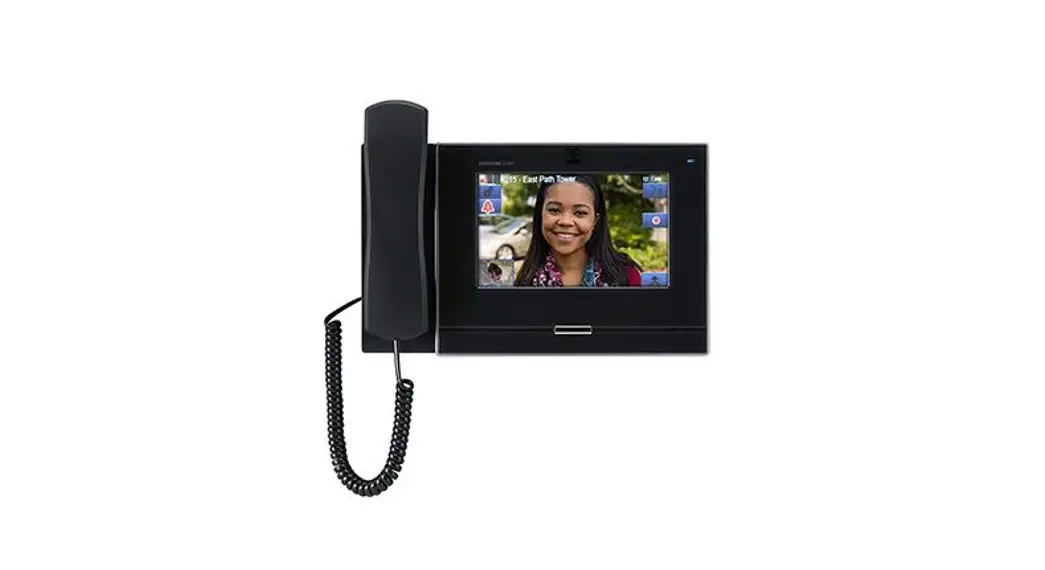
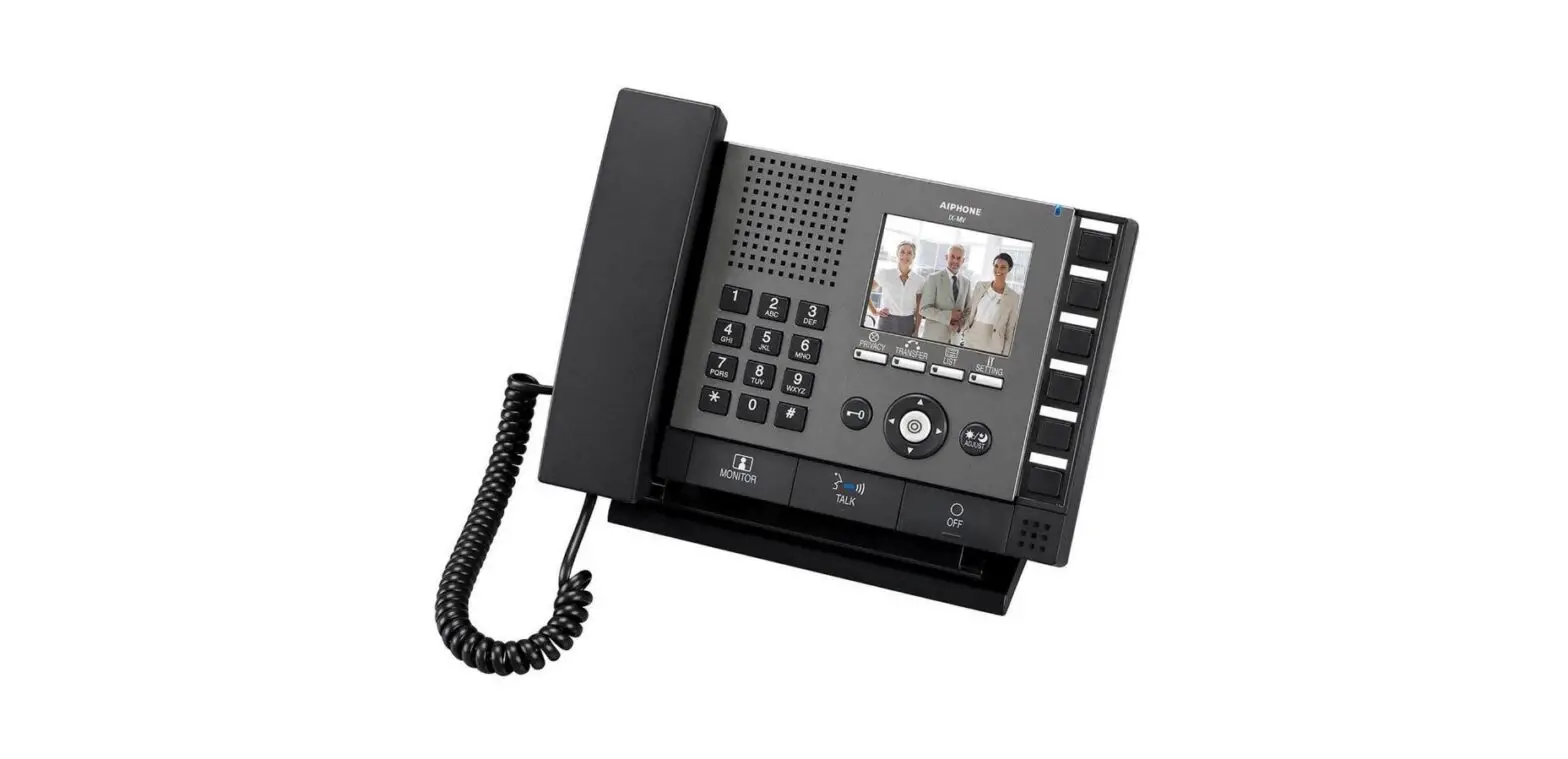
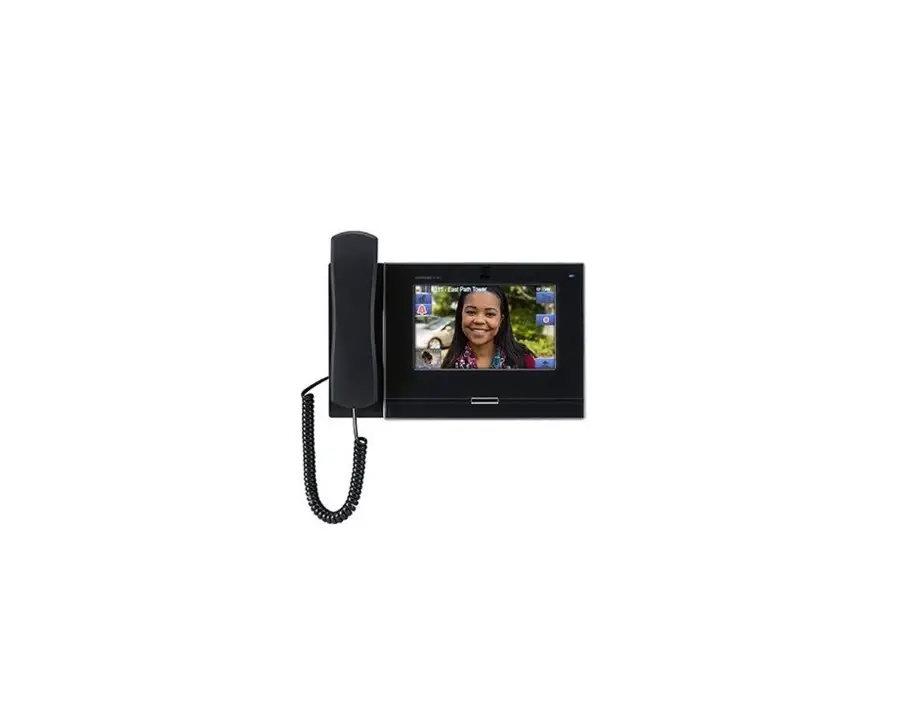
The system is typically configured using IX-MV7 master stations or
IX-SOFT PC master station software. However, for smaller sites that
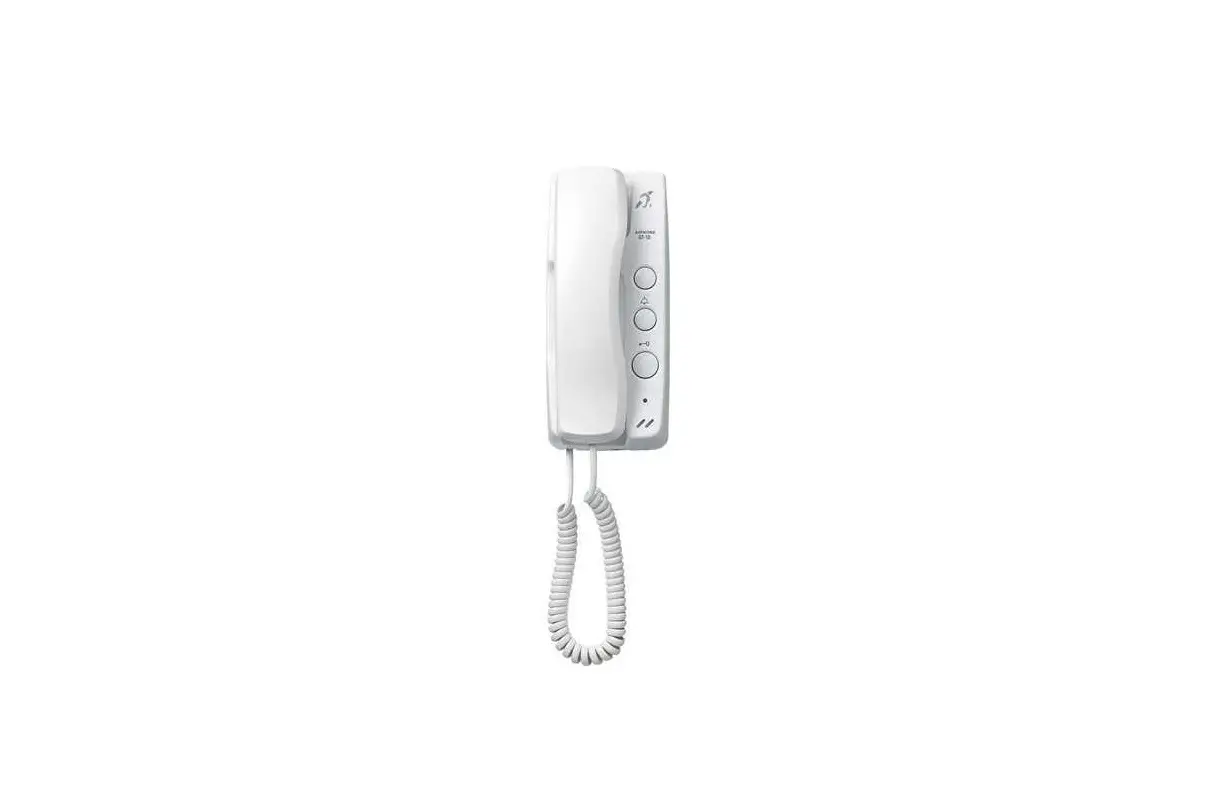
do not require video features, an IX-RS sub station can be used in
place of a master station.
Limitations
It is important to note that there are some limitations when
using an IX-RS sub station as a master station. For example, IX
door stations do not automatically answer calls from sub stations.
This limitation can be resolved by using one of the relay outputs
on the door station to connect to one of the option inputs.
IX Support Tool Settings
The system should be programmed using the IX Support Tool and
following the IX Series Quick Start Programming Guide. Once the
stations are configured, the following steps will allow the door
station to call the sub station and allow the sub station to unlock
the door station.
Call Settings
- Navigate to Call Settings, Called Stations (Door/Sub
Stations). - The Called Stations will be empty by default. Use the drop-down
menus to change this to U. Click Update. - Navigate to Call Settings, Station Information. Set the door
station’s Call Button Function to Call, Answer Call, End
Communication. Click Update.
Configuring the Door Station Relays for Auto Answer
To configure the door station relays for auto answer, follow
these steps:
- Navigate to Option Input/Relay Output Settings, Option Input.
This will display Option Input 1. - Use the drop-down to set the door station’s Function to Answer
Call/Page, and set the Type to Break. Click Update. - Navigate to Option Input/Relay Output Settings, Relay Output.
This will display Relay Output 1, but the first relay output will
be used for door release. - Instead, use the drop-down under [Display Settings] to select
Relay Output 2. - Under Relay Output 2, make sure that the Function is set for
Status Output. - Under Status Output 2, remove the check boxes under Status
Output 2, and check off all three call priority levels under
Incoming Call. Click Update.
Enabling Door Release by IX-RS
To enable door release by IX-RS, follow these steps:
- Navigate to Station Settings, Door Release Assignment.
- Scroll all the way to the right and set the drop-down menu
under Door Release by IX-RS to Enable. Click Update. - Navigate to File, Upload Settings to Station. Select all
stations and click Settings.
Wiring the Door Station Relays for Auto Answer
Once the door station’s input and output have been configured,
the programmed relays will need to be connected. For an IX-SSA,
IX-DV or IX-DVF Door Station, Relay Output 2 should be connected to
Option Input 1. Both the input and output wires are nonpolar, so
the colored wires can be reversed.
For more information about the features and information above,
please contact Technical Support at Aiphone Corporation by visiting
www.aiphone.com or calling (800) 692-0200.
IX SERIES APPLICATION NOTE
Configuring an IX-RS Sub Station as a Master Station
Introduction
Most IX Series installations use IX-MV7 master stations or IX-SOFT PC master station software to answer calls from door stations. For smaller sites that will not use video features, it is possible to use an IX-RS sub station in place of a master station.
Limitations
This solution works best for sites where a single door station calls an IX-RS substation(s). This is because the IX-RS can only have a single call destination, so it can struggle to manage multiple door stations. It will not be clear which door is calling the IX-RS, and it will only be able to initiate a call to a single door. A full master station is recommended for these sites. This document shows the IX-RS working with an IX-SSA door station. This is because the IX-SSA has multiple contact inputs and outputs, allowing the IX-RS to call it and be automatically answered without losing door release. This is useful in situations where the sub station needs to resume communication with the visitor at the door if the call times out, or monitor what is happening outside. The IX-DV and IX-DVF video door stations have the same features available. IX-SS-2G, IX-EA, IX-DVM, and IX-NVP door stations can also be used with the IX-RS. However, since they only have a single contact input and output, they cannot automatically answer calls from the IX-RS and unlock the door on the same station. Either auto answering or door release will need to be chosen. On legacy IX-BA and IX-DA door stations, there is not a way to have the IX-RS initiate a call to the door station. The IX-RS can still receive calls from these door stations and unlock them. Sites that require paging features will need to use a full master station, since the IX-RS cannot initiate a page.
IX Support Tool Settings
Program the system using the IX Support Tool and following the IX Series Quick Start Programming Guide. Once the stations are configured, these steps will allow the door station to call the sub station, and allow the sub station to unlock the door station.
Call Settings
Navigate to Call Settings, Called Stations (Door/Sub Stations). The Called Stations will be empty, since door and sub stations are not set to call each other by default. Use the drop-down menus to change the blank to U. Click Update .
Navigate to Call Settings, Station Information. Set the door station’s Call Button Function to Call, Answer Call, End Communication. Click Update .
05/23 1
Configuring the Door Station Relays for Auto Answer
IX door stations do not automatically answer calls from sub stations. This can be resolved by using connecting one of the relay outputs on the door station to one of the option inputs. The wiring will be covered on the next page. Navigate to Option Input/Relay Output Settings, Option Input. This will display Option Input 1, which is what this guide will show. Use the drop-down to set the door station’s Function to Answer Call/Page, and set the Type to Break. Click Update .
Navigate to Option Input/Relay Output Settings, Relay Output. This will display Relay Output 1, but the first relay output will be used for door release. Instead, use the drop-down under [Display Settings] to select Relay Output 2. Under Relay Output 2, make sure that the Function is set for Status Output. Under Status Output 2, remove the check boxes under Status Output 2, and check off all three call priority levels under Incoming Call. Click Update .
Enabling Door Release by IX-RS
Navigate to Station Settings, Door Release Assignment. Scroll all the way to the right and set the drop-down menu under Door Release by IX-RS to Enable. Click Update .
Navigate to File, Upload Settings to Station. Select all stations and click Settings .
05/23 2
Wiring the Door Station Relays for Auto Answer
Once the door station’s input and output have been configured, the programmed relays will need to be connected.
IX-SSA, IX-DV or IX-DVF Door Station
Relay Output 2 Option Input 1
Both the input and output wires are nonpolar, so the colored wires can be reversed.
For more details about the features and information above, please contact Technical Support. Aiphone Corporation | www.aiphone.com | (800) 692-0200
05/23 3
 Home - Aiphone