
Network Connect Future
QUICK INSTALLATION GUIDE
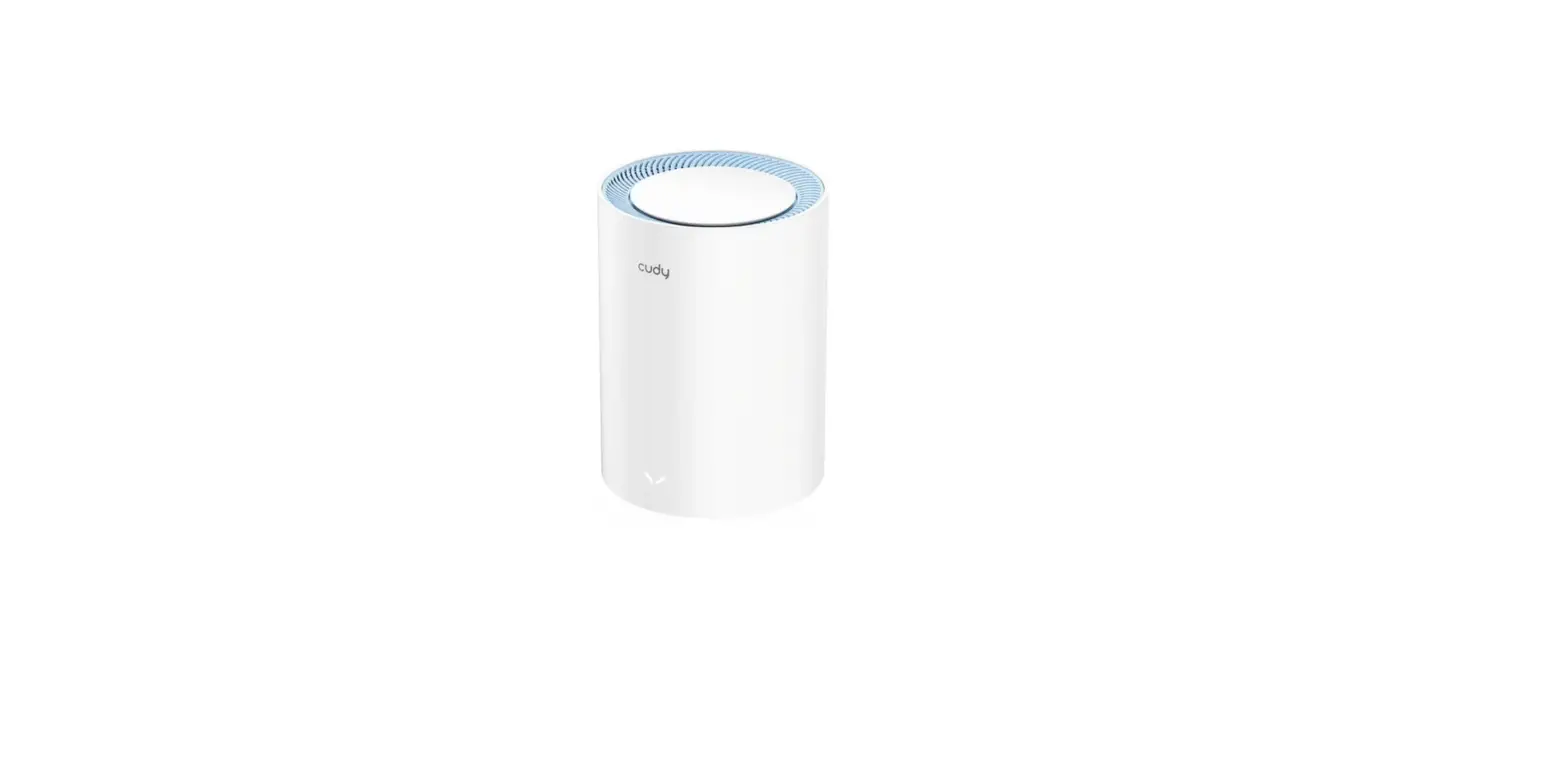
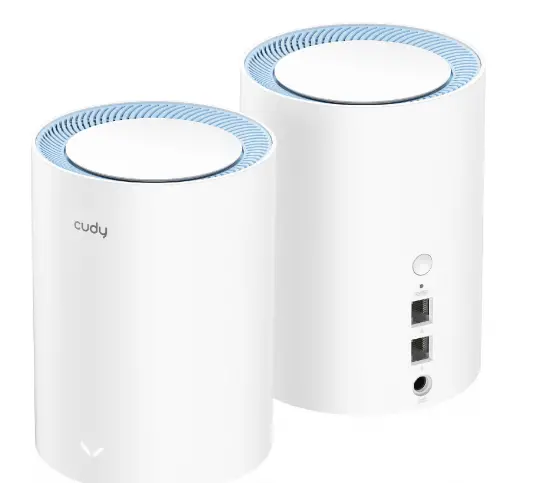
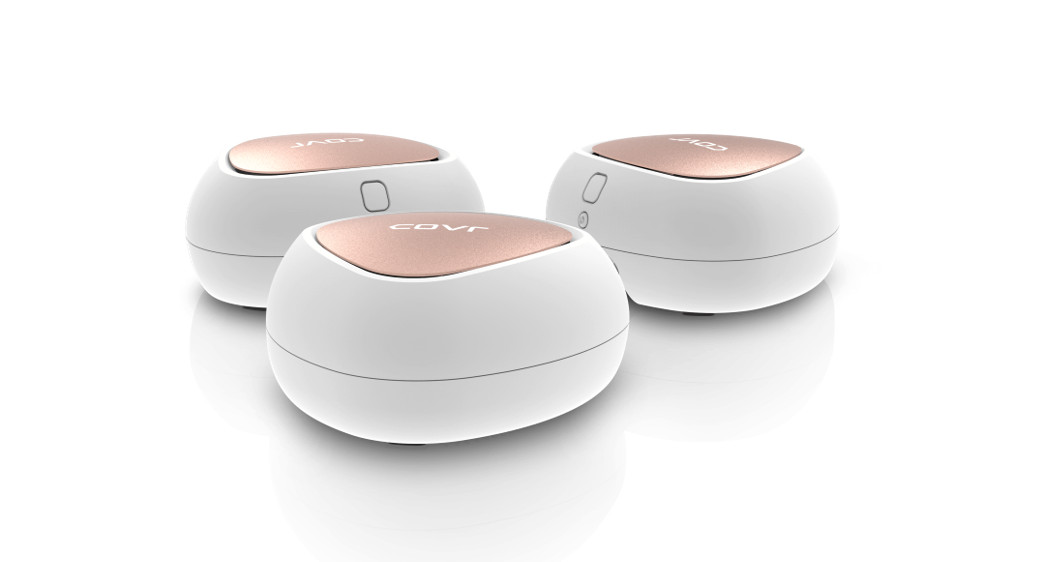
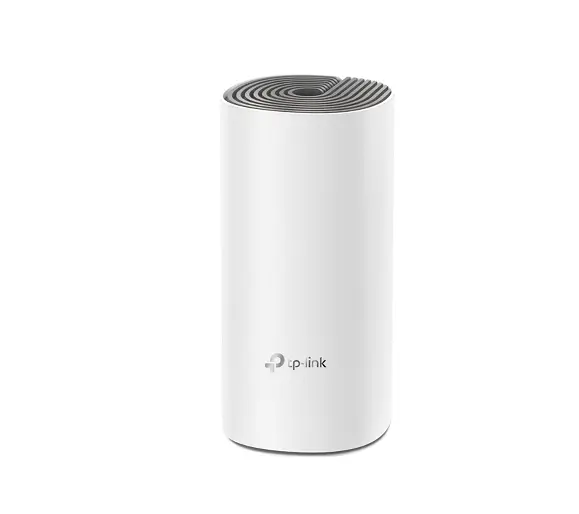
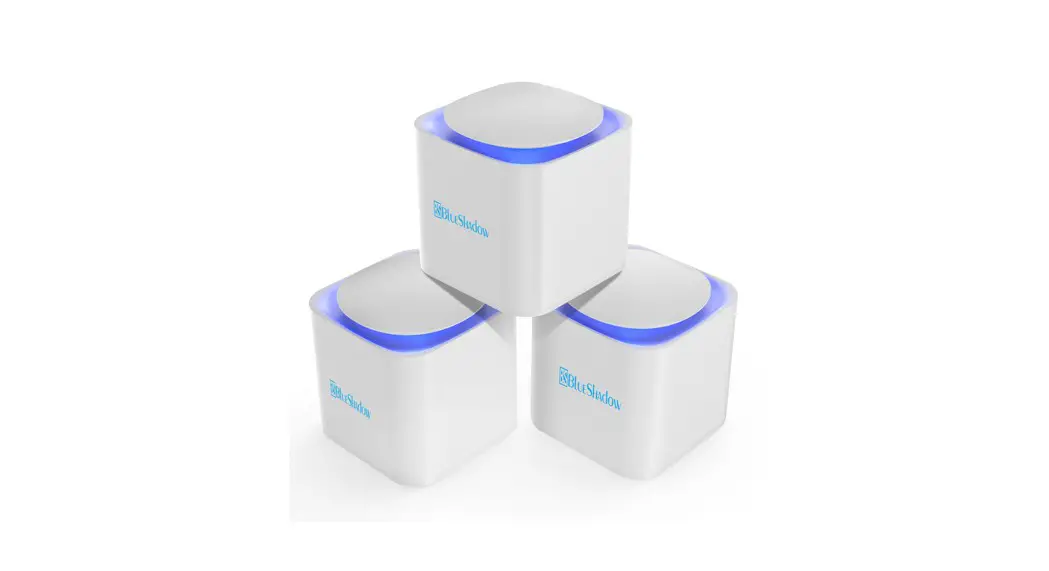
AC1200 Dual Band Whole Home Mesh WiFi System
Cuka-M1200C
www.myblueshadow.com
Version 1.0.0
Package Contents
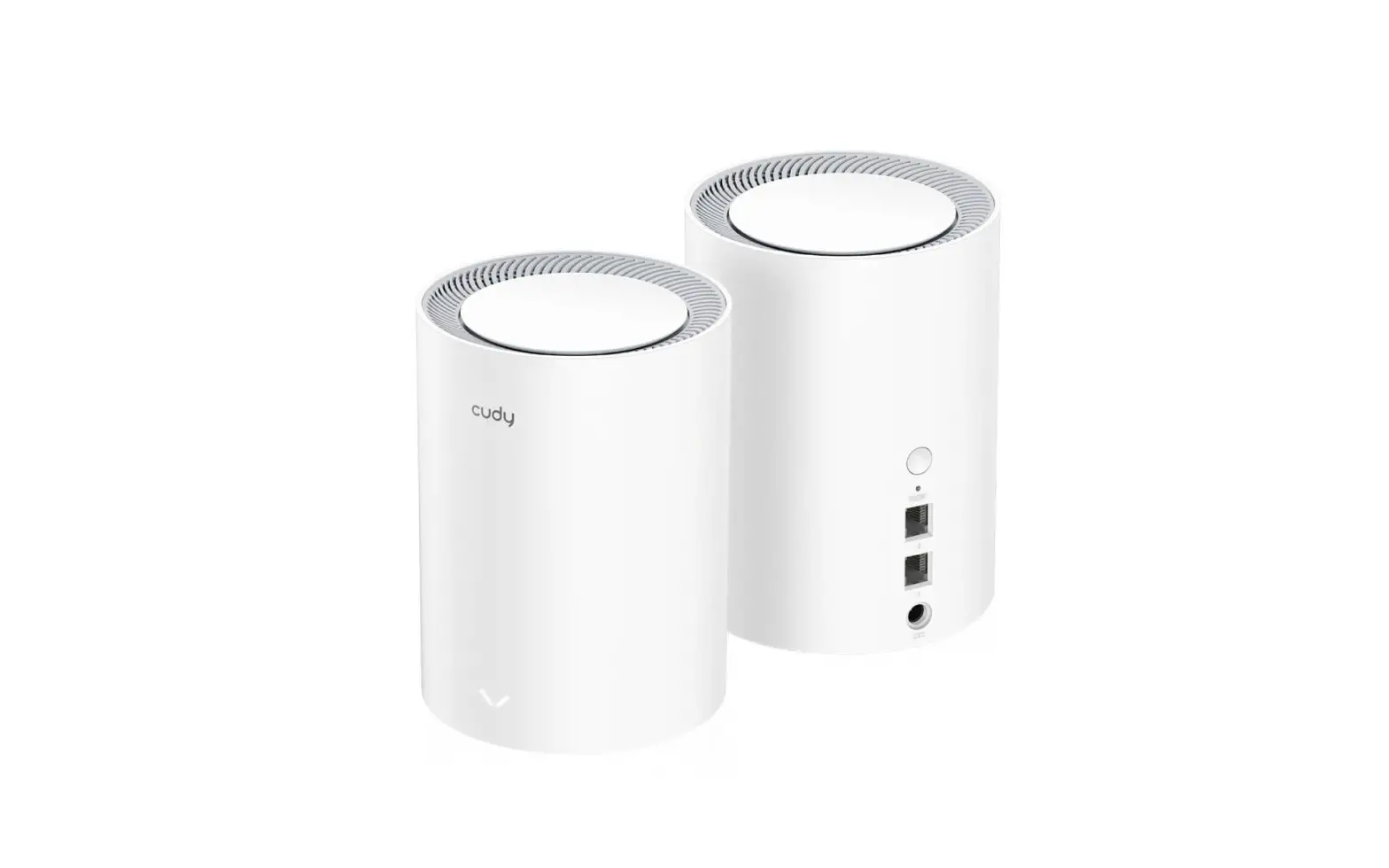
- Cuka-M1200C X1
- Power Adapter X 1
- Ethernet Cable X 1
- Quick Installation Guide X 1
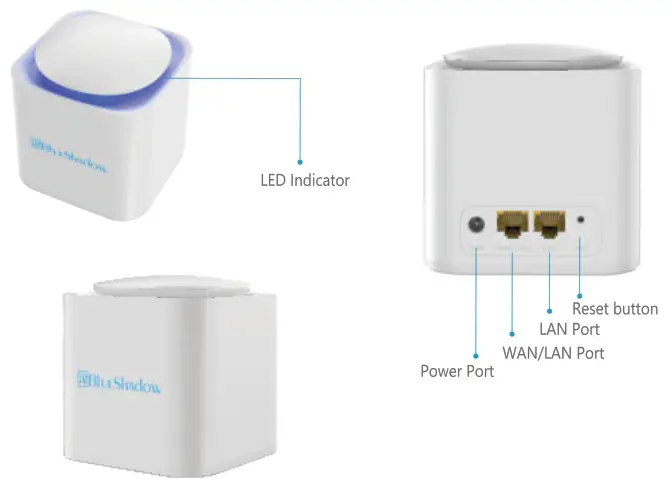
How to set up mesh tutorials
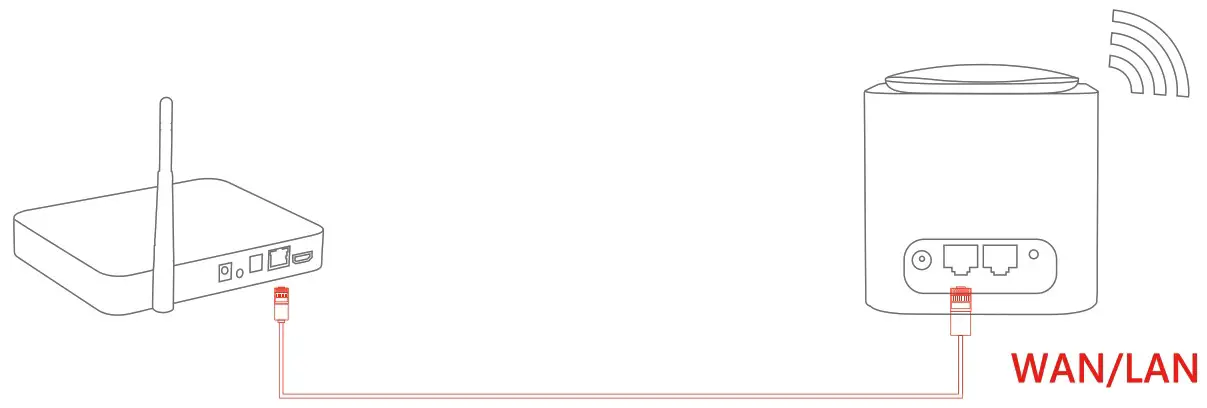
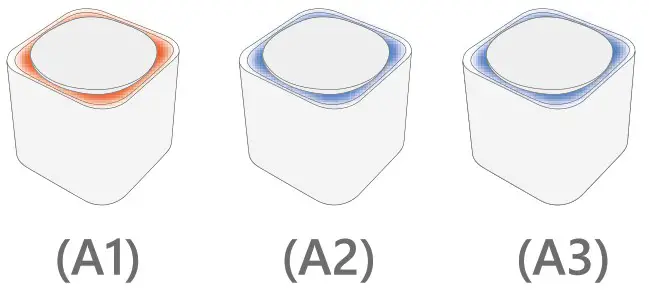
- Select one of them as main mesh randomly, the remaining two are child mesh, (A1, A2, A3, is just show how to use each mesh, not stipulatetd on the mesh)

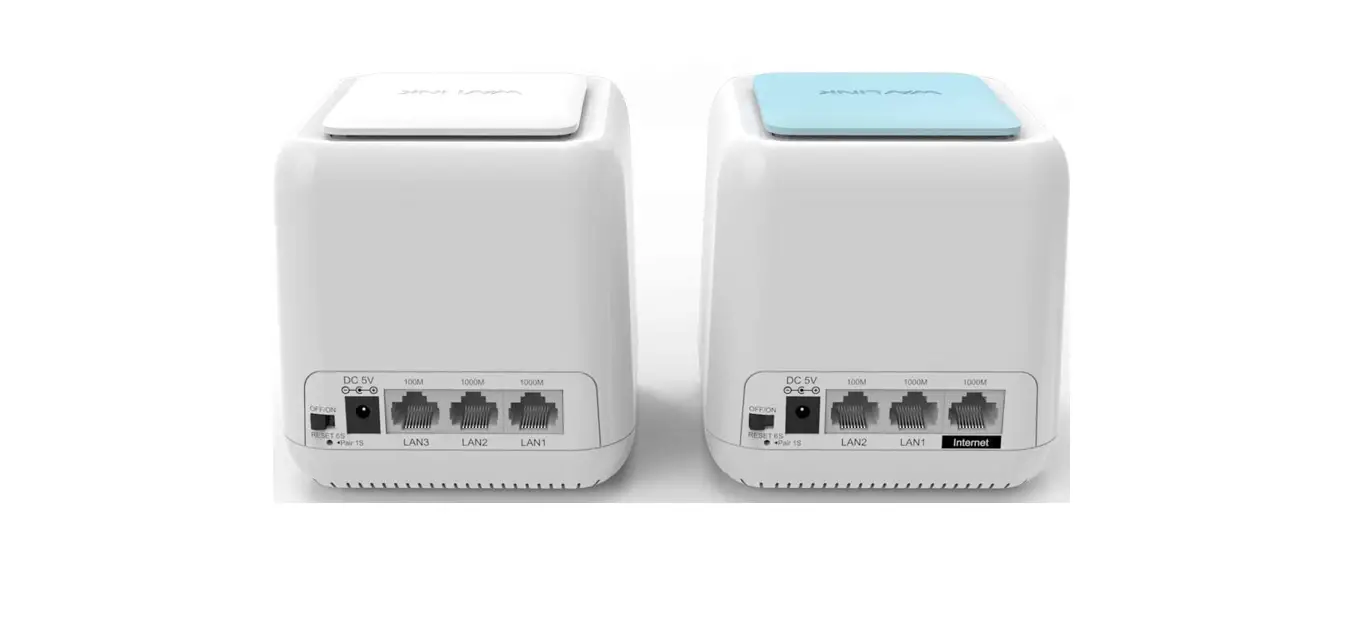
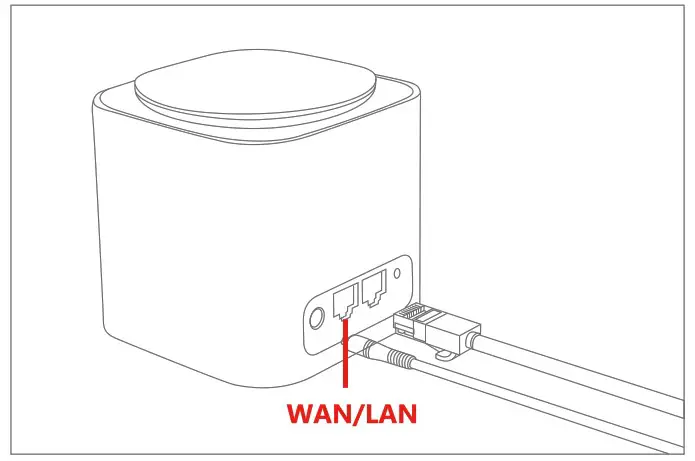
Plug in the power and wired cable (The optical modem must be connected to
the WAN/LAN port) Quickly click the top cover for twice to turn on the LED indicator
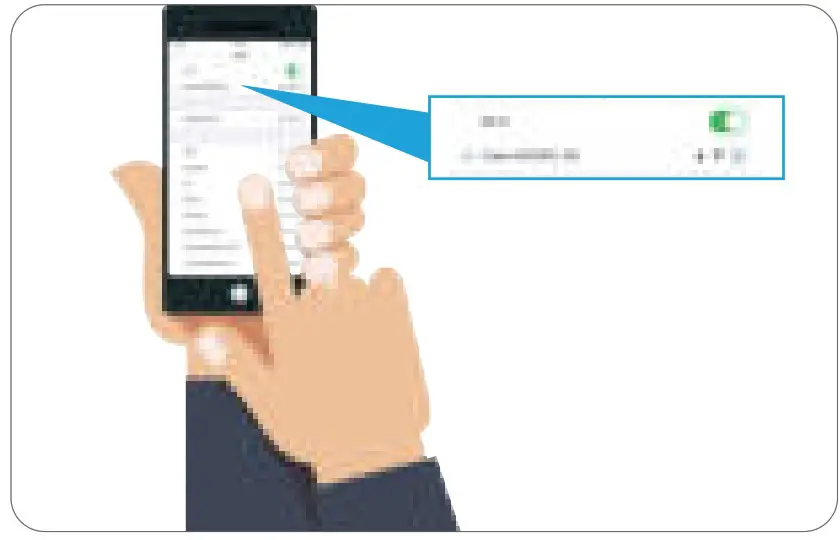
 - Search Cuka-M1200C 2.4G/5.0G from mobile phone

- Choose 2.4G or 5.0G to connect

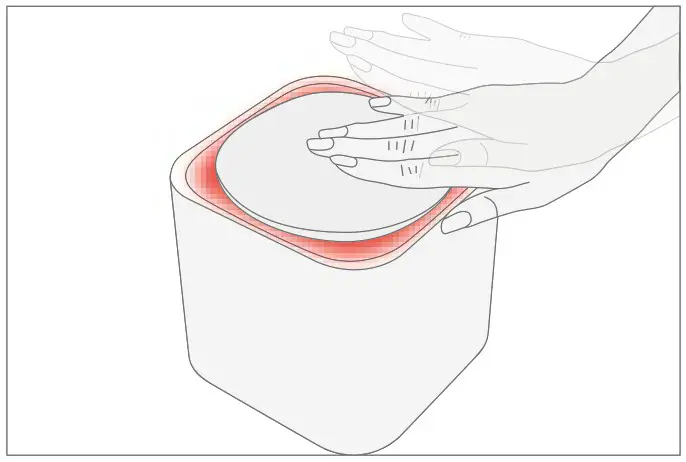 Quickly click the top cover for twice to turn on the LED indicator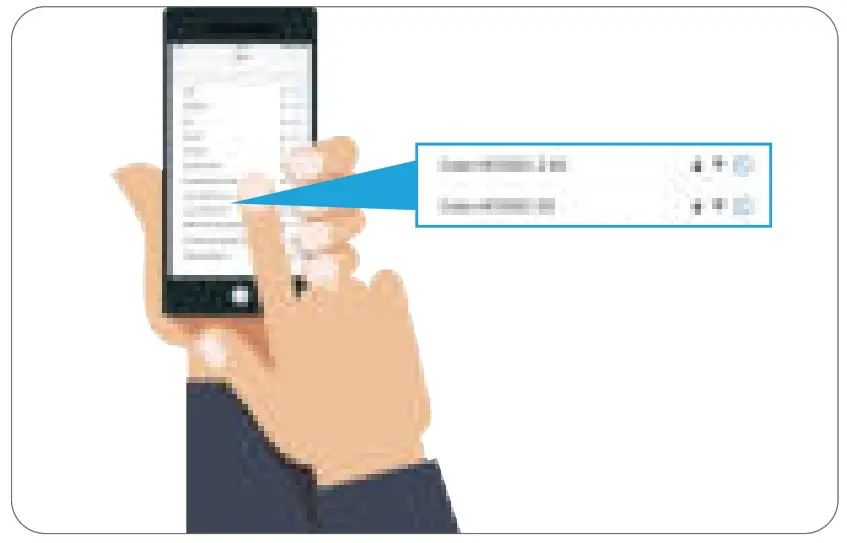
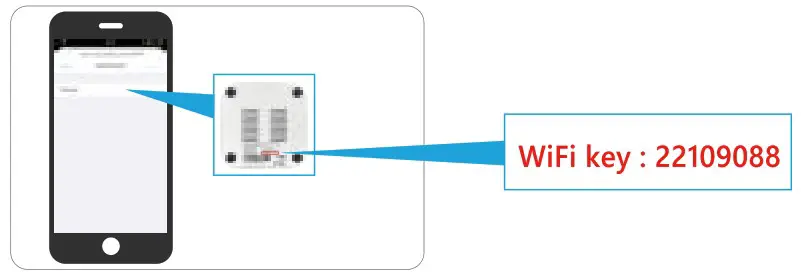
3. Input SSID password: 22109088
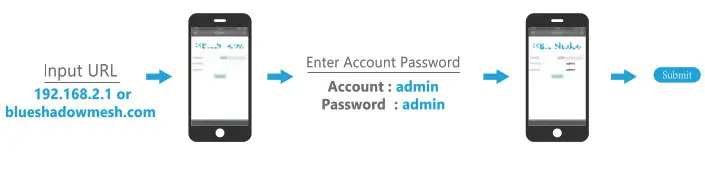
4. Open the browser, input URL to connect from mobile phone
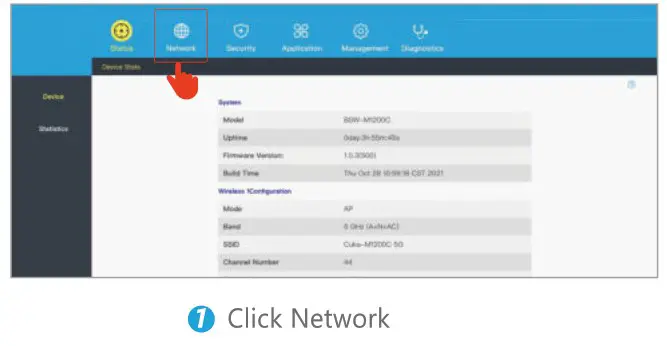
5. Network enters the setup installation wizard
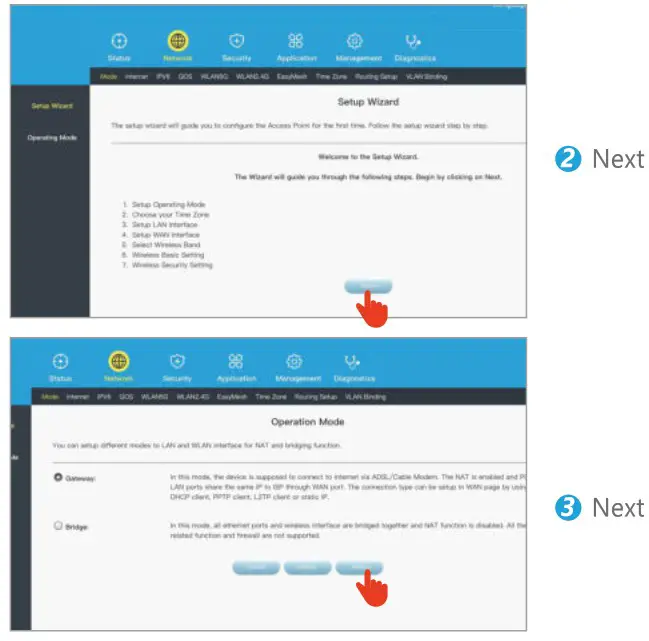
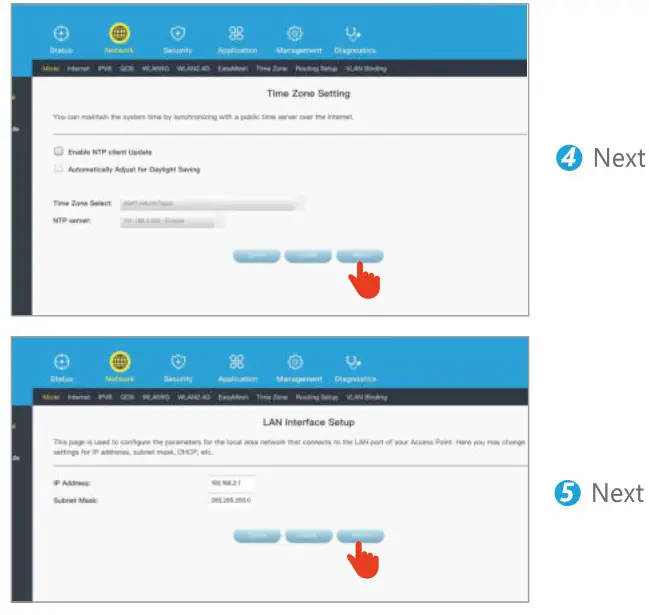
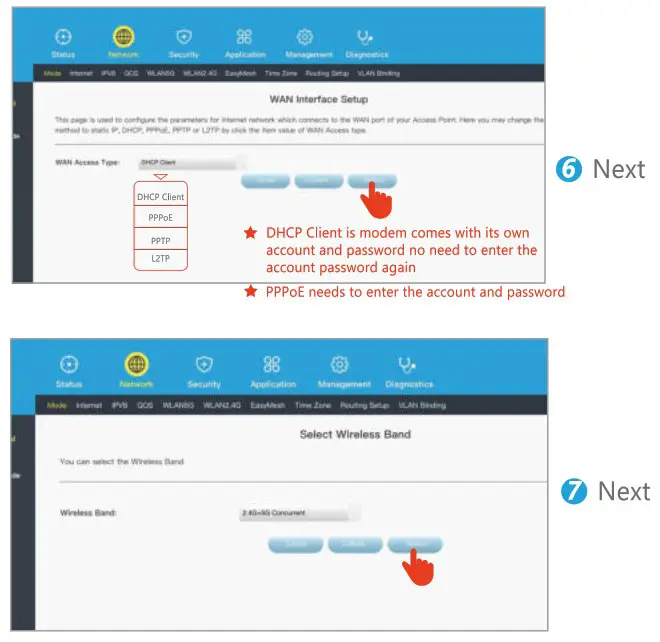
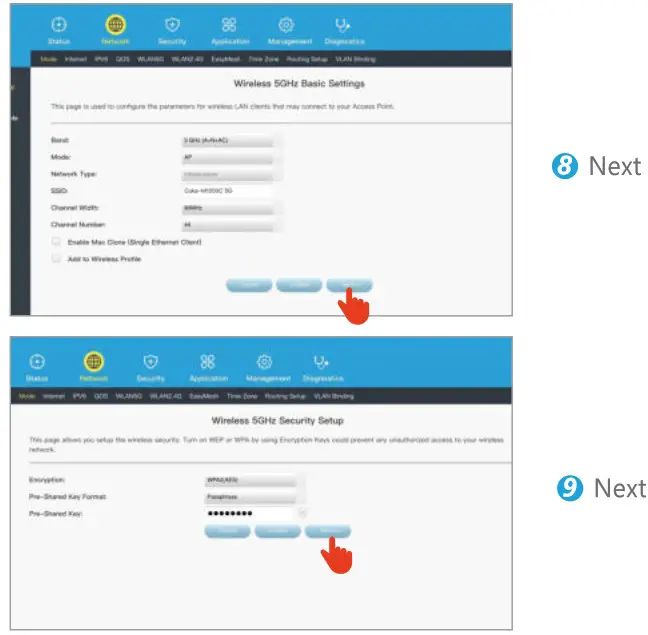
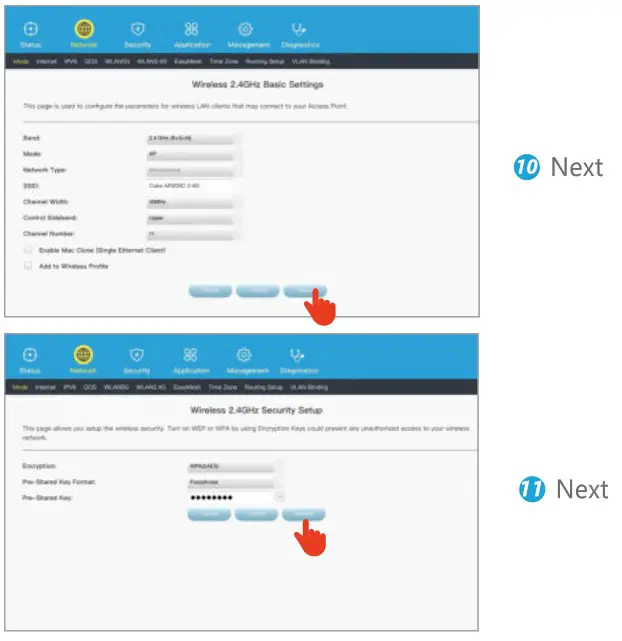
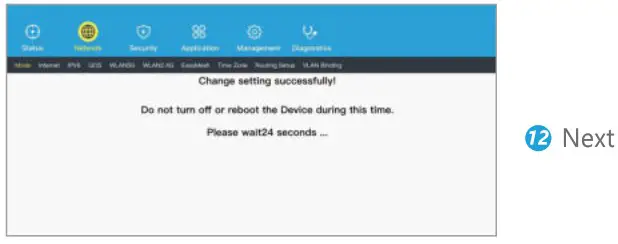
2. How to pair the other two child mesh
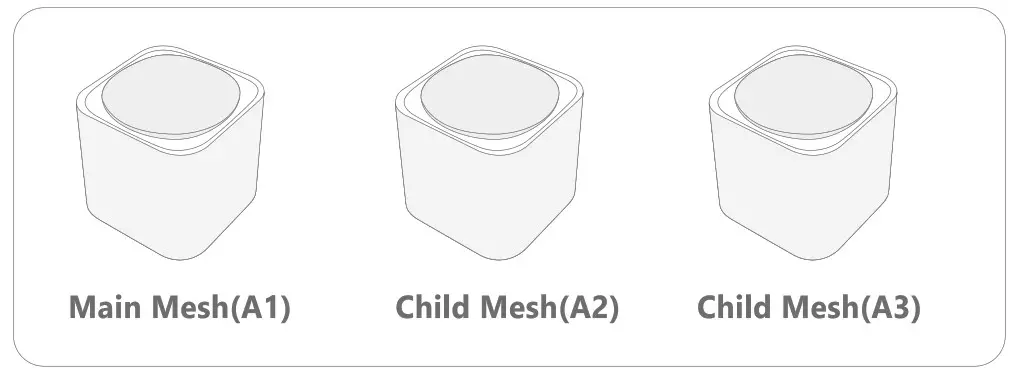
1 How to pair the other two child mesh
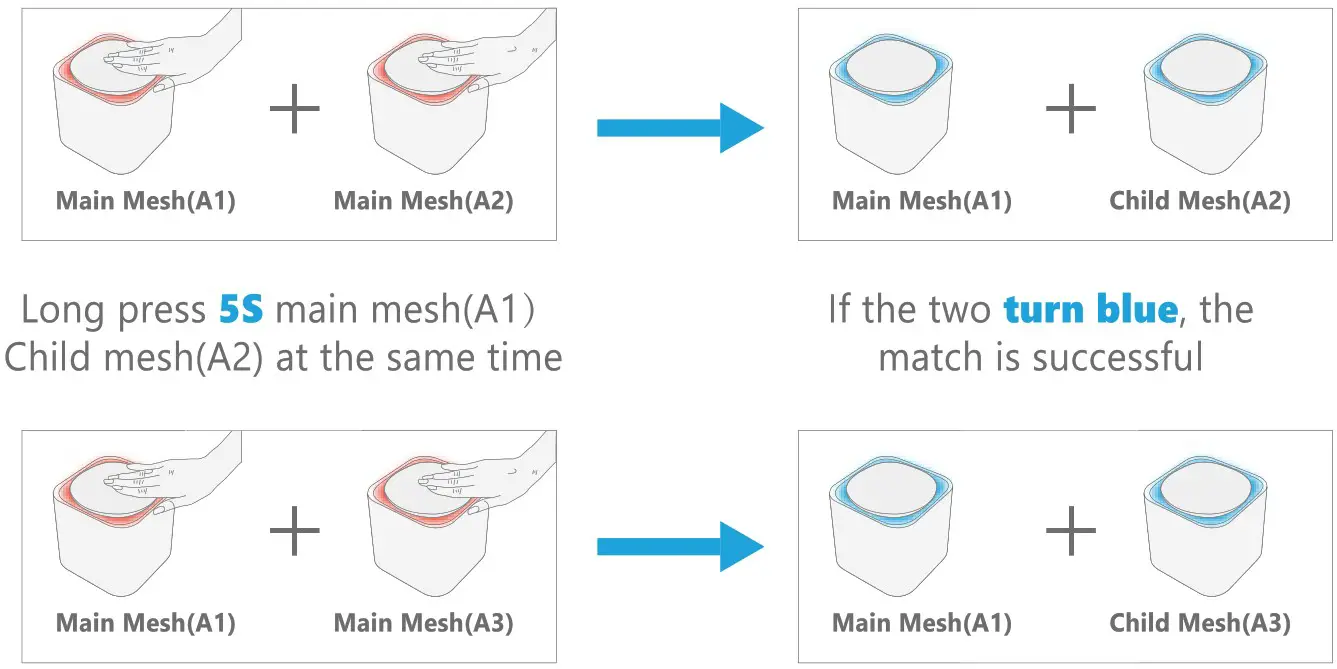
Wait 2-5 minutes, if the light does not turn blue, try a second time
How to setup access from WiFi router
1. Input SSID password: 22109088 mm
| Status | Explanation |
| Solid blue | The system is starting. |
| The primary node is connected to the internet. | |
| The secondary node is connected to the WiFi network of the primary node well. | |
| Solid red | The primary node is not connected to the internet. |
| The secondary node is not connected to the WiFi network of the primary node. | |
| The secondary node is connected to the WiFi network of the primary node very poorly. |
 Pairing Status Red light flashes
- Network status Blue light breathing
- Disconnection status Red light is on
- After setting up the network Turn off the light and there is still a network state
 Pairing Status Red light flashes
When your network goes through a switch or router
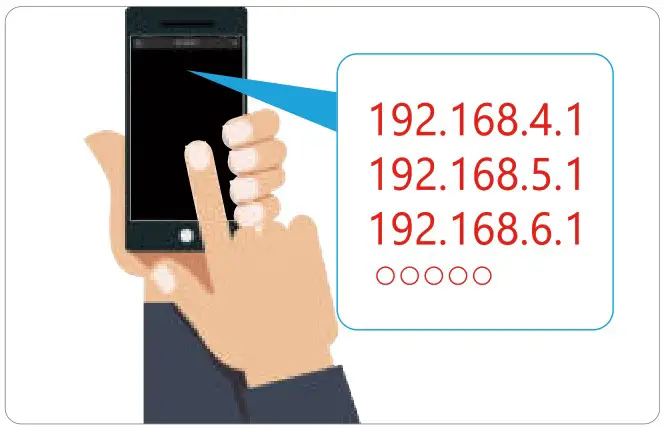
Q: What should I do when the main mesh keep solid red state?
A: Change the IP address, make the penultimate digit greather than 3 (Browser input )
Such as : 192.168.4.1 / 192.168.5.1 / 192.168.6.1 oooooo
Tips
Changed the IP of the main Mesh needs to be powered off and restarted
 Shenzhen blue shadow development co.Ltd
 www.myblueshadow.com
© 9908 Block B, ChinTo Building,1079 Minzhi Blvd, Longhua, Shenzhen, Guangdong, China(518109)
Copyright & Trademarks
blue shadow is a registered trademark of BIUESHADOW TECHNOLOGY CO., LTD Other brands and product names mentioned herein are trademarks or registered trademarks of their respective holders.
As the technology is constantly updated and improved, contents in this document are subject to change without notice.
 BlueShadow Official - WiFi Range Extenders Best Buy