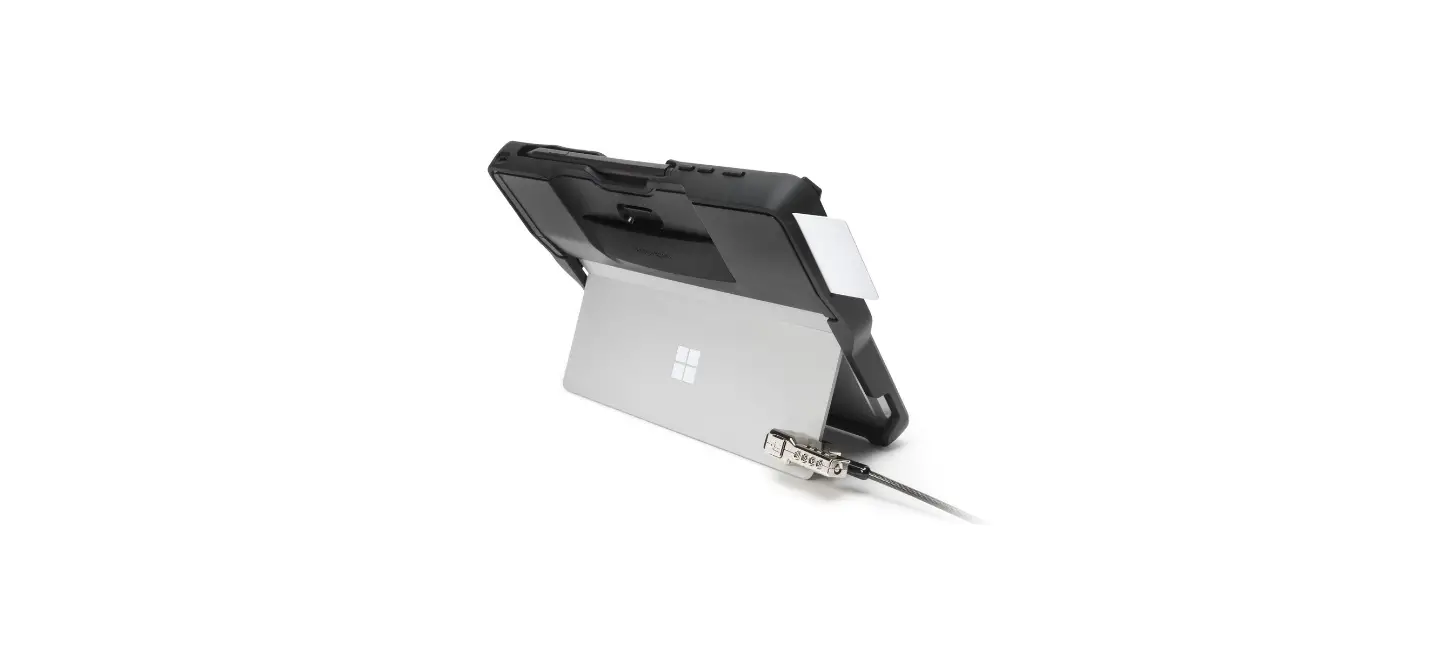

Kensington R30661911 Blackbelt Rugged Case With Cac Reader Instruction Manual

Kensington R30661911 Blackbelt Rugged Case With Cac Reader Instruction Manual

Kensington-LOGO

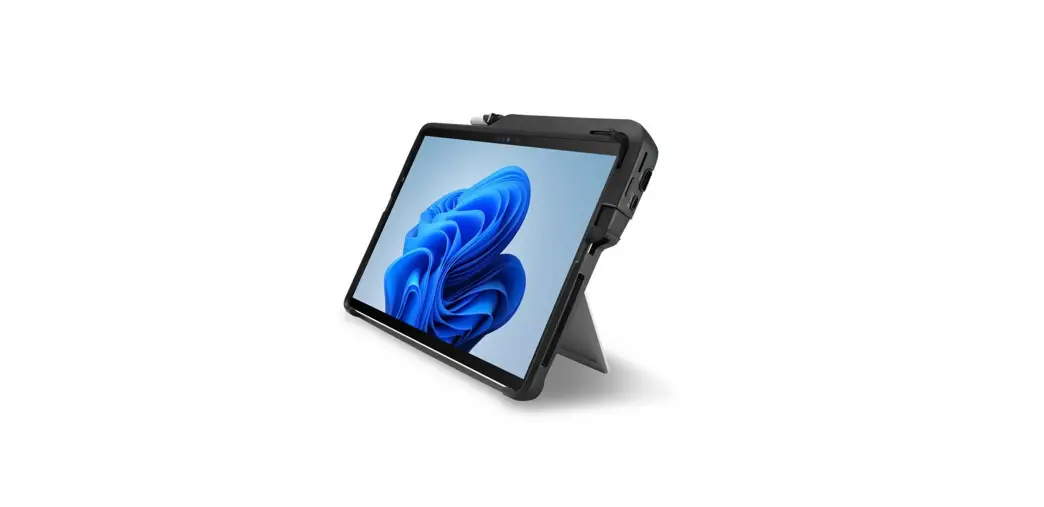
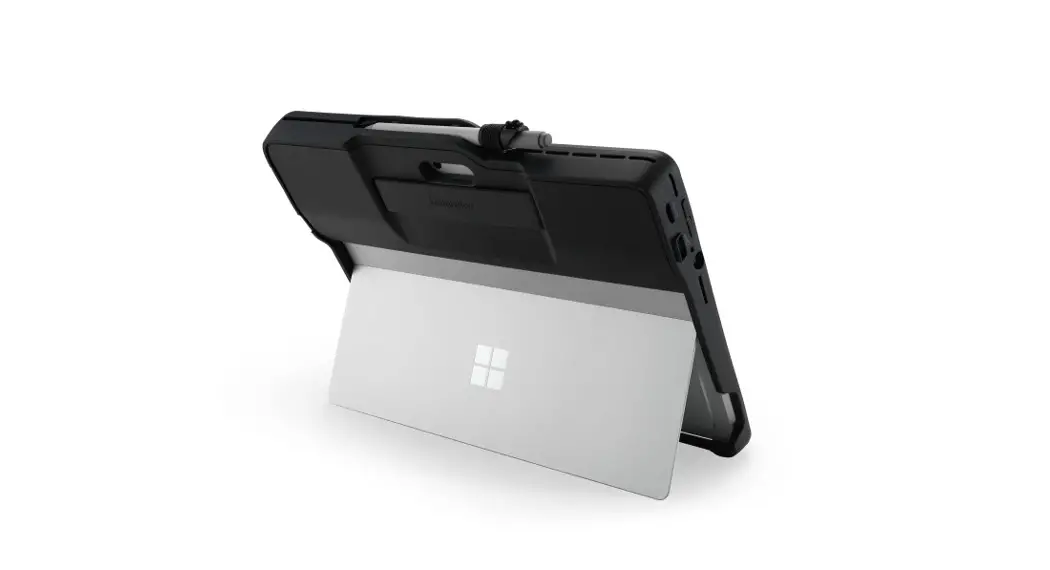
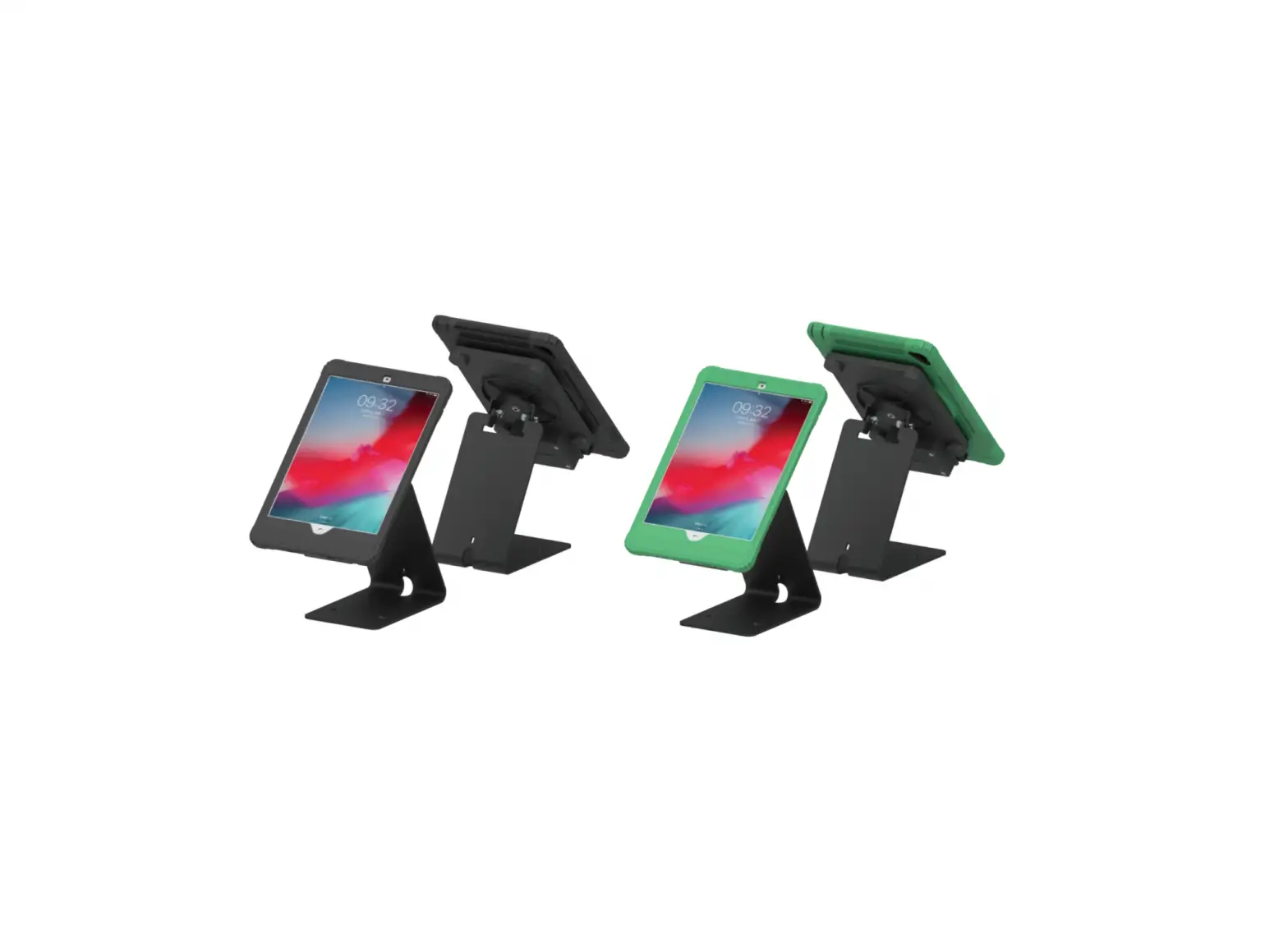
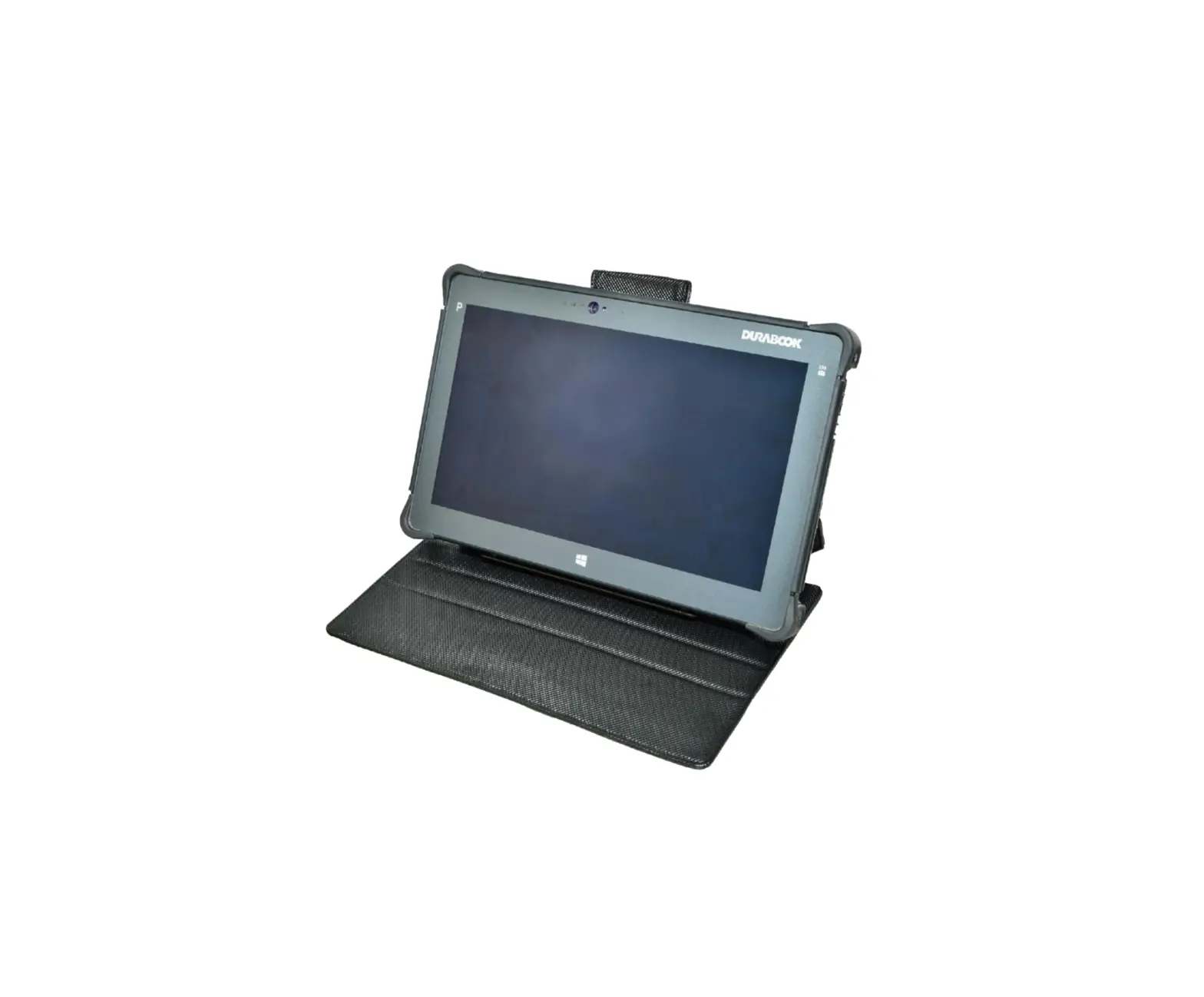
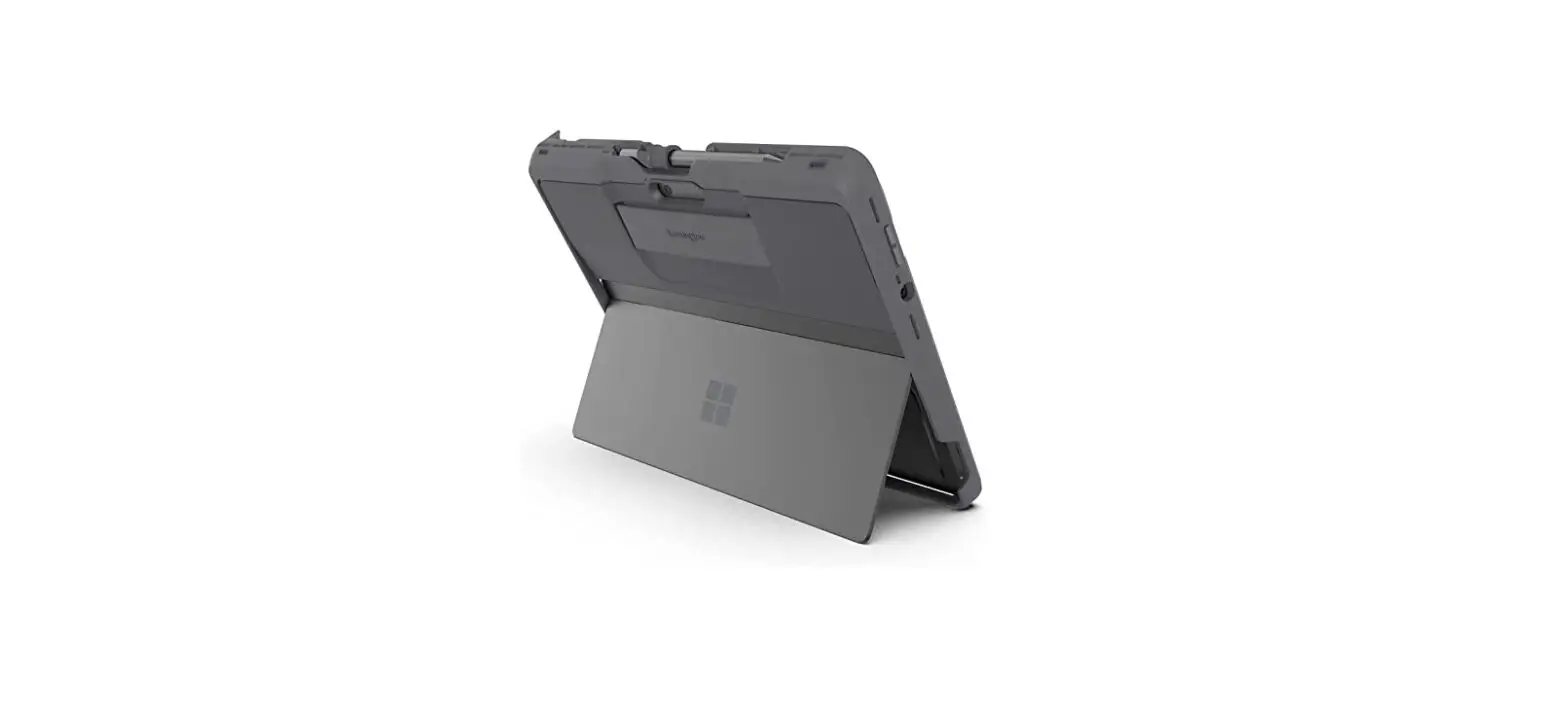
Kensington R30661911 BlackBelt Rugged Case with CAC Reader
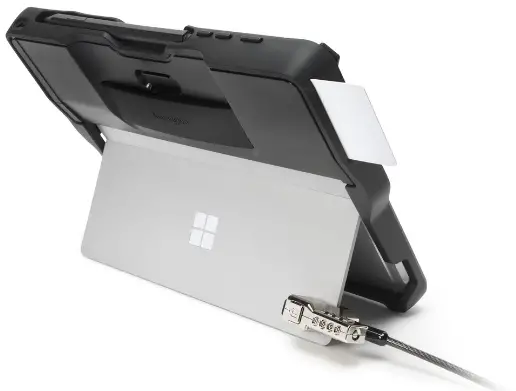
Kensington-R30661911-BlackBelt-Rugged-Case-with-CAC-PRODUCT

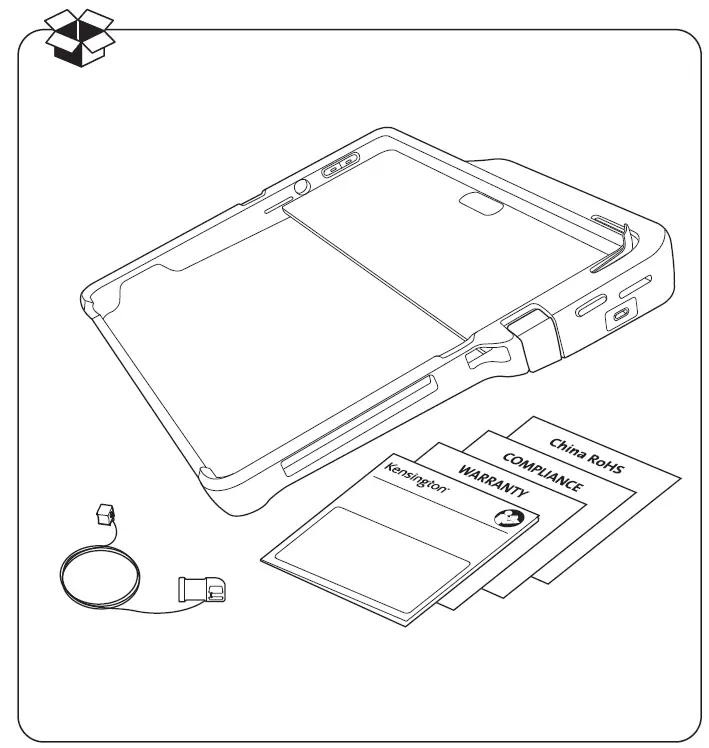
WHATS IN THE BOX

Kensington-R30661911-BlackBelt-Rugged-Case-with-CAC-FIG-1

kensington.com/register

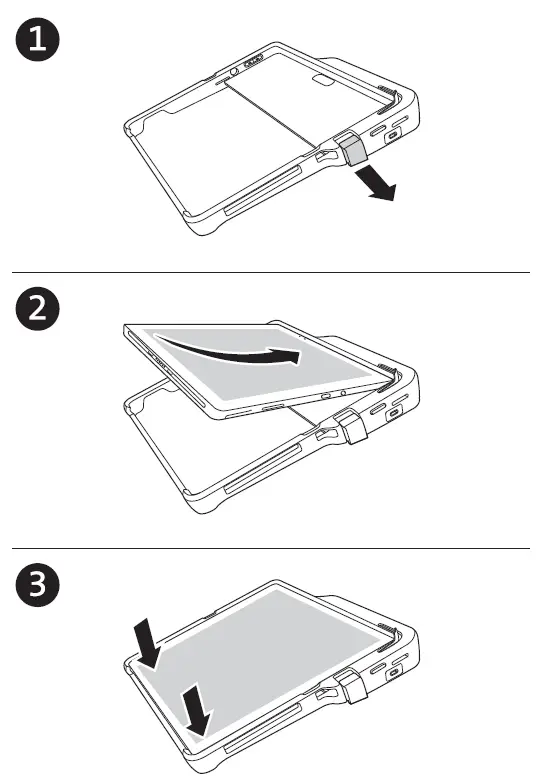
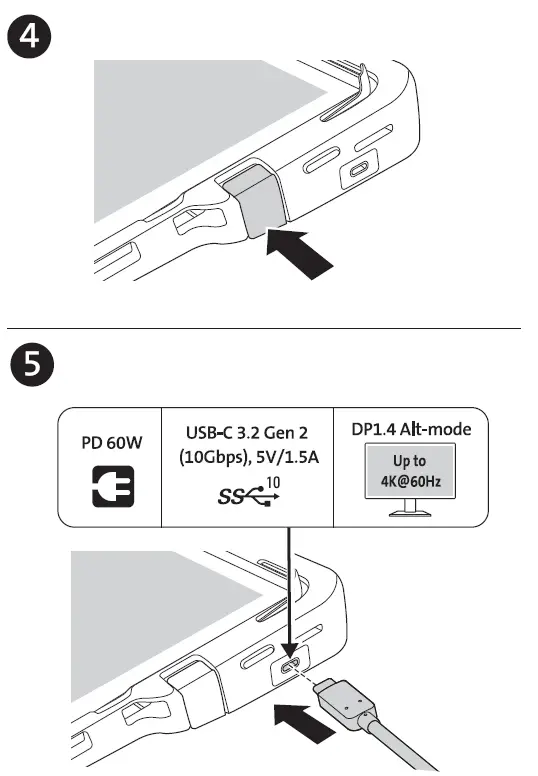
INSTALLATION SETUP

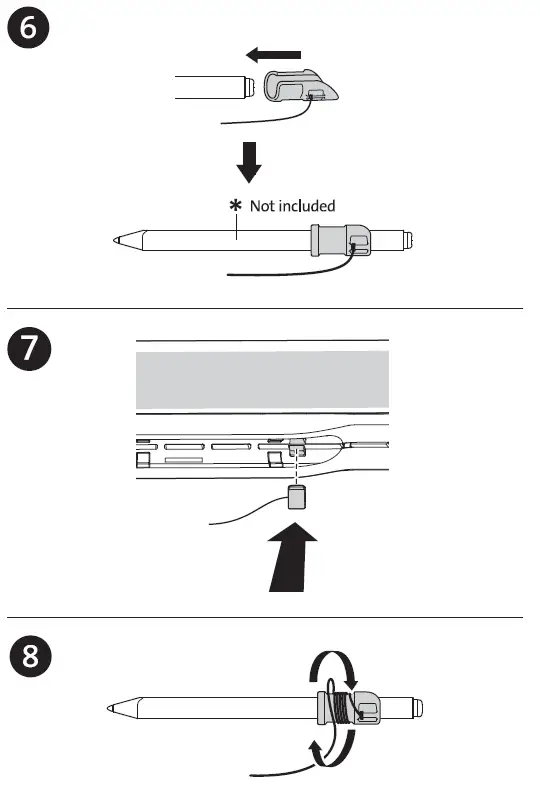
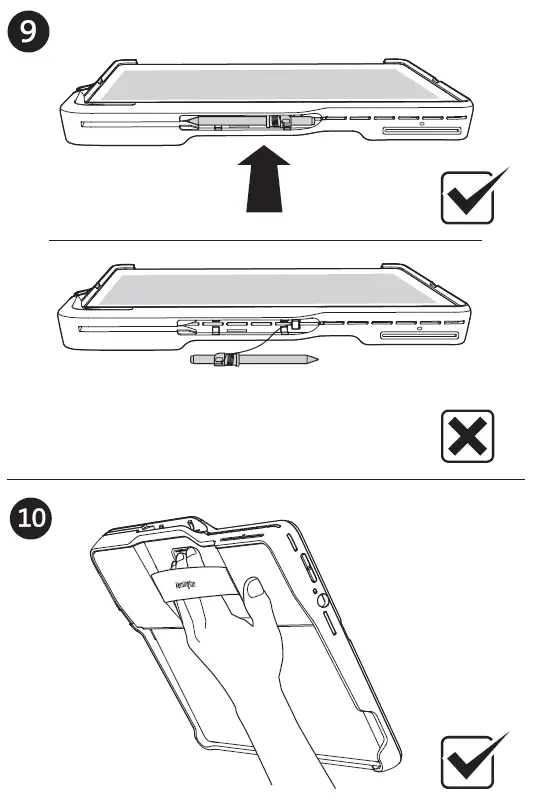
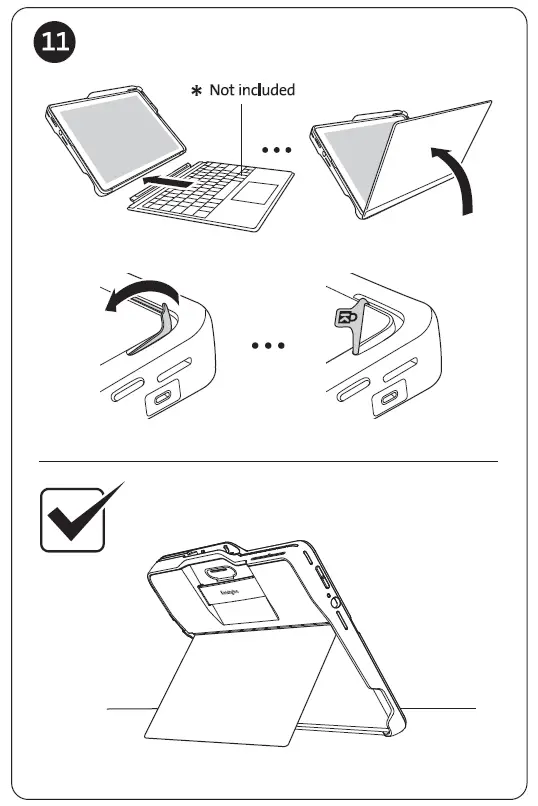
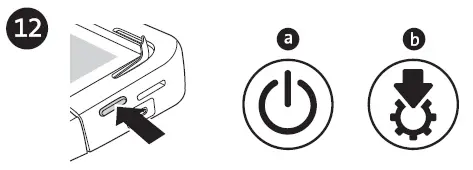
Kensington-R30661911-BlackBelt-Rugged-Case-with-CAC-FIG-2Kensington-R30661911-BlackBelt-Rugged-Case-with-CAC-FIG-3Kensington-R30661911-BlackBelt-Rugged-Case-with-CAC-FIG-4Kensington-R30661911-BlackBelt-Rugged-Case-with-CAC-FIG-5Kensington-R30661911-BlackBelt-Rugged-Case-with-CAC-FIG-6Kensington-R30661911-BlackBelt-Rugged-Case-with-CAC-FIG-7

  • a: Turn on the device and the OS will install the driver automatically.
  • b: Once the driver is installed, the CAC reader is ready for use.
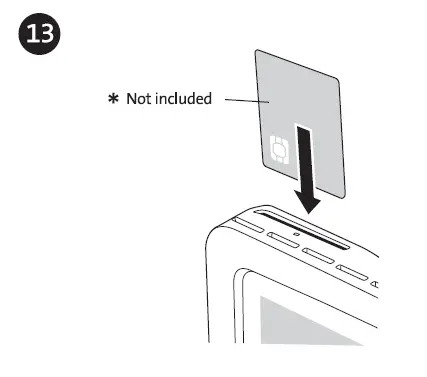
Kensington-R30661911-BlackBelt-Rugged-Case-with-CAC-FIG-8

Not included

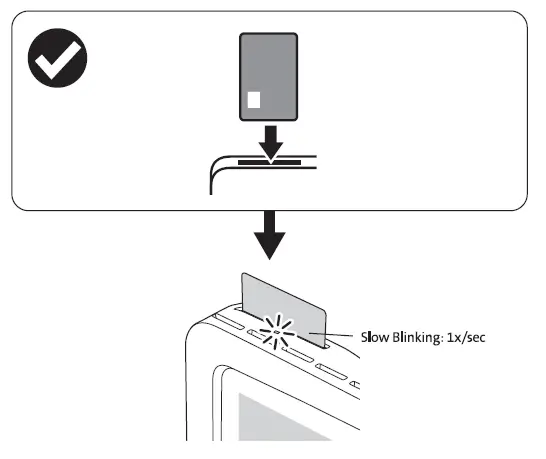
Kensington-R30661911-BlackBelt-Rugged-Case-with-CAC-FIG-9

Slow Blinking: 1x/sec

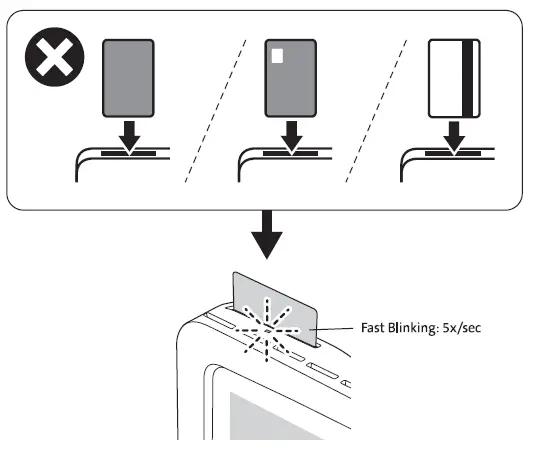
Kensington-R30661911-BlackBelt-Rugged-Case-with-CAC-FIG-10

Fast Blinking: 5x/sec

www.kensington.com/support

Kensington and the ACCO name and design are registered trademarks of ACCO Brands. All other registered and unregistered trademarks are the property of their respective owners. 2022 Kensington Computer Products Group, a division of ACCO Brands. 2022 Microsoft. Microsoft, the Microsoft logo, Microsoft Surface, Surface, and the Microsoft Surface logo are trademarks of the Microsoft group of companies. All other trademarks are the property of their respective owners.

Documents / Resouces

Download manual
Here you can download full pdf version of manual, it may contain additional safety instructions, warranty information, FCC rules, etc.


Related Manuals