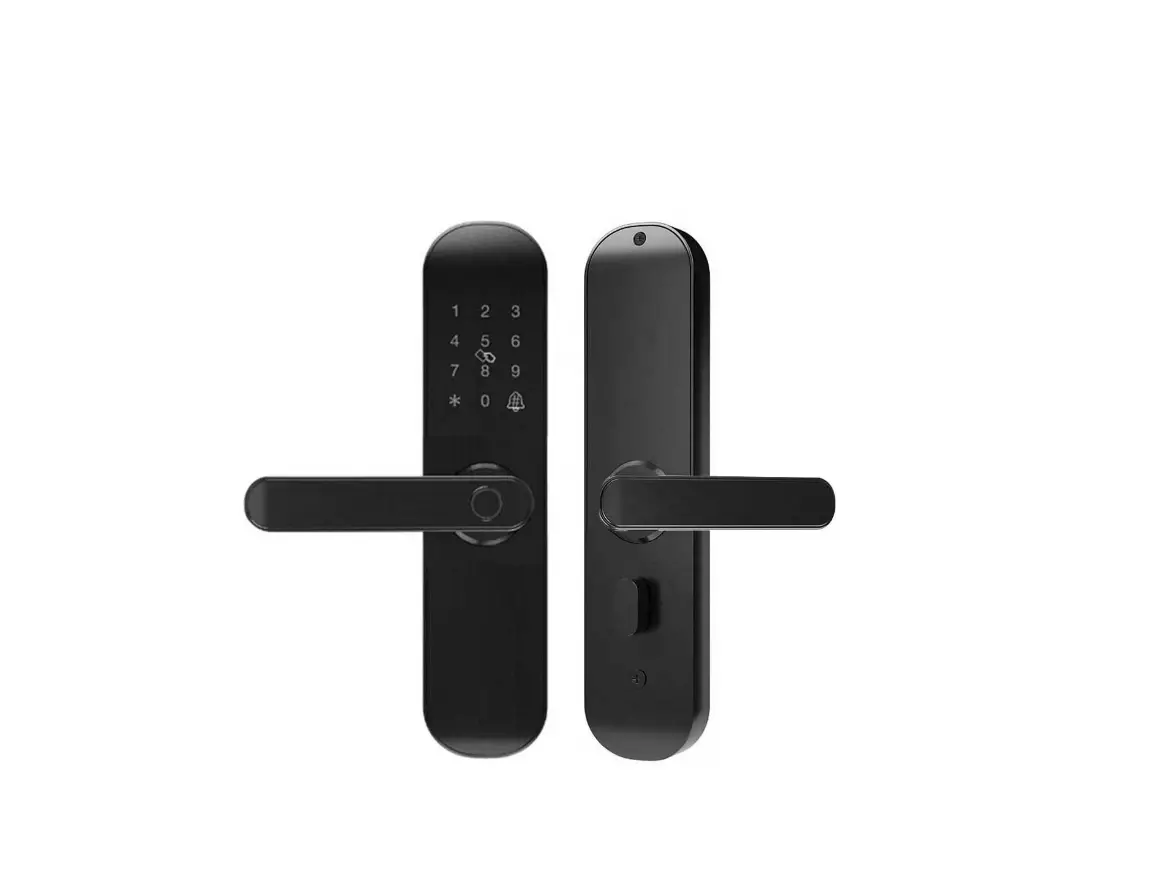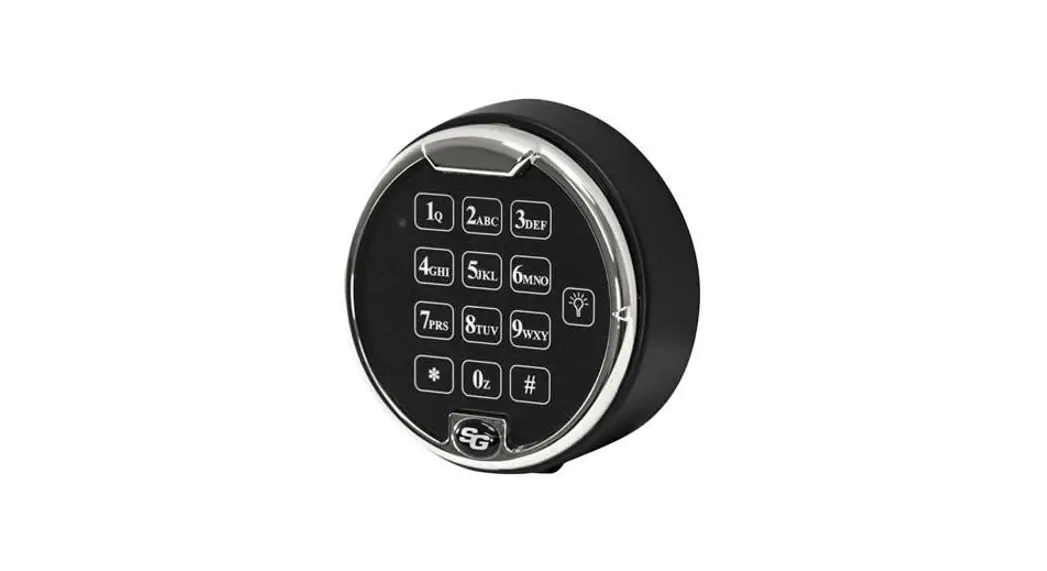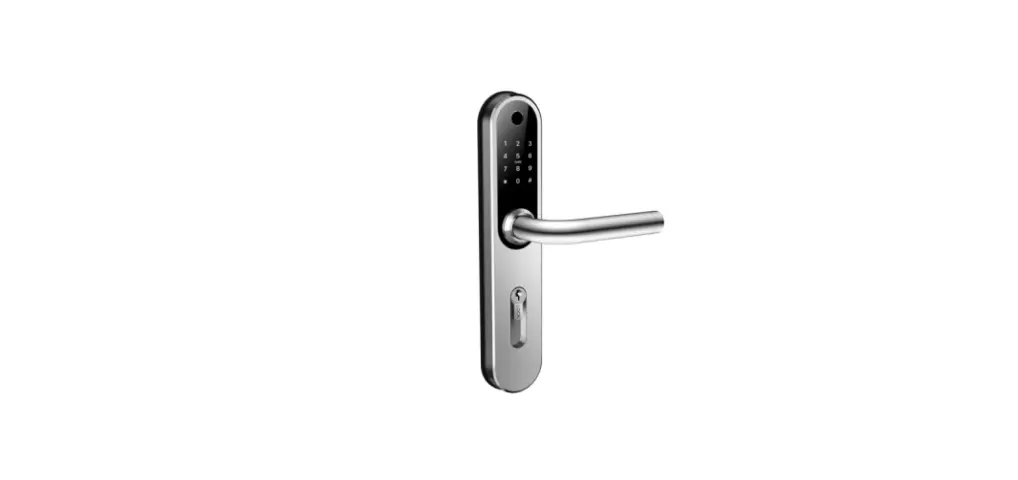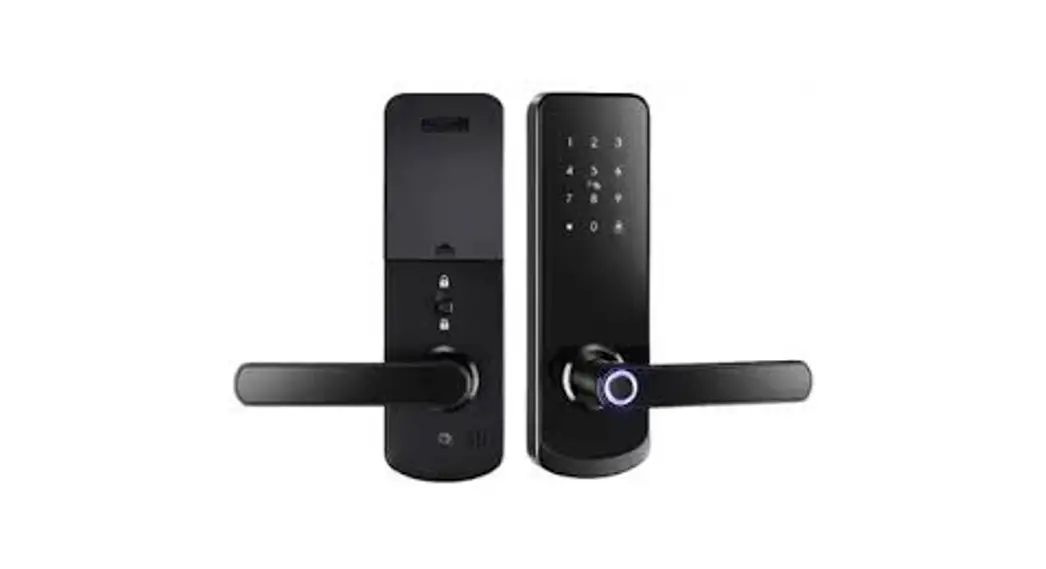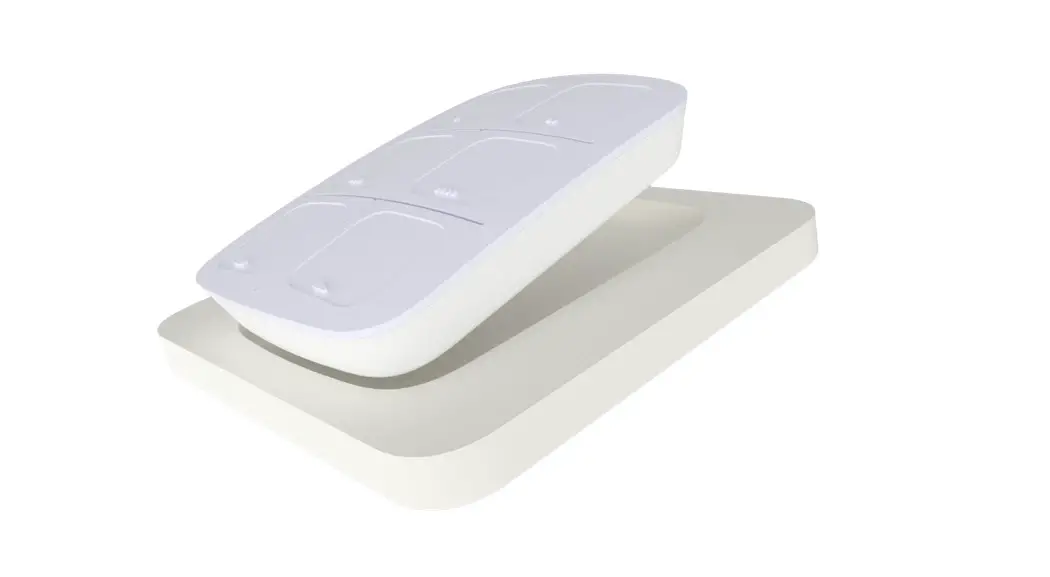

 ID Lock 150
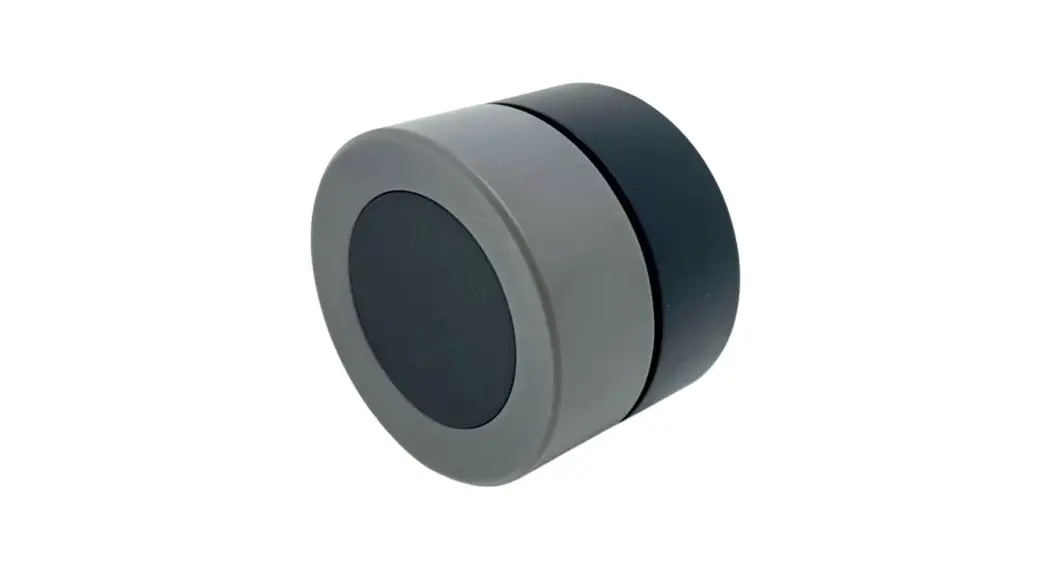
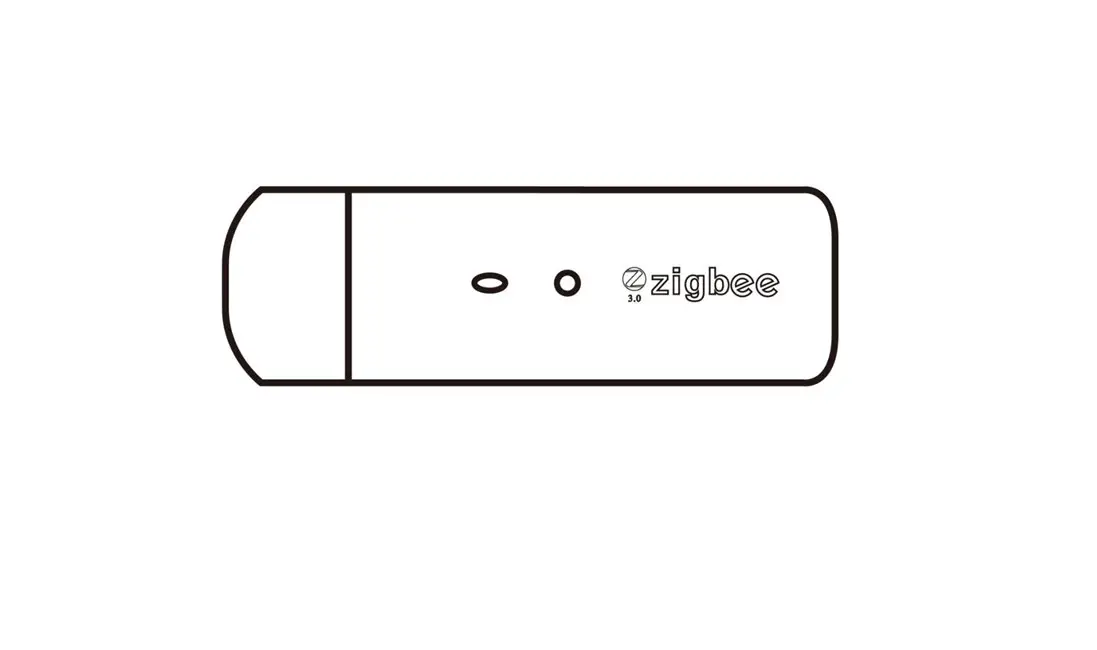
Zigbee Module
User Manual
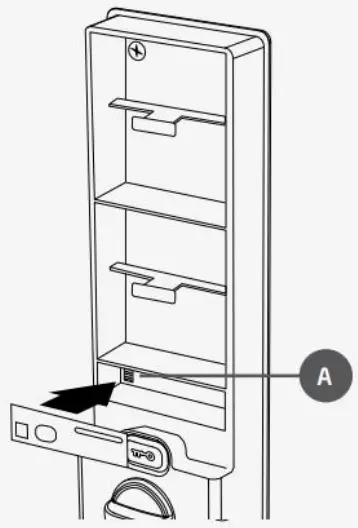
1: Place the module in the slot(A) marked “Remote Control” after removing batteries.

Preparation
- Update ID Lock 150 with the ”Updater app”.
The Zigbee module is compatible with lock firmware from v1.5.0.
See idlock.no/updater for more information.
Add lock
- Open the door.
- Remove batteries.
- Place the module in the slot marked “Remote Control” (see illustration 1).
- Insert batteries.
- Activate “Add unit” in the app for your hub or scan the QR code.
Please follow instructions from your hub manufacturer. Secure inclusion (QR code) may not be available on all hubs. - The module is added by itself.
A blue LED flashes when the module synchronizes and is added.
Sounds may be heard from the lock during the process.
Remove lock
- Open the door.
- Hold the key button until the panel is activated.
- Enter [Master PIN], followed by [*].
- Enter digit [2], followed by [*].
- Enter digit [0].
Manual sync
- Open the door.
- Hold the key button until the panel is activated.
- Enter [Master PIN], followed by [*].
- Enter digit [2], followed by [*].
- Enter digit [5]
Technical details .
Please refer to the next page for technical details and properties for the Zigbee module.
Warning!
The batteries must be removed when removing and placing the module in the ID Lock 150. If not, the module can take damage.
Basic cluster (0x0000)
Attributes
| Identifier | Name | Type | Value |
| 0x0000 | ZCL version | INT8U (0x20) | 3 |
| 0x0001 | Application version | INT8U (0x20) | 2 |
| 0x0002 | Stack version | INT8U (0x20) | 65 |
| 0x0004 | Manufacturer name | ASCII_STR (0x42) | Datek |
| 0x0005 | Model identifier | ASCII_STR (0x42) | ID Lock 150 |
| 0x0007 | Power source | ENUM8 (0x30) | 3 |
| 0x4000 | Build id | ASCII_STR (0x42) | 0.7 |
| 0xfffd | Cluster revision | INT16U (0x21) | 1 |
Basic cluster (0x0000)
Manufacturer specific attributes
| Identifier | Name | Type | Value |
| Ox5000 | Lock fw | ASCII_STR (0x42) | 1.5.0 |
Power Configuration cluster (0x0001)
Attributes
| Identifier | Name | Type | Value |
| 0x0021 | Battery percentage | INT8U (0x20) | 45 |
| Oxfffd | Cluster revision | INT16U (0x21) | 1 |
Identity cluster (0x0003)
Attributes
| Identifier | Name | Type | Value |
| Ox0000 | Identify time | INT16U (0x21) | 0 |
| Oxfffd | Cluster revision | INT16U (0x21) | 1 |
Commands
0x00: Identify
0x01: IdentifyQuery
Door lock cluster (0x0101)
Manufacturer specific attributes
| Ident. | Name | Type | Value |
| 0x4000 | Master PIN mode | BOOLEAN (0x10) | True: Master PIN unlock ENABLED False: Master PIN unlock DISABLED |
| 0x4001 | RFID enabled | BOOLEAN (0x10) | True: RFID ENABLED False: RFID DISABLED |
| 0x4002 | Hinge mode | BOOLEAN (0x10) | False: Right hinged door True: Left hinged door |
| 0x4003 | Service PIN mode | INT8U (0x20) | 0: Deactivated (default) 1:lx use 2:2x uses 3:5x uses 4:10x uses 5:Random PIN lx use 6:Random PIN 24 hours 7:Always valid 8:12 hours 9:24 hours |
| 0x4004 | Lock mode | INT8U (0x20) | 0: Auto lock OFF/Away mode OFF 1:Auto lock ON/Away mode OFF 2:Auto lock OFF/Away mode ON 3:Auto lock ON/Away mode ON |
| 0x4005 | Relock enabled | BOOLEAN (0x10) | True: ReLock ON False: ReLock OFF |
| 0x4006 | Audio volume | INT8U (0x20) | 0: Volume off 1-5: Volume level 5: Default |
Note! Service PIN mode 5 and 6 returns a random generated PIN and mode 1 or 9. Available from firmware 1.5.5.
Door lock cluster (0x0101)
Attributes
| Ident. | Name | Type | Value |
| 0x0000 | Lock state | ENUM8 (0x30) | Ox00: not fully locked Ox1:locked Ox2:unlocked Oxff: undefined |
| 0x0001 | Lock type | ENUM8 (0x30) | Ox00 (deadbolt) |
| 0x0002 | Actuator enabled | BOOLEAN (0x10) | False |
| 0x0003 | Door state | ENUM8 (0x30) | Ox00: open Ox01: closed 0x02: error jammed 0x03: error forced open Chid*: error unspecified Oxff: undefined |
| 0x0012 | Num PIN users | INT16U (0x21) | 25 |
| 0x0013 | Num RFID users | IN716U (0xl) | 25 |
| 0x0017 | Max pin length | IN78U (0x20) | 10 |
| 0x0018 | Min pin length | IN78U (0x20) | 4 |
| 0x0024 | Sound volume | INT8U (0x20) | 0x00: Silent 0x01: Low 0x02: High |
| 0x0033 | Require PIN for RF operation | BOOLEAN (0x10) | 0xffff |
| 0x0041 | Keypad operation event mask | BITMAP16 (0x19) | 0xffff |
| 0x0042 | RF operation event mask | BITMAP16 (0x19) | 0xffff |
| 0x0043 | Manual operation event mask | BITMAP16 (0x19) | 0xffff |
| 0x0044 | RFID operation event mask | BITMAP16 (0x19) | 0xffff |
| 0x0045 | Keypad programming event mask | BITMAP16 (0x19) | 0xffff |
| 0x0046 | RF programming event mask | BITMAP16 (0x19) | 0xffif |
| 0x0047 | RFID programming event mask | BITMAP16 (0x19) | 0xffif |
| 0xfffd | Cluster revision | INT16U(0x21) | 1 |
Commands
0x00: Lock Door
0x01: Unlock Door
0x05: Set PIN
0x06: Get PIN
0x07: Clear PIN
0x08: Clear all PINs
Revision: 0.4
Approved date: 2020-11-24
Approved by: ALR
Language: English
idlock.no/zigbee
 ID Lock 150 Updater – ID Lock
 ID Lock 150 Updater on the App Store
 ID Lock 150 Updater - Apps on Google Play