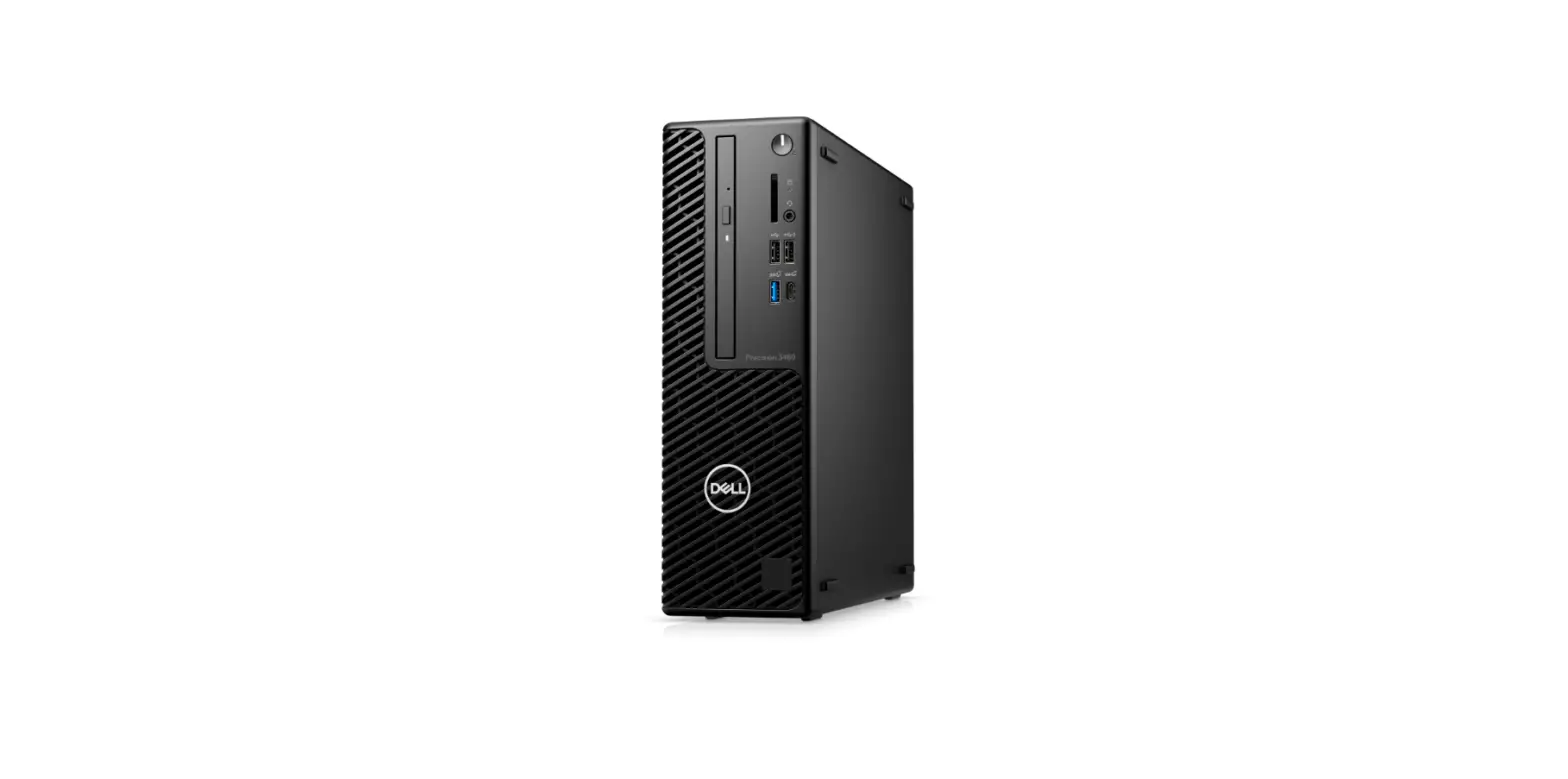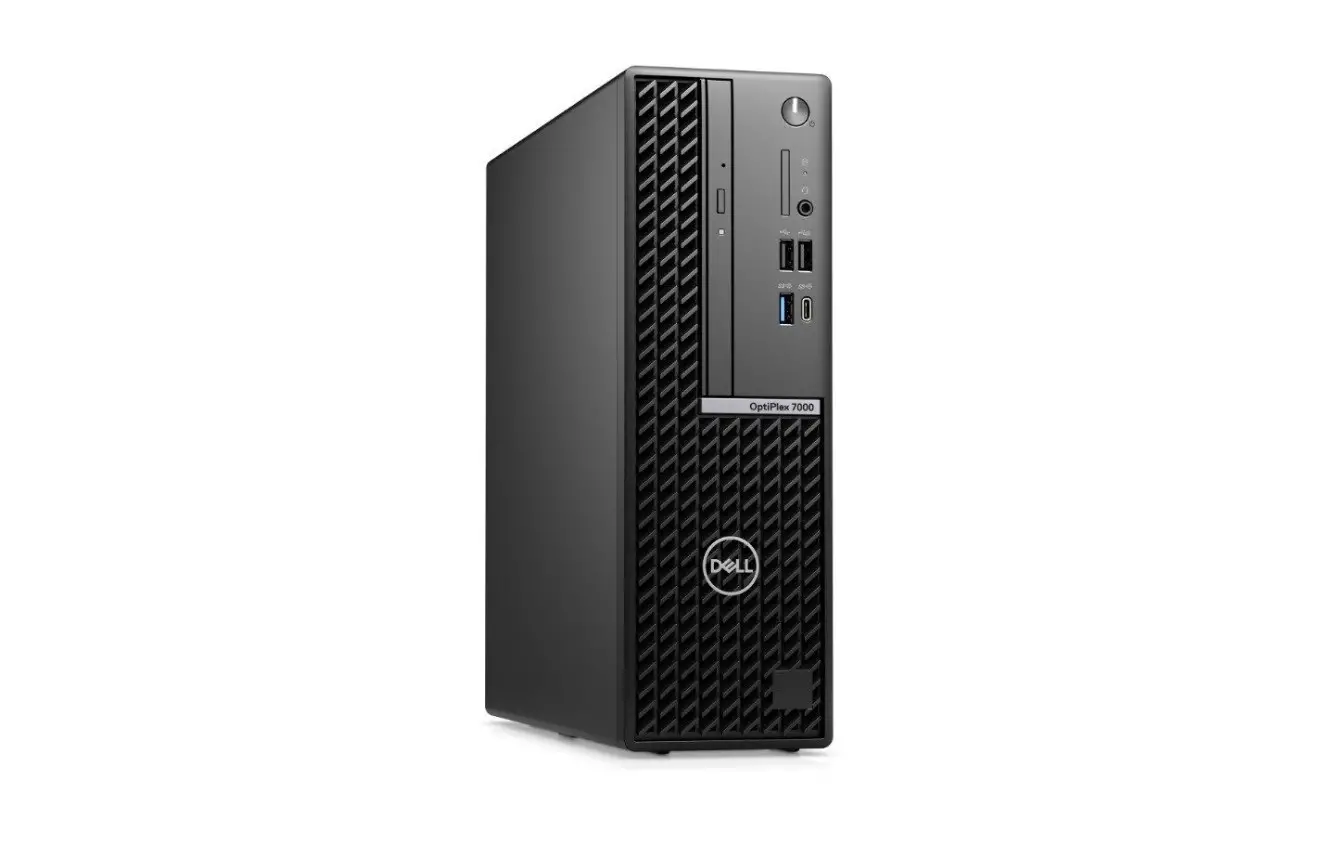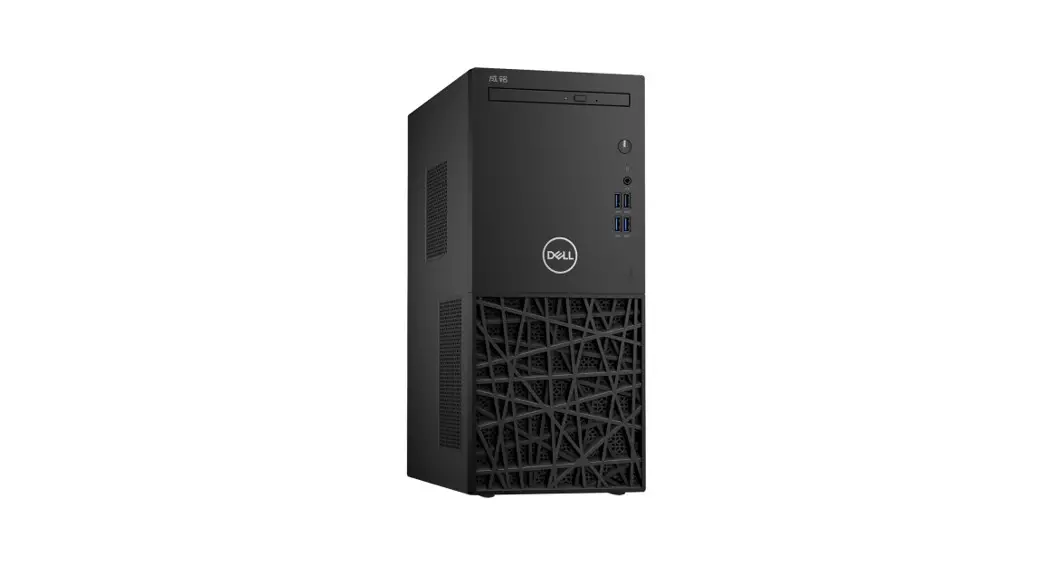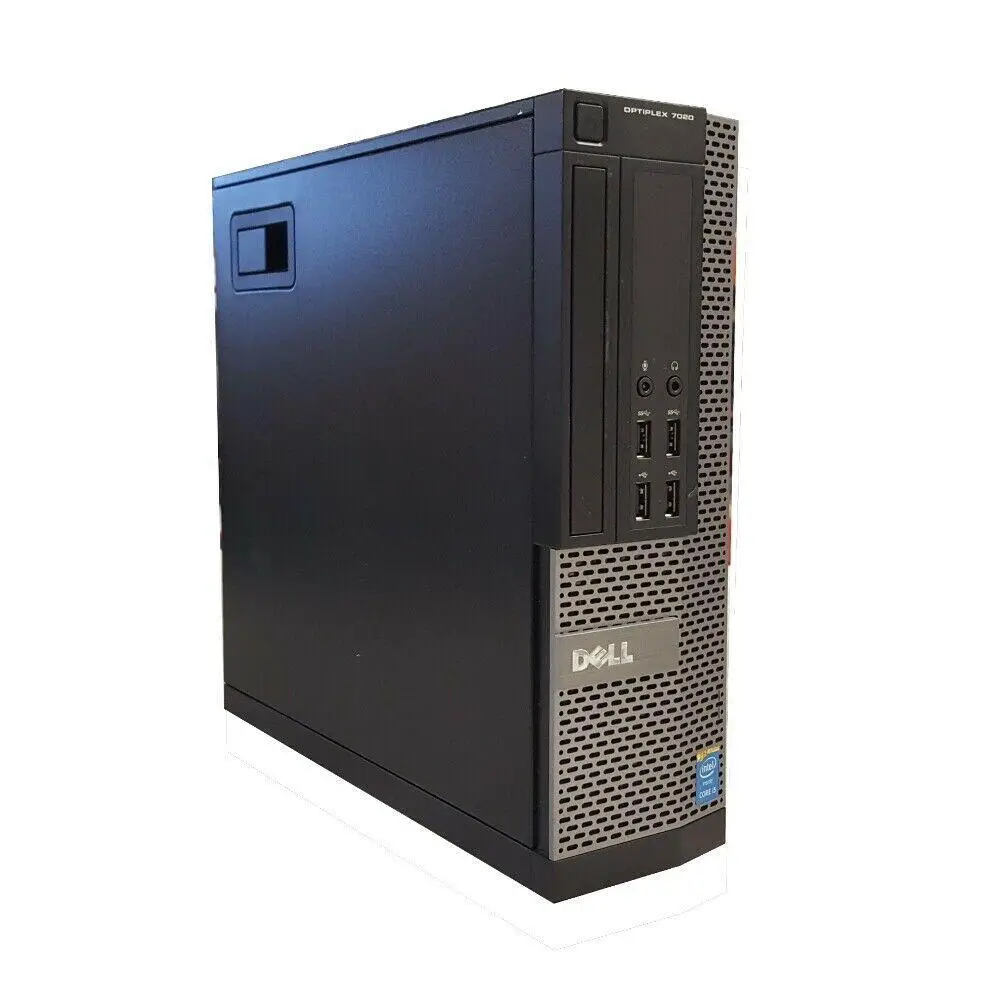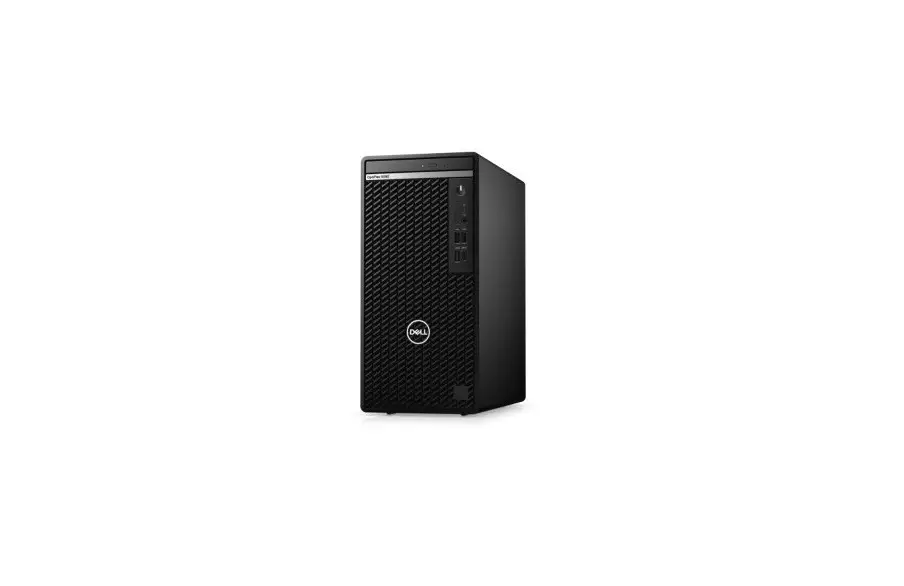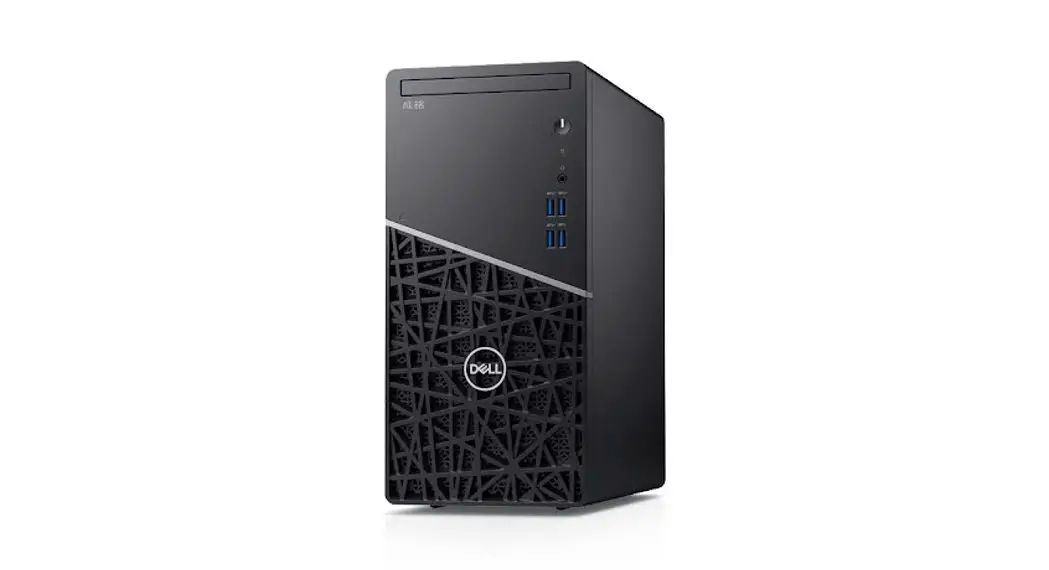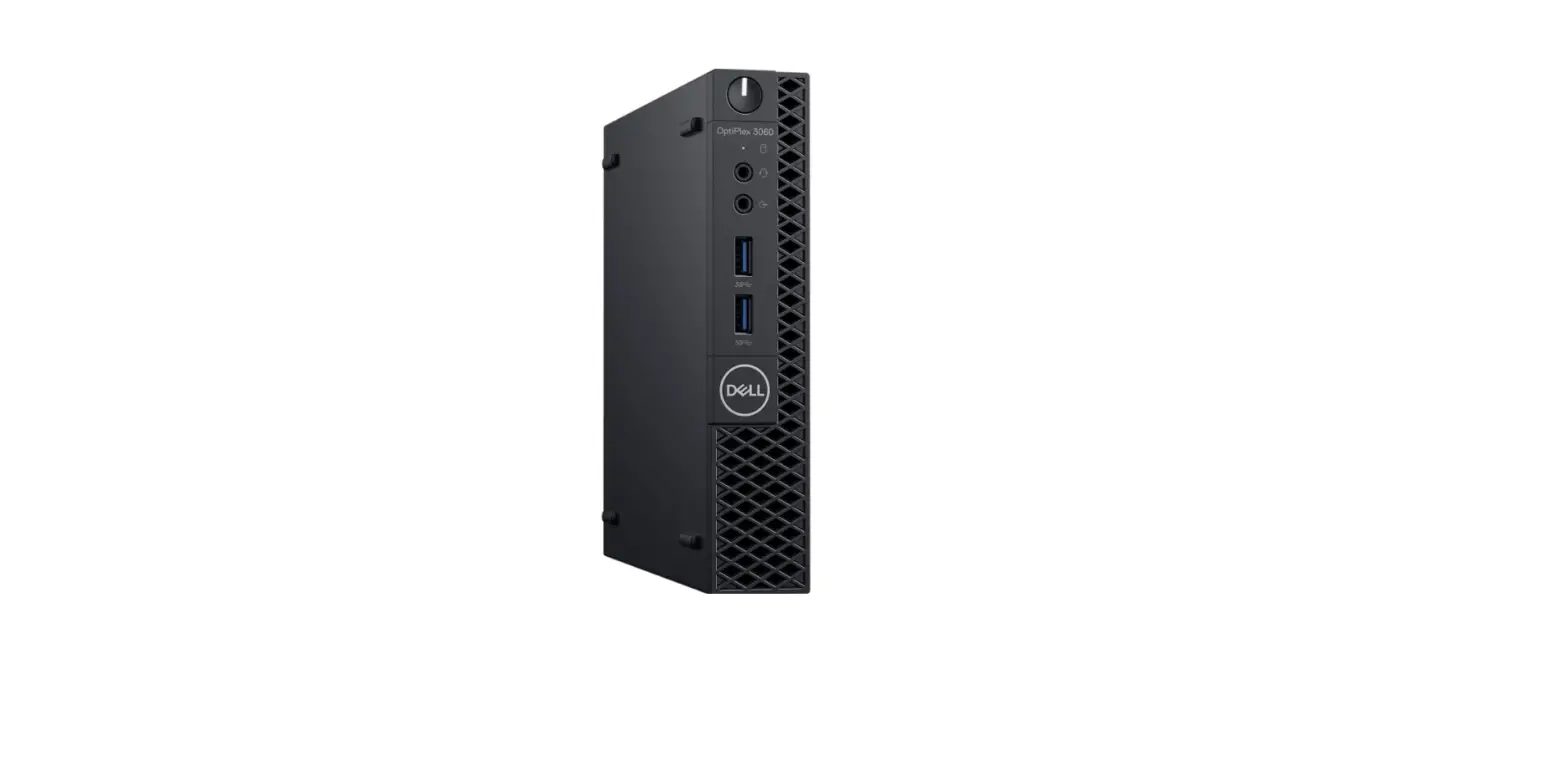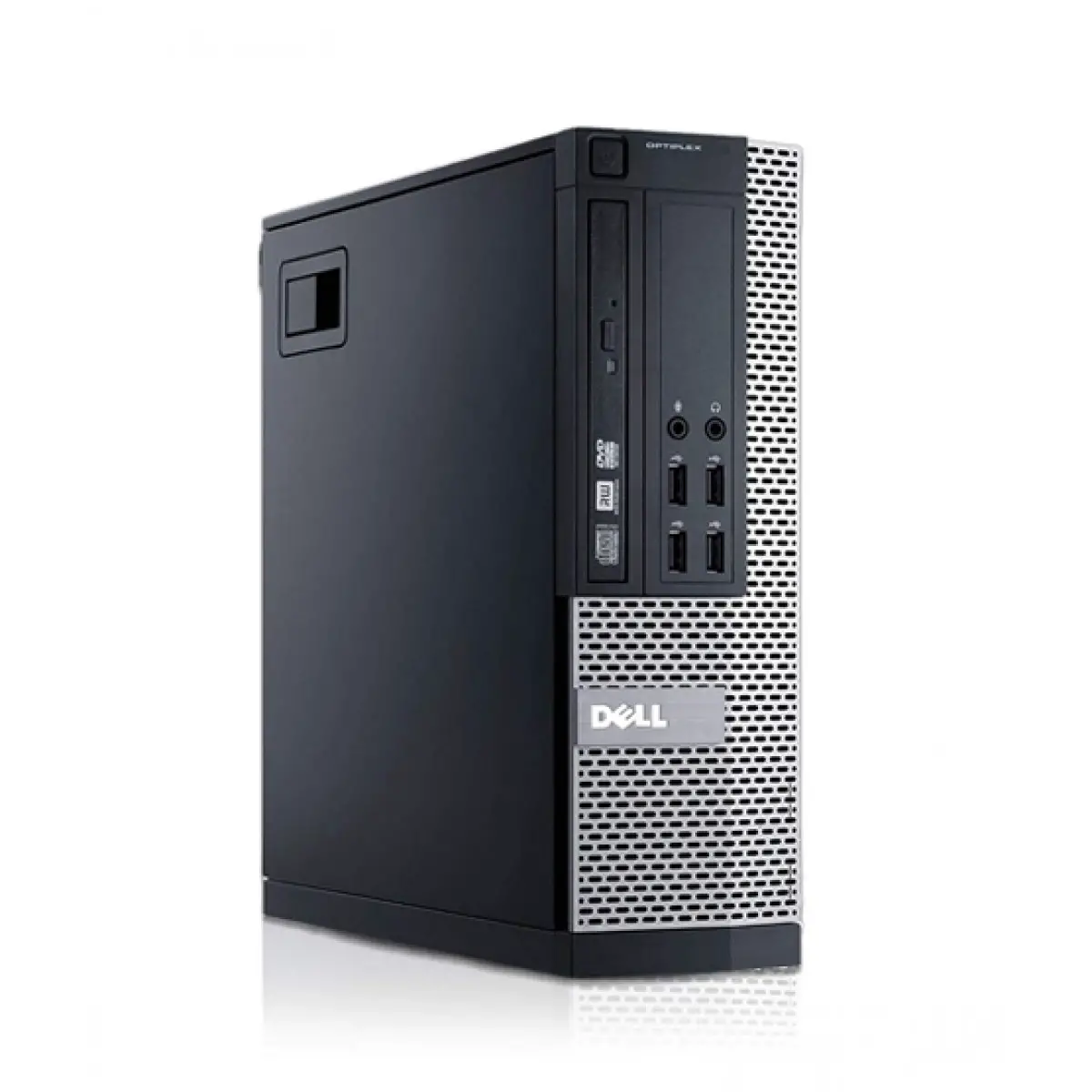

Dell S017co3050sffmf020sg 3050 Tower And Small Form Factor User Guide

Dell S017co3050sffmf020sg 3050 Tower And Small Form Factor User Guide

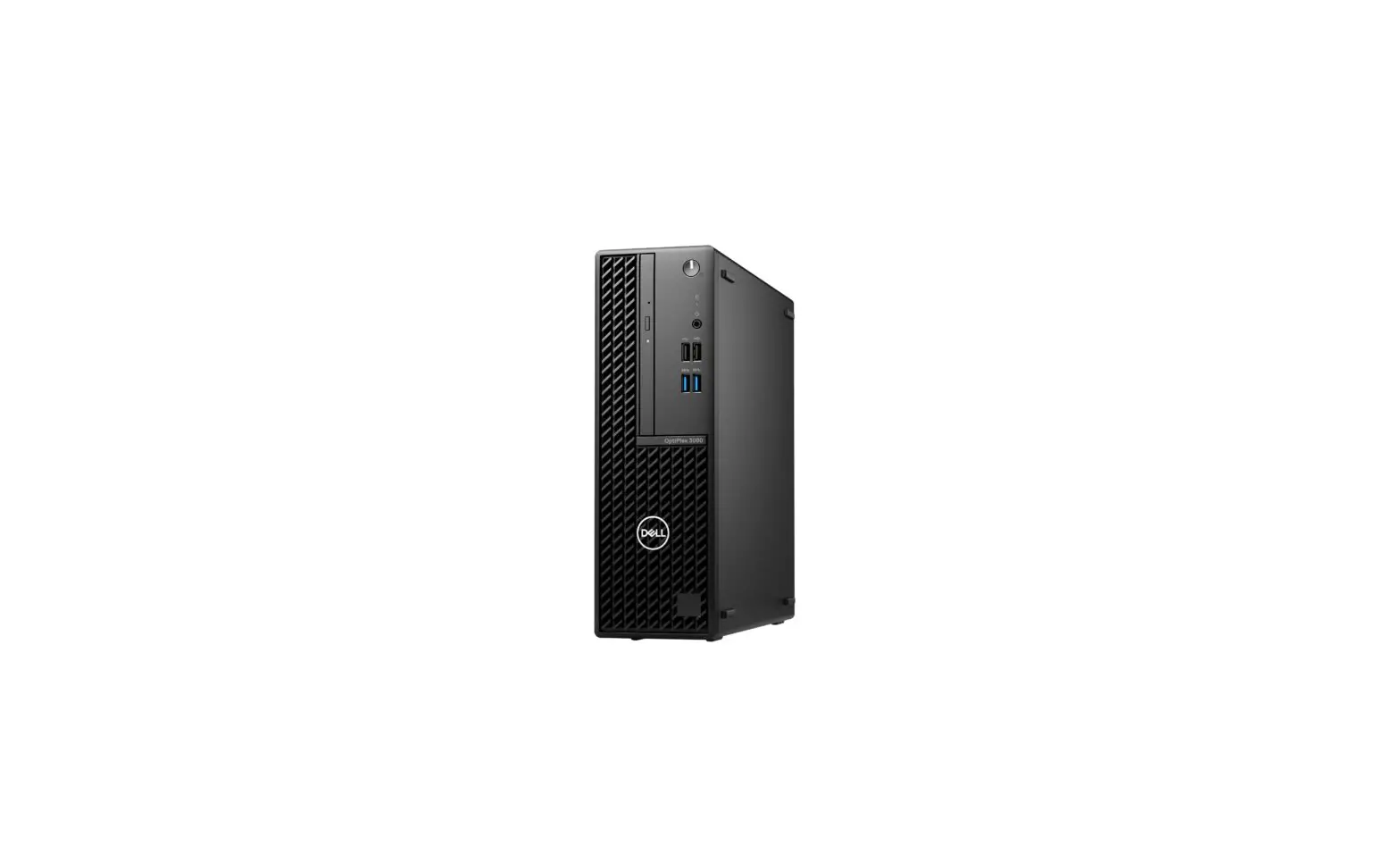
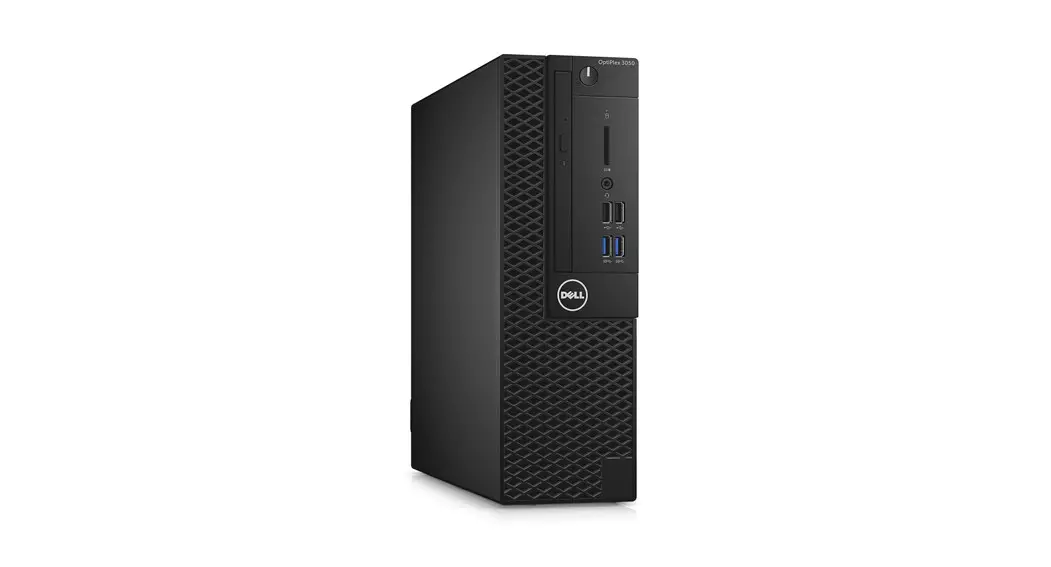
Dell LogoOptiPlex 3050 Small Form Factor
Quick Start Guide

Connect the keyboard and mouse
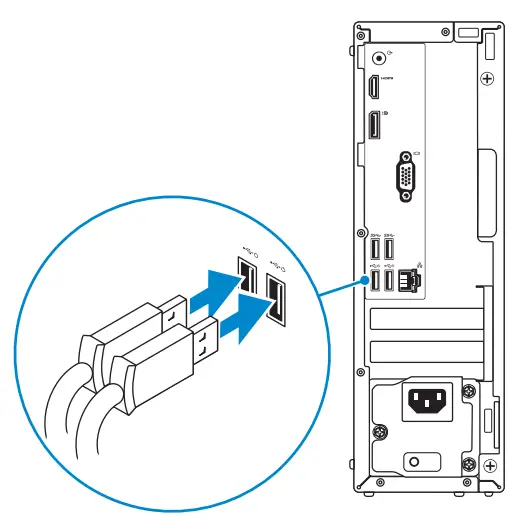
DELL S017CO3050SFFMF020SG 3050 Tower and Small Form Factor - fig1

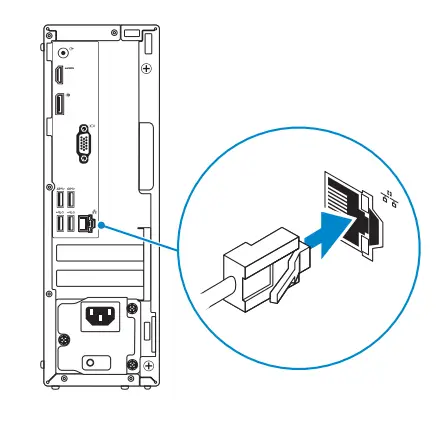
Connect the network cable — optional

DELL S017CO3050SFFMF020SG 3050 Tower and Small Form Factor - fig30

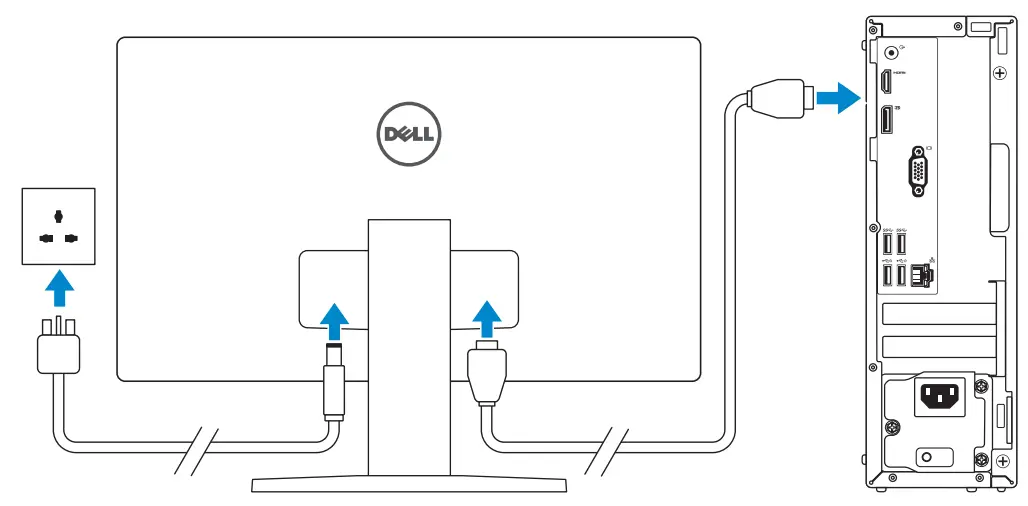
Connect the display

DELL S017CO3050SFFMF020SG 3050 Tower and Small Form Factor - fig2

DELL S017CO3050SFFMF020SG 3050 Tower and Small Form Factor - iconNOTE: If you ordered your computer with a discrete graphics card, connect the display to the discrete graphics card.
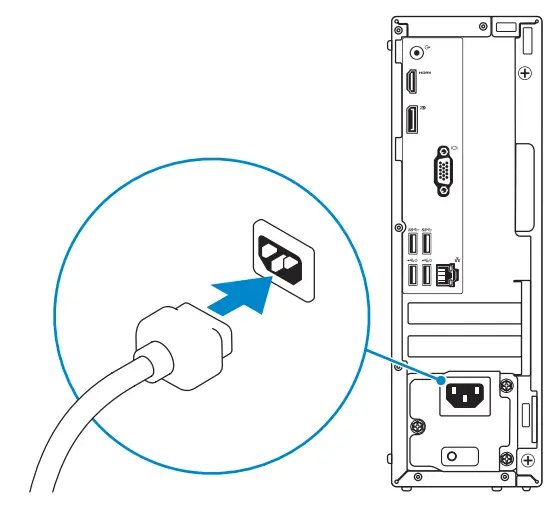
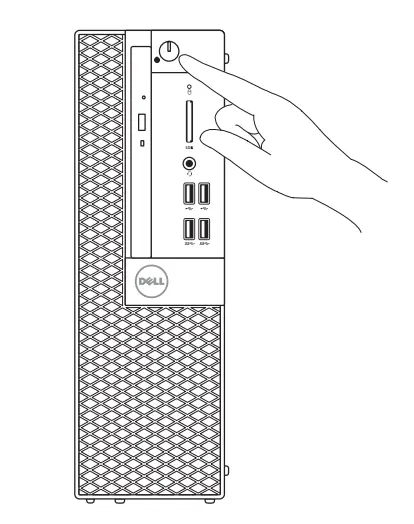
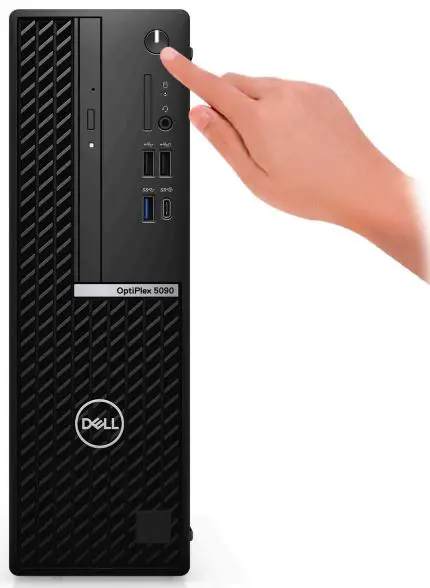
Connect the power cable and press the power button

DELL S017CO3050SFFMF020SG 3050 Tower and Small Form Factor - fig3DELL S017CO3050SFFMF020SG 3050 Tower and Small Form Factor - fig4

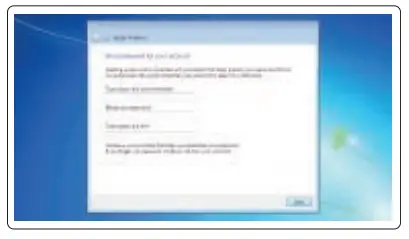
Finish operating system setup

Windows 7

Set a password for Windows

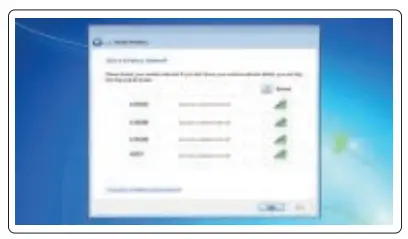
Connect to your network

DELL S017CO3050SFFMF020SG 3050 Tower and Small Form Factor - fig9DELL S017CO3050SFFMF020SG 3050 Tower and Small Form Factor - fig10

DELL S017CO3050SFFMF020SG 3050 Tower and Small Form Factor - iconNOTE: If you are connecting to a secured wireless network, enter the password for the wireless network access when prompted.
Protect your computer
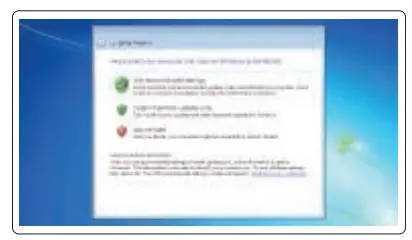
DELL S017CO3050SFFMF020SG 3050 Tower and Small Form Factor - fig12

Ubuntu
Follow the instructions on the screen to finish the setup.

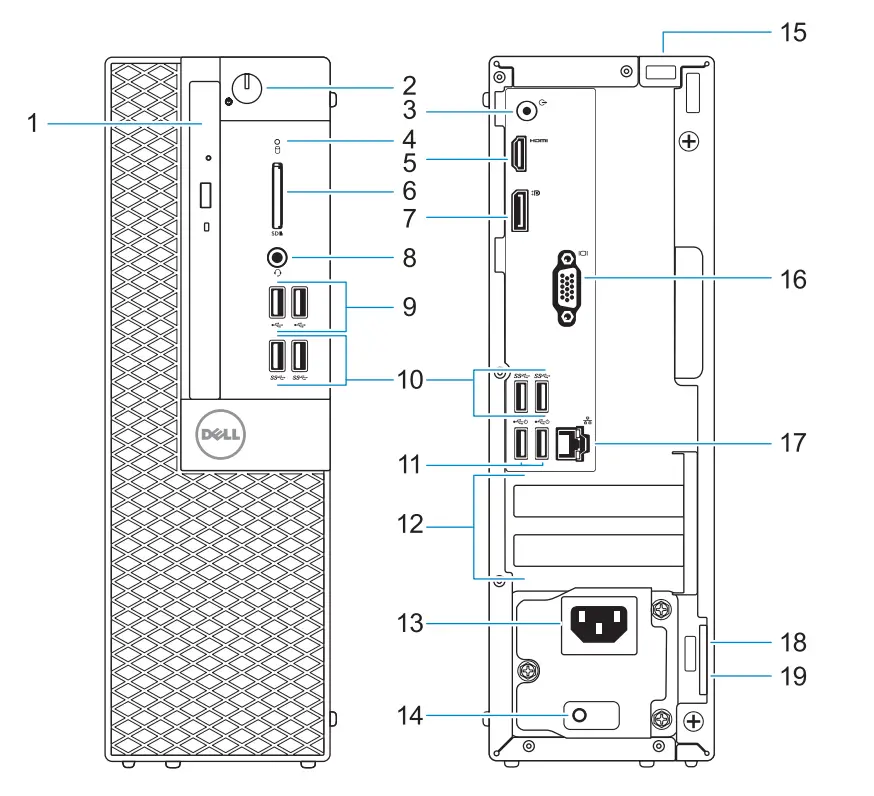
Features

  1. Optical drive (optional)
  2. The power button and power light
  3. Line-out port
  4. The hard drive activity light
  5. HDMI port
  6. Memory card reader (optional)
  7. DisplayPort
  8. Headset port
  9. USB 2.0 ports
  10. USB 3.0 ports
  11. USB 2.0 ports (supports Smart Power On)
DELL S017CO3050SFFMF020SG 3050 Tower and Small Form Factor - fig15

Dell Logo

Product support and manualsDell.com/support
Dell.com/support/manuals
Dell.com/support/windows
Contact DellDell.com/contactdell
Regulatory and safetyDell.com/regulatory_compliance
Regulatory modelD11S
Regulatory typeD11S002
Computer modelOptiPlex 3050 SFF

DELL S017CO3050SFFMF020SG 3050 Tower and Small Form Factor - barcode© 2016 Dell Inc.
© 2016 Microsoft Corporation.
© 2016 Canonical Ltd.DELL S017CO3050SFFMF020SG 3050 Tower and Small Form Factor - icon01Printed in China.
2016-11

References

Documents / Resouces

Download manual
Here you can download full pdf version of manual, it may contain additional safety instructions, warranty information, FCC rules, etc.


Related Manuals