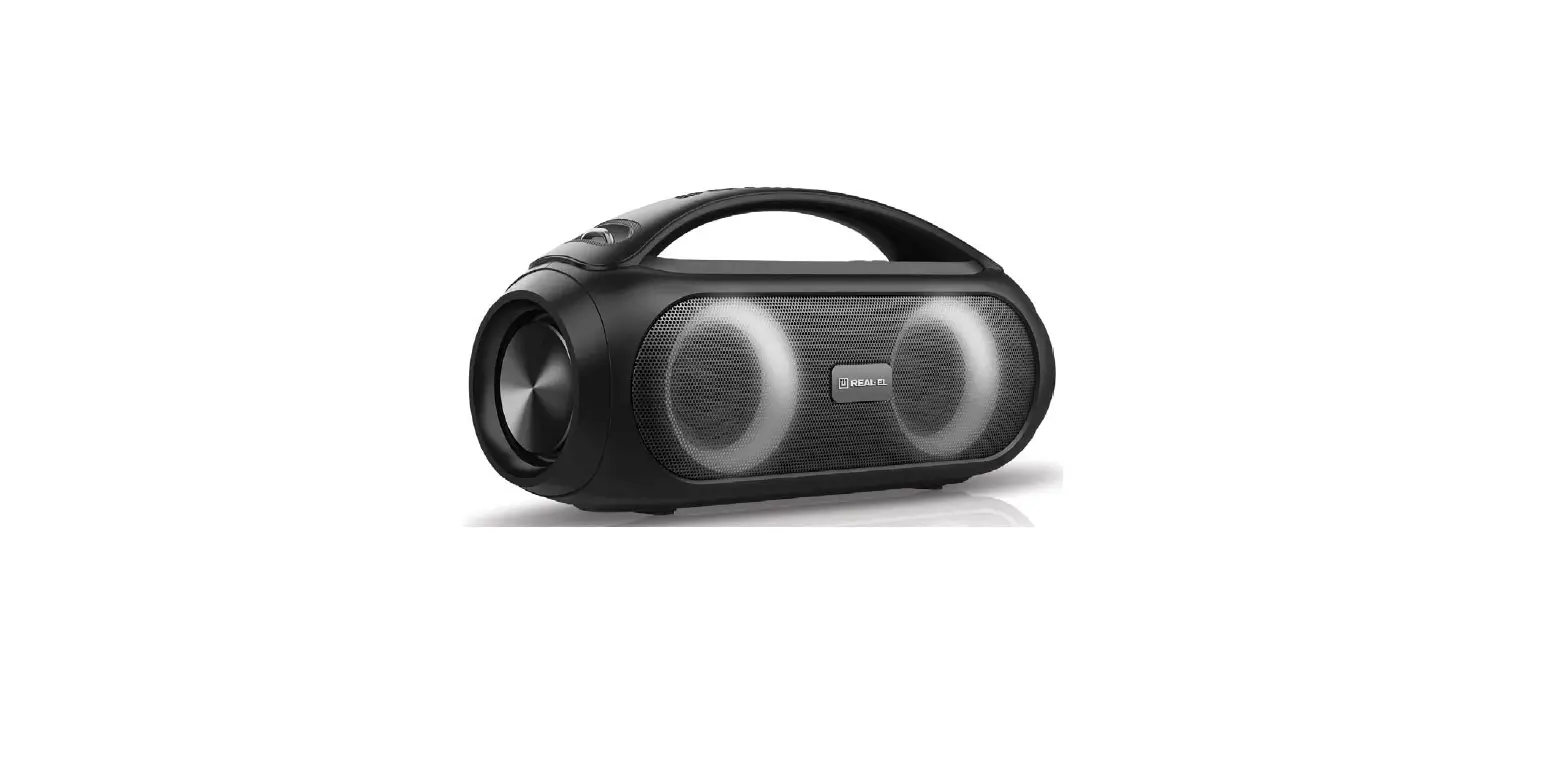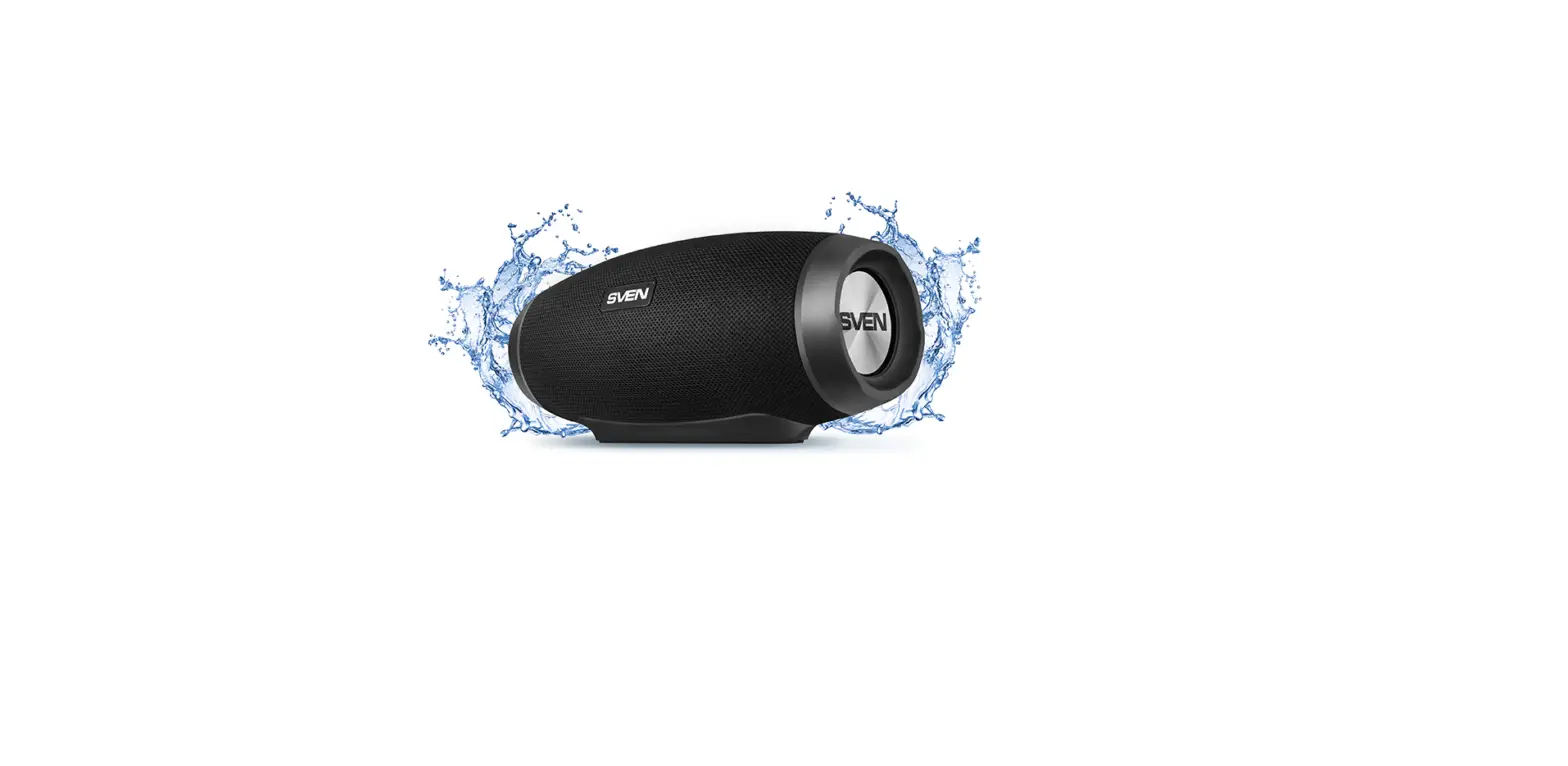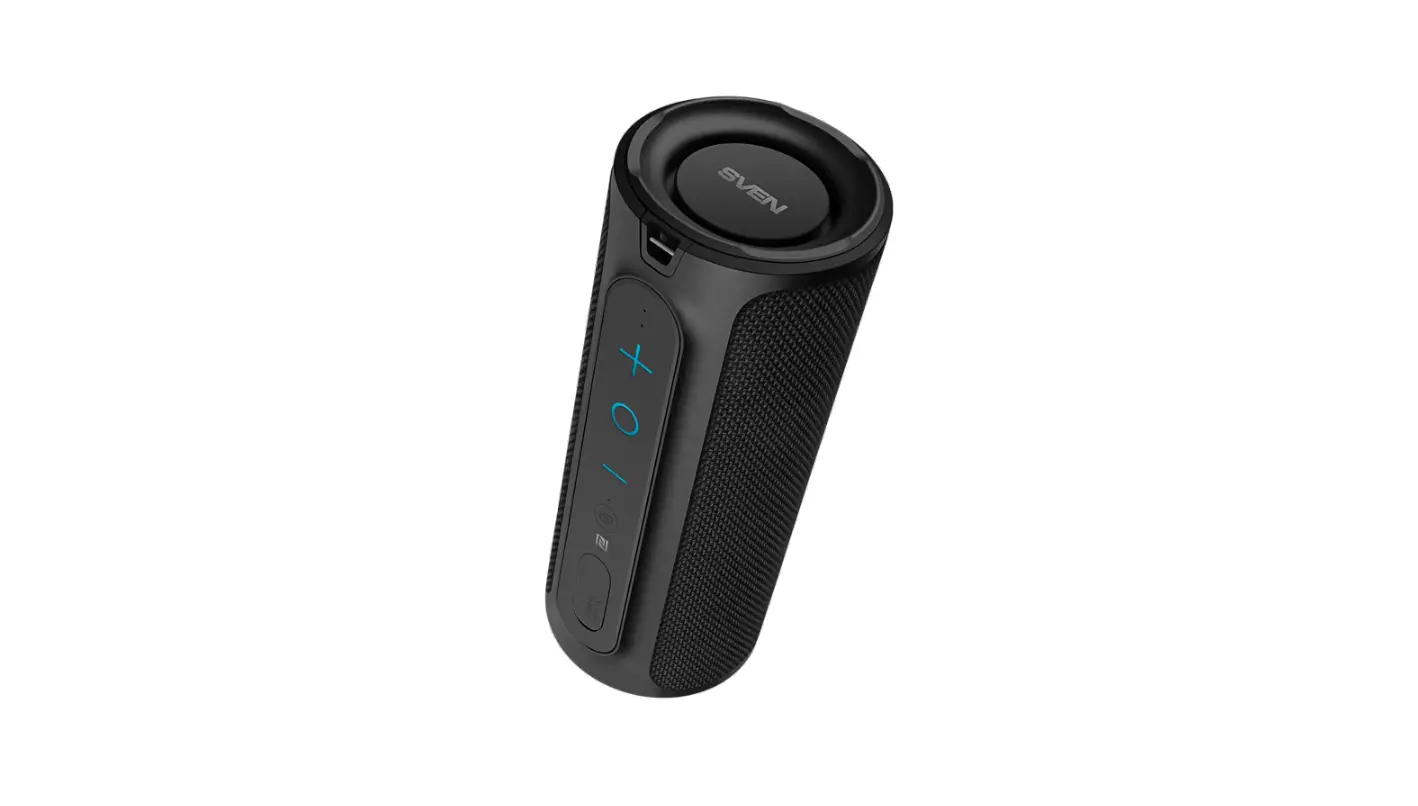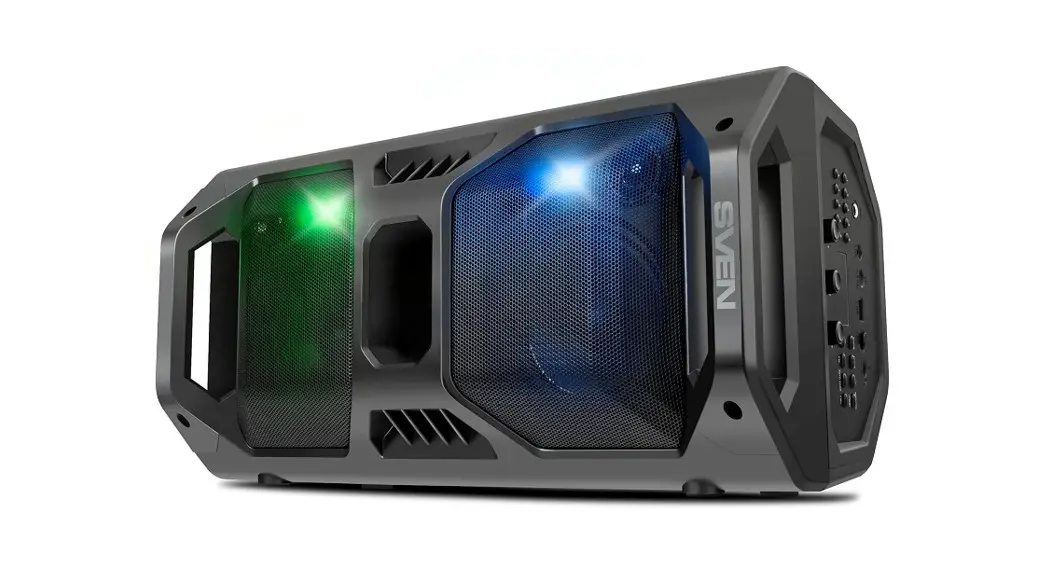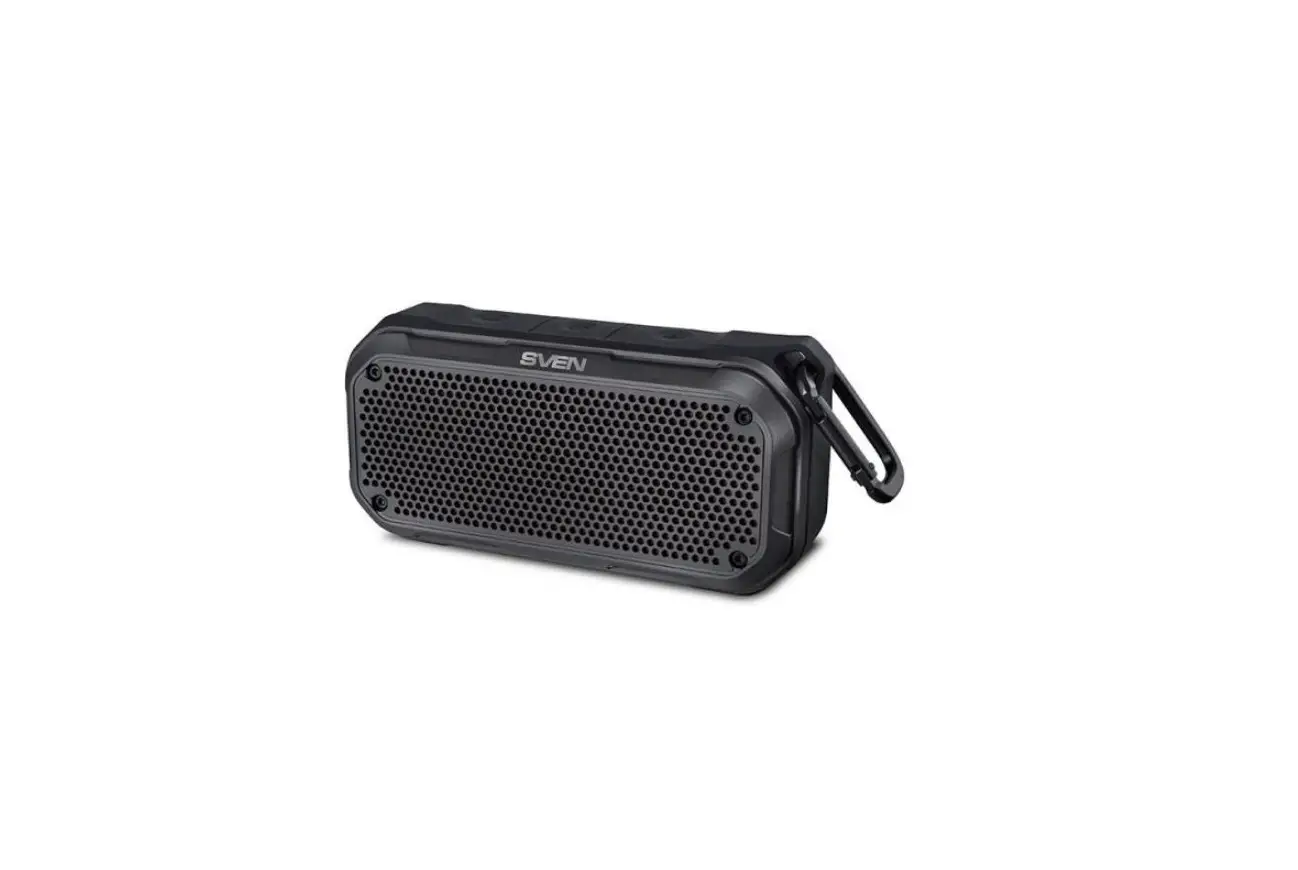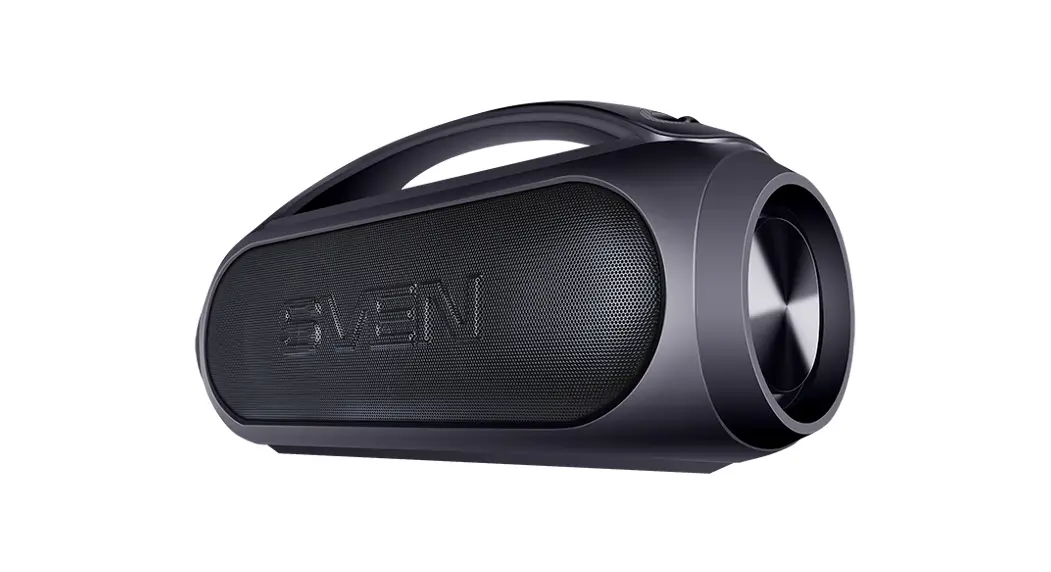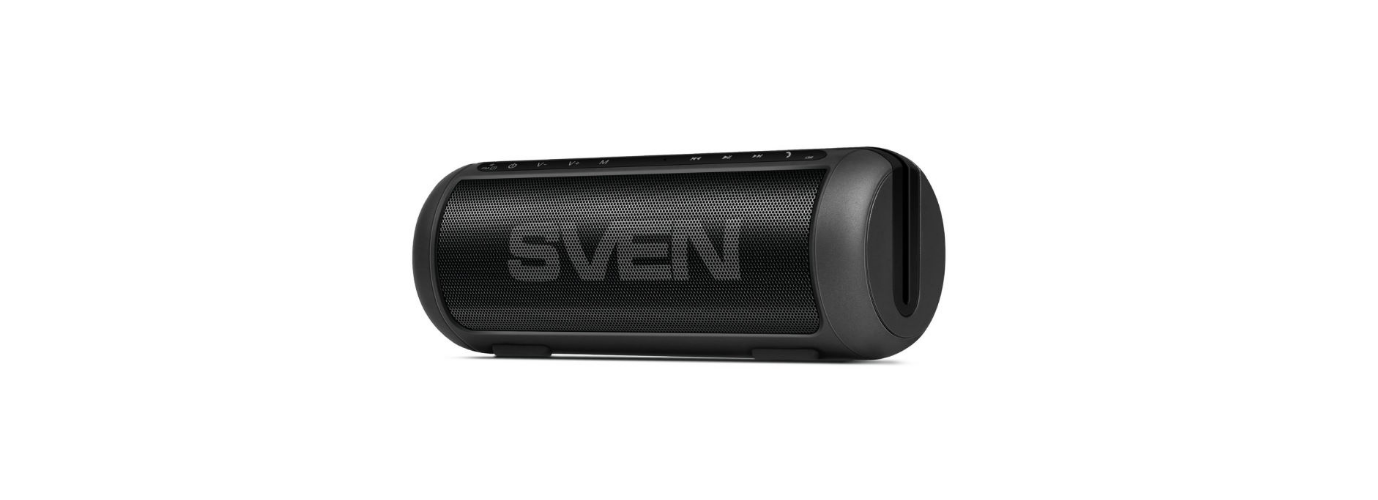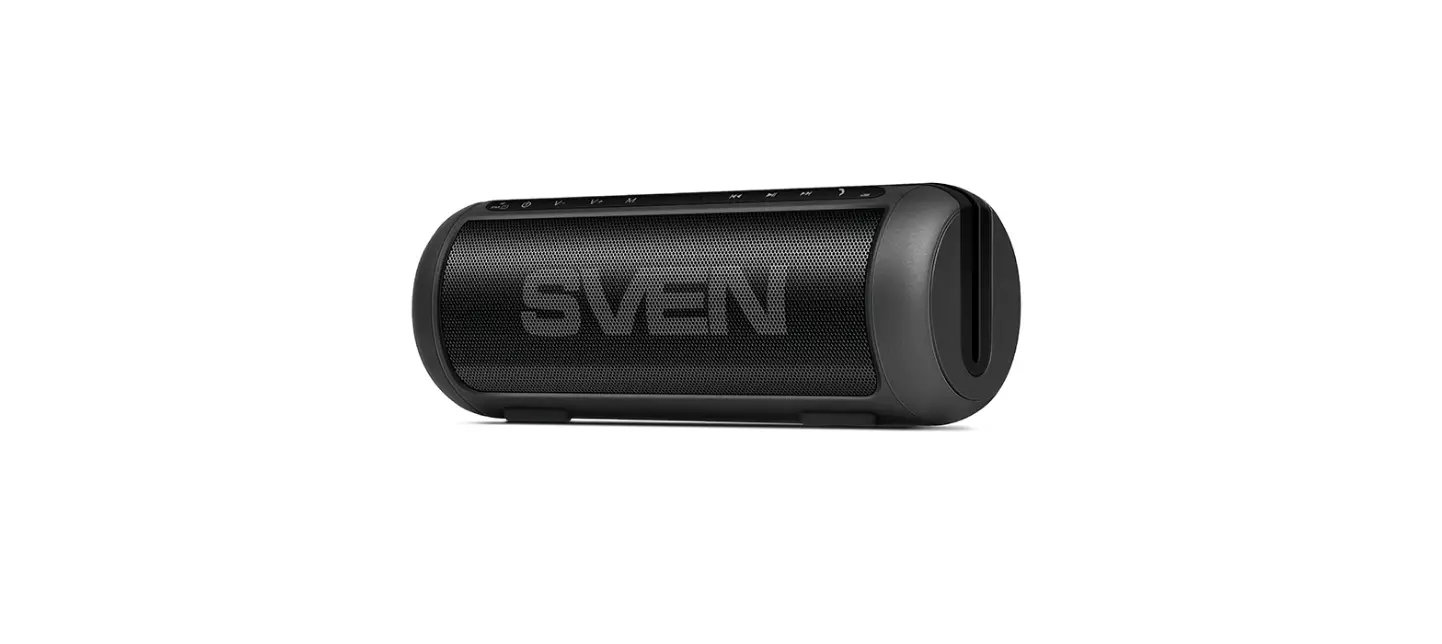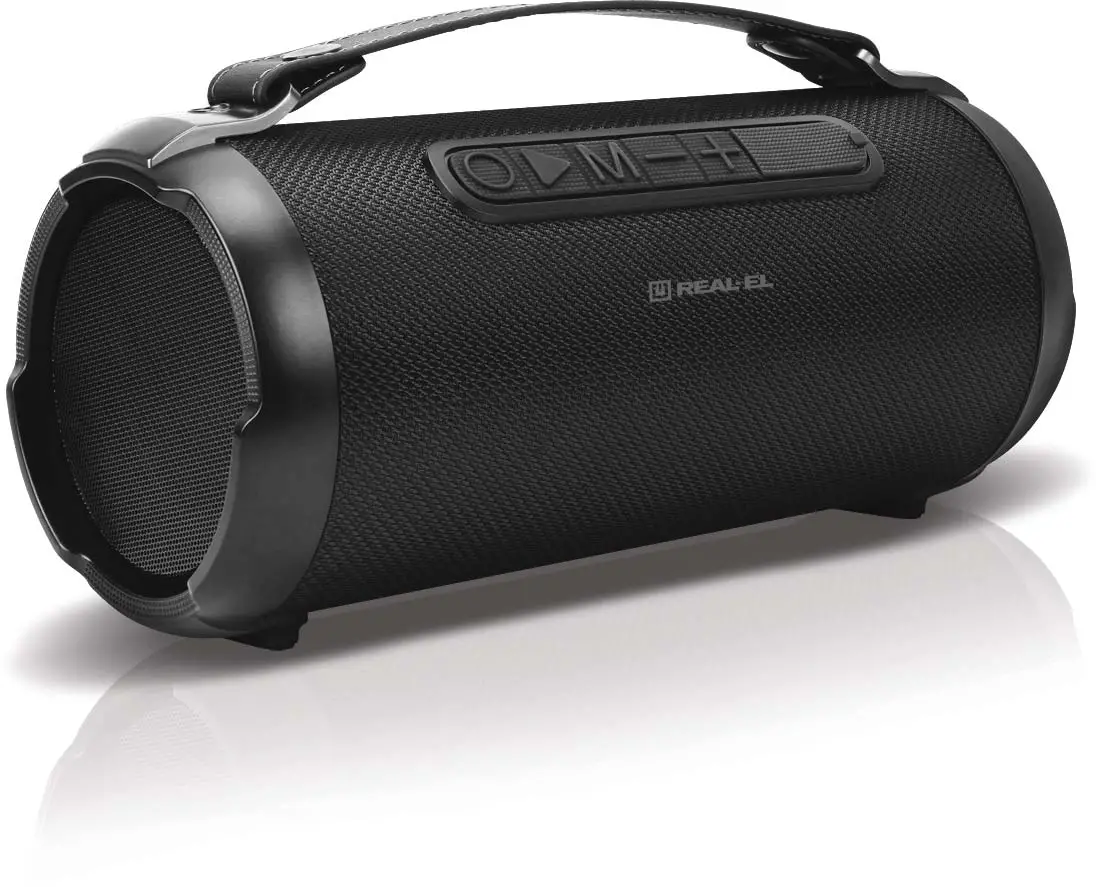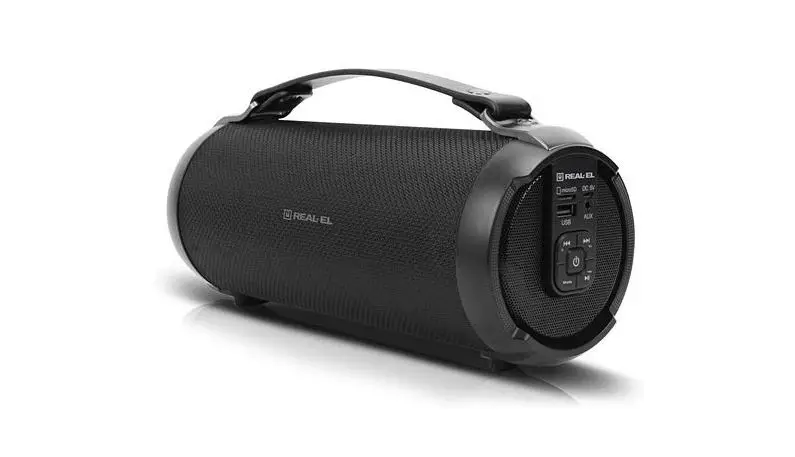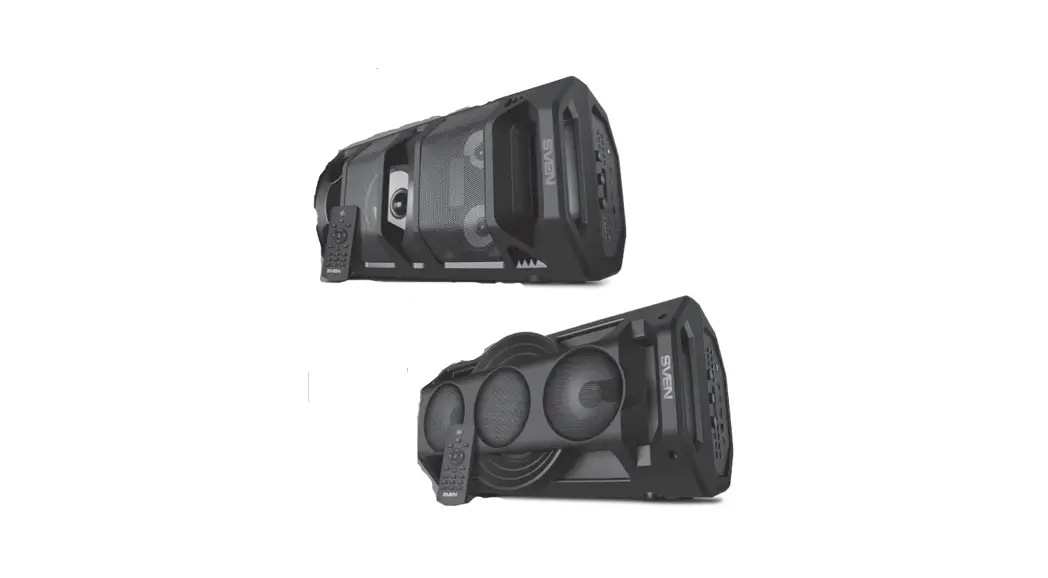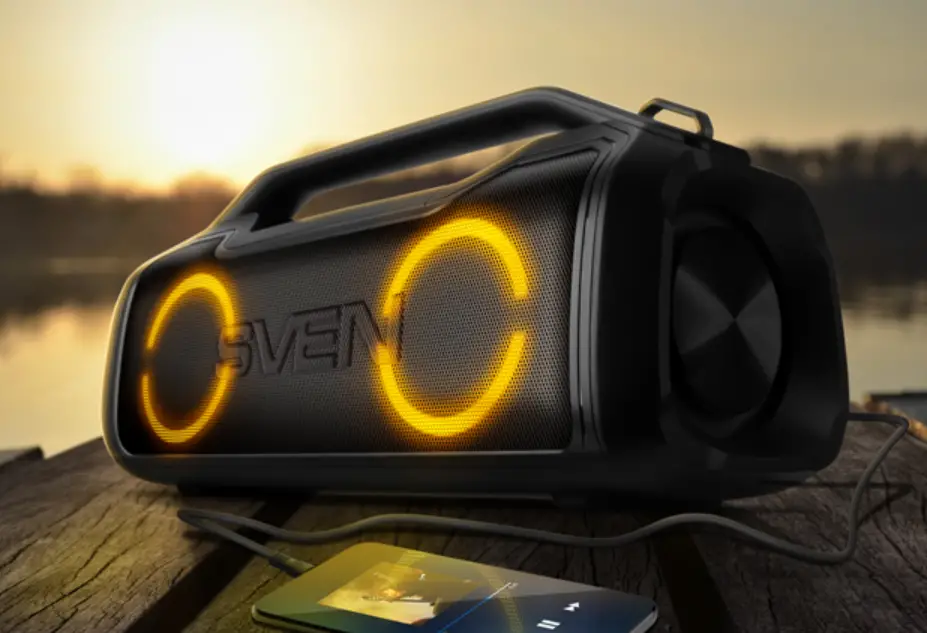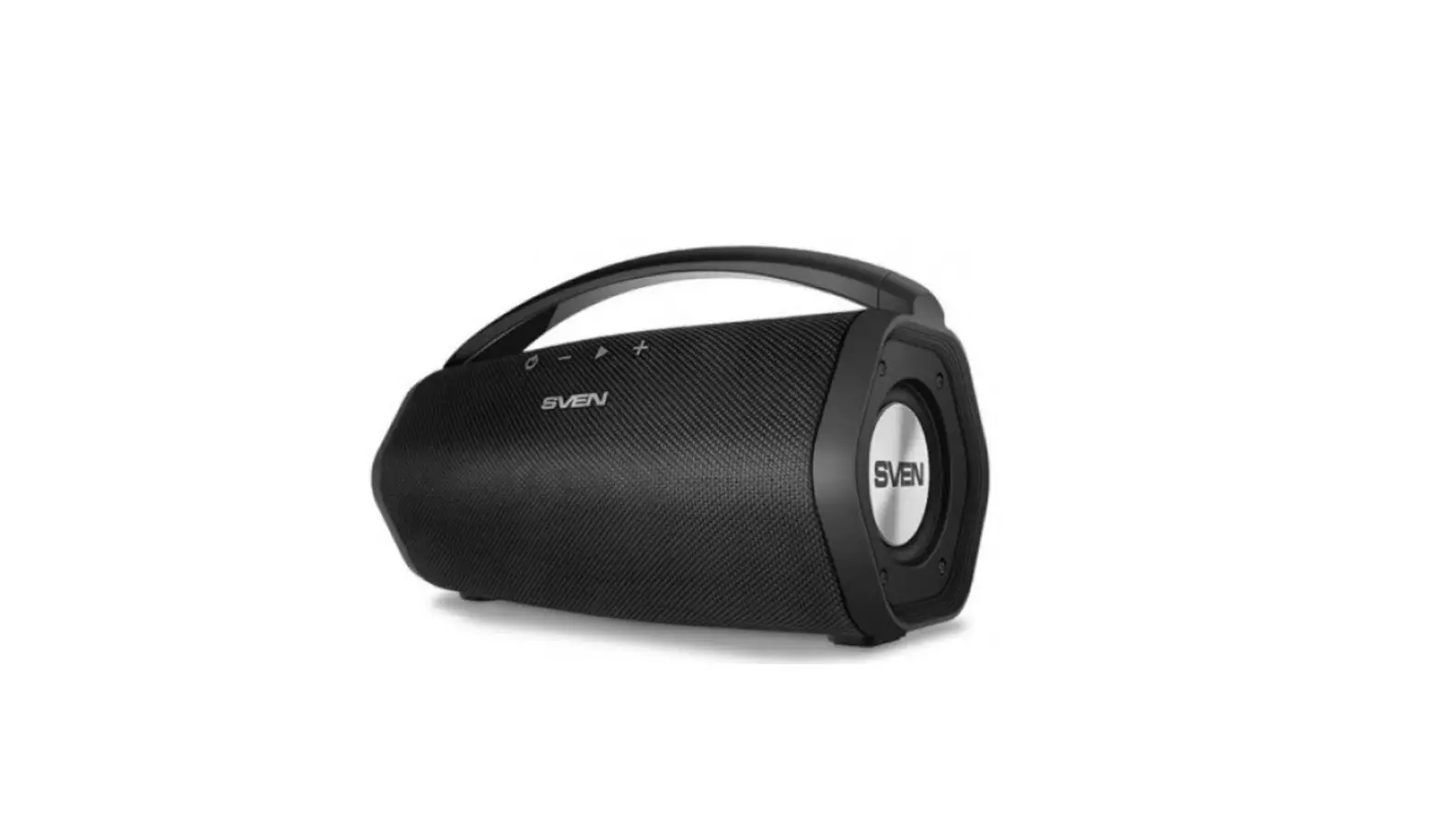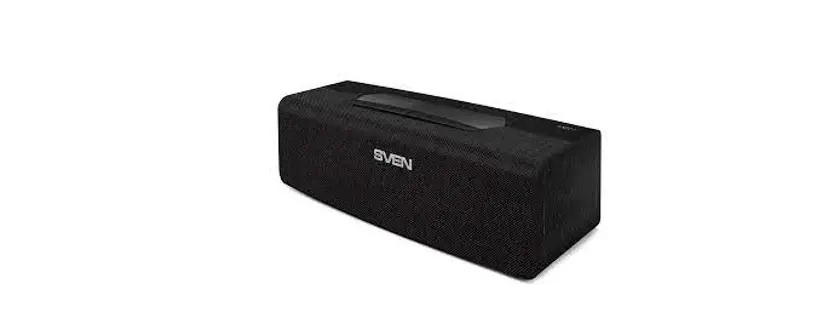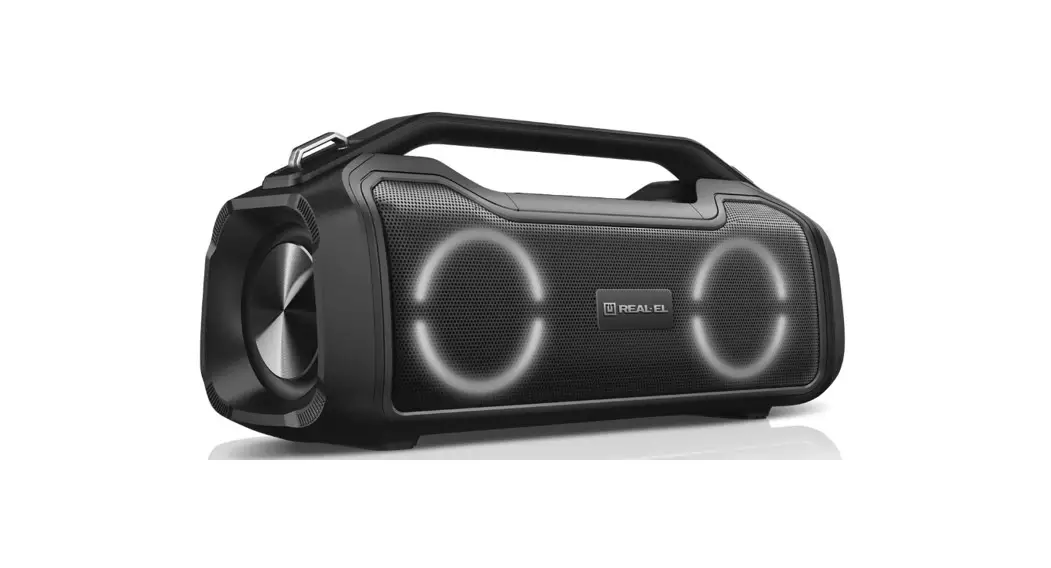
 X-747 Portable Speaker System with Bluetooth
User Manual
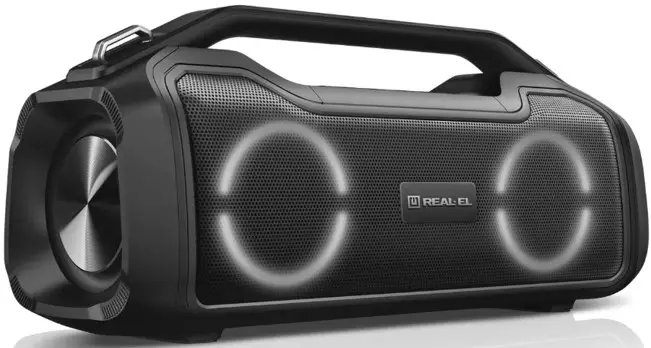
X-747 Portable Speaker System with Bluetooth
Congratulations on your purchase of the REAL-EL speaker system!
COPYRIGHT
© 2022. ENEL GROUP OU.
This Manual and information contained in are copyrighted. All rights reserved.
TRADEMARKS
All trademarks are the property of their legal holders.
BUYER RECOMMENDATIONS
- Unpack the device carefully. Make sure there are no accessories left in the box. Check up the carried out the delivery; if the product functions incorrectly, address the dealer at once.
- Check up the package contents and availability of the warranty card.
- Do not switch on the speaker system immediately after you bring it into a room from environment with negative temperature! After unpacking, the speaker system should be kept in conditions of room temperature for at least 4 hours.
- Before installing and using the speaker system, read this Manual carefully and keep it for future reference.
PACKAGE CONTENTS
- Portable speaker system with Bluetooth — 1 pc
- 3.5 mm mini-jack to 3.5 mm mini-jack signal cable — 1 pc
- USB to USB Type C power cable — 1 pc
- User manual — 1 pc
- Warranty card — 1 pc
SAFETY PRECAUTIONS
- Do not open the portable speaker system (PSS) and do not perform repairs by yourself. Service on www.real-el.com
- Make sure that foreign objects do not get inside the holes of the PSS.
- Protect the PSS from high humidity, water and dust.
- Protect the PSS from heating: do not place it closer than 1 m from a heat source. Do not expose it to direct sunlight.
- Do not use any chemical agents for cleaning. Clean it with dry soft cloth only.
- In case of PSS does not work properly. Please contact place of purchase or service center.
Special features
| Bluetooth TWS | Handsfree Microphone |
| Soft Bass beating | Bluetooth / Micro SD / Aux |
| Excellent Build Quality | Voice assistant control |
| IPX 5 waterproof | EQ adjustment |
| RGB Lighting | Built in Power bank |
TECHNICAL DESCRIPTION
Control panel
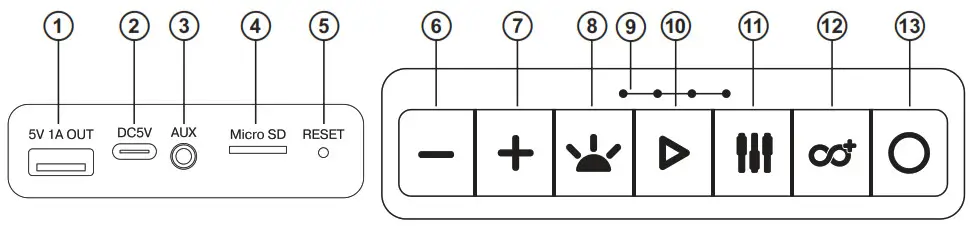
- *USB port of Power Bank
- Charging DC 5V
- AUX: 3.5 mm mini-jack for audio signal connecting (phone, MP3 player, etc.)
- Micro SD card slot
- RESET: Reset to factory settings
- – : Previous track (long press in Player and Bluetooth mode; Volume decrease button (short press)
- + : Next track (long press in Player and Bluetooth mode);Volume increase button (short press)
 : Backlight ON/OFF
- Battery indicator
 : Play/Pause (Voice assistant control/Call control)
 : EQ: Sound Effect mode
 : TWS Connect an additional speaker (Bluetooth mode only)
- Power ON/OFF
 : Backlight ON/OFF
 : Play/Pause (Voice assistant control/Call control)
 : EQ: Sound Effect mode
 : TWS Connect an additional speaker (Bluetooth mode only)
* USB output is for power bank function only! Do not plug in USB flash!
CONNECTION AND OPERATION
Charging the battery
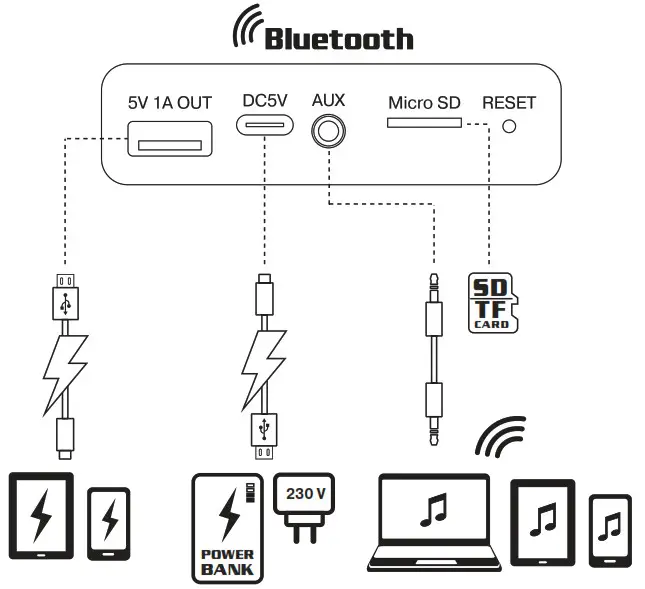
- Before operation, fully recharge the battery. The charger is not included. Charge this device with a DC 5V universal charger with output current 2
- Insert the charging cable into the charger connector, connect the other end to the charger, the charging indicator will be activated.
Bluetooth mode
- Switch ON device with the 13 button. The device will turn into search mode.
- Select a Bluetooth device search mode on the audio source (mobile phone, tablet, etc.). The display will show the name “REAL-EL X-747” which need to establish a connection with. After a successful connection, the loudspeaker will sound a signal.
TWS Bluetooth connection
- Turn on two identical REAL-EL X-747 systems and activate Bluetooth mode.
- On one system, press‘ button, then the unit will switch to TWS mode. There will be a sound once two systems successfully connected.
- Connect a Bluetooth audio source to listen.
- To exit TWS mode, press button.
Activating Voice Assistant
- Make Bluetooth connection with your mobile phone.
- Long-press Play/Pause button to activate voice assistant. The availability and name of the voice assistant depends on the operating system of your mobile device.
Hand-free call
- Under Bluetooth connection status, if there is an incoming call, short-press Play/Pause button to accept the call or long-press Play/Pause button to reject the call.
- During the call, long-press Play/Pause button to switch to talking on the phone.
- Short-press Play/Pause button or operate on mobile phone to end the call.
Reset
- If the speaker does not turn off or respond, user can short-press the Reset jack with a small round pin to reset the speaker.
Playback mode
- Insert a SD card drive into the corresponding slot, the audio track will be played automatically. In the playback mode, press the “+” or “-“ button to select the desired tracks.
- Press the ” button to play or pause. Note: During Bluetooth playback mode, if you insert a SD card, Bluetooth will be turned off and USB will play.
AUX mode
- For compatible music devices, use an audio cable with the 3.5 mm mini jack supplied in the box. Connect the cable to the audio input of the AUX and to any audio source with a 3.5 mm mini jackthe screen will display LINE automatically.
Note: You must turn off the power button “OFF/ ON.” If the system is not used for a long time.
SPECIFICATION
| Parameter | Value |
| Output power (RMS) | 50 (2 x 25) W |
| Frequency range | 70-20 000 Hz |
| Dimension of the speaker drivers | 2 x 0 89 mm |
| Supported Bluetooth Profiles | V 5.0 + BR + EDR / A2DP |
| Connection types | Bluetooth / Micro SD / Aux |
| Power supply | USB Type C/ 5 V DC, 2 A |
| Battery | Lithium-ion 2*3600 mAh, DC 3.7 V |
| Bluetooth operation distance | up to 10 m |
| Case material | ABS plastic |
| Dimensions of the product | 390 x 137 x 175 mm |
| Weight | 3 kg |
Notes:
- Technical specifications given in this table are supplemental information and cannot give occasion to claims.
- Technical specifications and package contents are subject to change without notice due to the improvement of REAL-EL production.
Technical support: www.real-el.com
Manufacturer: ENEL GROUP OU, Harju maakond, Rae vald, JOH alevik, Arukula tee 55a, 75301, Estonia.
® Registered Trademark of ENEL GROUP OU. Estonia.
 REAL-EL