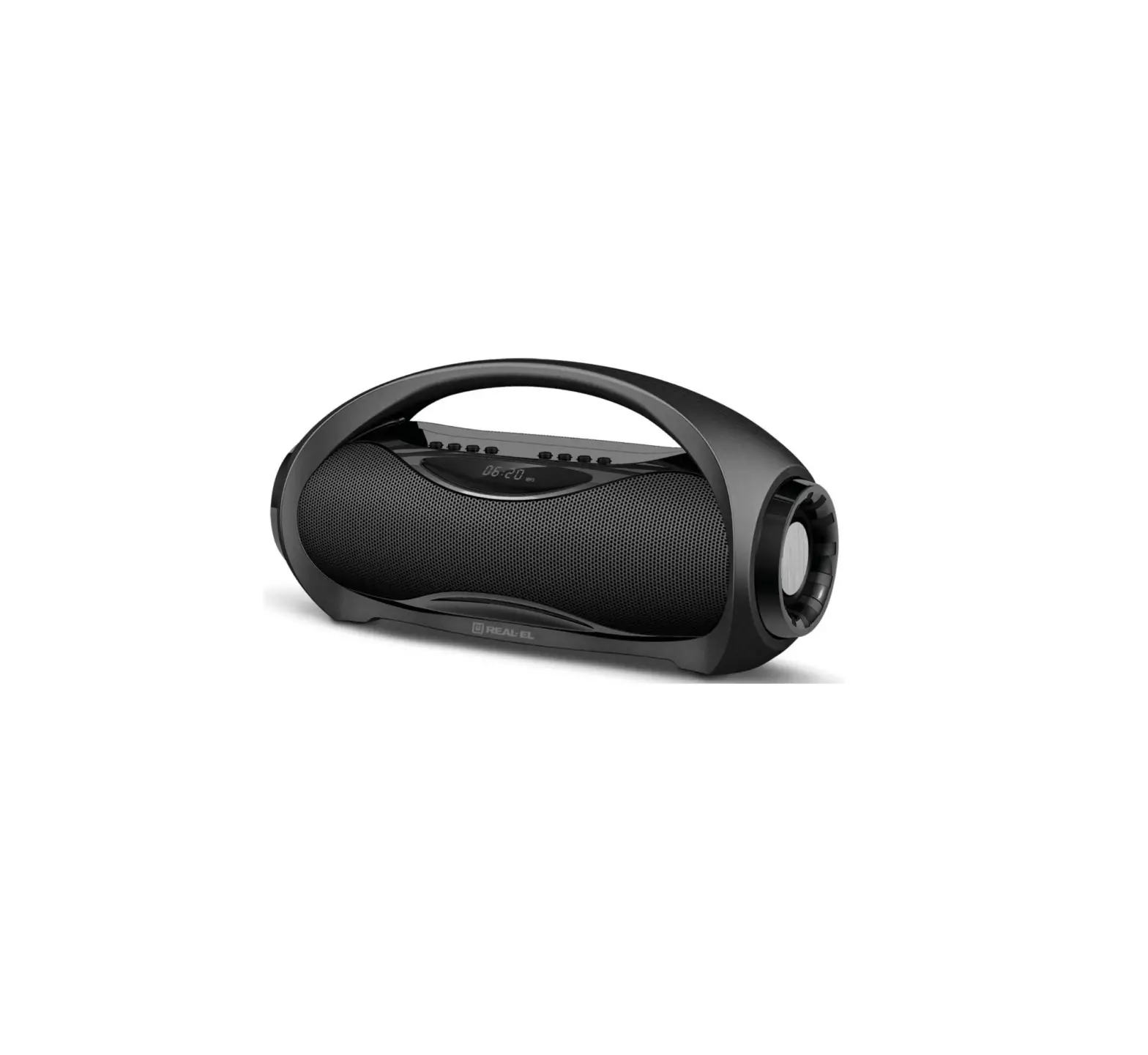
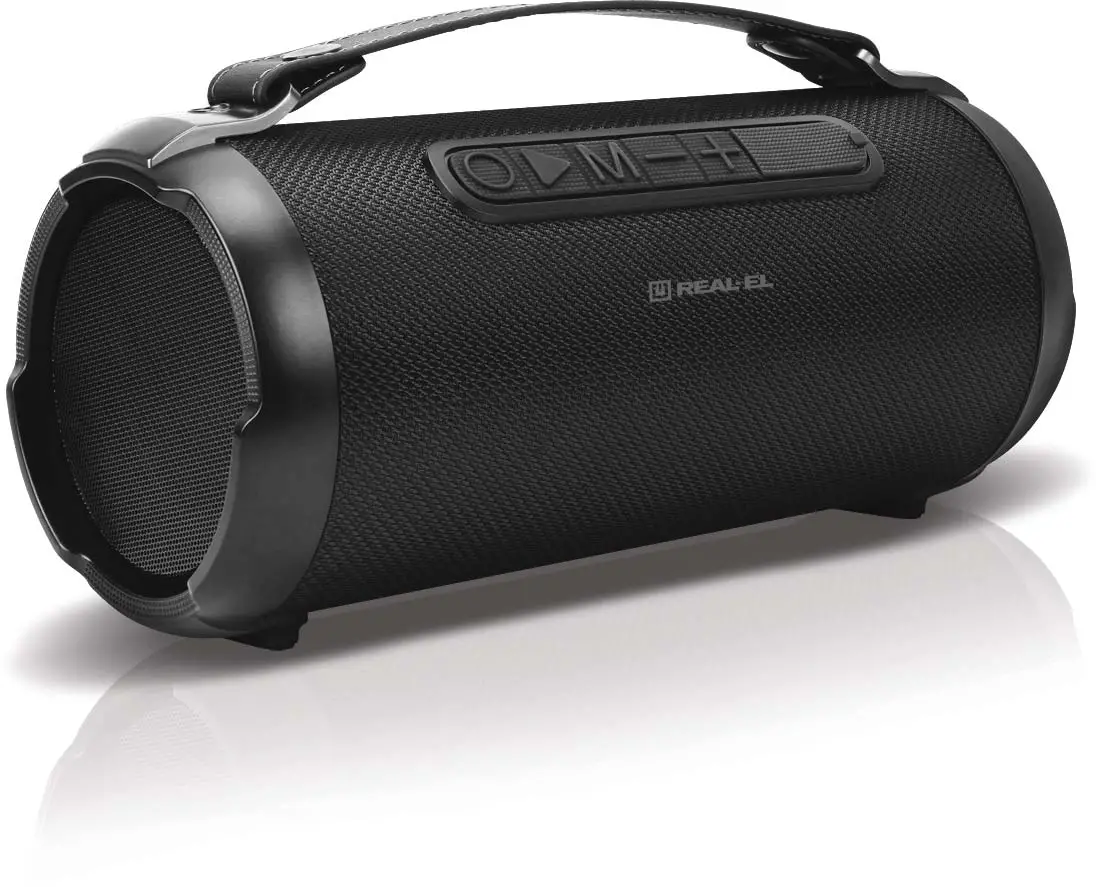
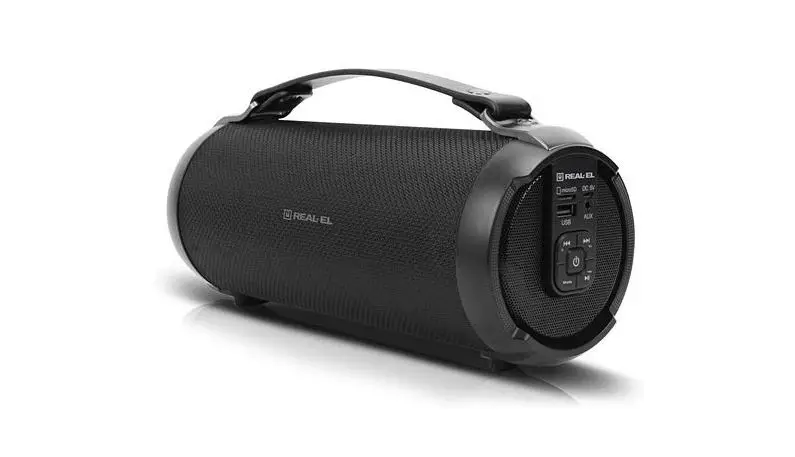
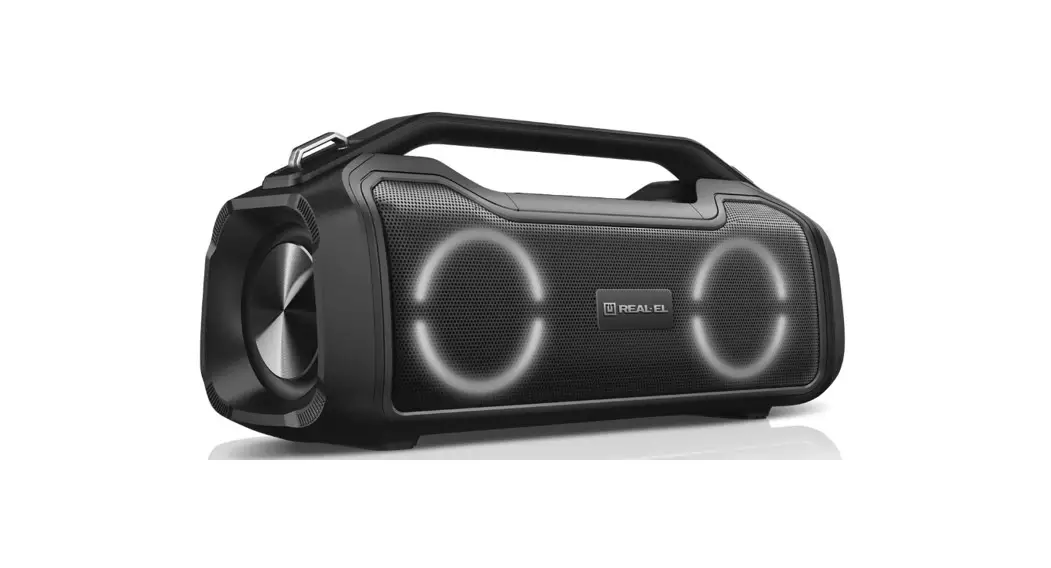
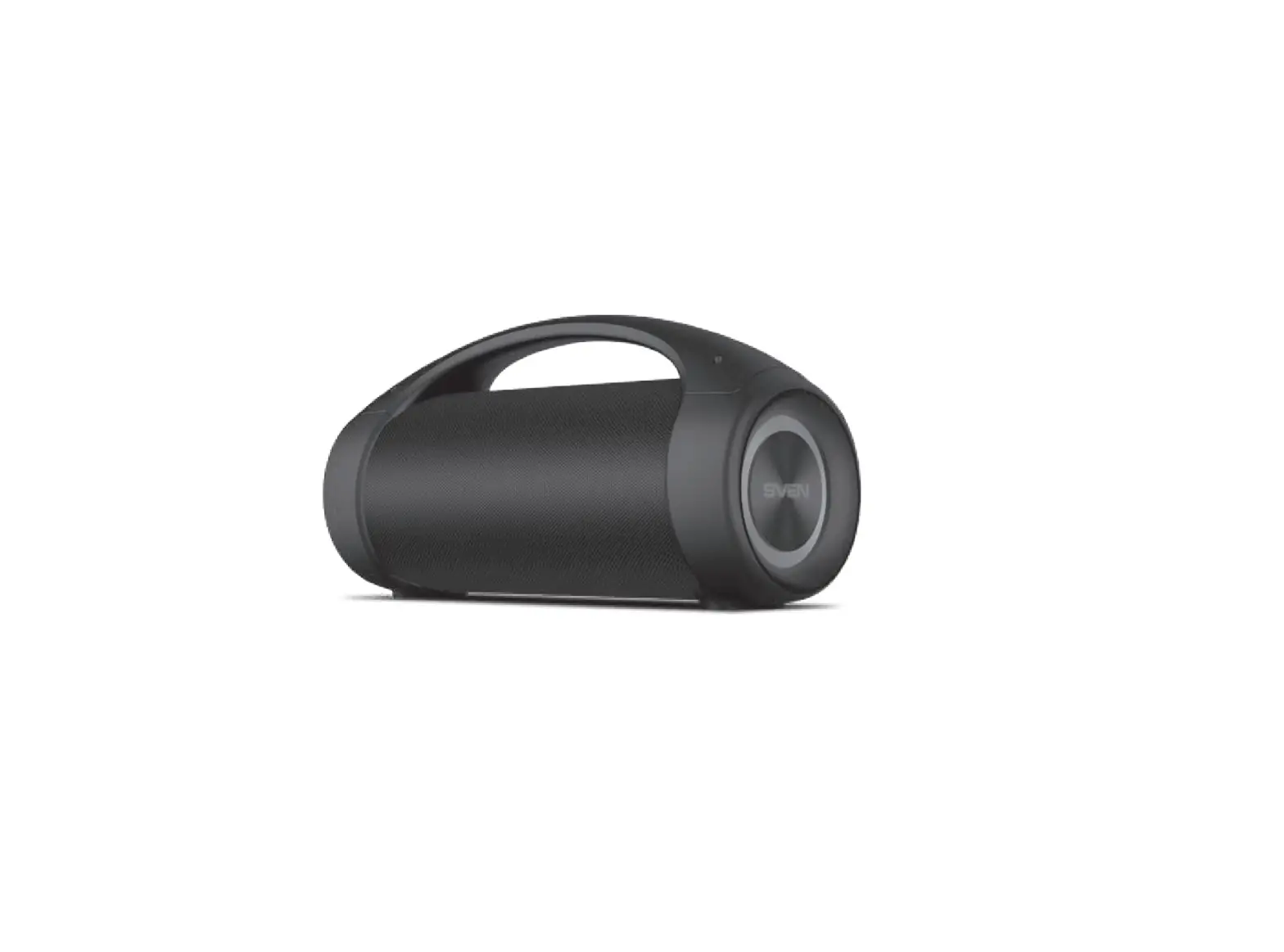
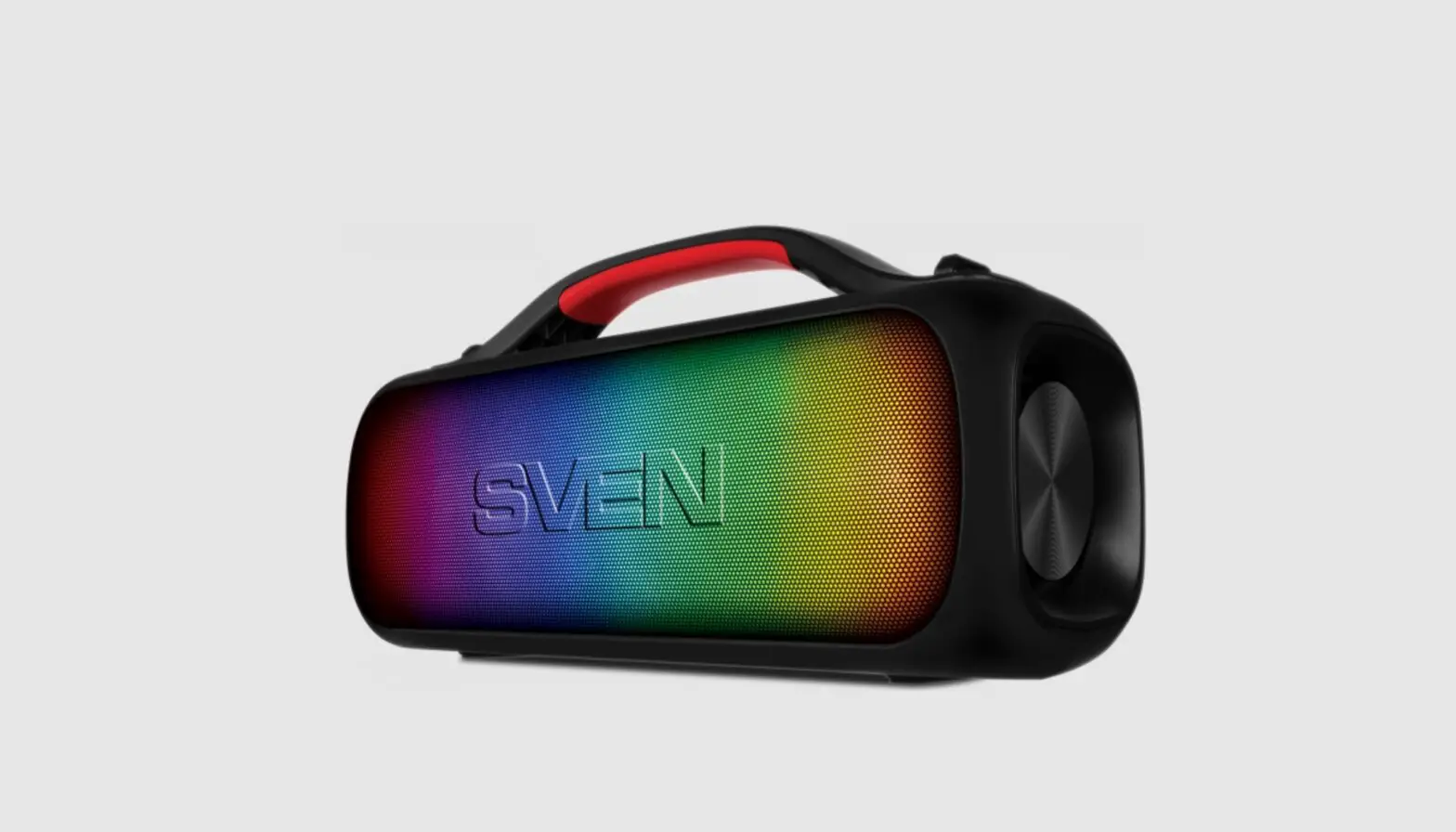
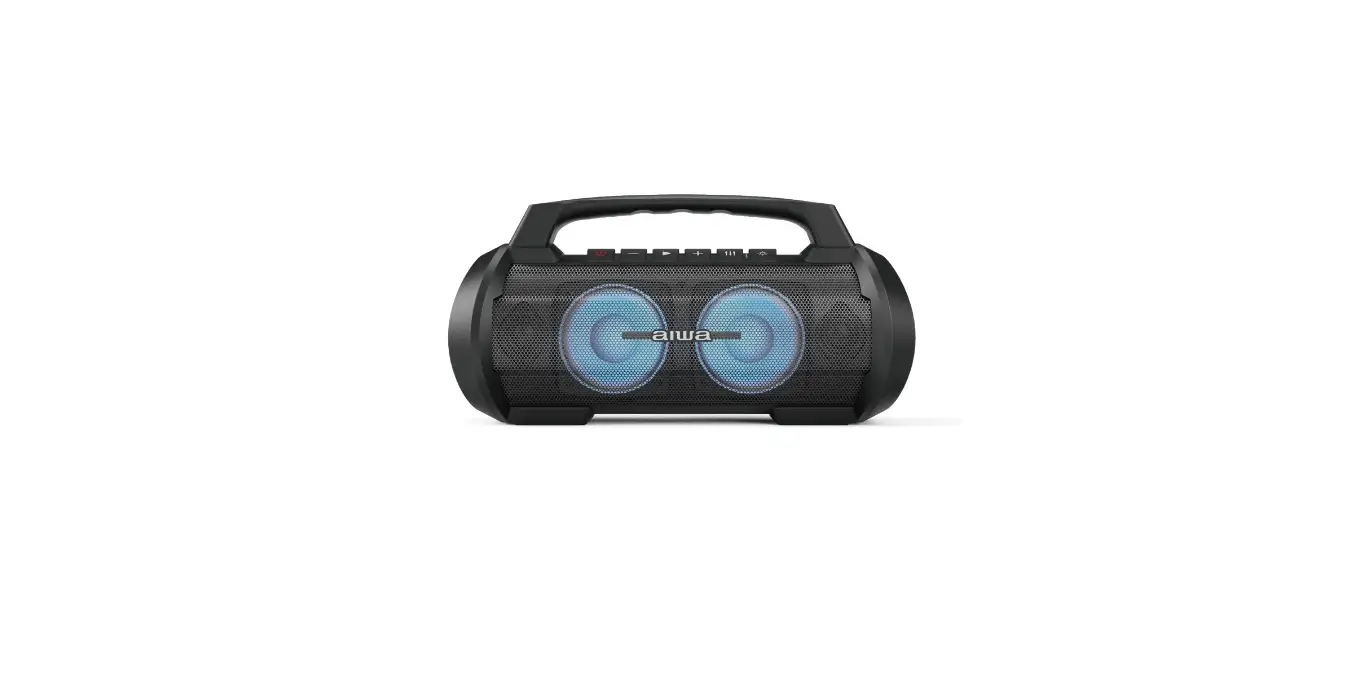
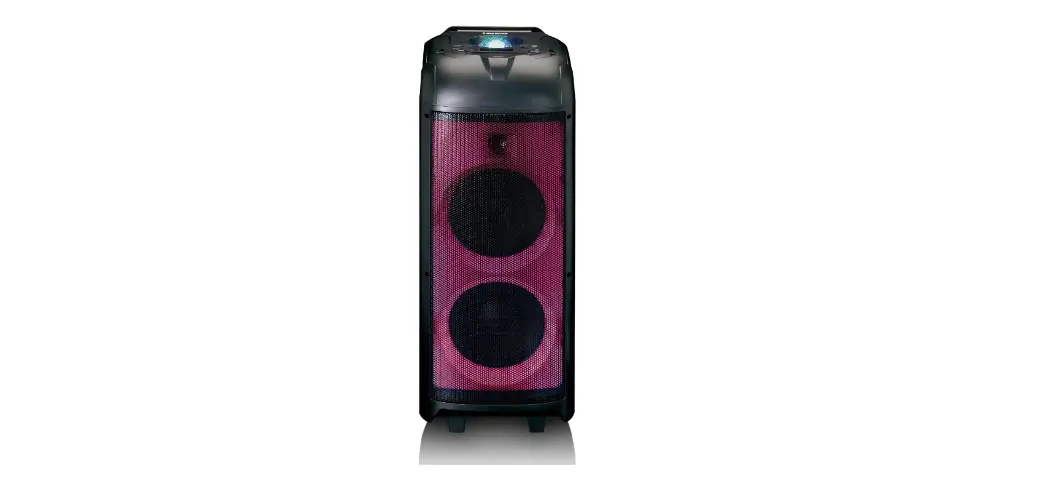
X-737 Portable Speaker System
Product Information:
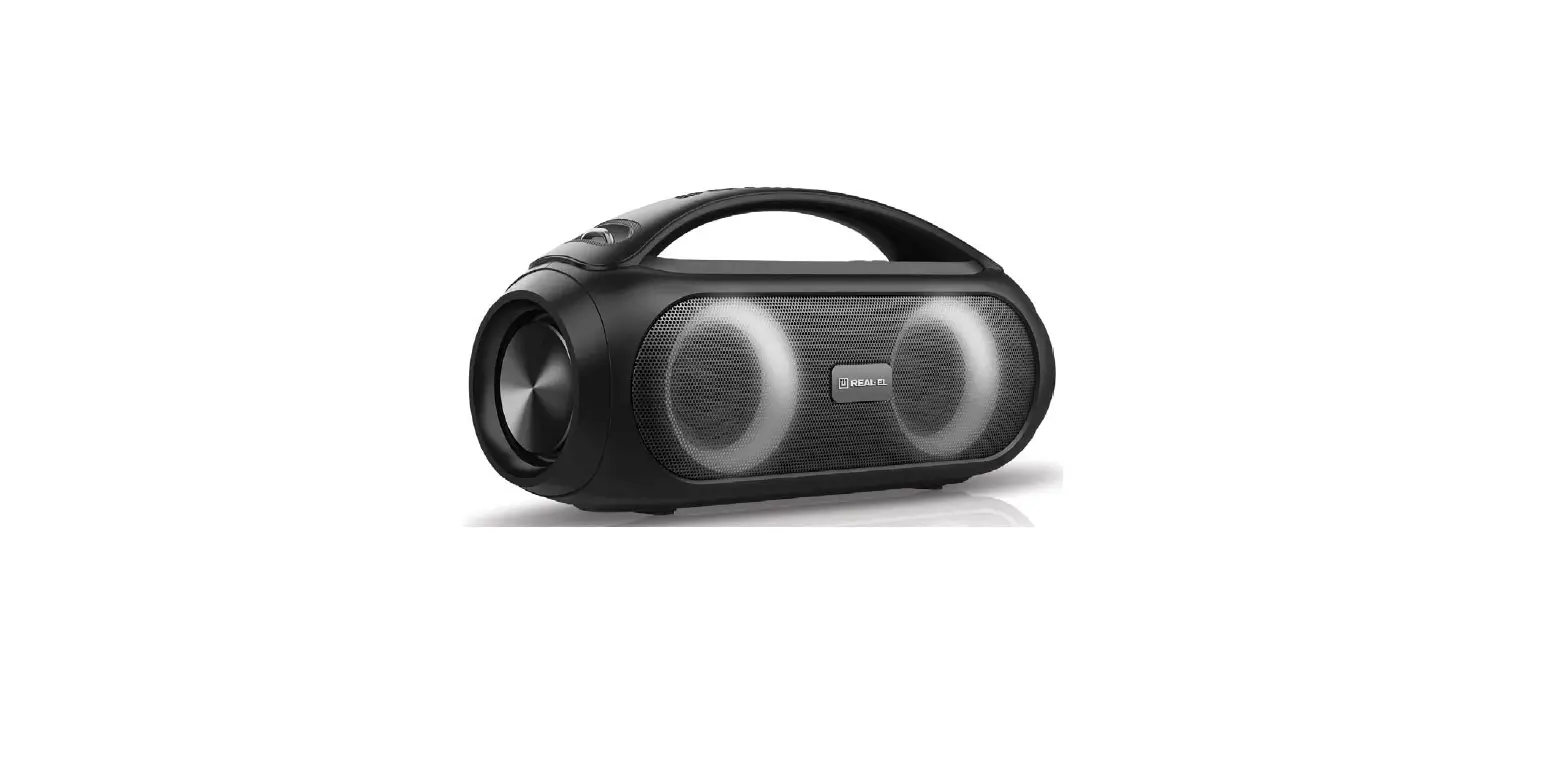
The X-737 is a portable speaker system manufactured by REAL-EL.
It comes with various features and connectivity options, including
TWS function for connecting two speakers together, playback via
Bluetooth, USB and Micro SD (TF) inputs, AUX connection for use
with PC, TV, and other sources, RGB backlight, extended battery
life, microphone input with echo function, and LED display.
The package contents include:
- Portable Speaker System – 1 pc
- 3.5 mm mini-jack to 3.5 mm mini-jack signal cable – 1 pc
- USB to Micro USB power cable – 1 pc
- Belt – 1 pc
- User manual – 1 pc
- Warranty card – 1 pc
The speaker system can be charged with DC 5V and has a TF CARD
slot, USB port, AUX input, and a microphone jack. It also features
control buttons for power on/off, volume control, playback mode
selection, previous/next track navigation, play/pause/mute
functions, and switching backlight modes. The speaker system also
supports TWS connection with an additional speaker in Bluetooth
mode.
Product Usage Instructions:
To use the X-737 portable speaker system:
- Connect the power cable to a DC 5V power source to charge the
speaker system. - Connect the desired audio source using the provided cables or
via Bluetooth. - Adjust the volume using the volume control buttons.
- To switch between different playback modes (ALL, ONE, RANDOM),
press the “0” button. - Use the previous/next track buttons to navigate through tracks
in player mode. - Press the play/pause button to play or pause the audio in
player mode. - To mute the audio, press the play/pause button briefly.
- To activate the karaoke mode, connect a dynamic microphone with
a 6.3 mm (1/4″) TS plug to the microphone jack and adjust the
volume level. - The karaoke mode is automatically activated with any audio
source.
Make sure to refer to the user manual for additional information
and specifications.
For technical support, visit www.real-el.com
OPERATION MANUAL
PORTABLE SPEAKER SYSTEM
X-737
Operation Manual
ENG
X-737
Congratulations on your purchase of the REAL-EL speaker system!
COPYRIGHT © 2022. ENEL GROUP OU. This Manual and information contained in are copyrighted. All rights reserved.
TRADEMARKS All trademarks are the property of their legal holders.
CONTENTS 1. BUYER RECOMMENDATIONS ………………………………………………………….. 1 2. PACKAGE CONTENTS ………………………………………………………………….. 1 3. SAFETY PRECAUTIONS ………………………………………………………………… 2 4. TECHNICAL DESCRIPTION ……………………………………………………………… 2 5. CONNECTION AND OPERATION ………………………………………………………. 4 6. TECHNICAL SPECIFICATIONS …………………………………………………………. 5
1. BUYER RECOMMENDATIONS Unpack the device carefully. Make sure there are no accessories left in the box. Check up the device for GDPDJH LI WKH SURGXFW ZDV GDPDJHG GXULQJ WUDQVSRUWDWLRQ DGGUHVV WKH UP ZKLFK FDUULHG RXW WKH delivery; if the product functions incorrectly, address the dealer at once. Check up the package contents and availability of the warranty card. Make sure the warranty card has a shop stamp, a legible signature or the seller’s stamp and purchase date, and the goods number corresponds to that in the warranty card. Remember: in case of warranty card loss or discrepancy of numbers you forfeit the right for warranty repairs. Do not switch on the speaker system immediately after you bring it into a room from environment with negative temperature! After unpacking, the speaker system should be kept in conditions of room temperature for at least 4 hours. Before installing and using the speaker system, read this Manual carefully and keep it for future reference.
2. PACKAGE CONTENTS Portable Speaker System — 1 pc 3.5 mm mini-jack to 3.5 mm mini-jack signal cable — 1 pc USB to Micro USB power cable — 1 pc Belt — 1 pc User manual — 1 pc Warranty card — 1 pc
Technical support: www.real-el.com
1
Operation Manual
ENG
X-737
3. SAFETY PRECAUTIONS Do not open the portable speaker system (PSS) and do not perform repairs by yourself. Service and UHSDLUV VKRXOG EH SHUIRUPHG RQO E TXDOLHG VSHFLDOLVWV DW DXWKRUL]HG VHUYLFH FHQWHUV 7KH OLVW RI DXWKRUL]HGVHUYLFHFHQWHUVLVon www.real-el.com Make sure that foreign objects do not get inside the holes of the PSS. Protect the PSS from high humidity, water and dust. Protect the PSS from heating: do not place it closer than 1 m from a heat source. Do not expose it to direct sunlight. Do not use any chemical agents for cleaning. Clean it with dry soft cloth only. In case of PSS does not work properly. Please contact place of purchase or service center.
Special features TWS function. Connect two speakers together Playback via Bluetooth USB, Micro SD (TF) AUX connection for use with PC, TV and other sources (TXDOL]HUIRUDGMXVWLQJWKHOHYHORIKLJKDQGORZIUHTXHQFLHV RGB Backlight Extended battery life Microphone input with echo function LED display
4. TECHNICAL DESCRIPTION Control panel
” Charging DC 5V. # Indicator. $ Power ON/OFF. % TF CARD: Micro SD card slot. & USB port. ‘ AUX: 3.5 mm mini-jack for audio signal connecting (phone, MP3 player, etc.). ( MIC: 6.3 mm jack microphone jack. ) MIC VOL +/-: Microphone volume control. * ECHO +/-: Microphone echo adjustment. + VOLUME+/-: Volume control. , MODE: Bluetooth/USB/Micro SD/AUX;
ON/OFF prompt system tone (long press).
– LIGHT: Switching backlight modes. . TWS: Connect an additional speaker (Bluetooth mode only). / (46RXQG(HFWPRGH
Technical support: www.real-el.com
2
Operation Manual
ENG
X-737
0 : Switch playback mode (ALL, ONE, RANDOM):
ONE Repeats the current track;
RAND Play tracks in the random order;
ALL Plays all tracks in the sequential order.
1 : Previous track (in Player mode);
Navigation on the track (long press in Player mode).
2 : Play/Pause button (in Player mode);
Mute (short press).
3 : Next track (short press in Player mode);
Navigation on the track (long press in Player mode).
Technical support: www.real-el.com
3
Operation Manual
ENG
X-737
5. CONNECTION AND OPERATION Charging the battery Before operation, fully recharge the battery. The charger is not included. Charge this device with a DC 5V universal charger with output current Insert the charging cable into the charger connector, connect the other end to the charger, the charging indicator will be activated. The red charging indicators will light up until in full charge. It is not recommended to leave the device for a long time connected to the charger after it is fully charged. Do not charge the speaker at low ambient temperatures. The minimum charge temperature is at least 10 ° C.
Bluetooth mode Turn the unit into Bluetooth mode with the «MODE» button repeatedly until «BT» appears on the display. After 2-3 seconds the device will go into search mode. Select a Bluetooth device search mode on the audio source (mobile phone, tablet, etc.). The display will show the name «REAL-EL X-737» which need to establish a connection. After a successful connection, the loudspeaker will sound a signal.
SD TF
CARD
230 V
POWER
BANK
Technical support: www.real-el.com
4
ENG
Operation Manual
X-737
TWS mode (simultaneous connection of two systems in stereo mode) Connection is possible only in Bluetooth mode; Turn both speakers (main and auxiliary) into Bluetooth mode; On the auxiliary speaker (which should be connected), press and hold the TWS button; When two speakers are successfully connected, TWS mode will be activated; Connect a Bluetooth signal source; To disconnect the TWS connection, press and hold the TWS button; When switching to another mode on the main speaker during an active TWS connection, the signal transmission stops and the secondary speaker disconnect and enters the Bluetooth search mode; When switching to another mode on the auxiliary speaker during an active TWS connection, the signal transmission remains on the main speaker and the auxiliary speaker switches to the selected mode.
KARAOKE mode To start using, connect the microphone to the connector(, adjust the volume level. The karaoke mode is activated automatically with any audio sources. Use a dynamic microphone with a 6.3 mm (1/4 “) TS plug as the karaoke microphone.
Playback mode ,QVHUW D 6’ FDUG RU 86% DVK GULYH LQWR WKH FRUUHVSRQGLQJ VORW WKH DXGLR WUDFN ZLOO EH SODHG DXWRPDWLFDOO,QWKHSODEDFNPRGHEULHSUHVVWKHRUEXWWRQWRVHOHFWWKHGHVLUHGWUDFNV 3UHVVWKHEXWWRQWRSODRUSDXVH Note: During Bluetooth playback mode, if you insert a SD card or USB, Bluetooth will be turned off and USB or SD card will play. Press the «MODE» button to return to Bluetooth mode again.
AUX mode For compatible music devices, use an audio cable with the 3.5 mm mini jack supplied in the box. Connect the cable to the audio input of the AUX and to any audio source with a 3.5 mm mini jack the screen will display LINE automatically. Or you can choose this by «MODE» button. Note: You must turn off the power button “OFF / ON.” If the system is not used for a long time.
6. SPECIFICATION
Parameter Output power (RMS) Frequency range Dimension of the speaker drivers 6XSSRUWHG%OXHWRRWK3UROHV Connection types Power supply Battery
Bluetooth operation distance Case material Dimensions of the product Weight
Value : +] PP HSP, HFP, A2DP, AVRCP Bluetooth / AUX / USB / Micro SD PLFUR86%9’& lithium-ion battery, total capacity of battery elements 4000 mAh, @3.7 V up to 10 m ABS plastic 430 × 193 × 177 mm 2.5 kg
Notes: 7HFKQLFDO VSHFLFDWLRQV JLYHQ LQ WKLV WDEOH DUH VXSSOHPHQWDO LQIRUPDWLRQ DQG FDQQRW JLYH occasion to claims. 7HFKQLFDO VSHFLFDWLRQV DQG SDFNDJH FRQWHQWV DUH VXEMHFW WR FKDQJH ZLWKRXW QRWLFH GXH WR WKH improvement of REAL-EL production.
Technical support: www.real-el.com
5
Manufacturer: ENEL GROUP OU, Harju maakond, Rae vald, Jüri alevik, Aruküla tee 55a, 75301, Estonia. ® Registered Trademark of ENEL GROUP OU. Estonia.
 REAL-EL