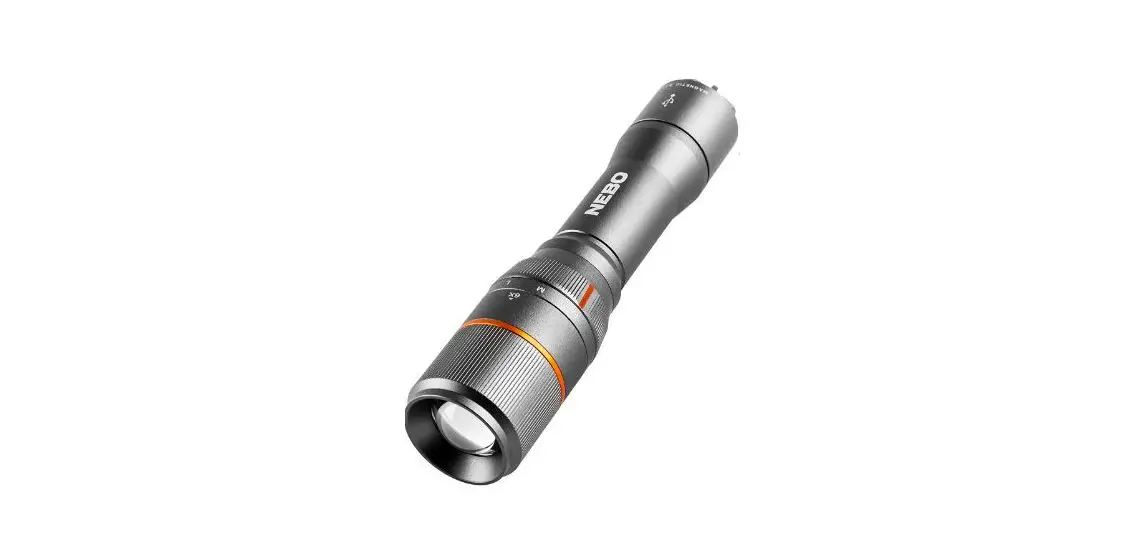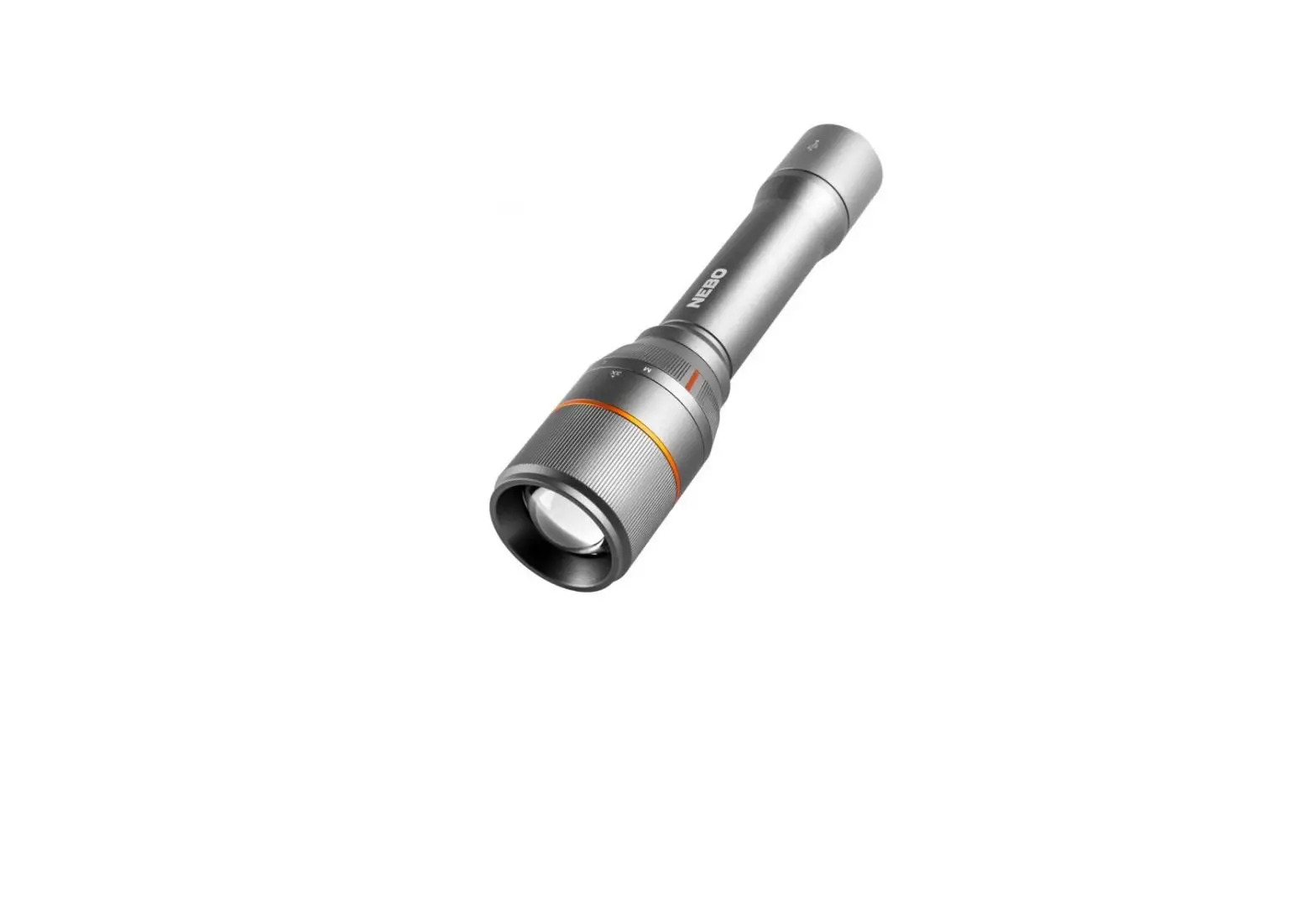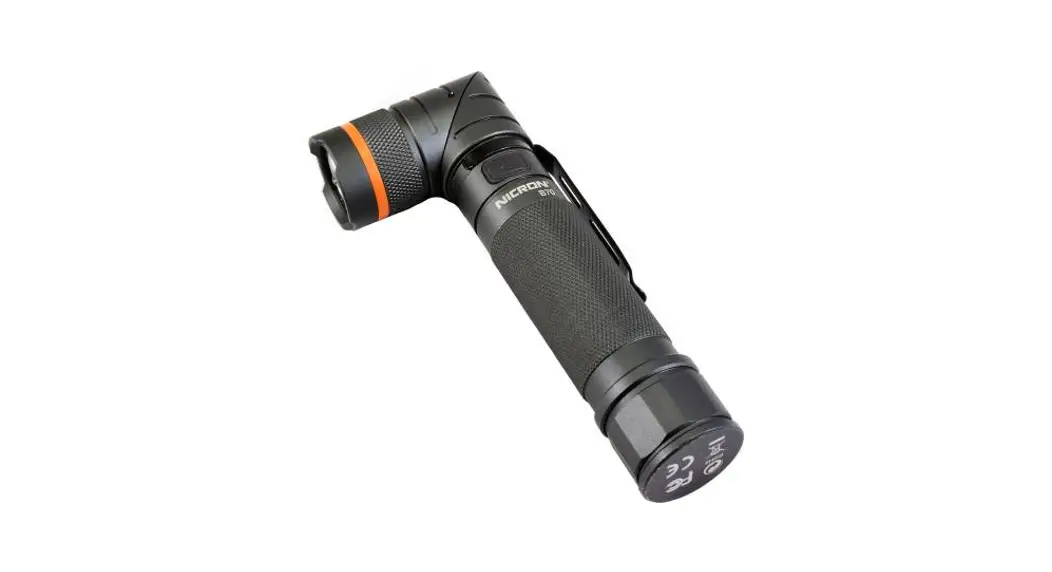
 Rechargeable Twist Flashlight
B70/B70 Plus
User Manual
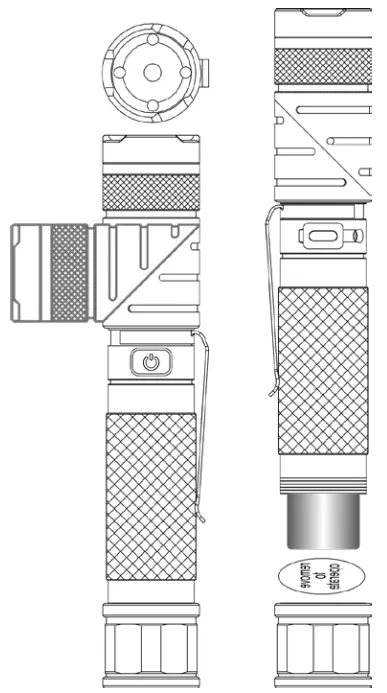
B70 Plus Rechargeable Twist Flashlight
Dear customer,
Thank you for purchasing our product. Please read the following instructions carefully before first use and keep this user manual for future reference. Pay particular attention
to the safety instructions. If you have any questions or comments about the device, please contact the customer line.
✉ www.alza.co.uk/kontakt
✆ +44 (0)203 514 4411
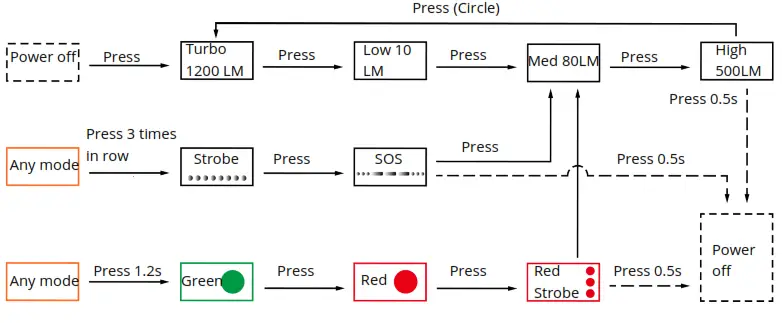
Importer Alza.cz a.s., Jankovcova 1522/53, Holešovice, 170 00 Praha 7, www.alza.cz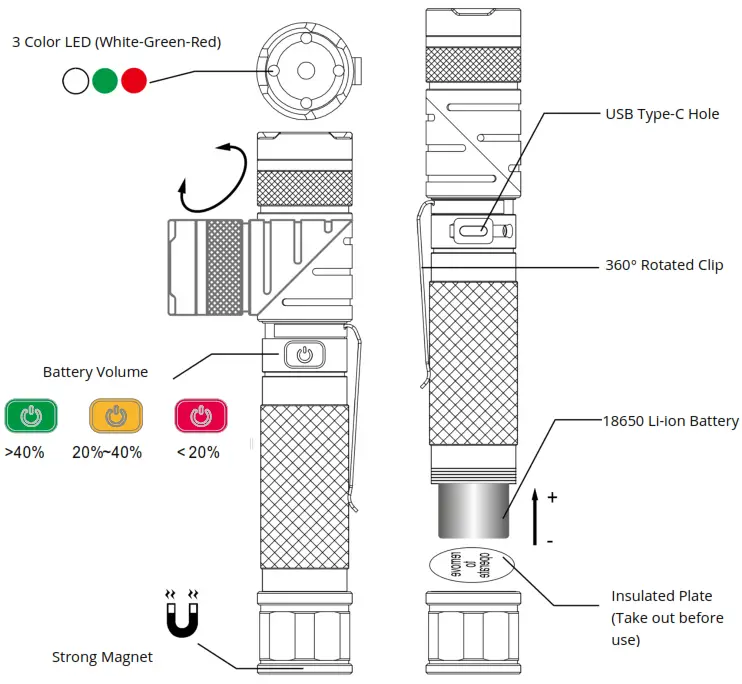 *For Any mode press 0.5s again when the lighting will power is off.
Operating Map
Regular mode
Product Features
| 1 pc rechargeable battery | 18650 Li-ion, 2600mAh. 3.6V |
| Voltage range | 3.0~4.2V |
| Standard USB charger | Output 5V, 1A (Excluded) |
| Material: | High-quality aluminum, with quality anodizing or camo |
| Normal usage temperature | -20°C~50°C |
| Size | Length 160mm x Max diameter 26mm |
| Weight | 153g, excluding battery |
The smart switch button shows the charging indicator and battery volume indicator. Suitable for industry repair, outdoor lighting searching etc.
| FL 1 STANDARD | TURBO | HIGH | MED | LOW | Color Mode | Blink Mode |
 Brightness Brightness(LM) | 1200 | 500 | 80 | 10 | Green/RedRed strobe | Strobe/SOS |
 run time run time(hrs) | 4 | 5. | 15 | 100 | N/A | N/A |
 Beam distance Beam distance | 178 meters | |||||
 Max MaxIntensity | 8000 cd | |||||
 Drop Dropresistant | 1.0 meter | |||||
 Water Waterresistant | IP65, raining and dust resistant | |||||
The above testing data is obtained by testing in the lab using the MICRON NRB- L2600 rechargeable Li-ion battery. The data may be different due to the use of different
brands of rechargeable batteries, or different test instruments, or different test environments.
Operating Instructions
- Long press 0.5 seconds to turn on/off at any mode.
- Regular function: Med -> High -> Turbo -> Low (circle). Turn off the memory function, and turn on at the mode that turns off the last time.
- Hidden mode: Long press 2 seconds to active Green-> Red-> Red strobe-> Med (Regular function).
- Blink mode: press quickly 3 times to active Strobe -> SOS -> Med -> (Regular function).
- Charging: put the rechargeable battery in the correct direction into a torch, then plug the USB charger, the switch red indicator blink means charging. When fully charging will turn green.
Smart switch button charging indicator:
| Battery volume | 0% | 25% | 50% | 75% | 100% |
| Red blinking beats (times) | 1 | 2 | 3 | 4 | Green Lighting |
Battery volume indicator on the smart button when using:
| Battery volume | 100% | 40% | 20% | 10% | 5%-0% |
| Button color | Green | Yellow | Red | Red Blinking | Off |
Caution
- Don’t light up the flashlight face to your eyes directly;
- The products are only designed to use 18650 size li-ion batteries;
- Don’t throw the battery into fire or water;
- Please put in the correct polarity when charging;
- In order to protect the battery life, we suggest charging the battery every 3 months.
- Please keep the battery far away from children;
- Please go to the hospital at once if eat the battery by mistake.