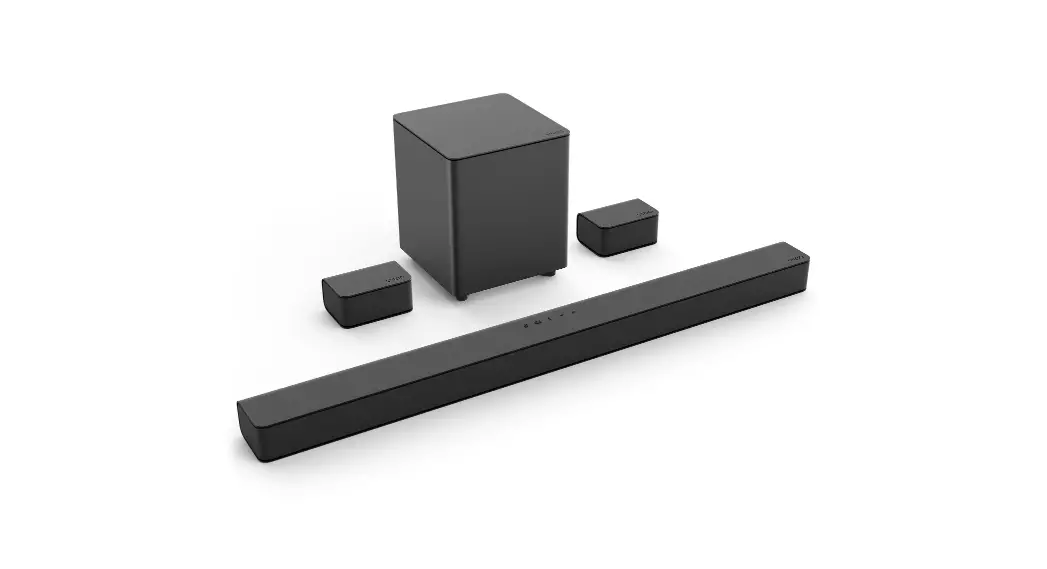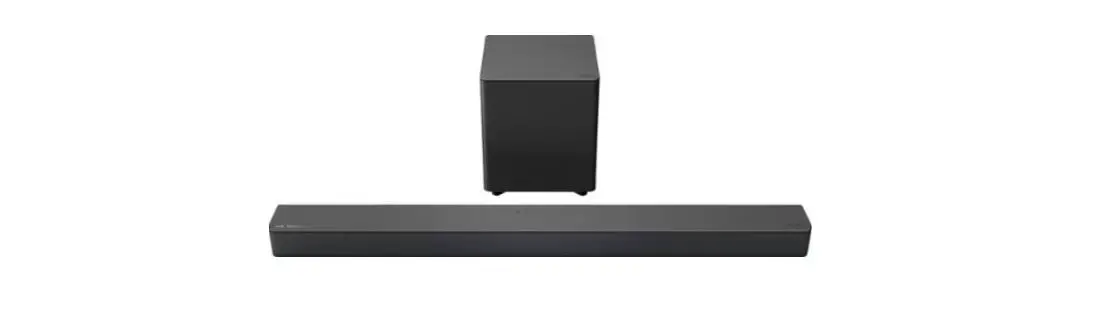
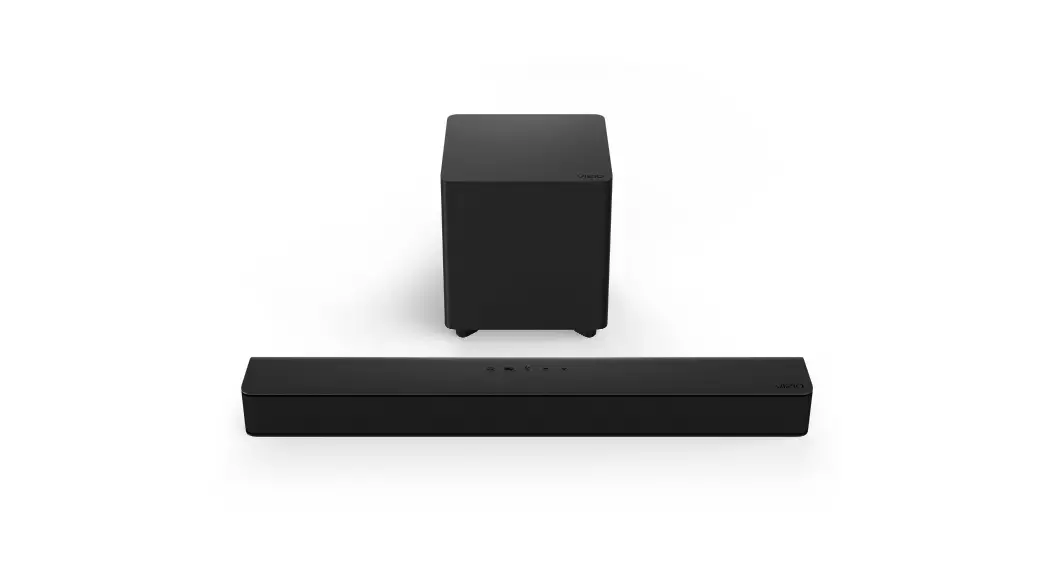
VIZIO M215A-J6 Premium Sound
Bar User Guide


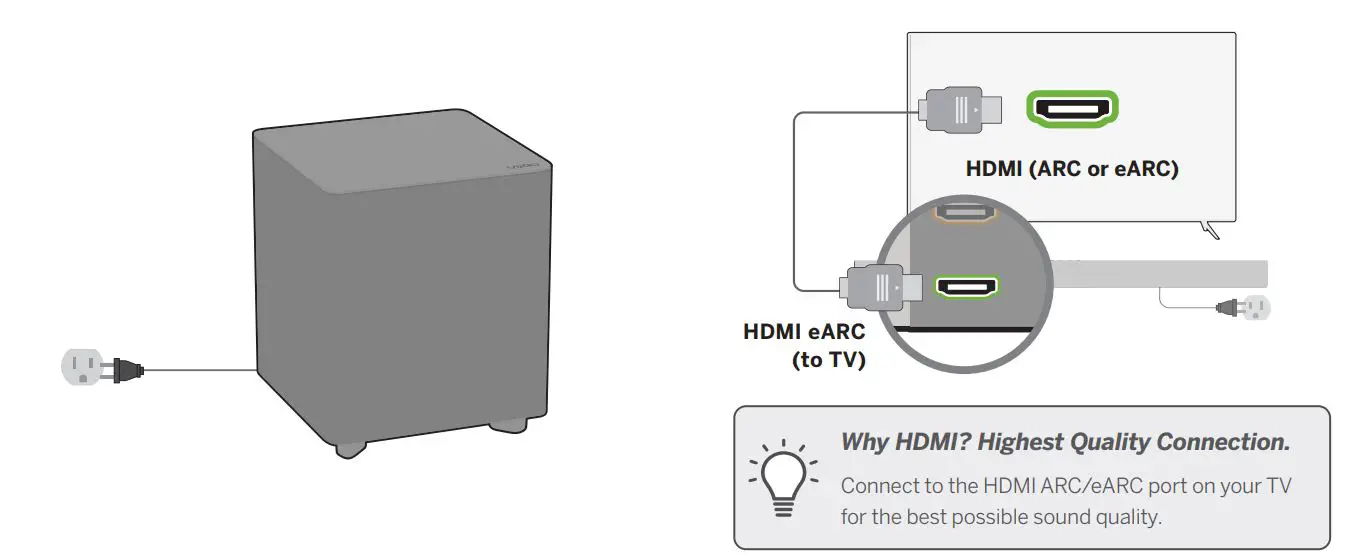
- Plug in power cables to power on your sound bar and subwoofer.
- Then use the included HDMI cable to connect to your TV.
Connect to a Voice Assistant (VA) device.
Connect your voice assistant devices (sold separately) to the sound bar for an amplified audio experience that’s always ready to respond. Please see the User Manual for more information.

Unlock the best picture and audio quality with a VIZIO SmartCast® TV.
Scan here to shop our M-series™ TVs:

More questions?
Get customer support help and view the User Manual here:
Best speaker placement for my sound bar?
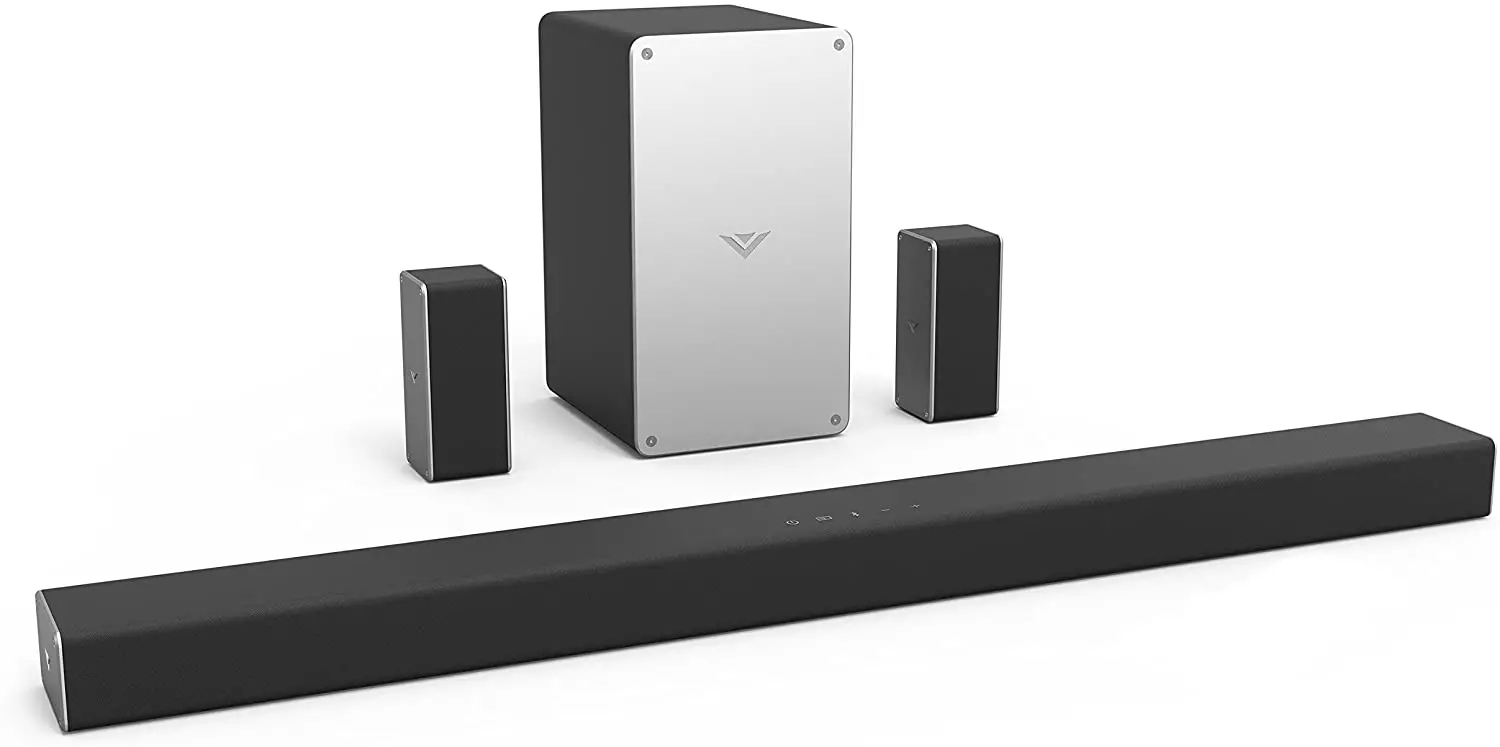
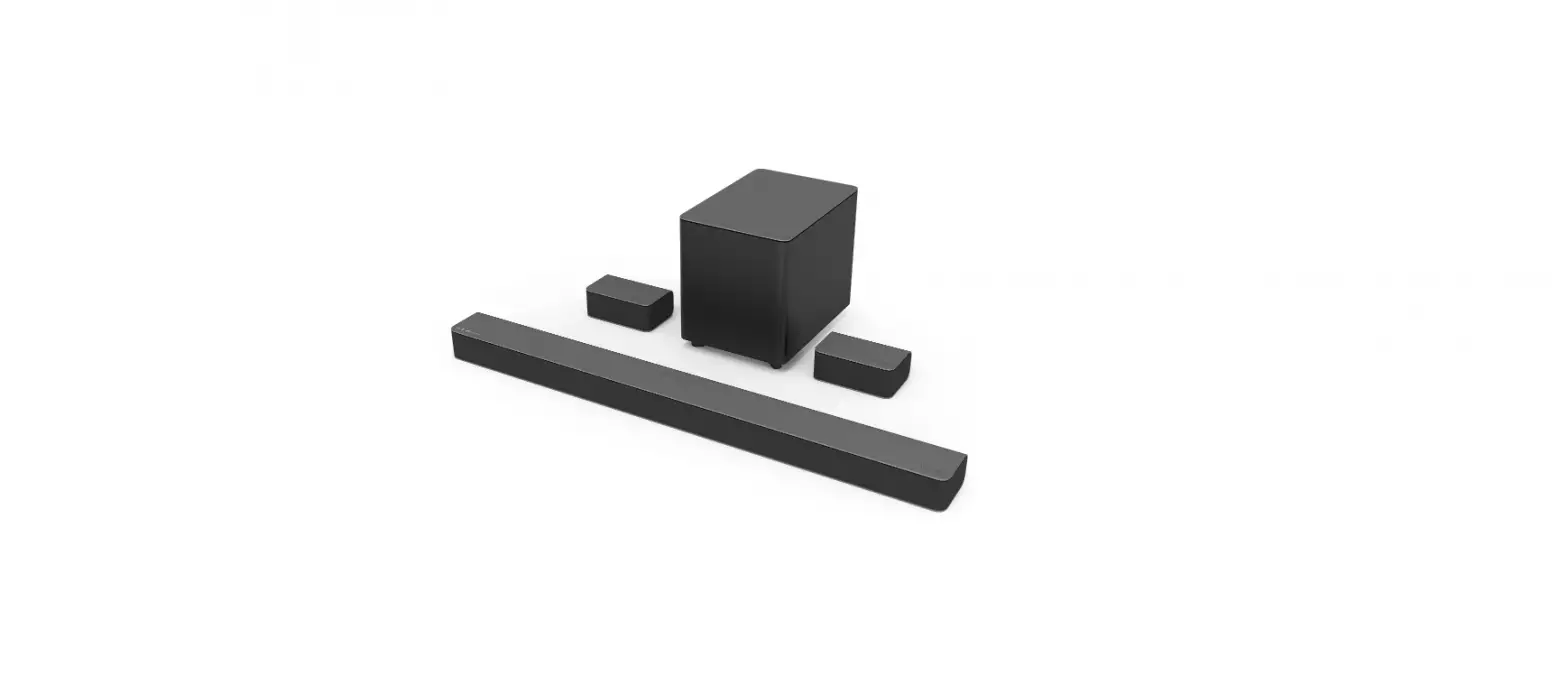
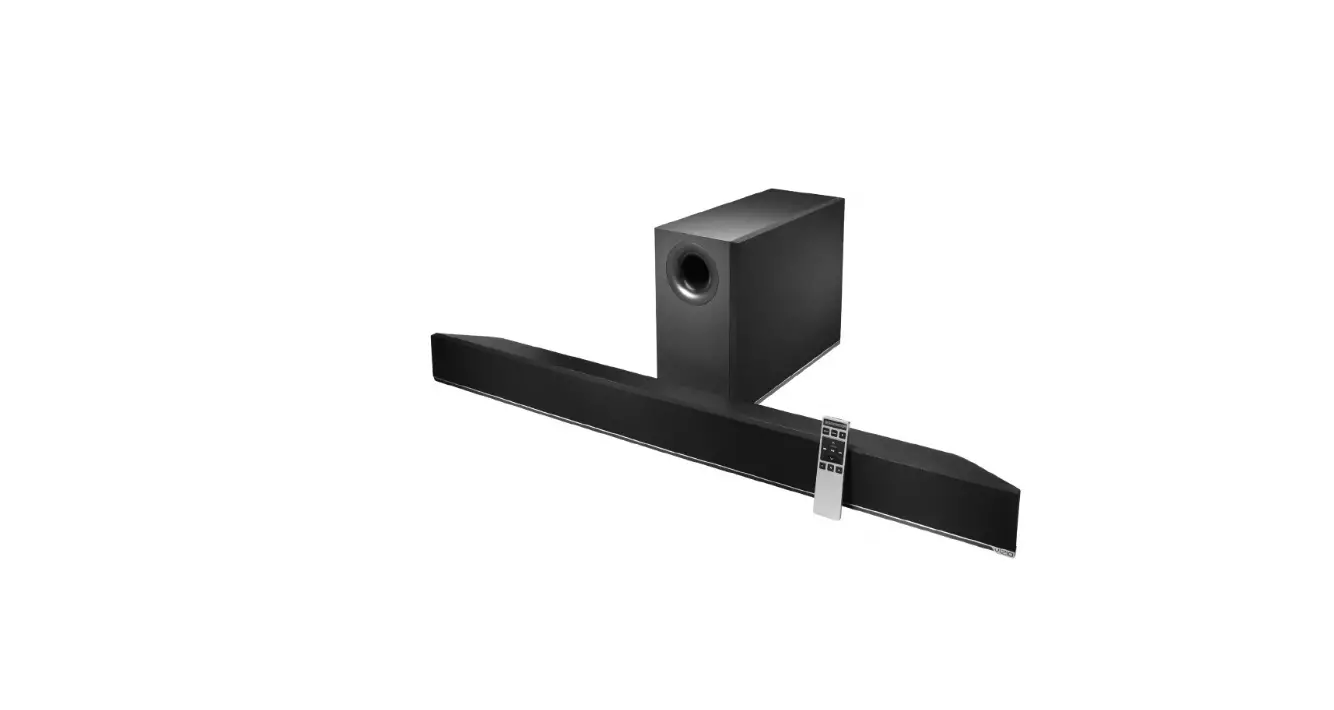
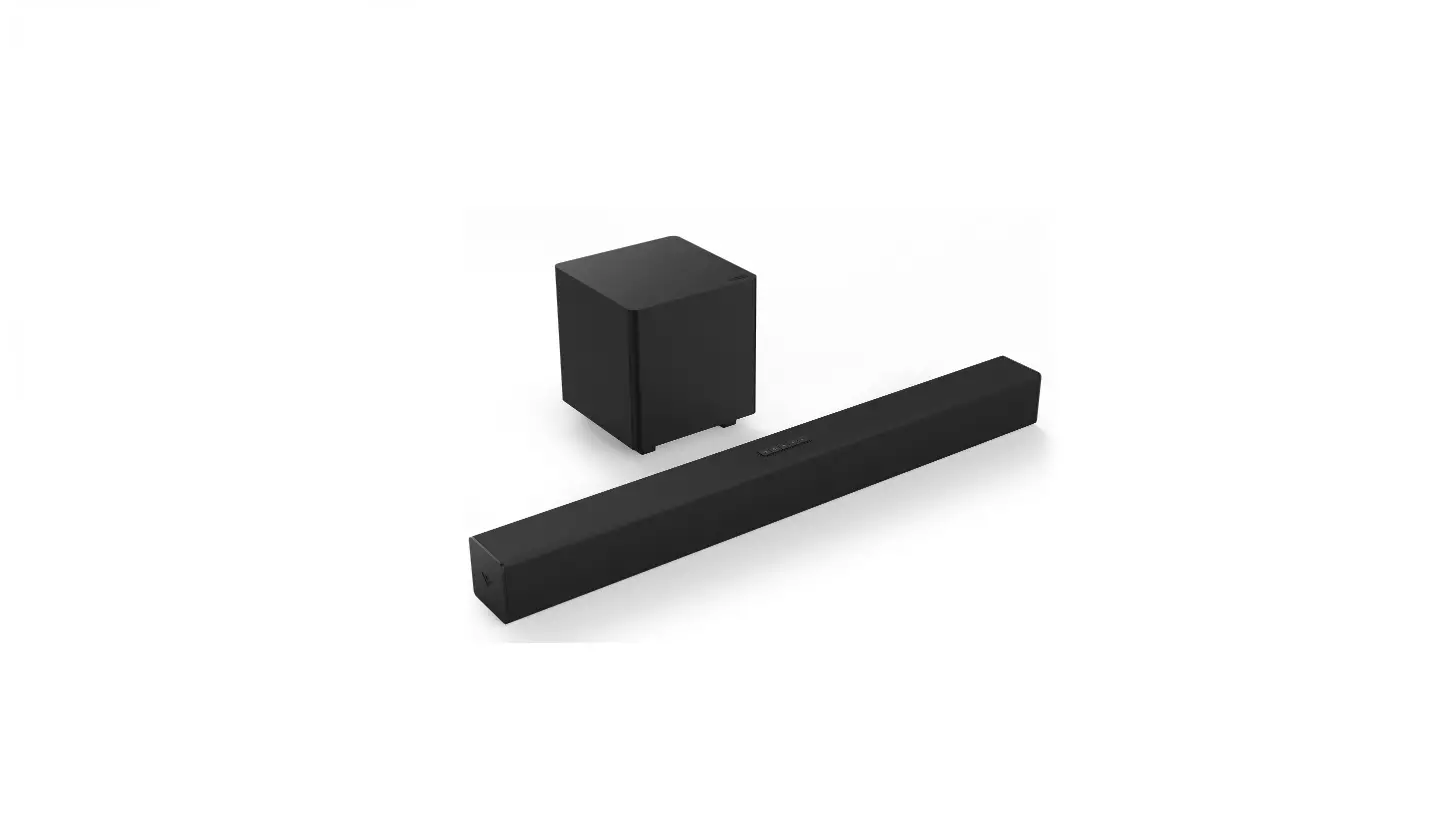
For the best surround sound experience, position the sound bar and subwoofer as shown. The sound bar should be close to ear level.
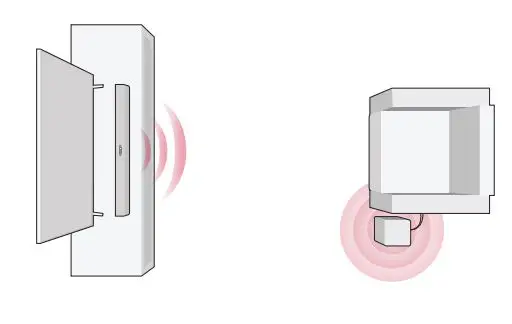
If the subwoofer is too boomy or lacking impact, adjust the Subwoofer level with your remote control or try various placements.
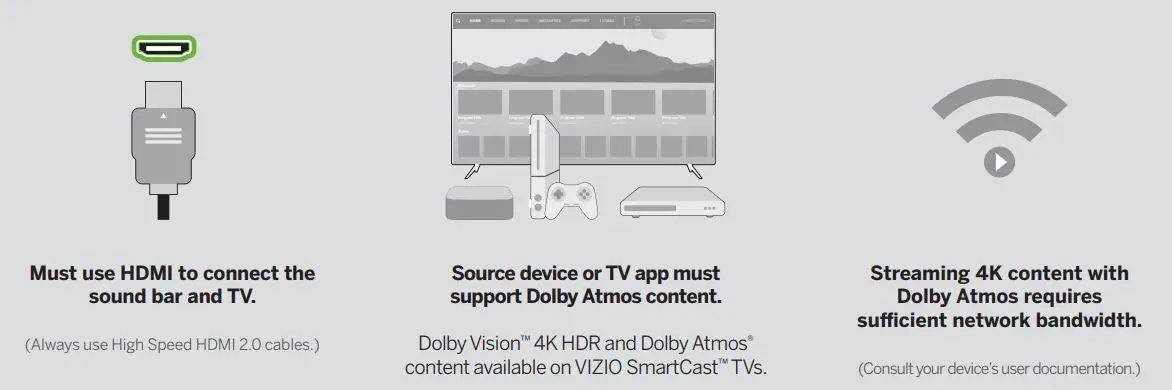
How do I get Dolby Atmos® content?
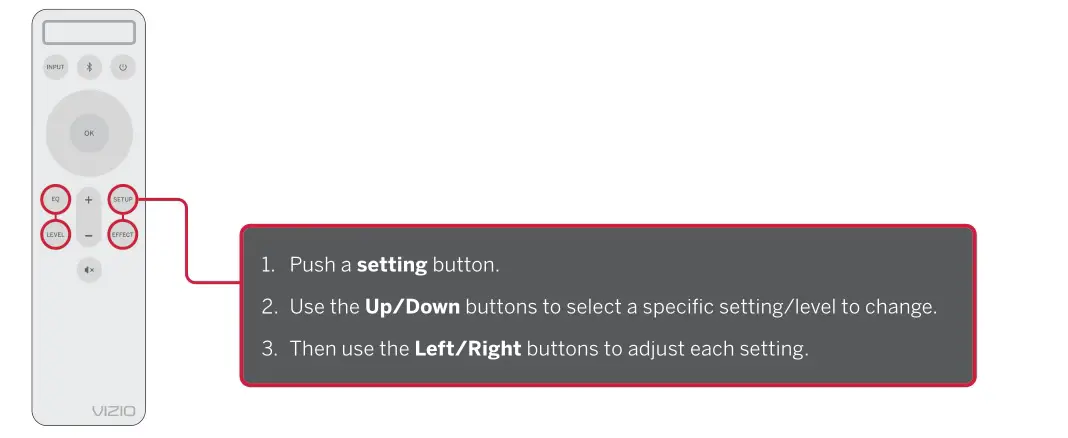
How do I adjust sound settings and levels?
Using the included remote, you can easily adjust many different sound settings and levels to optimize your listening experience, including bass levels, subwoofer levels, treble levels, and more.
 VIZIO Support
 VIZIO M-Series 2.1 Home Theater Sound Bar with Dolby Atmos and DTS:X | M215a-J6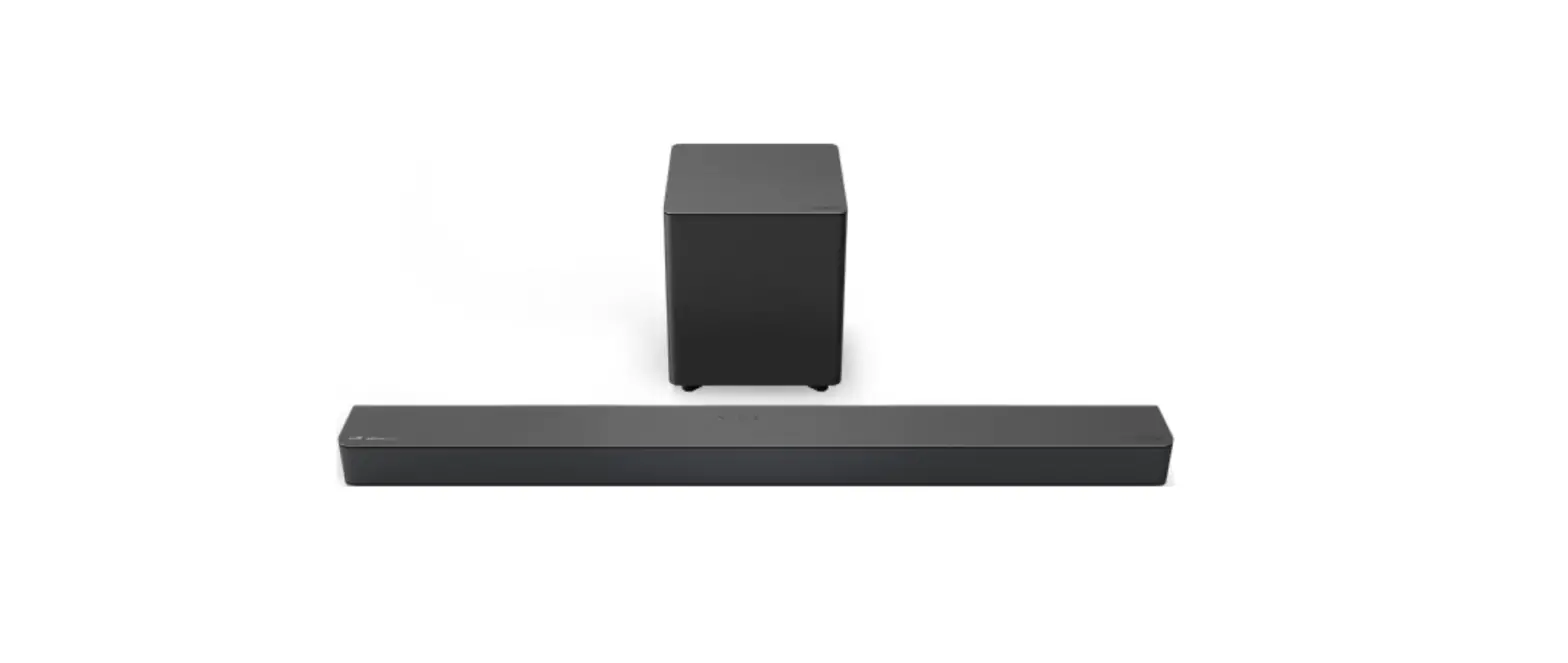



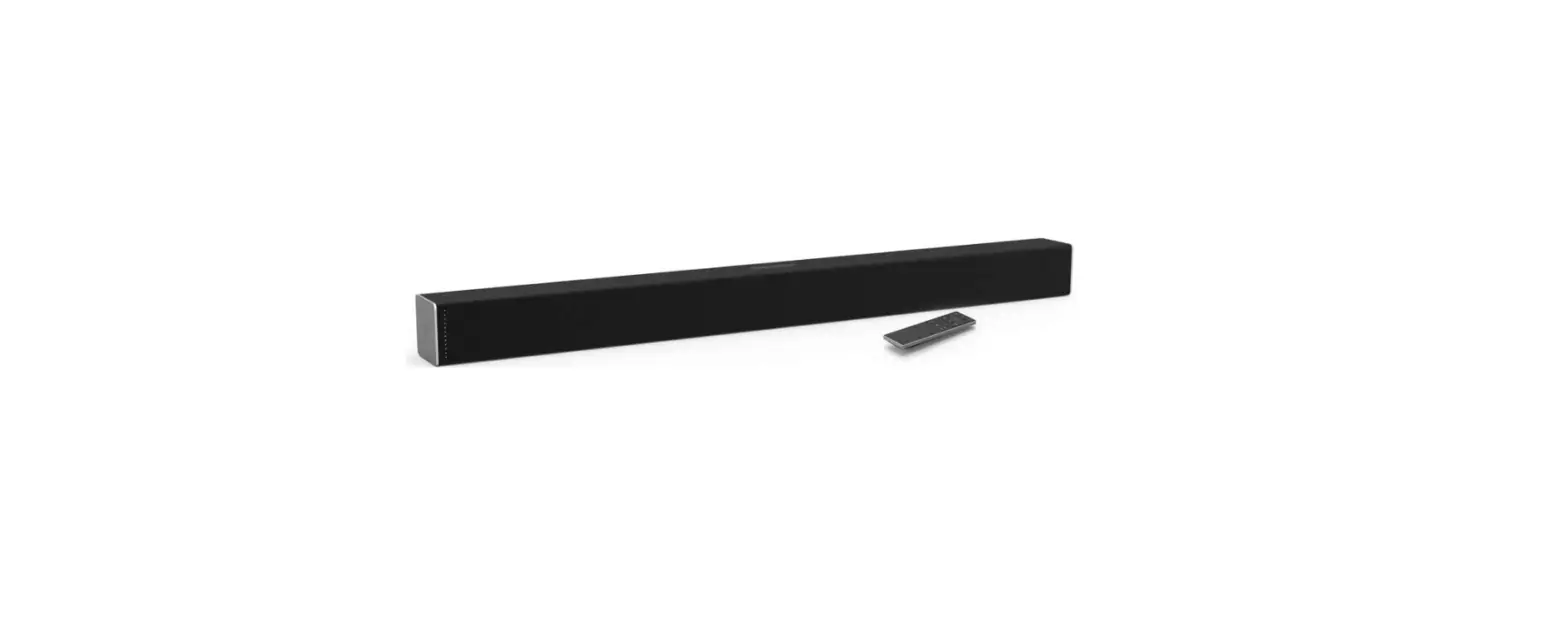
![Vizio 2.1 Sound Bar [v21-h8r] User Manual](https://static-data1.manualsee.com/1/img/405/18197/2020/12/Vizio-2.1-Sound-Bar-V21-H8R-1200x871.jpg "Vizio 2.1 Sound Bar [v21-h8r] User Manual")