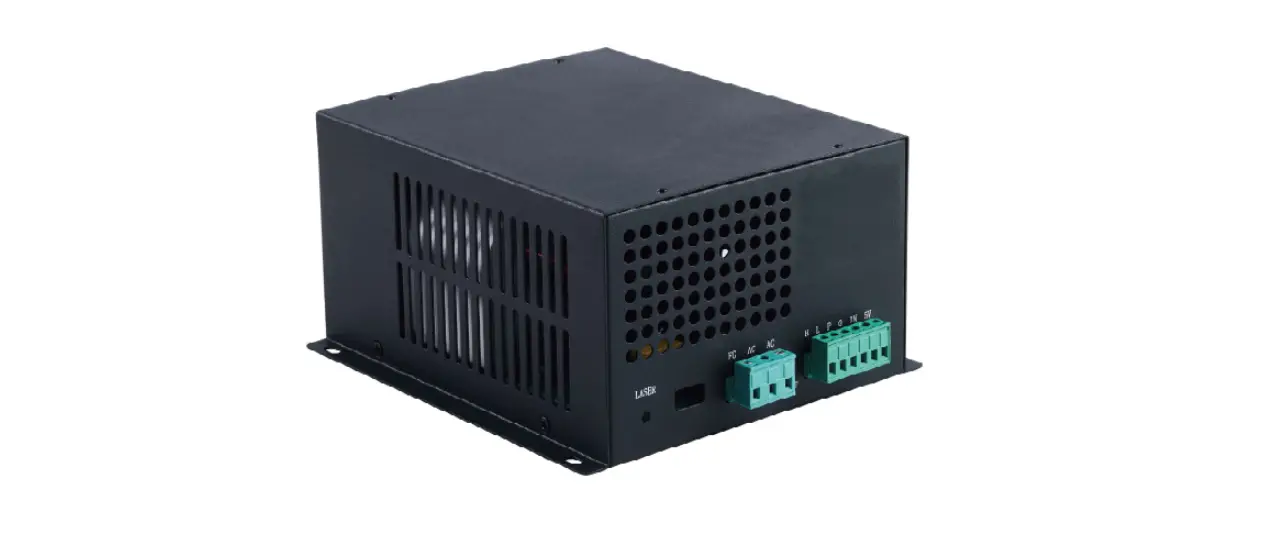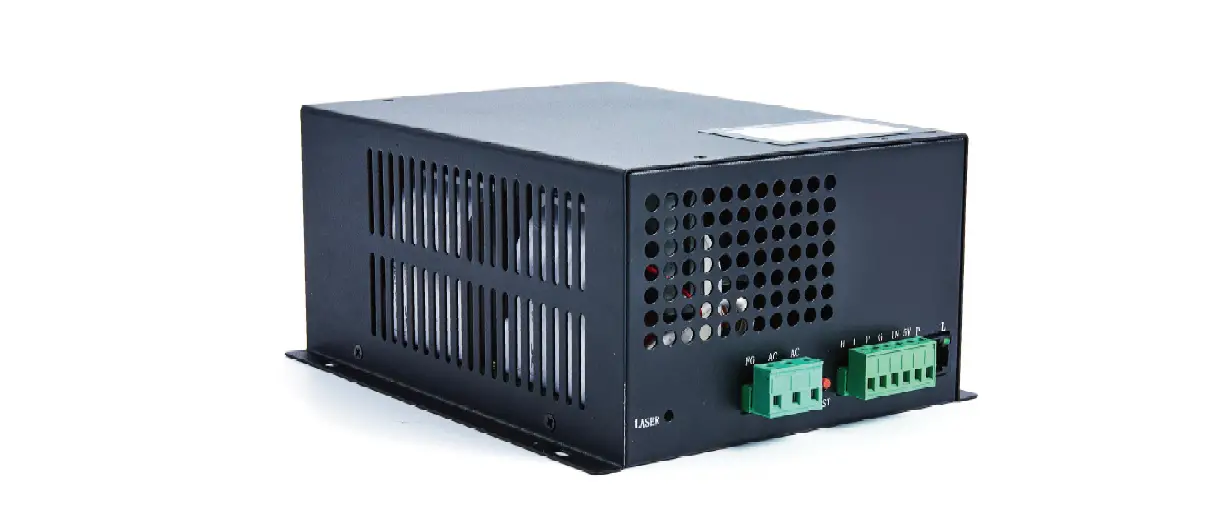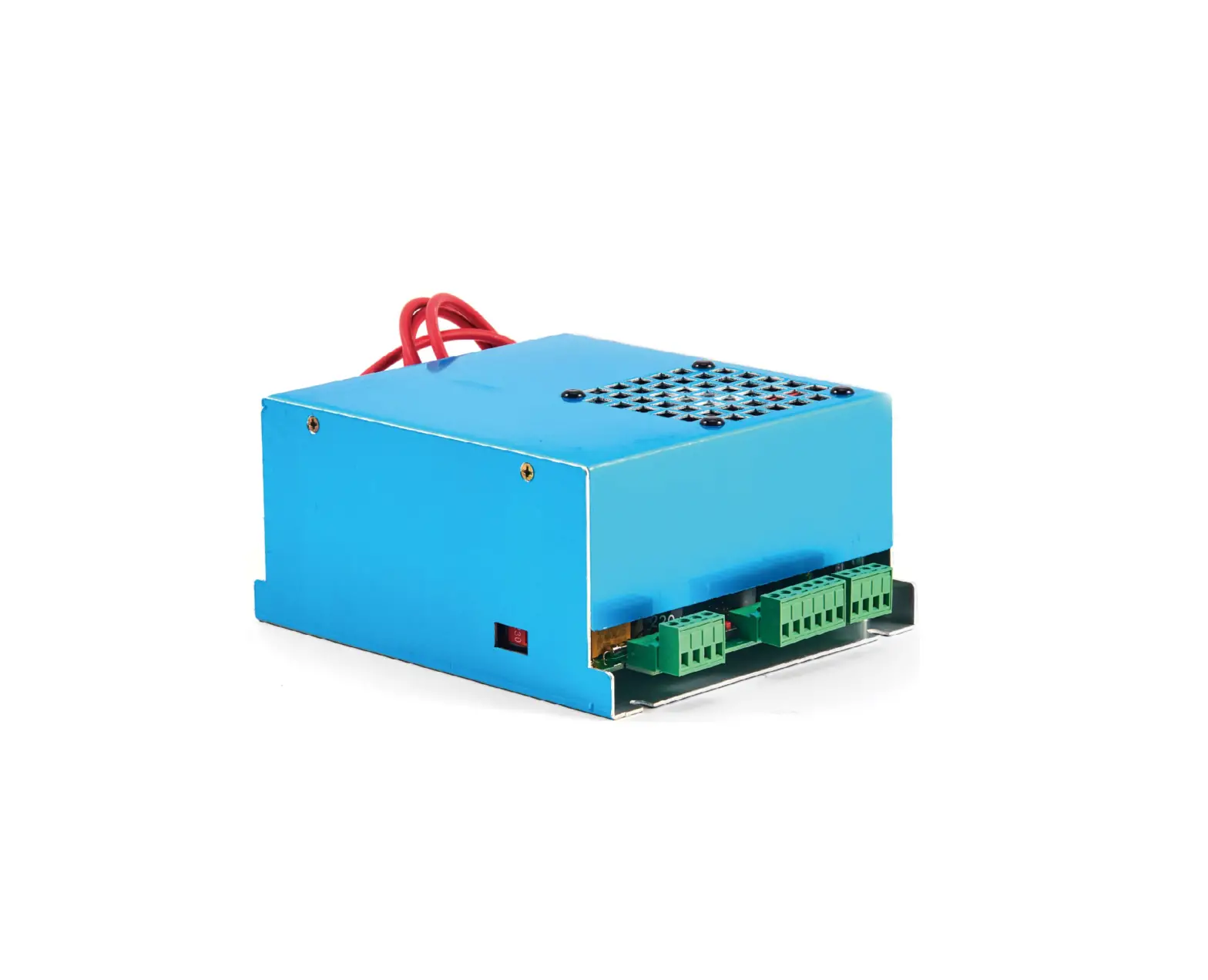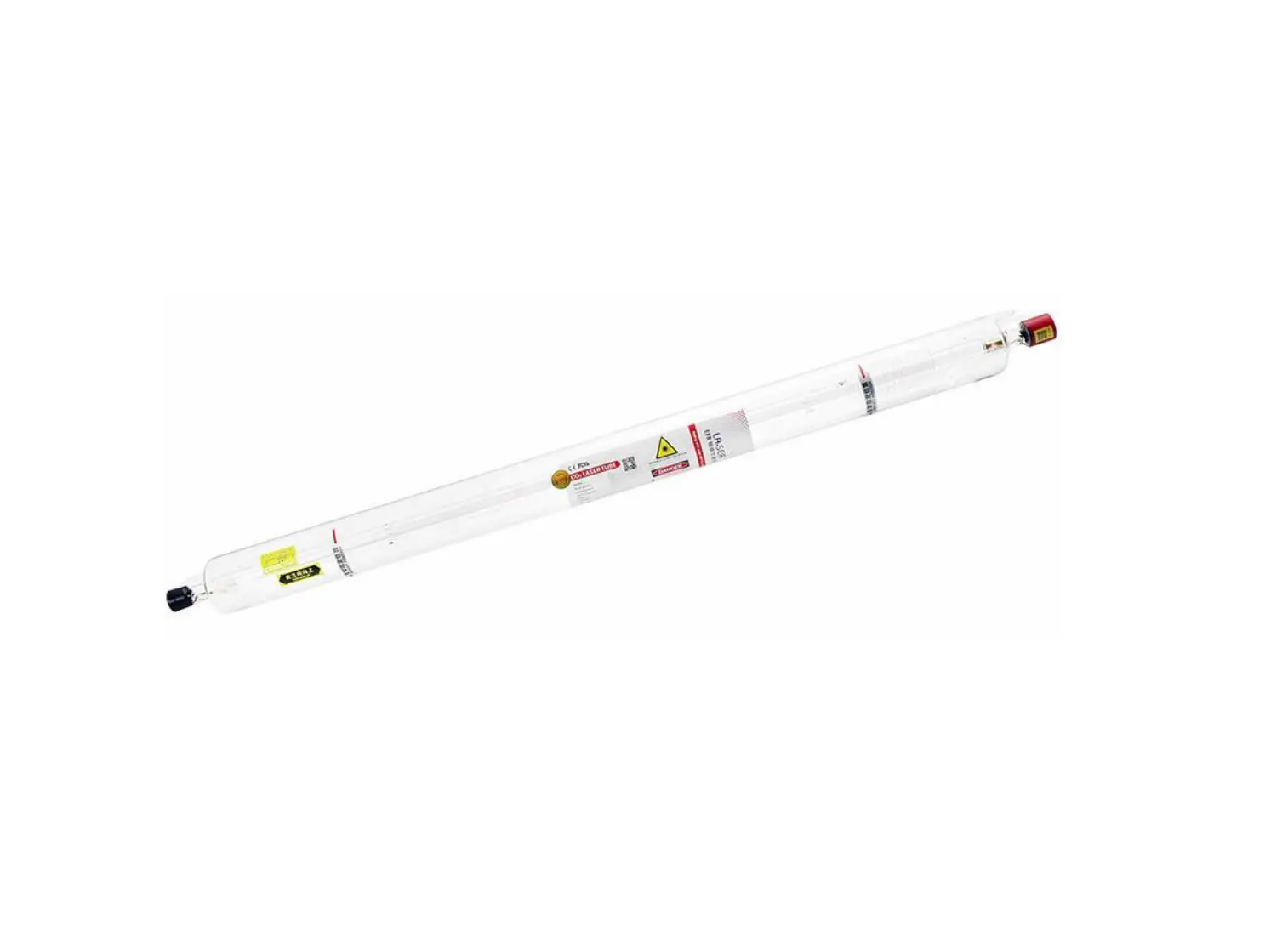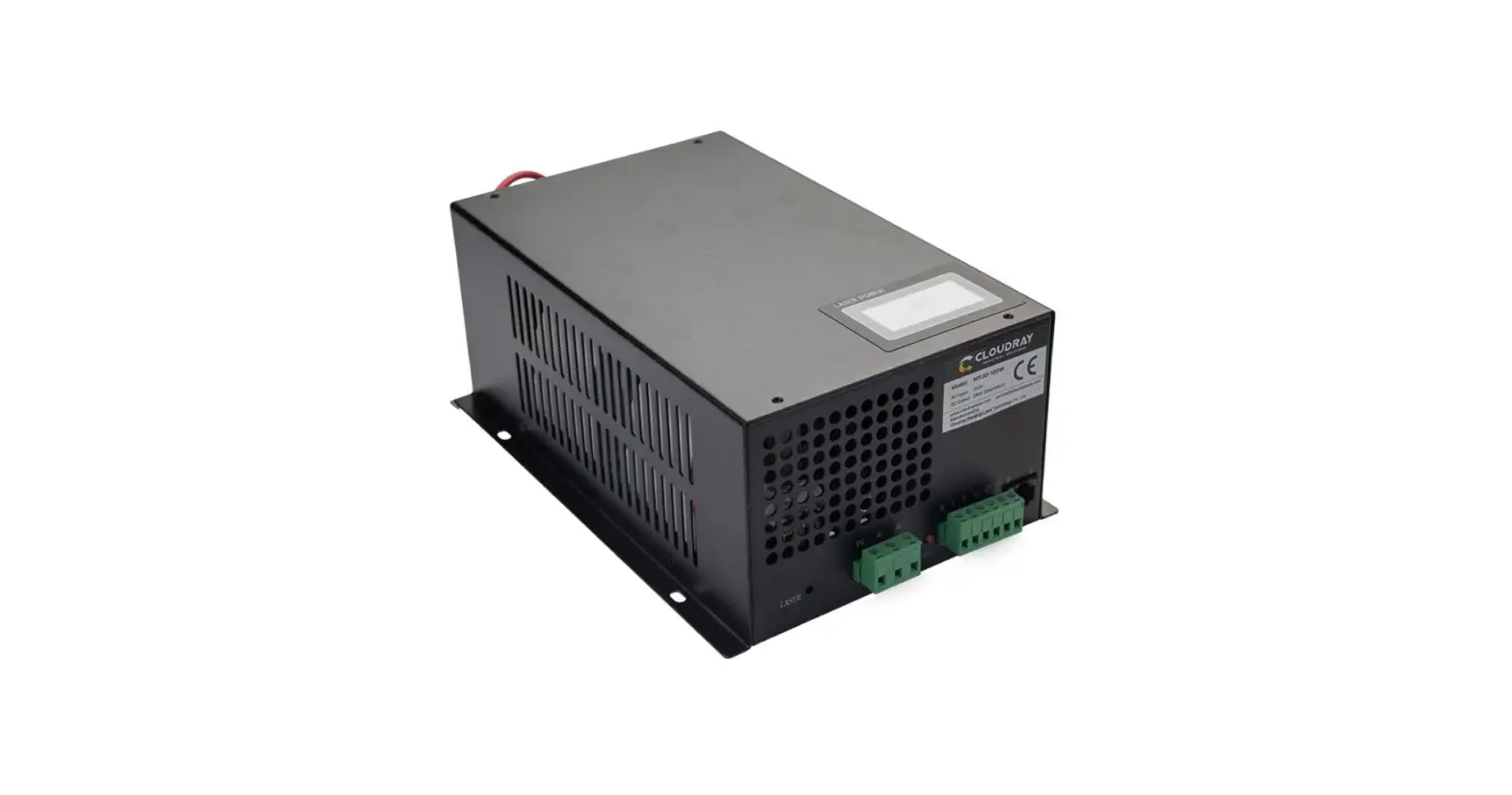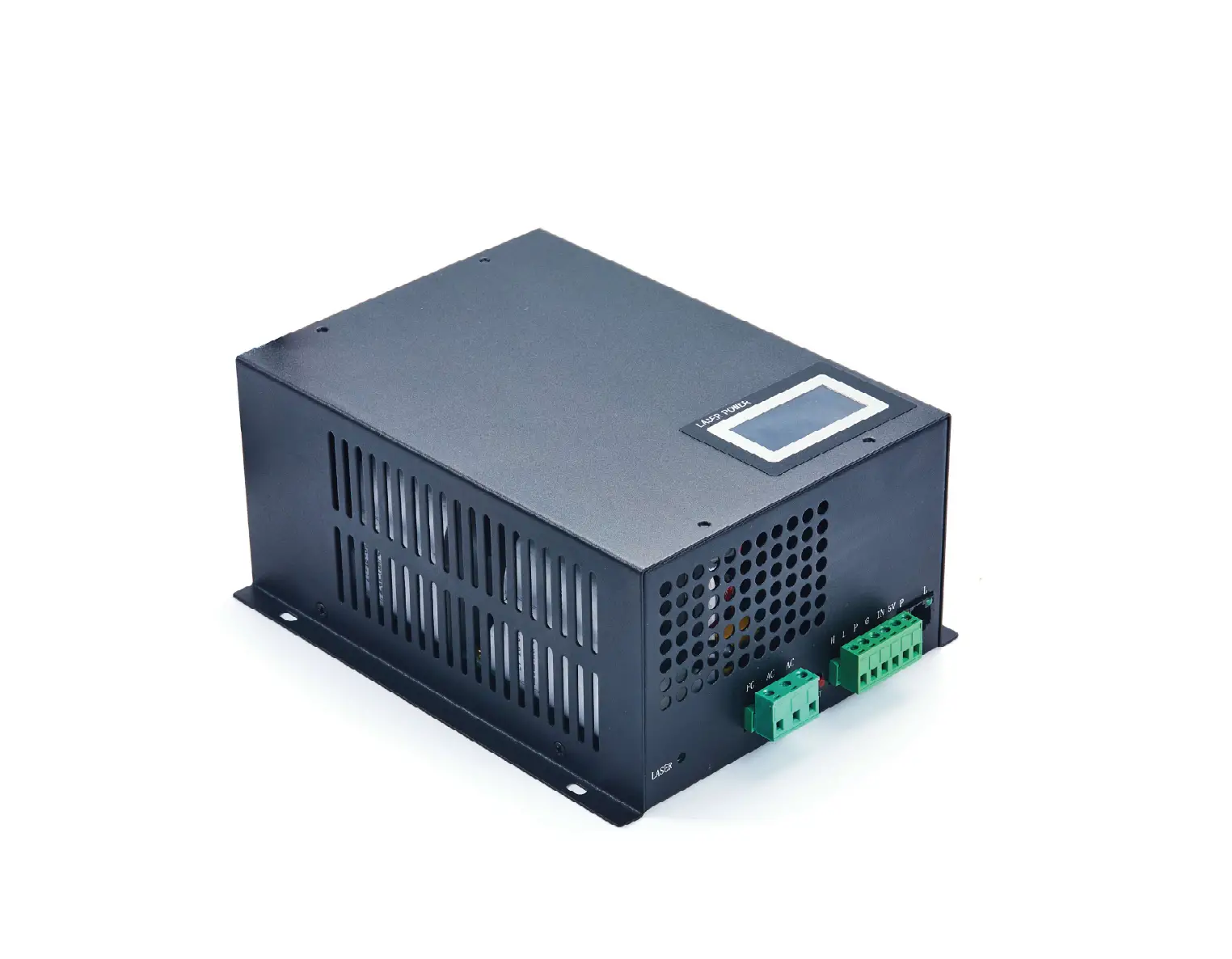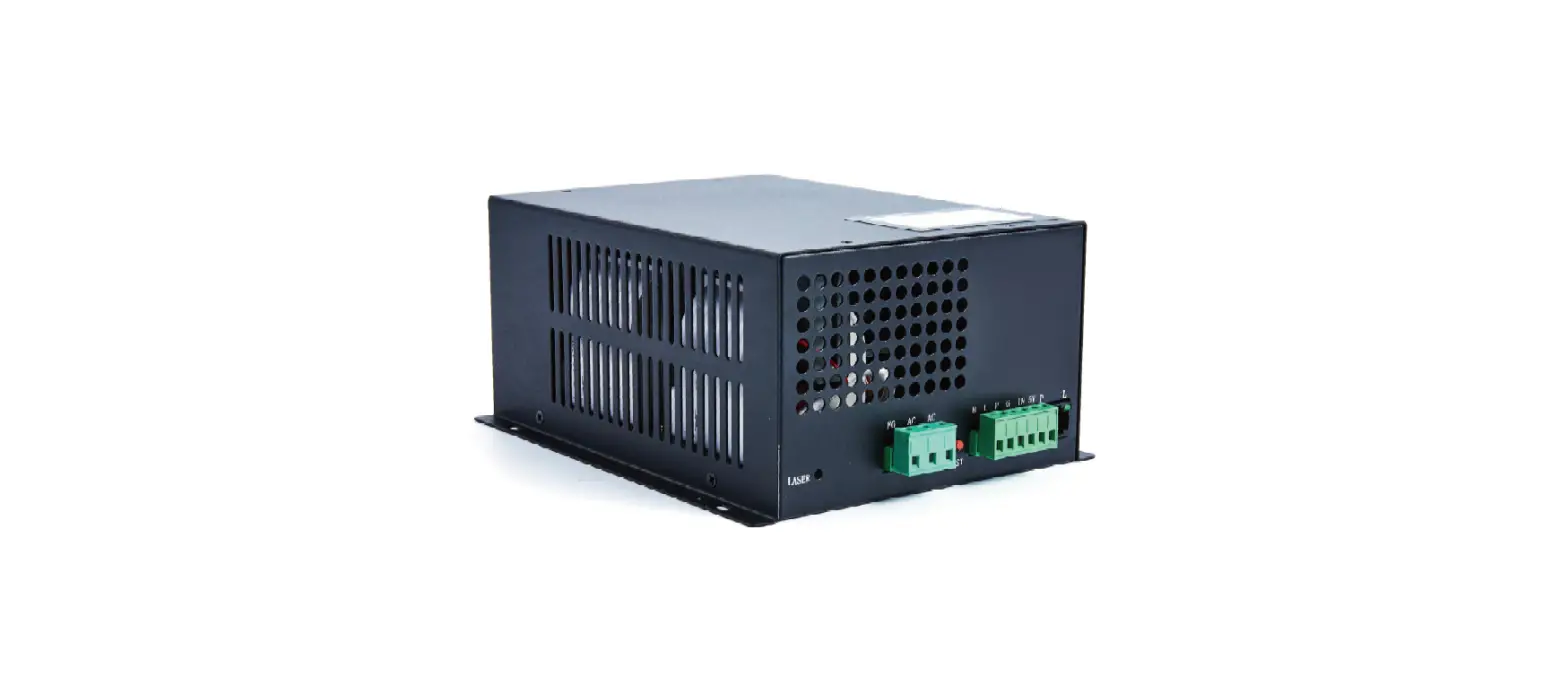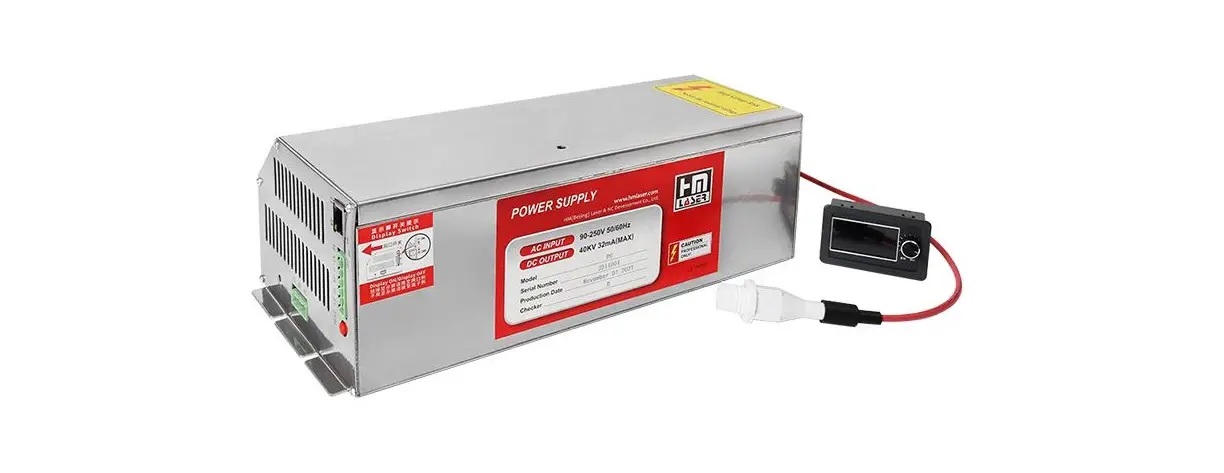
HM LASER P Series Laser Tube Power Supply User Manual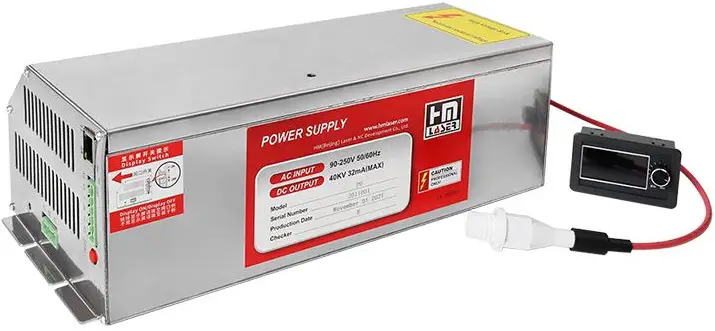
Main features
- Unique design with several patents
- High intelligence: built-in control, can communicate with motion controller, and it can communicate with max 32pcs power supplies by cascadeconnecting, then the controller panel can display working condition of power supply, very easy for user to monitor and judge the fault.
- Make the maintenance much easier: User can judge the problemby himself.
- Multi-function LCD screen: One LCD screen can show the information of two power supplies, easy use for multi-head machine.
- Universal: with PFC function, AC90-250V input voltage range, globally universal.
- Open circuit protection: When the high voltage end is in open circuit or not connected well, the power supply will start automatic protection, toprevent high voltage arc effectively.
- More safety: with high voltage discharge function, no residual voltagewhen turning off, safer for user.
- Excellent cover with patent design: Good appearance, better heat dissipation.
- Improved current control mode, more stable laser, better compatibility.
Main specifications
| Item | P2 | P4 | P6 | ||||
| Input | Input voltage | AC90-250V | |||||
| AC frequency | 47—440Hz | ||||||
| Max input power | 500W | 700W | 900W | ||||
| Max input current (when 90V input) | 6A | 8A | 10A | ||||
| Output | Max output voltage | 40KV | 45KV | 55KV | |||
| Max output current | 28mA | 32mA | 38mA | ||||
| Efficiency | ≥90%(when full load) | ||||||
| MTBF | ≥10000 hours | ||||||
| Response speed | ≤1mS(the time from the signal is given to output currentreaches 90% of set current) | ||||||
| Switch control mode | TTL | ||||||
| Power control mode | PWM(>20KHz) or 0-5V or 0-3.3V analogue | ||||||
| Communication mode | Special serial port | ||||||
| Withstand voltage | Input-output, input-shell:AC1500V 10mA 60s; | ||||||
| Working environment | Temperature(-10~40)℃, relative humidity:≤90% | ||||||
| Cooling | Force air cooling | ||||||
| Dimension | L*W*H(mm) | 235*144*104 | 278*144*104 | 330*144*104 | |||
| Weight | (KG) | 2.15kg | 2.45kg | 3.2kg | |||
| Color | Silver | ||||||
Terminal definition
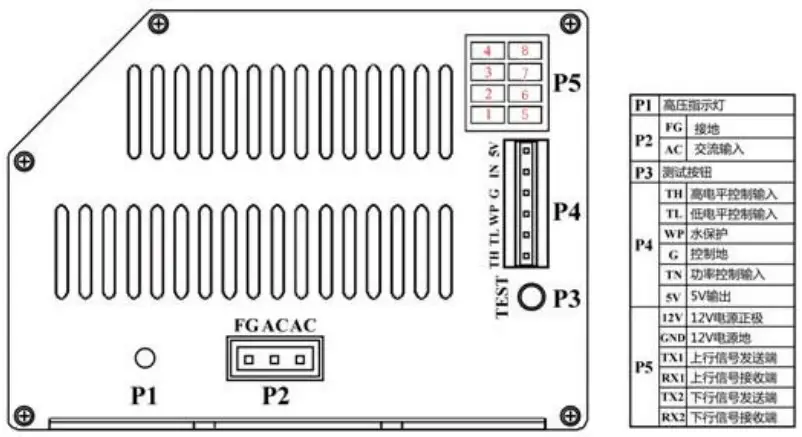
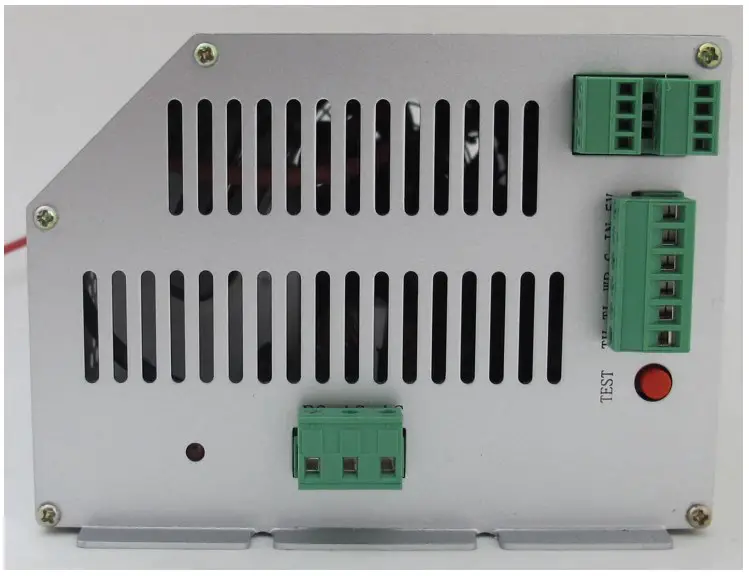
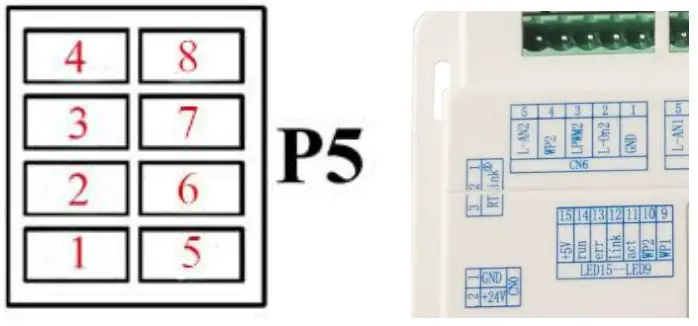
P5 terminal definition
| 12V | Input signal | 12V power anode |
| GND | Input signal | 12V power ground |
| TX1 | Input signal | Uplink signal sending end |
| RX1 | Ground | Uplink signal receiving end |
| TX2 | Power signal | Down link signal sending end |
| RX2 | Output power | Down link signal receiving end |
P4 terminal definition
| TH | Input signal | Laser on/off control, laser on when high level(≥3V), laser off when low level(≤0.3V) |
| TL | Input signal | Laser on/off control, laser off when high level(≥3V), laser on when lowlevel(≤0.3V) |
| WP | Input signal | Laser on/off control, laser off when high level(≥3V), laser on when low level(≤0.3V) |
| G | Signal ground | This terminal must be connected with outer shell and control board of machine properly. |
| IN | Power signal | Laser power control terminal, control with 0-5V analog signal or 5V PWM signal |
| 5V | Output | 5V output, max output current is 20mA |
Connecting method of P5 terminals
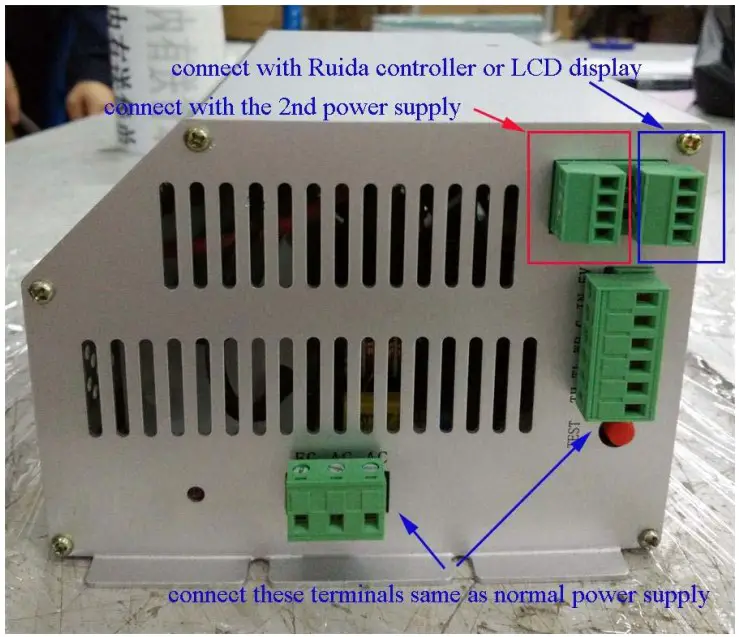
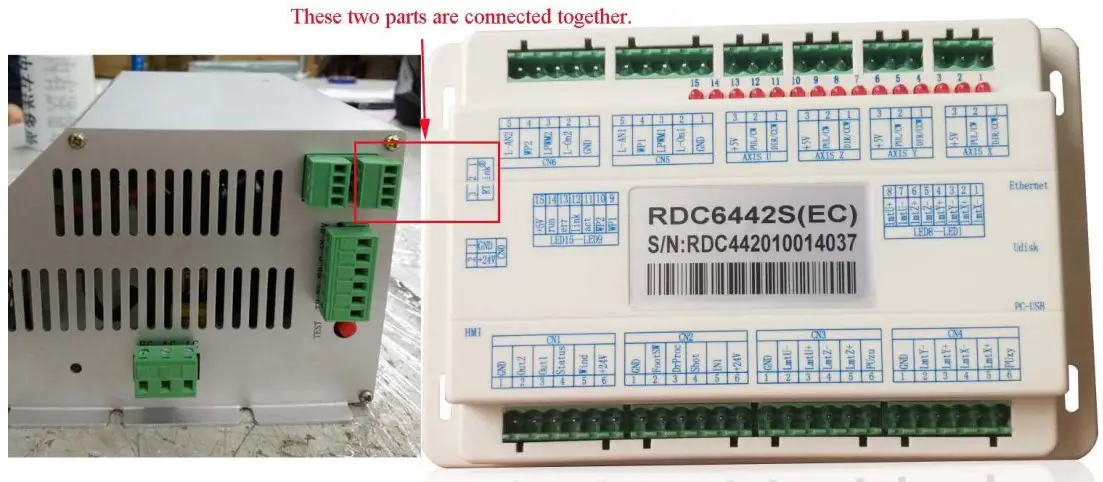
- If P5 terminals connect with Ruida controller (please see sketch 1 and2):
Sketch 1:
In this step, the connecting method is like this:
1 of controller connects 7 of PSU.
2 of controller connects 8 of PSU.
3 of controller connects 6 of PSU.
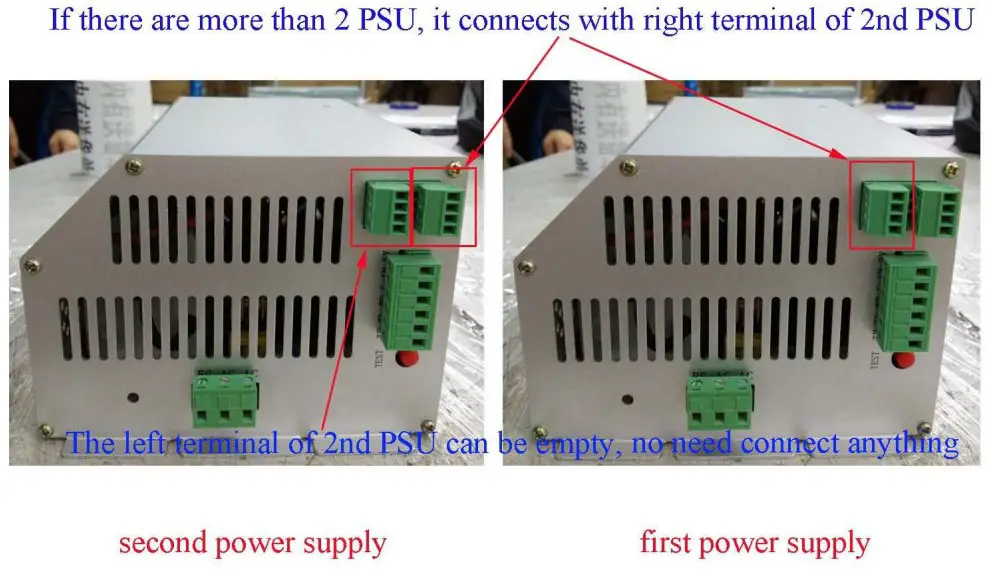
Sketch 2:
The left therminal of 1st PSU can be empty if there is only 1 PSU.
In this step, the connecting method is like this:
2 of 1 st PSU connects 6 of 2nd PSU.
3 of st PSU connects 7 of 2nd PSU.
4 of 1 st PSU connects 8 of 2nd PSU.
1: no need to connect - If P5 terminals connect with LCD display:

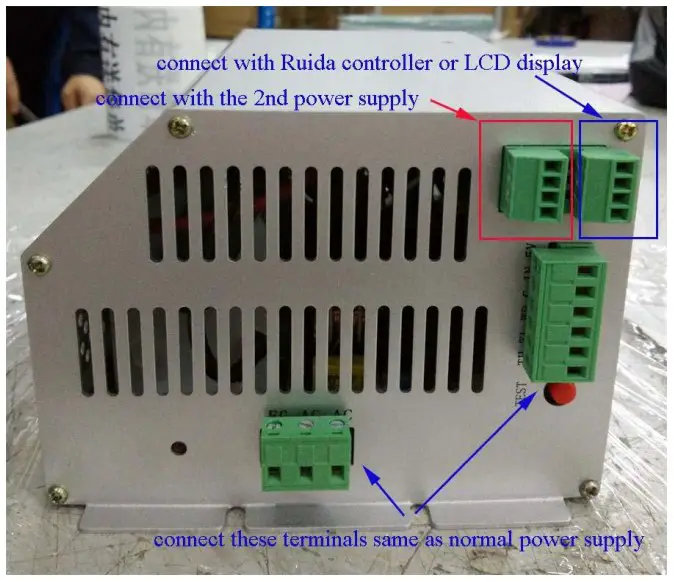
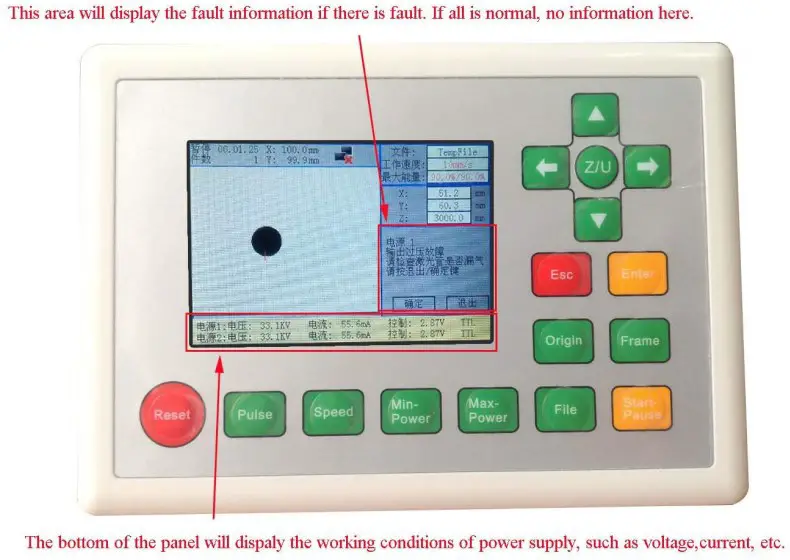
Display information
- Display when connecting Ruida controller:

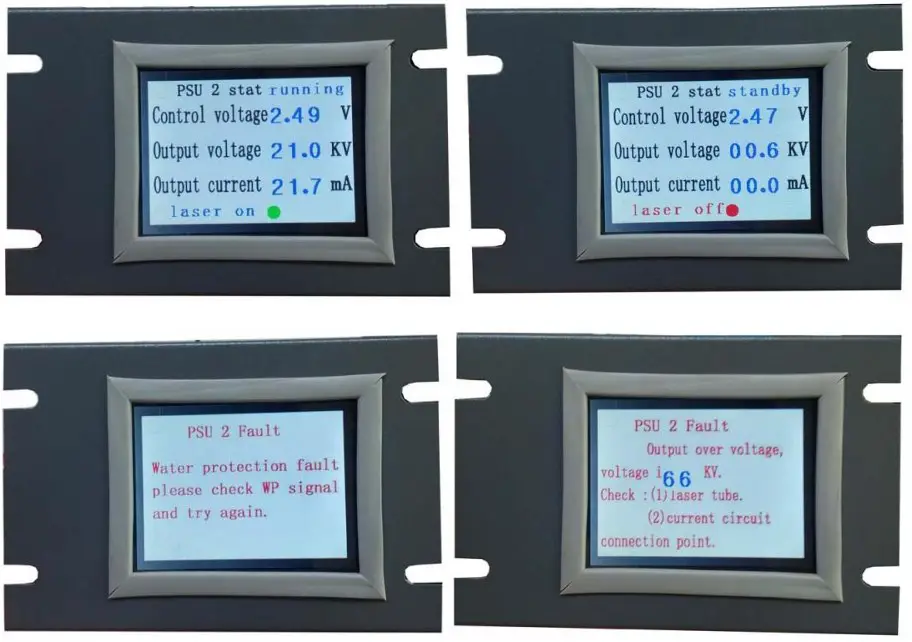
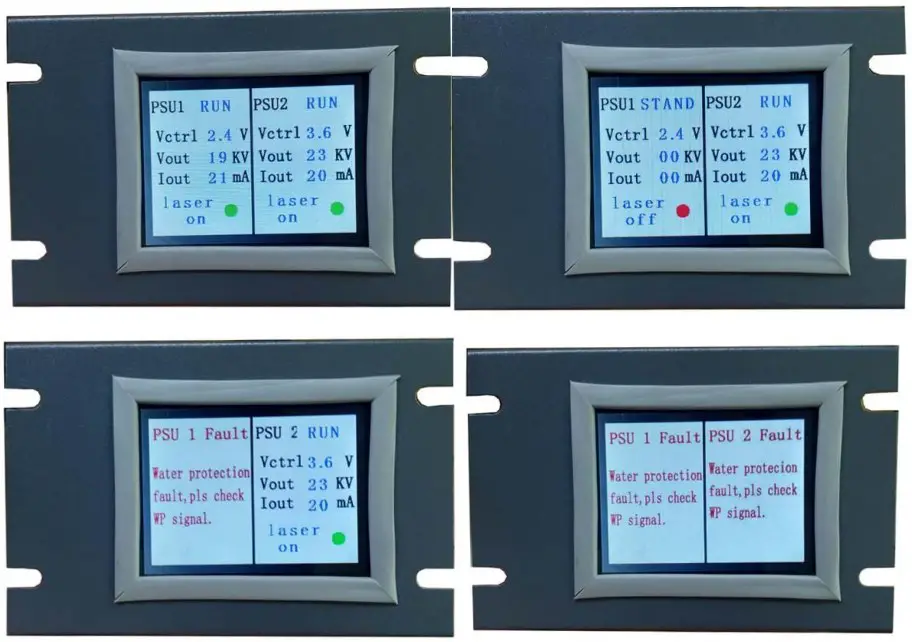
- Display when connecting LCD screen:
- Display for single PSU

- Display for double sets PSU
- Display for single PSU
Installation size
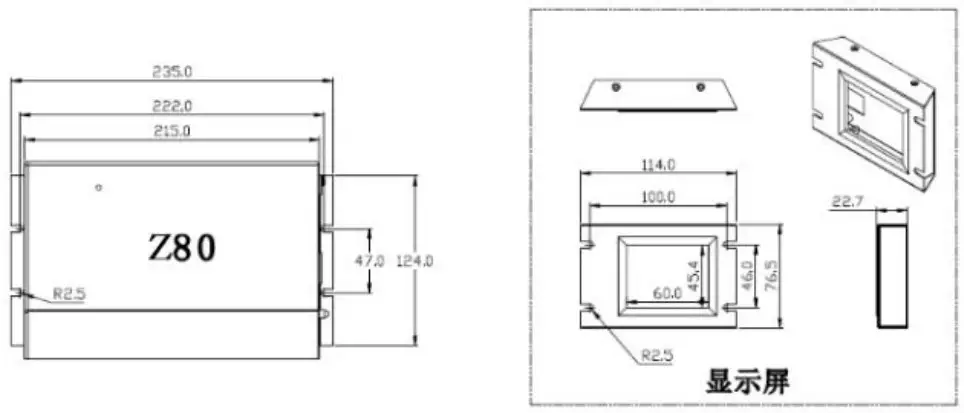
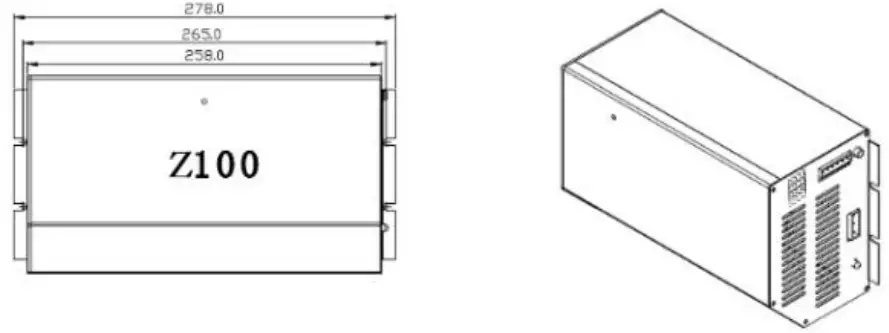
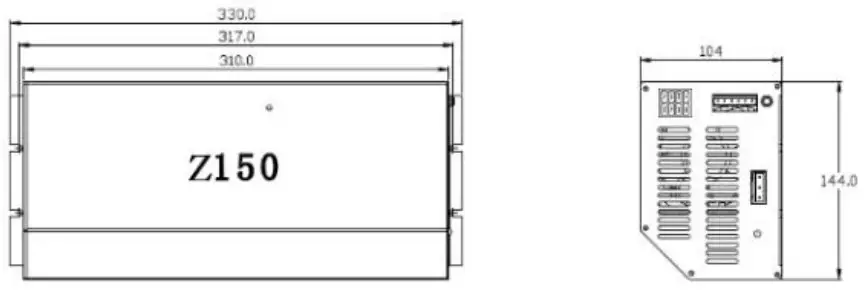
Remarks: The hole distances of three models are same.
Support
Address: No.301, Unit 2, Building 6, No.29,
JinghaiEr Road, BDA, Beijing, China
Mobile/Whatsapp: +8613910299365
Email: [email protected]
Website: www.hmlaser.com

 海目(北京)激光与数控发展有限公司