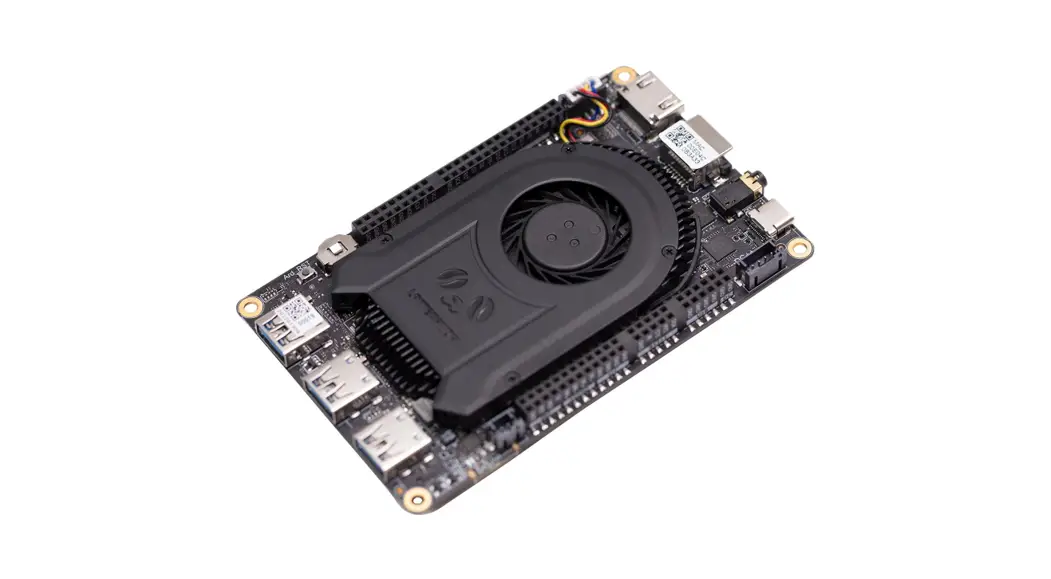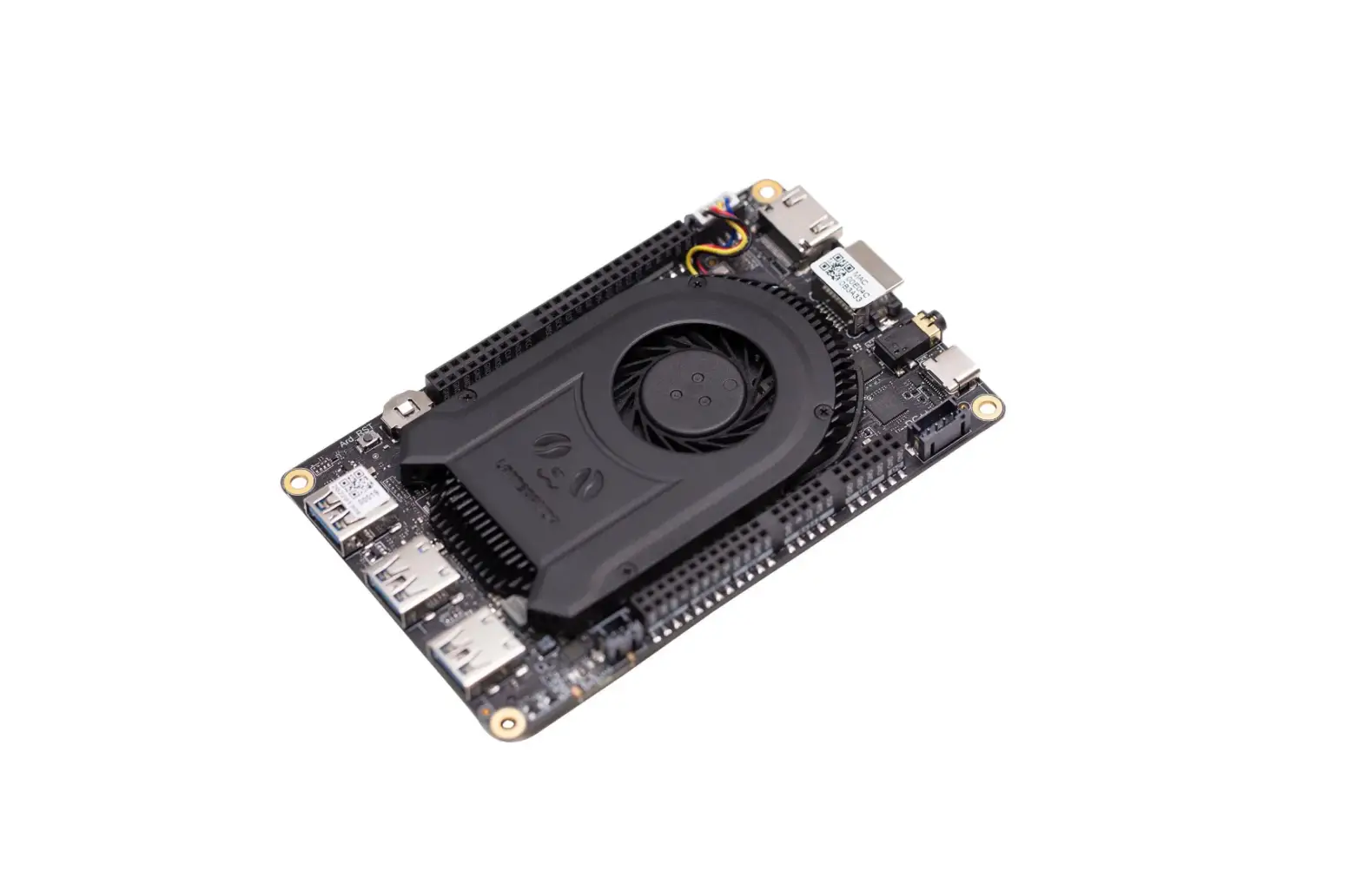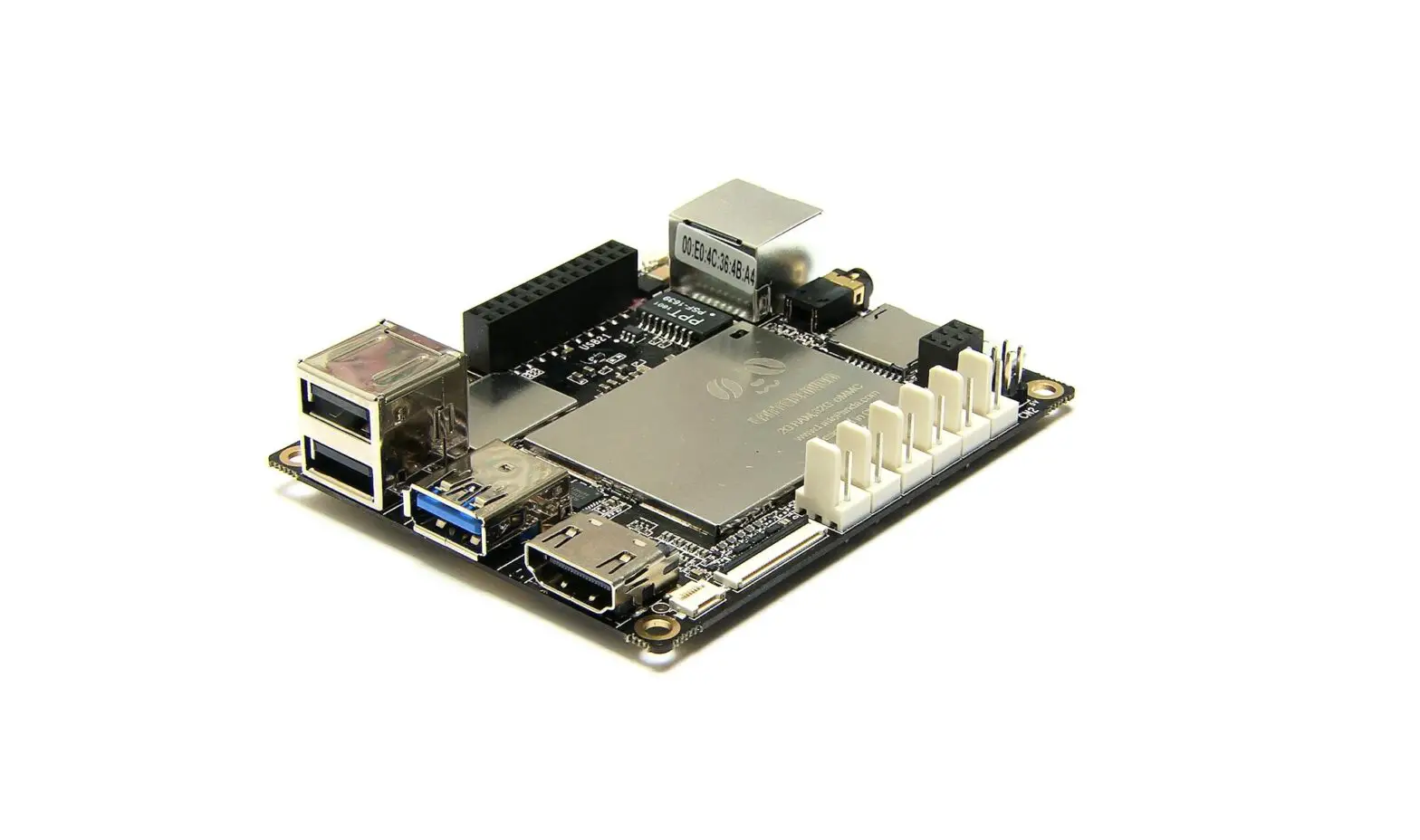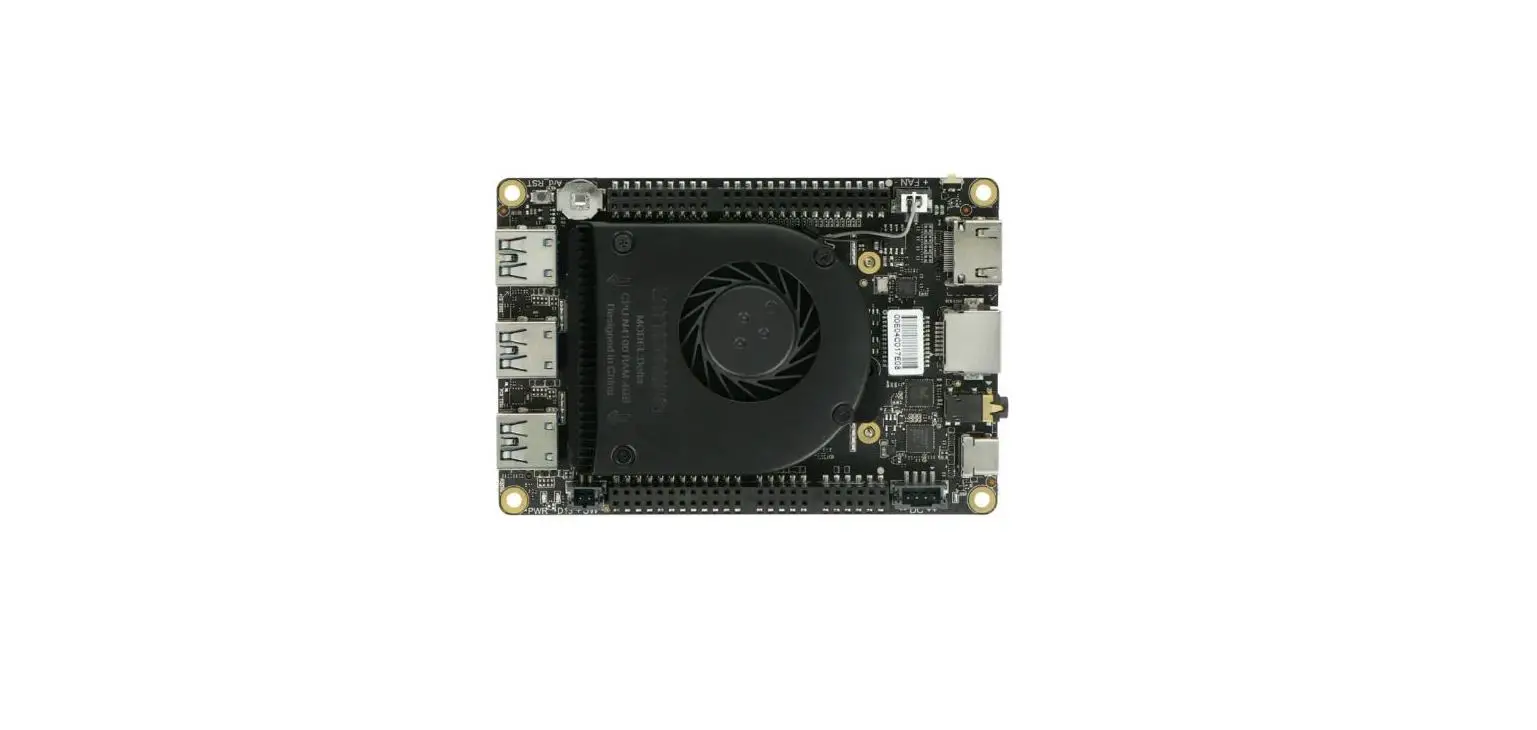

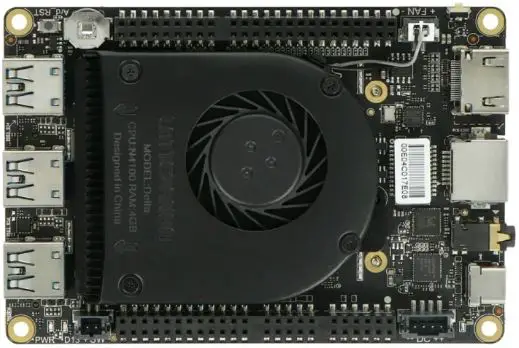
LATTEPANDA LPDF0543 Delta 432 Tiny Ultimate 
Instructions for safe use
To avoid malfunction or damage to your LattePanda please observe the following: Do not expose to water or moisture. Do not place on a conductive surface whilst in operation. Do not expose to heat from any source; the LattePanda is designed for reliable operation at normal ambient room temperatures. Take care whilst handling to avoid mechanical or electrical damage to the printed circuit board and connectors. Avoid handling the printed circuit board while it is powered. Only handle by the edges to minimize the risk of electrostatic discharge damage. The LattePanda is not designed to be powered from a USB port on other connected equipment, if this is attempted it may malfunction. Avoid unplugging power when the system is running to minimize the risk of EMMC damage..
SPECIFICATION
| LattePanda Alpha | LattePan da Delta | |
| Dimension | 115mm * 78mm * 14mm | 115mm * 78mm * 14mm |
| CPU | Intel ® Core™ m3- 8100Y Processor 1.1 GHz~3.4GHz | Intel ® Celeron ® Processor N4100 l1GHz~2.4GHz |
| GPU | Intel ® UHD Graphics 615 300MHz~900MHz | Intel ® UHD Graphics 600 200MHz~700MHz |
| RAM | 8GB | 4GB |
| Flash | 0GB/64GB eMMC 5.0 | 32GB eMMC 5.0 |
| WiFi | 802.11ac 1×1 2.4Ghz, 5Ghz dual band | 802.11ac 1×1 2.4Ghz, 5Ghz dual band |
| BT | Bluetooth 4.2 | Bluetooth 5.0 |
| Ethernet | 1000M PC le WOL supported | 1000M PC le WOL supported |
| Disp lay | HDMI/DP/eDP | HDMI/DP/eDP |
| Other Interfaces | USB TYPE- C DC power input Battery port Audio port USB 3.0 x3 MircoSD I2C/I2S/RS 232/USB2 0 | USB TYPE-C DC power input Audio port USB 3.0 x3 MircoSD I2C/I2S/RS 232/ USB2.0 USB JST Port |
| Coprocessor | ATmega 32U4 | ATmega 32U4 |
| M.2 M-key | NVMe/SATA/PCle 4x | *PCle 2x |
| M.2 E-key | PCle 2x/USB2 0/UART/PCM | PCle 2x/USB2 0/UART |
Warning
Please use the PD power adapter specified. Any external power supply used with LattePanda shall comply with relevant regulations and standards applicable in the country of intended use. This product should be operated in a well-ventilated environment and, if used inside a case, the case should not be covered. This product should be placed on a stable, flat, non-conductive surface during use and should not be contacted by conductive items. Connecting incompatible devices to the GPIO connector may affect compliance or result in damage to the unit and invalidate the warranty. All peripherals used with the LattePanda should comply with relevant standards for the country of use and be marked accordingly to ensure that safety and performance requirements are met. These articles include but are not limited to keyboards, monitors, and mice used in conjunction with the LattePanda. The cable or connector used must offer adequate insulation and operation in order that the requirements of the relevant performance and safety requirements are met.
Getting started
Power on your LattePanda
We suggest you use the Type-C PD power adapter attached. LattePanda Alpha/Delta has two power ports. And Alpha has an extra 7.8v Li-polymer battery port. You can power it by a PD adapter, 12v DC input or recommended battery (alpha only).
Power-on step
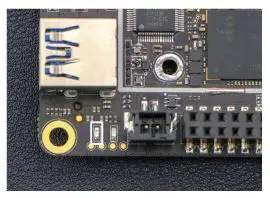
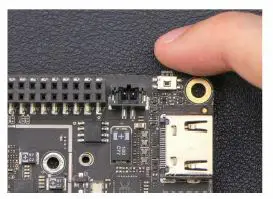
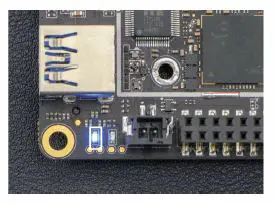
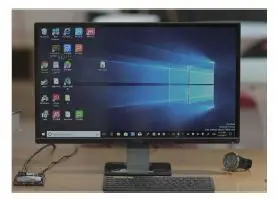
- Connect with a power adapter.

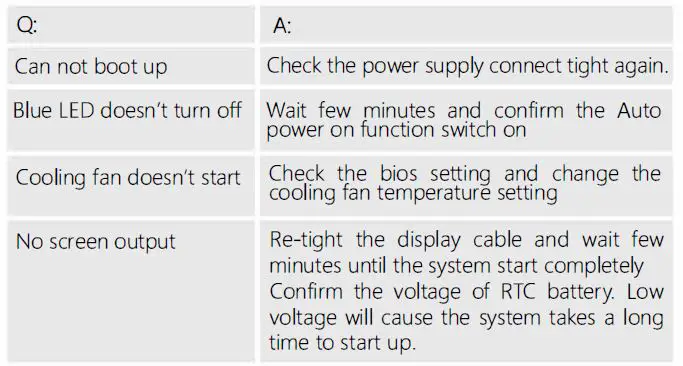
- Wait few seconds until the blue LED starts blinking.

- Hold the power button for 3 seconds.

- Until the LED lights up again.

- Wait for the system to start.

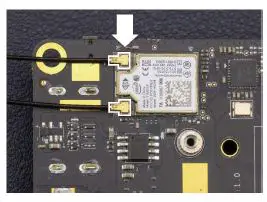
Connect to Wifi/BT antenna
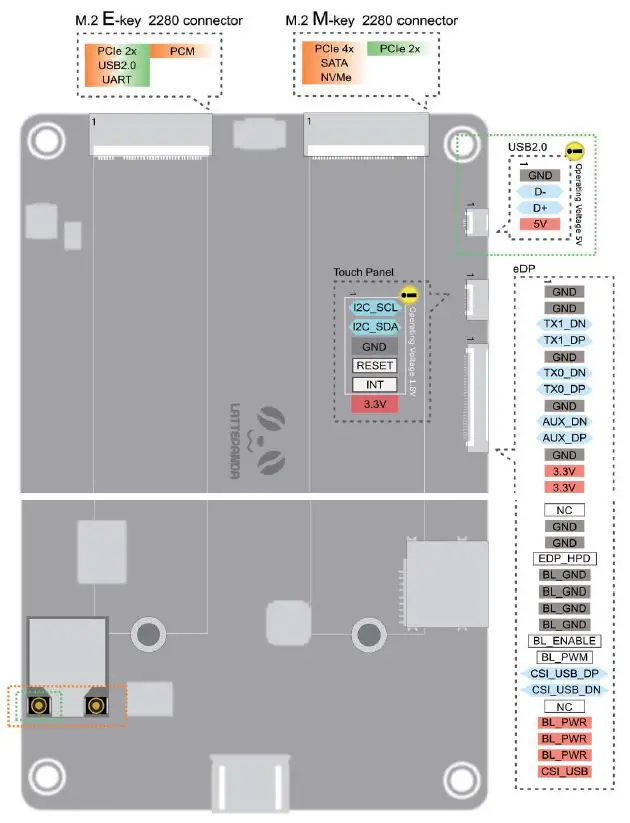
- Note: Delta board only need one antenna. Install the Wi-Fi & BT antenna by plugging the round-shaped end into the socket.

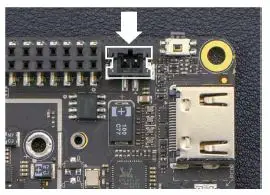
Using cooling fan
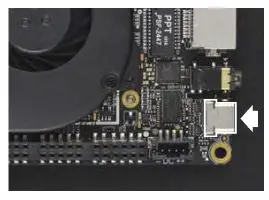
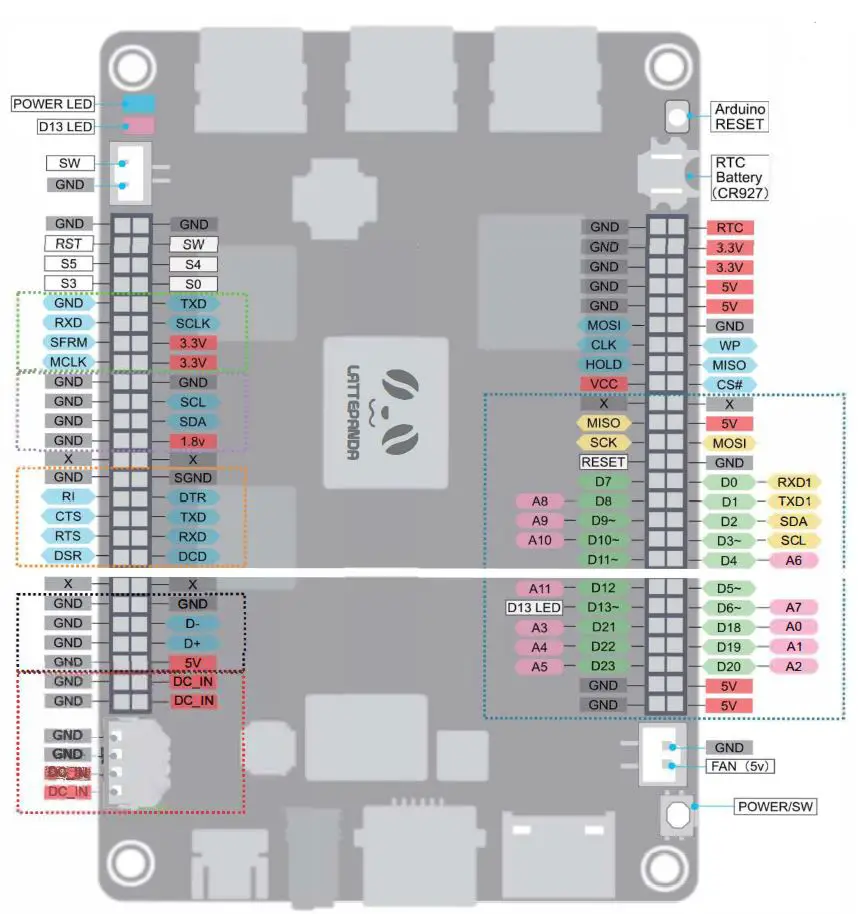
- Connect with the fan using this port. You can control the fan start by set the temperature threshold in the BIOS.

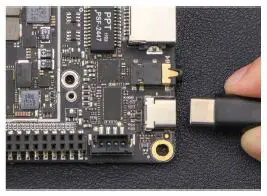
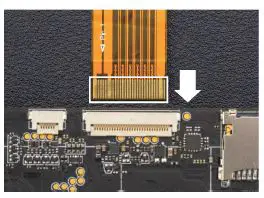
Insert FPC
- Note: Please connect it with LattePanda BEFORE Power-On. And make sure the Golden Finger face the right side as shown in the figure.

Using USB TYPE-C port
- Standard power – 3A @ 12 volts The voltage range of JST PH2.0 – 4p power input connector is 10 ~ 15 volts.
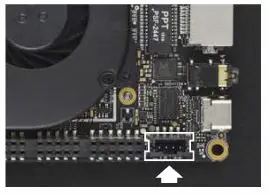
Using DC power port
- With USB-C™ port for connecting to displays, power and USB3.0.

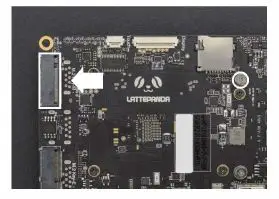
Using M.2 socket
- There are two M.2 sockets on the LattePanda Alpha& Delta, one M key and one E key. Both sockets have the 2280 size mounting screw.

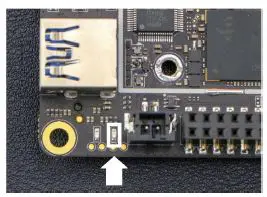
Control D13
- Red LED D13 is controlled by the digital pin 13 on built-in Arduino, which can be turn off by set Pin 13 as low-level or disable the Arduino power in BIOS.

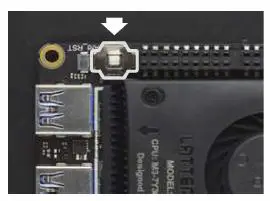
Using Real-time Clock
- LattePanda uses button cell for powering the RTC , so the board can continue to keep time while the primary source of power is off or unavailable. The specification of the battery is CR927 (3V).

Please visit docs.lattepanda.com for more information
Appendix

FAQ
FCC Statement
This device complies with Part 15 of the FCC Rules. Operation is subject to the following two conditions:
- This device may not cause harmful interference, and
- This device must accept any interference received, including interference that may cause undesired operation.
NOTE: This equipment has been tested and found to comply with the limits for a Class B digital device, pursuant to Part 15 of the FCC Rules. These limits are designed to provide reasonable protection against harmful interference in a residential installation. This equipment generates uses and can radiate radio frequency energy and, if not installed and used in accordance with the instructions, may cause harmful interference to radio communications. However, there is no guarantee that interference will not occur in a particular installation. If this equipment does cause harmful interference to radio or television reception, which can be determined by turning the equipment off and on, the user is encouraged to try to correct the interference by one of the following measures:
- Reorient or relocate the receiving antenna.
- Increase the separation between the equipment and receiver.
- Connect the equipment into an outlet on a circuit different from that to which the receiver is connected.
- Consult the dealer or an experienced radio/TV technician for help.
WARNING: Any changes or modifications not expressly approved by the party responsible for compliance could void the user’s authority to operate this equipment. The device must not be co-located or operating in conjunction with any other antenna or transmitter. This equipment should be installed and operated with a minimum distance 2Ocm between the radiator & your body. Operation in the band 5150-5250 MHz is only for indoor use to reduce the potential for harmful interference to cO-channel mobile satellite systems.
CE statement
Hereby, DFROBOT declares that this LattePanda Alpha is in compliance with the essential requirements and other relevant provisions of Directive 2014/53/EU. The full test of the EU declaration of conformity is available at the following internet address: www.lattepanda.com
Frequency band:
- 2402MHz ~2480MHz for BT
- 2412MHz~2472MHz for 2.4G Wi-Fi
- 5180MHz-5825MHz for 5G Wi-Fi
- EIRP Power (Max)
- 6.34dBm for BT
- 14.75dBm for 2.4G Wi-Fi
- 12.72dBm for 5G Wi-Fi
Name of manufacturer: DFRobot
Address: Room 615, Building Y1,112 Liang Xiu road, Pudong,
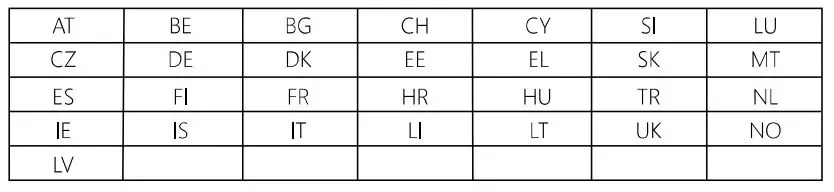
Shanghai Municipality.China Contact person: LattePanda team 5.15-5.35GHz band is restricted to indoor operations only in the following countries: