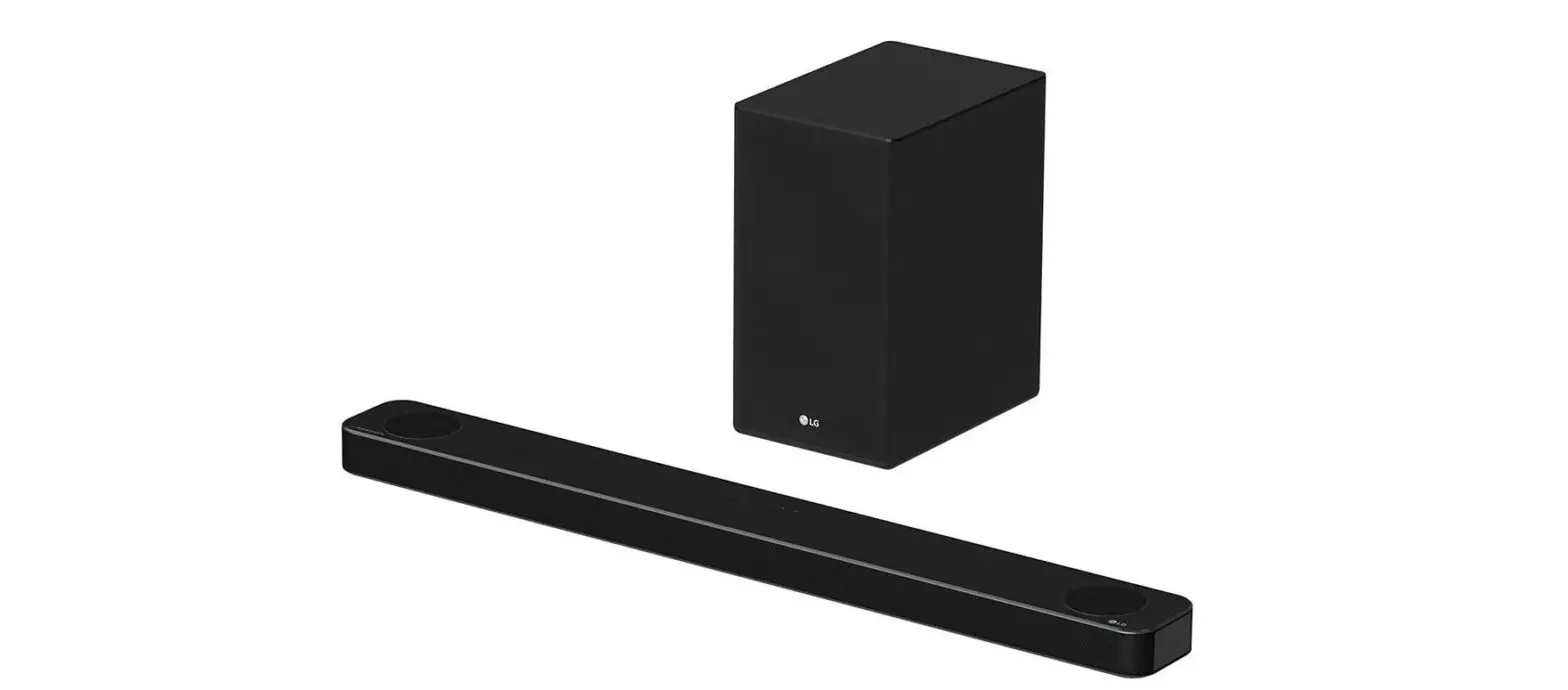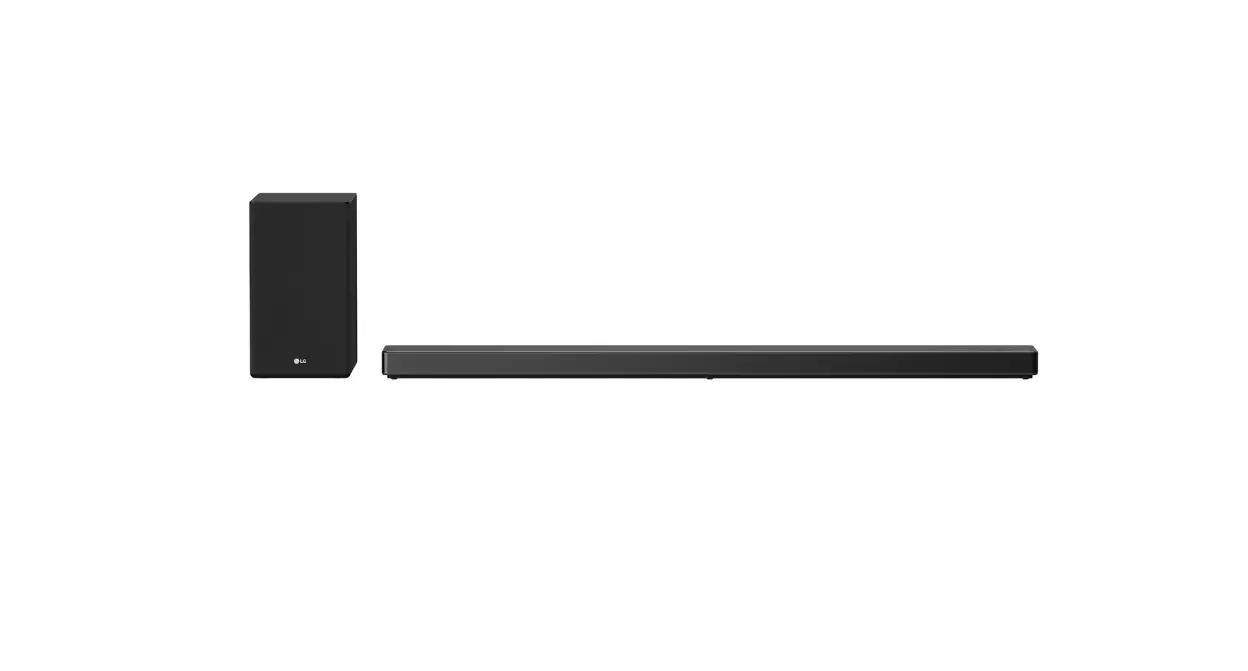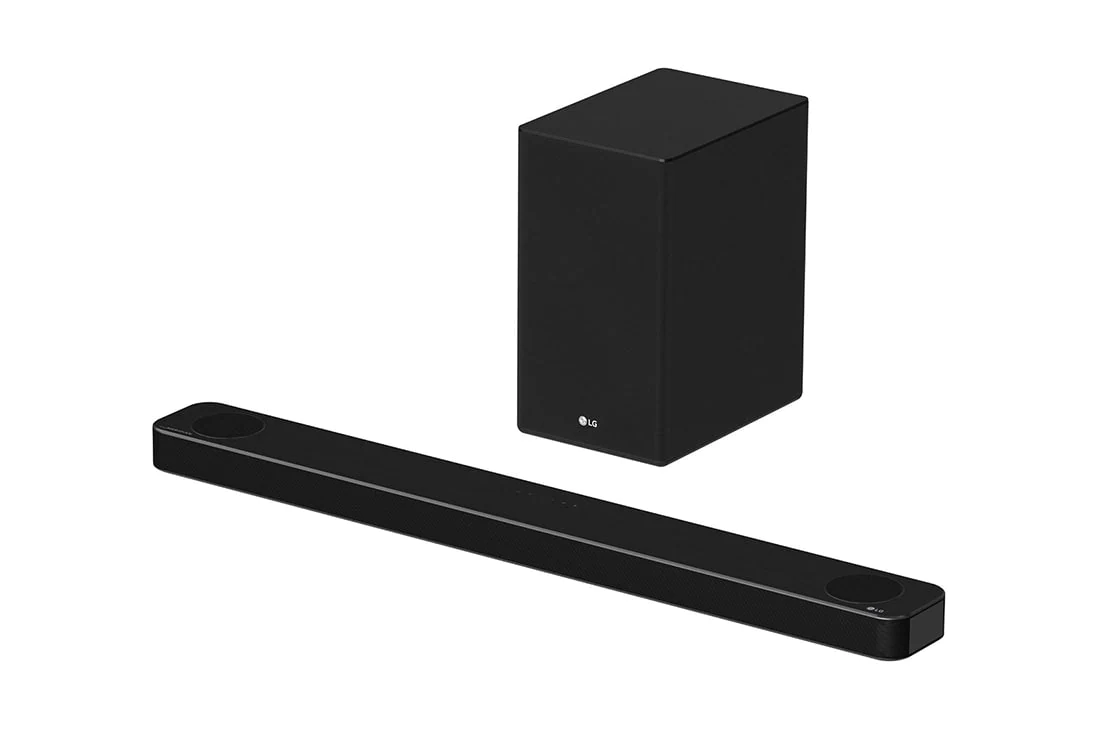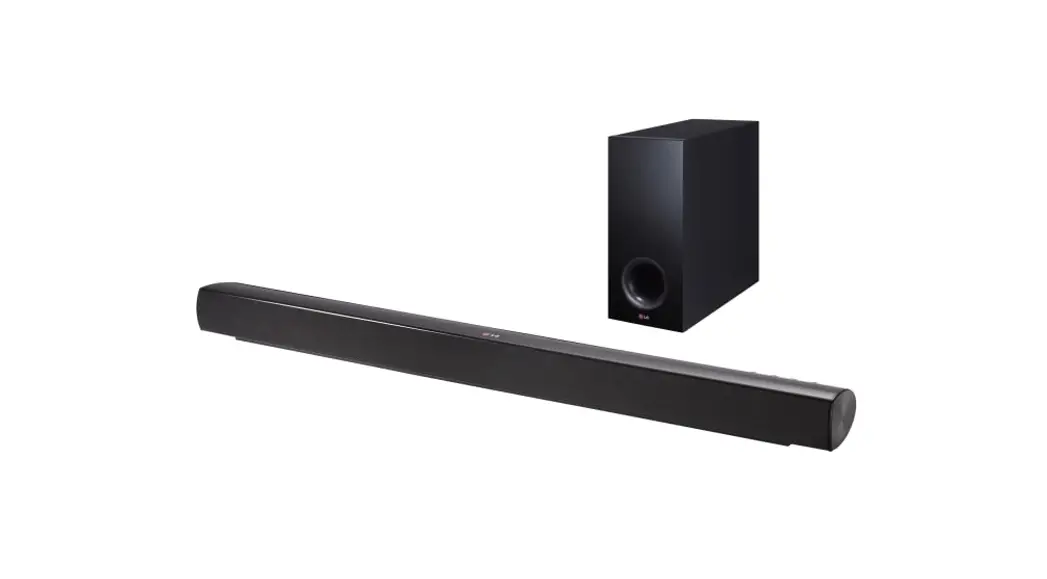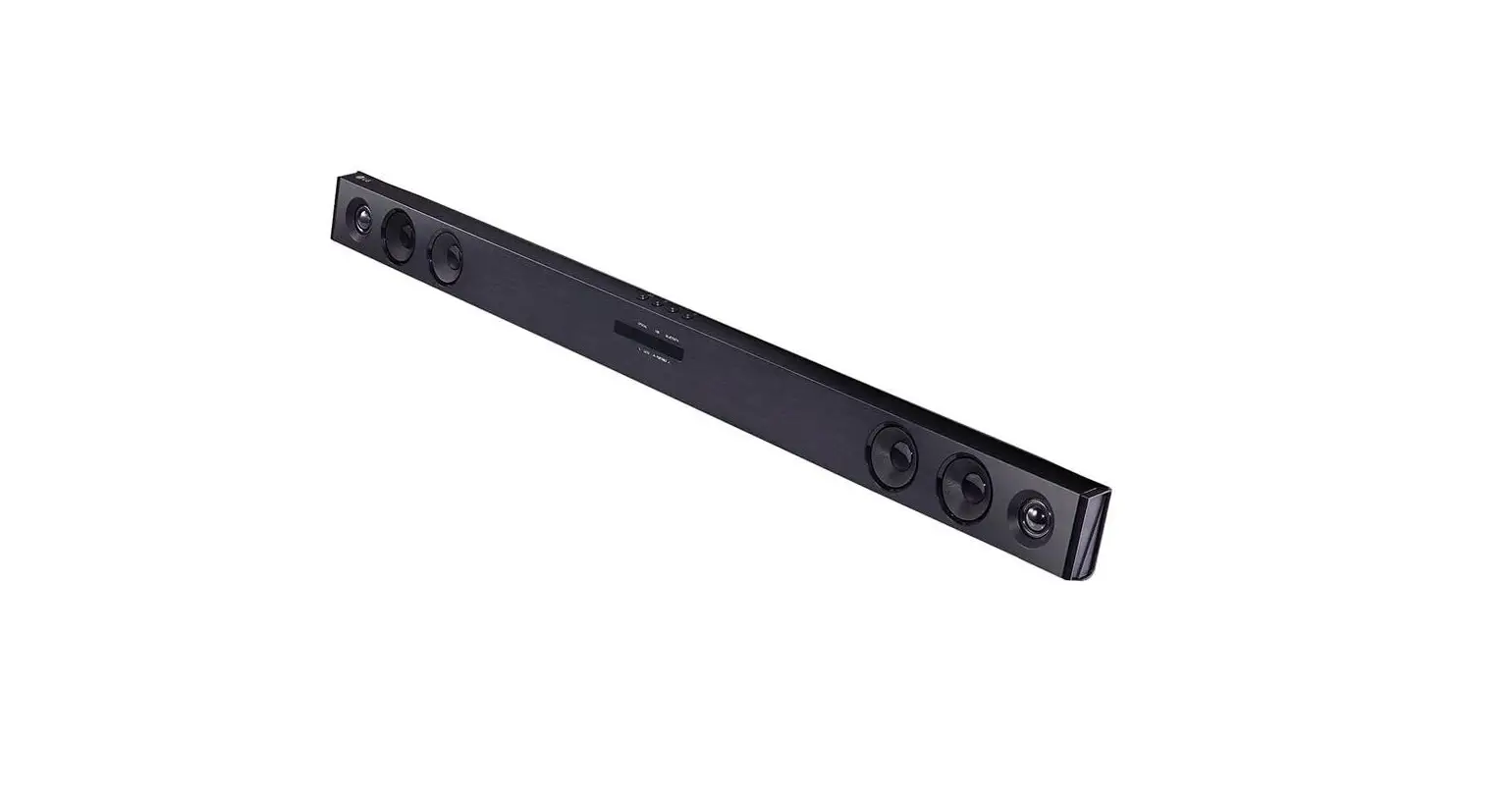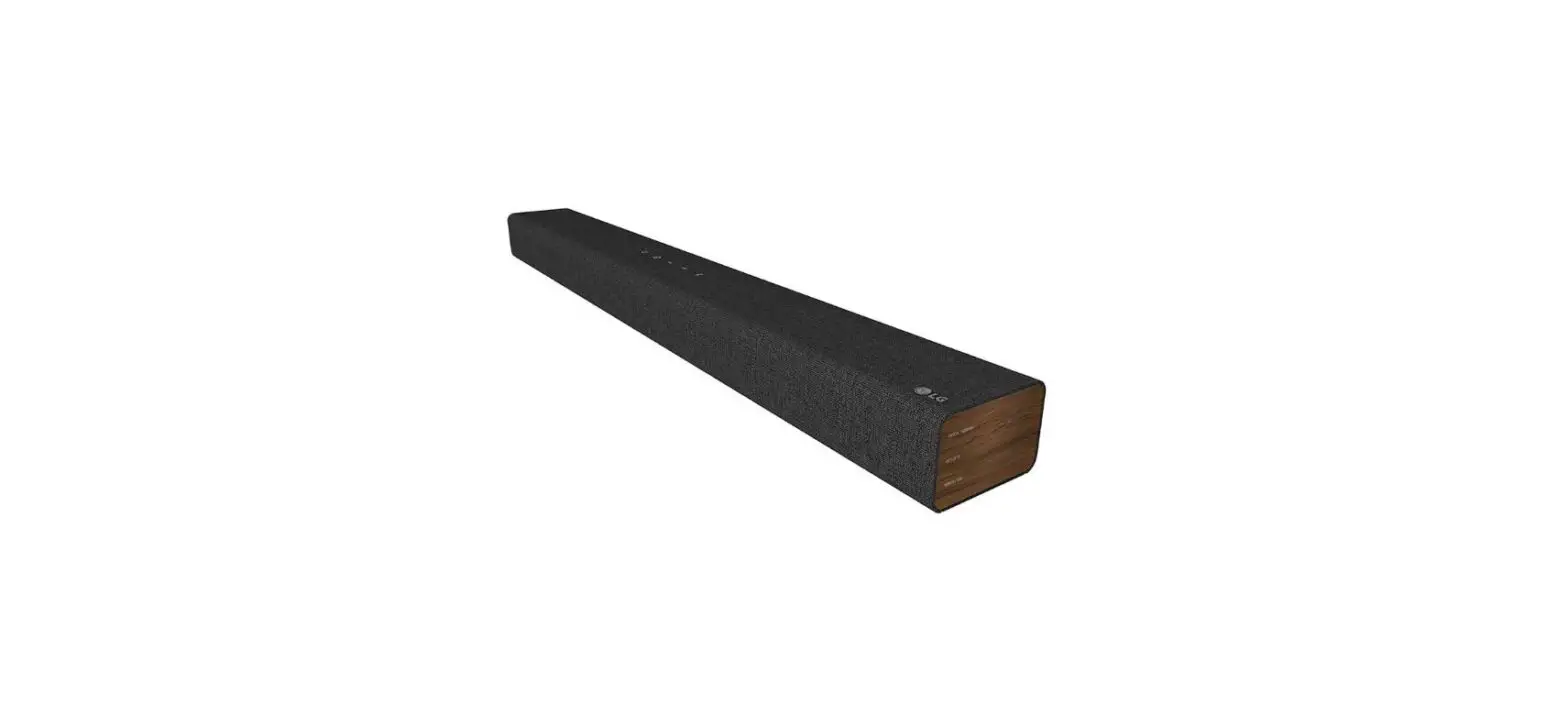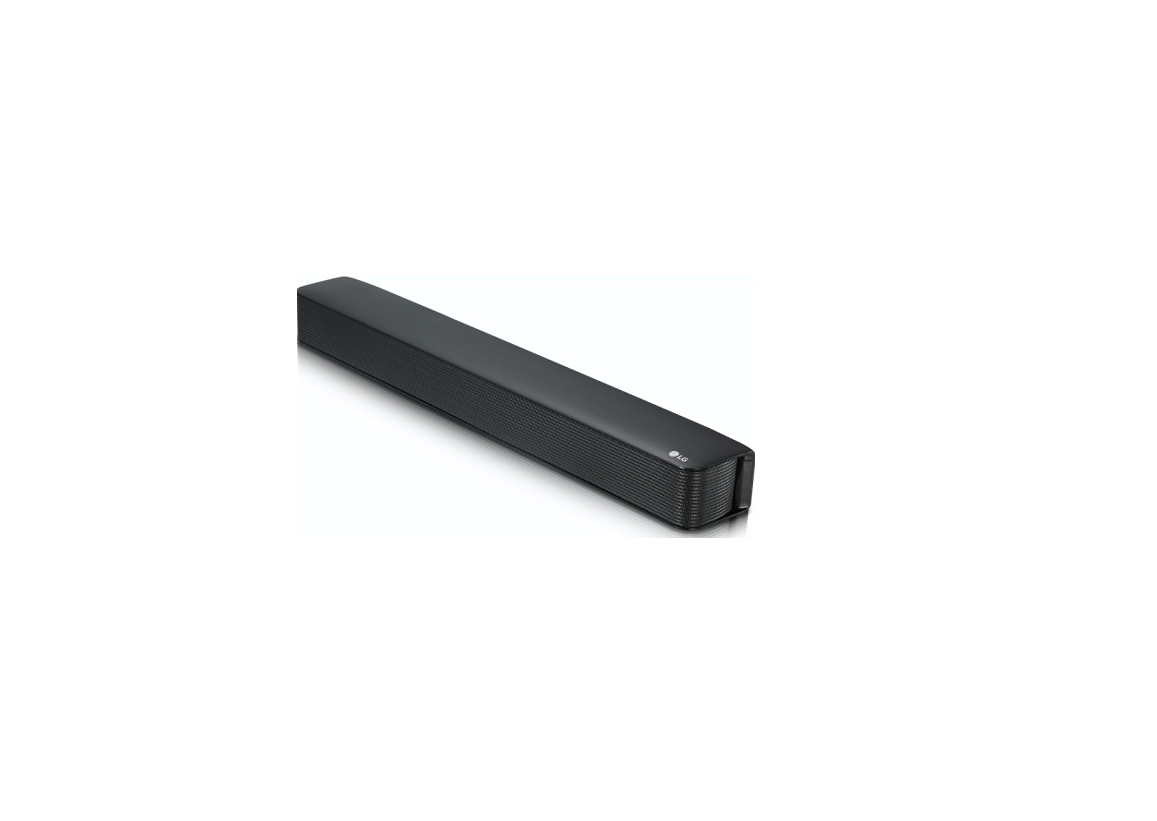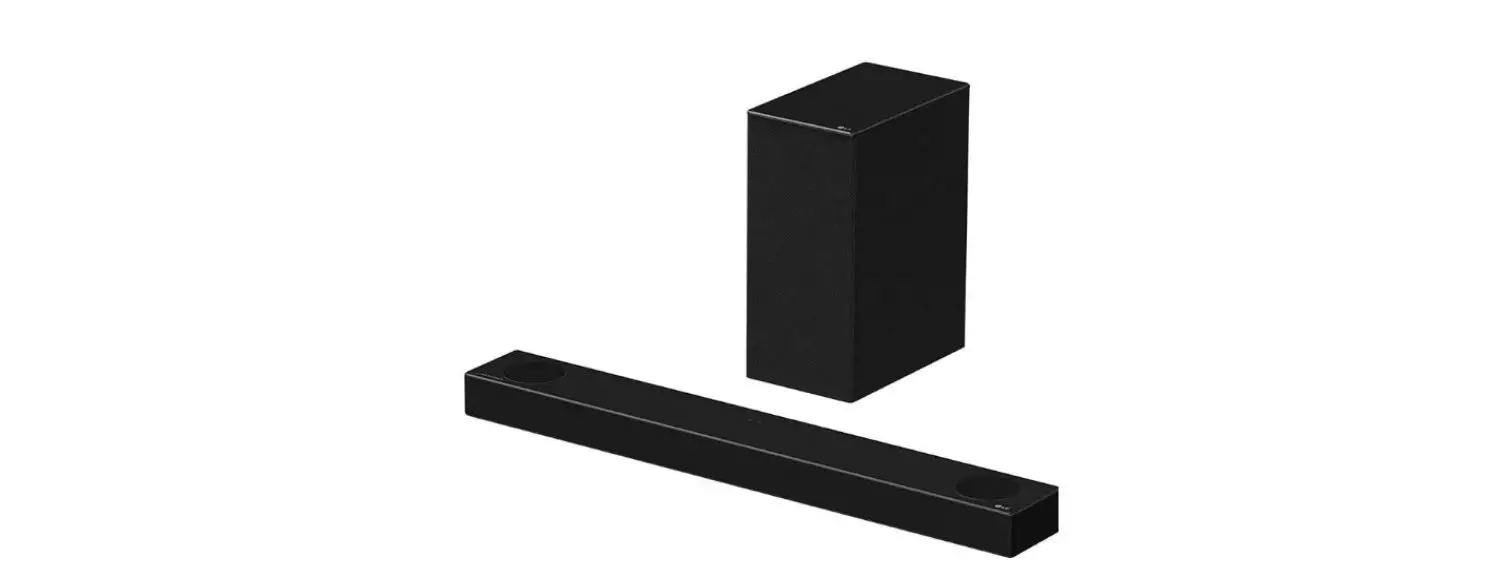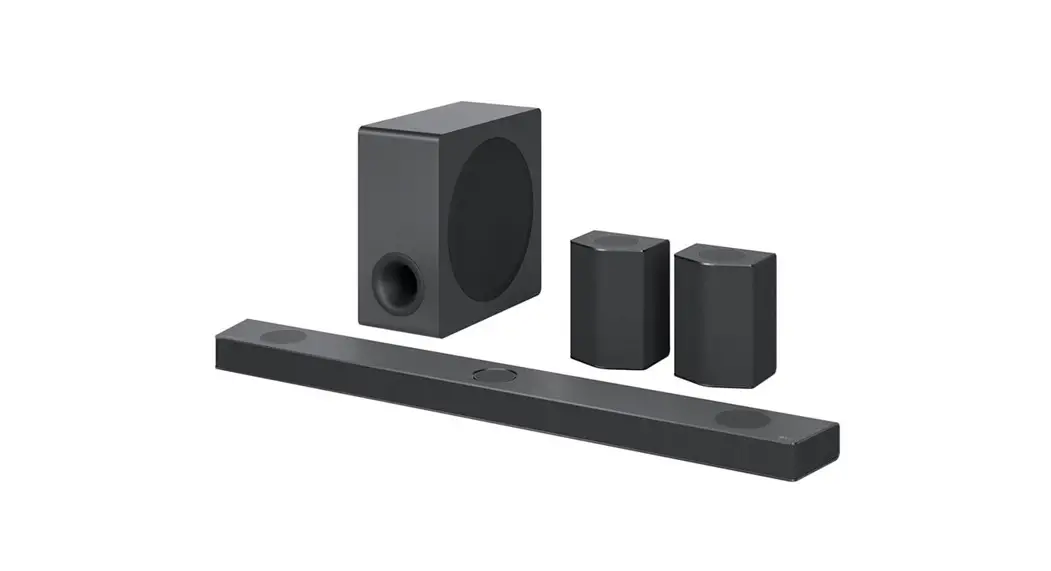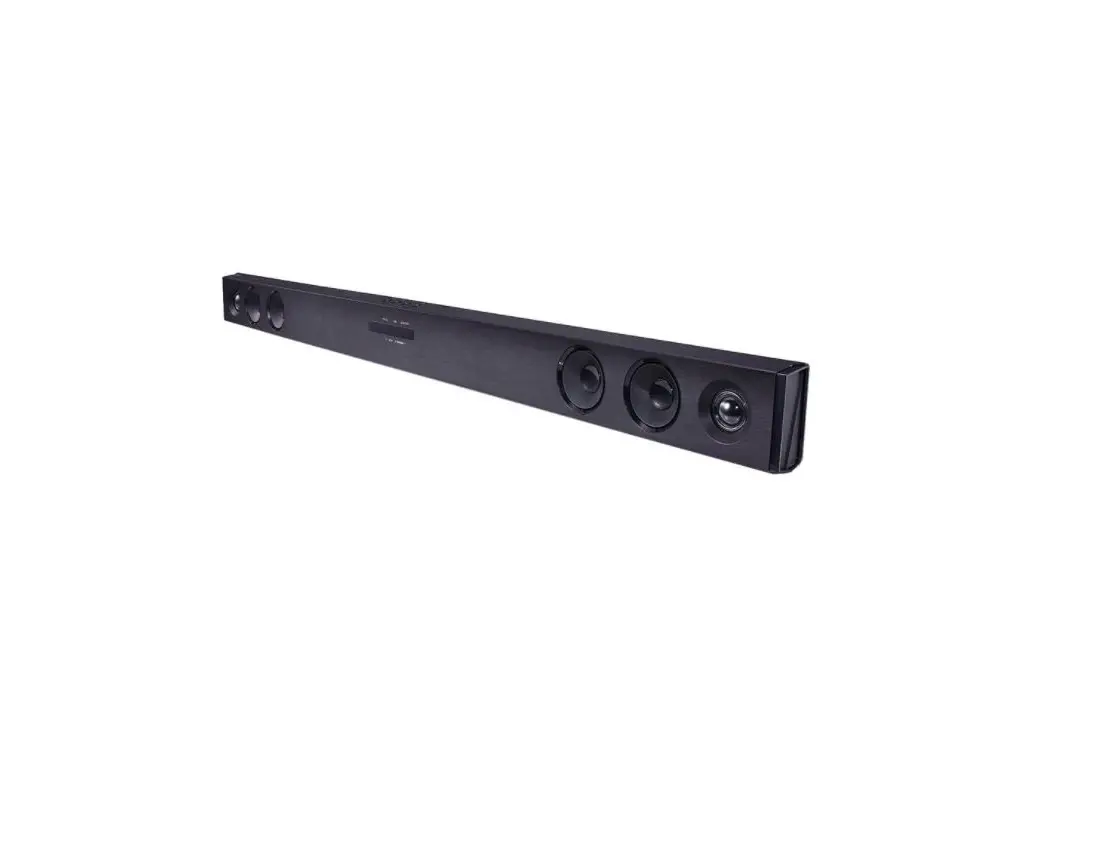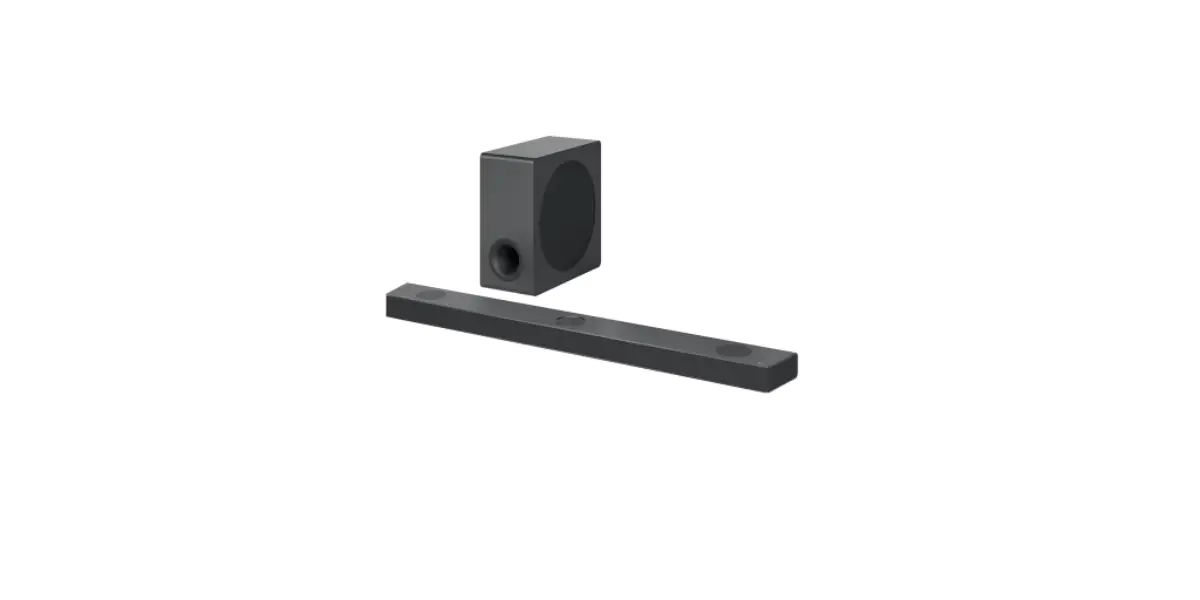
 5.1 Channel High Res Audio Sound Bar
Owner’s Manual
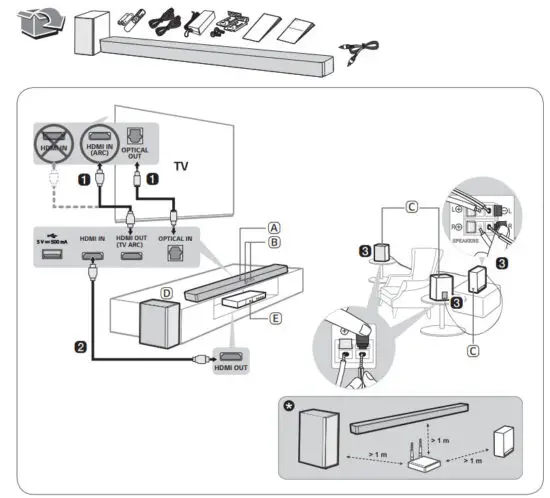
Replacement of Battery

Installing and Using the Product
Please read this manual carefully before operating your set and retain it for future reference.
To view the instructions of advanced features, visit http://www.lg.com or scan QR code and then download Owner’s Manual. Some of the content in this manual may differ from your product.
 https://www.lg.com/global/ajax/common_manual
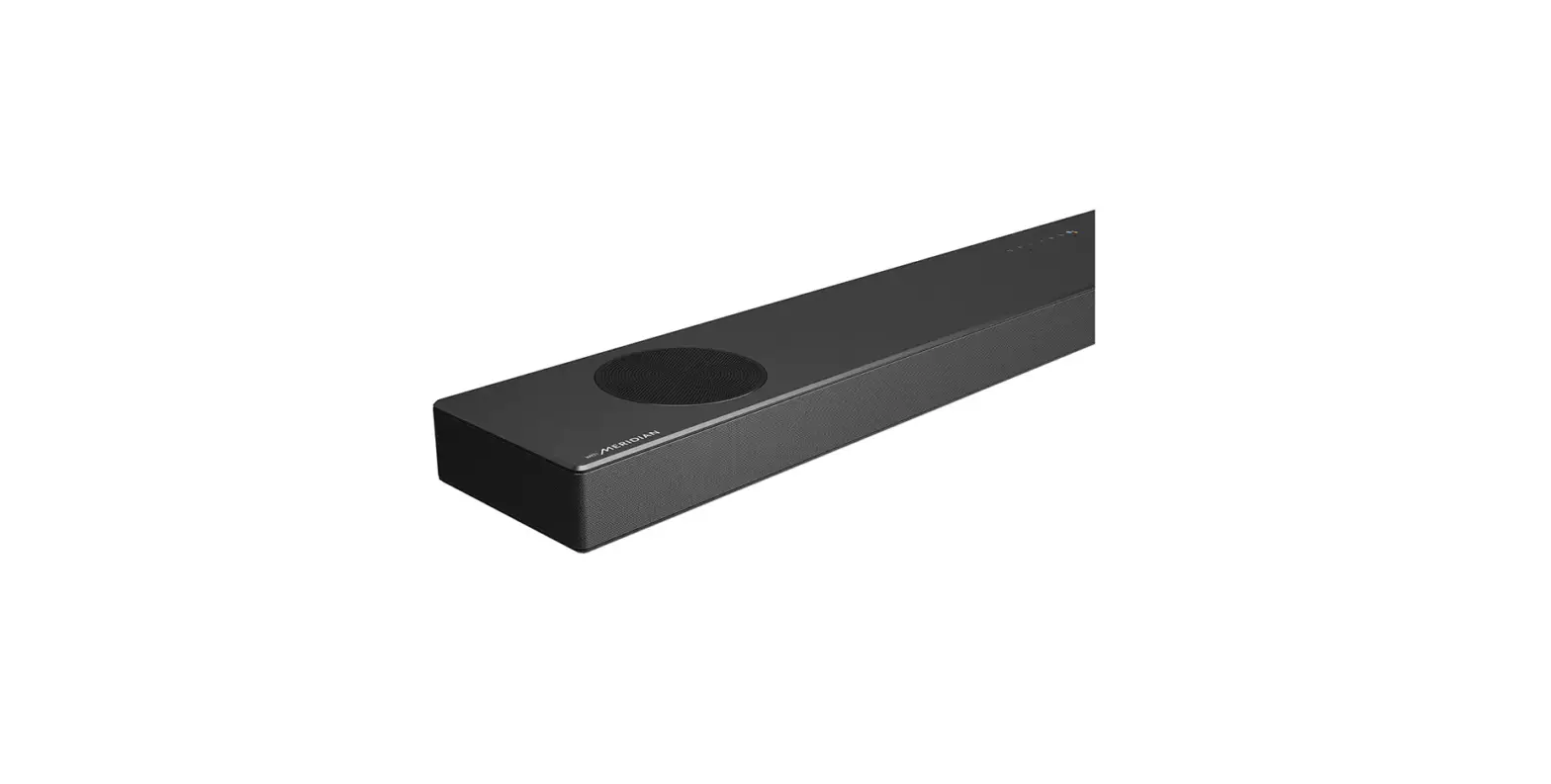
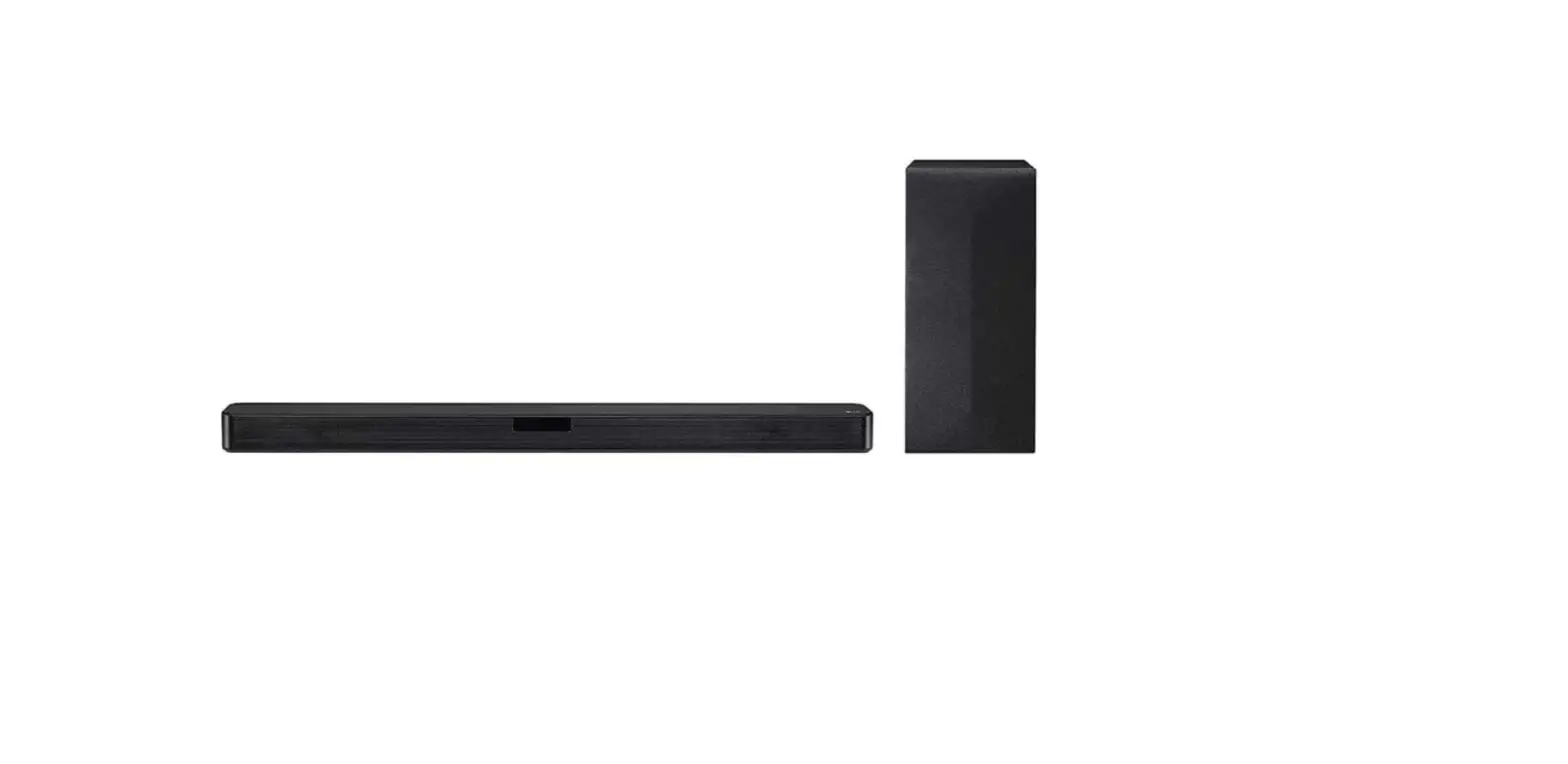
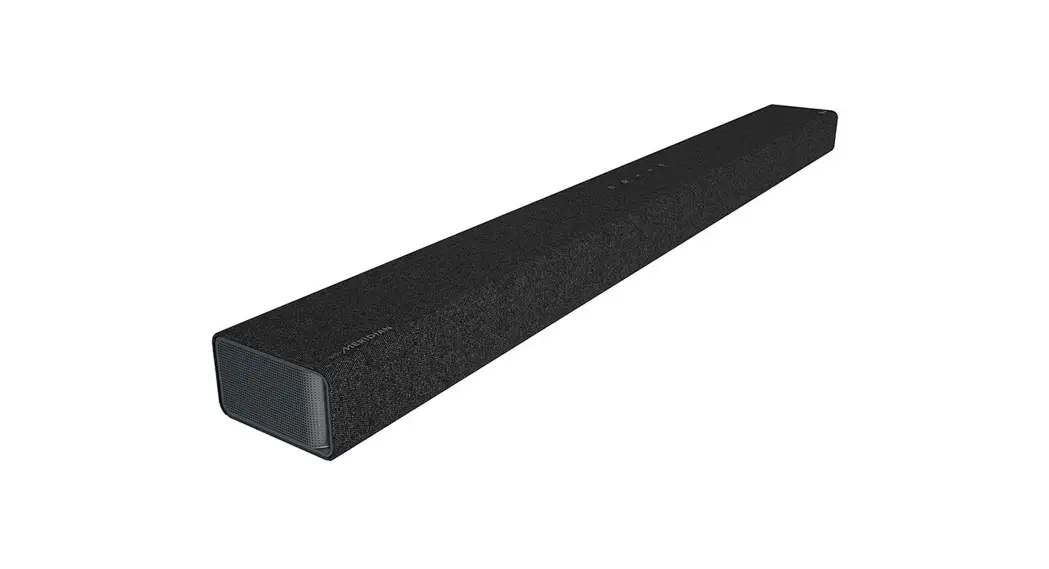
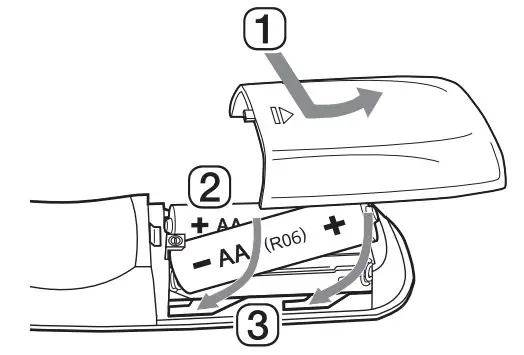
A. Soundbar
B. Remote Control Receiver / Status Display
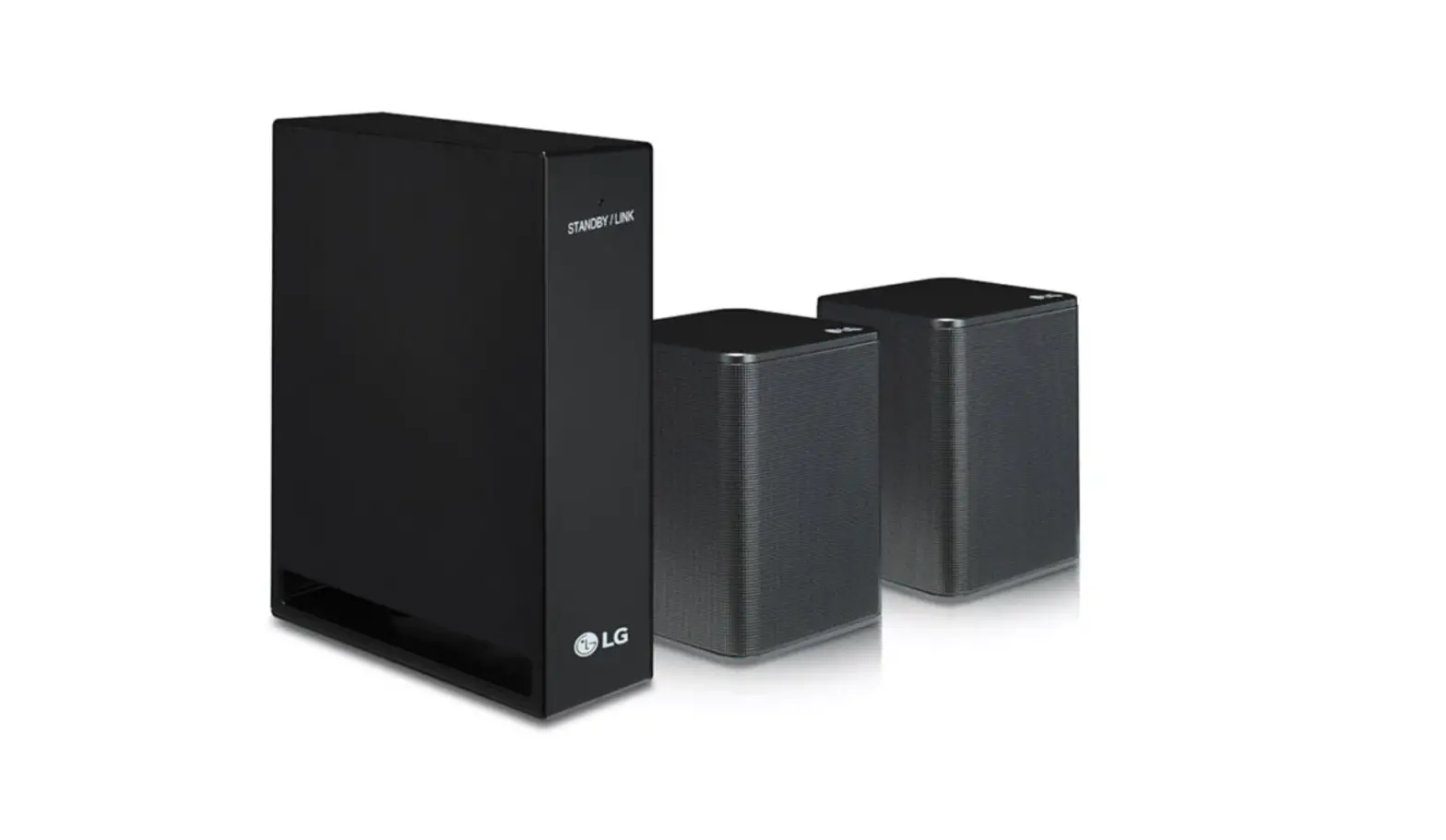
C. Rear Speakers / Wireless Receiver (Sold separately, SPK8-S)
D. Wireless Subwoofer – Install it close to the soundbar.
E. External Device – (Blu-ray player, game console, etc.)
- Connect the soundbar to your TV via an optical cable or an HDMI cable.
- If you are using an external device (ex. Blu-ray player, game console, etc.), connect it to the soundbar via an HDMI cable.
- If you purchased the rear speakers and wireless receiver separately, connect the rear speakers to the wireless receiver via a speaker cable. When connecting the rear speakers to the wireless receiver, connect the black striped cable to the negative terminal of each speaker and the remaining cable to the positive terminal of each speaker.
- Connect to power in the following order: wireless subwoofer
 wireless receiver soundbar. Then, turn on the soundbar. When the connection is automatically established with the soundbar, the LEDs on the wireless subwoofer and the wireless receiver will light up in green.
 - Using the product with your TV
A Press the Function button repeatedly until “OPT/HDMI ARC” appears on the status display.
B On your TV’s settings set the output speaker to [HDMI ARC], [Optical], or [External Speaker].
C When the TV is properly connected to the product, “OPT” or “ARC” appears on the status display with a sound. - Connecting the product to your smartphone via Bluetooth
A Tap the Settings button on your smartphone and select
 Bluetooth. Turn on the Bluetooth function. (
 Off >
Off >  On)
On)
B Press the Bluetooth pair button . After a moment, you will see “BT READY” on the status display.
C Find and tap the product on your smartphone. The product appears as “LG SP7Y (XX)”.
D When the product is connected to your smartphone via Bluetooth, you can see the status display change from “PAIRED” “Connected Bluetooth device name” to “BT”. - Connecting to the LG Sound Bar app
A Find and install the LG Sound Bar app on Google Play or App Store from your smartphone.
B You can get more information regarding its use by selecting [Help] in [Setting].
 wireless receiver
  button repeatedly until “OPT/HDMI ARC” appears on the status display.
 button on your smartphone and select
 Bluetooth. Turn on the Bluetooth function. (
 Off >
Off >  On)
On) . After a moment, you will see “BT READY” on the status display.
 If you see a red LED on the back of the wireless subwoofer or on the front of the wireless receiver, it means that the soundbar is not connected to the speakers. If this is the case, connect them in the following order.
- Press the Power button on the soundbar to turn it off.
- Press the PAIRING (Pairing) button on the back of the disconnected wireless subwoofer or wireless receiver. Check if each LED blinks green.
– If you still see a red LED on the back of the wireless subwoofer, press and hold the button on the back of the subwoofer again. - Press the Power button on the soundbar to turn it on.
- When the connection is established, you will see a green LED light on the back of the wireless subwoofer or on the front of the wireless receiver light up in green.
 Keep the soundbar, the subwoofer, and wireless receiver away from the device (ex. wireless router, microwave oven, etc.) over 1 m to prevent wireless interference.
Some speakers may not make sound depending on the input source. Select CINEMA sound mode to listen through all speakers.
- Design and specifications are subject to change without notice.
- Google Play is a trademark of Google LLC.
Specification
Power consumption
- Refer to the main label.
AC adapter
- Model: DA-50F25
- Manufacturer: Asian Power Devices Inc.
- Input: 100 – 240 V ~ 50 – 60 Hz
- Output: 25 V
 2 A
2 A - Model: MS-Z2000R250-050D0-P
- Manufacturer: MOSO POWER SUPPLY TECHNOLOGY CO., LTD.
- Input: 100 – 240 V ~ 50/60 Hz
- Output: 25V 2A
Dimensions (W x H x D): Approx. 1000.0 mm x 63.0 mm x 105.0 mm
Bus Power Supply (USB): 5V 500 mA
Amplifier (Total RMS Output power): 440 W RMS
OPEN SOURCE SOFTWARE NOTICE INFORMATION
To obtain the source code under GPL, LGPL, MPL, and other open-source licenses, that is contained in this product, please visit https://opensource.lge.com.
In addition to the source code, all referred license terms, warranty disclaimers, and copyright notices are available for download. LG Electronics will also provide open source code to you on CD-ROM for a charge covering the cost of performing such distribution (such as the cost of media, shipping, and handling)
upon email request to [email protected].
This offer is valid for a period of three years after our last shipment of this product. This offer is valid to anyone in receipt of this information.

 www.fsc.com
www.lg.com
Copyright © 2021 LG Electronics Inc. All Rights Reserved.
 LG Electronics & Home Appliances | Shop Now | LG USA
 LG Open Source