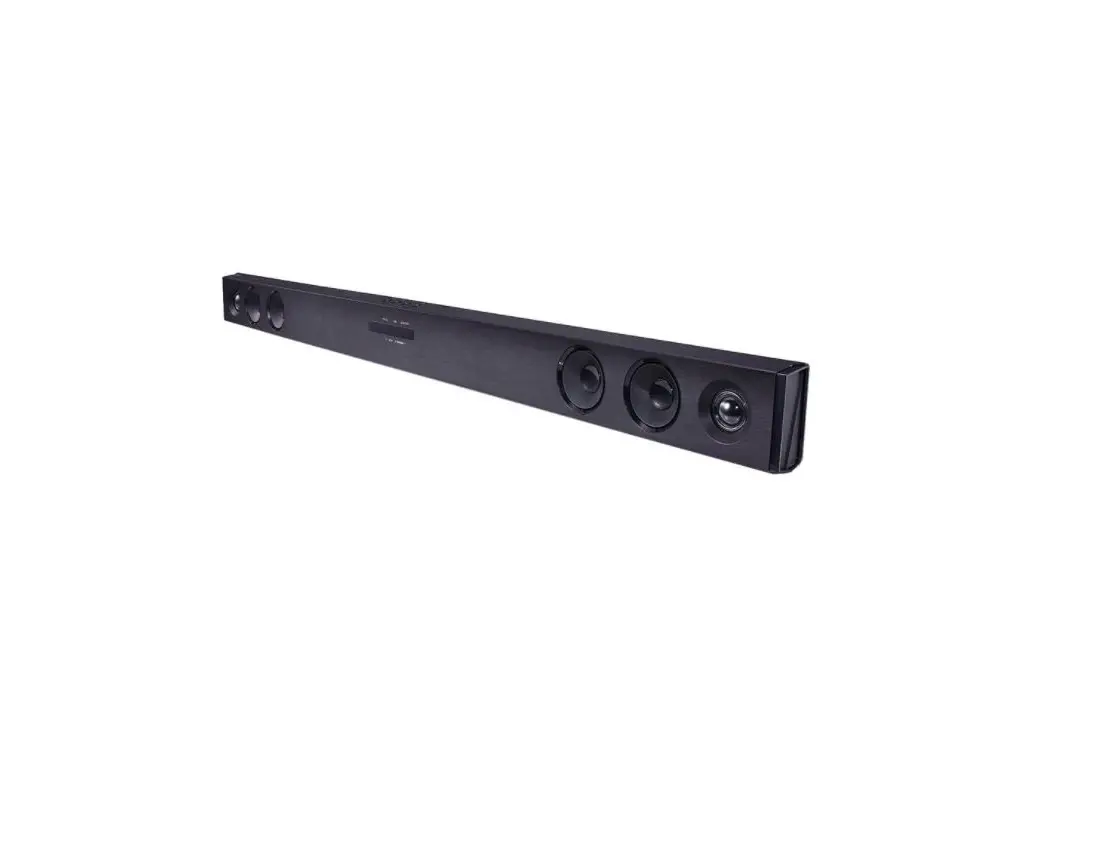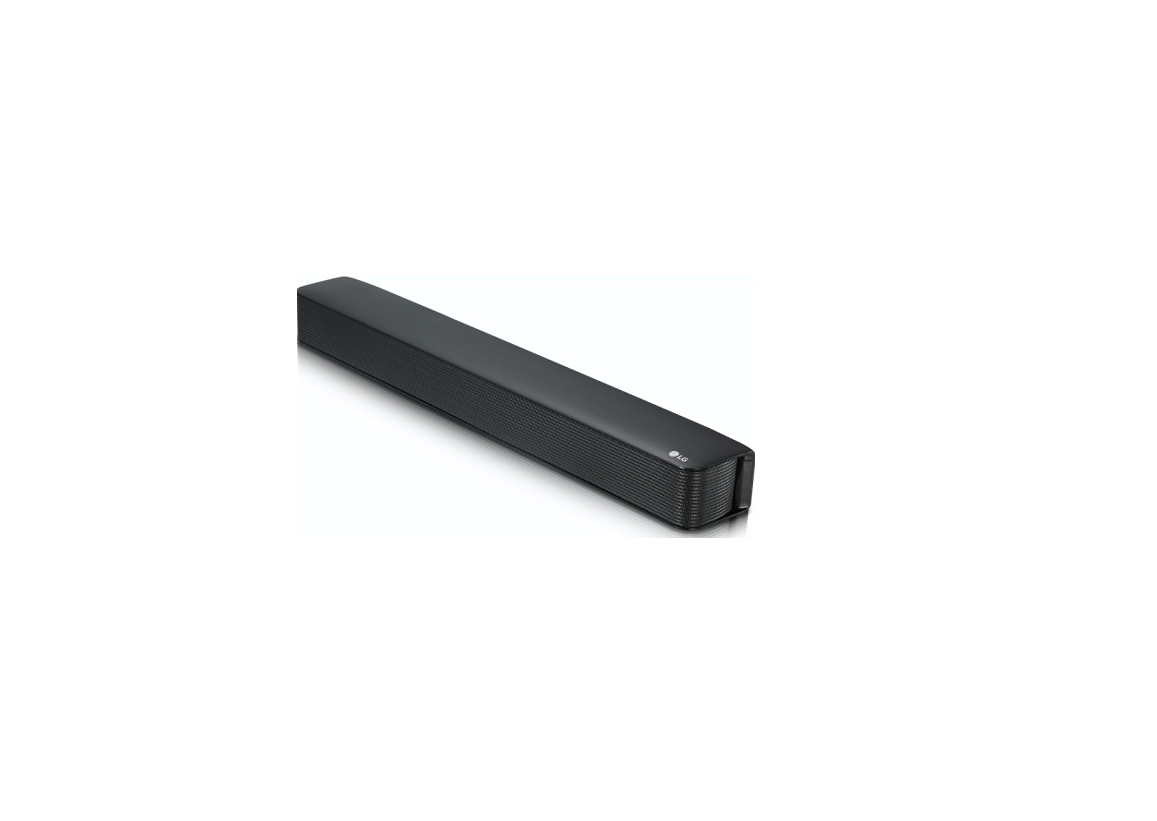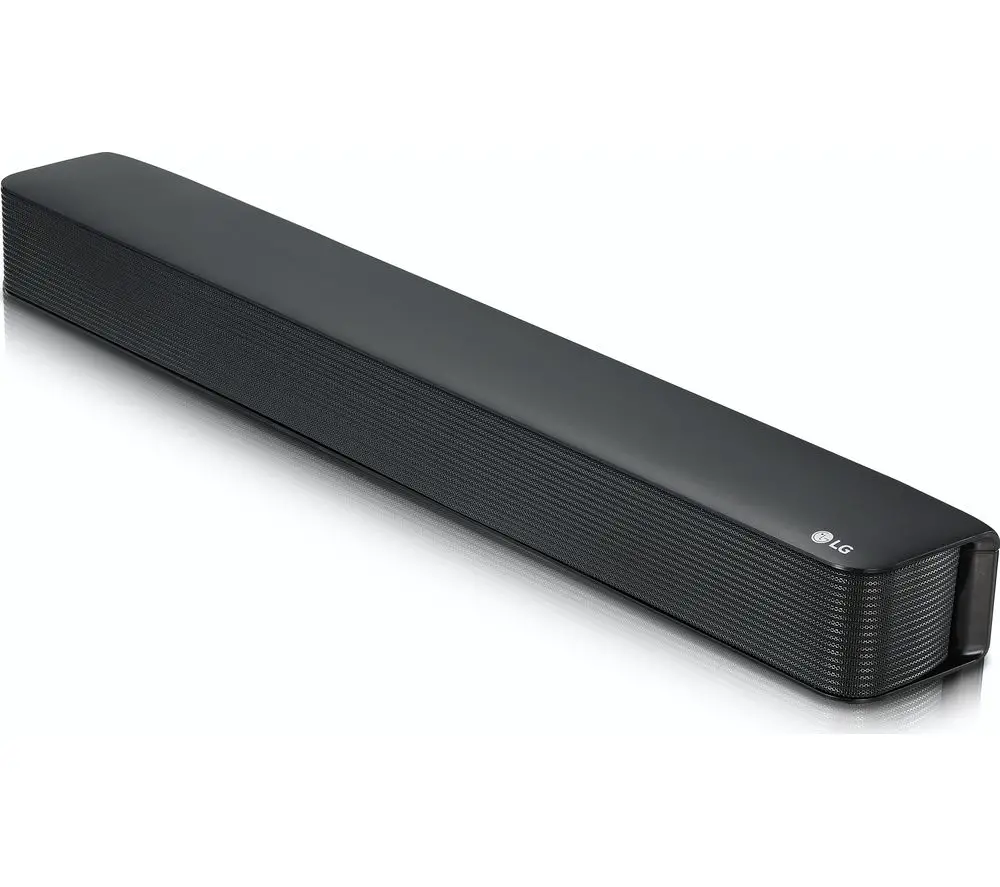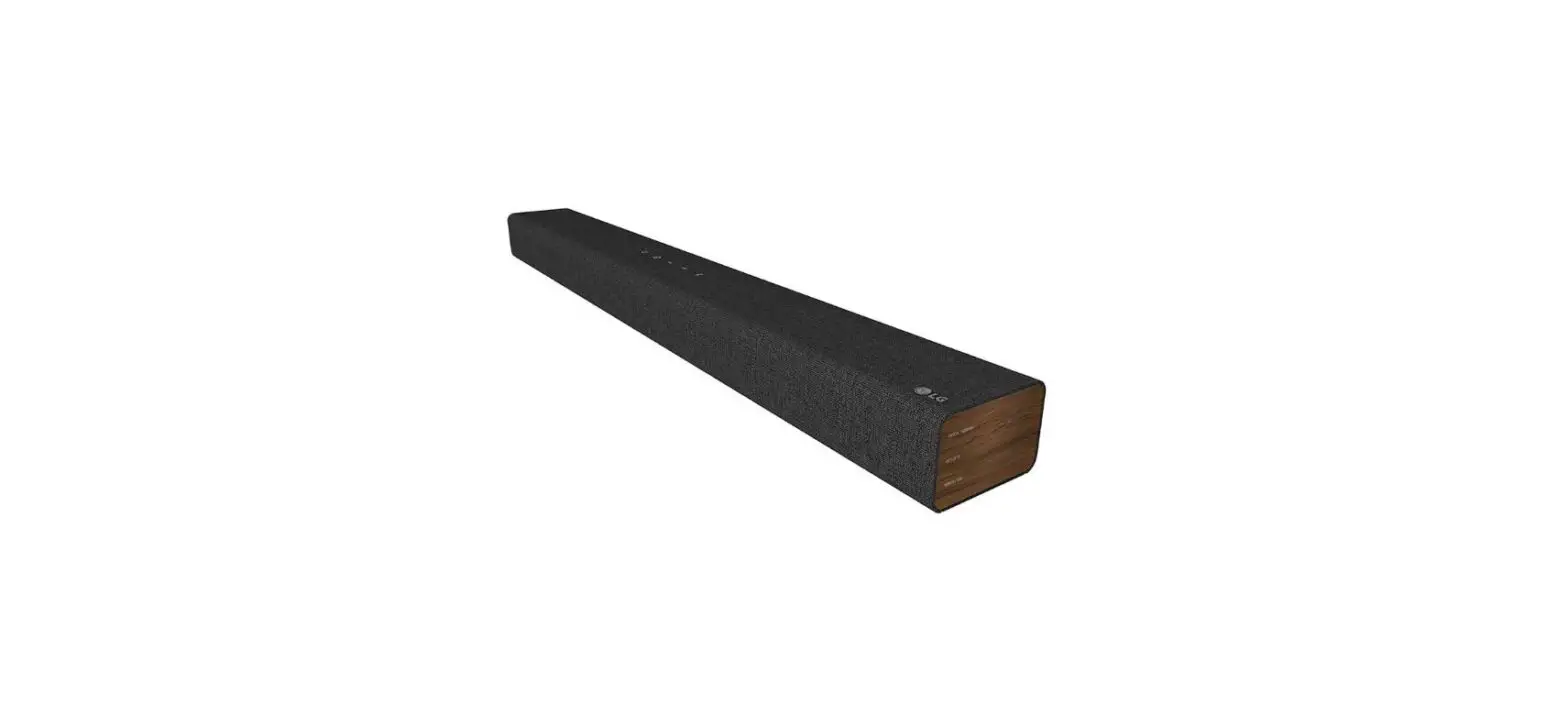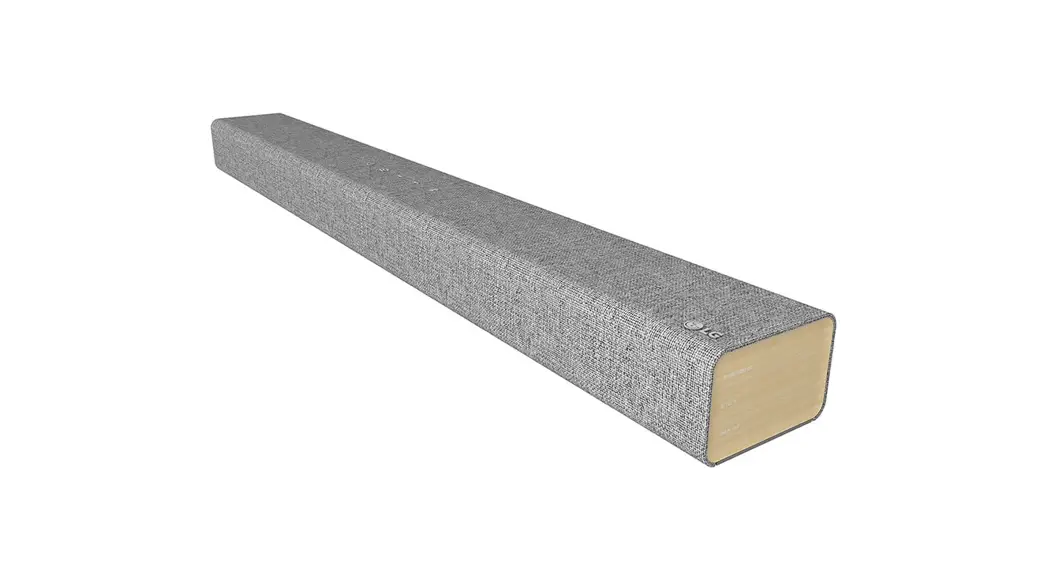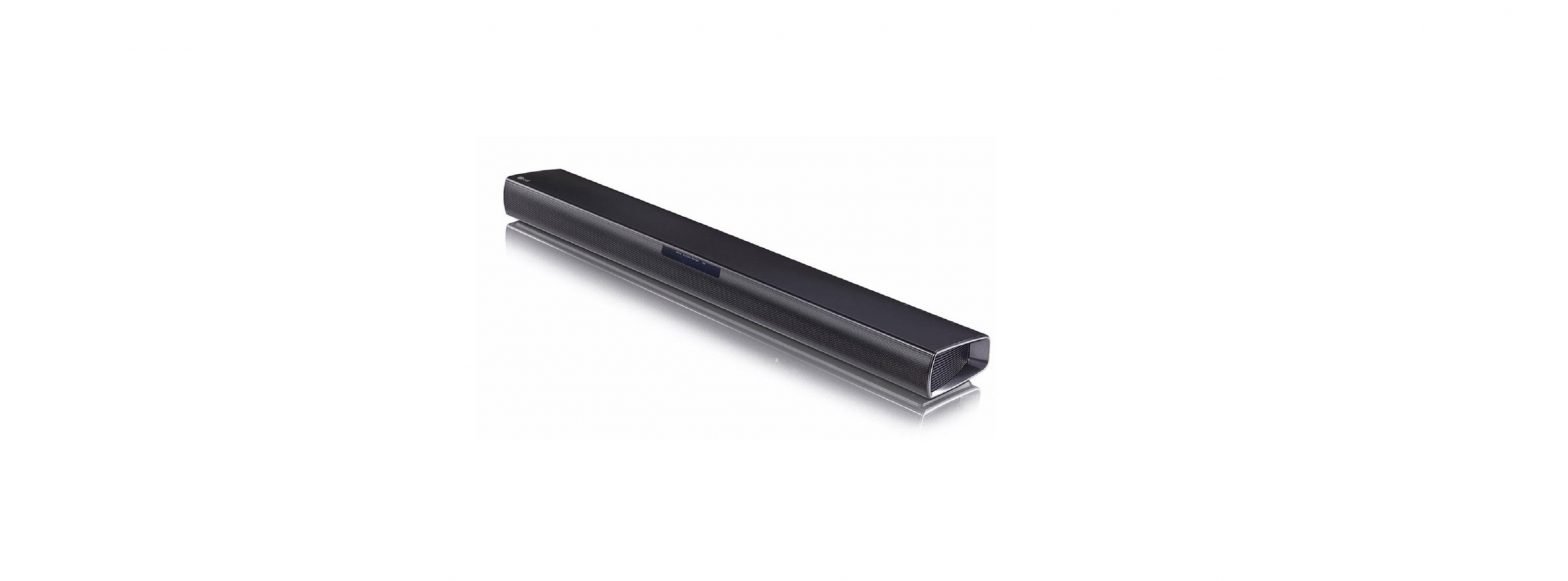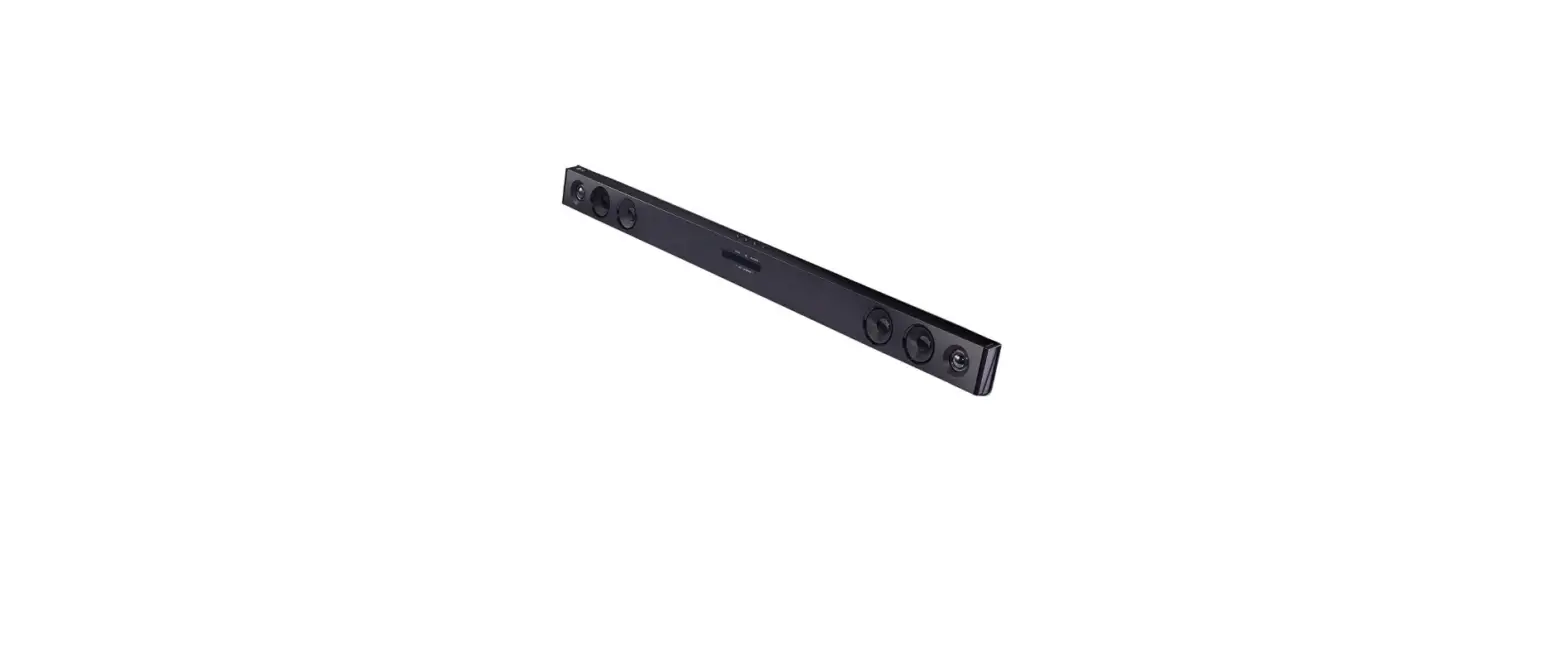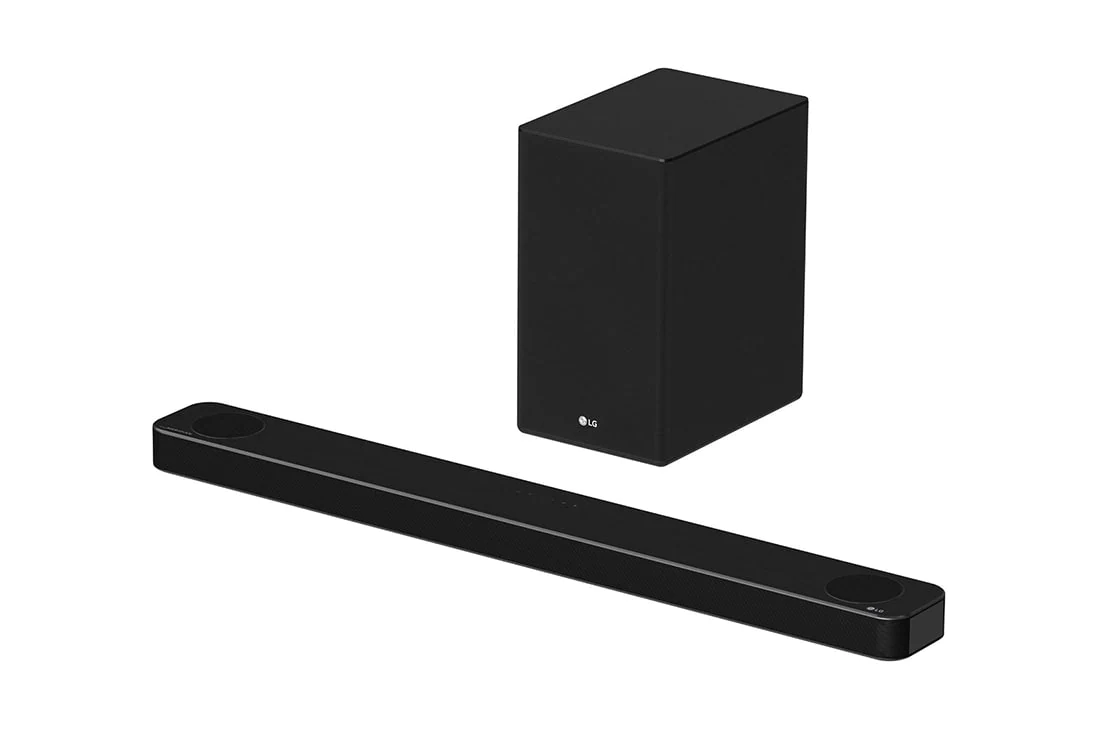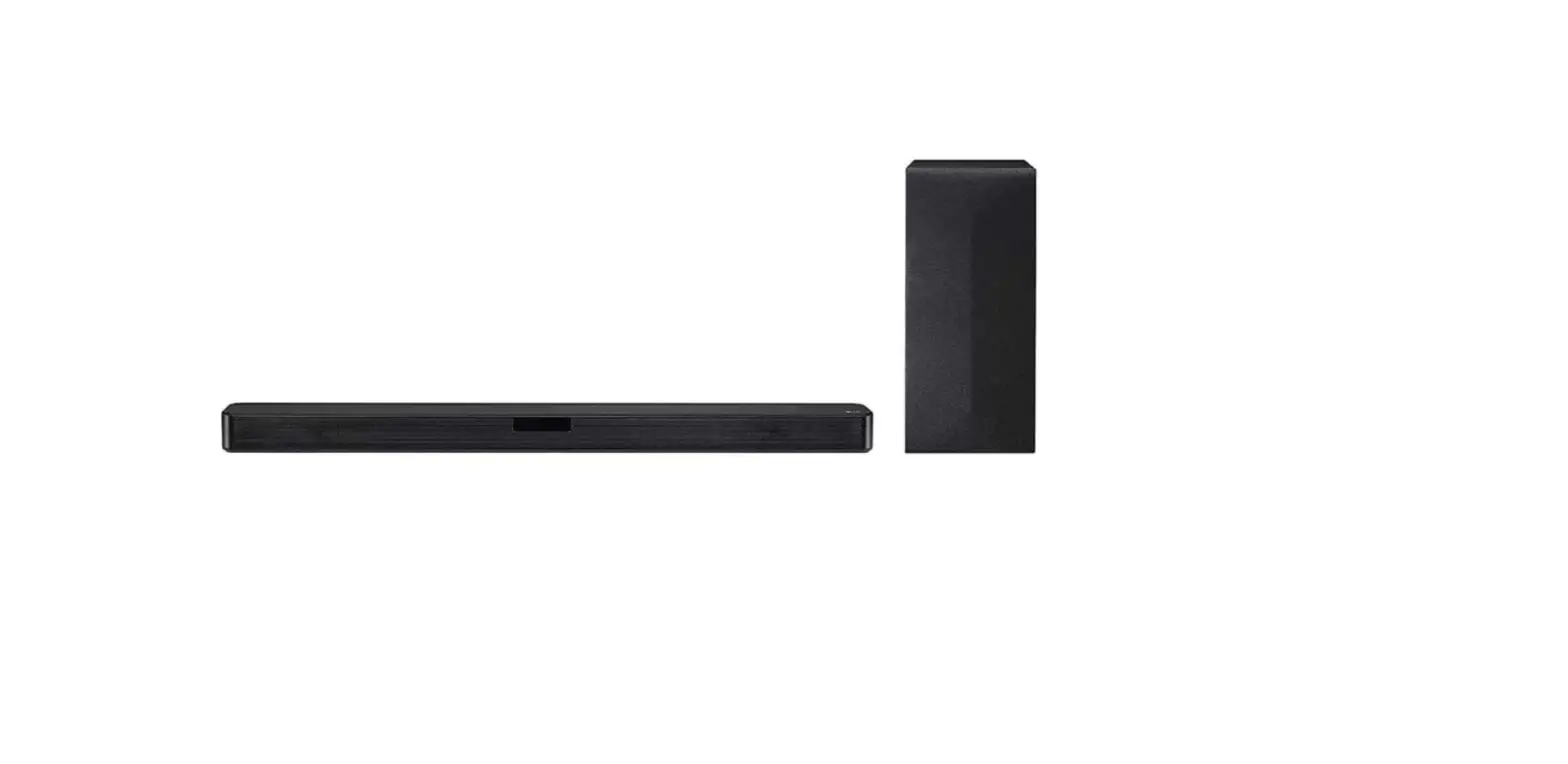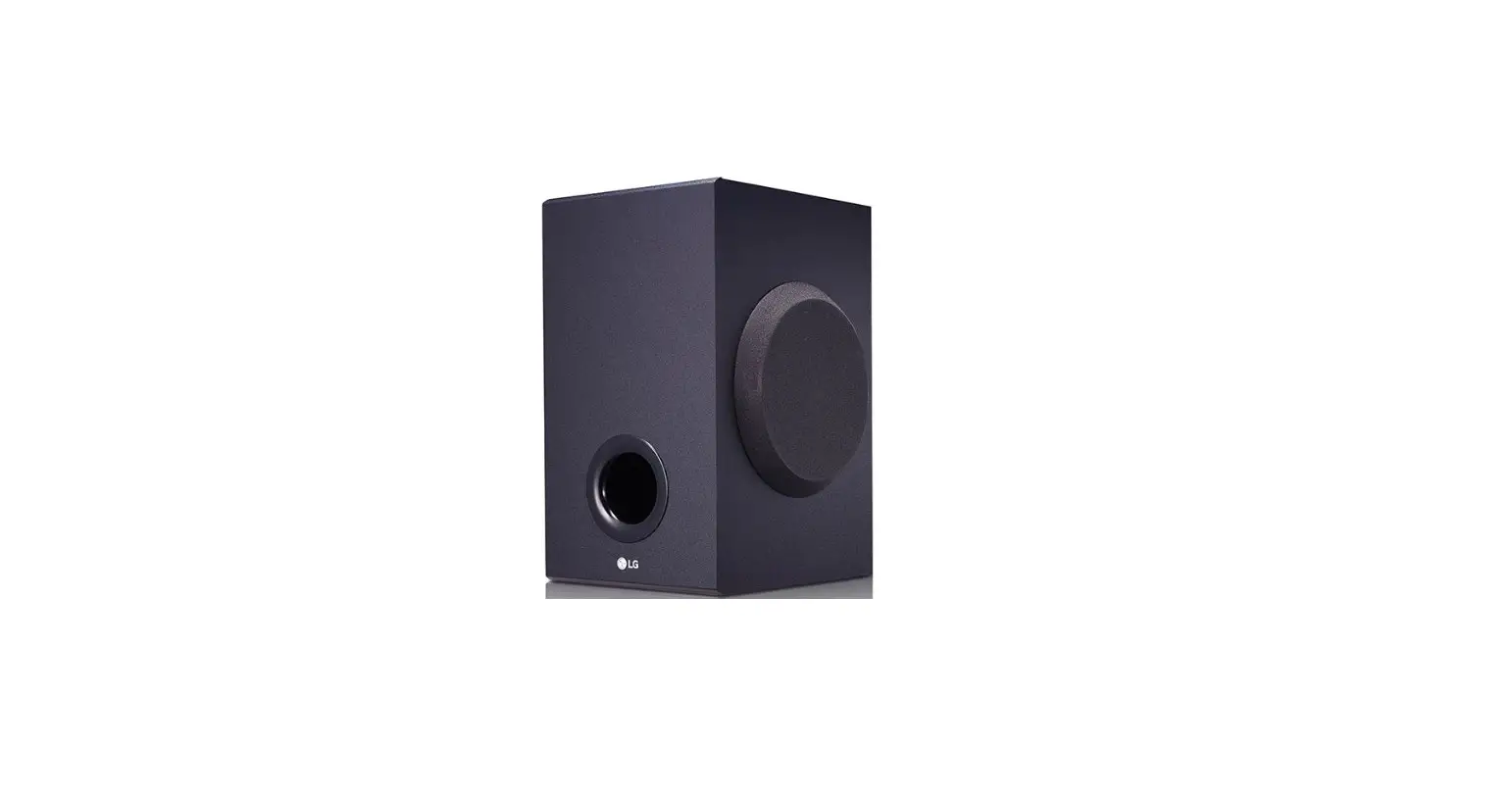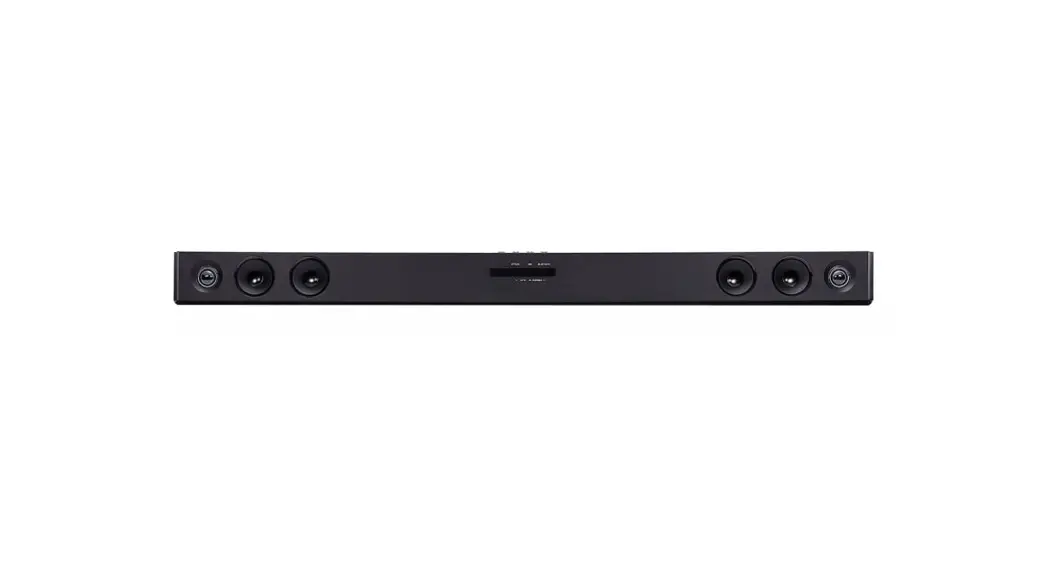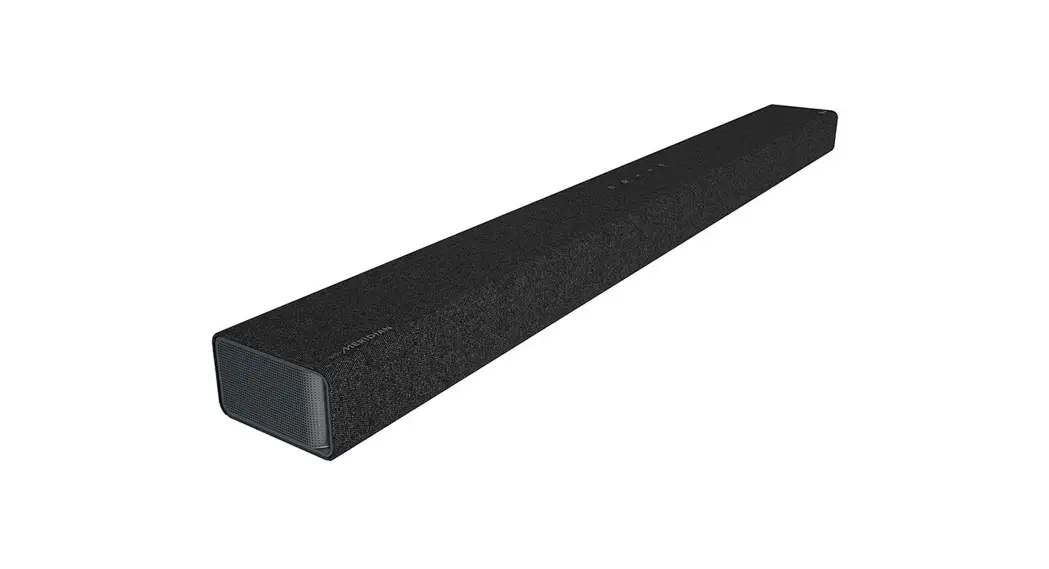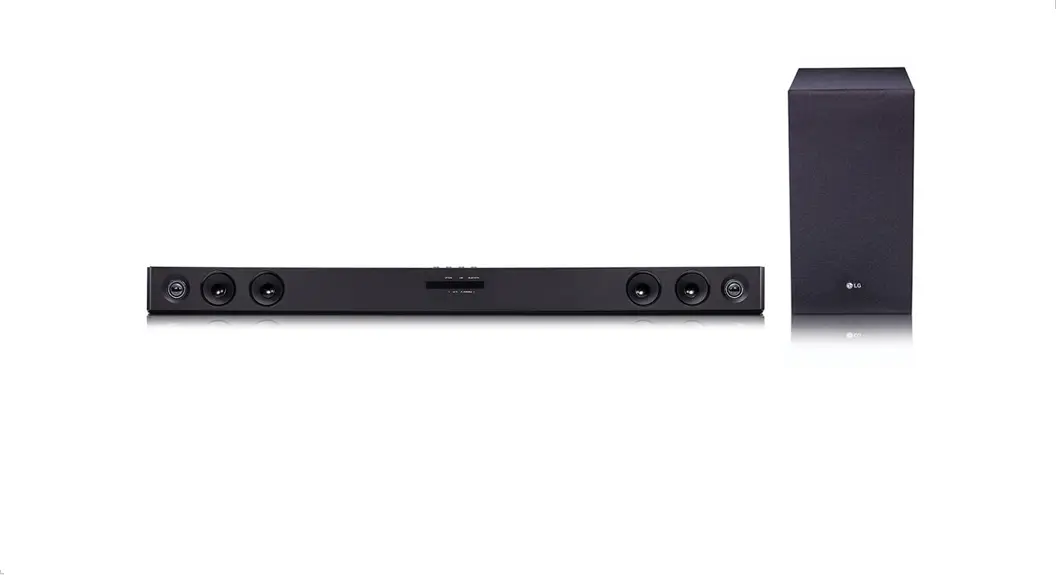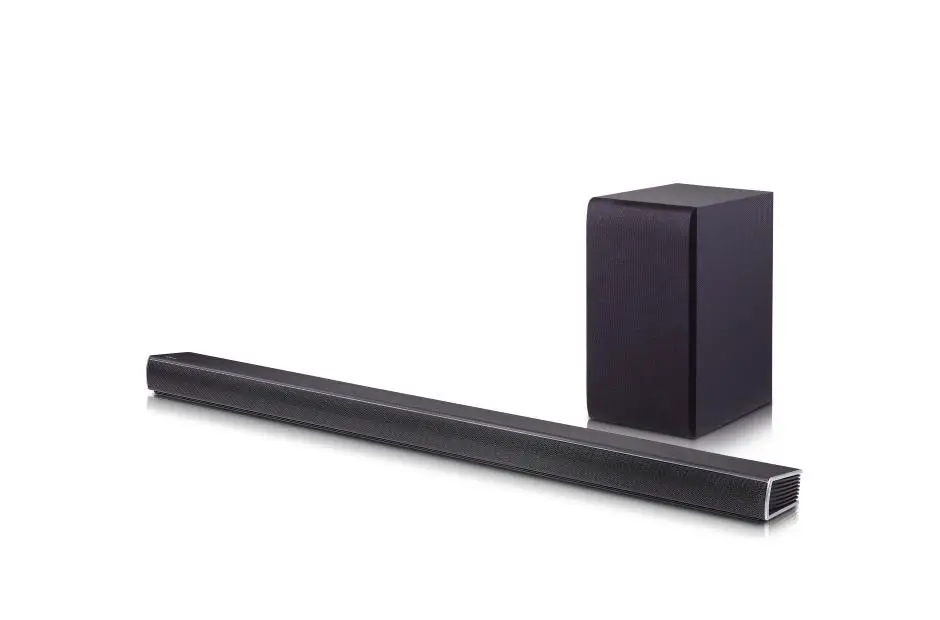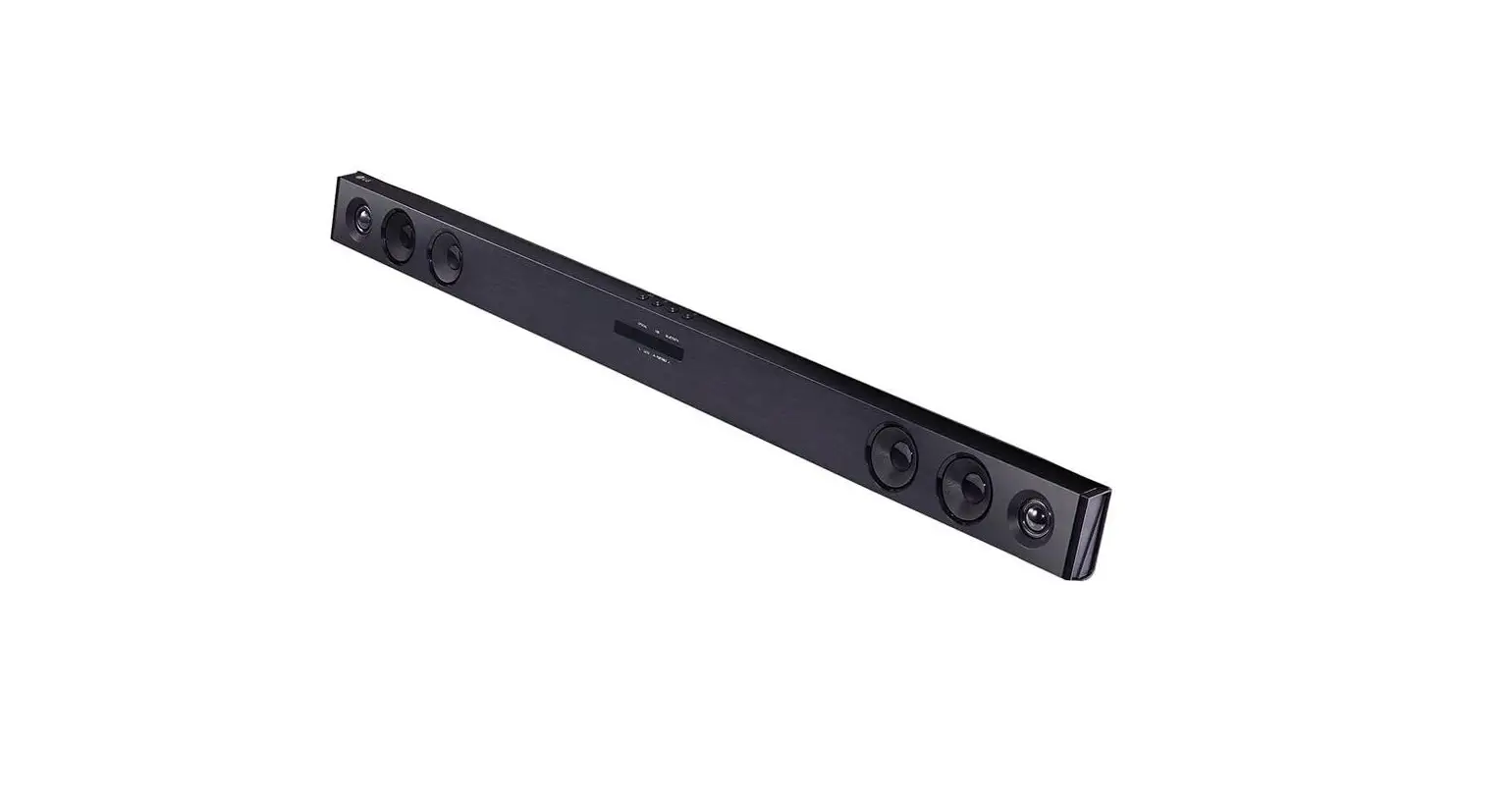

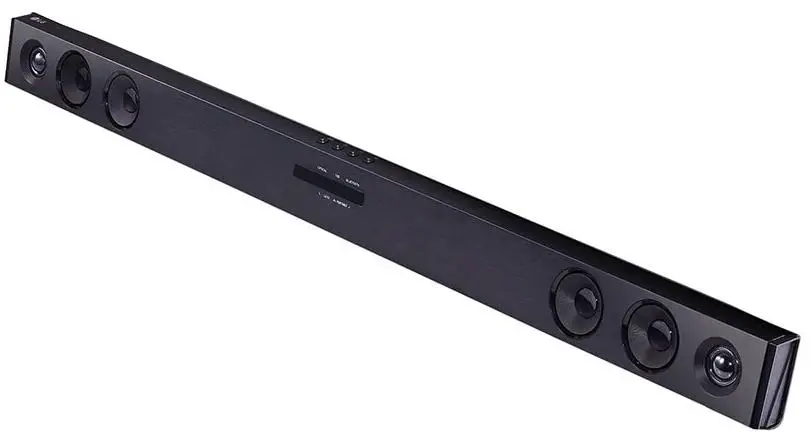
LG SK1D 2.0-Inch Sound Bar
Please read this manual carefully before operating your set and retain it for future reference.
To view the instructions of advanced features, visit http://www.lg.com and then download
Owner’s Manual. Some of the content in this manual may differ from your unit.
www.lg.com
Copyright © 2021 LG Electronics Inc. All Rights Reserved
PACKAGE

Front Panel
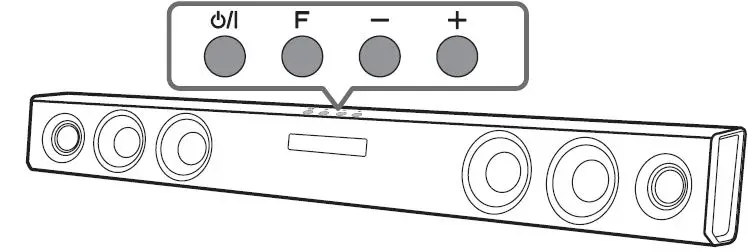
- Standby/ON
- Selects Function.
- Adjusts Volume.
Rear Panel
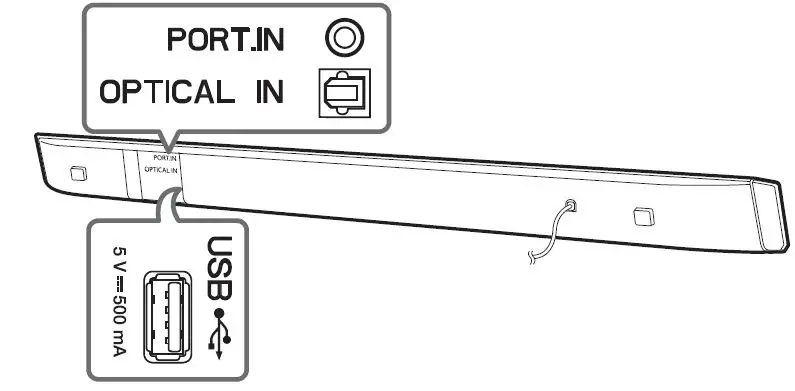
- PORT.IN Connect to a Portable device
- OPTICAL IN · · · · · · · · · · · Connect to an Optical device
- USB · Connect to a USB device
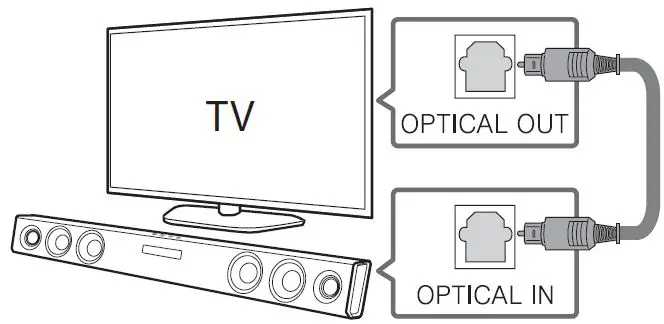
TV Connection
- Connect the soundbar to the TV using Optical cable.
- Set up [External Speaker (Optical)] on your TV setting menu.
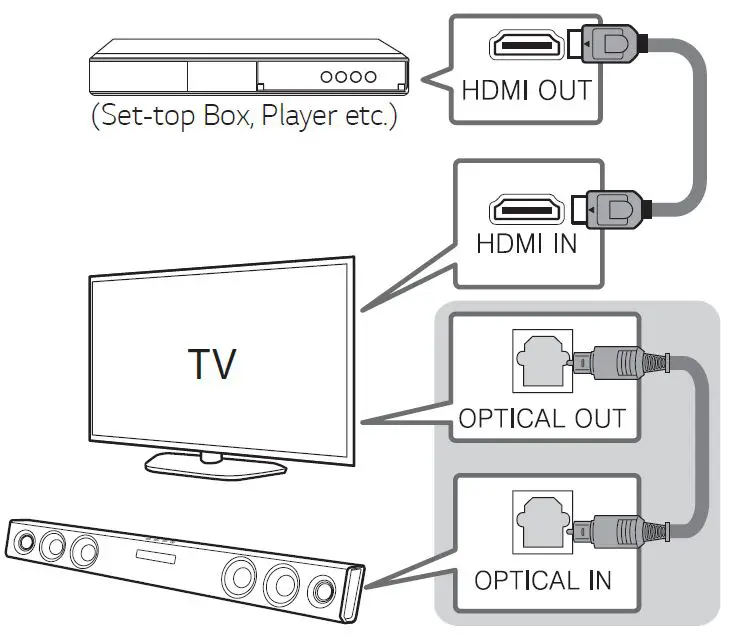
Additional Device Connection
- Connect to the external device as follows.

- Set the input source by pressing F on the remote control or unit repeatedly.
Remote control
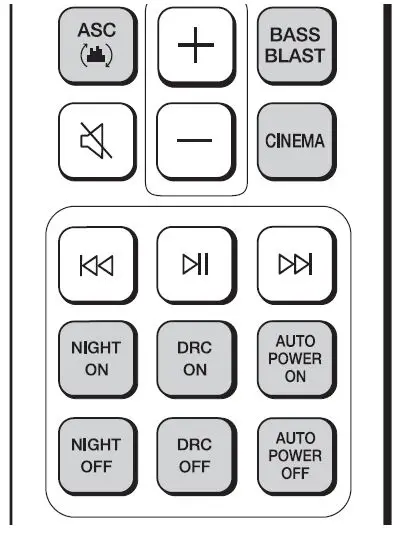
ASC/BASS BLAST/CINEMA: Selects the sound effect.
NIGHT ON/OFF: Turns down the volume at night.
DRC ON/OFF: Dynamic Range Control optimizes the volume level of compatible Dolby Digital content.
AUTO POWER ON/OFF: Automatically turns on by an input source.
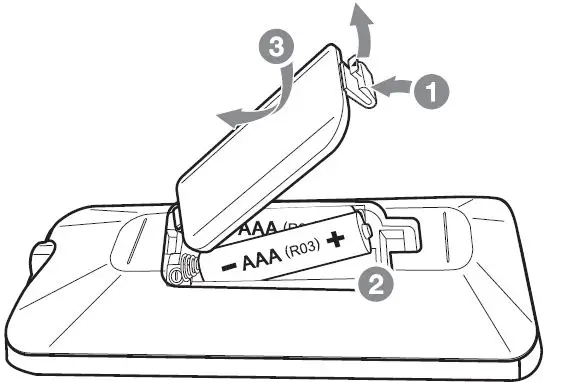
Replacement of battery
Additional Information
Specification
| Power requirements | Refer to the main label. |
| Power consumption | Refer to the main label. |
| Dimensions (W x H x D) | Approx. 950 mm x 71 mm x 47 mm |
| Bus Power Supply (USB) | 5 V 0 500 mA |
| Amplifier (Total RMS Output power) | 100 W RMS |
Design and specifications are subject to change without notice.
 port.in - This website is for sale! - Port Resources and Information.
 LG Electronics & Home Appliances | Shop Now | LG USA