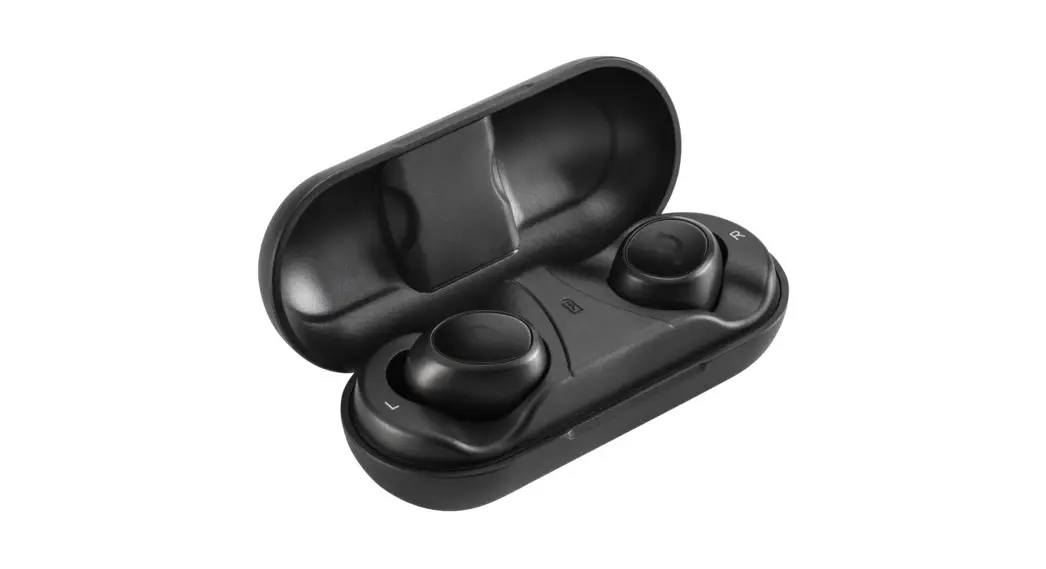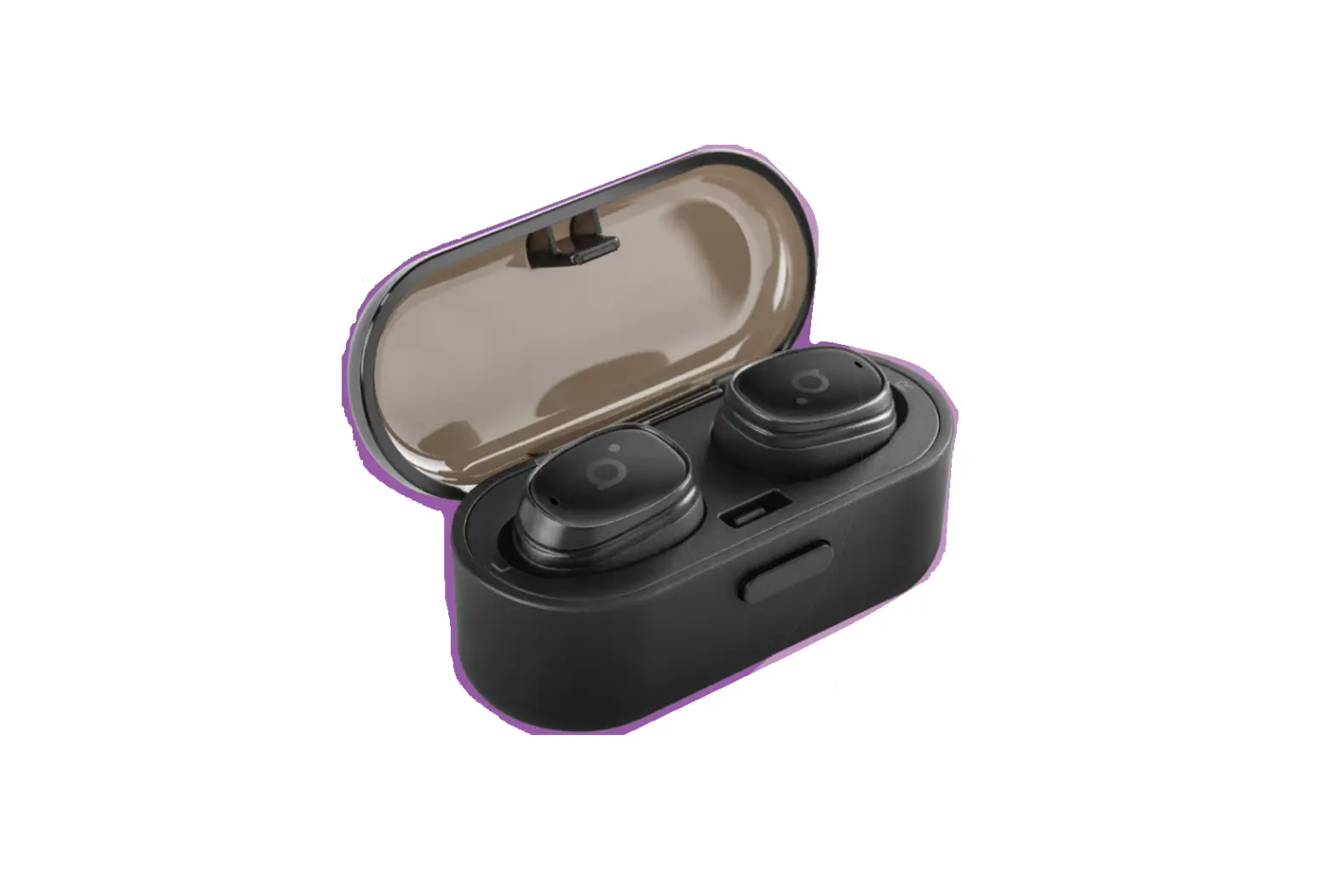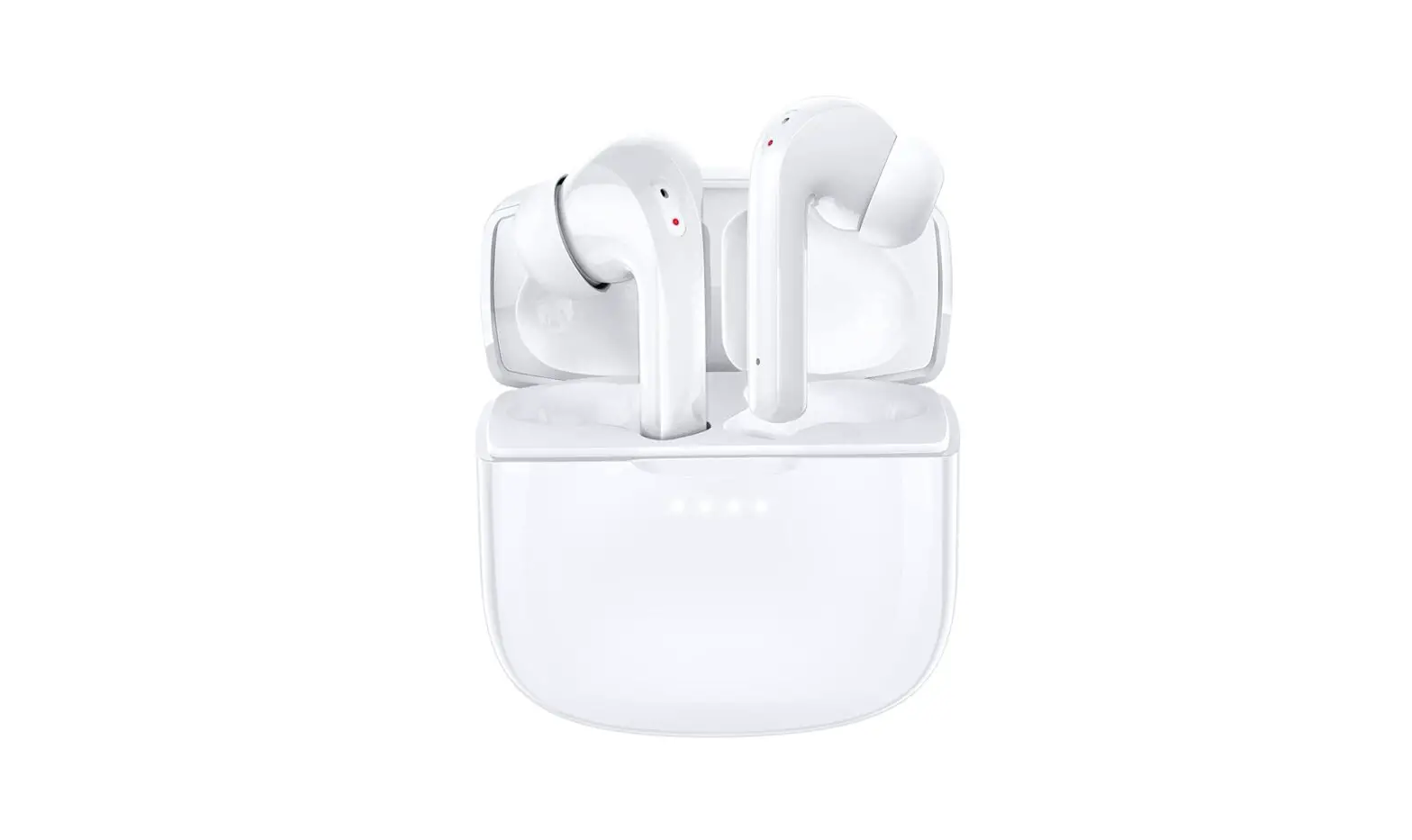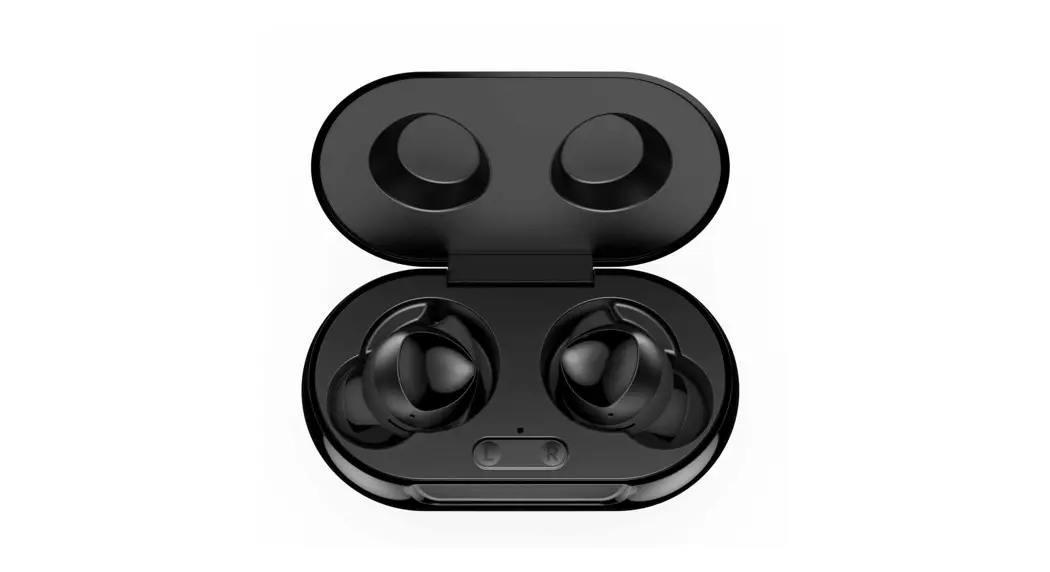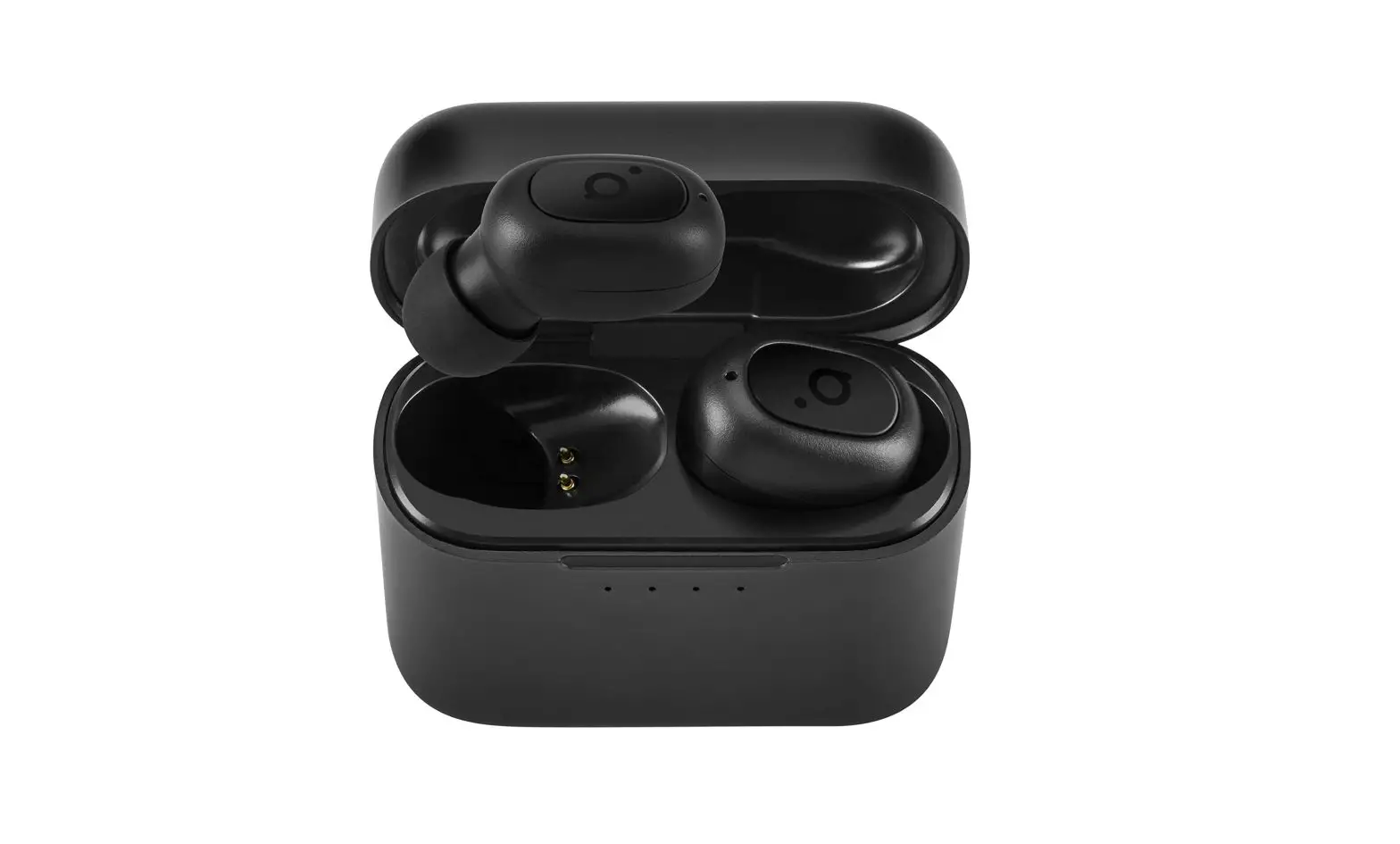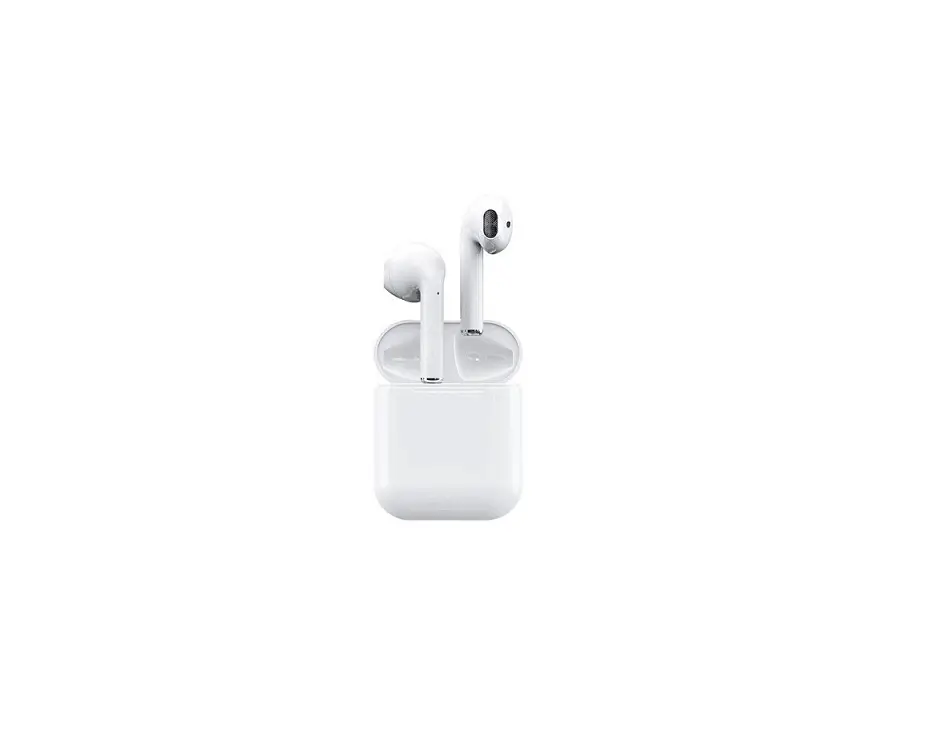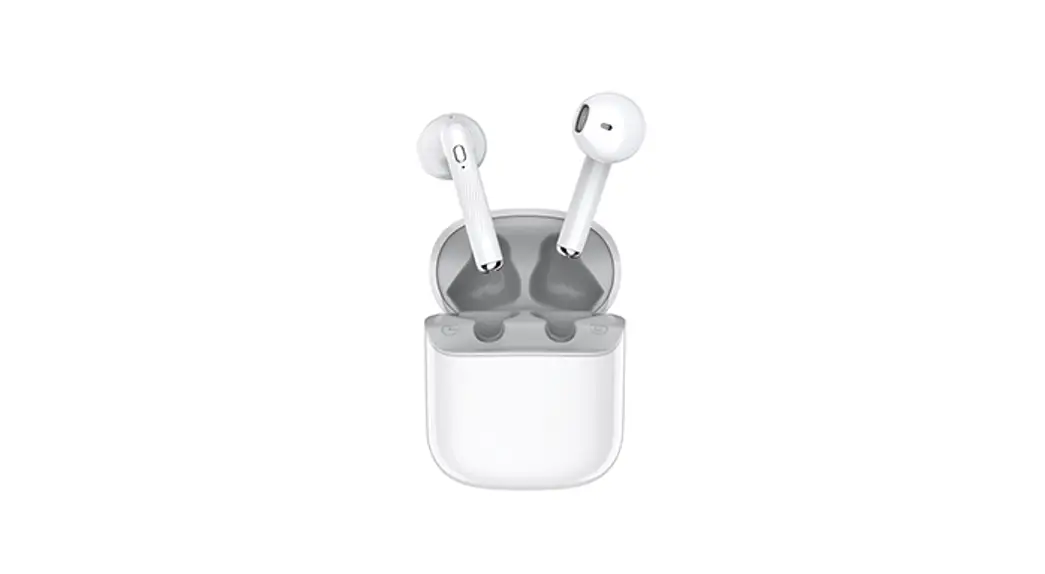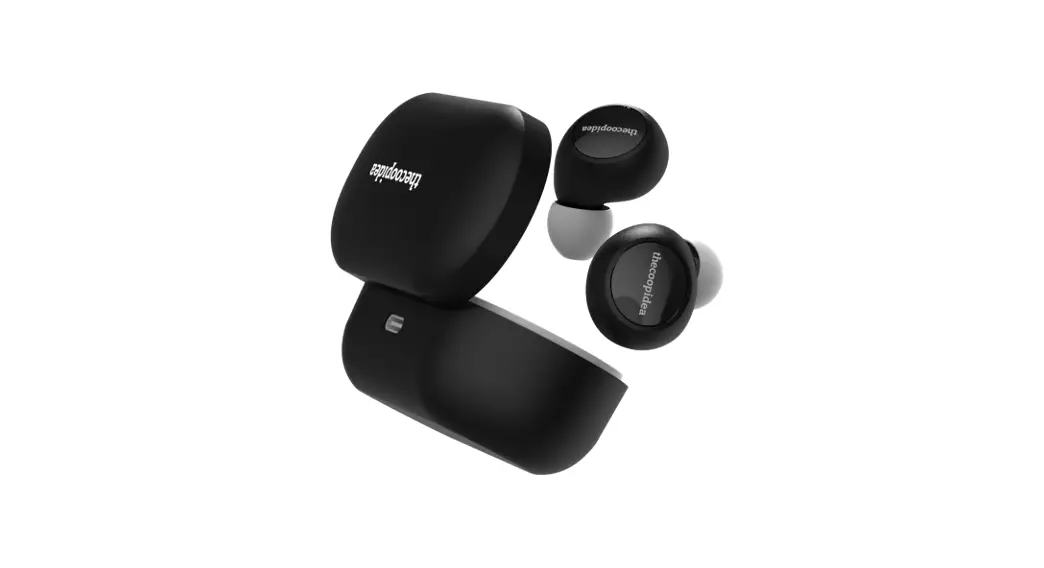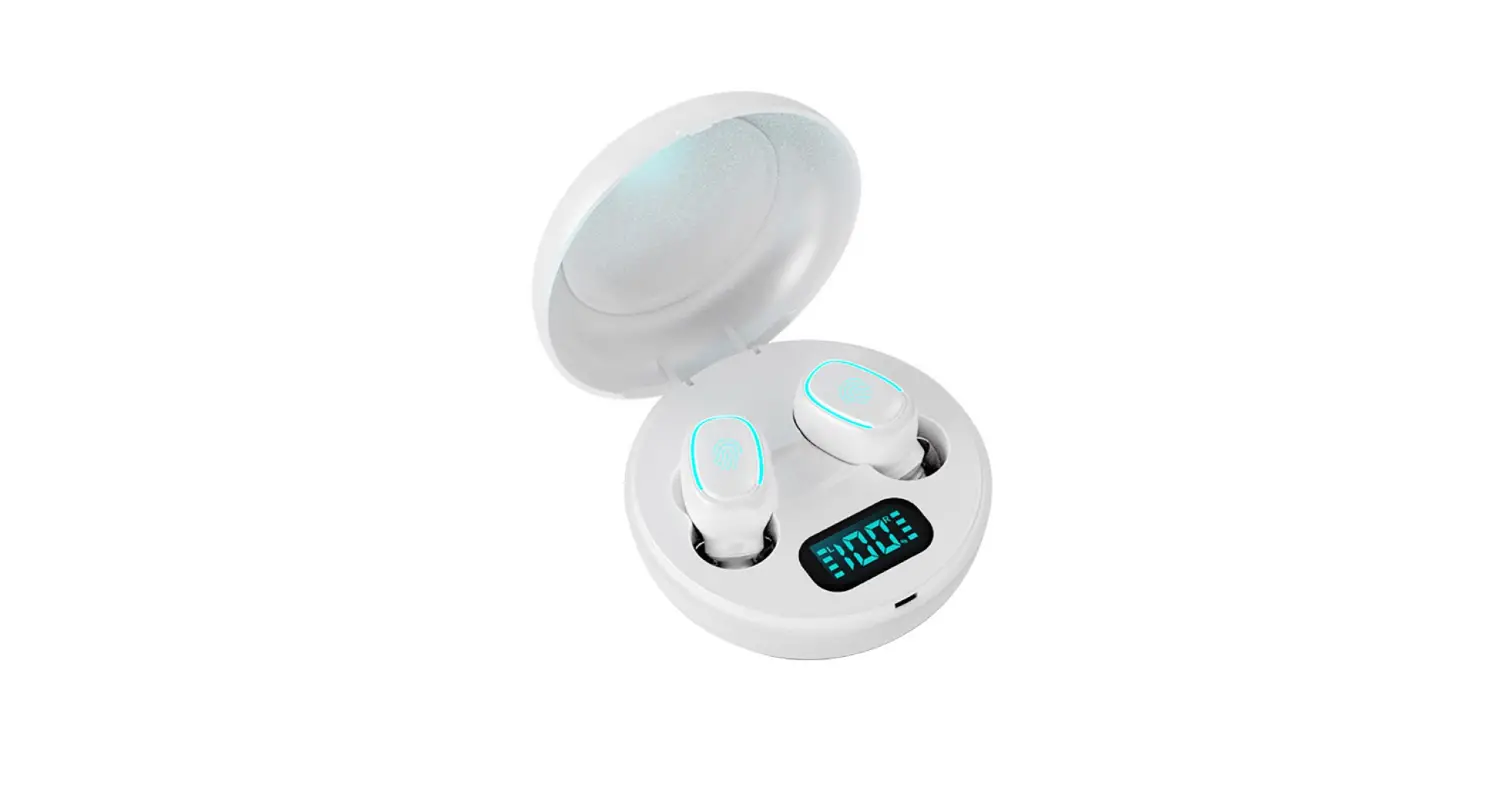
ACHOICE P1 True Wireless Earbuds
User Manual
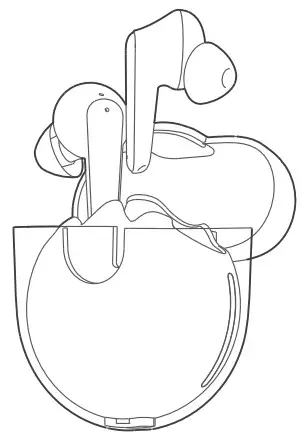
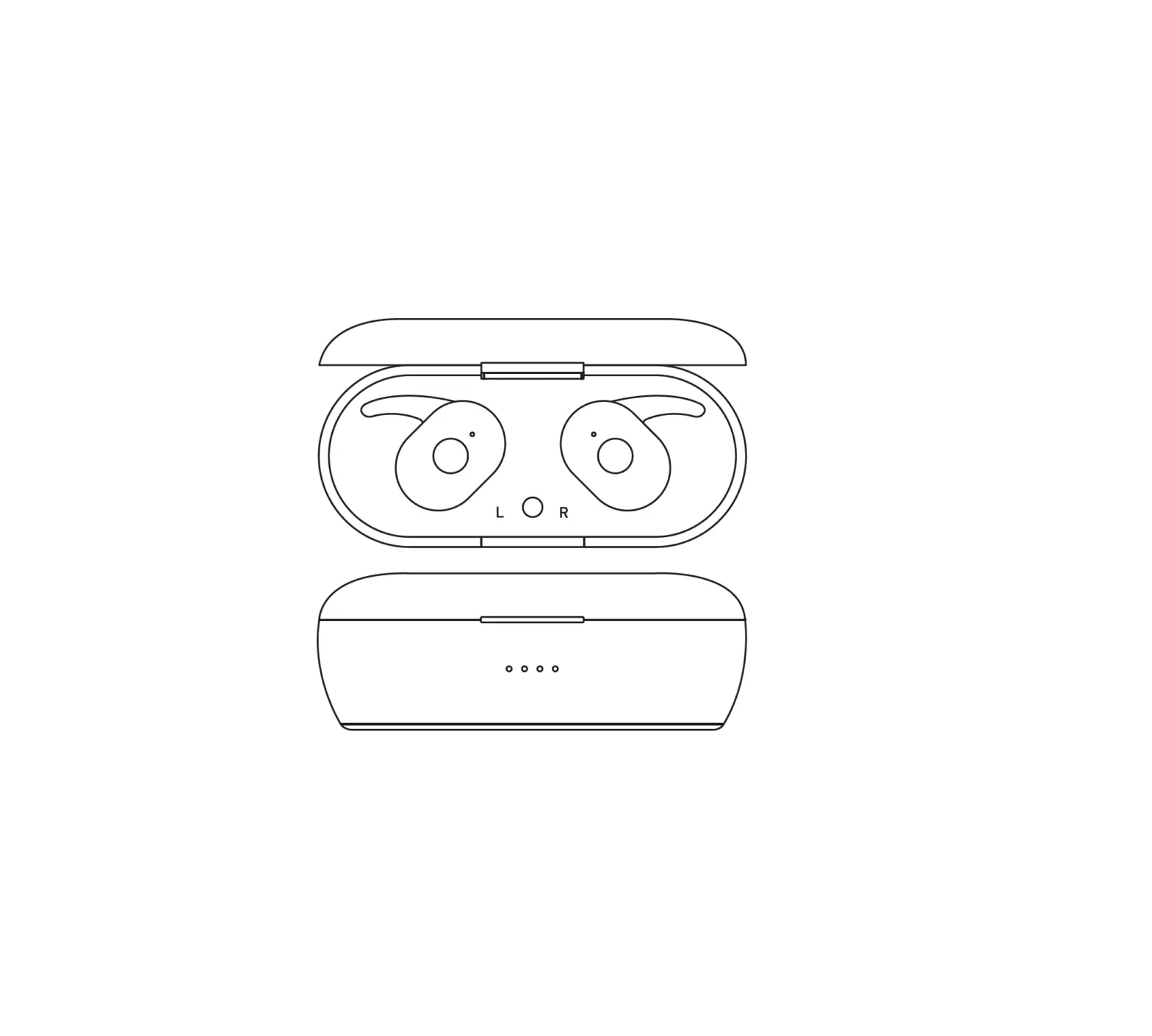
Appearance
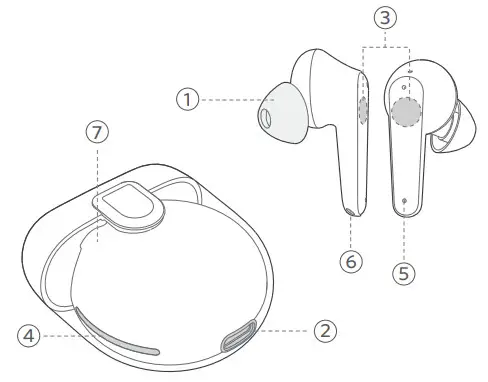
| 1. Earbuds cap | 5. Microphone |
| 2. Charging port | 6. Charging contactor |
| 3. Touch control | 7. Charging case |
| 4. Indicator |
Charging
Charging the Earbuds
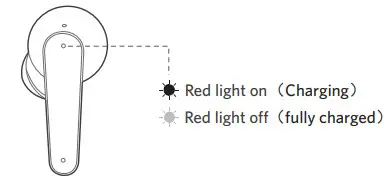
Place earbuds into the charging case to charge. The red light means they’re being charged from the charging case. It will be turned off when fully charged.
Charging the Case
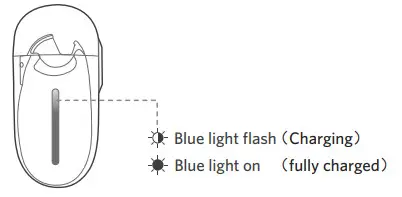
Charge the case with a USB-C cable to a 5V/1A adaptor, the blue indicator keeps flashing when charging. It will stop flashing when fully charged.
Note: Min 10 minutes the 1st time Check the earbuds’ power in the phone status bar after connecting to the device.
Specifications
| Bluetooth Profile | V5.0 |
| Bluetooth Codec | HFP HSP A2DP AVRVP |
| Bluetooth version | AAC SBC |
| Waterproof | IPX5 |
| Transmission distance | >10m |
| Horn | Φ13.0 * H2.8mm * 2 |
| Standby time | 60 hours |
| Music playback time | 4 hours (45% volume) |
| Earbuds battery | 35mAh |
| Charging case battery | 500mAh |
| Charging time | 2h ± 0.1h |
| Charging input | Type-C 5V / 800mA (Max 1A) |
| Product Weight | Charging case 40.3g, Earbuds 3.5g*2 |
| Product Size | 53.27*29.12*59.16mm |
Power ON/OFF
Power On
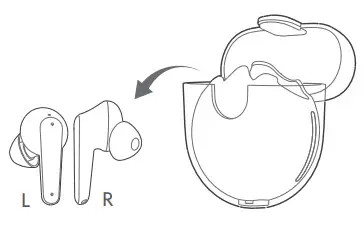
Take out earbuds from the case, it will power on automatically.
Power Off
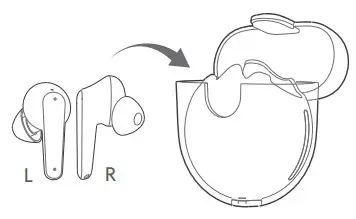
Put earbuds back into the case, it will shut down automatically.
Notes:
When you want to turn off one of the individual earbuds during use, touch the left/right earbud for 7 seconds and the voice prompts “power off”. When you want to turn on one of the individual earbuds during use, touch the left/right earbud for 4 seconds and the voice prompts “power on”.
Earbuds Led Indicator
| Power on | The blue light on for 1 second |
| Power off | The main earbud flashes red and blue alternately |
| Pairing state | The light off |
| Pair succeed | Red light on |
| Charging process | Red light of |
| Fully charged | purple light on |
| DUT mode | The red light on for 1 second |
Wear Tips
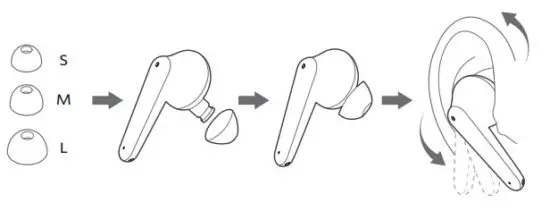
The size of caps would affect the comfort of use, please select the proper earbud cap according to the ear canal to place when wearing earphones.
Way to Pair
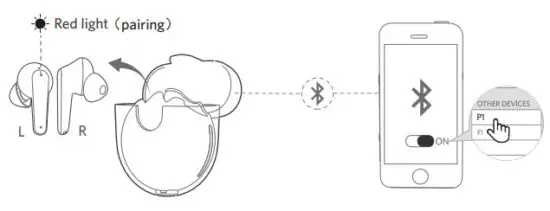
- Take out earphones from the case, it will automatically power on and pair them with each other(L&R), with red light.
- Once paired successfully, the red light will become red & blue alternately.
- Open the Bluetooth of your device, and choose P1 to pair. The light will turn off when finished to pair with your device (10-15m without obstacle).
Disconnection
When the device turns off Bluetooth, or it’s over the range to connect, the earbuds will be waiting to connect. If there is no connection with 5 minutes, the earbuds will power off.
Notes:
- The earbuds will automatically connect with the device they were last paired with when the case is opened.
- Each earbud could be used independently.
Operation & Response
| Answer calling |  | Tap L/R when incoming calls |
| Cut calling |  | Touch L/R for 2 seconds |
| Voice assistant |  | Triple tap L/R to wake up Sir/Google voice assistant |
| Pause/Play |  | Tap L/R when listening to music |
| Previous |  | Double-tap L |
| Next |  | Double-tap R |
| Game mode |  | Touch and hold L/R for 2 seconds to turn on/off game mode Sound alert one beep game mode off, two beeps game mode disconnect |
| Factory reset |  | Under the shut-down and disconnection, touch L/R for 6 seconds, remove the historical record of connection |
Warning
- Keep away from extreme ambient temperatures below -20 degrees or above 50 degrees.
- Keep away from children and pets.
- Keep away from corrosive liquids to avoid damage to the product.
- Don’t use the product in thunderstorm weather to avoid malfunction or electric shock.
- If it has not been used for more than a month, please charge and maintain it in time to ensure that it is safe.
 This product has a built-in lithium battery. Do not expose the product to strong sunlight, or fire, or throw it into the fire to avoid explosion.
 To prevent possible hearing damage, do not listen to high volume levels for long periods.
After Service
We provide a 1-year warranty service. If you have other issues during your use, feel free to contact us via [email protected].
Model: P1 Made in China
FCC ID: WC2-00T82