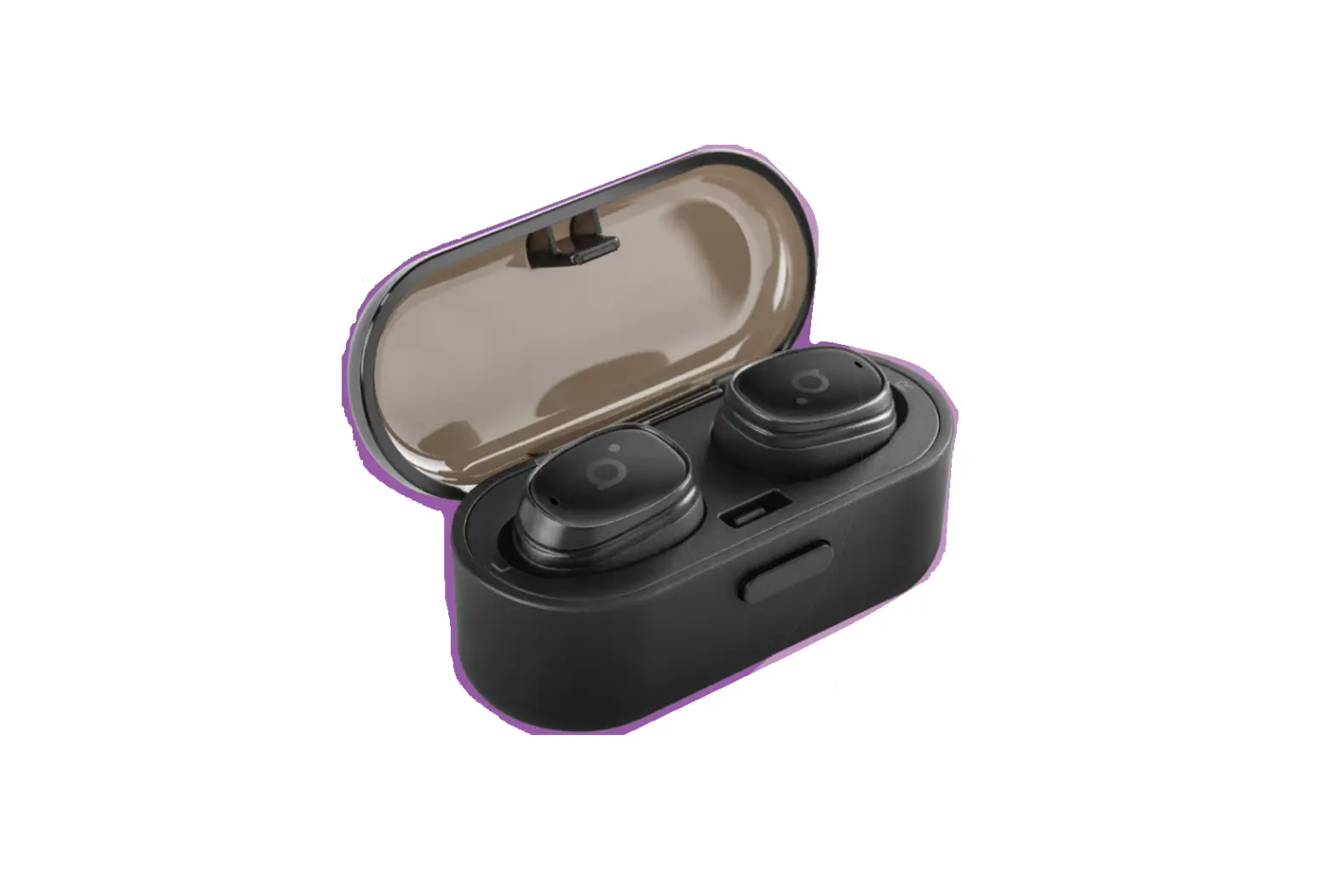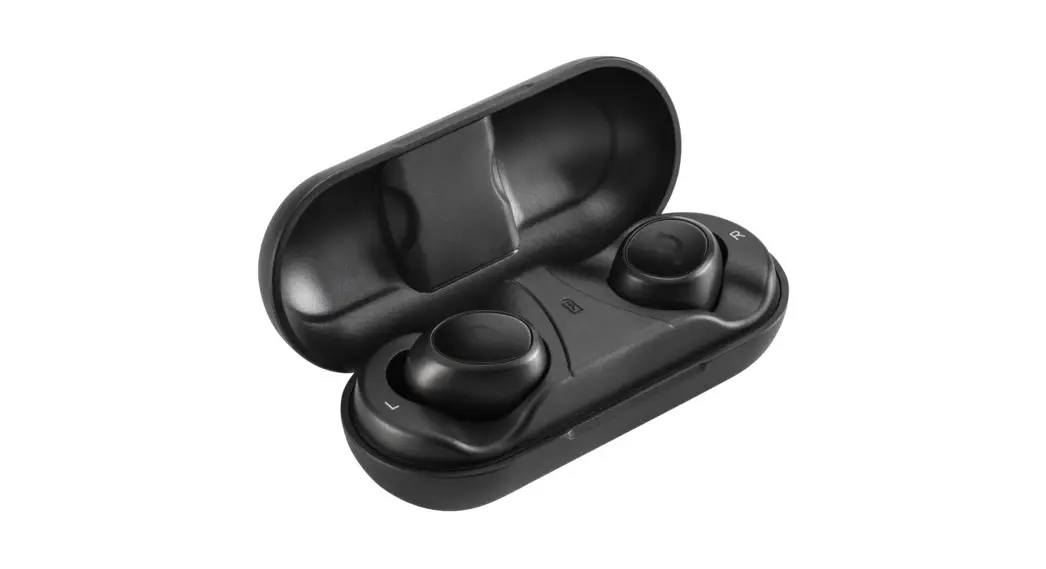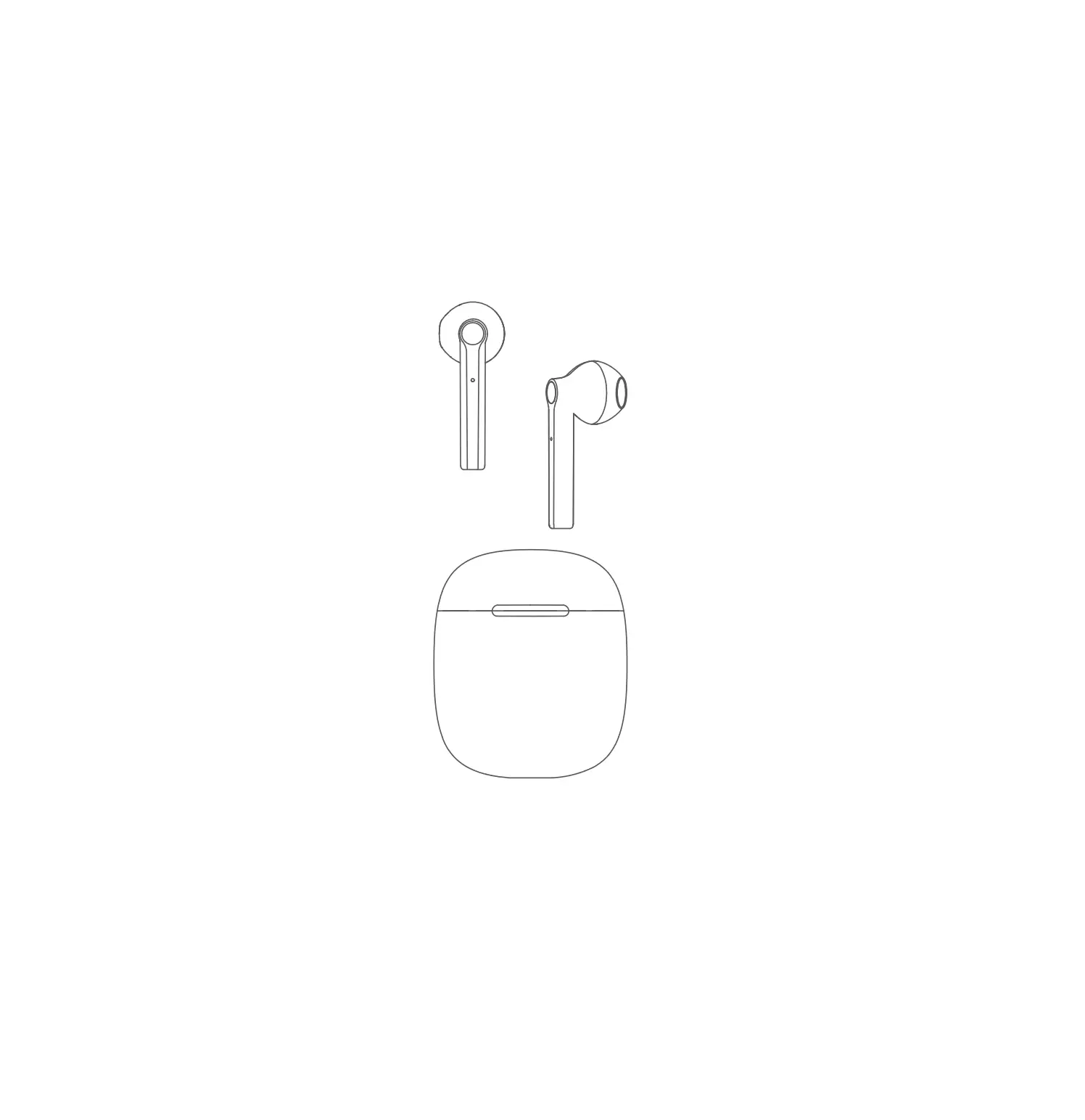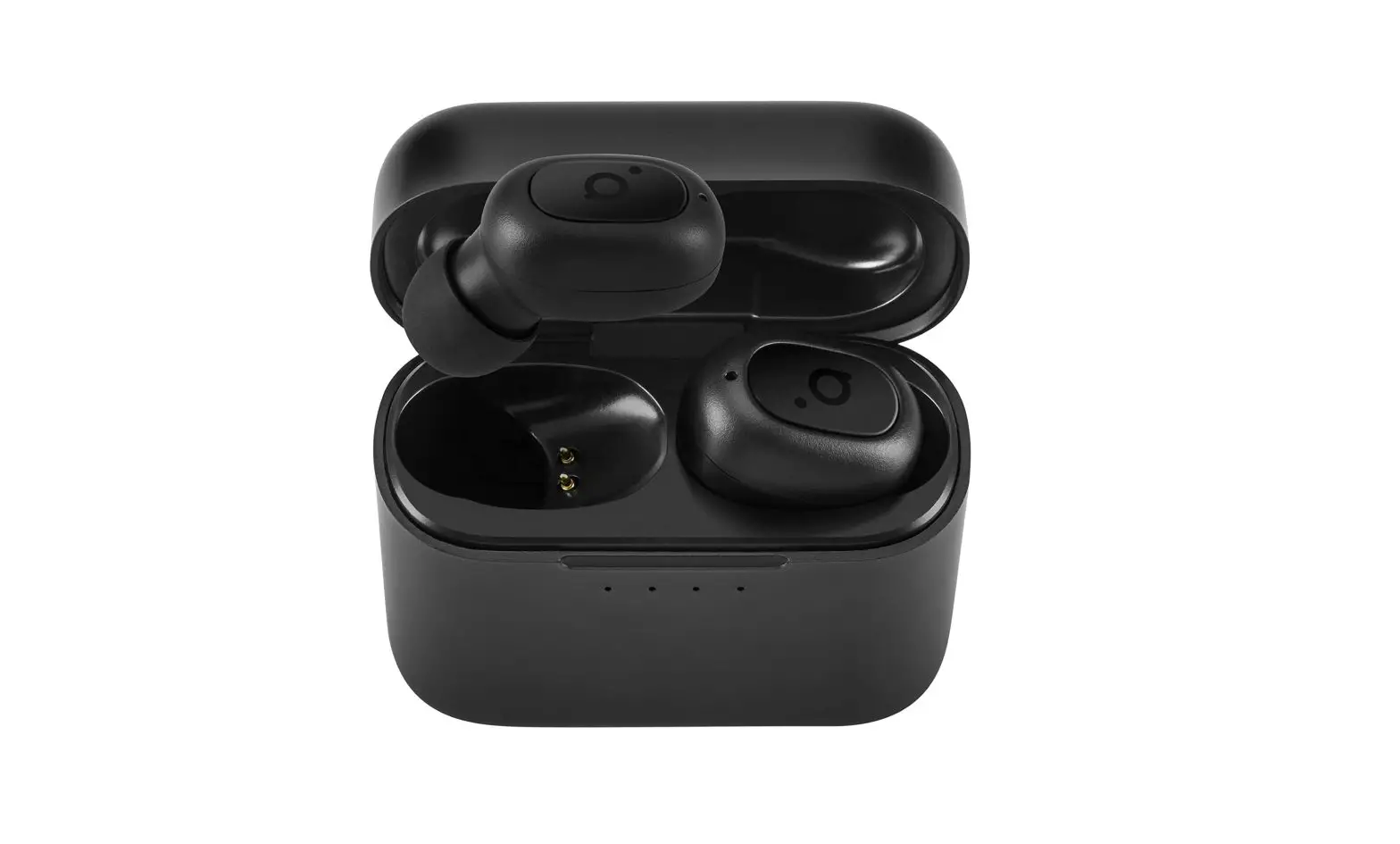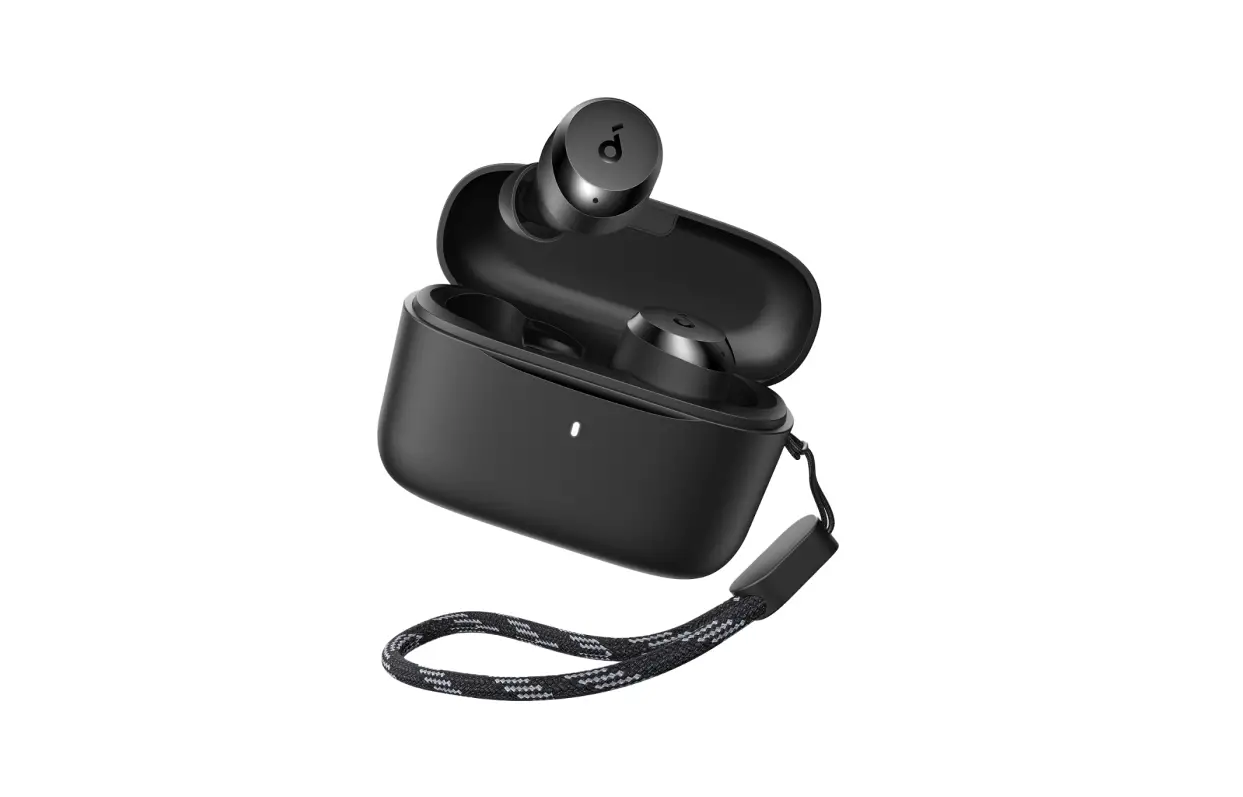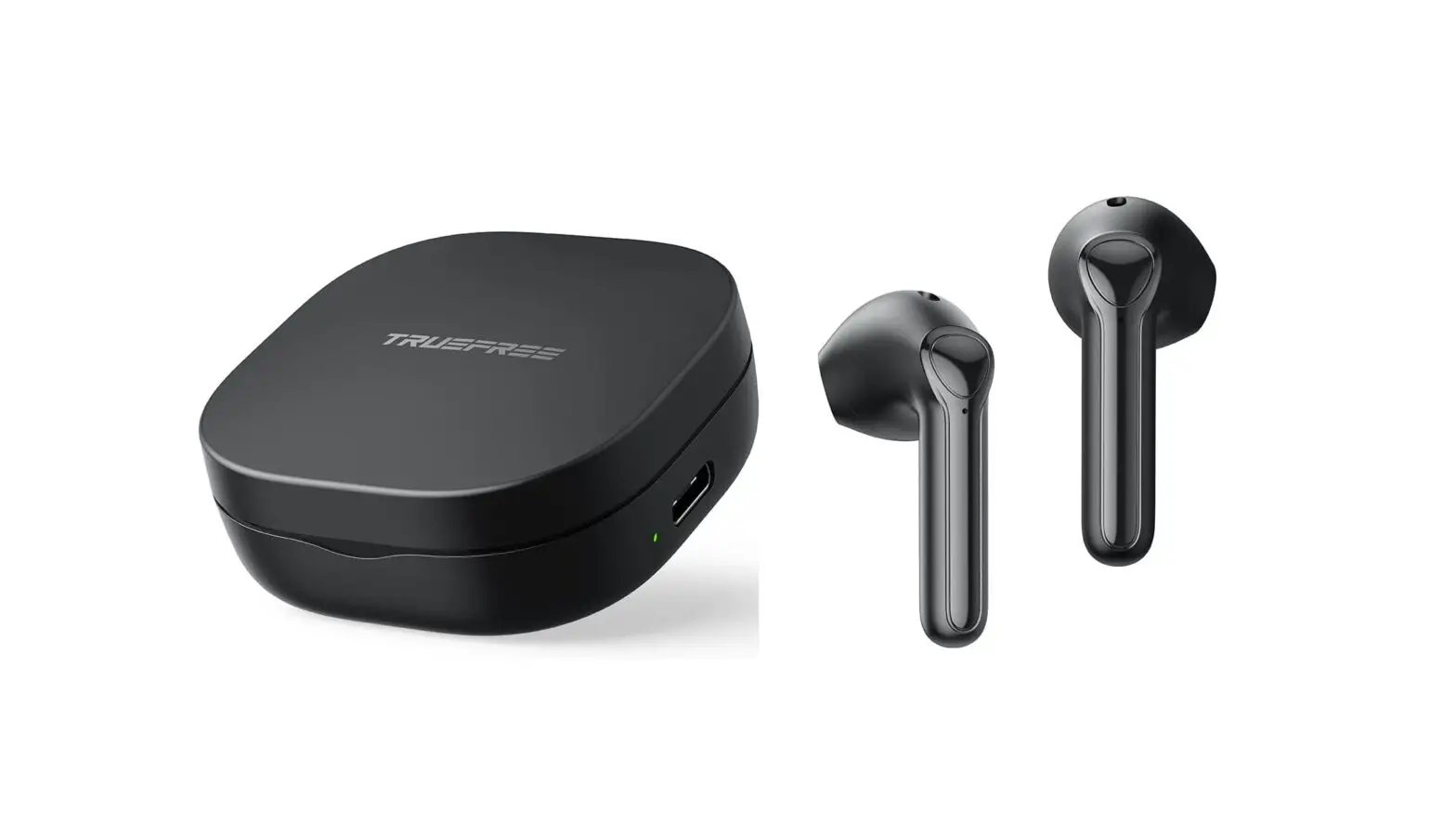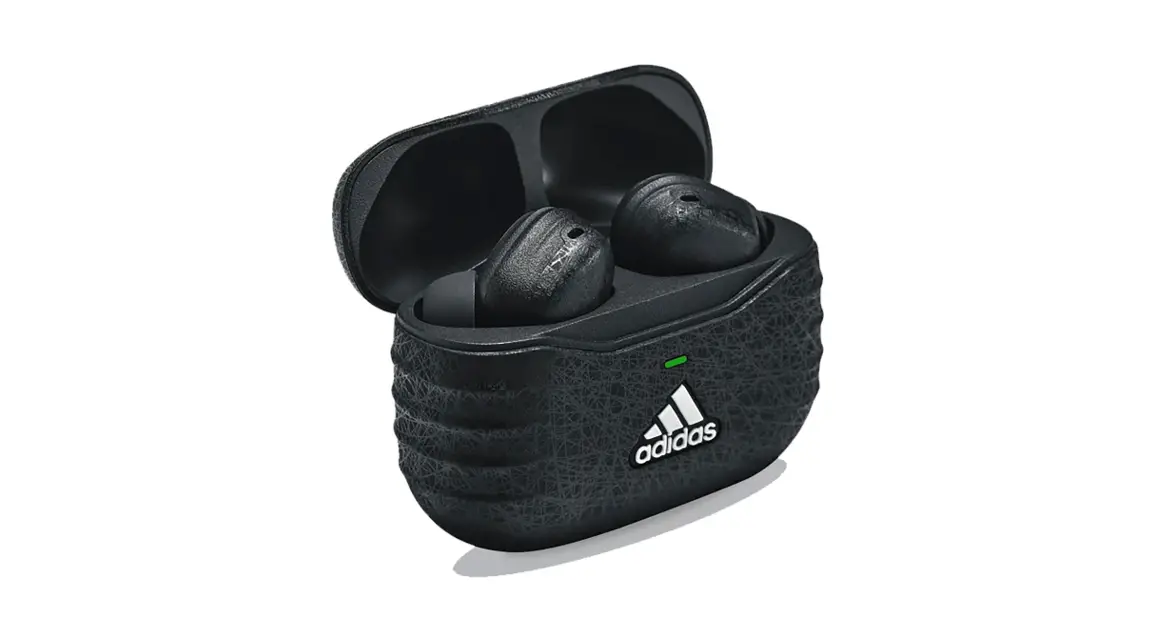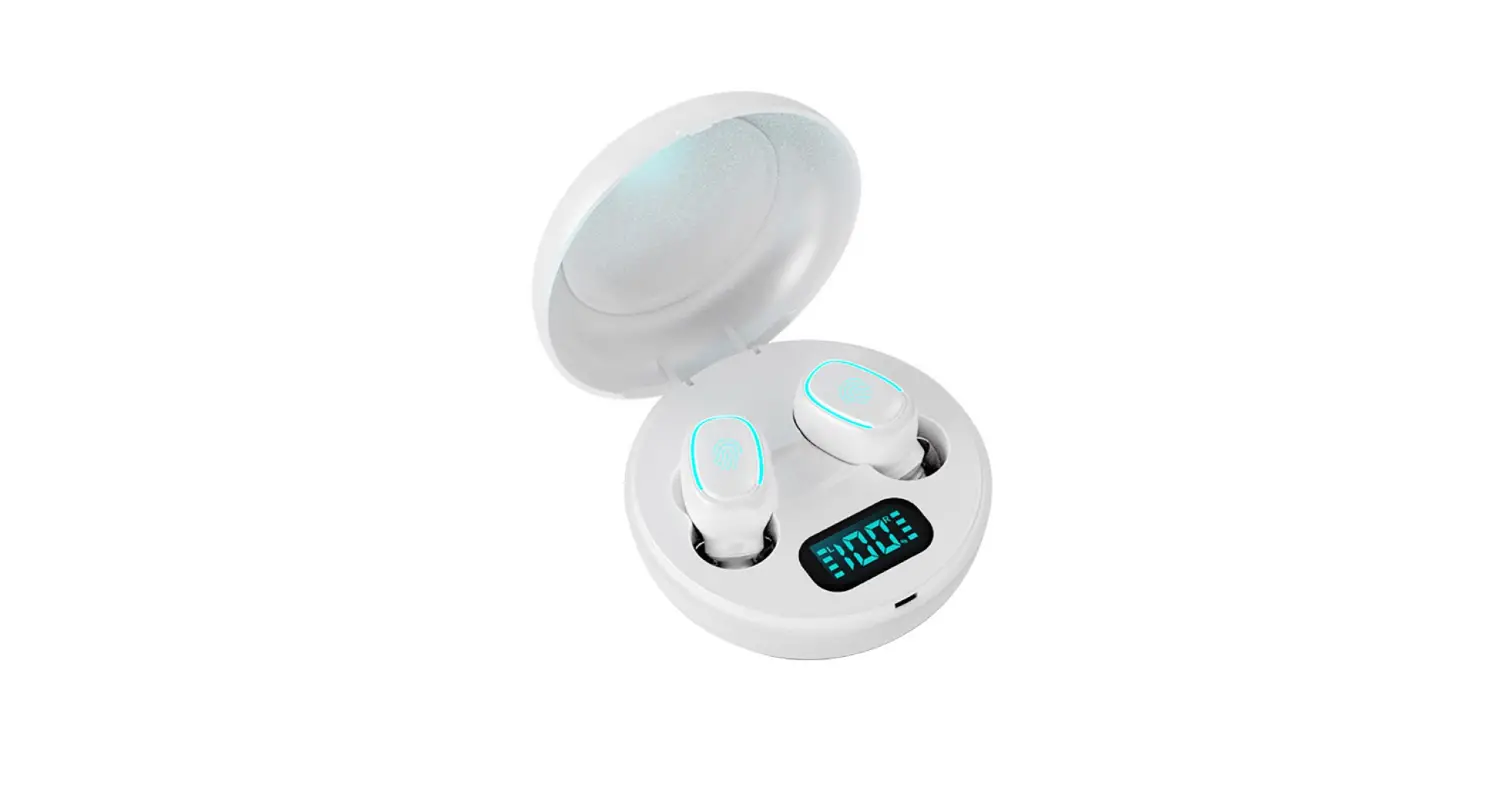

A10 True Wireless Earbuds
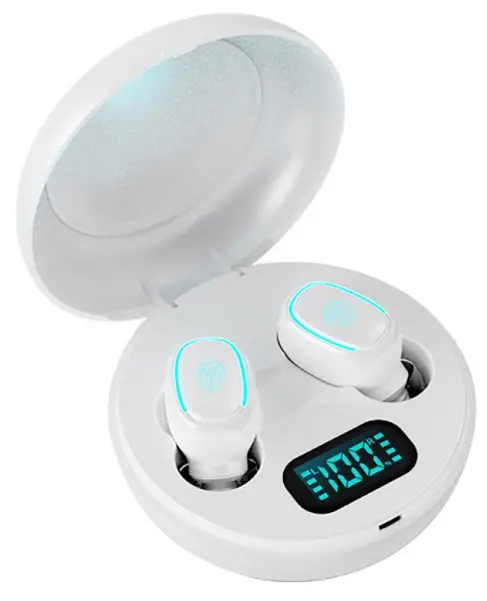
COMPONENT LIST
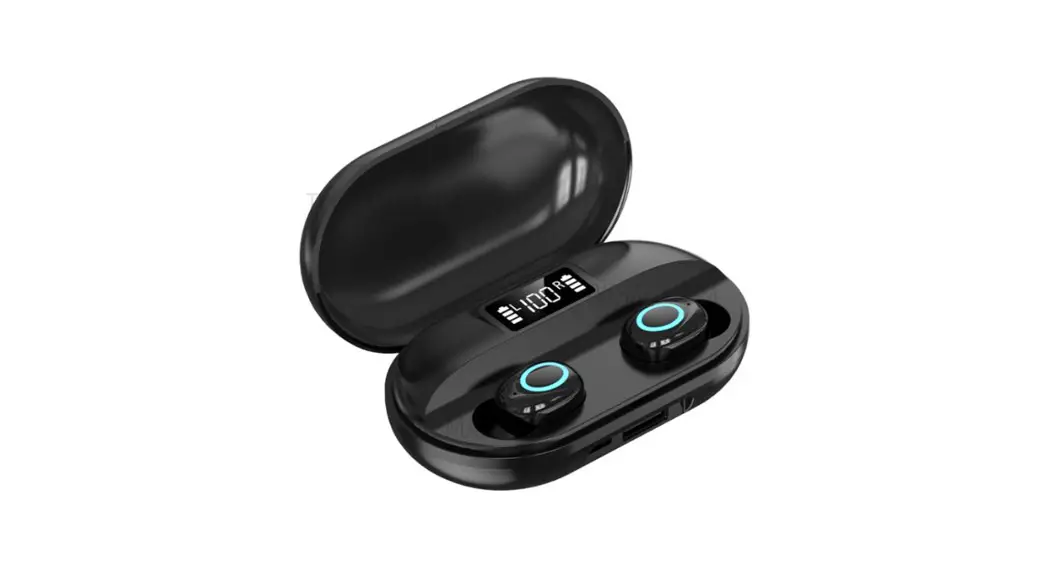
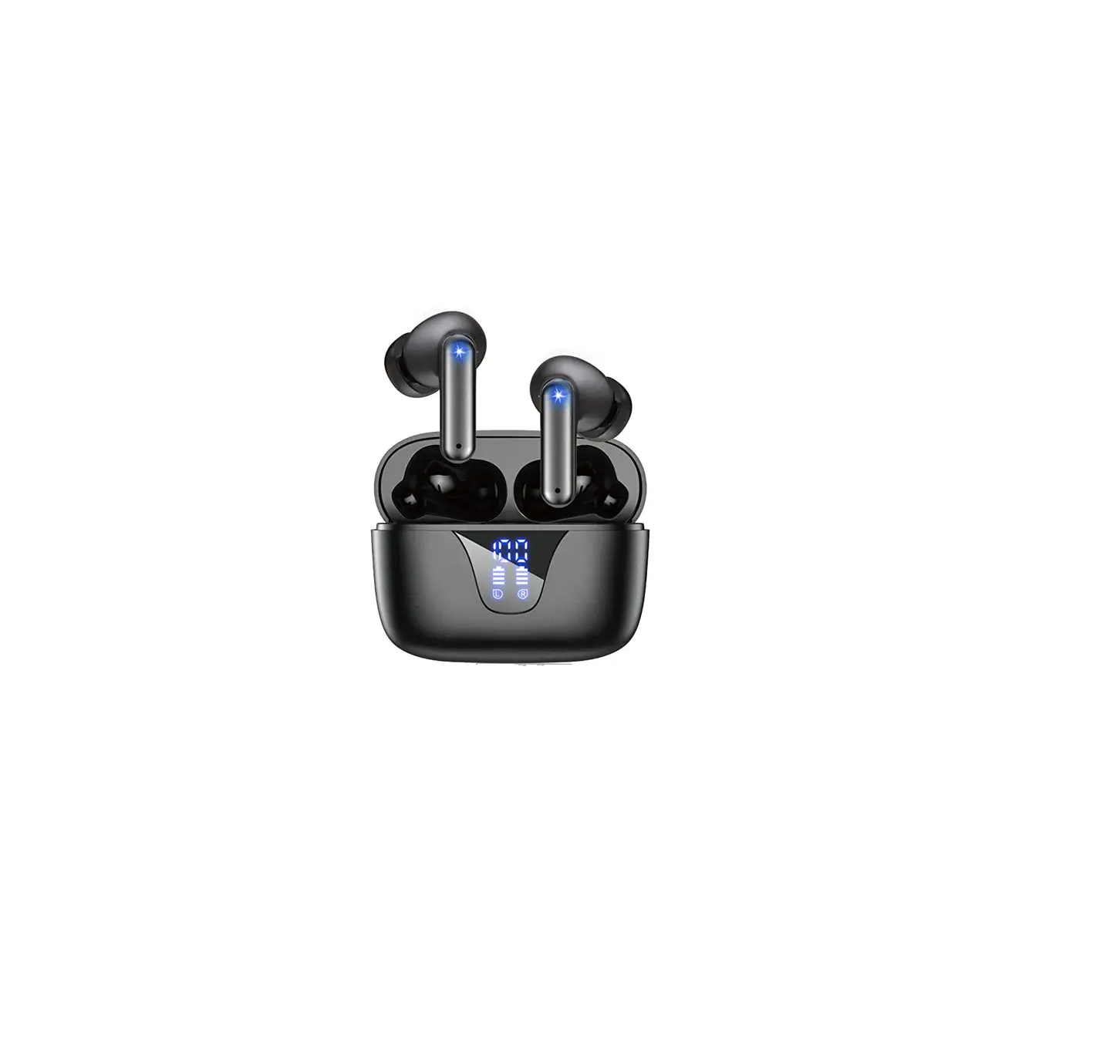
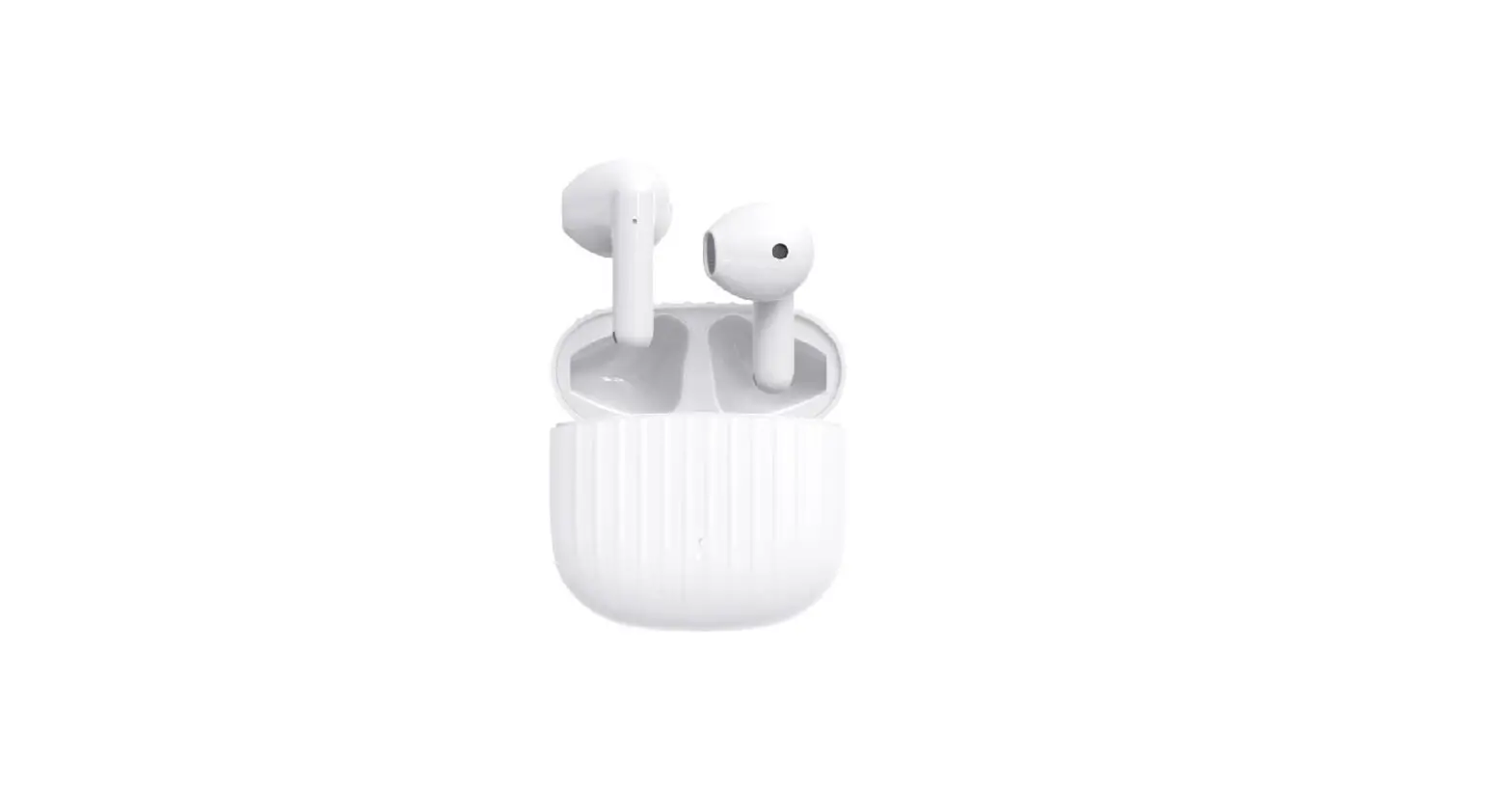
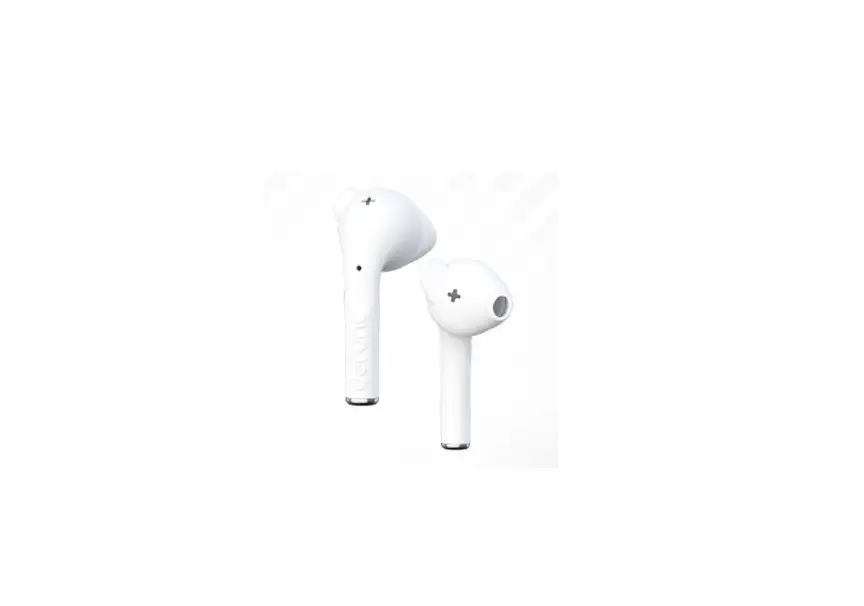
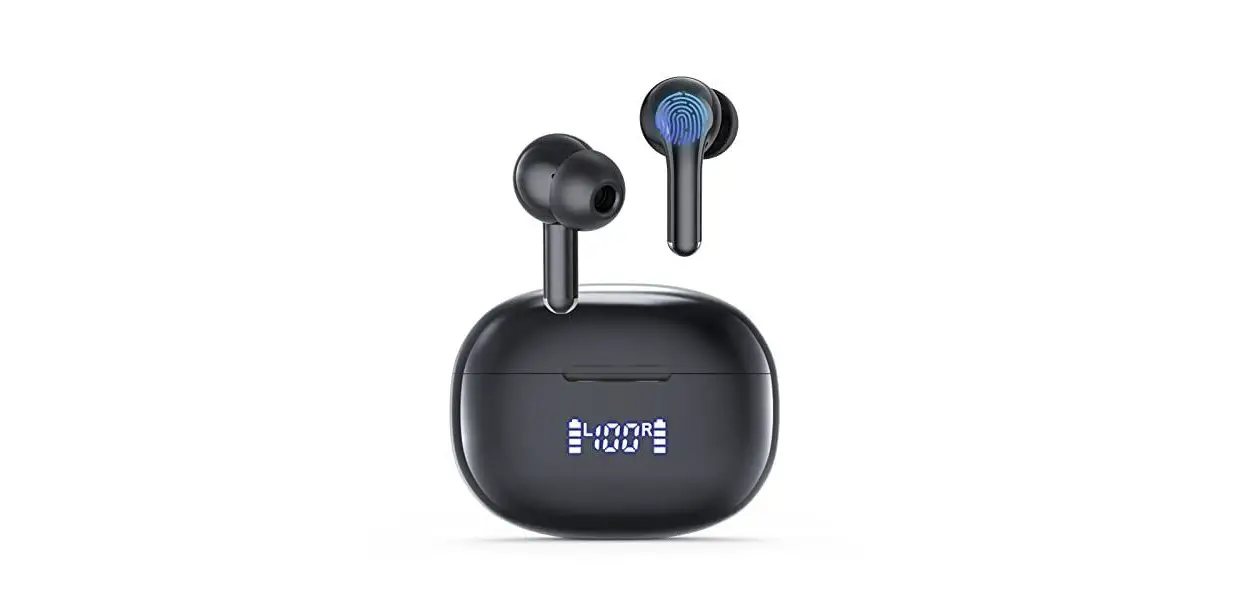
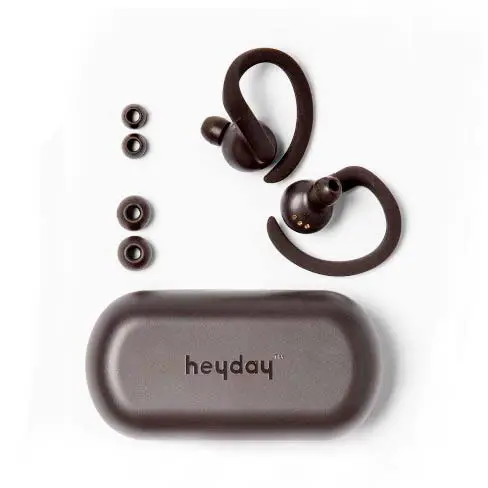
- Charging case*1
- Right earphone *1
- Left earphone *1
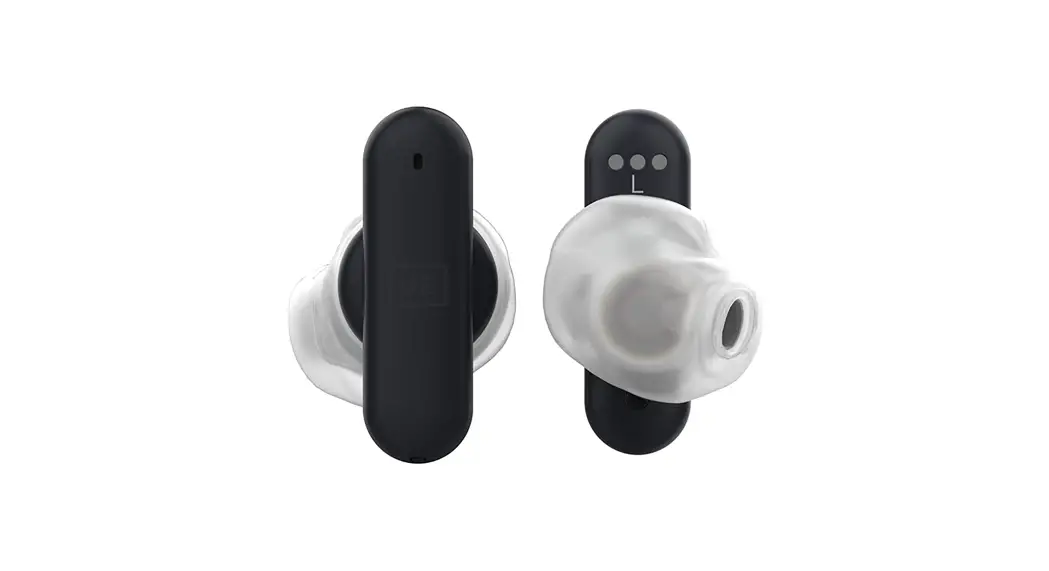
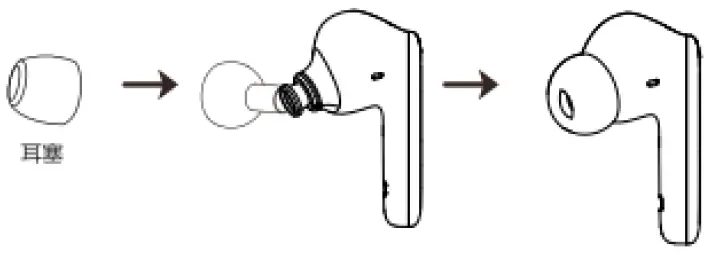
- Large silicone ear tips *2
- Small silicone ear tips *2
- Charging cable *1
- User manual *1
WEARING METHOD
- Choose the suitable size ear tips is critical for maximum external noise isolation and a snug, secure fit

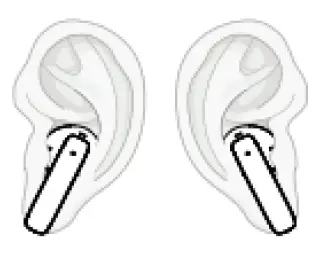
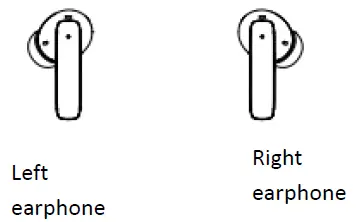
- Wear the earphones into your ears Classify the left and right earphones ,then tuck the ear tip into the front ear fold facing up. Adjust the earbuds to a suitable angle until you have a tight and snug fit.

EARPHONE FUNCTION DESCRIPTION
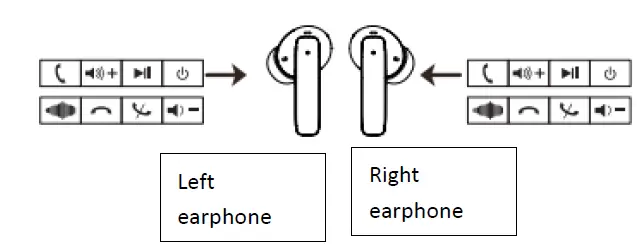
| Function | Sign | Operation | Reminder voice | LED indicator |
| Power ON | Take the earphone out from charging case,it will be powered on automatically. (Or long press the power button 1 second) | Power on | White LED flashes 1 time | |
| Power OFF | Place the earphone into charging case,it will be powered off automatically. (Or long press the power button 5 seconds) | Power off | White LED lights on 1 second | |
| Play/Pause | Double click left or right earbud’s power button | Du | N/A | |
| Previous track | Triple click left or right touch area | N/A | N/A | |
| Next track | Triple click left or right touch area | N/A | N/A | |
| Answer phone call | Double click left or right power button when there is an incoming call | Du | N/A | |
| Reject phone call | Long press left or right power button for 2 seconds | Du | N/A | |
| Hang up | Double click left or right power button when on the line | Du | N/A | |
| voice assistance | Press and hold right left or right power button for 3 seconds. | Du | N/A |
USING THE CHARGING CASE
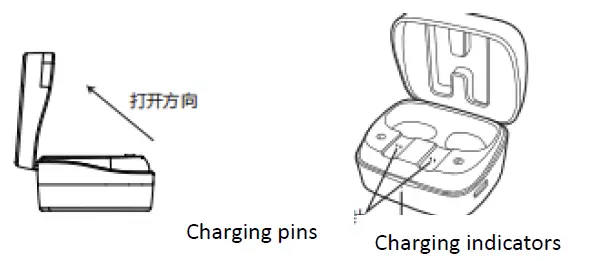
Open the charging case and take the earphones out. The earphones will enter pairing mode automatically.
EARPHONE AND CHARGING CASE LED INDICATOR
EARPHONE LED INDICATOR
| Earphone working mode | LED indicator status |
| Power on | White LED flashes 1 time |
| Charging | White LED turns on solidly |
| Fully charged | White LED turns off |
| Pairing | Right earphone flashes white LED 1 time Left earphone flashes white LED for 5 seconds. |
| Reset | Click the earphones 8 times continuously.There will be no voice reminder,but the both left and right earphones will be disconnected and powered off. |
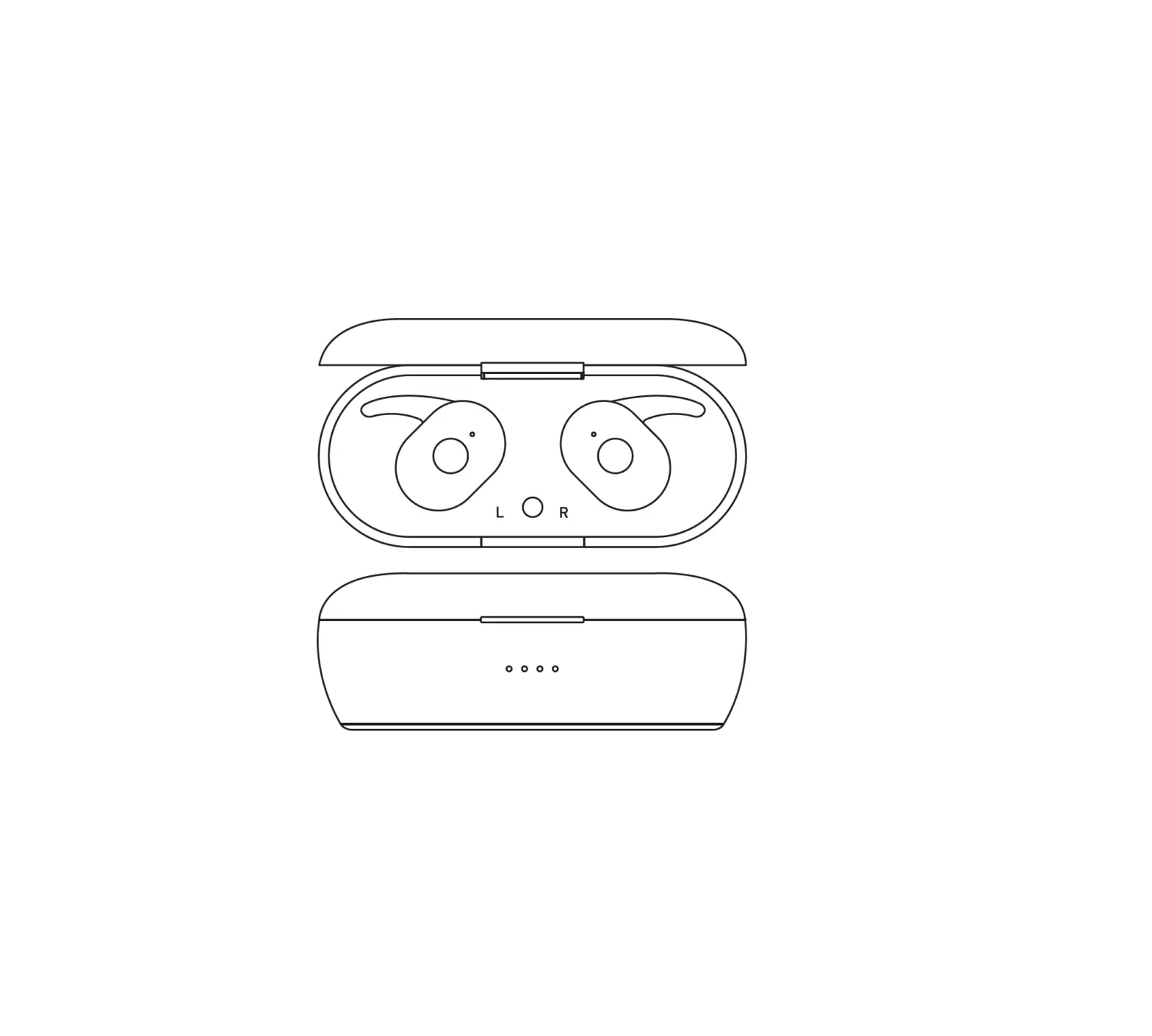
CHARGING CASE LED INDICATOR
| Earphone working mode | LED indicator status |
| Charging | White LED flashes 1 second |
| Fully charged | White LED turns on solidly |
| Low battery capacity | The last LED flashes white 1 time per 1 second (there are 4 LEDs in total,every LED is equal to 25% power capacity) |
PAIRING
- Long press earphones power button for 3 seconds until hearing power on voice reminder,then release it.Both right and left earphones are re connected and enter into pairing mode for access Bluetooth device.

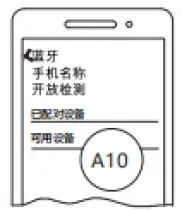
- Turn on your smartphones Bluetooth function,and it will search the earphone s pairing name A10 automatically.Click the pairing name on the phone s screen,and you will hear connec ted from the right earbud.Connected successfully.
- The right and left earphones re connection After the right earphone are powered on,long press left earphones power button for 3 seconds until you hear power on sound to release your finger,the left and right are connected.After that you will hear Du voice, the both earphones are entering pairing mode. (If the right earbud has been connected to the smartphone,please pause the music to speed up the re connection)
- The right and left earphones are pairing Take the ea rphones out from the charging case,the both earbuds are powered on.Double click the left earphone and wait the earphones are paired automatically.(After connection successfully,the left earphone s LED will flash 1 time per 1 second,the ri ght earphone s LED flash 1 time per 5 seconds.) EARPHONE
EARPHONE SPECIFICATION
| Model number | A10 |
| Chipset solution | JL 6973D |
| Bluetooth version | Bluetooth 5.1 |
| Support Agreement | HFP/HSP/A2DP/AVRCP |
| Compatibility system | iOS/Android/Windows |
| Operation distance | 10M(no obstacle) |
| Waterproof level | IPX4 |
| Speaker’s Spec | φ8MM,32Ω Moving coil unit |
| Battery’s Spec | Earphone: 3.7V/30mAh Charging case: 3.7V/300mAh |
| Earphone working time | 4 hours |
| Charging case supplement working time | 24 hours |
| Charging time | Earphone: 1.5 hours Charging case: 1.5 hours |
| Dimensions | Earphone: 24*17 Charging case: 63*32*42mm |
SAFTY RULES
- Do not place your device at wet environment.Avoid the oil,water or the other liquid damage to your device,or it will affect the device’s function.
- Avoid to use the Irritating organic solution to clean the device.
- Ensure the correct earphone’s usage requirement,and also need to think about the affects from the environment.To keep the fluent and stable connection,please place the smartphone and earphones within 10m distance.
- If there is any connection or cut out problem,please do not disassembly the earphones or accessories by yourself,or will affect your warranty service.
- When charge the earphones,please use the standard charging resource. For your normal using,please make sure the earphones are fully charged.
FCC
NOTE : This equipment has been tested and found to comply with the limits for a Class B digital device, pursuant to part 15 of the FCC Rules. These limits are designed to provide reasonable protection against harmful interference in a residential installation. This equipment generates uses and can radiate radio frequency energy and, if not installed and used in accordance with the instructions, may cause harmful interference to radio communications. However, there is no guarantee that i nterference will not occur in a particular installation. If this equipme nt does cause harmful interference to radio or television reception, which can be determined by turning the equipment off and on, the user is encouraged to try to correct the interfere nce by one or more of the following measures:
- Reorient or relocate the receiving antenna.
- Increase the separation between the equipment and receiver.
- Connect the equipment into an outlet on a circuit different from that to which the receiver is conne cted.
- Consult the dealer or an experienced radio/TV technician for help
Changes or modifications not expressly approved by the party responsible for compliance could void the user’s authority to operate the equipment.
 百度翻译-200种语言互译、沟通全世界!