
Travel Bug
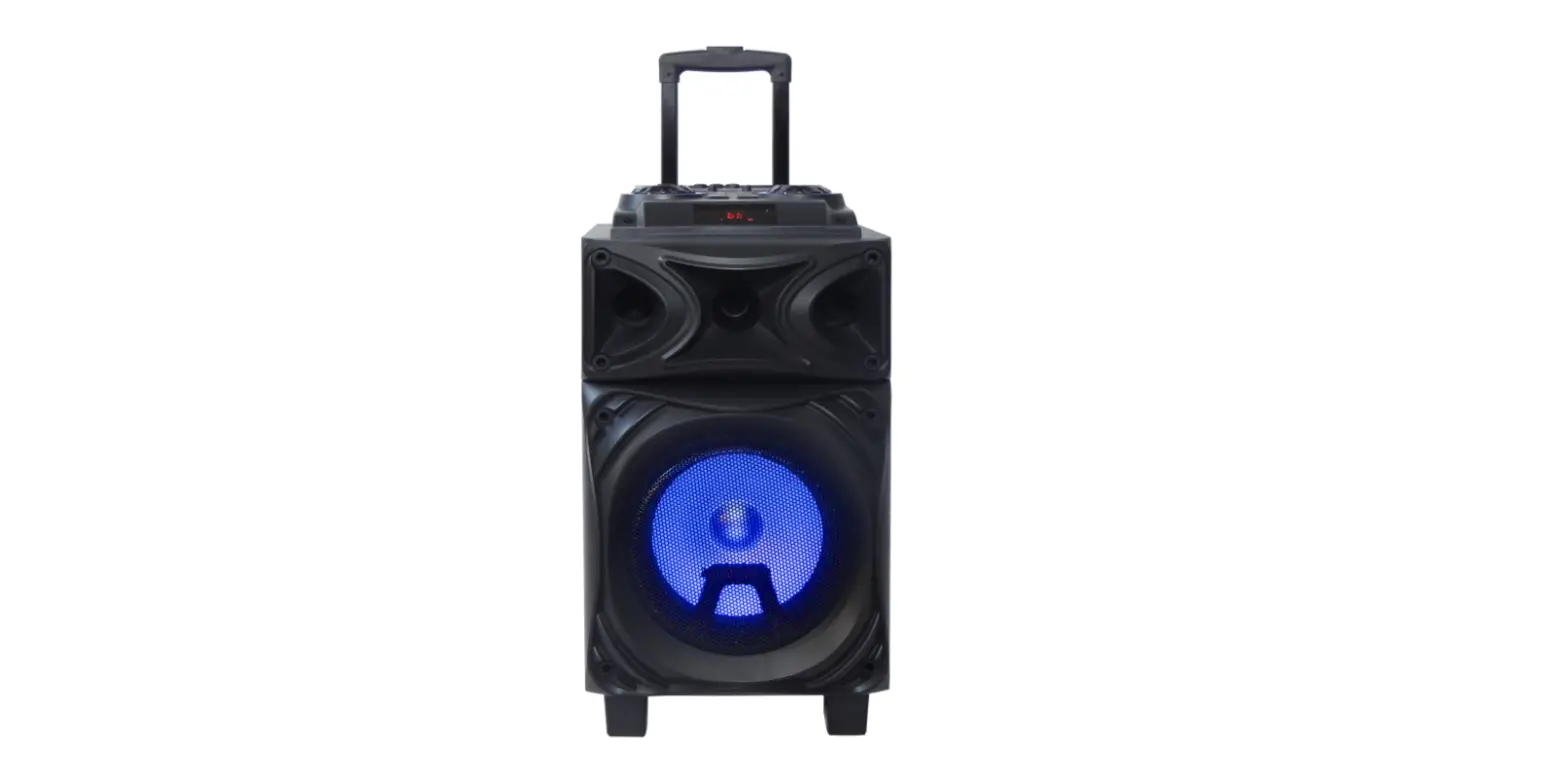
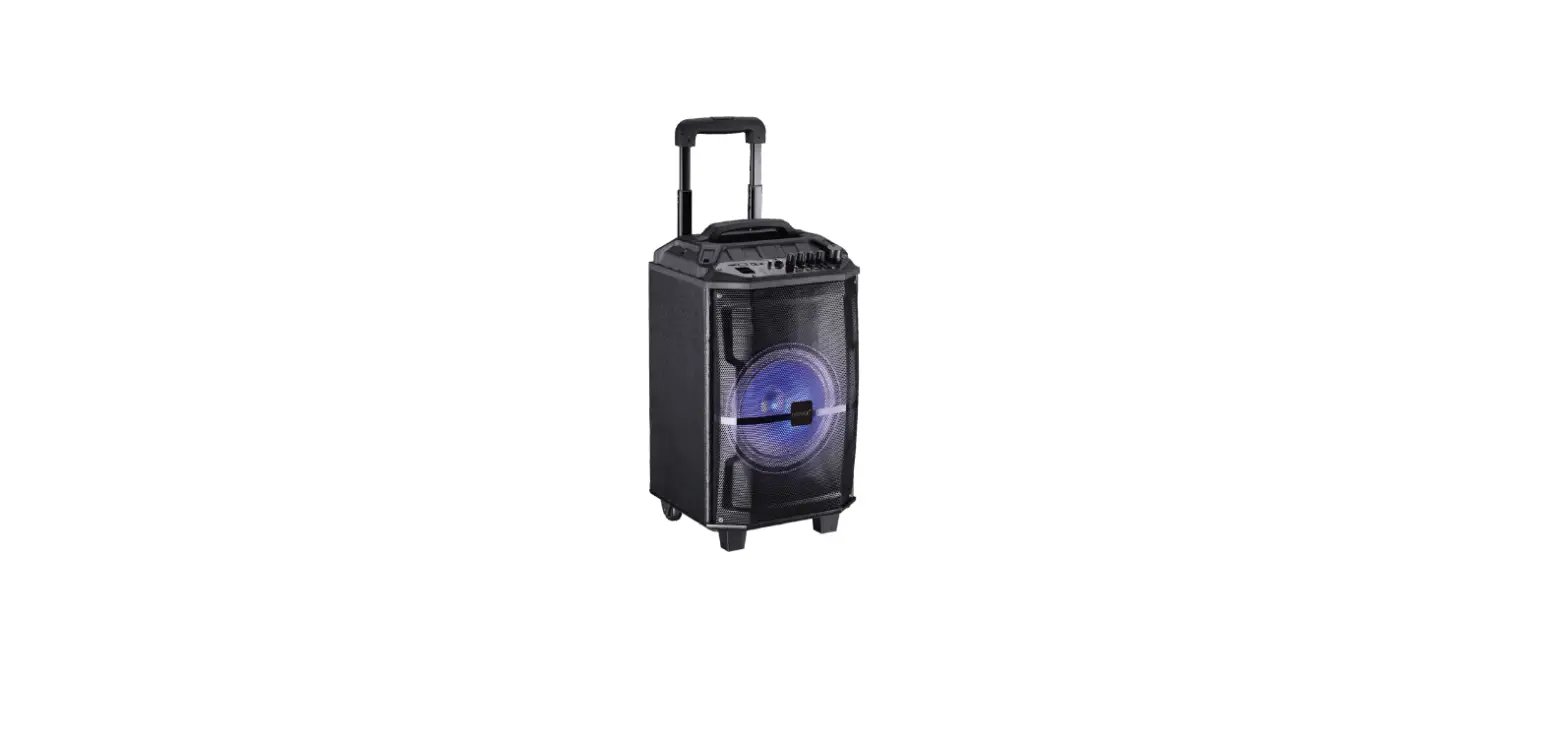
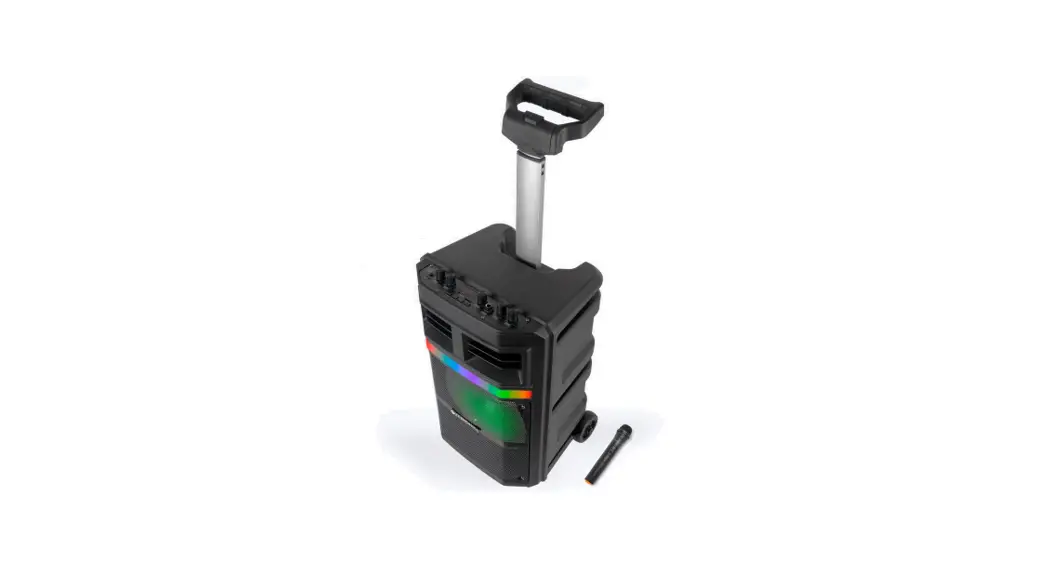
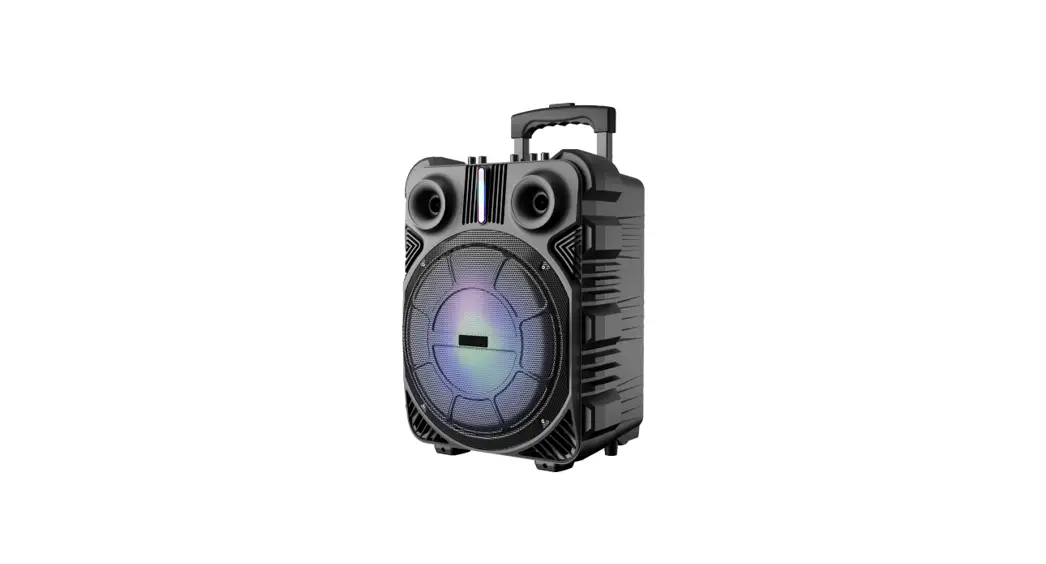
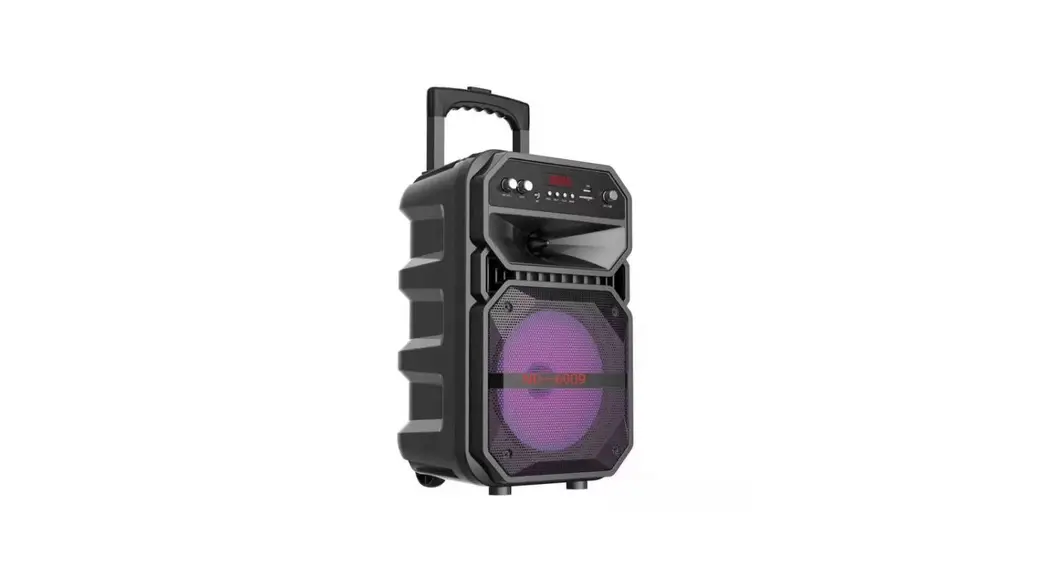
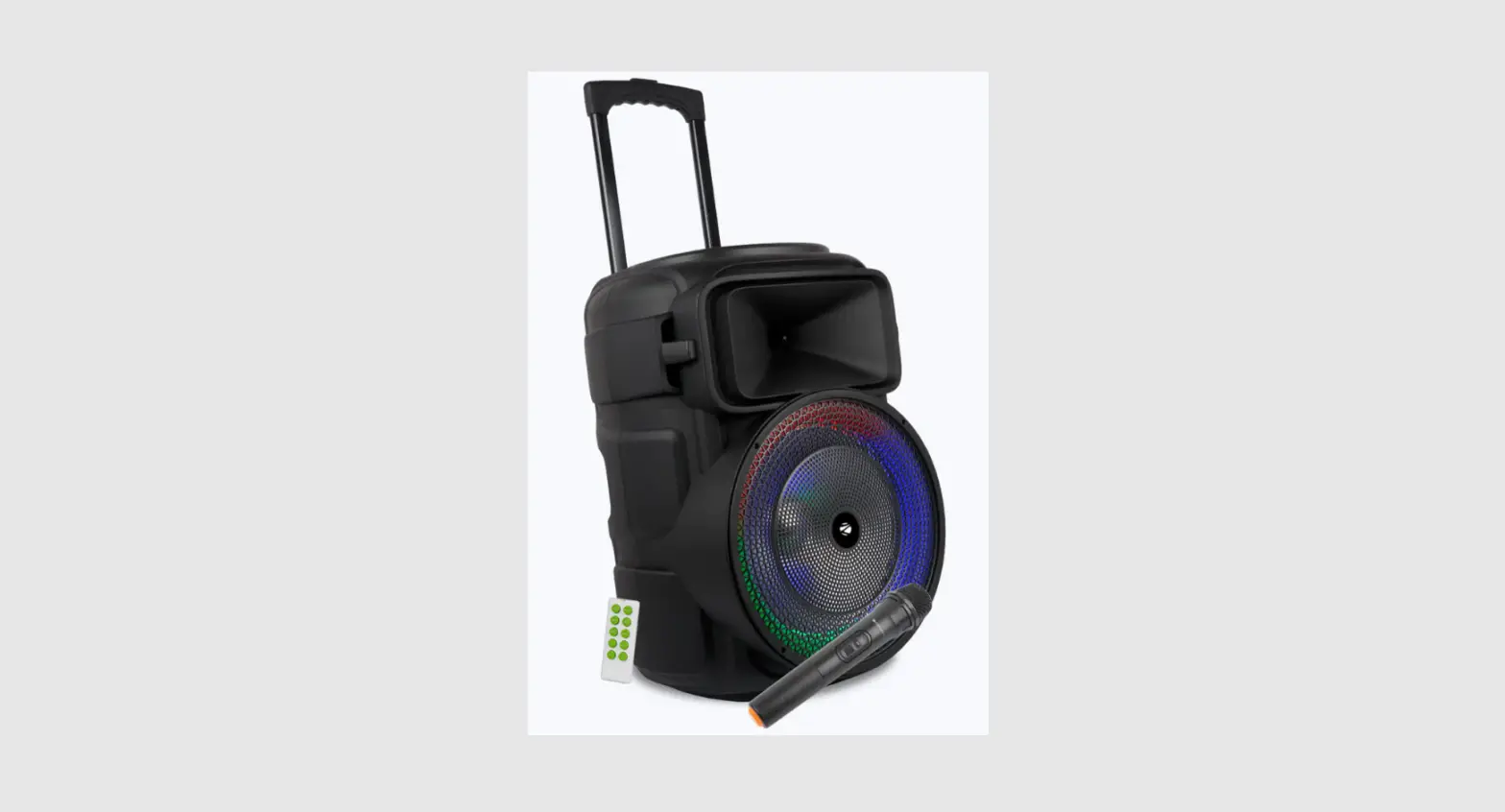
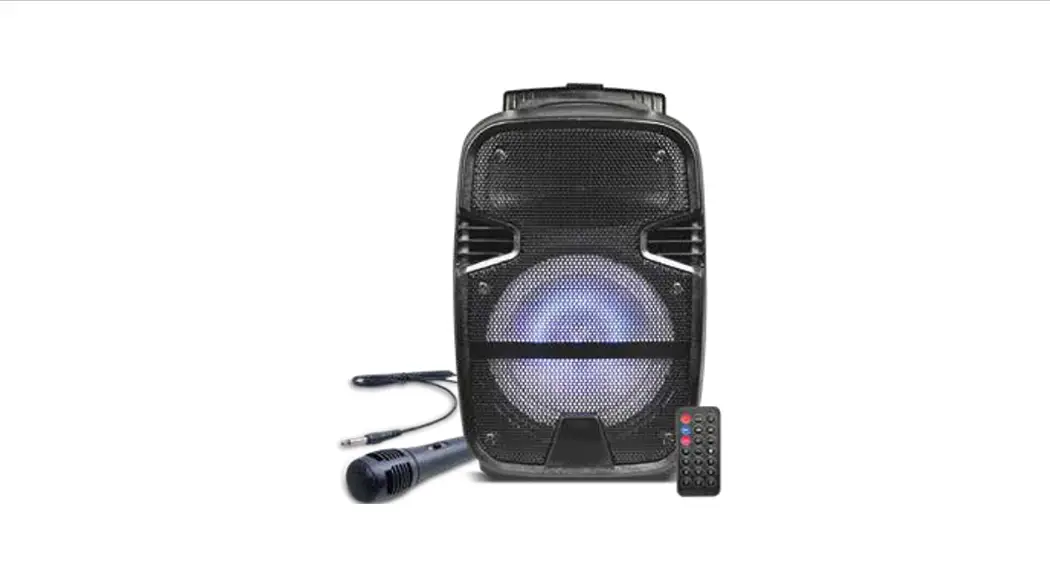
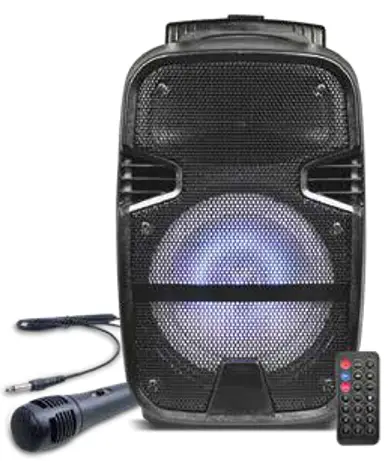
The Trolley Speaker
Model No.: iG-T11
Specification:
| Output power | 15W+2W |
| Driver unit size | 8 inch |
| Impedance | 4 Ohm |
| S/n ratio | ≥80dB |
| Separation : | ≥45dB |
| Distortion : | ≤1.0% |
| Frequency response | 10Hz-20KHz |
| Bluetooth version | V4.2+EDR |
| Bluetooth range | 10 meters |
| Bluetooth pairing name | iGear-TravelBug |
| Bluetooth profiles supported | A2DP |
| USB & TF max. memory support | 32 GB |
| FM radio | 87.5-108.0MHz |
| Battery capacity | Built-in 2400mAh |
| Battery type | Li-ion |
| Playback time | 100MINsS in max. volume |
| Charging indicator | Yes |
| Charge voltage | DC 5V |
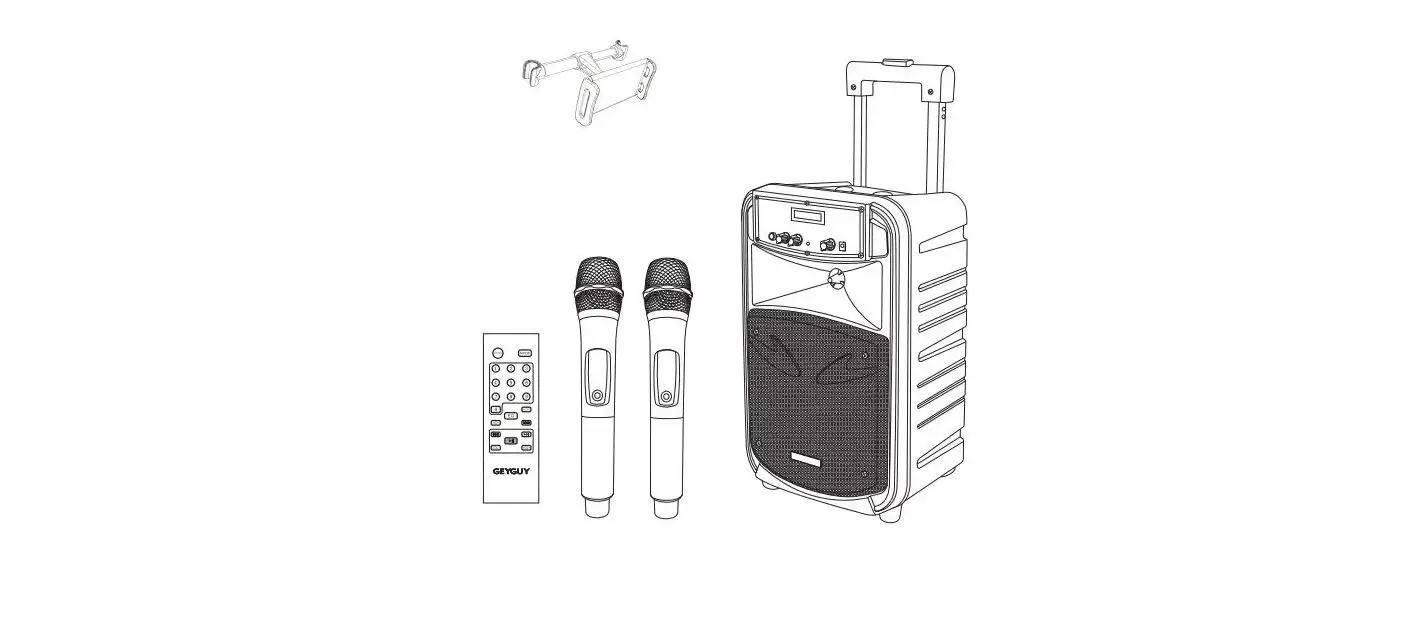
Accessory:
| Charging cable | 1 piece |
| Audio cable | 1 piece |
| User manual | 1 piece |
| Remote | 1 piece |
| Microphone | 1 piece |
Connect to Bluetooth device:
Bluetooth and TWS function
Turn on both the units. Start searching for and select “year-TravelBug” in the list of Bluetooth devices. When the connection is successful, the indicated tone will turn on.
How to use the TravelBug function?
If people have 2pcs and both of them have TWS function, they can turn on both the units and can press any pcs of the PLAY/PAUSE button for a few seconds. 2pcs unit will connect automatically.
Note: True wireless stereo function only work in Bluetooth mode.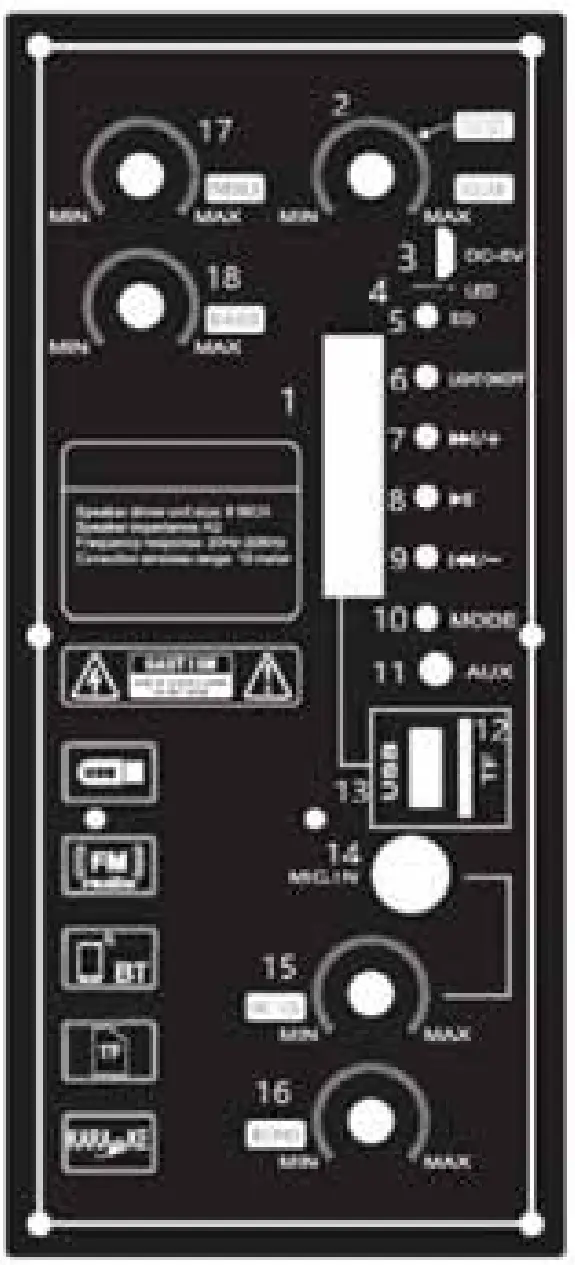
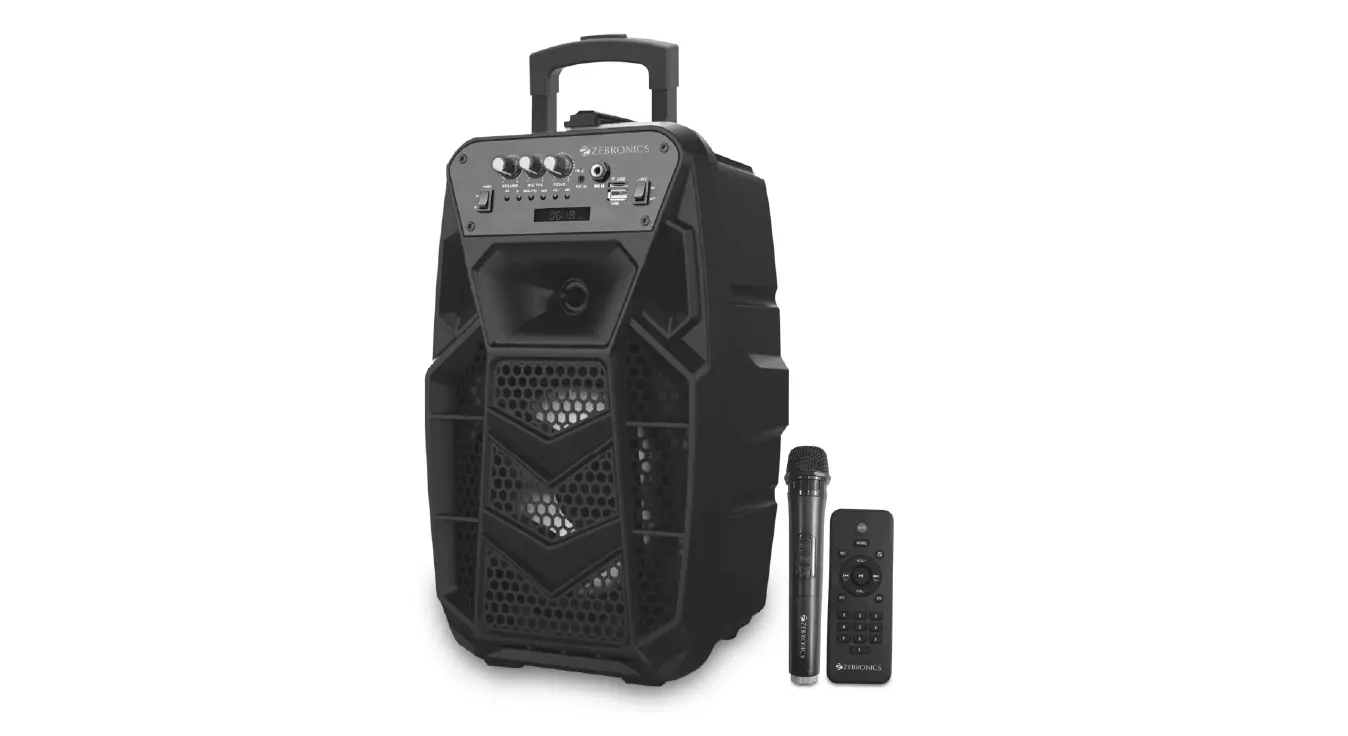
- LED: Shows the working status.
- Power on/off/volume knob: Turn on/off the machine. And decrease the main volume.
- DC-5V: DC-5V Micro USB charge port.
- LED: Will be on when charging.
- EQ: Press to select the different EQ.
- Light ON/OFF: Switch the flashlight on or off.
 : Under FM/USB/TF/Bluetooth mode, short press to move to the next channel/track.
- :
 Under USB/TF/Bluetooth mode, short press for play and pause; Under FM mode, short press: station selection and frequency modulator alternation, long press for automatic search.
 - Under FM/USB/TF/Bluetooth mode, short press to move to the previous channel/track.
- Mode: Chang to a different function.
- AUX: 3.5mm aux-in jack.
- TF slot: Play the Mp3 file from the TF card.
- USB slot: Play the Mp3 file from USB.
- MIC-IN: Microphone-in
- MIC-VOL Knob: Adjust the Microphone volume.
- ECHO knob: Select a different Echo.
- Treble Knob: Adjust the treble.
- Bass Knob: Adjust the bass.
 : Under FM/USB/TF/Bluetooth mode, short press to move to the next channel/track.
Bluetooth:
Turn on the speaker, it comes into the Bluetooth mode directly. After pairing, the device, it will play the music, Short Press to Play/Pause, press and
and to Prev and Next. Long press and to turn down and turn up the Volume.
AUX-IN:
AUX-IN, Press the MODE Button to change to Aux mode, plug the audio cable into the AUX jack, Press and hold the and button to decrease and increase the volume.
USB/TF card:
Insert the USB of TF card into the USB/TF slot, it will read the MP3 format music automatically. Press to Play/Pause, short press and to Prev. and Next, press and hold the and buttons to decrease and increase the volume.
FM Radio:
Press the MODE button to charge to FM radio mode, and then press the button to search the FM channel automatically. This operation will scan all FM stations and pre-record them to the memory. The scan procedure will take several minutes to complete and should not be interrupted. Once complete, you can short press or move forward or backward. Press and hold the and buttons to decrease and increase the volume.
Charging:
Plug the USB cable into the speaker MICRO USB port and connect to a power source. Red LED on when charging.
Remoter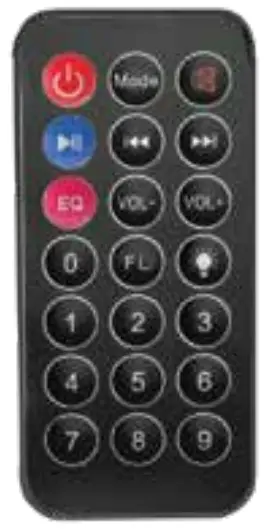
- Unit on/off
- MODE: Change the different mode
- Mute
- Play/Pause
- EQ: Select the different EQ
- : Under the FM/USB/TF/Bluetooth mode, short press to move to the previous channel/track.
- : Under the FM/USB/TF/Bluetooth mode, short press to move to the next channel/track.
- Decrease the volume
- Increase the volume
- FL: Folder function, select the different folders to play from USB or Micro SD
- Light on/off 12. Number buttons- to select the track

Imported and Marketed By: iGear Tech Pvt. Ltd.
204, Sai Corporate Park, Laxmi Nagar, Off Link Road, Goregaon West, Mumbai – 400104.
Manufactured by: Kingboard Technology Co. Ltd.,
China Name of Commodity: Travel Bug(in-T11)
Month and Year of Import: June 2019
Net Weight: 3.7kg
Net Quantity: 1 Unit
Dimensions: 270mmx225mmx453mm
Voltage: 5V DC
Wattage: 15W+2W
Warranty Period: 6 months
In case of consumer complaints: Toll-free number – 1800 22 8495,
Email: [email protected] (Between 10am to 5pm, Mon- Fri)