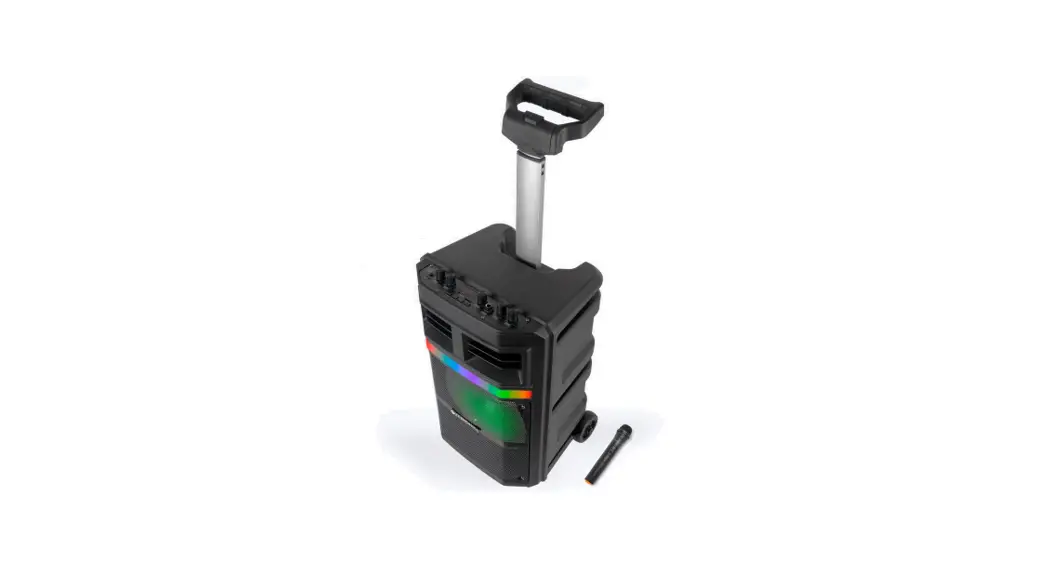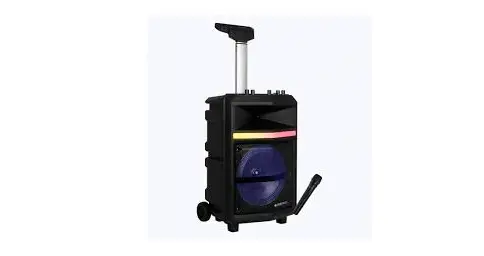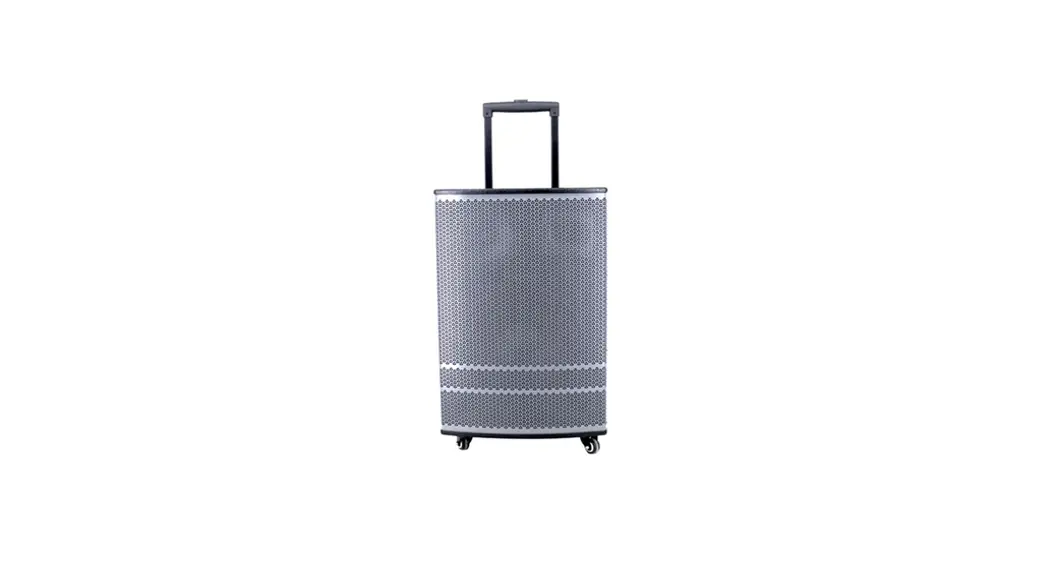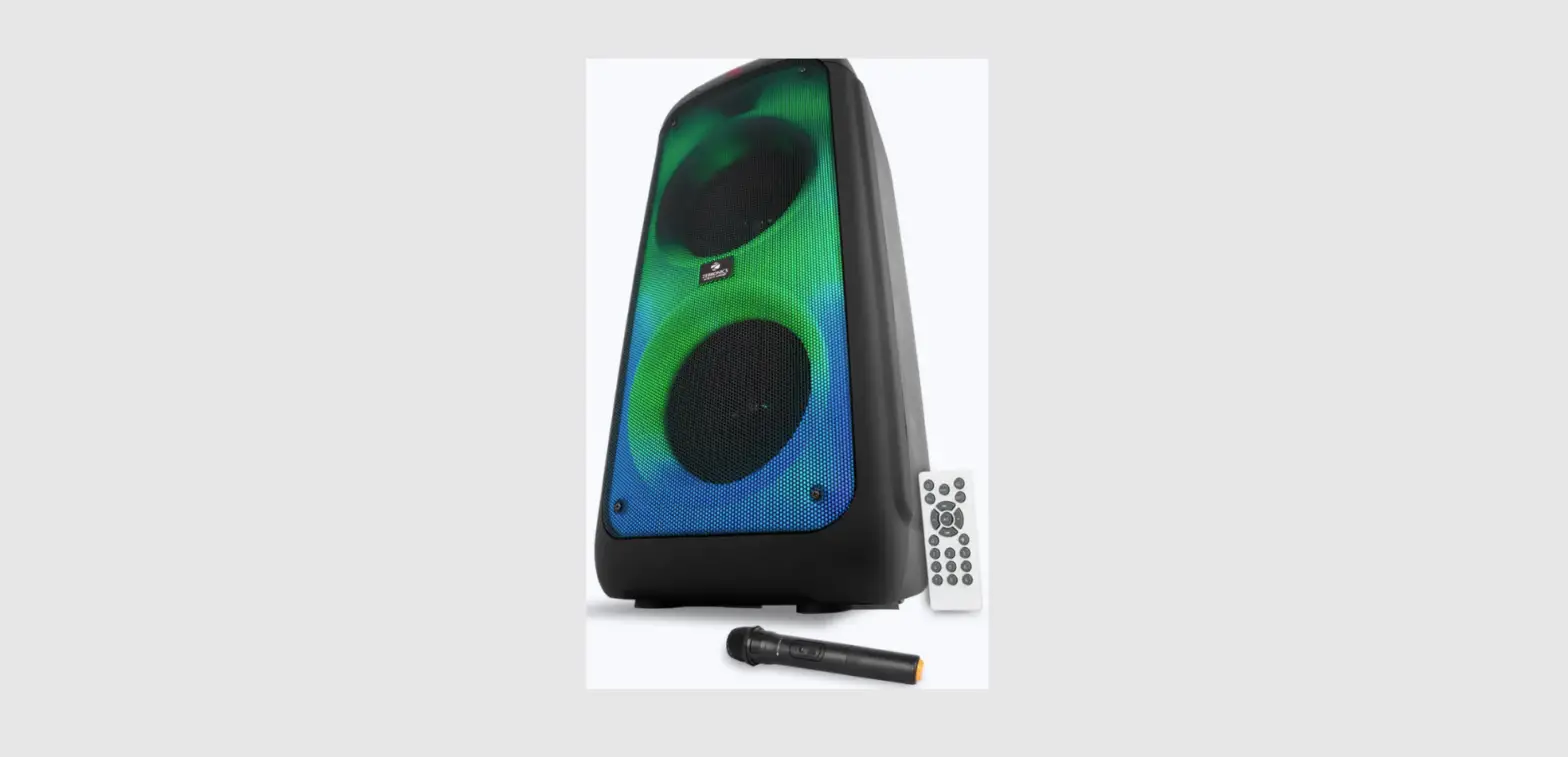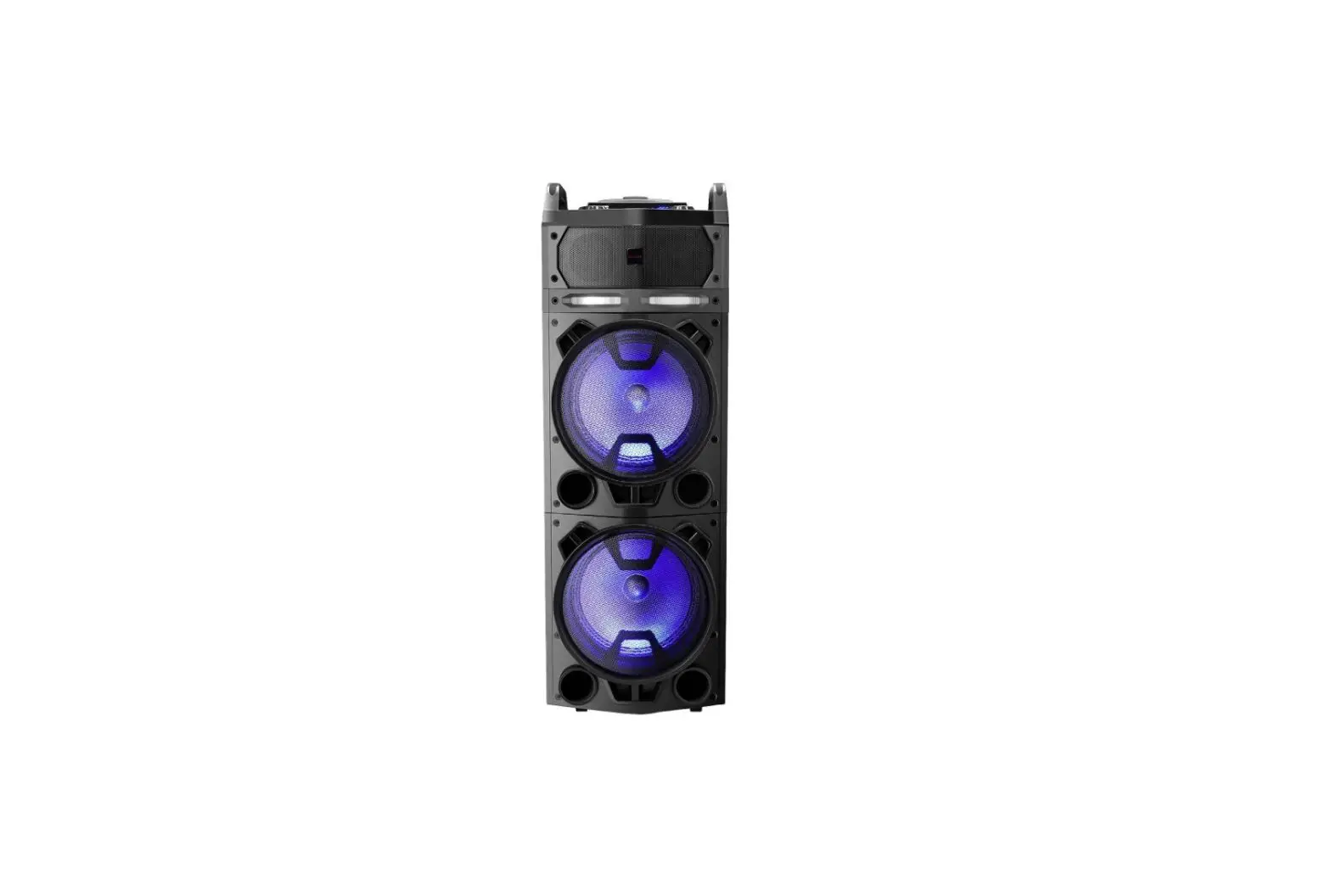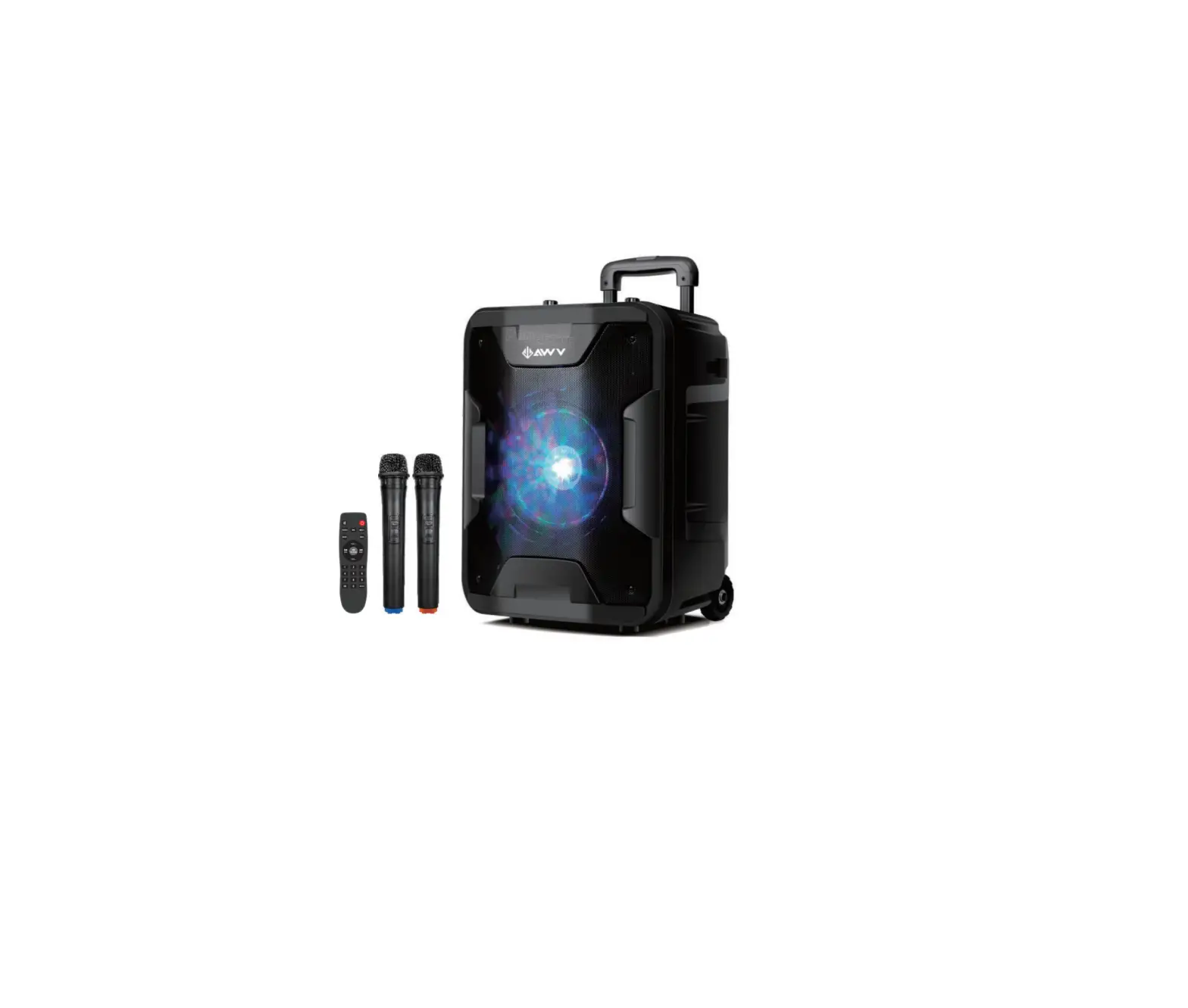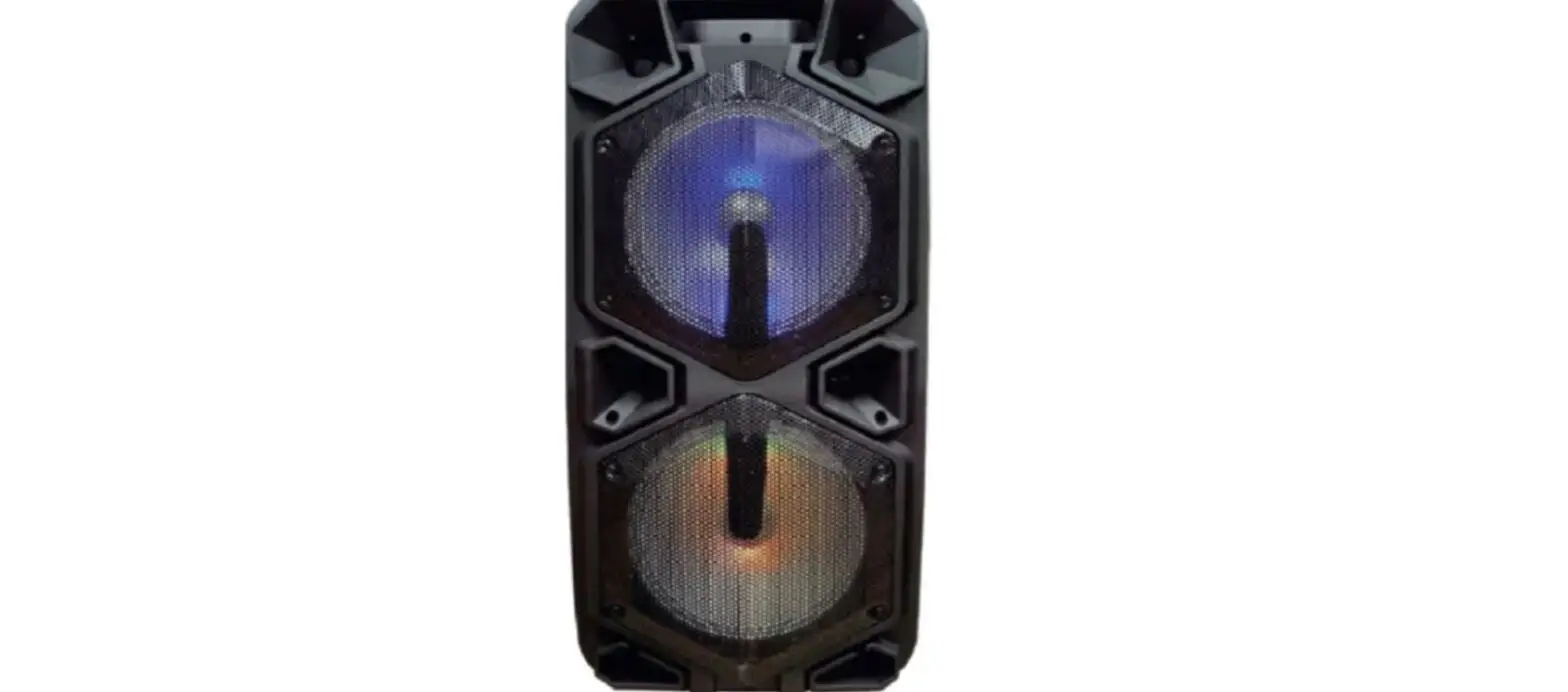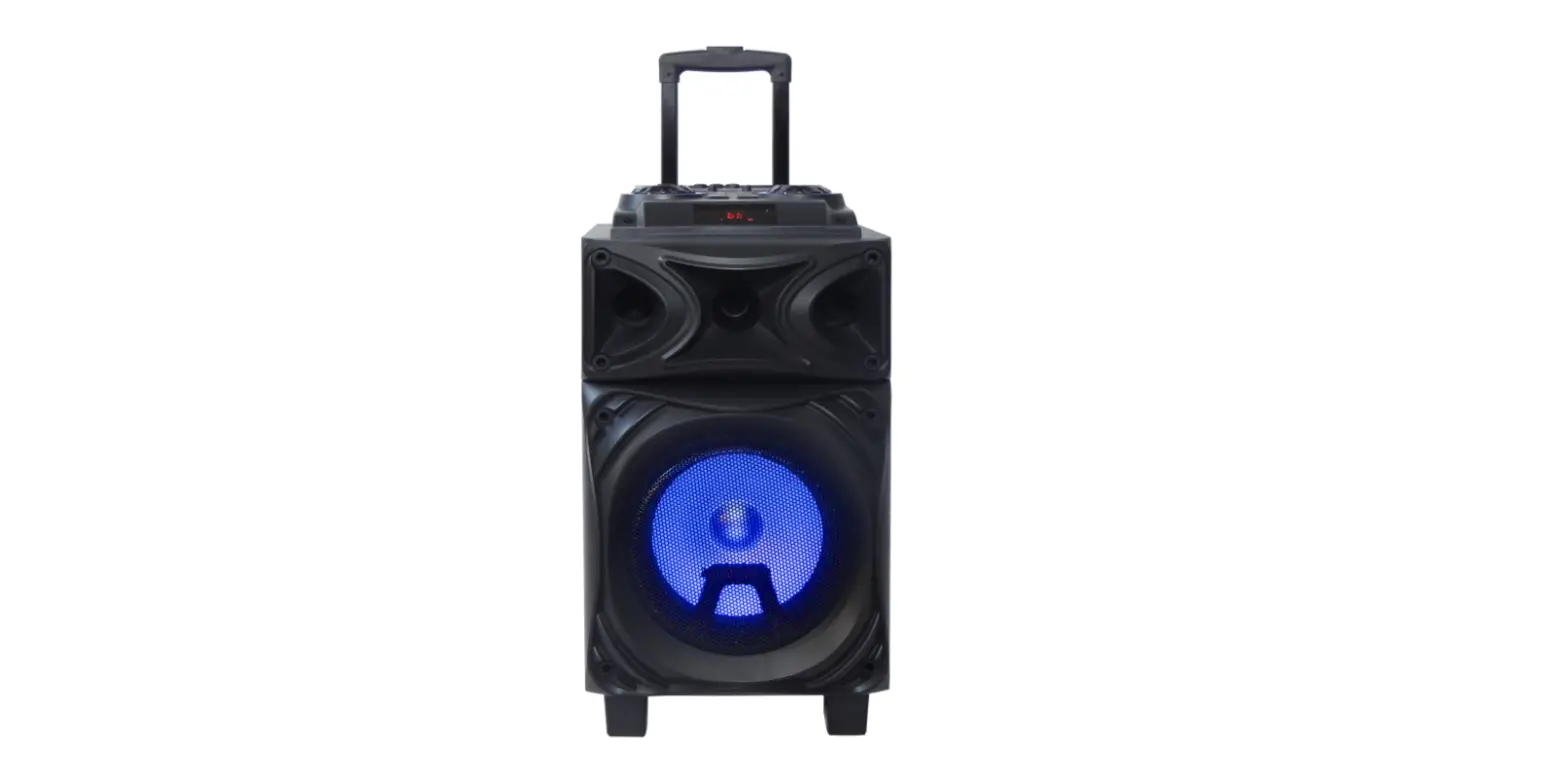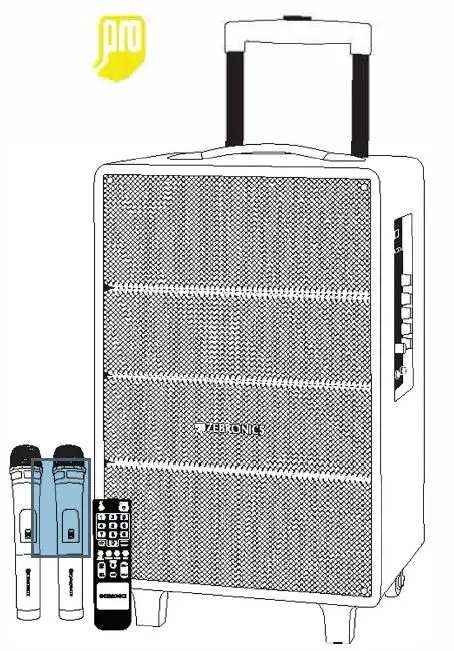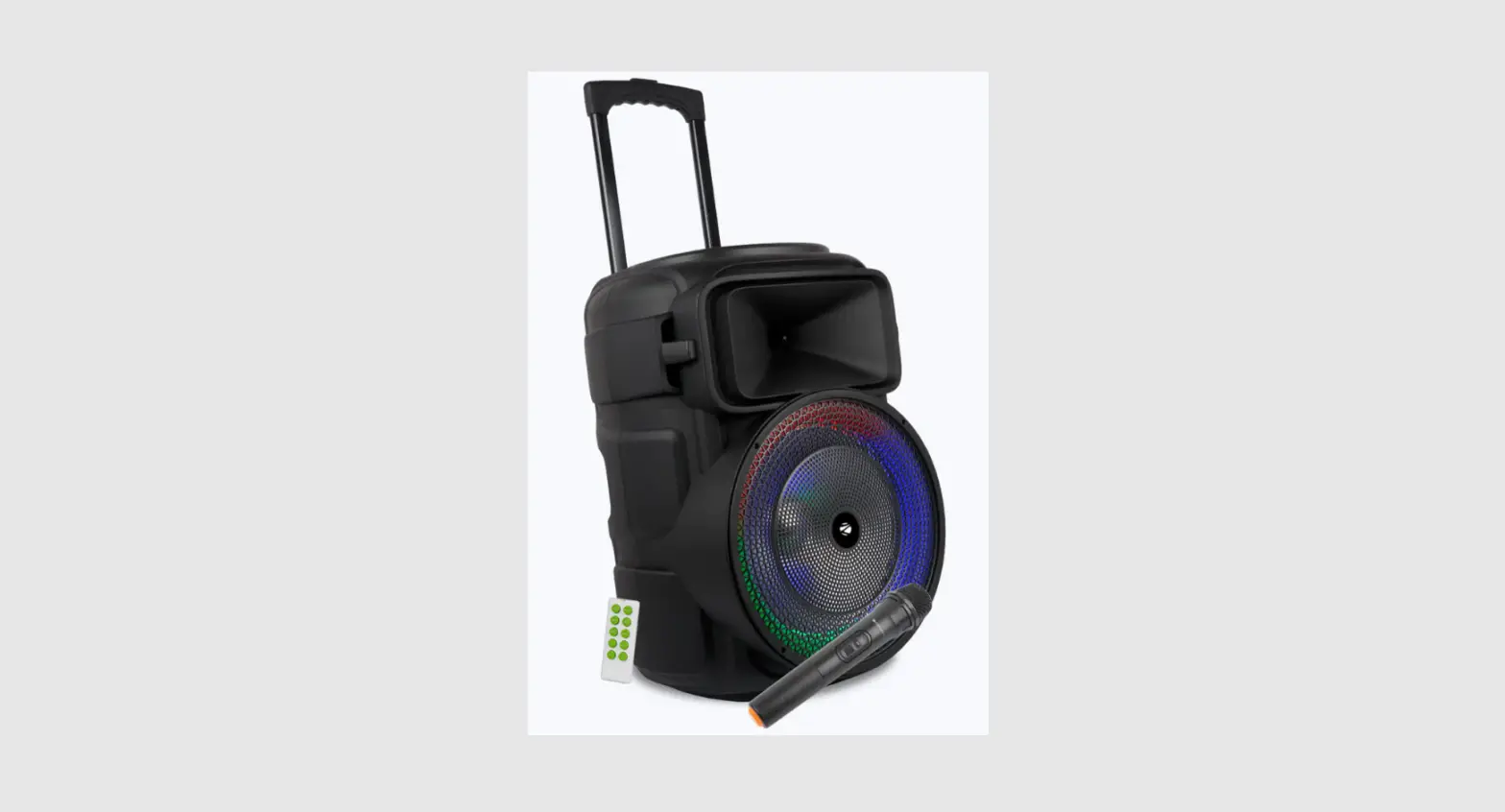
 ROLLEY SPEAKER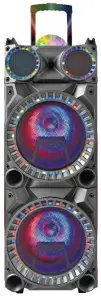
EW-1045
MADE IN CHINA
Respectable users: Thank you for your support and trust on the products of our company. To fully exert the function of the product, we suggest you to read the operating instruction carefully before using it to avoid any unnecessary loss. If anything unclear, please contact the distributors directly.
Rear Panel Function:
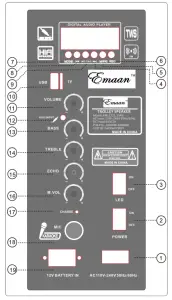
| 1. Ac inputAc110-240V | 11. Master volume control knob |
| 2. Power on/off switch | 12. Audio input |
| 3. LED on/off switch | 13. Treble volume control knob |
| 4. Next | 14. Bass volume control knob |
| 5. MIC priority | 15. Echo volume control knob |
| 6. Microphone cording | 16. Mic.volme control knob |
| 7. Mode selection | 17. Mic input jack |
| 8. Prev | 18. Full charge indicator |
| 9. Tap play/pause.long press for2 seconds to connect wireless | 19. External battery input DC12V |
| 10. USB/TF card input |
Remote control functions:
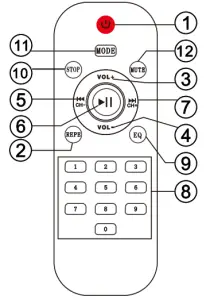
| 1. Standby Choose song | 7. Next song |
| 2. Repeat | 8. Choose song directly |
| 3. Volume+ | 9. Equalization |
| 4. Volume- | 10. STOP |
| 5. Previous song | 11. Mode selection |
| 6. Pause/Play | 12. Mute key |
Install and usage:
- Adjust all volume control into minimum before power on, then choose signal input and adjust the volume into suitable.
- When use Mp3 play please input the USB/SD card correctly, the unit will auto search and play song directly, and press “mode” button to change signals.
- When use FM radio, please press “mode” button on control panel or remote to choose FM mode, “Next” & “Previous” button to choose channel, when on FM mode, press Pause/play button could search FM channel automatically.
- Long-press “Next° or “Previous” button on control or rear panel could increase or decrease volume
- When use Wireless / wired microphone, please adjust the volume into min. to avoid howling voice, and it could be reduced and eliminated for adjust echo & microphone volume lower, please don’t make microphone point to the woofer.
Battery information
Your device is powered by a rechargeable battery. The full performance of a new battery is achieved only after two to three complete charge and discharge cycles. The battery can be charged and discharged hundreds of time, but it will eventually wear out .
Do not leave a fully charged battery connected to a charger, overcharging many shorten its lifetime. if left unused, a fully charged battery will lose its charge over time.
Never use any charger that is damaged
Leaving the device in hot or cold places will reduce the capacity and life time of the battery. Optimal temperature for the battery is between 15 °C and 25°C
A device with a hot or cold battery may not work temporarily, even when the battery is fully charged.
Do not dispose of batteries in a fire as they may explode. Batteries may also explode if damaged. Always dispose of batteries according to local regulations. Please recycle, do not dispose as household waste.
A warning that batteries (battery pack or batteries installed)shall not be exposed to excessive heat such as sunshine, fire or the like
CAUTION: RISK OF ELECTRIC SHOCK DO NOT OPEN
FCC Caution.
This device complies with part 15 of the FCC Rules. Operation is subject to the following two conditions: (1) This device may not cause harmful interference, and (2) this device must accept any interference received, including interference that may cause undesired operation.
Any Changes or modifications not expressly approved by the party responsible for compliance could void the user’s authority to operate the equipment.
Note: This equipment has been tested and found to comply with the limits for a Class B digital device, pursuant to part 15 of the FCC Rules. These limits are designed to provide reasonable protection against harmful interference in a residential installation. This equipment generates uses and can radiate radio frequency energy and, if not installed and used in accordance with the instructions, may cause harmful interference to radio communications. However, there is no guarantee that interference will not occur in a particular installation. If this equipment does cause harmful interference to radio or television reception, which can be determined by turning the equipment off and on, the user is encouraged to try to correct the interference by one or more of the following measures:
- Reorient or relocate the receiving antenna.
- Increase the separation between the equipment and receiver.
- Connect the equipment into an outlet on a circuit different from that to which the receiver is connected.
- Consult the dealer or an experienced radio/TV technician for help.
RF warning for Mobile device:
This equipment complies with FCC radiation exposure limits set forth for an uncontrolled environment. This equipment should be installed and operated with minimum distance 20cm between the radiator & your body.